This product works with:
Instruction for removing the background color of Infinity item manually
For removing the background color of the item which you want, first, try this way.
If it can’t help you, follow the below steps to remove the background manually.
1. Activate the “TimeLine” panel from the window.
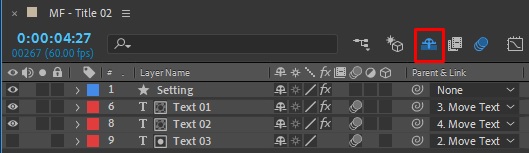
2. Press the Shy  button to see all the layers of the item.
button to see all the layers of the item.
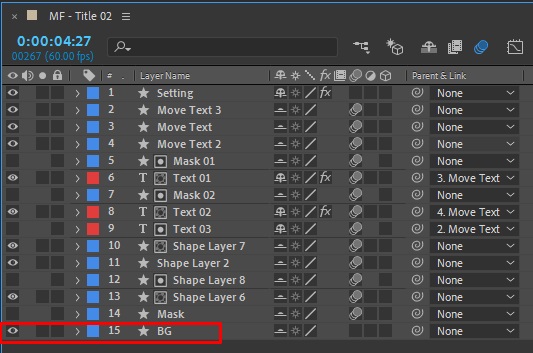
3. Remove the “eye”  option of the “BG” layer (the last layer in the comp) for hiding the background color.
option of the “BG” layer (the last layer in the comp) for hiding the background color.