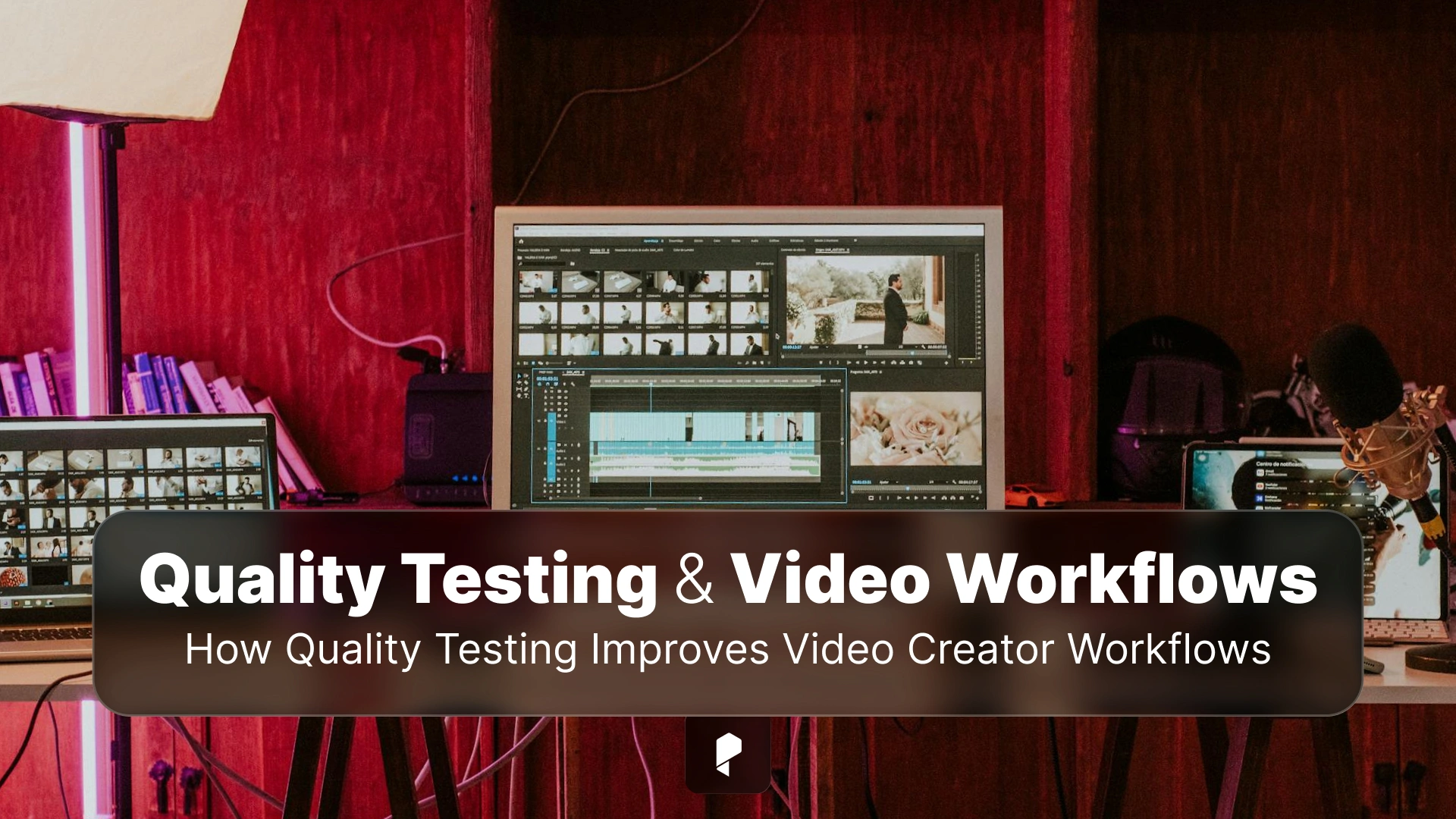
Behind the Scenes: How Quality Testing Improves Video Creator Workflows
Video production is a uniquely collaborative art form that unites multiple departments around a single creative vision. The process traditionally has five key stages, but it’s what happens in between these stages that defines success. Missing a small connecting line or a minor detail can disrupt the entire workflow.
Hence, quality testing of video creator workflows becomes essential. In the case of video creator workflows, quality testing is not merely a final checkbox before publishing, but a behind-the-scenes force that silently transforms how video content is planned, produced, edited, and delivered.
Video Creation Complexity
The process begins with pre-production, progresses to production, post-production, and results in the output video for delivery.
Video creation today goes far beyond hitting “record.” A single piece of video content may pass through multiple tools, formats, platforms, and collaborators. Video creators have to deal with:
- Different cameras, codecs, and resolutions
- Editing software and plugins
- Audio syncing and color grading
- Platform-specific requirements (YouTube, Instagram, OTT apps, etc.)
- Playback across devices, browsers, and network conditions
Each step has a risk of errors, including broken exports, audio drift, buffering issues, or visual glitches. Without proper testing, these errors often show up too late, costing creators time, credibility, and sometimes revenue.
The entire video production workflow is similar to a complicated machine with several moving parts having their own varying challenges. It is essential to optimize these parts to maximize the ROI of the machine. In a similar way, each workflow step in video creation should be optimized and made error-free to maximize ROI for the video.
This makes quality testing of the video creator workflow all the more important.
Quality Testing as a Workflow Enabler
In a video production workflow, quality testing (or Quality Assurance – QA) reviews and verifies that content meets creative, technical, and editorial standards before publication. Video creators find this “behind-the-scenes” process all the more necessary to produce professional, consistent, and engaging content efficiently.
It is essential to point out issues the creators may encounter during video creation before they cascade further and waste the creators’ time on firefighting instead of creating. Testing the video creator workflow helps catch the problems early when they are easy to fix, shifting the workflow from reactive to proactive.
Here’s how the quality testing improves the video creator workflow process:
1. Catching Issues Before the Audience Does
Viewers, whether they are browsing the internet or watching videos, are highly sensitive to poor quality. Nothing erodes their trust faster than a video that won’t load, loses audio halfway through, or displays incorrectly on certain devices. By simulating real user scenarios, creators can spot issues during video creation, well before viewers encounter them. This maintains audience loyalty and also protects brand reputation.
Quality testing ensures that:
- Videos render correctly across various resolutions and aspect ratios
- Audio remains synchronized throughout playback
- Subtitles, captions, and overlays are displayed as intended
- Playback works smoothly across devices, browsers, and operating systems by preventing dropped frames, pixelation, and poor audio, keeping viewers engaged.
- Testing ensures content looks good on mobile, desktop, and smart TVs, preventing technical hurdles that lead to viewer churn.
2. Faster Iterations, Fewer Reworks
Quality testing acts as a “safety net,” enabling creators to identify technical or creative issues during the production phase, preventing expensive reshoots and reediting. The following checks are performed during the video creation workflow:
- Audio/Visual Check: This review ensures that color grading is consistent, lighting is adequate, and audio levels are clear across different devices.
- Technical Verification: Quality testing confirms that frame rates, resolutions, and file formats meet the specific requirements of different platforms like YouTube. This reduces the risk of content rejection or quality degradation during post-export transcoding.
The result of this quality testing is faster turnarounds and more predictable release schedules.
3. Supporting Collaboration at Scale
Video creator workflow requires a large team of editors, designers, sound engineers, and marketers who often work in parallel, sometimes across time zones. Quality testing is essential to ensure that everything functions across roles.
Standardized testing practices ensure everyone is working from the same expectations of “done.” Since teams do not rely on manual checks, they are consistent even as tools, people, or platforms change.
Quality testing and ensuring collaboration among video creation team members are especially critical for agencies and creator teams managing high volumes of content under tight deadlines.
4. Adapting to Platform and Device Diversity
Unlike olden times, today’s videos are everywhere, on mobile phones, smart TVs, desktops, and tablets. Each platform has its own compression rules, settings, and playback behaviors.
Using quality testing, video creators can adapt without guesswork. Testers validate performance across environments, helping teams confidently tailor content for each platform while maintaining a consistent viewing experience.
This adaptability helps video creators gain a competitive advantage.
5. Automation: The Quiet Game Changer
Manual quality checks don’t scale well. As contents grow, automation becomes essential. Automated quality testing minimizes human error, reduces repetitive tasks, and keeps workflows moving even under pressure.
This process is significantly enhanced when AI is integrated into automation testing. AI in software testing not only speeds up execution but also aids in smart coverage, higher accuracy, early bug detection, and scalability, to name a few.
To understand how AI works in test automation, read the article, AI in Testing.
6. Creativity Thrives on Stability
Whether you agree or not, the most underrated benefit of quality testing is psychological. Creators tend to take bolder creative risks when they trust their workflows. The more stable the workflow is, the more space it creates for imagination.
If the workflow is stable enough, teams need not worry about video breaking in production. Instead, they can focus on aspects that truly matter, such as impact, emotion, and narrative.
7. Enables Data-Driven Creativity
Apart from finding technical bugs, quality testing also optimizes the content’s impact. This is achieved through:
- A/B Testing: Here, creators compare different thumbnails, hooks, or edits to see which version performs better. This helps video creators take data-driven decisions that increase clicks and watch time.
- Heatmaps and Analytics: These tools are used to analyze audience retention so that creators can identify exactly where viewers drop off or abandon video and optimize future content to keep them watching.
8. Enhances Brand Consistency
A structured QA workflow during video creation ensures that every video adheres to brand guidelines, including consistent color grading, lower-third styles, and tone of voice.
9. Multi-Platform Uniformity
As creators scale, quality testing ensures that a TikTok teaser and a YouTube video both appear and feel like they came from the same source
The Quality Testing Advantage
In the fast-moving world of video creation, quality testing is not just about preventing failures, but about enabling better work, quietly and consistently, behind the scenes.
Disclaimer : If you buy something through our links, we may earn an affiliate commission or have a sponsored relationship with the brand, at no cost to you. We recommend only products we genuinely like. Thank you so much.

Write for us
Publish a Guest Post on Pixflow
Pixflow welcomes guest posts from brands, agencies, and fellow creators who want to contribute genuinely useful content.
Fill the Form ✏