50% OFF - Bundle Deal

Premiere Pro Plugin and Template Bundle

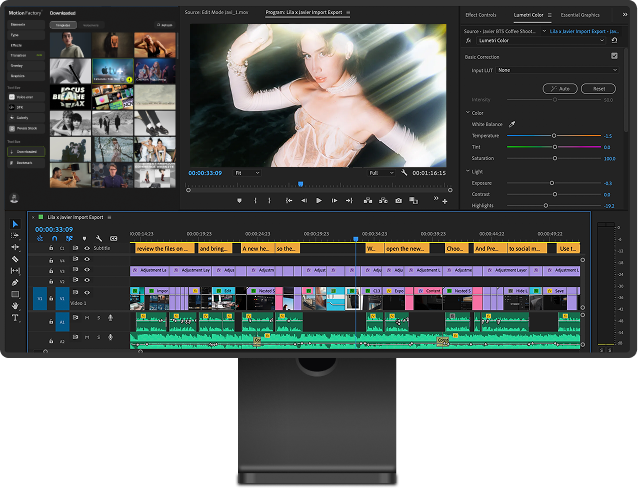
Get the Motion Factory plugin plus 57 Premiere Pro packs in one subscription. Browse, customize, and drag over 4,500 MOGRT templates straight onto your timeline without leaving Premiere Pro. Titles, transitions, motion graphics, and VFX, all editable, all covered by a commercial license.

Every Premiere Pro Pack, Plus Motion Factory Plugin!

Premiere Pro Plugin Bundle

$19.99 / Mo $39.99
*annually, or 29.99 for a monthly subscription
  • Motion Factory Plugin for Premiere Pro
  • 38 Premiere Pro Video Packages
  • 19 Pre-Rendered Packages
  • 1,500+ MOGRT Items
  • 3,000+ Motion Factory Video Templates
*Commercial use

4,500+ MOGRT and Video Templates
Ready to Drop Into Premiere Pro

What’s Inside the Premiere Pro Plugin and Template Bundle
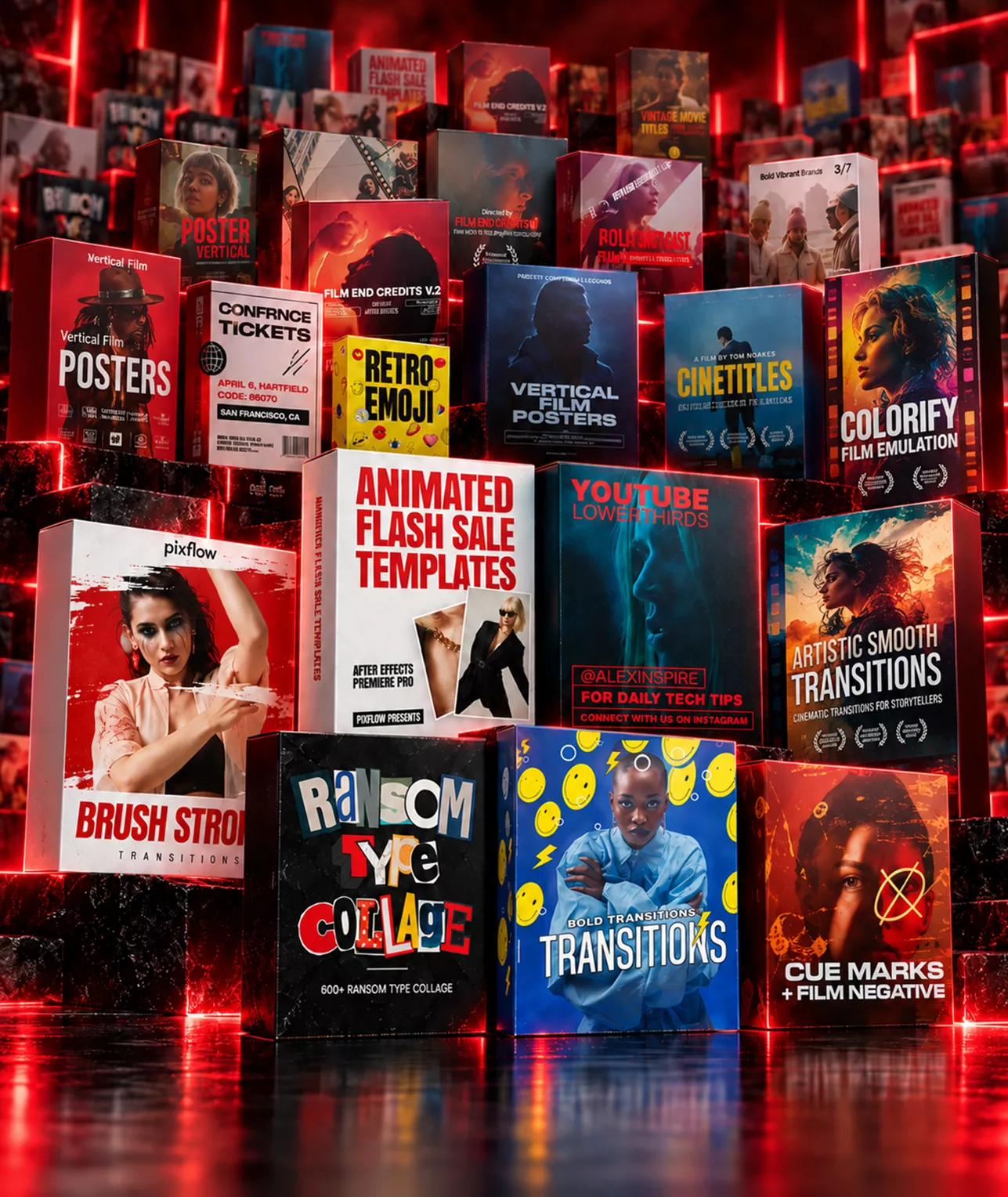
The Premiere Pro Bundle combines the Motion Factory plugin with 38 Premiere Pro video packages and 19 pre-rendered packs. You get more than 1,500 MOGRT files plus 3,000 further templates inside Motion Factory, covering titles, typography, transitions, motion graphics, and VFX. Every asset installs, previews, and drops into your sequence without leaving Premiere Pro.

Movie Titles and Typography Templates for Premiere Pro

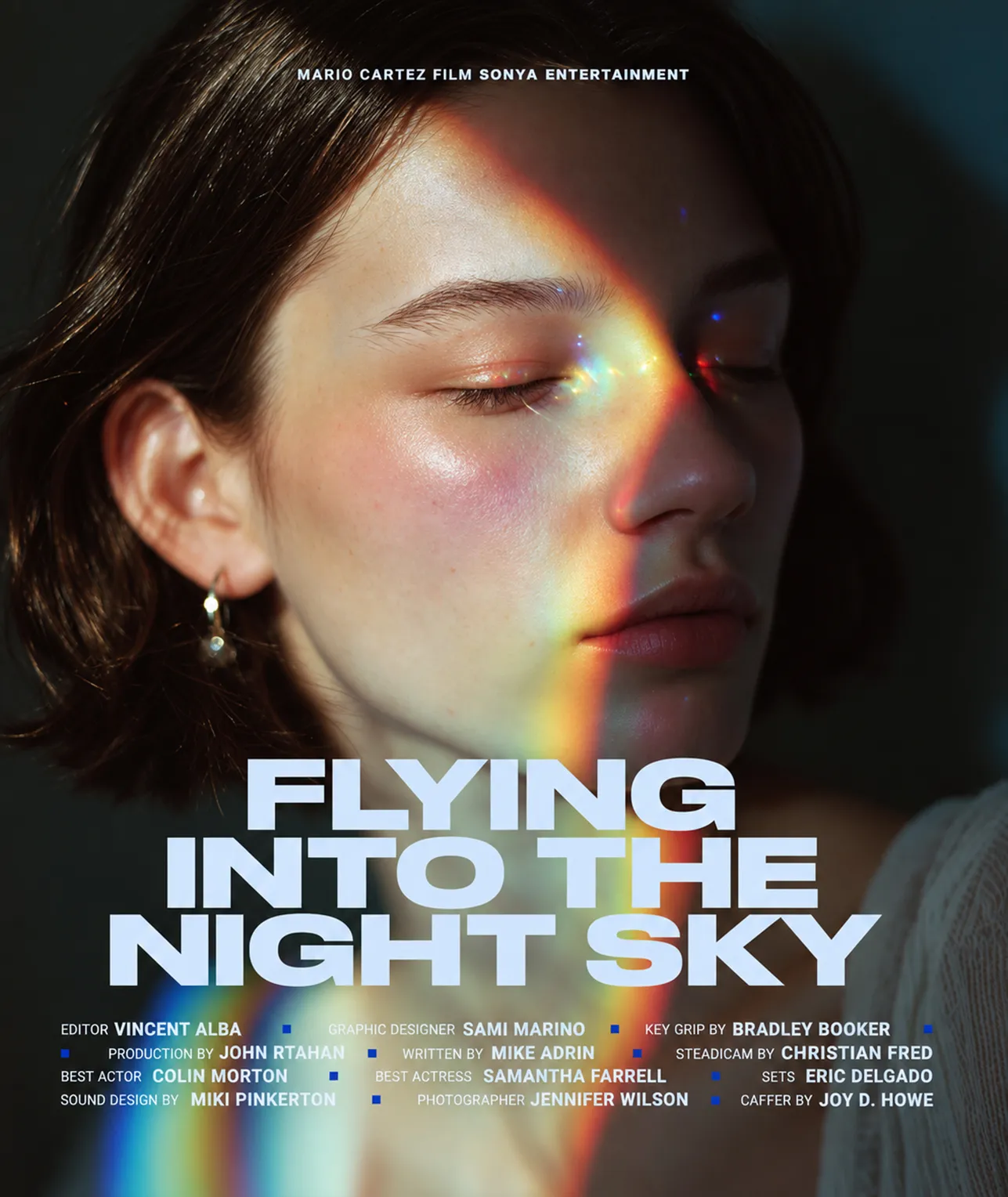
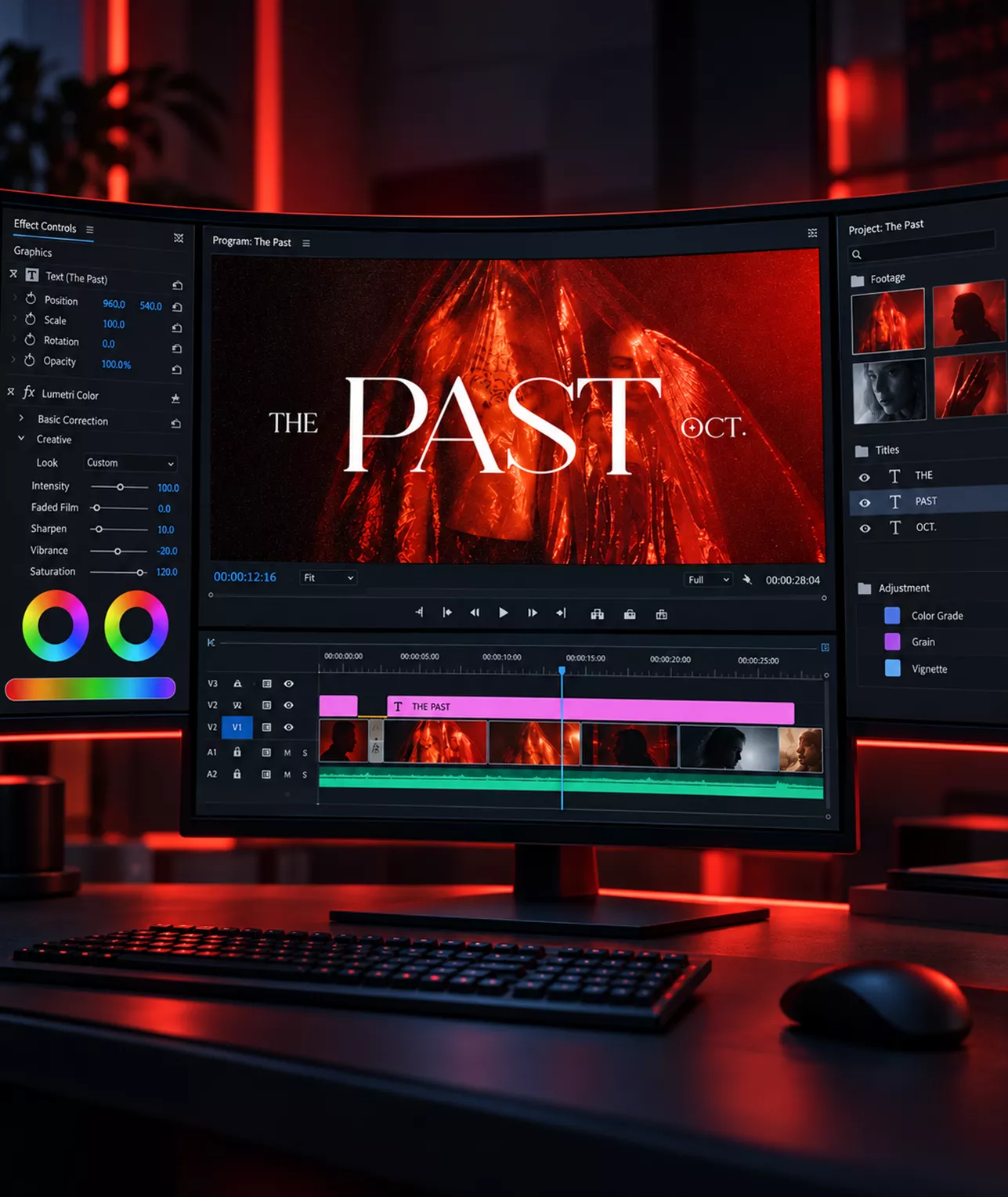
Open a film with a title that earns attention. Movie Title Templates, CineTitles, and Animated Vintage Movie Titles give you cinematic title sequences, lower thirds, and end credits as ready MOGRT files. Change the text, font, and color directly in the Essential Graphics panel, with no After Effects required.

MOGRT Files You Can Fully Customize

Every Premiere Pro pack ships as MOGRT. You edit color, text, fonts, size, and timing from the Essential Graphics panel, and you can replace placeholder clips with your own footage inside the template. No project files to open, no relinking, and no rendering round trips between applications.

Kodak and Fuji Film Motion Graphics

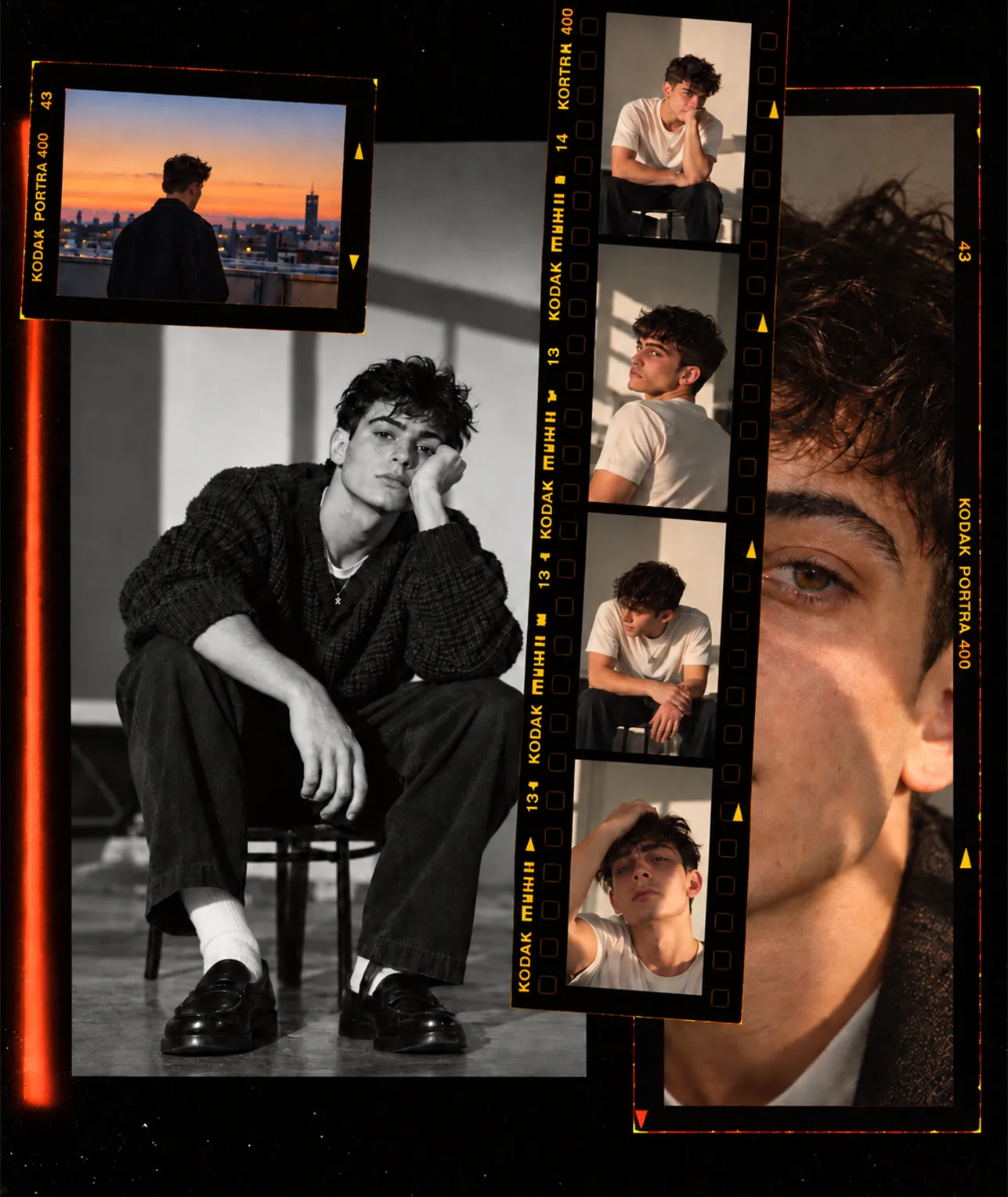
Animated Kodak and Fuji Film Frames, Film Frame Scenes, and their matching elements bring analog texture to digital footage. Drop authentic film borders, sprocket holes, and framed scenes over your clips for a shot-on-film look in Premiere Pro, with every element editable and delivered in 4K.

Works as a Premiere Pro Extension on Windows and Mac
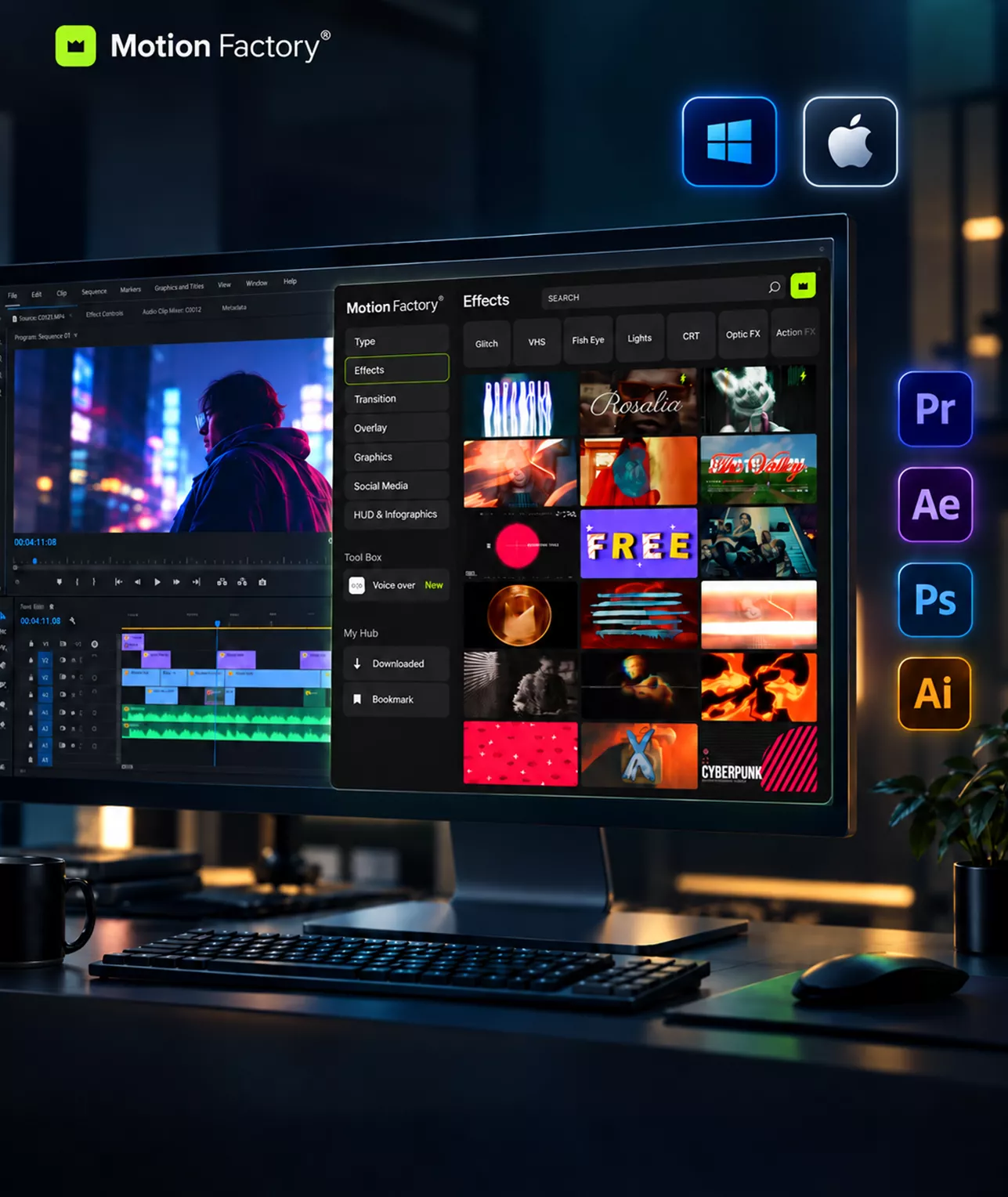
Motion Factory installs as a Premiere Pro extension on both Windows and Mac, through Creative Cloud or a ZXP file. Once installed, the panel sits inside Premiere Pro alongside support for After Effects, Photoshop, and Illustrator, so the same library follows you across your entire Adobe workflow.

The Motion Factory Plugin Inside Premiere Pro

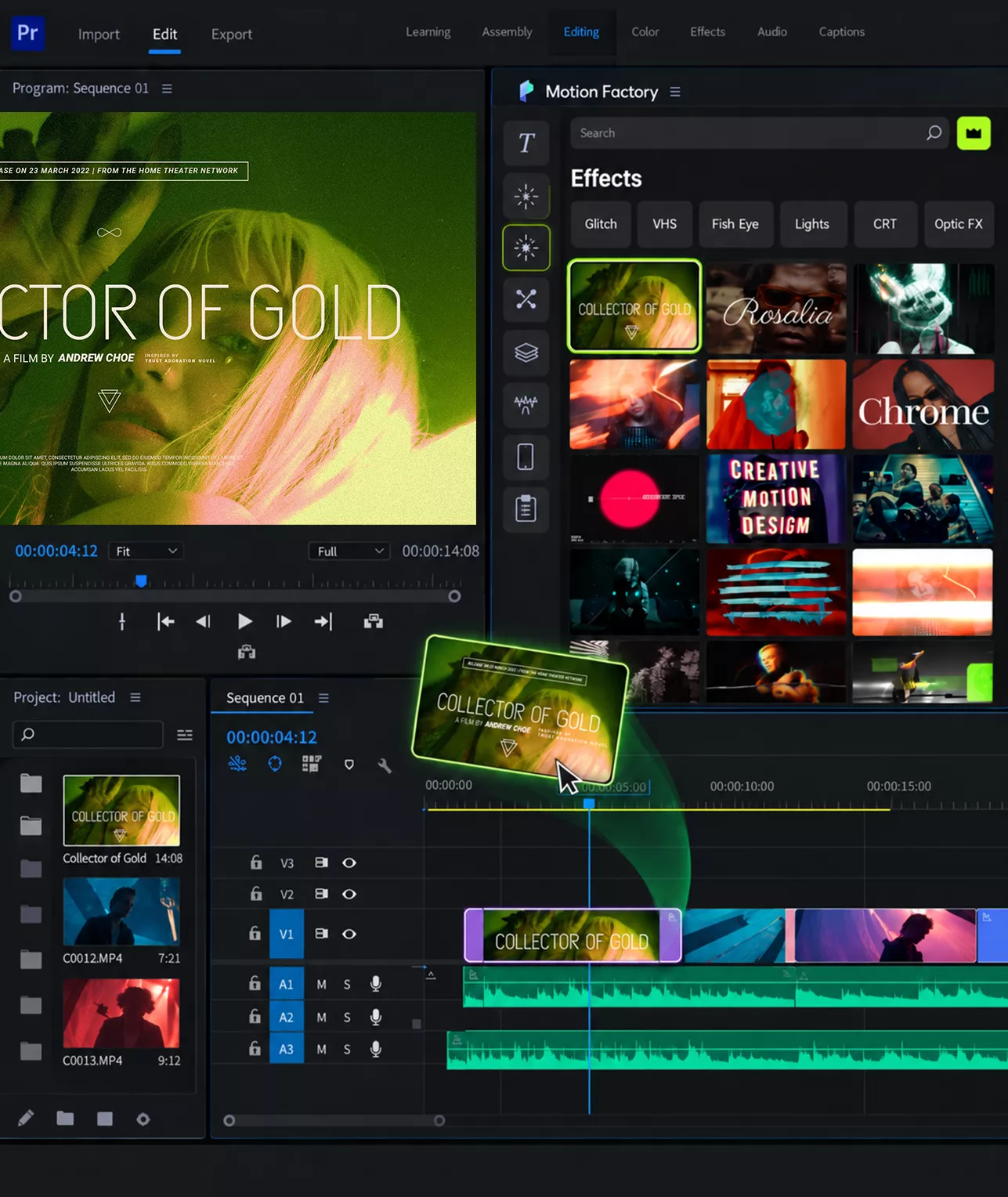
Motion Factory turns Premiere Pro into a template store. Search more than 3,000 video templates, preview them in the panel, and drag the one you want onto your timeline. Assets download on demand, so you stop hunting through folders and start editing. Trusted by over 4 million creators worldwide.

Transitions Pack for Premiere Pro

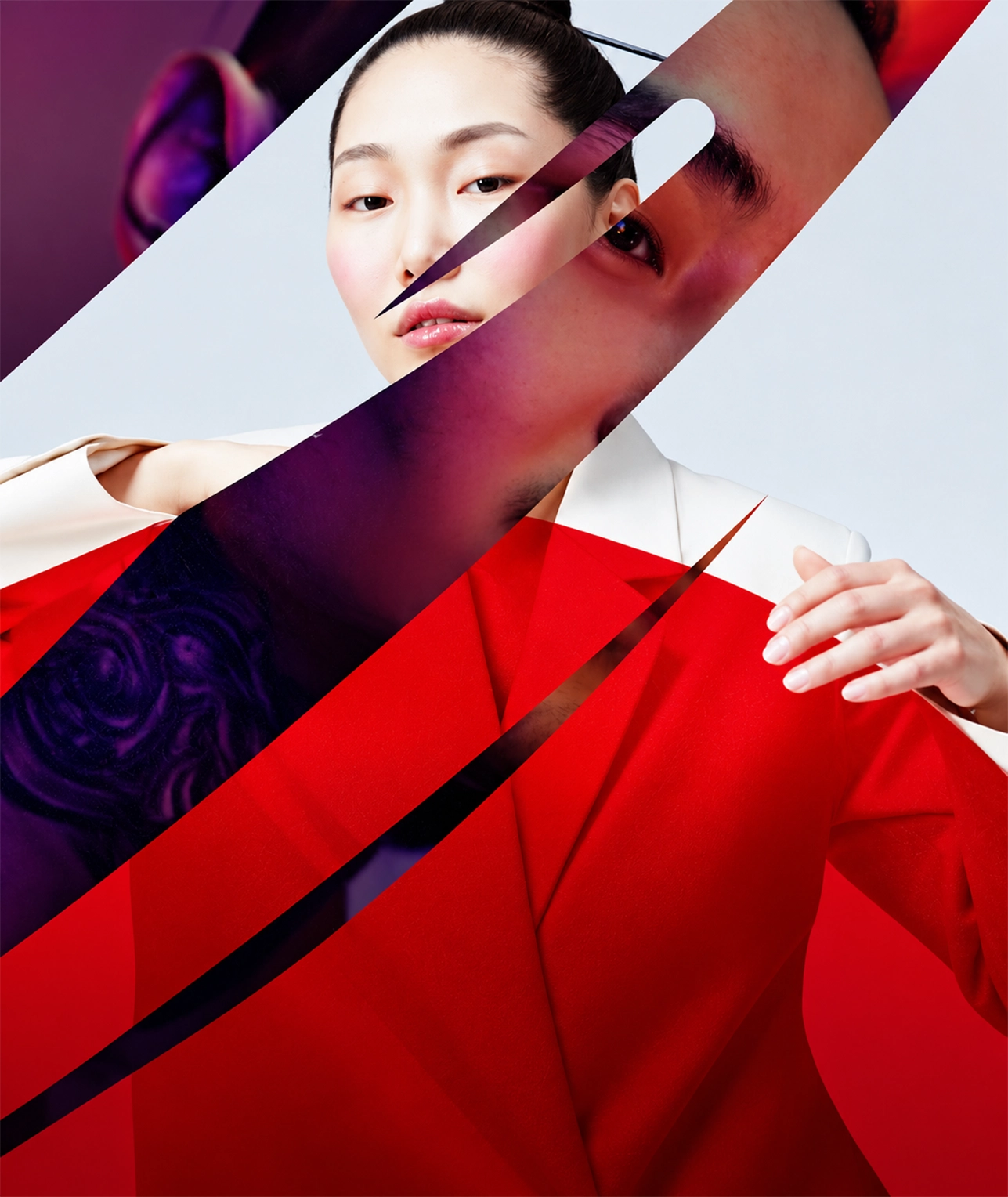
Cut between scenes using Kodak and Fuji film transitions plus the wider transition category in the bundle. Use the native Premiere Pro MOGRT versions, or drop the pre-rendered alpha channel files onto any timeline. Every transition is drag and drop, adjustable in length, and built for 4K delivery.

Frequently Asked Questions

Yes. Every Premiere Pro pack ships as MOGRT files that open in the Essential Graphics panel, so you never need After Effects. The 19 pre-rendered packs also include alpha channel files that work in any editing software.

Install Motion Factory through Creative Cloud in one click, or download the ZXP file and install it manually. The extension then appears under Window and Extensions inside Premiere Pro on both Windows and Mac.

A MOGRT is a Motion Graphics Template built for Premiere Pro. You can change text, fonts, colors, size, and timing from the Essential Graphics panel, and swap placeholder clips for your own footage without opening another application.

Yes. Motion Factory and every template in the bundle run on both Windows and Mac. Premiere Pro CC2022 or above is recommended for full MOGRT support, and your library syncs across machines with one account.

Yes. A Pixflow MAX subscription covers every download under a commercial license, so you can use the templates in client work, monetized content, and branded campaigns worldwide.