This product works with:
Sand & Dust Introduction
It includes 6 high-quality particle presets and effects.
Experimentation is highly encouraged!
Also, authors can create templates with these different particles.
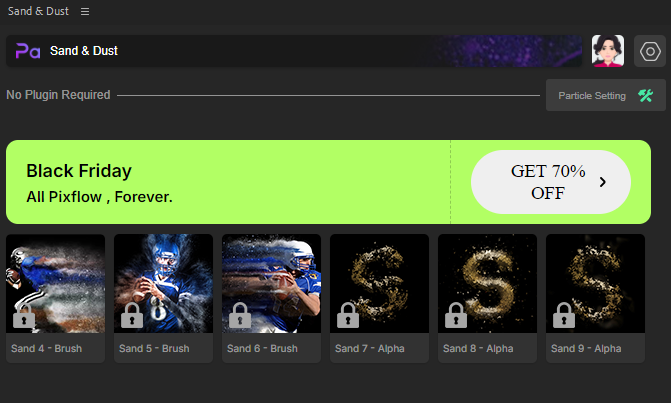
Sand & Dust Installation
1. You need to download and install Aescript ZXP Installer
It will launch the installation phase after you launch the downloaded file.
The Sand & Dust package contains the “ZXP” file for installation on Windows and Mac.
3. Launch Aescript ZXP Installer and from the file menu, choose open and select the downloaded Sand & Dust zxp file.
Wait for the installation procedure to finish ( your operating system may ask for authorizing the Adobe extension manager which you need to accept )
4. Restart the Adobe After Effects application and run the Sand & Dust plugin by choosing Window >> Extensions >> Sand & Dust
5. Enter your email address, and you will receive the activation code via email.
If you purchased a subscription, please use the email associated with your Pixflow account. Sand & Dust will detect your subscription and unlock the locked items.
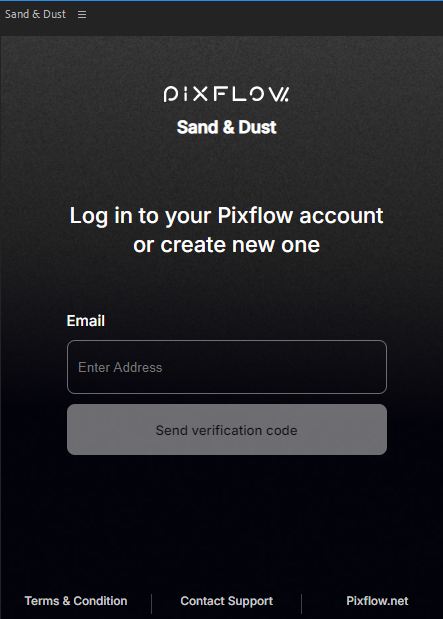
6. Enter the activation code to access the Sand & Dust panel.
Unlock the Sand & Dust Locked items
There are two ways to unlock the locked items.
1. Subscription Plan
If you have a subscription plan, the Sand & Dust plugin will automatically detect it and unlock the locked items once you enter the email address associated with your Pixflow account.
2. Purchase the Sand & Dust package
Purchase the Sand & Dust package from Envato.
After completing your purchase, you can access your purchase code.
Open the Adobe After Effects application and navigate to Window > Extensions > Sand & Dust to run the plugin.
From the Sand & Dust panel, click on your profile avatar.
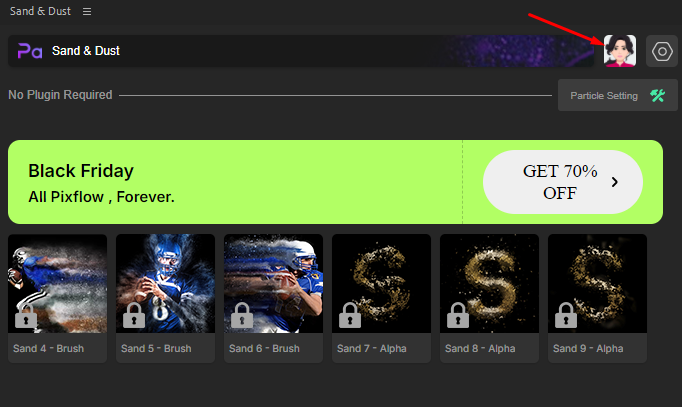
Click the “Go Premium” button and select “Do you have a purchase code?”
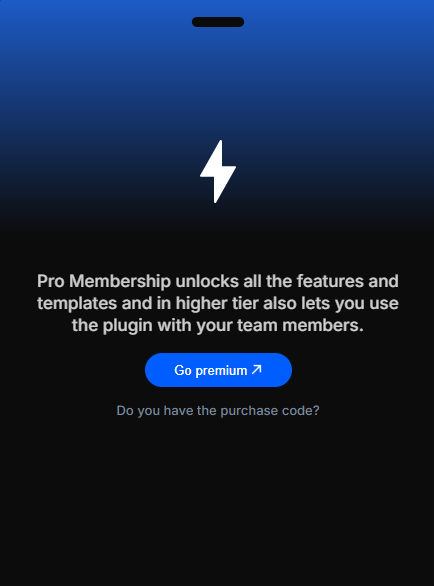
Enter your Sand & Dust purchase code in the displayed bar to activate the plugin.
If you can’t activate it, please check your proxy.