Cinematic Whoosh Sound Effects for Transitions
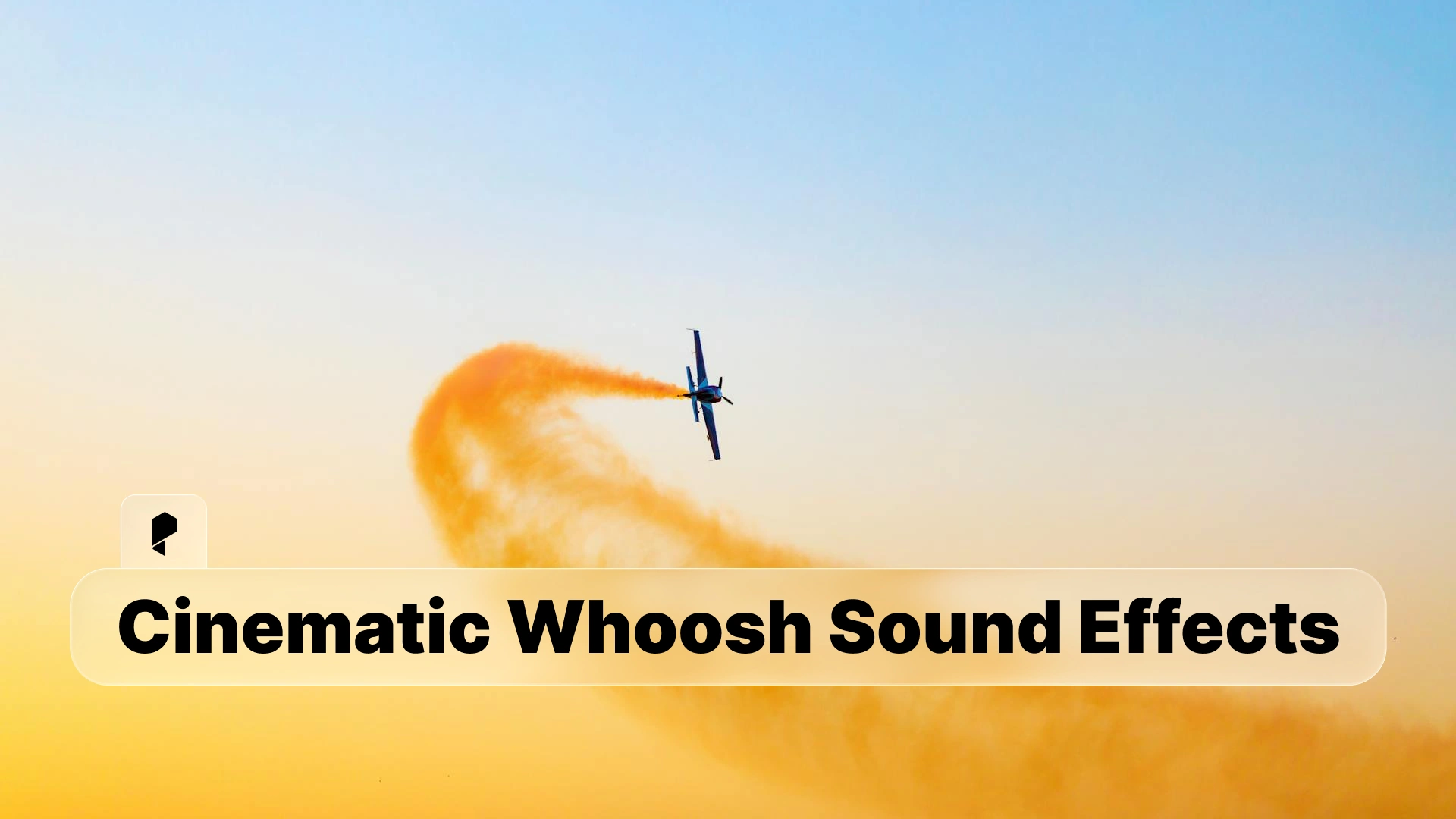
Here’s the thing: whoosh sound effects aren’t just audio filler between cuts. They’re the invisible force that guides your viewer’s attention, adds momentum to camera movements, and transforms ordinary transitions into cinematic moments. When used correctly, a well-placed whoosh can make the difference between a cut that works and a transition that makes your audience feel the movement.
In this guide, we’re breaking down everything you need to know about cinematic whoosh sound effects, from understanding what makes them work to integrating them seamlessly into your edits. Whether you’re cutting action sequences or polishing corporate videos, you’ll learn how to use whooshes to elevate your storytelling.
Understanding Cinematic Whoosh Sounds
At its core, a whoosh sound effect mimics the audio of air movement. Think about the sound of a sword cutting through the air, a camera whip pan, or an object flying past the lens. These sounds exist in real life, but cinematic whooshes take that natural phenomenon and enhance it with layered frequencies, dynamic processing, and carefully shaped envelopes to create something that feels larger than life.
Air movement characteristics are what give whooshes their fundamental identity. The sound needs to convey speed, direction, and size. A fast whoosh has a sharp attack and quick decay. A slow whoosh builds gradually and lingers. The frequency content tells your brain whether something small is zipping by or a massive object is sweeping across the frame.
Whoosh vs swoosh. You’ll hear these terms used interchangeably, but there’s a subtle difference worth noting. Whooshes tend to be broader and more atmospheric, often used for scene transitions and camera moves. Swooshes are typically sharper and more defined, perfect for object movements or quick cuts. Both belong in your sound design toolkit.
Cinematic quality factors separate amateur whooshes from professional ones. It comes down to three elements: tonal complexity (layered frequencies that add depth), spatial characteristics (stereo width and movement), and dynamic range (the difference between the quietest and loudest parts). A cinematic whoosh isn’t just loud. It’s sculpted, textured, and intentional. When you need production-ready options that already have these qualities baked in, Pixflow’s AI SFX library offers thousands of cinematic whooshes designed specifically for video editors and motion designers.
Professional Woosh Sound Effects


Types of Cinematic Whoosh Effects
Fast whooshes are your bread and butter for quick cuts, snappy transitions, and action sequences. These have an aggressive attack (the sound starts almost instantly) and a short duration, typically under half a second. They work beautifully for match cuts, whip pans, and any moment where you need to punch through a transition with energy. The frequency range leans toward the mid-highs, giving them presence without muddying your mix.
Slow sweeps take the opposite approach. These whooshes build gradually, creating anticipation or emphasizing grand, sweeping movements. Duration can stretch from one to three seconds or longer. You’ll use these for dramatic reveals, establishing shots, or anywhere you want to guide the viewer’s attention across the frame with deliberate pacing. The frequency content tends to be broader, with more low-end rumble adding weight.
Dramatic whooshes combine elements of both fast and slow, often with additional impact sounds or reverb tails. These are the whooshes you hear in movie trailers when the title card slams onto the screen. They’re designed to make a statement. Layered with sub-bass, these effects create physical impact that viewers feel in their chest (especially with good speakers or headphones).
Layered movements are complex whooshes built from multiple sound sources. Picture a camera move that starts slow, accelerates, then lands with impact. The whoosh needs to match that arc, which means layering different elements: a slow build, a fast whoosh for the acceleration, and maybe a short impact or reverse element at the end. These take more work to craft but deliver the most satisfying results for complex transitions.
Directional whooshes use stereo panning or surround sound techniques to create the illusion of movement through space. A whoosh that pans left to right reinforces a camera or object moving in that direction. In surround mixes, you can even have whooshes that appear to circle the viewer or move front to back. Direction matters. It’s one more tool for guiding attention and creating immersion.
Using Whoosh for Transitions
Scene changes are the classic use case. When you cut from one location or time period to another, a whoosh can smooth the transition and signal to your audience that we’re moving somewhere new. The key is matching the whoosh intensity to the narrative weight of the cut. A subtle scene change (same location, moments later) might need just a soft sweep. A dramatic shift (different planet, ten years later) calls for something with more presence.
Object movements are opportunities to sync whooshes with on-screen action. If a product spins into frame, add a whoosh that matches the rotation. If text animates across the screen, the whoosh should follow the same trajectory. This is where you start playing with directionality. An object entering from the left should have a whoosh that pans left to right. This kind of sync work sells the illusion that the sound and visual are connected.
Camera movements practically beg for whoosh support. Whip pans, dolly pushes, crane shots, drone moves, all of these benefit from a well-chosen whoosh that emphasizes the motion. The trick is timing. Start the whoosh slightly before the camera move begins (10-20 milliseconds early) so the sound leads the visual. Your brain processes audio faster than visuals, and this pre-cue makes the movement feel more responsive and intentional.
Action sequences stack whooshes on whooshes. Punches, kicks, weapon swings, vehicles racing by, each movement gets its own whoosh layer. The challenge here is avoiding clutter. When you have multiple whooshes in quick succession, make sure they occupy different frequency ranges. Put fast, sharp whooshes in the highs, broader sweeps in the mids, and rumbles in the lows. This separation keeps everything clear and prevents your mix from turning into a muddy mess.
For any of these applications, having a diverse library to pull from makes the process exponentially faster. Pixflow’s SFX collection includes whooshes organized by category and intensity, so you can quickly audition options that fit your specific needs without digging through thousands of unrelated files.
Professional Woosh Sound Effects
Creating Cinematic Whoosh Audio
Layering techniques are fundamental. Start with a base whoosh that provides the core movement. This could be a synthesized sweep, a recorded sound (like a ribbon being pulled through the air), or a library element. Then add complementary layers: maybe a sub-bass rumble for weight, a high-frequency air element for texture, or a reverse cymbal for drama. Each layer should serve a specific purpose. If a layer doesn’t add something meaningful, cut it.
EQ and processing shape the tonal character. High-pass filter everything that doesn’t need to live below 80-100 Hz to keep the low end clean. Use a broad mid-range boost (around 1-3 kHz) to help the whoosh cut through dialogue and music. Add air with a subtle high shelf (10 kHz+) for modern, polished sound. But don’t overdo it. Aggressive EQ creates harsh, fatiguing results. Subtle moves add up.
Adding impact takes whooshes to the next level. A short impact sound at the end of a whoosh (like a metal hit, a punchy drum transient, or a reversed glass break) gives the transition a landing point. This is especially effective for cuts to new scenes or title cards. The impact doesn’t need to be loud or obvious. Even a small, well-placed transient helps the edit feel locked and confident.
Timing considerations matter more than you might think. A whoosh that’s too long drags down your pacing. Too short, and it feels rushed or incomplete. As a starting point, match the whoosh duration to the transition length. If your cut or camera move takes half a second, your whoosh should fill most of that space (maybe 400-500 milliseconds). Then fine-tune by ear. Move the whoosh earlier or later on the timeline in 1-frame increments until it syncs perfectly with the visual action. This level of precision is what separates professional sound design from rushed work.
Professional Cinematic Sound Effects

Whoosh in Different Film Styles
Action films embrace aggressive, high-energy whooshes. Fast attacks, punchy impacts, and constant movement define the genre. You’re layering whooshes into fight choreography, car chases, and explosions. The density is higher here than anywhere else. Every punch, every camera whip, every blade swing gets audio support. The challenge is maintaining clarity when you’re stacking dozens of whooshes in a 30-second sequence. Frequency separation and dynamic ducking (using sidechaining or manual volume automation) keep things controlled.
Sci-fi movies lean into synthesized, otherworldly whooshes. Think pitched-down metallic sweeps, digitally processed air movements, and whooshes with unusual tonal characteristics (dissonant harmonics, aliased frequencies, glitchy textures). Sci-fi gives you permission to get weird. If it sounds alien or futuristic, it probably works. This is also where you can experiment with extreme stereo widening and surround panning to create immersive, spatial experiences.
Trailers and promos are whoosh heaven. The entire genre is built on dramatic builds, massive impacts, and swooshing transitions between title cards and footage. Trailers use the biggest, most processed whooshes you can find. Sub-bass is pushed hard. Reverb tails stretch for seconds. Everything is designed for maximum emotional impact in a short timeframe. If you’re cutting trailers, your whoosh game needs to be on point. This is where you pull out the epic, layered, dramatic options without restraint.
Sports videos call for clean, energetic whooshes that match athletic movement. Think fast, sharp, and punchy. You’re supporting quick cuts between plays, slow-motion sequences, and graphic transitions. The tone is modern and polished, not dark or cinematic. High-frequency content and tight, controlled low end work best. Sports editing moves fast, so having go-to whooshes you can drop in and trust saves time. Browse Pixflow’s transition whooshes to find sport-appropriate options that fit the energy level without sounding overproduced.
If you’re serious about improving your audio craft, our comprehensive guide on cinematic sound effects offer deeper dive into sound design philosophy and technique. Studying how sound supports storytelling across different genres will make you a better editor. The technical skill (knowing how to use EQ and compression) matters, but the creative decisions (knowing when to use a whoosh and which type) matter more.
Conclusion
Start small. Pick one project and focus on adding intentional whoosh support to your transitions. Listen for where movement feels flat, then experiment with different whoosh types until you find what clicks. Over time, your ear will develop, and you’ll instinctively know which whoosh fits the moment.
Ready to take your transition game to the next level? Explore Pixflow’s AI-generated and curated sound effects library including thousands of production-ready whooshes, sweeps, and impacts designed specifically for editors and motion designers. (Your timeline is waiting.)
Disclaimer : If you buy something through our links, we may earn an affiliate commission or have a sponsored relationship with the brand, at no cost to you. We recommend only products we genuinely like. Thank you so much.

Write for us
Publish a Guest Post on Pixflow
Pixflow welcomes guest posts from brands, agencies, and fellow creators who want to contribute genuinely useful content.
Fill the Form ✏