Why Pixel-Perfect UI Often Requires Customization, Not Templates
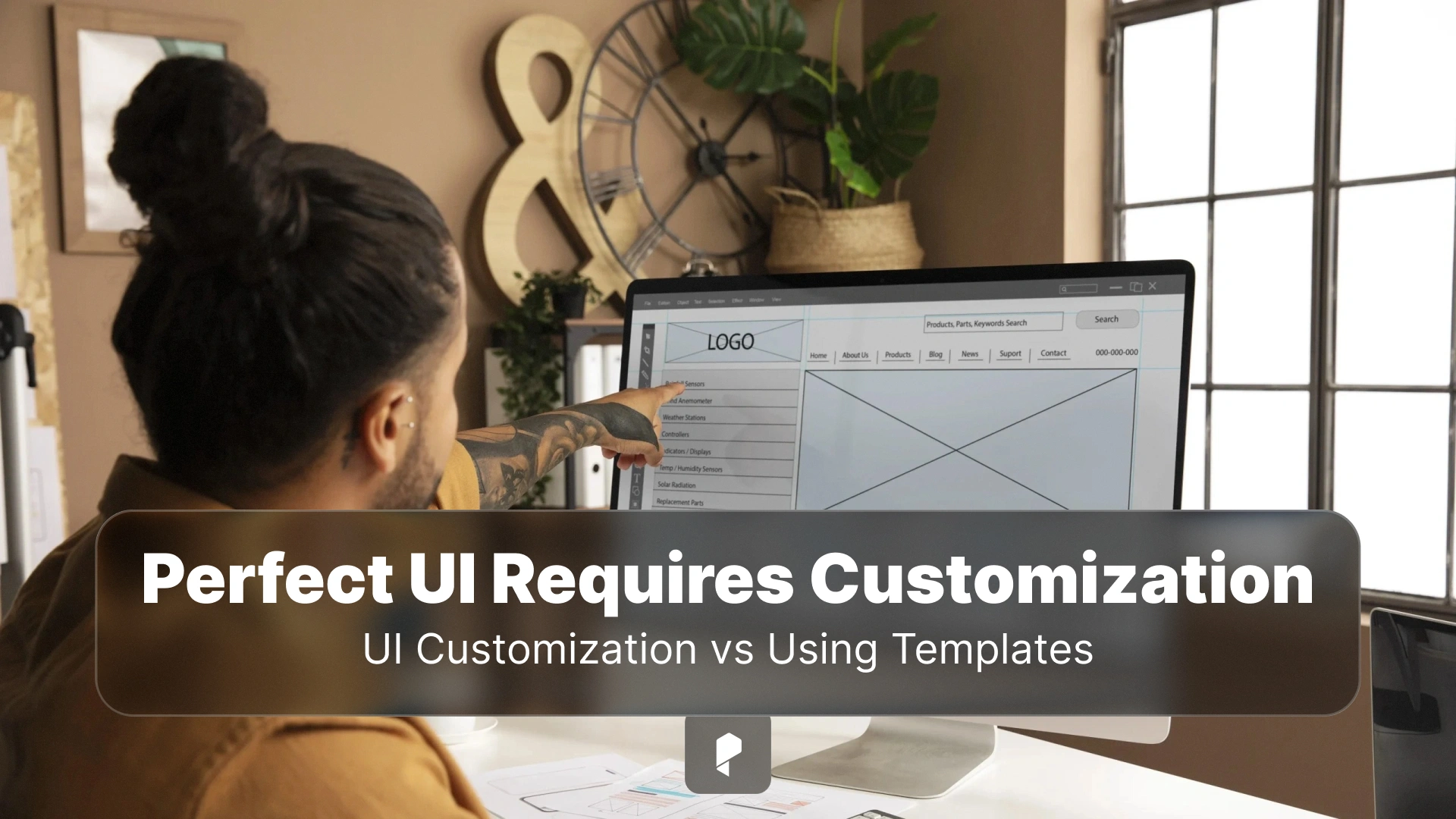
Templates can certainly help you launch much faster. What they can’t help with is finishing strong. If you want every pixel and transition to feel intentional, customization is the way to go. Let’s talk about why pixel-perfect UI almost always goes beyond templates and why that’s actually good news for you.
Templates optimize for speed, but not exactness
Any template is a pre-made decision. Spacing systems, font scales, and layout logic are all set. Whenever you need to change anything, you begin working against the template but not with it.
Pixel-perfect design is all about comfort. Every visual choice is deliberate but not inherited. The flexibility of templates has its limits. You can be sure that you’ll reach them faster than you even expect to.
Your brand can’t be fully expressed through a template
Templates can handle colors and logos, but what they struggle with is nuance. Space, motion, typography, and contrast in your interface communicate tone. All those little details tell users whether your product feels calm or energetic, or more technical than friendly.
Rely too heavily on templates, and you’ll end up with something that feels generic. Custom UI lets your brand shape the interface, instead of being squeezed into someone else’s structure. And users will absolutely notice it.
Users create real design challenges
The thing is, you can’t really fix all of these issues with templates alone. Eventually, you’ll realize the components need more than tweaks — they need a structural rethink. That’s exactly where custom software development gives you a serious advantage. That can be a practical response to all the complexities.
Performance and “feel” are part of pixel perfection
- Unused components;
- Generic animation;
- Heavy stylesheets.
The result might feel sluggish or inconsistent. Customization allows you to remove the extras and focus on what truly matters. When the UI is built intentionally, it feels faster, smoother, and more stable overall. You can’t define that sense of quality, but users can definitely feel it.
Design and development must work together
Browsers don’t render designs perfectly by default. Fonts behave differently across platforms. Layout engines make rounding decisions. Responsive logic introduces complexity that mockups can’t fully predict. Templates often hide these problems until late in the process.
In this regard, custom UI requires closer collaboration. What does it look like? Designers build systems that developers can actually implement. Developers build components that preserve design intent across real conditions. This is what turns “almost right” into “exactly right.”
Templates make everything look the same
Sameness is too risky. That’s why a pixel-perfect UI helps differentiate your product. The point isn’t to be different just to be different — it’s to be recognizable, confident, and intentional. Customization gives you that freedom.
Scaling quickly exposes template limitations
Whenever you want to expand features, template-based layouts start to fracture. These things become common:
- Inconsistent pacing;
- Visual drift;
- Awkward overrides.
This is when teams face a difficult choice. They need to choose if they need to patch endlessly or rebuild properly. Pixel-perfect UI built on custom foundations scales more gracefully. Instead of fighting earlier decisions, you build on systems that are made to evolve from day one.
Ultimately, pixel-perfect UI is about respect. Users can see that you actually care. That’s how you gain trust. There’s no template that can give you that. Once you see the results of customization, you’ll understand that you made the right decision.
Final thoughts
Disclaimer : If you buy something through our links, we may earn an affiliate commission or have a sponsored relationship with the brand, at no cost to you. We recommend only products we genuinely like. Thank you so much.

Write for us
Publish a Guest Post on Pixflow
Pixflow welcomes guest posts from brands, agencies, and fellow creators who want to contribute genuinely useful content.
Fill the Form ✏