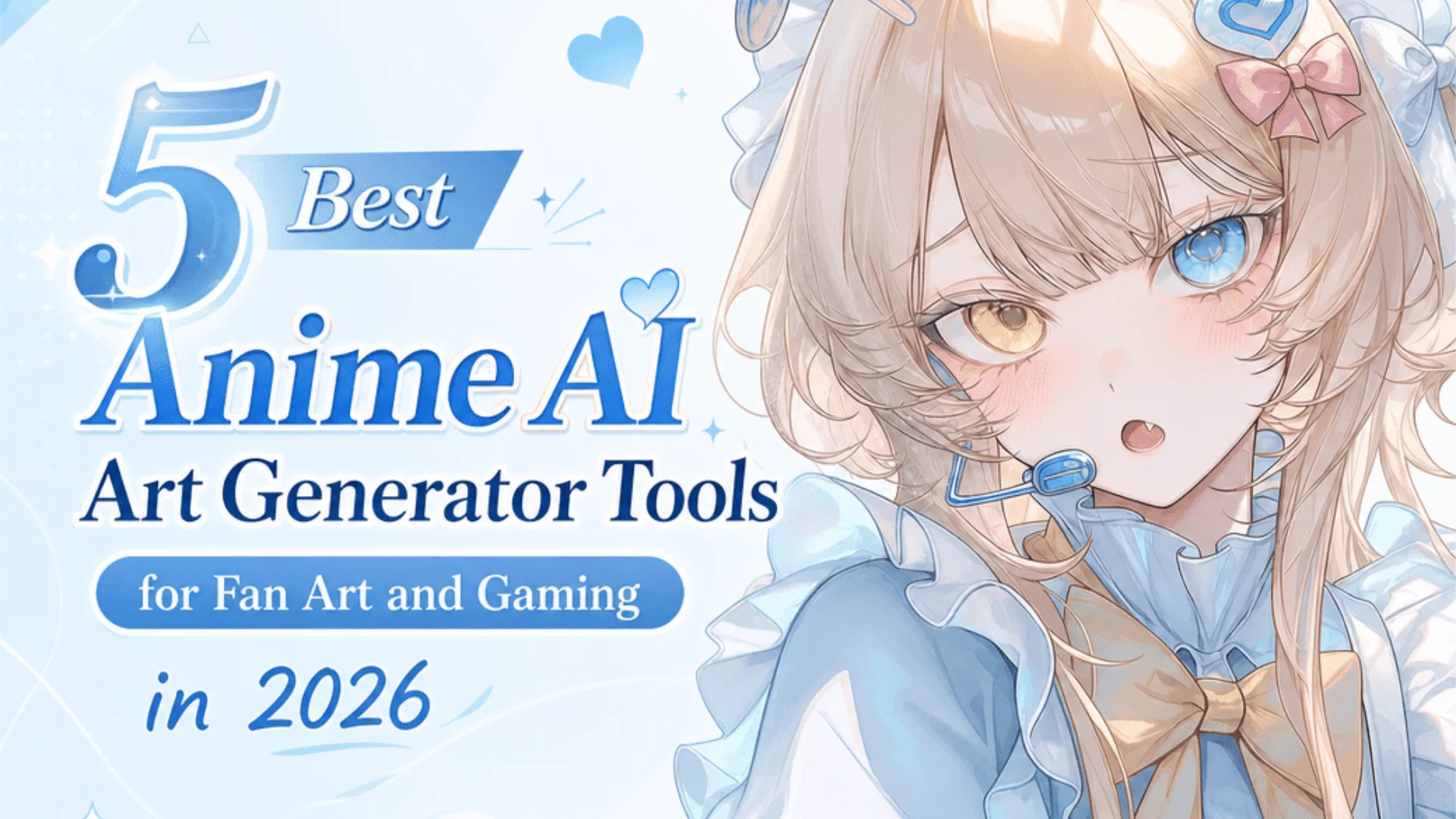
5 Best Anime AI Art Generator Tools for Fan Art and Gaming in 2026
- What Makes a Good Anime AI Art Generator?
- How We Evaluated These Anime AI Art Generators
- 1. PixAI — Best Anime AI Art Generator for Fan Art
- 2. Midjourney
- 3. Stable Diffusion + Civitai
- 4. Gemini (Nano Banana)
- 5. ChatGPT Image Generation
- Anime AI Art Generator Comparison Table
- How to Choose the Right Anime AI Art Generator
- Try Before You Commit
If you’re making anime fan art, original characters, VTuber designs, webcomic panels, or gaming splash art, general AI image generators often fall short. The real challenge isn’t just generating “anime-style” images anymore. It’s maintaining character consistency, matching franchise aesthetics, and creating usable art across multiple scenes.
That’s why choosing the right anime AI art generator matters more than ever. The platforms succeeding in this space aren’t necessarily the largest AI models on the market — they’re the ones built specifically around how anime creators actually work, with deep model libraries, LoRA ecosystems, and reference-based editing pipelines.
What Makes a Good Anime AI Art Generator?
- Anime-specific base models trained from the ground up on stylized 2D illustration
- Character consistency across multiple poses, outfits, and scenes
- LoRA support for character reproduction, style matching, and aesthetic control
- Strong line art and cel-shading quality, not the generic “AI smooth” look
- Pose, outfit, and reference-based control for series and webcomic work
- Workflow tools that go beyond a single text-to-image panel
General-purpose AI tools may create decent single images, but they consistently fall short on these specific demands. Dedicated anime AI art generators outperform them on creator workflows precisely because they’re built around them, not retrofitted to handle anime as one of many styles.
How We Evaluated These Anime AI Art Generators
Some of these tools are technically more powerful than others; some are easier to start with. The right pick depends on what kind of creator you are.
1. PixAI — Best Anime AI Art Generator for Fan Art
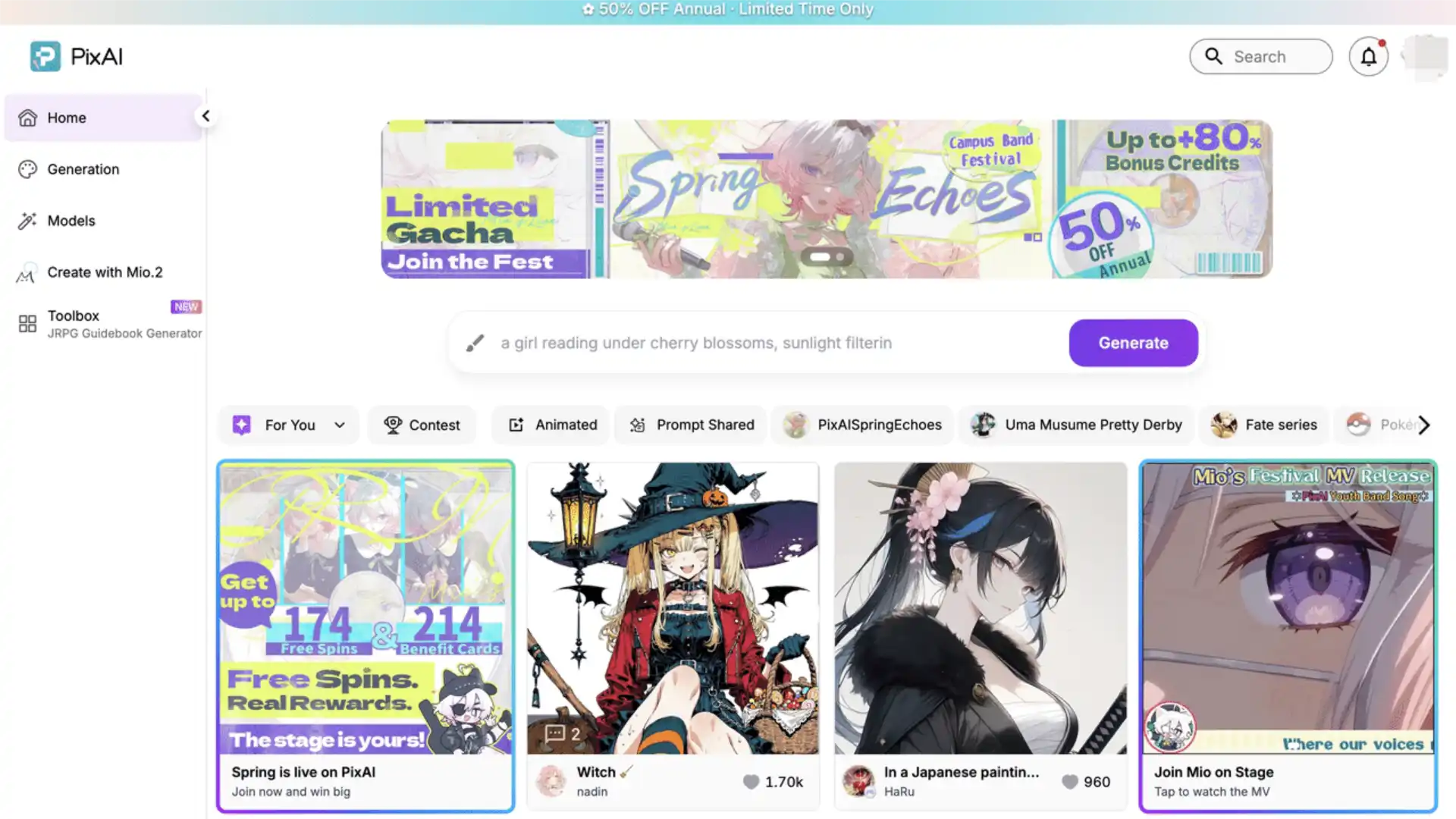
Multiple anime-native models for different aesthetics
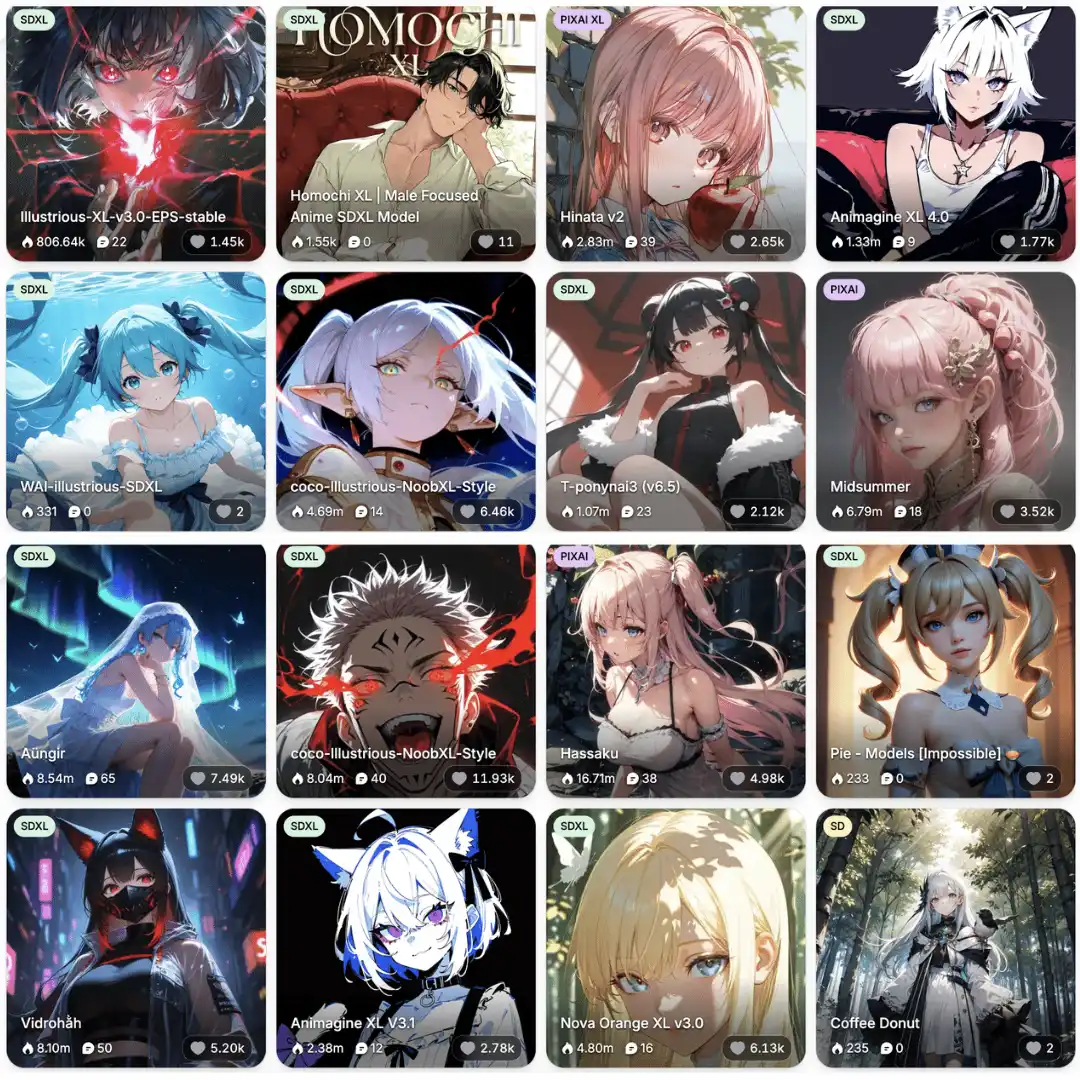
PixAI’s biggest model advantage isn’t one good model — it’s an entire library, with each model tuned for a specific anime style. Instead of fighting one generic “anime” model to produce the look you want, you pick the model that already matches your reference.
- Tsubaki.2 — PixAI’s flagship for cinematic illustration. Handles multi-character composition, anatomy, and atmospheric lighting with significantly fewer “feature bleeding” problems than generalist tools. The go-to for polished finished pieces, doujin covers, and complex scenes.
- Serin — distinctive Korean manhwa / webtoon style. Softer rendering, balanced character design, and naturally polished male and female output — the visual language of modern Korean webcomics.
- Otome V2 — built specifically for male characters and otome-game atmospherics. Stunning lighting, strong masculine aesthetics, the kind of look you’d see in a dating sim CG.
Beyond these, the platform supports the broader anime model ecosystem too — Illustrious, NoobAI, Pony-derived checkpoints, and dozens of community fine-tunes covering specific styles like slice-of-life, Niji-aesthetic, masculine action, romance-novel atmospherics, and more.
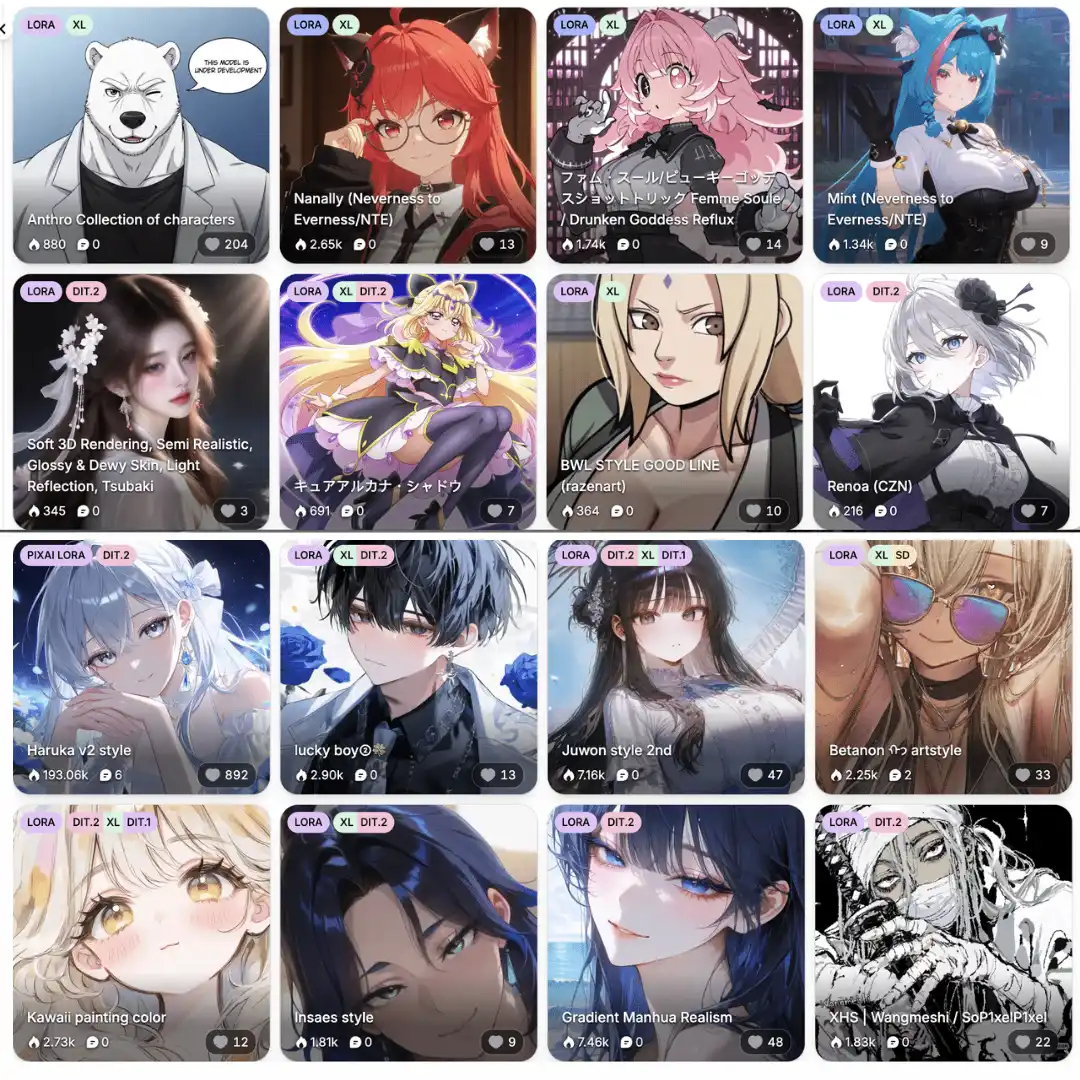
One of the largest LoRA ecosystems in anime AI
PixAI hosts a community-trained LoRA library with 1.5 million+ community LoRAs and 35,000+ models, organized by type – character LoRAs, style LoRAs, pose LoRAs, and detail LoRAs. Users can browse, layer, train custom LoRAs, and reuse characters across projects. The depth of this library is what makes PixAI viable for franchise-specific or character-specific fan work that simply isn’t possible on platforms with smaller LoRA ecosystems.
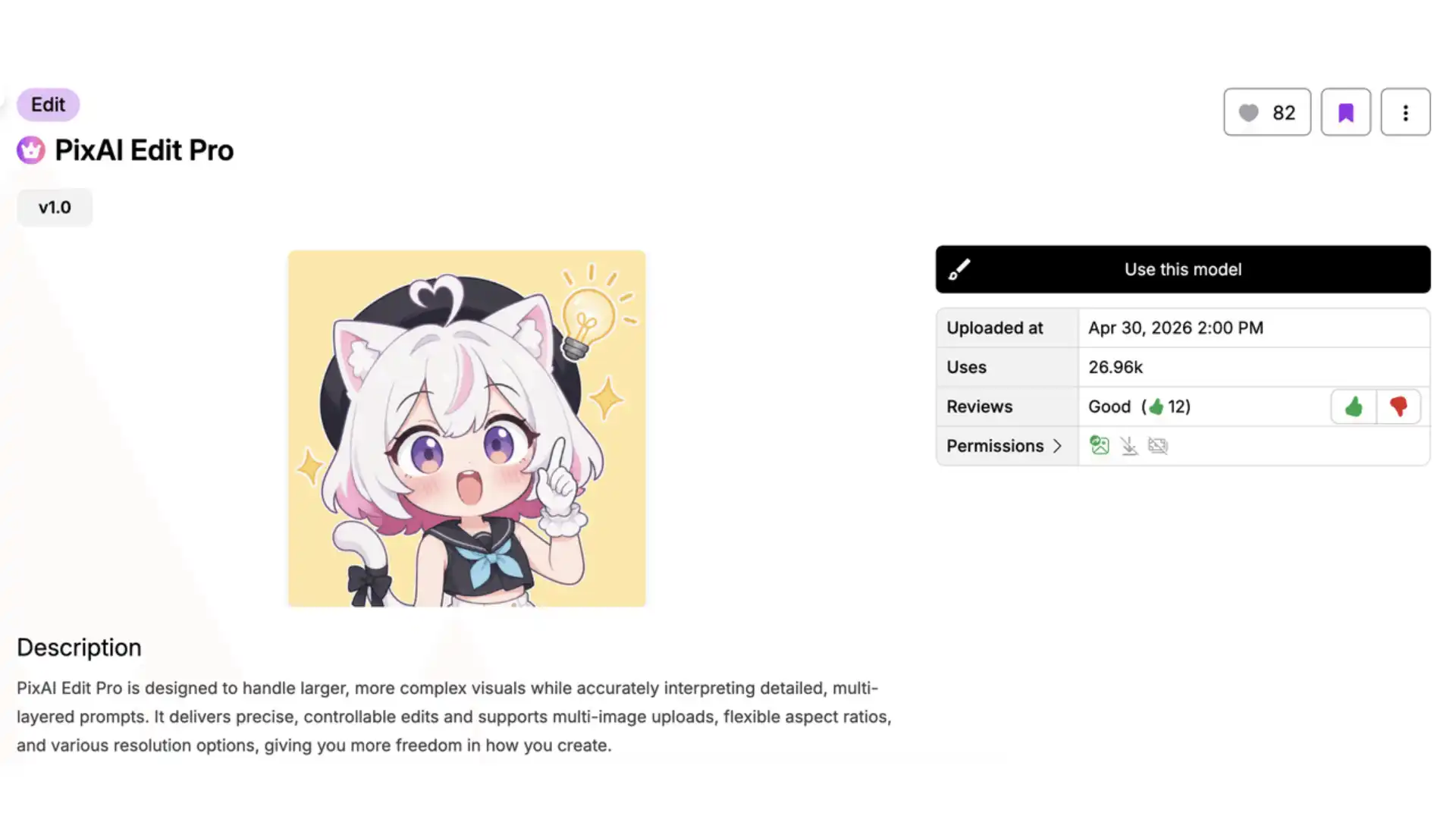
PixAI Edit Pro — full natural-language image editing
Beyond reference-based generation, PixAI also offers PixAI Edit Pro, a dedicated AI image editor that handles precision local edits, multi-image composition (combining elements from up to 10 reference images), and one of the strongest text-rendering pipelines among current AI editors — important for doujin covers, magazine-style layouts, and any work where text needs to integrate naturally into the image. It maintains character consistency and style preservation across multiple rounds of edits, so iterative workflows don’t degrade the output.
Specialized generators for fan creator workflows
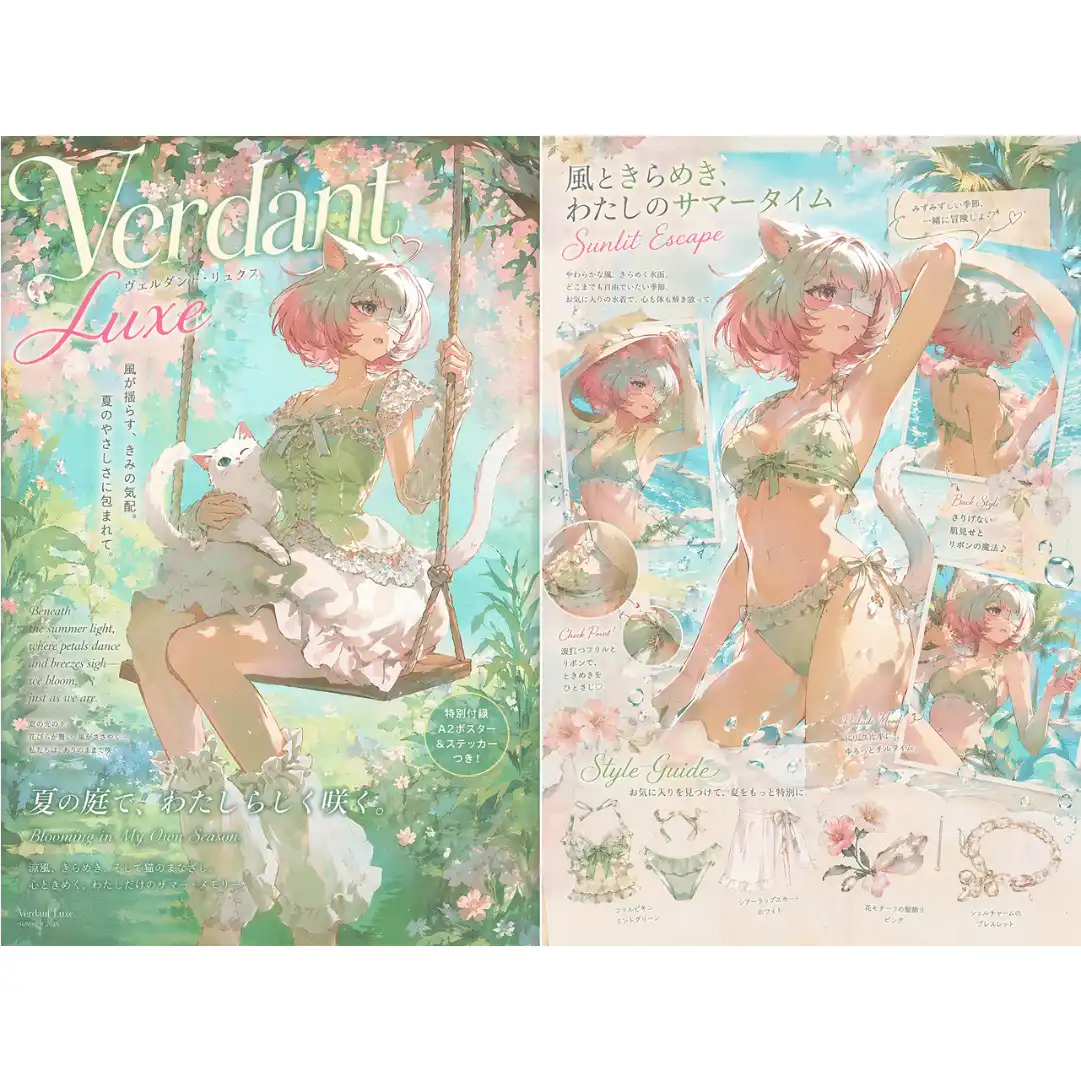
Beyond the basic “type a prompt, get an image” loop, PixAI ships purpose-built generators that solve specific creative problems: Character Sheet Generator for OC turnarounds, Galgame UI Generator for visual novel scenes, Magazine Cover Generator, Figure Generator, Trading Card Generator, and Desktop Pet Generator for merch mockups. These aren’t gimmicks — they’re tells of a platform designed around fan creator output, not generic image generation.
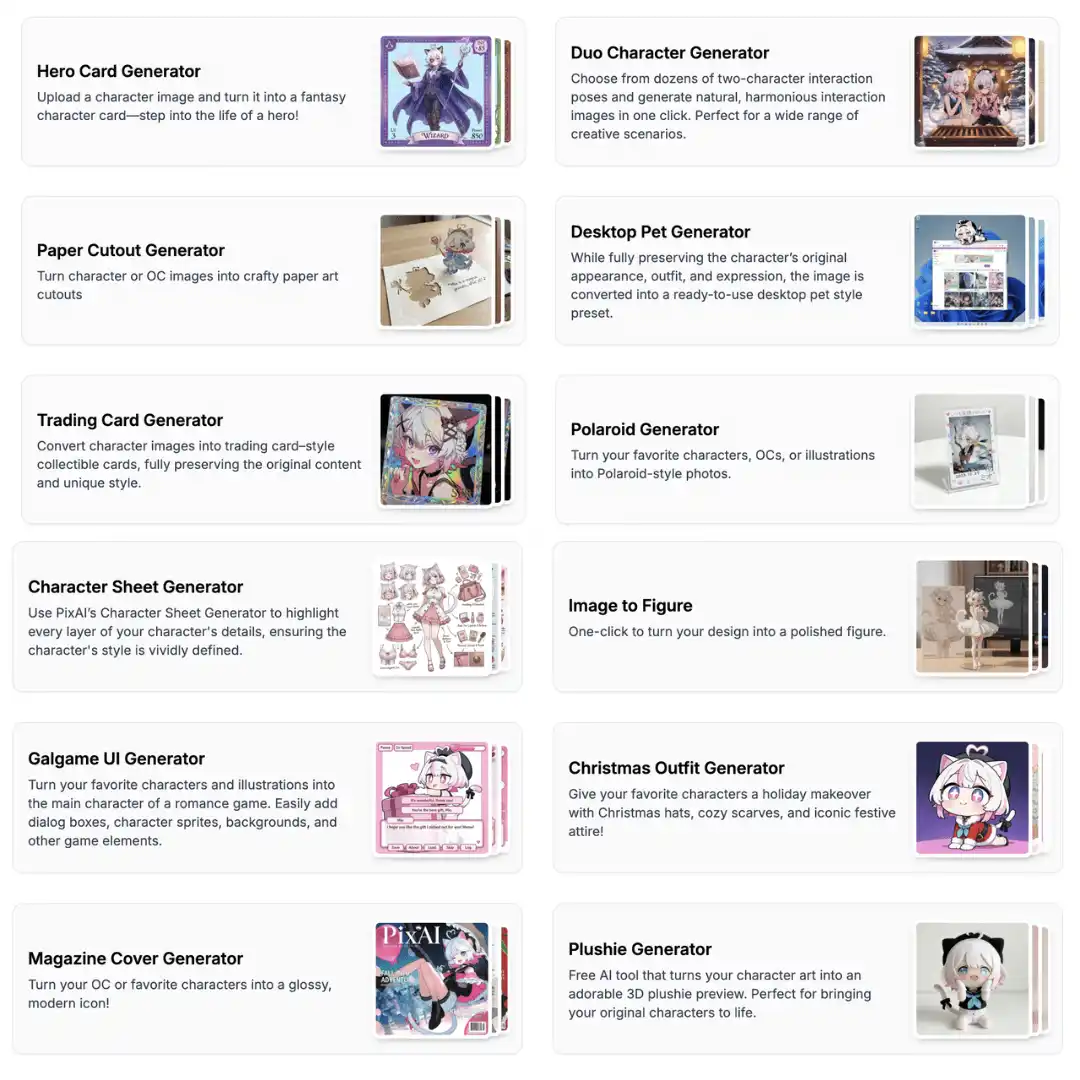
Image-to-Video for animated content
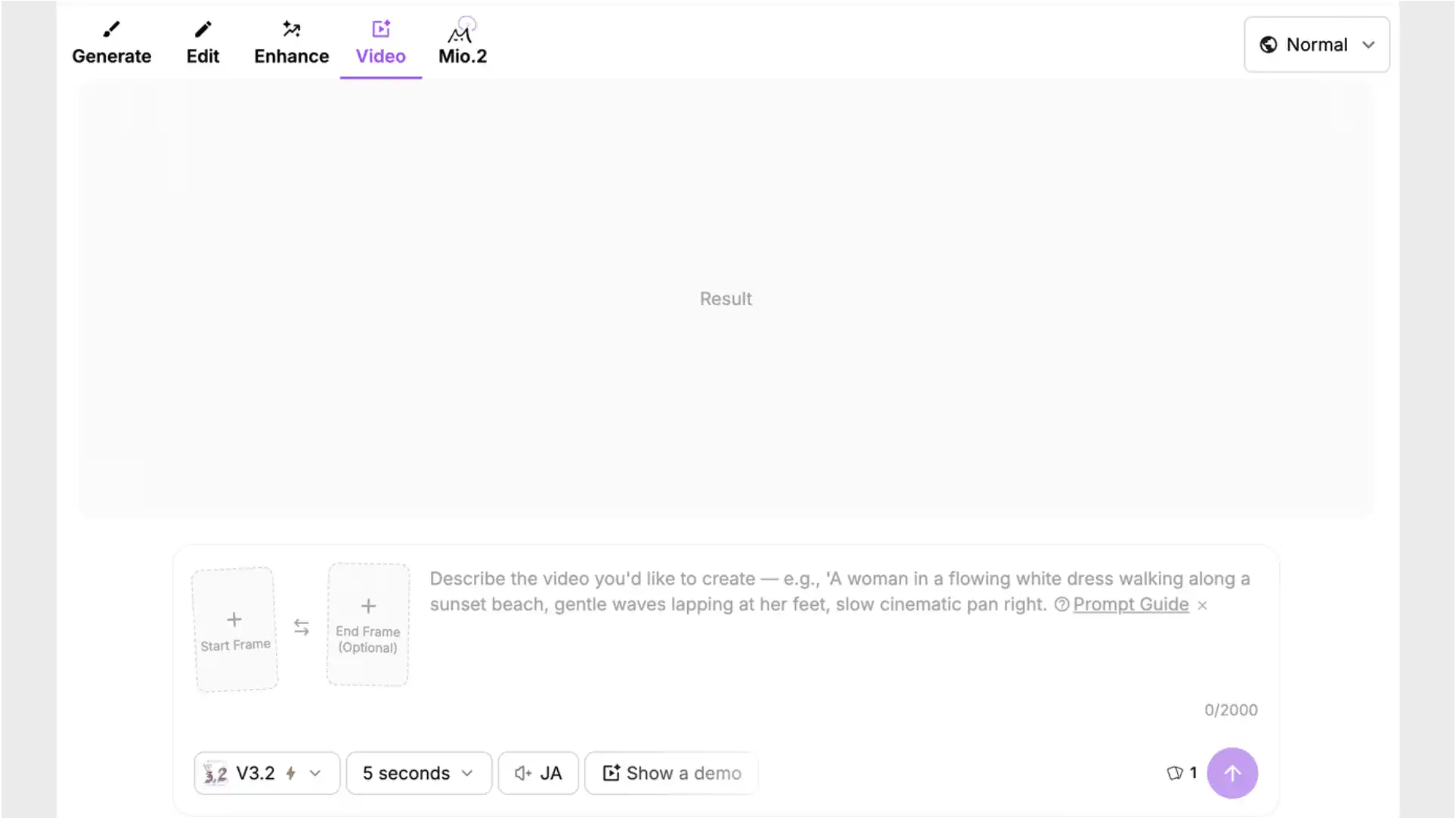
Static art is no longer the limit. PixAI’s Image-to-Video tools let creators bring single illustrations to life as short animated clips, with multiple model options optimized for different goals — character motion, camera movement, audio-driven animation, cinematic shots. For fan creators expanding into VTuber assets, social video content, or animated character intros, this turns a single generation into a multi-format asset.
Commercial usage rights
PixAI gives full ownership of generated images to the user, including commercial rights — selling prints, doujinshi, merchandise, paid client work. For anyone considering AI art as more than a hobby, the licensing layer is at least as important as the model layer, and PixAI’s policy is among the most creator-friendly in the space.
Best for:
- Anime fan art and OC creation
- Doujin, webcomic, and webtoon projects
- VTuber concepts and merch mockups
- Gaming splash art and character design sheets
- Creators building serial or franchise-style work
2. Midjourney
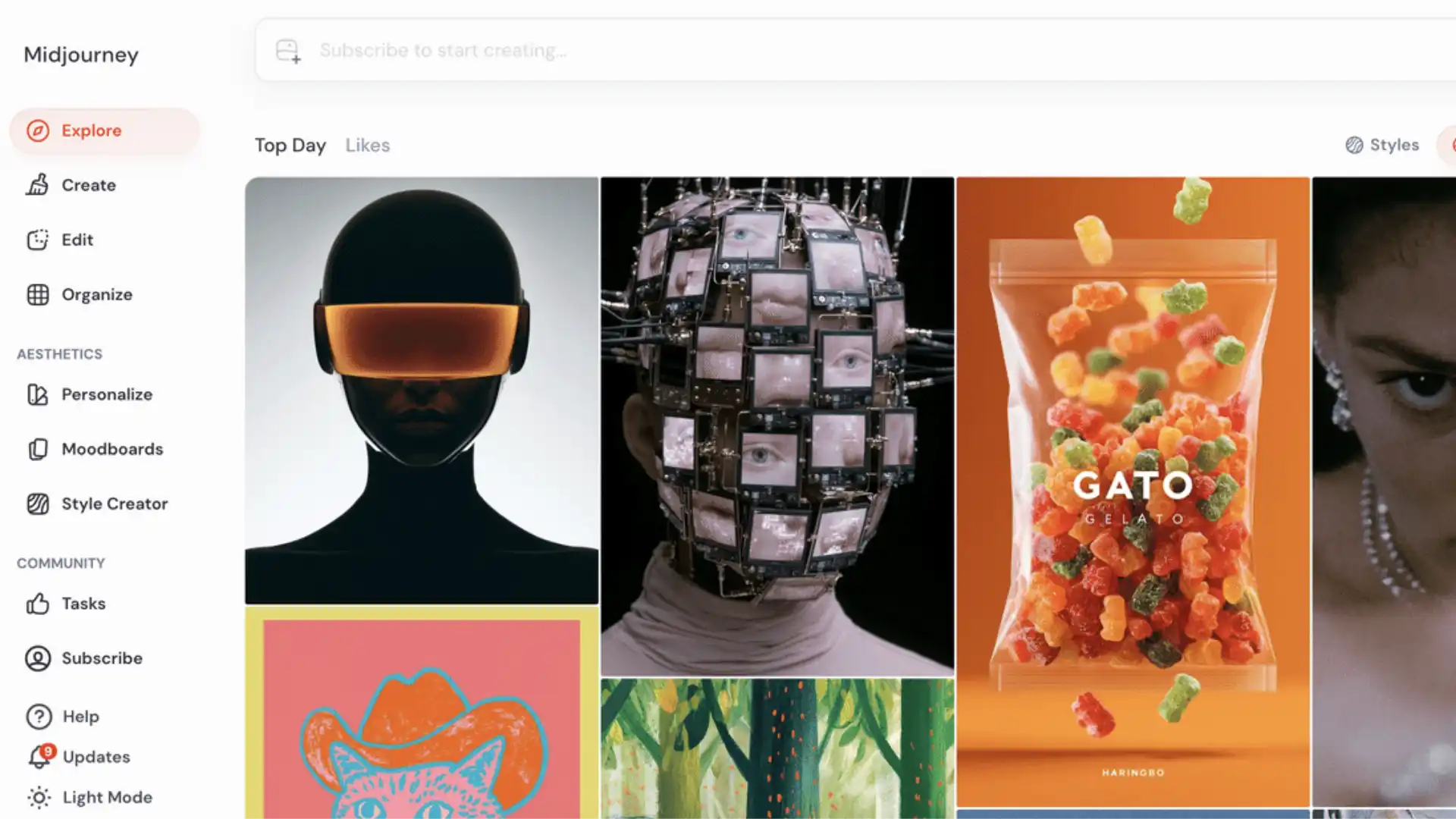
However, Midjourney still struggles with consistent character workflows. It’s excellent for standalone images, but less practical for creators building recurring characters or long-form projects.
Best for:
- Hero illustrations
- Anime posters
- Cinematic mood art
3. Stable Diffusion + Civitai
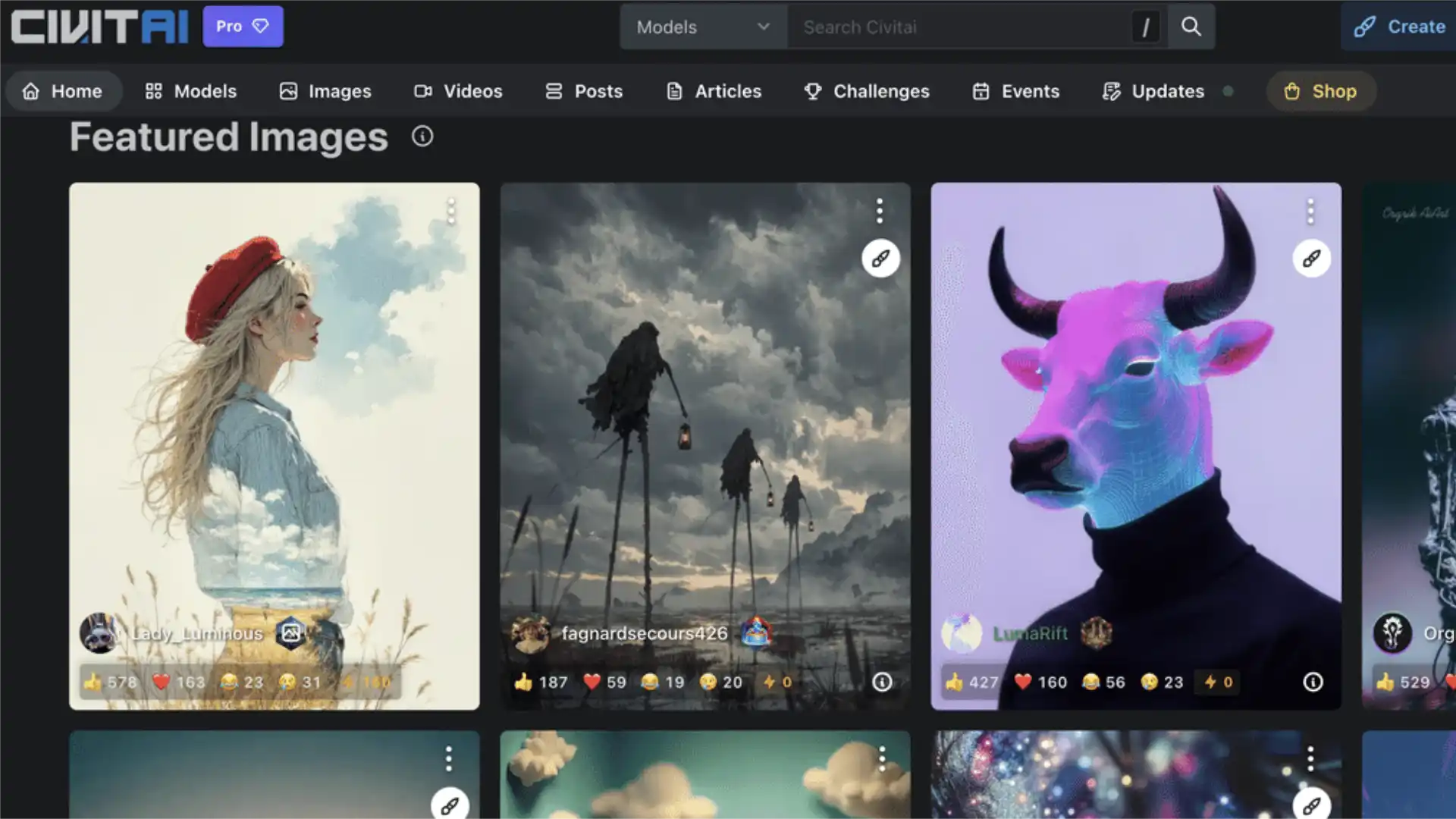
The downside is complexity. Running local models, managing LoRAs, and building workflows through tools like ComfyUI requires technical knowledge and strong hardware.
Best for:
- Power users
- Custom pipelines
- Advanced LoRA workflows
4. Gemini (Nano Banana)
That said, Gemini is fundamentally a general-purpose tool, not an anime platform. No LoRA support, no anime-tuned base models, and limited control over specific styles like webtoon, otome, or shounen. The output tends toward a generic “AI anime” aesthetic. Fine for one-off photo-to-anime fun or casual social content; not where serious fan art workflows live.
Best for:
- Photo-to-anime transformations
- Casual one-off anime images
- Conversational image editing
- Users already in the Google ecosystem
5. ChatGPT Image Generation
Still, compared to dedicated anime AI art generators, the output often feels generic. There’s limited style control, no LoRA ecosystem, and weaker consistency across generations.
Best for:
- Beginners
- Quick concepts
- Casual experimentation
Anime AI Art Generator Comparison Table
How to Choose the Right Anime AI Art Generator
But if you’re building:
- recurring characters for a series
- fan art with a consistent OC
- webtoon or webcomic panels
- VTuber branding and merch
- franchise-inspired artwork at scale
then a specialized anime AI art generator quickly becomes the better option.
The biggest trend in 2026 is clear: specialization wins. The platforms succeeding in anime creation aren’t necessarily the biggest AI models — they’re the ones designed around how anime creators actually work, with model libraries, LoRA ecosystems, and reference-based workflows that match real creator pipelines.
Try Before You Commit
The strongest anime AI art workflows in 2026 aren’t about finding the “best” tool in the abstract — they’re about matching the tool to the kind of creator you are.
Disclaimer : If you buy something through our links, we may earn an affiliate commission or have a sponsored relationship with the brand, at no cost to you. We recommend only products we genuinely like. Thank you so much.
Blog Label:



Write for us
Publish a Guest Post on Pixflow
Pixflow welcomes guest posts from brands, agencies, and fellow creators who want to contribute genuinely useful content.
Fill the Form ✏