Beginner’s Toolkit: What Every New Video Maker Should Start With
- Editing Starts With Thinking
- Choosing Editing Software That Teaches
- Core Editing Skills Come Before Visual Style
- Audio Is the Quiet Foundation of Good Video
- Templates Are Learning Tools
- Color Grading Should Be Gentle at the Start
- A Comfortable Workspace Beats Fancy Gear
- Storage Becomes a Problem Faster Than Expected
- Finishing Projects Is the Fastest Way to Improve
- Simple Workflows Create Creative Freedom
For most beginners, the real challenge isn’t creativity. It’s overload. Too many tools, too many opinions, too many features that seem essential but somehow slow everything down. A beginner’s toolkit shouldn’t impress anyone. It should reduce friction and make editing videos feel achievable, even on tired days.
This is what every new video maker actually needs to start with – and what can safely wait.
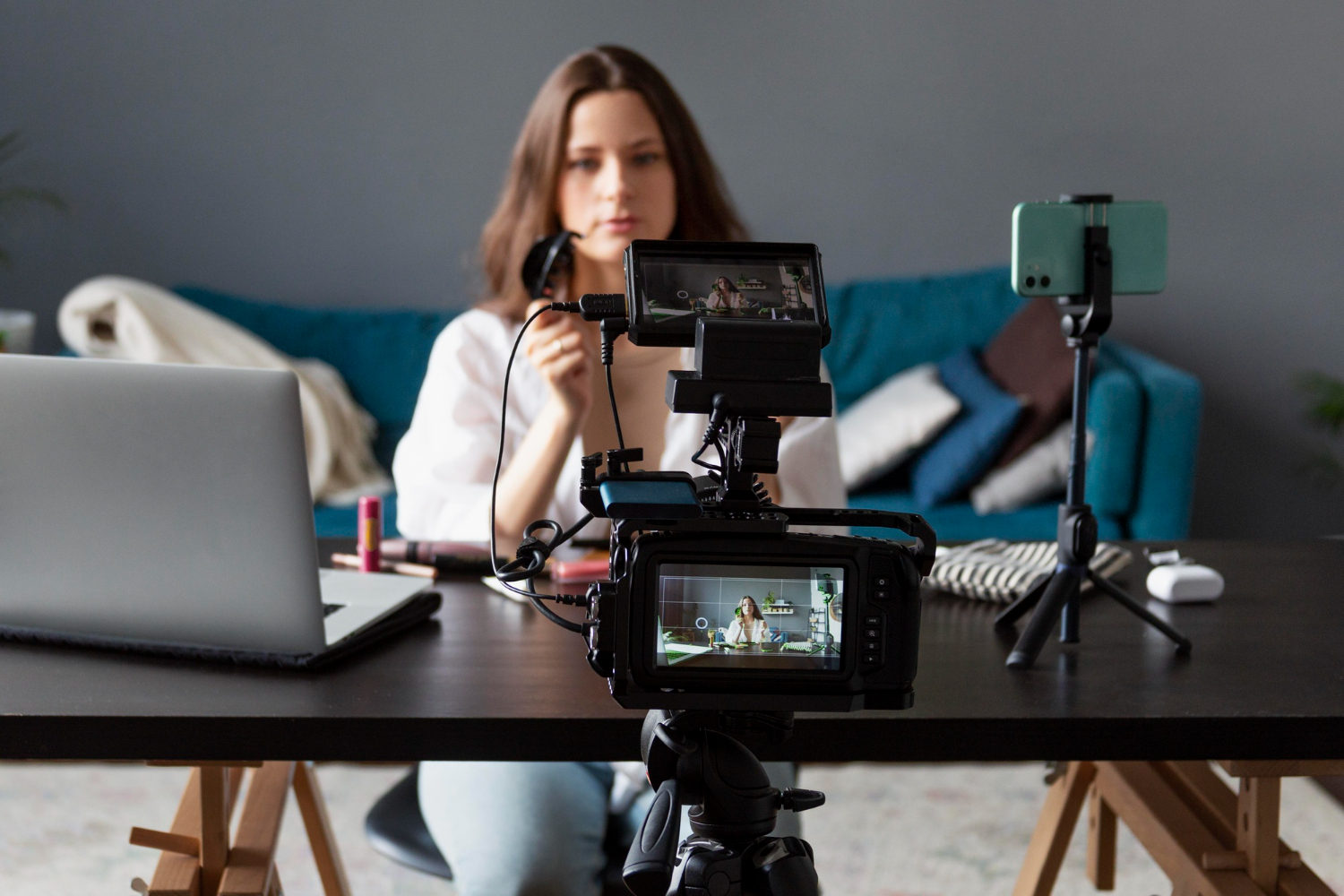
Editing Starts With Thinking, Not Software
Beginners often assume editing is about effects, transitions, or style. In reality, editing is about decisions. What stays. What goes. What the viewer understands without explanation. This mindset shift is crucial for anyone learning video editing for beginners. Clean cuts and logical flow will always matter more than advanced features. The goal early on isn’t to impress – it’s to communicate clearly.
Once that clicks, tools stop feeling intimidating.
Choosing Editing Software That Teaches, Not Overwhelms
Software that promotes exploration without penalization is useful for beginning editors. Deep customisation is less important than an uncluttered interface, visible timelines, easy cutting, and obvious export choices.
Good beginner software makes how to make edits intuitive. You drag a clip. You cut it. You move it. You watch it back. That loop repeats dozens of times, and learning happens naturally.
Complex tools can come later. Confidence should come first.
Core Editing Skills Come Before Visual Style
The most important early skill is sequencing. Putting clips in an order that makes sense. Removing moments that feel slow. Letting scenes breathe without dragging.
Most effective video editing tips for beginners are surprisingly boring – and incredibly powerful. Learn to cut ruthlessly. Learn to watch your own work as if you didn’t make it. Learn when to stop editing.
These skills transfer across all software and platforms.
Audio Is the Quiet Foundation of Good Video
Clear sound doesn’t require expensive microphones or studios. What it does require is attention. Recording voiceovers separately, adjusting levels, and removing harsh noise makes an enormous difference.
This is why many novices start with free voice over software. These tools make recording and cleaning easier, allowing inexperienced editors to focus on timing and clarity instead of technical audio issues.
Music also has a subtle but significant impact. Using songs from royalty free music sites minimizes copyright difficulties and allows for a more focused emotional tone. Good music enhances a visual; it does not declare itself.
Templates Are Learning Tools, Not Shortcuts
Templates aren’t about copying someone else’s style. They’re about understanding structure. Intros, outros, text placement, timing – all of these become clearer when seen in action.
Using templates early on helps beginners internalize visual rhythm. Over time, most editors naturally move away from them. But in the beginning, templates reduce the fear of a blank timeline and speed up learning dramatically.
Color Grading Should Be Gentle at the Start
Early color work should focus on correction rather than style. Balancing exposure, fixing white balance, and keeping skin tones natural does more for perceived quality than dramatic looks.
Subtle adjustments help videos feel cohesive. Heavy grading can wait until the fundamentals feel automatic.
A Comfortable Workspace Beats Fancy Gear
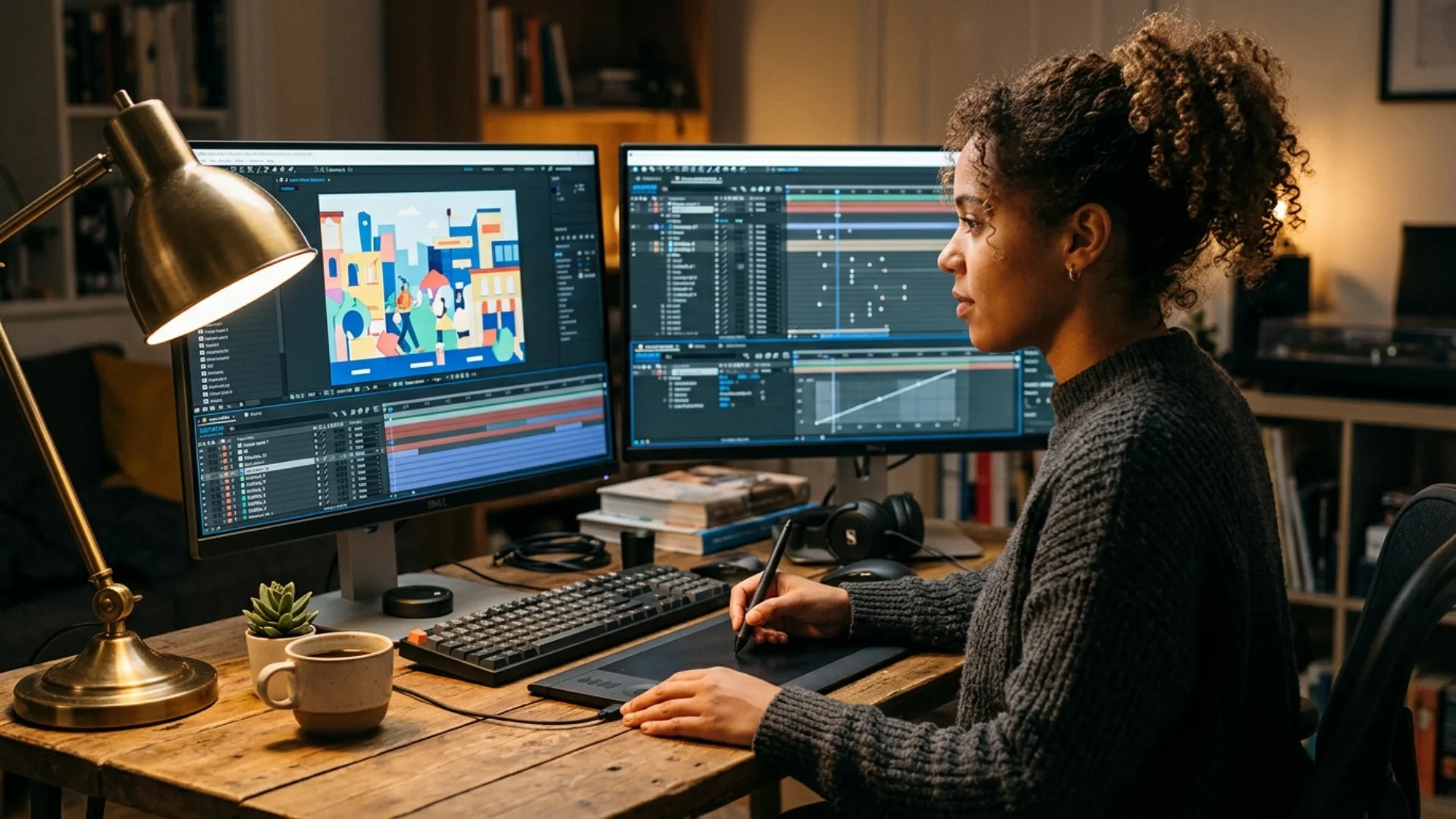
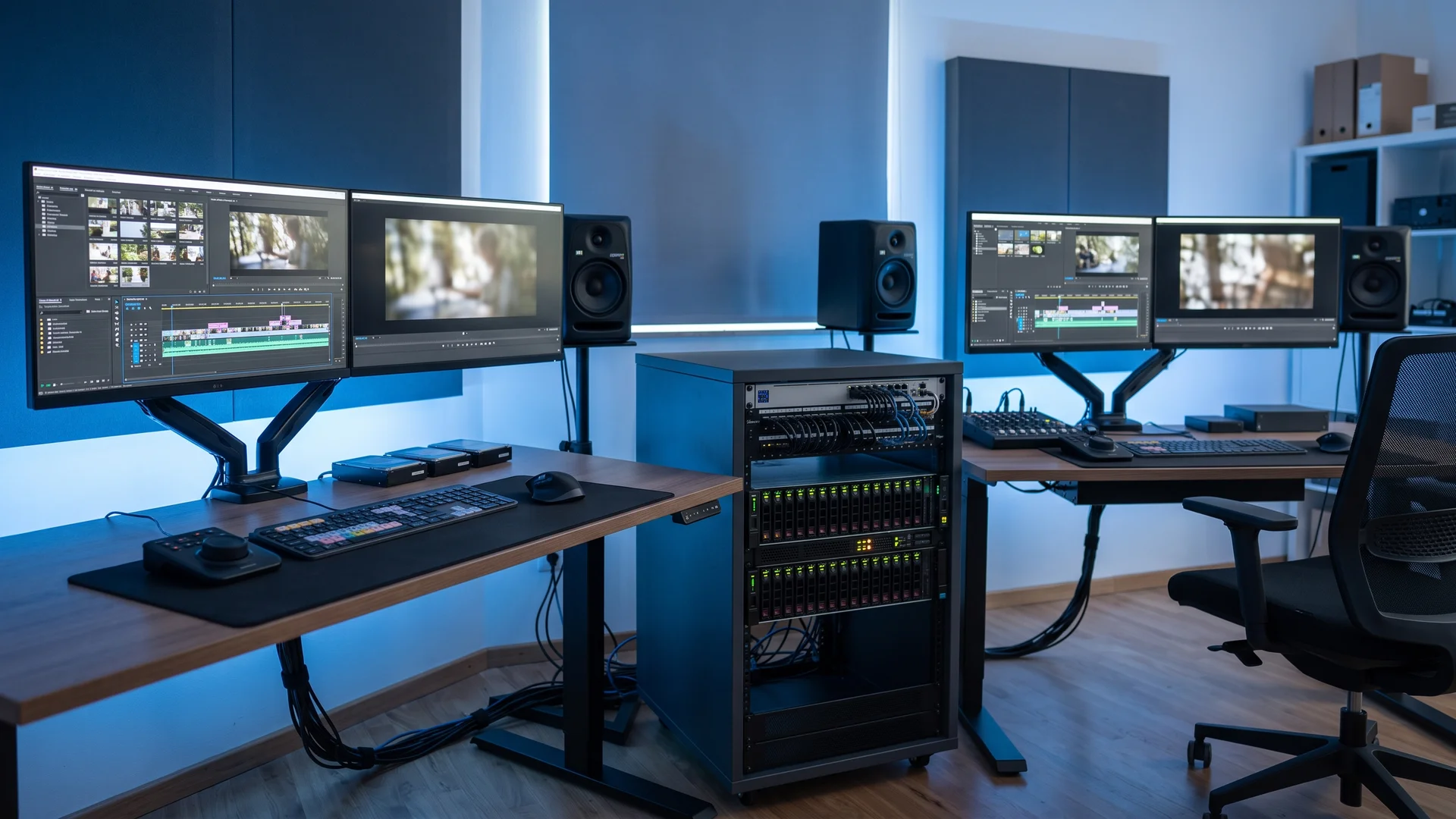
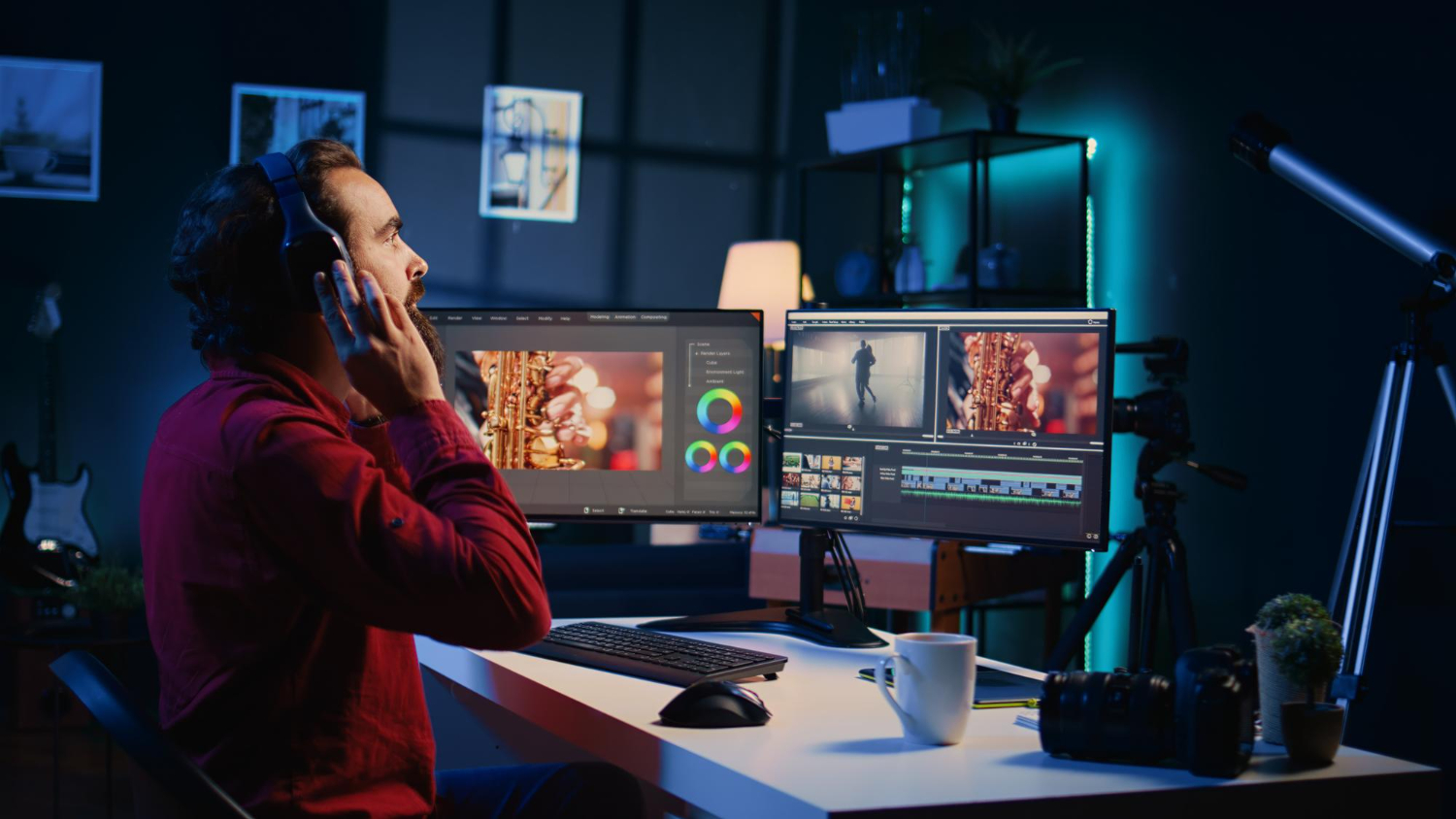
Simple workstation setup essentials make a significant effect over time. A comfy chair, a firm desk, optimum screen height, and decent headphones all help to improve concentration and reduce errors. Beginners don’t need studios. They need comfort.
Storage Becomes a Problem Faster Than Expected
Thinking about storage options early saves frustration later. External drives for raw footage, fast local storage for active projects, and backups for completed work keep workflows smooth.
Good organization habits make editing feel lighter. Searching for missing files kills momentum faster than almost anything else.
Finishing Projects Is the Fastest Way to Improve
Many new editors endlessly tweak the same project, hoping it will suddenly feel “professional.” In practice, improvement comes from finishing and moving on. Every completed video teaches something: pacing, export settings, storytelling, workflow. Each one builds confidence. Quantity leads to quality – not the other way around.
Simple Workflows Create Creative Freedom
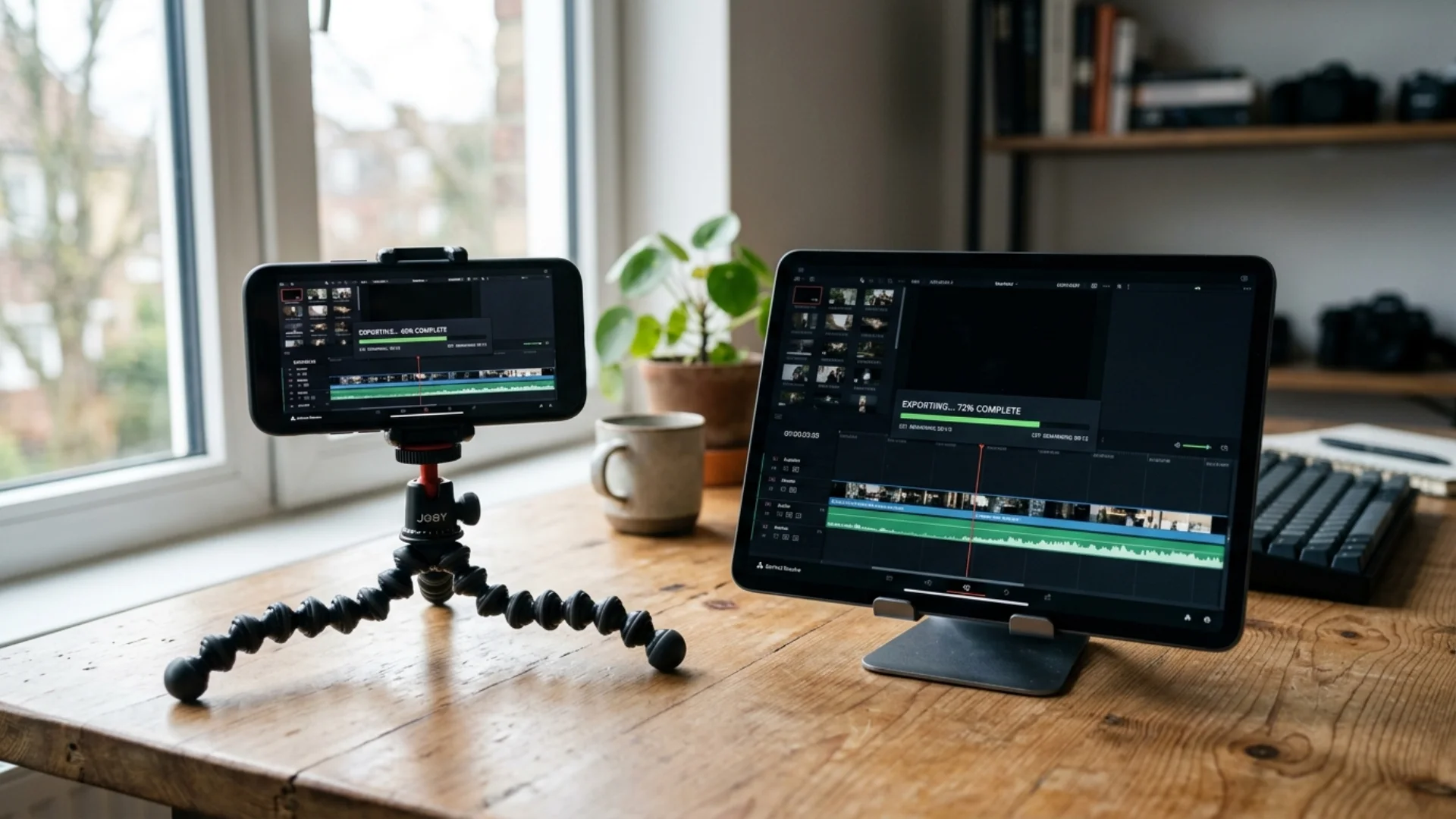
Knowing how to export a video project properly – with the right resolution, format, and compression – is part of learning, not an afterthought. Consistency here saves time and avoids unnecessary rework.
When the process feels familiar, creativity has more room to show up.
Final Thoughts: Build Skills Before Collections
The best beginner setup is one that removes obstacles. Software that doesn’t fight you. Audio tools that clarify rather than complicate. A workspace that supports focus. From there, everything else grows naturally. Editing isn’t learned all at once. It’s learned one finished video at a time.
Disclaimer : If you buy something through our links, we may earn an affiliate commission or have a sponsored relationship with the brand, at no cost to you. We recommend only products we genuinely like. Thank you so much.



Write for us
Publish a Guest Post on Pixflow
Pixflow welcomes guest posts from brands, agencies, and fellow creators who want to contribute genuinely useful content.
Fill the Form ✏