Six Email Sequences Freelance Video Editors Can Plan Around Client Decisions
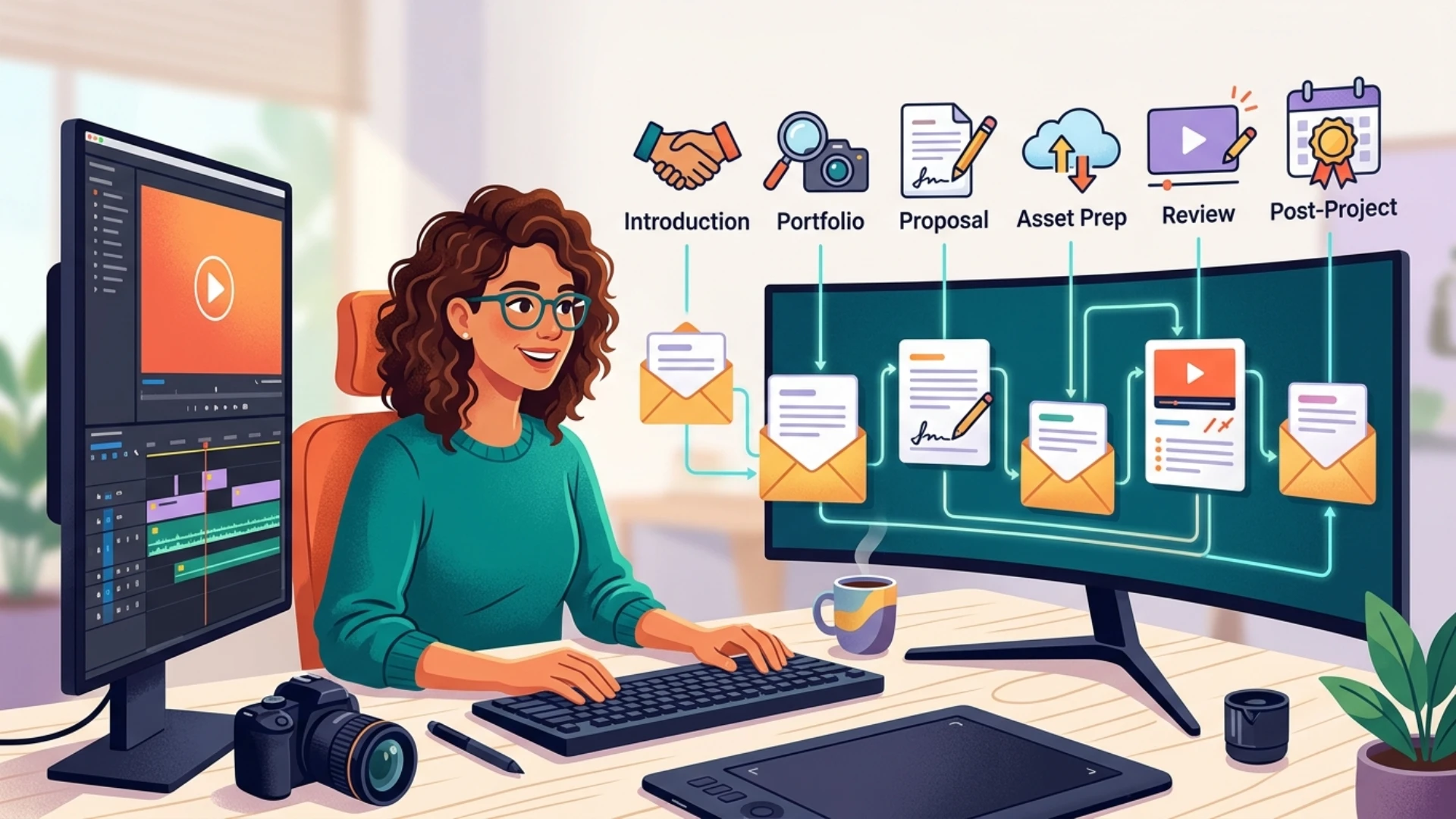
The six examples below are proposed workflows. Their timing and messages need to match your client relationships. They do not represent measured campaign results or a claim that one sending platform handles every stage of a creative project.
Which email sequences fit freelance editing work?
1. A first introduction to a suitable buyer
Start with a company that commissions the kind of work you can show. A documentary portfolio is unlikely to answer a buyer looking for weekly product demonstrations. Identify the role responsible for commissioning or managing the relevant content before looking for an address.
Research needs reliable data about both the person and the company. A contact lookup service such as signalhire.com can support that step. Check the returned record against current professional evidence, then explain the specific reason the company belongs on your list.
The first message can introduce one relevant example and ask whether the recipient handles that work. A later follow-up should add useful context, such as a shorter sample or a proposed scope. Stop after a refusal or an unresolved identity mismatch.
2. A follow-up after someone requests a portfolio
Send the samples that answer the request, with a sentence explaining your role in each piece. Distinguish editing from work you did not perform, such as directing or animation. Ask which sample best matches the project so the recipient has a useful way to respond.
If no reply arrives, follow up with one practical question about scope or format. Avoid assuming that a link click means buying intent. A colleague may have opened the portfolio, or a security system may have checked the link.
3. A proposal follow-up tied to an actual deadline
Confirm the proposal includes the required formats, revision allowance, and expected client inputs. State how long the proposed production slot remains available. Use a real scheduling limit, rather than invented urgency about another buyer waiting.
The follow-up should address a decision the client can make. Ask whether the scope needs changing or whether the project has moved. If the client replies with new requirements, stop the sequence and revise the proposal manually.
4. A project-preparation sequence for an agreed brief
Once the client accepts, request assets and access through the agreed channel. Explain the file types, naming rules, and reference material needed to begin. Keep passwords and private footage out of routine email when the project has a safer approved route.
A reminder can ask for the missing material before the scheduled edit begins. It should identify what remains outstanding. Sending the entire original request again makes the client work out what you already received.
5. A review reminder during the editing process
Give reviewers one place to leave consolidated feedback. Ask them to distinguish corrections from changes to the agreed brief. State who approves the final version so contradictory comments do not keep circulating between departments.
Pause reminders after feedback arrives, even if it arrived through a review platform rather than email. Project communication often crosses several tools. The editor needs to reconcile those updates before another scheduled message leaves the inbox.
6. A follow-up after the finished project
Check whether the final files opened correctly and whether the client needs an agreed additional export. When appropriate, ask about the next production date. Tie that question to the work completed rather than sending an unrelated sales pitch immediately after handover.
If you want to use the finished piece publicly, ask for permission under the project agreement. A delivery confirmation does not establish portfolio rights. Record the answer before posting the work or adding the client’s logo to your website.
Where can automation help without losing the conversation?
Review any generated pitch for invented familiarity, unverified project claims, and the wrong recipient. An editor should be able to explain every sentence using information in the research record. Keep client production approvals in the project system chosen with the client.
| Sequence | Useful trigger | Stop or review when |
|---|---|---|
| Introduction | A checked account and relevant role | The person declines or corrects the match |
| Portfolio | A request for examples | A project conversation begins |
| Proposal | A delivered quote and real decision date | Scope changes or approval arrives |
| Preparation | An agreed brief | Required material arrives |
| Review | A version sent for feedback | Comments appear in any agreed channel |
| Post-project | Delivery and agreed follow-up | The client sets a new plan |
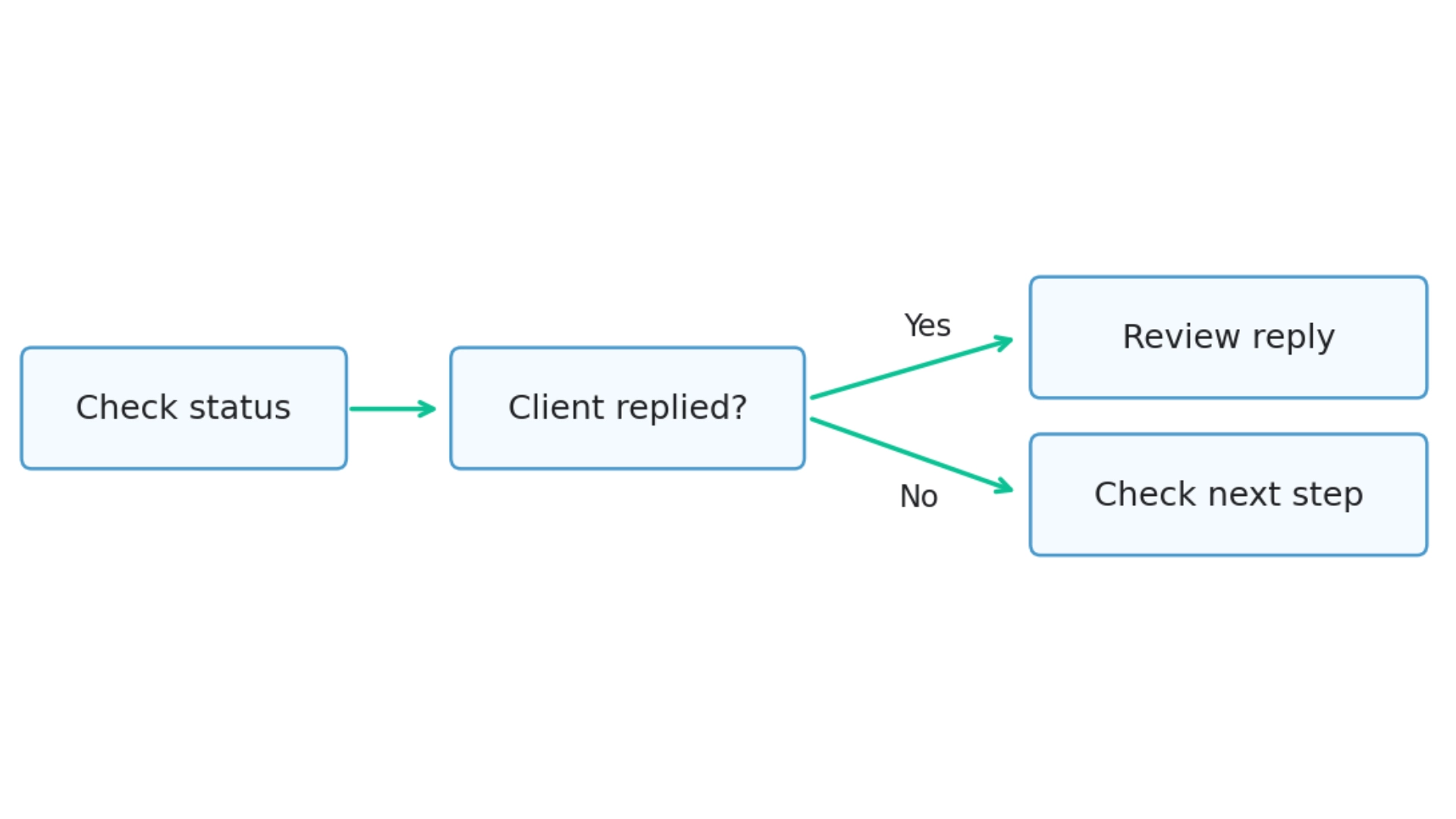
How should an editor start using these workflows?
Pixflow topic and anchor proposal
Suggested title: Six email sequences freelance video editors can plan around client decisions
Format: A six-item listing for freelance video editors and small creative studios.
Angle: Explain when to use each sequence, what message belongs in it, and when scheduled follow-ups should stop. Separate new-client outreach from active-project communication.
Anchor 1: signalhire.com
URL 1: https://www.signalhire.com/
Nearby wording: reliable data
Anchor 2: email sequences with AI pitch
URL 2: https://www.signalhire.com/email-sequences
Stage: The November 2 comment in C1298 requests a topic and anchors. This proposal is ready for review. The article draft is in the first tab; publisher approval is not recorded.
Disclaimer : If you buy something through our links, we may earn an affiliate commission or have a sponsored relationship with the brand, at no cost to you. We recommend only products we genuinely like. Thank you so much.
Blog Label:

Write for us
Publish a Guest Post on Pixflow
Pixflow welcomes guest posts from brands, agencies, and fellow creators who want to contribute genuinely useful content.
Fill the Form ✏