How AI Generated 3D Assets Are Speeding Up Modern Motion Design Workflows
- The Asset Problem Behind Many Motion Projects
- Moving from Storyboard to 3D More Quickly
- Faster Previsualization for Camera and Composition
- Creating Custom Props Instead of Using Generic Stock Models
- Product Videos Before Final CAD Assets Are Ready
- AI Assets in Title Sequences and Brand Films
- Connecting 3D Assets with Typography and Graphic Design
- A Practical AI-to-Motion Workflow
- Automating More of the Asset Creation Process
- Preparing Generated Models for Animation
- When Generated Assets Work Best
- AI Does Not Replace Motion Design Decisions
- A Better Division of Work Between AI and 3D Artists
- Designing for Multiple Platforms
- Faster Experiments Without Losing Craft
- From Asset Bottleneck to Creative Starting Point
A single campaign may require a horizontal brand film, a vertical social video, a product animation, a website loop, several short cutdowns, and multiple versions for different markets. The work often combines typography, footage, illustration, visual effects, sound, and three-dimensional elements.
The problem is that 3D assets do not always arrive when the motion designer needs them.
A client may provide product photographs but no usable model. A storyboard may call for a specific object that cannot be found in a stock library. A creative team may approve a visual direction before a 3D artist has had time to build the required assets.
This creates an asset gap between the idea and the production timeline.
AI-generated 3D models are beginning to reduce that gap. By turning written descriptions and reference images into initial textured assets, they allow motion designers to bring objects into the creative process earlier.
These models are not always ready for final production. They may require geometry cleanup, material adjustments, optimization, or complete rebuilding for demanding shots.
Their value is speed.
They give creators something they can place in a scene, animate, light, and evaluate before the rest of the production pipeline is complete.
The Asset Problem Behind Many Motion Projects
The storyboard might include a futuristic device, a stylized product, a mechanical symbol, a decorative prop, or an abstract structure. The creative direction is clear enough to gain approval, but the production team still needs an asset that can move through the scene.
There are several traditional options.
The team can search a stock marketplace, although the available models may not match the style. It can ask a 3D artist to build the object, which provides greater control but requires time and budget. It can also use a basic placeholder until the final asset arrives.
Each option creates a compromise.
Stock models save time but may look generic. Custom modeling offers quality but can slow down early experimentation. Simple placeholders help with timing, but they may not communicate the intended shape or material well enough for a client review.
AI-generated assets offer another route.
A motion designer can create a rough object that is closer to the storyboard than a generic cube and faster to obtain than a fully custom model.
That can make early creative decisions more reliable.
Moving from Storyboard to 3D More Quickly
A drawn product may look convincing from the selected angle while becoming awkward when the camera moves around it. A visual element may appear important in the storyboard but feel too small once it enters a full scene.
Adding an initial 3D model allows the designer to test these questions earlier.
A practical workflow might begin with:
- Identifying the main object required by the storyboard.
- Writing a clear description or preparing a reference image.
- Generating an initial model.
- Reviewing the silhouette and visible surfaces.
- Exporting the asset into a 3D or motion design application.
- Testing camera movement, timing, lighting, and composition.
- Deciding whether the asset is suitable for refinement or should be rebuilt.
This workflow moves 3D evaluation closer to the concept stage.
The designer no longer has to wait until the asset is final before discovering that the proposed shot does not work.
Faster Previsualization for Camera and Composition
Its purpose is to answer practical questions before the team invests in final production.
For example:
- Is the camera move too complicated?
- Does the object remain readable during a fast rotation?
- Should the shot begin with a close-up or a wide view?
- Does the product block the typography?
- Is there enough depth between foreground and background?
- Does the scene need one hero object or several supporting elements?
A rough generated model can answer many of these questions.
The motion designer can place the object into a simple scene, add a basic light, and test different camera paths. Even if the geometry and materials are temporary, the team can evaluate rhythm and visual balance.
This is especially useful when a project combines 2D and 3D elements.
Typography may need to pass behind the object. Graphic lines may wrap around it. A transition may depend on the object filling the frame at a specific moment.
Without a 3D asset, these interactions remain difficult to judge.
Creating Custom Props Instead of Using Generic Stock Models
A motion designer may find the correct category of object without finding the correct style. A lamp may be too realistic, a robot may feel too detailed, or a piece of technology may not match the campaign’s visual language.
AI generation can help create assets that begin closer to the intended direction.
A prompt might describe:
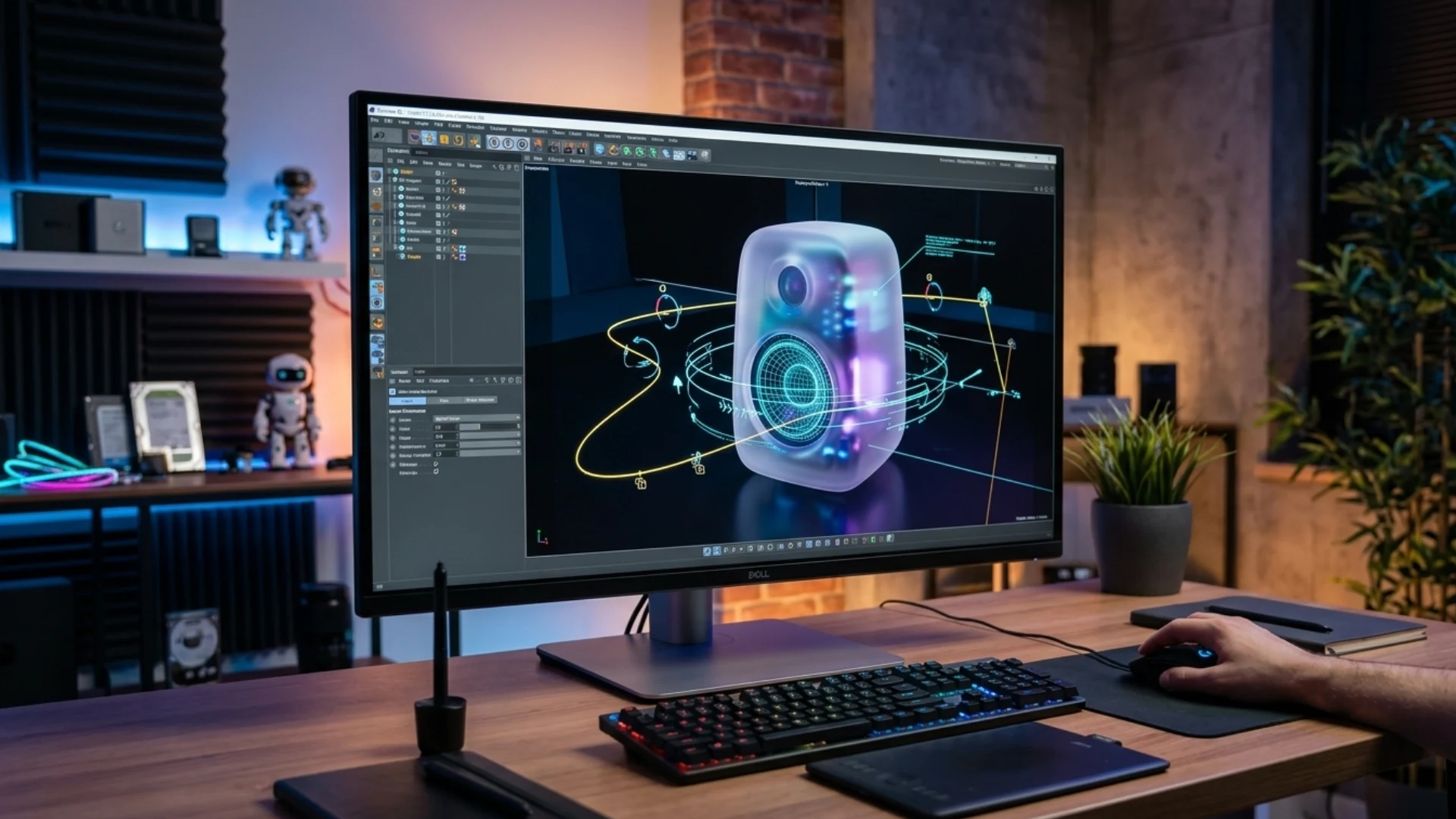
- A soft-edged futuristic speaker with a translucent surface
- A minimal low-poly satellite with orange accent panels
- A glossy abstract sculpture made from stacked rings
- A retro computer terminal with oversized buttons
- A modular product stand for a clean technology campaign
- A stylized mechanical flower for a title sequence
An AI 3D model generator can turn this type of description into an initial model that the designer can review and continue developing.
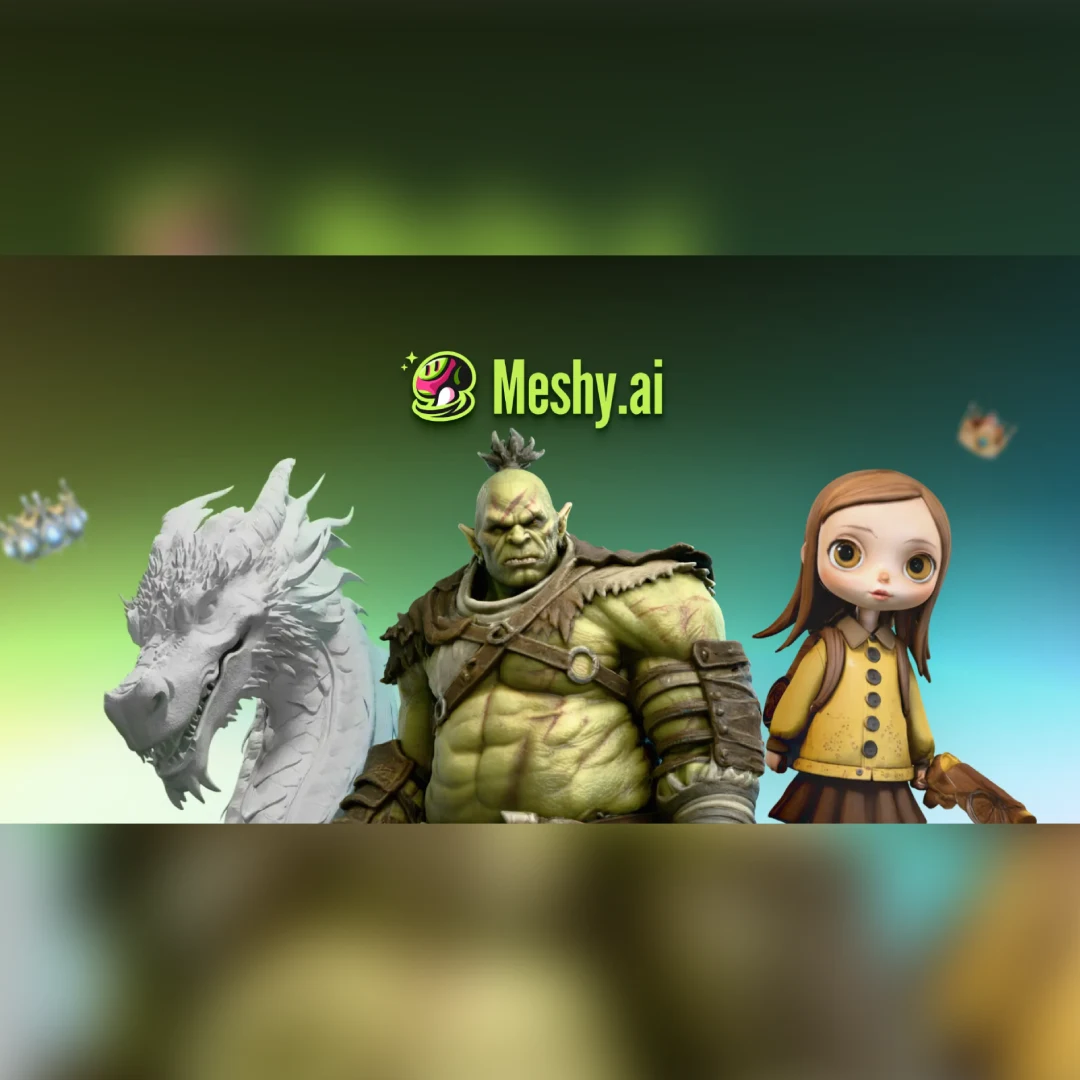
But it can reduce the time spent searching through unrelated stock assets.
Product Videos Before Final CAD Assets Are Ready
A brand may need an internal presentation, investor video, launch concept, or early campaign test while the physical product is still changing. The final CAD model may not yet be approved, or the available engineering file may be too complex for motion work.
AI-generated models can support early visual development.
A product photograph, sketch, or design reference can be used to create a rough model for:
- Testing camera angles
- Building an animatic
- Planning a product reveal
- Comparing background styles
- Exploring material directions
- Designing typography around the object
- Preparing an early client presentation
The model must be clearly treated as provisional.
It should not be used to suggest that an unfinished design is final, and it should not replace accurate product files when the campaign requires exact representation.
Its role is to help the creative team prepare.
When the final CAD or production model arrives, the temporary asset can be replaced while much of the camera, timing, and composition work remains useful.
AI Assets in Title Sequences and Brand Films
Title sequences, brand films, music visuals, and conceptual campaigns often rely on symbolic or abstract objects. In these cases, the creative team may care more about shape, mood, movement, and surface treatment than exact real-world dimensions.
AI-generated assets can be particularly useful here.
A designer can create several objects and explore which one works best as the visual centre of the sequence. One version may feel too literal. Another may create a more interesting silhouette. A third may respond better to light and camera movement.
The object can then be combined with:
- Animated typography
- Particle systems
- Distortion effects
- Procedural materials
- Light streaks
- Atmospheric elements
- Composited footage
- Graphic transitions
The generated model becomes one ingredient in a larger design system.
Its final appearance depends as much on animation, lighting, rendering, and compositing as on the original geometry.
Connecting 3D Assets with Typography and Graphic Design
Objects often interact with text, shapes, grids, interface elements, and graphic transitions. A product may push through a headline. Letters may wrap around a model. A camera move may reveal typography hidden behind an object.
Bringing the 3D asset into the workflow earlier helps the designer build these relationships more accurately.
Instead of placing temporary graphics around an imaginary object, the team can work with its actual volume and silhouette.
This helps with decisions such as:
- Where the headline should appear
- How much negative space the object needs
- Whether text should sit in front of or behind the model
- Which camera angle leaves enough room for captions
- How the object should enter and leave the frame
- Whether a transition can be built around its shape
These are design decisions rather than modeling decisions.
The sooner the asset is available, the sooner the complete composition can take shape.
A Practical AI-to-Motion Workflow
A practical process could look like this:
1. Define the asset’s role
Before generating anything, decide what the object must do.
Is it a background prop, a hero product, a transition element, or a visual placeholder? Will it appear in close-up, or only briefly?
This determines how much quality and detail are required.
2. Prepare a clear input
For text generation, describe the object’s shape, material, style, and intended level of detail.
For image-based generation, use a reference with a clear subject, readable silhouette, and limited background clutter.
3. Generate several directions
The first result may not be the best one.
Creating multiple versions makes it easier to compare silhouettes and choose the asset that works best in motion.
4. Inspect the model
Rotate the asset and check the sides, back, underside, and texture consistency. Areas not visible in the reference may have been estimated.
5. Export into the production environment
Move the model into the software used for animation, rendering, or scene assembly.
6. Optimize the asset
Reduce unnecessary polygons, resize textures, fix material problems, and remove geometry that will never appear on screen.
7. Test motion early
Build a simple camera move and check whether the shape remains readable. A model that looks good in a still image may perform poorly during animation.
8. Refine or replace
If the asset is sufficient for the final shot, continue improving it. If it is only suitable for previsualization, use the approved direction as a guide for professional rebuilding.
This makes AI generation part of the workflow rather than a separate experiment.
Automating More of the Asset Creation Process
A motion designer may also need to create textures, prepare materials, test variations, and export the model in a usable format. Moving repeatedly between tools can slow the process, particularly for teams without a dedicated 3D department.
Meshy 3D Agent is designed around a more connected workflow, automating multiple stages from the initial concept toward a textured 3D asset.
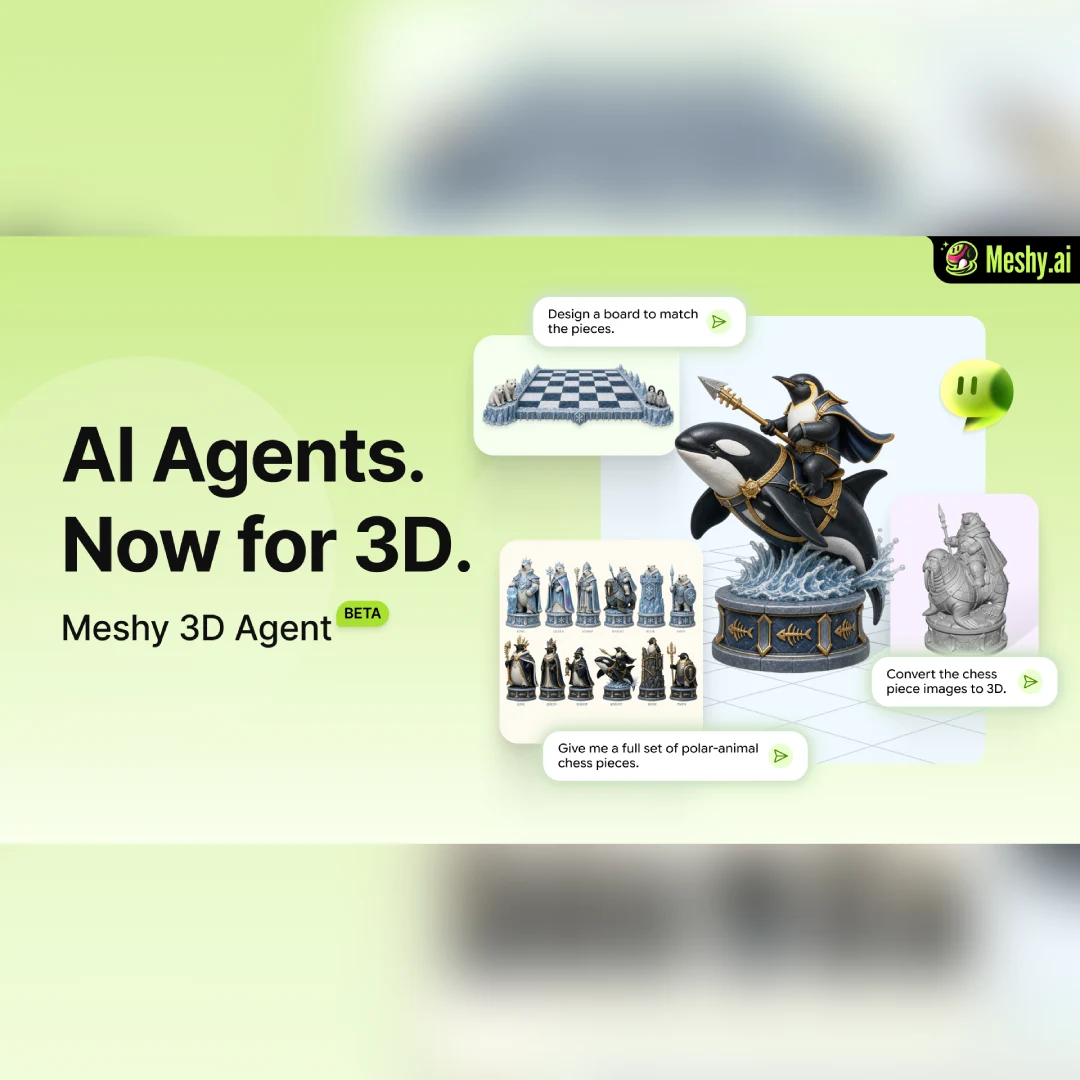
It is that fewer disconnected steps stand between the idea and the first usable model.
The designer still needs to decide whether the asset supports the visual direction. The model may still need optimization, material changes, or further editing.
Automation is most valuable when it handles repetitive preparation while leaving creative judgment with the artist.
Preparing Generated Models for Animation
Motion designers should check several areas before building a final scene.
Geometry
Unnecessary complexity can slow down viewport performance and rendering. Irregular geometry may also create shading problems.
Topology
If an object needs to bend, deform, or be rigged, the generated topology may not be suitable. Retopology may be necessary.
Origin and scale
The model’s pivot point, orientation, and scale should be corrected before animation begins.
Materials
Generated textures may include inconsistent details or baked lighting that does not respond naturally to a new scene.
UVs
Texture mapping should be inspected, particularly for close-up shots or animated surface effects.
File size
Large textures and dense geometry can create problems in collaborative pipelines and real-time previews.
The amount of cleanup depends on how the asset will be used.
A background object visible for two seconds has different requirements from a hero product shown in a ten-second close-up.
When Generated Assets Work Best
- Early previsualization
- Animatics
- Client proposals
- Background objects
- Stylized abstract assets
- Social media content
- Quick product concepts
- Internal presentations
- Short experimental videos
- Testing camera movement
- Exploring different art directions
They are less suitable as direct final assets when the project requires:
- Exact product accuracy
- Complex character animation
- Detailed mechanical movement
- High-resolution close-ups
- Strict brand consistency
- Advanced deformation
- Production-ready topology
- Large reusable asset libraries
Understanding this difference prevents teams from expecting one model to solve every stage of production.
AI Does Not Replace Motion Design Decisions
The designer still has to make decisions about timing, rhythm, hierarchy, camera movement, transition, typography, sound, and visual clarity.
An impressive model can still produce a weak sequence if the pacing is poor. A simple object can become memorable when the movement, lighting, and composition support the idea.
AI helps answer the question, “How quickly can we obtain an object to work with?”
It does not answer:
- Why should this object move?
- What should the audience notice first?
- How does the movement support the message?
- Does the effect fit the brand?
- Is the scene too complicated?
- Would a simpler design communicate more clearly?
These remain motion design questions.
The technology accelerates execution, but direction still comes from the creator.
A Better Division of Work Between AI and 3D Artists
Instead of asking a modeler to interpret a vague description, the motion designer can provide:
- A generated visual reference
- An approved silhouette
- A tested camera angle
- A rough animatic
- Notes about which surfaces will be visible
- Clear information about the final shot
The 3D artist can then focus on rebuilding or refining the parts that matter.
This may reduce unnecessary revision cycles.
It also gives the specialist more context about how the asset will actually be used. A model intended for a distant background can be optimized differently from one that fills the frame.
AI does not have to replace the 3D artist to create value. It can improve the information available before specialist production begins.
Designing for Multiple Platforms
A campaign may need to work in 16:9, 9:16, 1:1, and several web placements. The same 3D object may appear in a full-screen product video, a vertical social clip, and a small looping banner.
Having the asset early allows the team to test these layouts before final rendering.
A camera angle that works in a wide frame may leave no room for text in a vertical version. A product may need to move closer to the centre. A background object may need to be removed entirely.
Testing multiple formats early can prevent expensive reworking later.
The generated model does not need to be final for these layout decisions. It only needs to represent the approximate shape and scale of the finished object.
Faster Experiments Without Losing Craft
It is faster experimentation.
Designers can test more camera moves, more compositions, and more asset directions before selecting the version that deserves detailed work. Weak ideas can be rejected earlier. Strong ideas can be communicated more clearly.
The final quality still depends on craft.
Geometry may need rebuilding. Materials may need careful art direction. The animation needs timing and purpose. Lighting has to support form. Compositing must bring the layers together.
AI changes how quickly the team reaches these decisions.
It does not make the decisions unimportant.
From Asset Bottleneck to Creative Starting Point
The script, storyboard, and graphic direction may already be approved before the final object becomes available. By then, major changes are more expensive.
AI-generated 3D models allow the asset to enter earlier.
A rough object can support previsualization, camera testing, typography placement, client communication, and multi-format planning. It can be improved, replaced, or rebuilt as the project develops.
That flexibility is the real advantage.
AI-generated 3D assets are not making professional modeling, animation, or visual direction unnecessary. They are turning the first model from a production bottleneck into a faster creative starting point.
Disclaimer : If you buy something through our links, we may earn an affiliate commission or have a sponsored relationship with the brand, at no cost to you. We recommend only products we genuinely like. Thank you so much.
Blog Label:



Write for us
Publish a Guest Post on Pixflow
Pixflow welcomes guest posts from brands, agencies, and fellow creators who want to contribute genuinely useful content.
Fill the Form ✏