5 Camera Movement Prompts to Make AI-Generated Videos Look More Cinematic
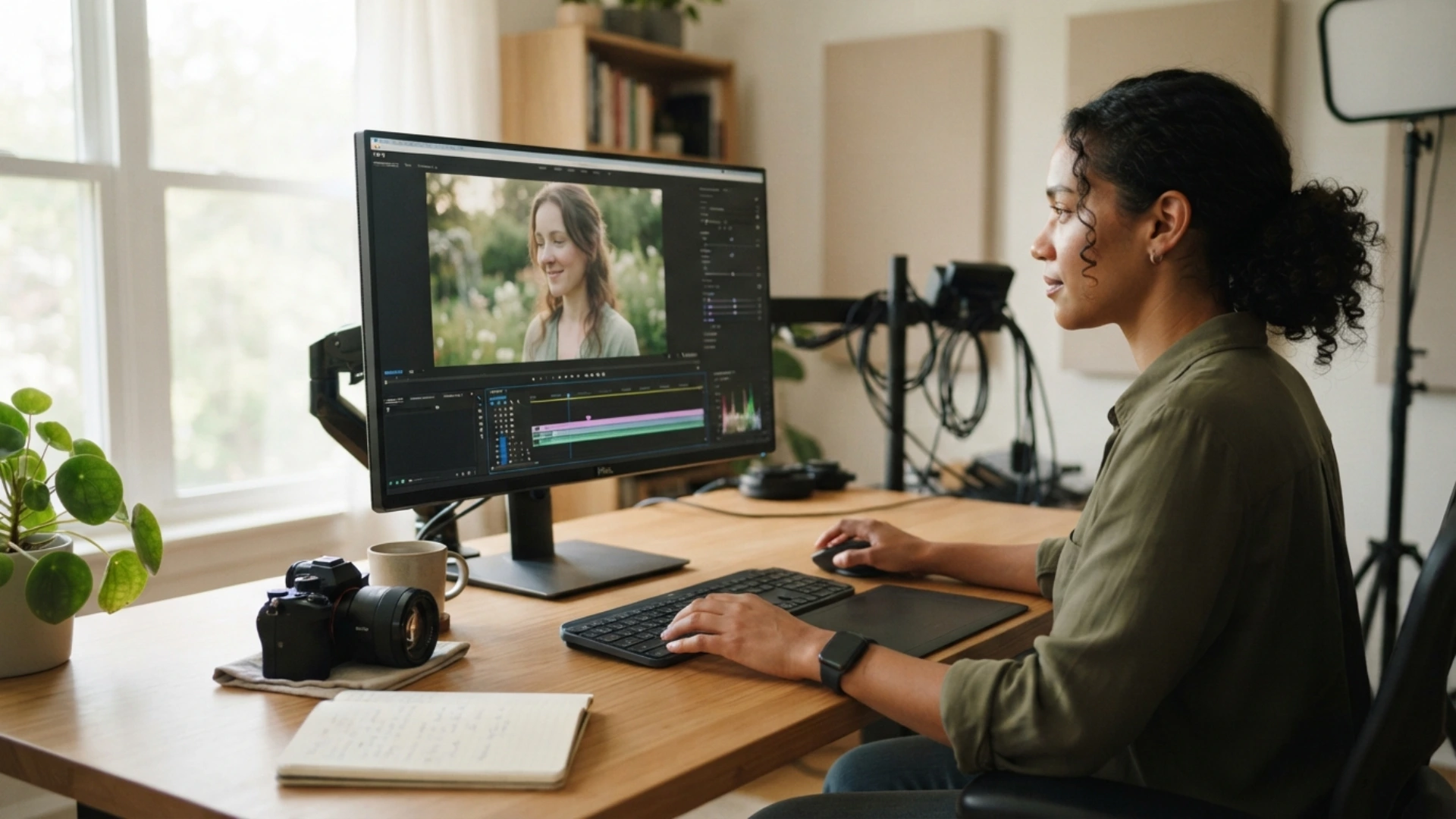
With Pollo AI, creators can guide an AI generated video by describing the camera’s direction, speed, and relationship to the subject. The goal is not to add movement everywhere. It is to choose a move that helps viewers understand a portrait, product, or place.
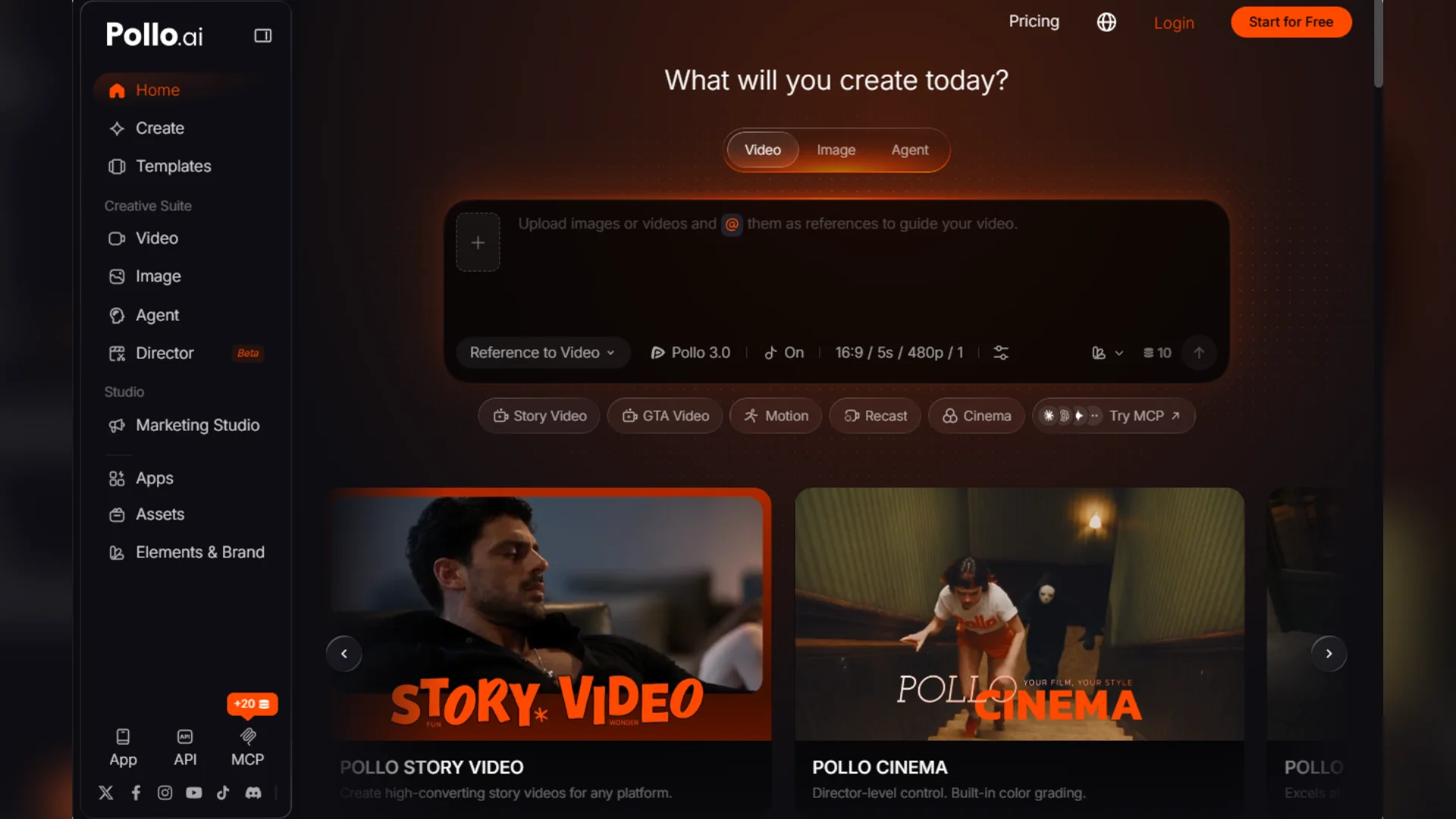
Prepare Your Scene in Pollo AI Before Adding Motion
Image quality matters, especially when a face is the main subject. If a portrait looks blurry or low-resolution, the AI face enhancer in Pollo AI can help improve facial clarity before animation. Compare the enhanced image with the original to make sure the person’s recognizable features still look natural.
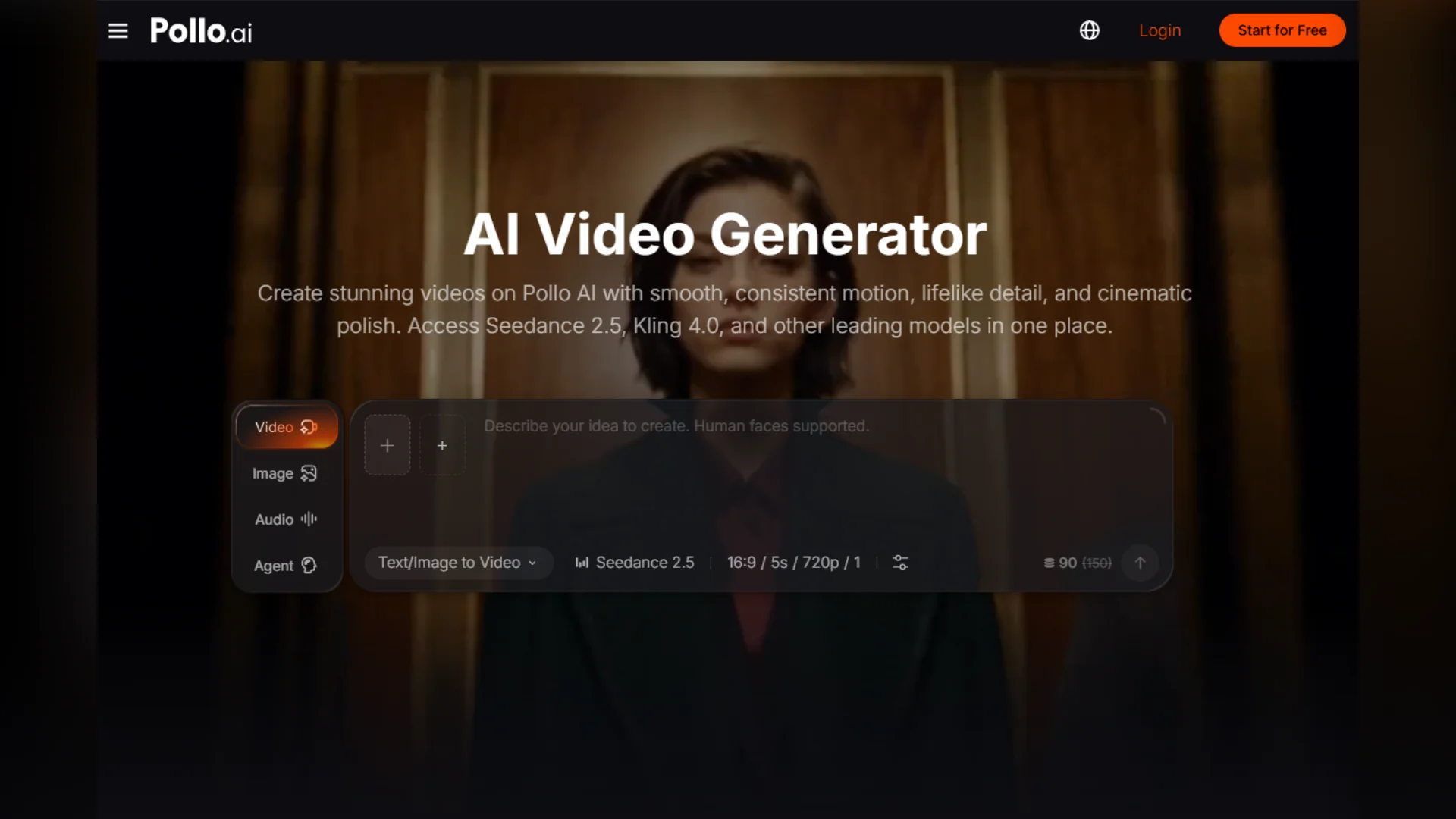
Once the image has been reviewed, open Pollo AI’s image to video tool and upload it as your starting frame. You can try models such as Kling 4.0 and Veo 3.1 with the same portrait, adding a simple prompt for a gentle camera push-in or sideways movement. Compare how each model handles facial details, framing, and motion before choosing the result that best fits your scene. Available settings may vary by model.
Five Camera Movements Worth Testing
1. Slow Push-In: Draw Attention to a Detail
A push-in moves the camera closer to the subject, making a specific detail feel more important. It works particularly well for portraits, where a gradual change in distance can draw attention to a person’s expression without requiring dramatic movement.
Example prompt: “Start with a medium shot of a woman standing beside a window. Slowly move the camera closer to her face, keeping her facial features, hairstyle, and clothing consistent with the reference image. Maintain soft natural lighting and a steady camera movement.”
Test the prompt in Pollo AI using the prepared portrait from the previous step. If facial features change as the camera approaches, shorten the movement or adjust the prompt to emphasize identity preservation—a push-in changes perspective, while a digital zoom only enlarges the frame.
2. Lateral Tracking: Reveal a Space Gradually
Lateral tracking moves the camera sideways, making it useful for desks, storefronts, and room layouts. It can introduce several objects without a cut.
Example prompt: “Track slowly from left to right across a compact home office. Keep the monitor, desk lamp, notebook, and shelving in stable positions. Maintain an eye-level view and soft daylight throughout.”
A pan rotates from a fixed position; tracking travels through the scene. Specify the direction in Pollo AI rather than saying “move around the room,” then check whether furniture and background objects stay coherent.
3. Controlled Orbit: Explore a Product’s Shape
An orbit circles an object while keeping it near the center of attention. A partial orbit can reveal more of a product, although the model may have to infer unseen surfaces.
Example prompt: “Make a slow quarter-circle camera orbit around a matte-black wireless speaker. Keep its proportions and visible buttons consistent. Use gentle studio reflections against a plain background.”
Compare the Pollo AI result with approved product photos. If extra ports or buttons appear, do not present it as a faithful demonstration. A shorter orbit is easier to review than a full turn.
4. Foreground Reveal: Introduce a Place with Purpose
A reveal begins with the subject partly hidden, then moves the camera until the focal point becomes clear. It can work for landscapes, travel scenes, and interior entrances.
Example prompt: “Begin behind softly focused leaves. Move the camera gently forward and to the right to reveal a mountain lake. Keep the horizon level, the lighting natural, and the movement continuous.”
The payoff should be a clearer view, not extra motion. If leaves stretch or disappear, simplify the foreground instead of adding more adjectives to an AI video generation prompt.
5. Follow Shot: Stay with a Moving Subject
A follow shot keeps pace with a person or character. Because the subject and camera move together, clothing, proportions, and background details can drift.
Example prompt: “Follow a person walking along a quiet city street from a steady three-quarter angle. Move at the same pace, preserve the outfit and facial appearance, and use natural evening light.”
That is a camera-led approach. If instead you already have a still character image and want the character to reproduce a particular dance, hand gesture, or pose, Pollo AI’s mimic motion is a different option: pair the image with a short reference video. The image supplies the character’s appearance, while the video guides its movement. It is useful when the action itself is the priority, not when you need to specify a camera path.
Fix a Camera Prompt Without Starting Over
If repeated attempts fail, test the same brief in another suitable Pollo AI model. Compare motion, consistency, and retry count instead of judging only the best frame. A useful AI video maker workflow is measured against a clear creative goal.
Final Takeaway
Disclaimer : If you buy something through our links, we may earn an affiliate commission or have a sponsored relationship with the brand, at no cost to you. We recommend only products we genuinely like. Thank you so much.
Blog Label:

Write for us
Publish a Guest Post on Pixflow
Pixflow welcomes guest posts from brands, agencies, and fellow creators who want to contribute genuinely useful content.
Fill the Form ✏