7 Language Learning Apps for Content Creators Working with International Clients and Multilingual Audiences
That’s where language learning apps stop being a “maybe later” thing and turn into a real tool in your workflow. Just like you rely on LUTs, templates, and presets to keep your projects consistent, the right app can quietly keep your English sharp enough to handle international clients, last‑minute briefs, and feedback loops without stress.
Why language skills matter more than ever
They show up in:
- Briefs, estimates, and contracts.
- Email threads, Slack or Teams messages, and project tools.
- Subtitles, hooks, and captions for social content.
If your English is shaky, projects get harder in ways that have nothing to do with your creative skills. Misunderstandings sneak into briefs, feedback sounds harsher than you meant, or you agree to things you didn’t fully understand because you didn’t want to ask again. A good language app doesn’t turn you into a linguist, but it can smooth out those rough edges so you can focus on creative decisions instead of second‑guessing every sentence.
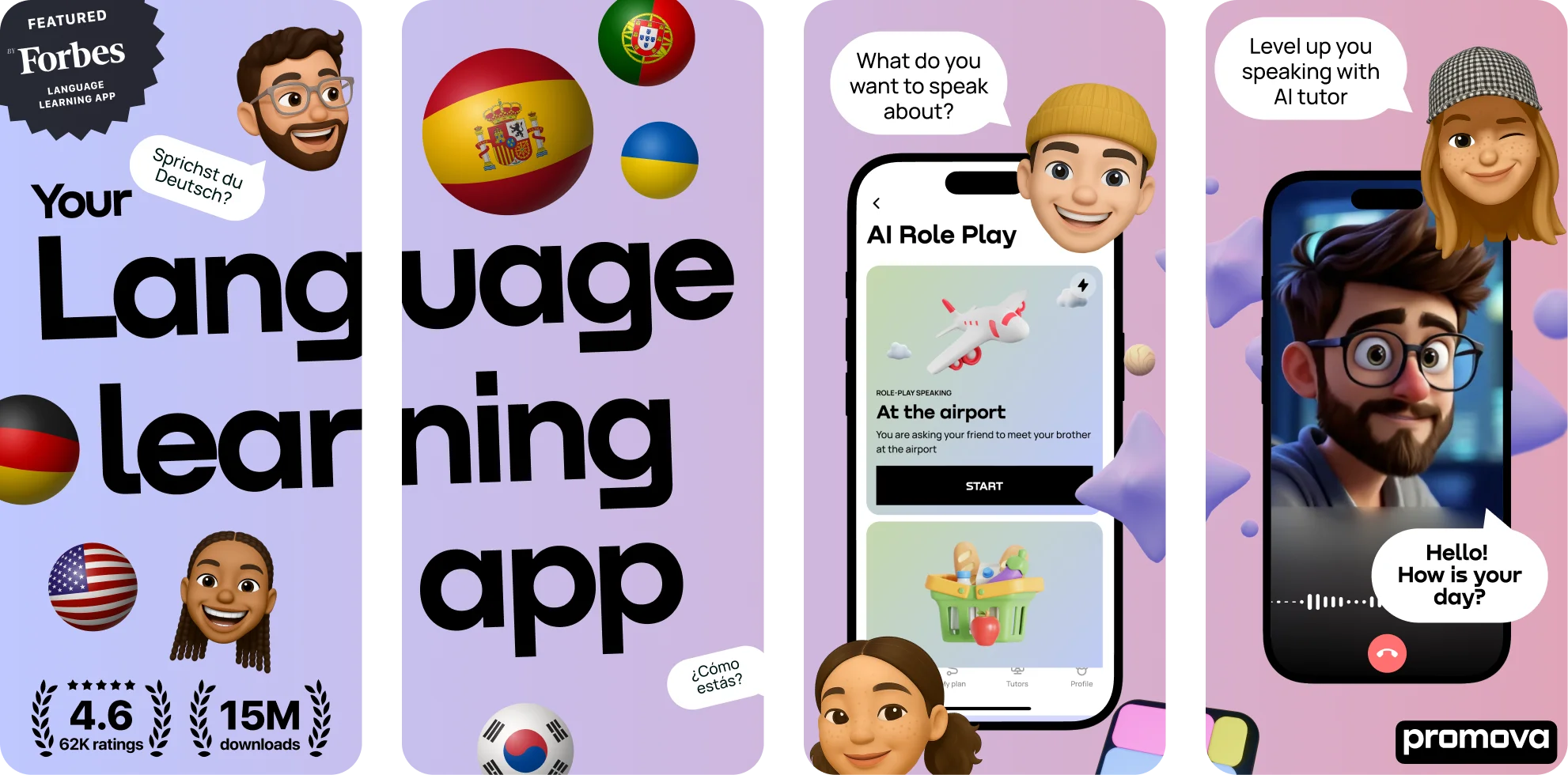
1. Promova – an ecosystem built for real-life communication
A few things that make Promova particularly useful when you work with international clients:
- AI Tutor for low‑pressure speaking practice – You can simulate scenarios you’re nervous about: presenting a storyboard, asking for more context on a confusing brief, or explaining why a certain edit choice works better. The AI reacts in real time, points out mistakes, and helps you rephrase things more naturally. On Promova, you can even switch to Usyk Mode and practice with an AI tutor inspired by Oleksandr Usyk’s discipline‑first mindset, so you keep speaking even when motivation dips.
- Real‑world, culture‑aware content – Lessons combine grammar, vocabulary, and cultural context, so you don’t sound like you’re reading from a textbook email template. That’s key when you want to be polite but still sound like yourself.
- Workplace‑friendly vocabulary – The platform covers everyday and professional topics, which means you bump into phrases that can slide straight into your emails, project notes, or slide decks.
Promova’s course design is backed by an educational board of linguists and learning experts who rely on CEFR standards and research‑based methods. One of the people behind this is Elly Kim, e‑learning lead at Promova, who has spent over ten years creating English and Korean courses and holds a Linguistics background, an LL.M., and CELTA certification. Her focus on making lessons engaging and accessible shows up in the way content is broken into small, manageable blocks rather than long, overwhelming lectures.
A practical, expert‑style tip inspired by Promova’s approach: instead of trying to “fix your English” in one big push, treat it like color correction – small, consistent adjustments. Ten minutes of targeted practice on phrases you’ll use in tomorrow’s client update will pay off much faster than an hour of random grammar exercises.
How Promova supports speaking and writing for creators:
- Speaking – Use AI role‑plays to rehearse a call before it happens: pitching a campaign, walking through a timeline, or suggesting an alternative idea without sounding confrontational.
- Writing – Collect useful email and caption phrases from lessons into your own note or template file, and reuse them until they become a natural part of your language.
2. Duolingo – keeping your streak (and your brain) active
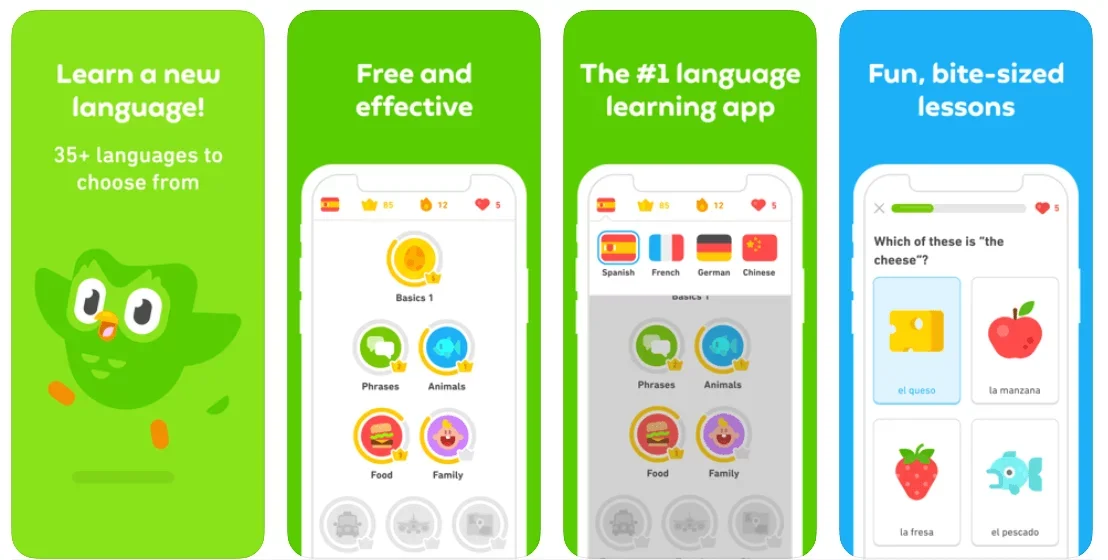
For content creators, Duolingo works best as a light warm‑up:
- It keeps basic vocabulary and structures fresh when you’re not using English all day.
- Short lessons fit naturally into downtime – while files upload, proxies generate, or social posts schedule.
- You can take screenshots of phrases that feel relevant and tweak them into your own email or caption style.
Think of it as daily stretching rather than serious training: it won’t handle your entire language journey, but it keeps you from getting rusty.
3. Babbel – a bit more structure for “serious” communication
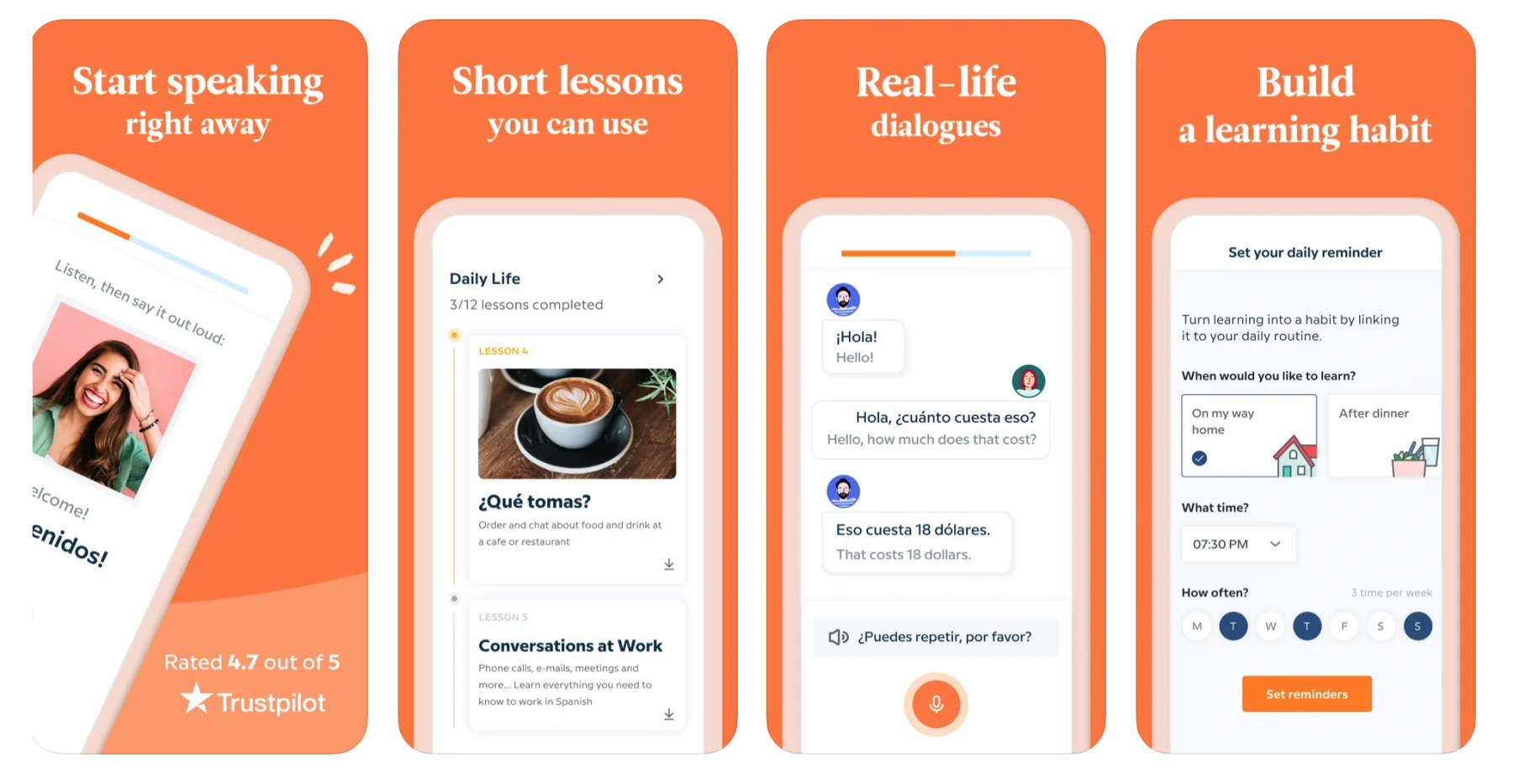
What it offers creators:
- Dialogues that sound like actual workplace conversations instead of generic textbook lines.
- Short grammar explanations right next to real examples, which helps you understand what makes a sentence feel correct.
- Pronunciation work that’s especially useful if you’ve recently started joining higher‑stakes meetings.
A simple hack: whenever a dialogue includes a phrase you like, adapt it into your templates – for example, neutral ways to push back on unrealistic deadlines or to ask for clarification without sounding defensive.
4. Busuu – structured learning with human feedback
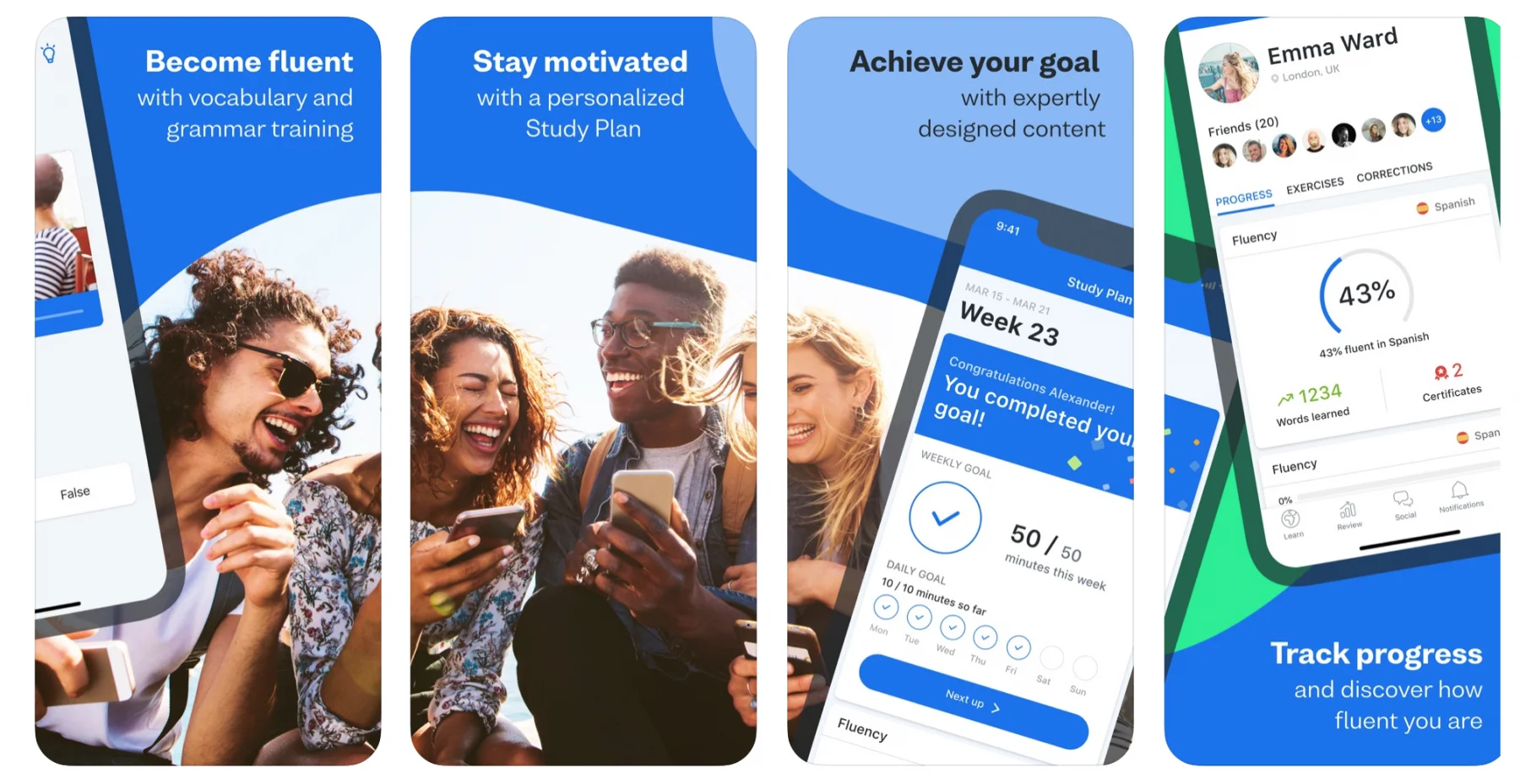
Ways it can fit into your workflow:
- Draft a short project update, Instagram caption, or portfolio description and submit it for corrections. You’ll see how native speakers would naturally phrase it.
- Follow a structured path (for example, B1 English) while still injecting your own work‑related examples into the exercises.
- Ask specific questions about tone if you’re unsure whether your message sounds too direct or too vague.
It’s a bit like having a low‑key language buddy check your copy before it reaches a paying client.
5. Grammarly – a last pass before you hit “send”
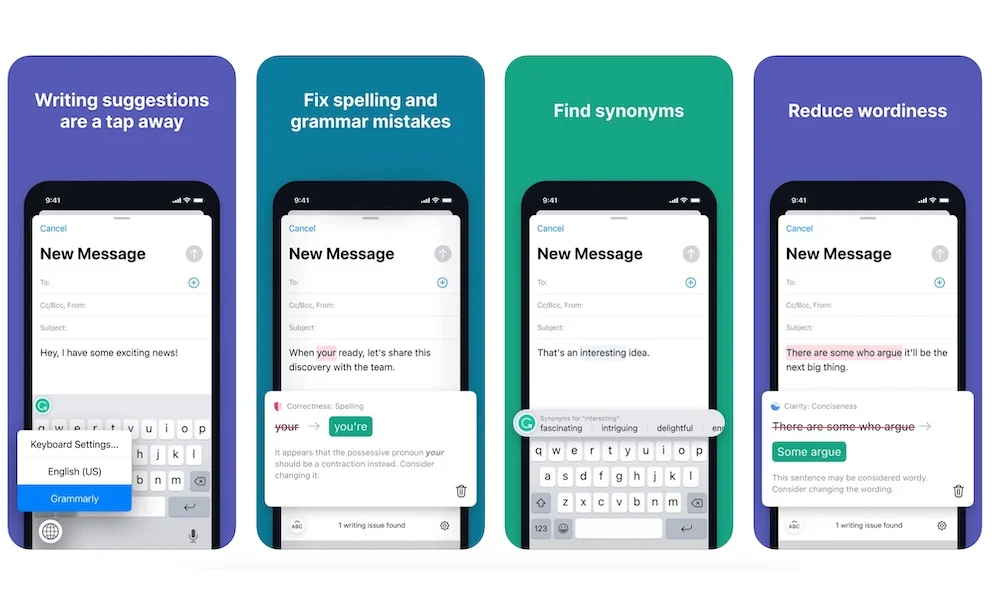
Why it’s useful when dealing with international clients:
- It catches grammar and punctuation slips when you’re tired after a long edit.
- Tone suggestions help you soften or tighten your wording depending on whether you’re writing to a new client or a long‑term collaborator.
- Repeated corrections slowly teach you what to avoid, so you start self‑correcting before Grammarly even steps in.
The key is not to accept every stylistic suggestion. Let Grammarly clean up clarity and obvious mistakes, but keep your own voice so your messages don’t feel like they were written by a template.
6. DeepL and DeepL Write – turning rough ideas into natural English
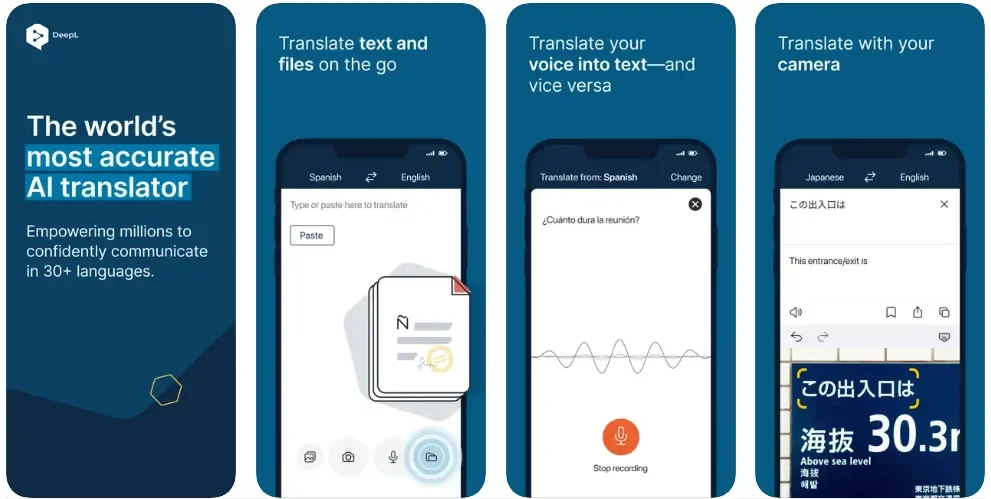
For content creators:
- Rough scripts, captions, or email drafts can be translated and then polished, instead of written from scratch in English.
- DeepL Write suggests alternative wordings, which gives you more options when you’re stuck repeating the same phrases.
- You can quickly switch tone from casual to more professional depending on the client.
A nice workflow is to use DeepL for the first pass, then read the result out loud and adjust it so it sounds like something you’d actually say on a call.
7. Tandem and HelloTalk – real small talk, real speed
Why they’re worth a look:
- You can talk about the things you actually care about: cameras, plug‑ins, reels performance, freelance stress.
- Voice messages help you get used to speaking without a script, which is gold for unexpected “can we talk now?” client calls.
- You pick up fillers, reactions, and small talk phrases – the glue that makes conversations feel natural.
You don’t need hours. Even ten minutes of talking about your current project in English can make your next client call feel noticeably easier.
Making language learning fit your actual day
A simple starting point is to turn waiting time into practice time. When your NLE is rendering, footage is uploading, or a heavy export is running, open an app and do one short speaking or writing task instead of scrolling social feeds. Keep a small “creator phrase kit” in your notes and drop in any sentence you learn that would work for asking for feedback, clarifying scope, or pushing a deadline; over time, this becomes a set of ready‑to‑paste lines for emails and briefs.
Before you close your laptop today, pick one small, concrete action: jot down three phrases from this article that you’d actually use with a client, then drop at least one of them into your next email or project update to see how it changes the conversation. Treat it like testing a new editing preset—keep what works, tweak what doesn’t, and let each tiny experiment quietly upgrade how confident you sound on every project that follows.
Disclaimer : If you buy something through our links, we may earn an affiliate commission or have a sponsored relationship with the brand, at no cost to you. We recommend only products we genuinely like. Thank you so much.
Blog Label:

Write for us
Publish a Guest Post on Pixflow
Pixflow welcomes guest posts from brands, agencies, and fellow creators who want to contribute genuinely useful content.
Fill the Form ✏