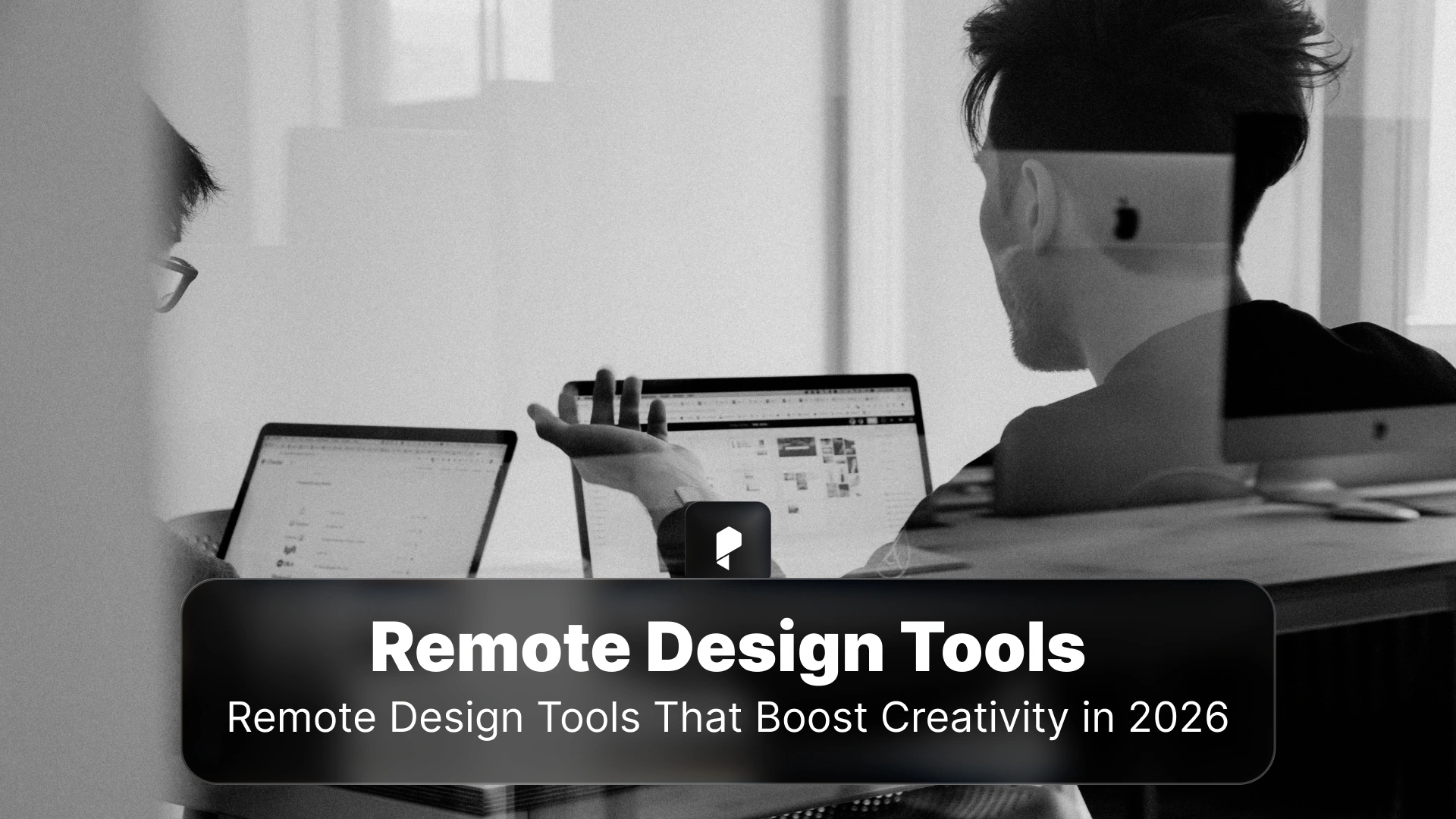
Remote Design Tools That Boost Creativity in 2026
- Why Remote Design Work Demands Specialized Tools
- Essential Design and Prototyping Platforms for Remote Creatives
- Specialized Motion and 3D Design Tools
- Setting Up Your Remote Design Workspace with a VPN Protection
- Collaboration Tools That Streamline Creative Review
- Asynchronous Feedback and Version Control
- Project Management for Creative Workflows
- Time Tracking and Resource Planning
- Communication Tools That Maintain Human Connection
- Cloud Storage and File Management
- AI-Powered Tools That Enhance Productivity
- Building an Integrated Tool Stack
- Future Trends in Remote Design
Why Remote Design Work Demands Specialized Tools in 2026
Essential Design and Prototyping Platforms for Remote Creatives
Figma: Real-Time Design Collaboration
Figma dominates the UI/UX design space for remote teams with its team libraries that function as a “shared source of truth.” When designers update master components, changes automatically propagate across all files, ensuring brand consistency without manual tracking. The platform’s real-time co-design capabilities let multiple designers work simultaneously on a single project. Integration features automatically update project tickets and notify stakeholders, keeping teams aligned from wireframes through final release.
Github’s distributed design team demonstrated this power when they used similar collaborative tools to develop key elements of their award-winning brand launch through a remote design studio, streamlining workflows that traditionally required physical proximity.
Figjam: Fast Whiteboarding for Design Thinking
Figjam offers low-friction whiteboarding optimized specifically for product and design workflows. Its tight integration with Figma’s design ecosystem eliminates tool-switching and keeps design thinking connected to execution. Built-in AI tools summarize and structure boards automatically, making it perfect for rapid ideation sessions across time zones.
Specialized Motion and 3D Design Tools
Setting Up Your Remote Design Workspace with a VPN Protection
Collaboration Tools That Streamline Creative Review
Miro: Visual Collaboration at Scale
Miro’s online whiteboards with AI features like mind map auto-generation and sticky note clustering reduce friction for brainstorming and mapping sessions essential for distributed teams. A Spanish creative agency using Miro alongside Zoom for virtual meetings enhanced creativity through visual ideation, creating engaging remote discussions that overcame geographical distances.
More impressively, SAP’s design team integrated Mural with Microsoft Teams to enable human-centered design collaboration, improving overall efficiency through better hybrid collaboration practices.
Asynchronous Feedback and Version Control
Project Management for Creative Workflows
Jira: Bridging Design and Development
For design teams in tech environments, Jira provides customizable workflows and visual boards with powerful automation that connects design work to development. The platform centralizes task creation and progress monitoring while automating handoff processes between teams.
Lark: Unified Workspace for Streamlined Communication
Lark integrates chat, video conferencing, documents, calendars, and project management into a single platform with built-in automation and AI features. This consolidation reduces app-switching friction that fragments attention and slows decision-making in remote settings.
Time Tracking and Resource Planning
Communication Tools That Maintain Human Connection
Cloud Storage and File Management
AI-Powered Tools That Enhance Productivity
Building an Integrated Tool Stack
Choosing What Works for Your Workflow
Smart tool selection starts with honest assessment of your actual workflow rather than aspirational processes. Consider team size, project complexity, and communication preferences when evaluating options. More tools don’t automatically improve productivity. Focus on integrated platforms that handle multiple functions rather than accumulating disconnected applications.
Budget and Boundaries
Budget realities differ between freelancers managing expenses and remote employees with company-provided tools. Prioritize tools offering the best value for your financial situation. Equally important: establish clear work boundaries to prevent burnout. Dedicated workspace and defined hours maintain separation that keeps both professional output and personal wellbeing healthy.
Future Trends in Remote Design
Disclaimer : If you buy something through our links, we may earn an affiliate commission or have a sponsored relationship with the brand, at no cost to you. We recommend only products we genuinely like. Thank you so much.
Blog Label:

Write for us
Publish a Guest Post on Pixflow
Pixflow welcomes guest posts from brands, agencies, and fellow creators who want to contribute genuinely useful content.
Fill the Form ✏