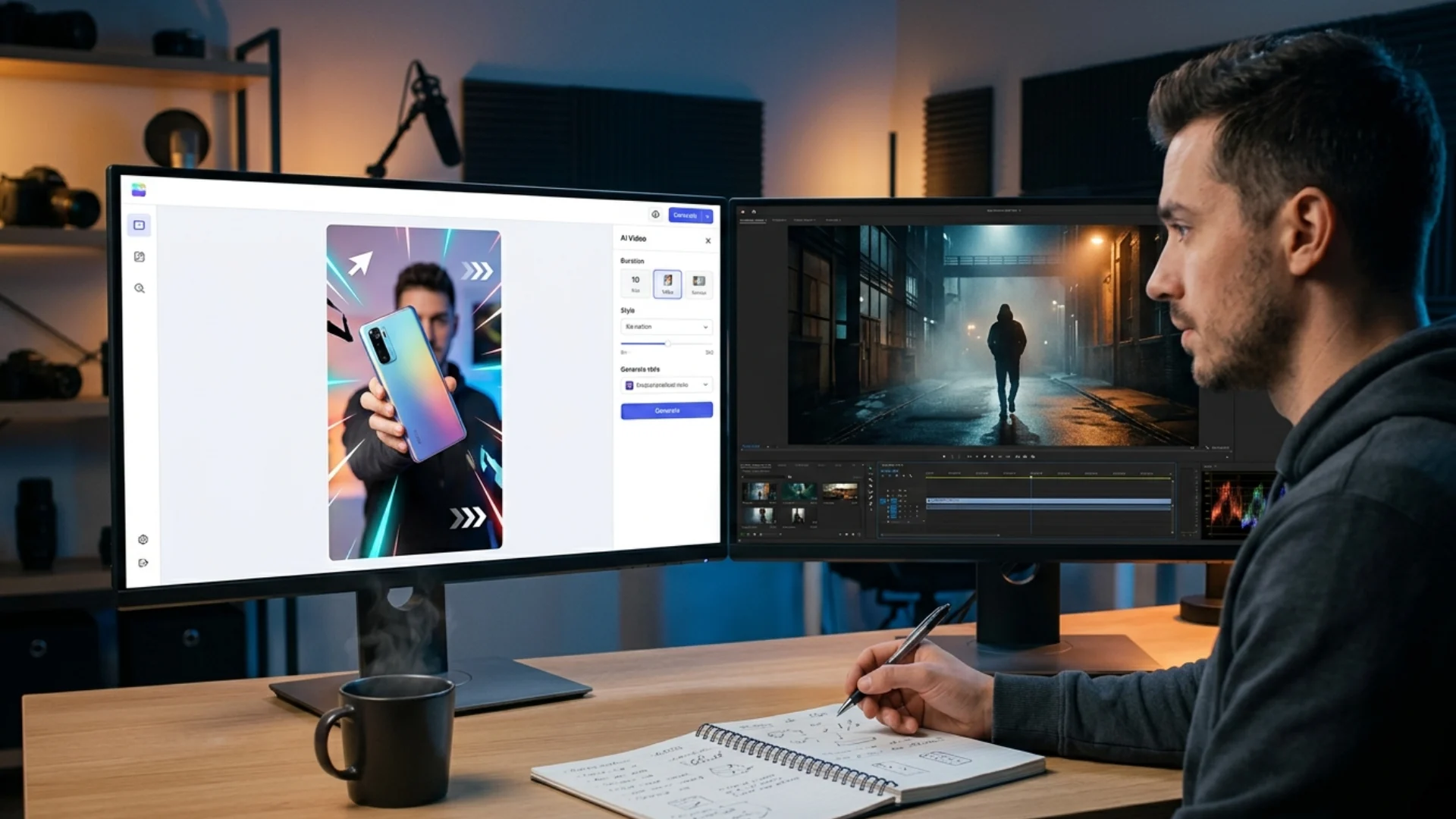
How computer vision is changing the way video creators review footage

The frame that almost wrecked the deadline
That kind of story is more common than most creators admit. Human eyes get tired. Timelines get tight. And the sheer volume of footage modern productions push through means manual review has quietly become one of the weakest links in any post-production workflow. Computer vision – the same AI-driven image analysis reshaping industries from automotive to logistics – is now working its way into creative pipelines, and the implications for video teams are genuinely significant.
What computer vision actually does in a production context
In manufacturing, CV systems have already demonstrated striking results. According to research published in Svitla Systems’ technical analysis at https://svitla.com/blog/computer-vision-for-real-time-quality-control/, computer vision tools have helped manufacturers cut defect rates by up to 80% through automated real-time inspection – identifying surface flaws within milliseconds, without human intervention. The underlying logic translates directly to video production: frames are, after all, just images. And images can be analyzed, compared, and quality-checked at machine speed.
From factory floors to edit suites
- Establishing a reference standard (an approved component / an approved grade)
- Scanning new visual data against that standard at high speed
- Flagging deviations that fall outside acceptable tolerance
- Routing flagged items for human review or automated correction
The difference is that manufacturing adopted this technology aggressively over the past decade, while creative industries have been slower – partly out of skepticism, partly because the tooling wasn’t quite there yet. In 2025 and into 2026, that gap is closing fast.
Where CV is already entering the creative workflow
Automated render QC
Color consistency checks across multicam edits
Motion graphics integrity review
Compliance and delivery spec validation
The honest trade-offs
Training data matters enormously. A CV system is only as good as the reference samples it’s trained on. Generic defect detection models don’t automatically understand what “good” looks like for a specific visual style, director’s aesthetic, or brand standard. Creative teams need to invest time in defining quality benchmarks before automated tools can enforce them.
False positives are a real workflow cost. Early implementations in manufacturing struggled with systems that flagged acceptable variation as defects – slowing lines rather than improving them. The same risk exists in post-production: a CV tool miscalibrated for a stylized grade might flag intentional choices as errors.
The human review step doesn’t disappear – it just gets smarter. The goal isn’t to remove editorial judgment from the process. It’s to give editors and QC reviewers a pre-filtered list of genuine problem frames rather than asking them to watch every second of every render.
What this looks like in practice for independent creators
The practical entry point for most creators isn’t a full CV deployment – it’s understanding where in their personal workflow the most errors occur, and identifying whether any existing tools already incorporate this kind of analysis. The answer, increasingly, is yes.
Smarter NPCs and Game Worlds
This leads to:
- Enemies acting in a more believable manner
- Automatically changing levels of difficulty
- Environments that change according to your actions
Implementing such features in games gives players the illusion of a living world and hold their attention for much longer.
A quieter kind of quality control
Artifacts happen. Color drift happens. Compression gremlins happen at 2 AM before a morning delivery. Building smarter review systems into the post-production pipeline isn’t about distrust – it’s about consistency. And consistency, in professional creative work, is the thing clients notice most when it’s absent.
The tools are getting sharper. The integration points are multiplying. For video creators who care about what leaves their hard drive, that’s a genuinely useful development – even if it’s less glamorous than the headline AI stories tend to be.
Disclaimer : If you buy something through our links, we may earn an affiliate commission or have a sponsored relationship with the brand, at no cost to you. We recommend only products we genuinely like. Thank you so much.
Blog Label:



Write for us
Publish a Guest Post on Pixflow
Pixflow welcomes guest posts from brands, agencies, and fellow creators who want to contribute genuinely useful content.
Fill the Form ✏