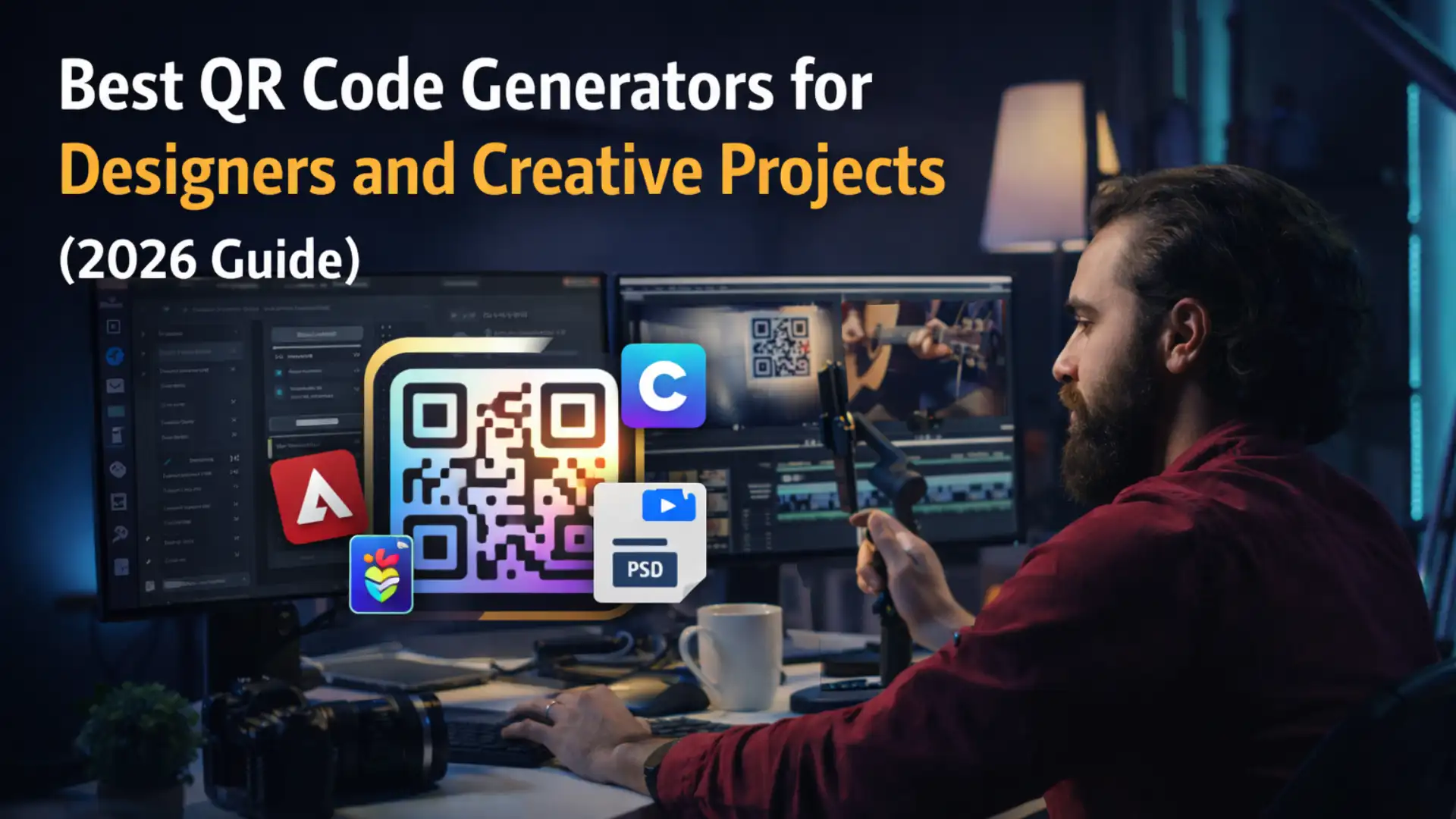
Best QR Code Generators for Designers and Creative Projects (2026 Guide)
Why QR Codes Are Now a Core Part of Design Workflows
Even though the online world continues changing fast, one thing remains the same: People will always want simple. In this case, simple tools that are fast, customizable, and easy to plug into whatever system they’re already using.
In this article, we’ll unpack why QR codes are crucial for modern designers and creatives, which platforms are actually leading the space, and how to choose a setup that works best for you.
Regardless of your priorities, whether it’s speed, aesthetics, or more advanced features, we’ll lay out all the options that best fit your brand and business.
How We Evaluated These QR Code Platforms
That’s because one of the biggest misconceptions about QR code generators is that they all do the same thing but with different aesthetics. In reality, these tools differ for more reasons far beyond visuals. It’s important to know what each tool specializes in. In other words, what it’s designed to do well. While there are base expectations and industry standards, not every tool does everything really well.
QR generators vary based on what workflows they support and how well they can integrate into your existing marketing systems. Some are built for tracking large-scale campaigns, full-brand control, and flexible design iteration.
To make your choice easier for you, we compared some of the best QR tools based on practical differences so you can make an informed decision.
What We Looked For in Modern QR Code Platforms
Ease of use – how intuitive is the interface, and can users create QR codes without guidance?
Dynamic QR capability – the ability to edit QR codes after they’ve been generated or physically printed. This is a non-negotiable for a lot of businesses in today’s fast-paced digital world.
Design customization and branding – Can users tailor their codes to align with their company brand? Does it allow different colors, frames and designs?
Data tracking and analytics – Does it have any features to monitor analytics, geolocation, device type, user engagement, or campaign performance?
Security features – How well does the platform prevent unauthorized access or tampering? Does it protect user data?
Integration capability – How well the tool connects with design systems, marketing platforms, CRMs, or automation workflows
Scalability – whether the platform works just as well for one-off creative projects as it does for large, multi-campaign deployments
The Best QR Code Tools for Designers in 2026
Adobe Express: The Design-First QR Code Generator
Thanks to Adobe Express’ QR generator, users can now easily create QR codes without needing another platform. On the web side, it integrates smoothly into existing design systems, allowing teams to create QR codes that align with brand assets across landing pages, campaigns, and offline materials.
Perfect for: designers and creative teams who want strong brand control and need QR codes that fit seamlessly into marketing, print, and digital design workflows.
QRNow: Built for Flexibility and Real-Time Control
One of its key features is adaptability: once you scan, you can change the destination your QR code points to even after it’s printed or deployed. This is very handy for fast-moving campaigns that need real-time updates.
What makes this tool stand out is that QR codes aren’t static assets. They’re living tools that evolve with your campaigns.
Perfect for: businesses that want customizable QR codes, not just standard ones – codes they can update and easily integrate into existing systems
UNIQODE: Built for Scale, Tracking, and Performance
Because it connects with other tools businesses already use, like Salesforce, HubSpot, and Zapier, the data from QR scans automatically flows into these systems without any manual work on your part. Not to mention, you can create thousands of codes at once, which works really well for multi-location businesses.
With Uniqode, security is not an issue. Its more advanced features let you lock your QR code with a password, disable it after a certain period, and even set limits on the location from which it can be scanned.
All this makes Uniqode a great fit for organizations that value security and advanced analytics, and less perfect for those unfamiliar with campaign tracking or CRM integrations.
Perfect for: teams running performance-driven campaigns at scale, especially where tracking, automation, and CRM integration matter more than design experimentation.
QR TIGER: The Flexible All-Rounder for Everyday Use
Design-wise, it’s very customizable. You can adjust colors, patterns, and overall styling to match your brand’s identity, hassle-free. It can even connect your codes with Canva, where your artistic vision can take flight. Basically, QR Tiger hits that sweet spot between usability and flexibility for both marketing-driven teams and smaller businesses.
That said, however, this tool can feel a bit crowded, especially for first-timer users, and its more advanced tracking sits behind a paywall.
Perfect for: small-to-growing businesses that want a general-purpose QR tool with solid features without going full enterprise.
Flowcode: Where Branding and Visual Identity Come First
This platform stands out due to its signature circular QR design, though square formats are still available. It is big on branding and aesthetics, which works really well with content creators, academics, and lifestyle-focused brands. Whether you’re into animations, gradients, or branded frames, you can easily customize designs on Flowcode.
That said, compared to more performance-driven platforms, its functions can be somewhat limited. For instance, it doesn’t support certain QR formats like WIFI codes or PDFs.
Perfect for brands or businesses that focus more on visuals than tech-heavy features
Keywords Everywhere: Free QR Codes That Never Expire
Keywords Everywhere’s QR Code Generator shows that a free tool doesn’t have to be limited. There’s no signup and no usage cap, and every code is created right in your browser.
Its biggest strength is permanence. The codes are static, which means the data is stored directly in the pattern itself. So they never expire, and they keep working even if the site goes away. That’s a real advantage, because many “free” generators route codes through redirect links that can later expire or end up behind a paywall. This one doesn’t, and it doesn’t track scans either.
Design-wise, you can make codes for URLs, Wi-Fi, contacts, or plain text, choose your own colors, and add a logo in the center. When you add a logo, error correction is automatically set to high, so the code still scans reliably. Codes download as PNG or SVG, and SVG works especially well for print.
That said, because the codes are static, you can’t change the destination after printing, and there are no scan analytics.
Perfect for: designers and small businesses who want permanent, print-ready QR codes without subscriptions or sign-ups.
Design.com: The Easy Way to Create Branded QR Codes
Design.com keeps QR code creation simple and design-focused. With this QR Code Generator, you can enter a business name or keyword, then customize it with your own colors, gradients, layouts, and branding elements. Because it’s part of a larger design platform, your QR code doesn’t have to live on its own. You can instantly use it on business cards, flyers, social posts, and other marketing materials that match your brand.
The platform is especially appealing for small businesses because everything happens in one place. You get high-resolution and vector downloads, unlimited edits before finalizing your design, and access to more than 597,000 templates and 50+ design tools with a premium plan.
Perfect for: small businesses, creators, and entrepreneurs who want attractive, customizable QR codes and matching brand assets without needing technical skills.
BrandCrowd: Professional QR Codes Without the Complexity
BrandCrowd’s QR Code Maker makes creating QR codes feel approachable. You can start with thousands of professionally designed templates, customize the colors and layout, and download your QR code in just a few minutes. The platform also lets you create matching marketing materials, so your QR code feels like part of your brand instead of a standalone graphic.
What stands out is the balance between simplicity and customization. You get high-resolution and vector file downloads, unlimited design edits, and access to over 597,000 templates and 50+ design tools through its premium plans.
While it doesn’t offer the deep tracking or enterprise integrations of some specialized QR platforms, it delivers everything most businesses need for everyday marketing and branding.
Perfect for: freelancers, startups, and growing businesses that want easy-to-create QR codes and cohesive brand materials without a complicated setup.
Final Verdict Choosing the Right QR Code Tool for Your Workflow
Some focus on brand design, others focus on flexibility and real-time control, while other tools are built for tracking and scaling QR codes for marketing systems.
Finding the right one for you means knowing how you want to use QR codes.
If your team is looking for flexibility and scalability, QRNow is a strong contender. It lets you control things easily with the option of updating them whenever you need, along with built-in tracking to monitor how your codes are being used.
For design-focused teams who rely on QR codes as part of their campaign efforts and prioritize creative control and brand consistency, Adobe’s well suited. It focuses on customization and branding, making it easy for your QR codes to match your brand identity and campaign assets.
And finally, for marketing teams who need to track how their campaign is doing using specialized analytics, you’d be more suited with platforms like Uniqode or QR TIGER. Each of them is specifically designed to support marketing efforts.
Disclaimer : If you buy something through our links, we may earn an affiliate commission or have a sponsored relationship with the brand, at no cost to you. We recommend only products we genuinely like. Thank you so much.



Write for us
Publish a Guest Post on Pixflow
Pixflow welcomes guest posts from brands, agencies, and fellow creators who want to contribute genuinely useful content.
Fill the Form ✏