How Video Templates Can Bring Your Favorite Books to Life

- What Even Is a Video Template?
- Why Books and Video Are a Natural Pair
- The Numbers Don’t Lie
- Templates That Actually Work for Books
- Creating Content for Video Books: Where to Begin
- Emotion First, Information Second
- How Authors Can Use This Too
- The Case for Using Videos to Promote Books
- Getting Practical: A Simple Template Workflow
- The Bigger Picture
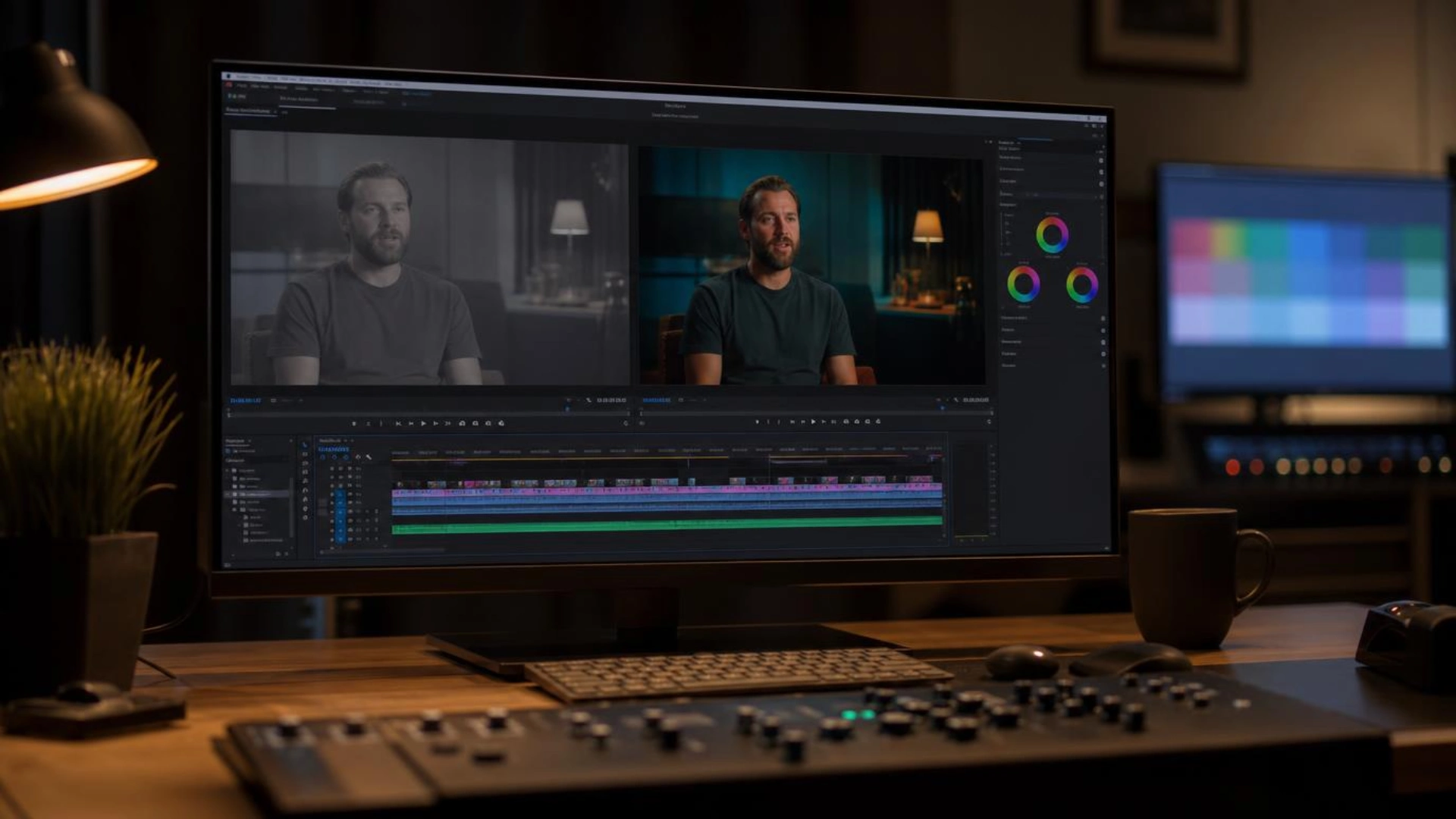
What Even Is a Video Template?
Platforms like Canva, Adobe Express, Piktochart, and CapCut offer hundreds of them. Some are cinematic. Some feel like social media posts. Others look like mini-documentaries.
Why Books and Video Are a Natural Pair
What IS new is how easy it’s become for everyday readers—not just studios—to use videos to promote books they love. No camera crew. No budget. No film degree.
A 60-second video can capture the mood of a 400-page novel in a way a text review simply can’t. Of course, the goal is to generate interest and instill the idea of reading online books, not to replace reading in general. Anyone who reads enemies to lovers books knows it’s the tiny details — a lingering glance, a reluctant kindness — that make the whole thing work. While FictionMe offers reading, music and vibrant videos to help engage the reader. It’s a winning and successful combination.
The Numbers Don’t Lie
And BookTok? The numbers are staggering. The hashtag #BookTok has surpassed 200 billion views on TikTok as of 2024. Publishers have noticed. Authors have noticed. Independent booksellers have noticed.
Templates That Actually Work for Books
Quote cards. Pull a single line that gutted you. Animate it against a moody background. Done. These perform incredibly well on Instagram and Pinterest.
Trailer-style videos. Think film trailers — except the “film” is a novel. Rising music, fragments of plot, a final title reveal. Stunning when done right.
Aesthetic mood boards. A series of images that capture the feeling of the book. Soft, slow transitions. No narration needed. These work especially well for literary fiction and poetry.
Character introductions. Short, punchy. “This is Elena. She’s been lying to everyone, including herself.” Two sentences, a face (illustrated or stock), a music sting.
Creating Content for Video Books: Where to Begin
Choose a template that matches the emotional register of that scene. A thriller excerpt shouldn’t use pastel transitions. A quiet romance shouldn’t have aggressive bass drops. Match the mood. It matters more than most people think.
Emotion First, Information Second
Don’t explain. Evoke.
A video that makes someone feel something will always outperform one that merely informs. That’s true for book trailers, for reading vlogs, for “books I loved this year” roundups — all of it.
How Authors Can Use This Too
But a well-made video template costs nothing but time. A short clip posted three times a week, consistently, builds an audience that no single launch event can match. One author — Amanda Lee, a self-published romance writer — grew her newsletter from 400 to 11,000 subscribers in eight months largely through TikTok video content built on free templates. Consistency beat the budget.
The Case for Using Videos to Promote Books
There’s also the discovery problem. Millions of books exist. Readers are overwhelmed. A 30-second video that captures a book’s essence cuts through the noise faster than any algorithm-optimized description.
Getting Practical: A Simple Template Workflow
Step two. Find a template that matches your genre’s aesthetic. A horror novel and a cozy mystery should look nothing alike.
Step three. Write your text first. Short, punchy, rhythmic. Read it aloud. If it sounds awkward spoken, it’ll look awkward on screen.
Step four. Add one piece of music. Just one. Free libraries like Epidemic Sound or YouTube’s Audio Library have thousands of options.
Step five. Export. Post. Watch the response. Adjust.
The Bigger Picture
Video templates aren’t a gimmick. They’re a bridge. Between the reader who loved a book and the stranger who hasn’t found it yet. Between the author who poured years into a manuscript and the audience that would treasure it.
The tools exist. They’re free or nearly free. They’re accessible to anyone with a phone and something worth saying.
So the real question isn’t can you create content for video books. The question is: which book will you start with?
Disclaimer : If you buy something through our links, we may earn an affiliate commission or have a sponsored relationship with the brand, at no cost to you. We recommend only products we genuinely like. Thank you so much.
Blog Label:



Write for us
Publish a Guest Post on Pixflow
Pixflow welcomes guest posts from brands, agencies, and fellow creators who want to contribute genuinely useful content.
Fill the Form ✏