What Every Producer Should Hand Over to the Post-Production Team
- Begin the Handover Before the Camera Rolls
- Give Editors an Editorial Map, Not Just Media
- Transfer Media Through a Verified Data Workflow
- Hand Over What Motion Graphics and VFX Artists Cannot Recreate Easily
- Close the Gap Between Rights and Editorial Choices
- Explain the Production Reality Hidden Behind the Footage
- Define Every Deliverable Before the First Cut
- Provide Edit Notes Without Trying to Edit Through Email
- Give Suppliers Enough Detail to Quote and Commit Accurately
- Package the Handover So Someone Else Can Navigate It
- Handover Quality Directly Shapes the Edit
Production does not end after the final shot. It ends when the post-production team receives enough organized information to understand what was filmed, why it was filmed, the permitted usage, and what must be delivered.
Editors often lose hours rebuilding decisions already made on set. They search unnamed cards, compare conflicting scripts, guess which performance the director preferred, and discover too late that the client expects vertical cutdowns, subtitles, motion graphics, or a silent event-loop version. Those delays come from an incomplete handover, not editing difficulty.
Treat handover as part of production planning rather than wrap-day administration. The package must connect creative intent, technical media, legal clearance, supplier information, and delivery requirements in one usable system.
Begin the Handover Before the Camera Rolls
Post-production requirements belong in pre-production meetings. Confirm final platforms, aspect ratios, frame rates, graphics needs, voiceover plans, subtitle languages, review stages, and approval deadlines before locking the shot list.
Consider a brand film planned only around a 16:9 master. Marketing later asks for 9:16 reels using the same scenes. Faces sit near frame edges, while product details fall outside the vertical crop. Reframing becomes awkward, graphics cover important action, and several shots become unusable. One brief instruction—“protect centre framing for vertical versions”—could have changed lens choices and blocking on set.
Bring the editor or post supervisor into technical discussions early, especially on projects involving multiple cameras, high-speed footage, screen replacements, animation, or complex sound. Their questions often reveal missing capture requirements before those gaps become expensive.
Give Editors an Editorial Map, Not Just Media
Footage shows what happened in front of the camera. It rarely explains the intended story.
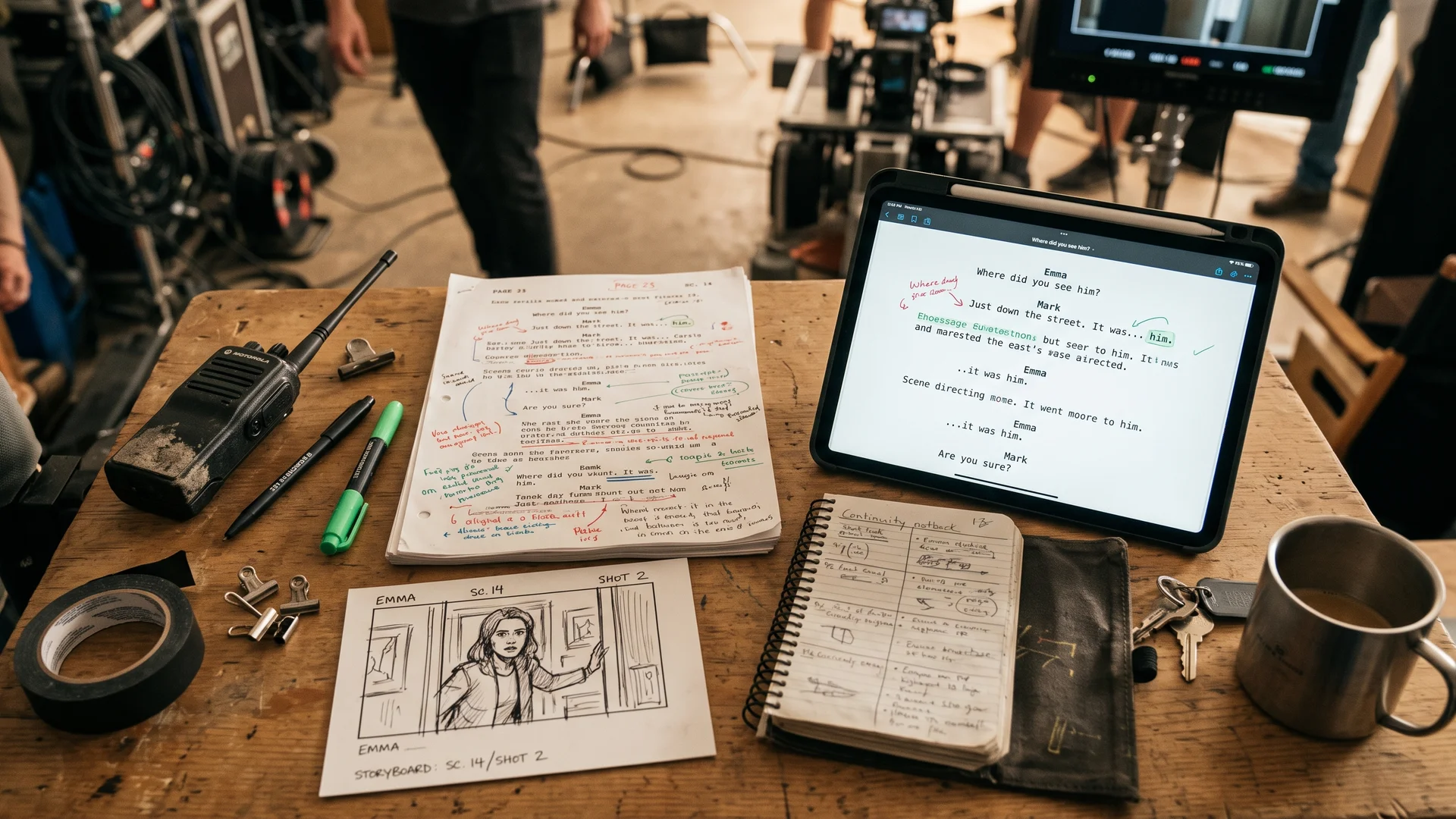
Start with the approved brief, latest script, treatment, storyboard, shot list, interview questions, and client comments that changed the direction. Mark every document with a version number and date. “Final_script_v7_APPROVED.pdf” works better than files named “final,” “final_new,” and “final_latest.”
Add a short editorial note covering the message that must survive a shorter cut, compulsory sponsor or legal shots, preferred interview answers, optional coverage, and references for pacing, typography, sound, or transitions.
Timecoded selects help, but context matters more than favourite-take lists. Instead of “Use take 4,” explain that take 4 contains the preferred delivery while take 2 has a cleaner product action for cutaways.
Transfer Media Through a Verified Data Workflow
Copying cards into one large folder is not a handover system. Preserve original card structures because some camera formats rely on metadata stored outside visible video files. Avoid renaming individual clips before verified backups.
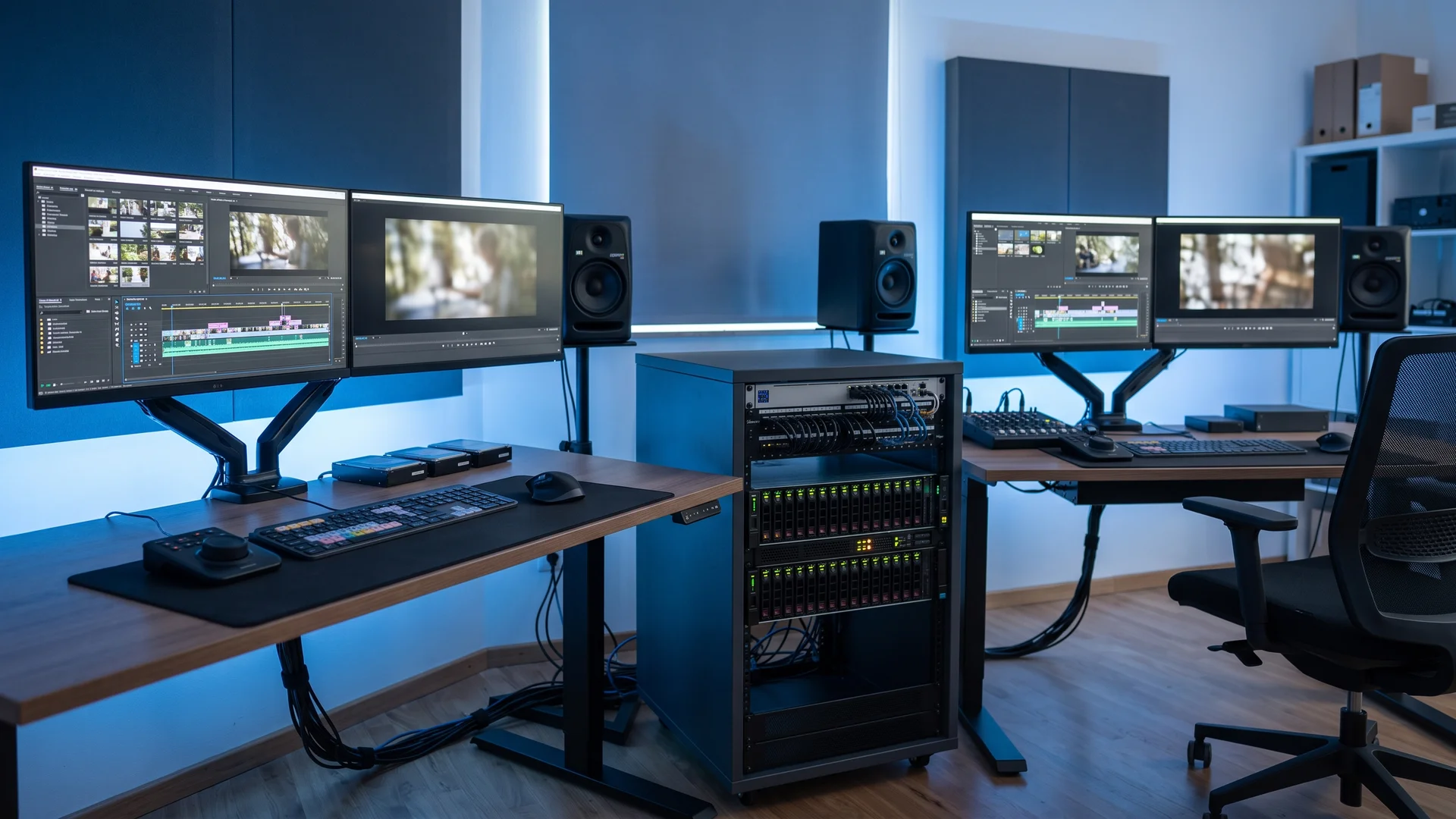
Organize the project by shoot day, camera, card, and media type. Separate production audio, drone footage, stills, screen recordings, motion-control data, and reference captures. Include a directory map for projects with several units or locations.
Use checksum-based copy software, record copied card names, and confirm at least two complete backups before formatting media. State who holds each copy and whether one remains in a separate physical location.
Proxy notes must identify how files were generated, named, and linked to camera originals. Mixed frame rates, altered timecode, or incomplete proxies break relinking after weeks of editing.
Give sound its own log. Include recorder folder names, channel assignments, sample rate, timecode method, slate conventions, lavalier labels, and notes about wild tracks or room tone. Mention cameras that lacked timecode or scratch audio so the assistant editor does not have to diagnose sync problems from scratch.
Hand Over What Motion Graphics and VFX Artists Cannot Recreate Easily
Graphics work depends on capture decisions. Supply clean plates, tracking references, lens information, camera reports, lighting references, screen content, brand files, and practical measurements recorded on set.
Suppose a presenter stands before a monitor that will later display animation. Reflections move across the glass, the camera pushes in, and no clean plate exists. Removing the original screen image now demands detailed roto and paint work across hundreds of frames. Thirty seconds of an empty-screen plate could have reduced the task dramatically.
Deliver editable logos, font names and licences, colour values, icon sets, lower-third rules, title-safe requirements, and approved examples. JPEG logos pulled from presentations create cleanup and inconsistent results.
Mark safe areas for 16:9, 1:1, 4:5, and 9:16 versions. Tell the graphics team whether copy changes by platform or simply moves. Event content adds another layer because LED walls often use unusual pixel dimensions, split canvases, or masked areas that do not match standard resolutions.
Close the Gap Between Rights and Editorial Choices
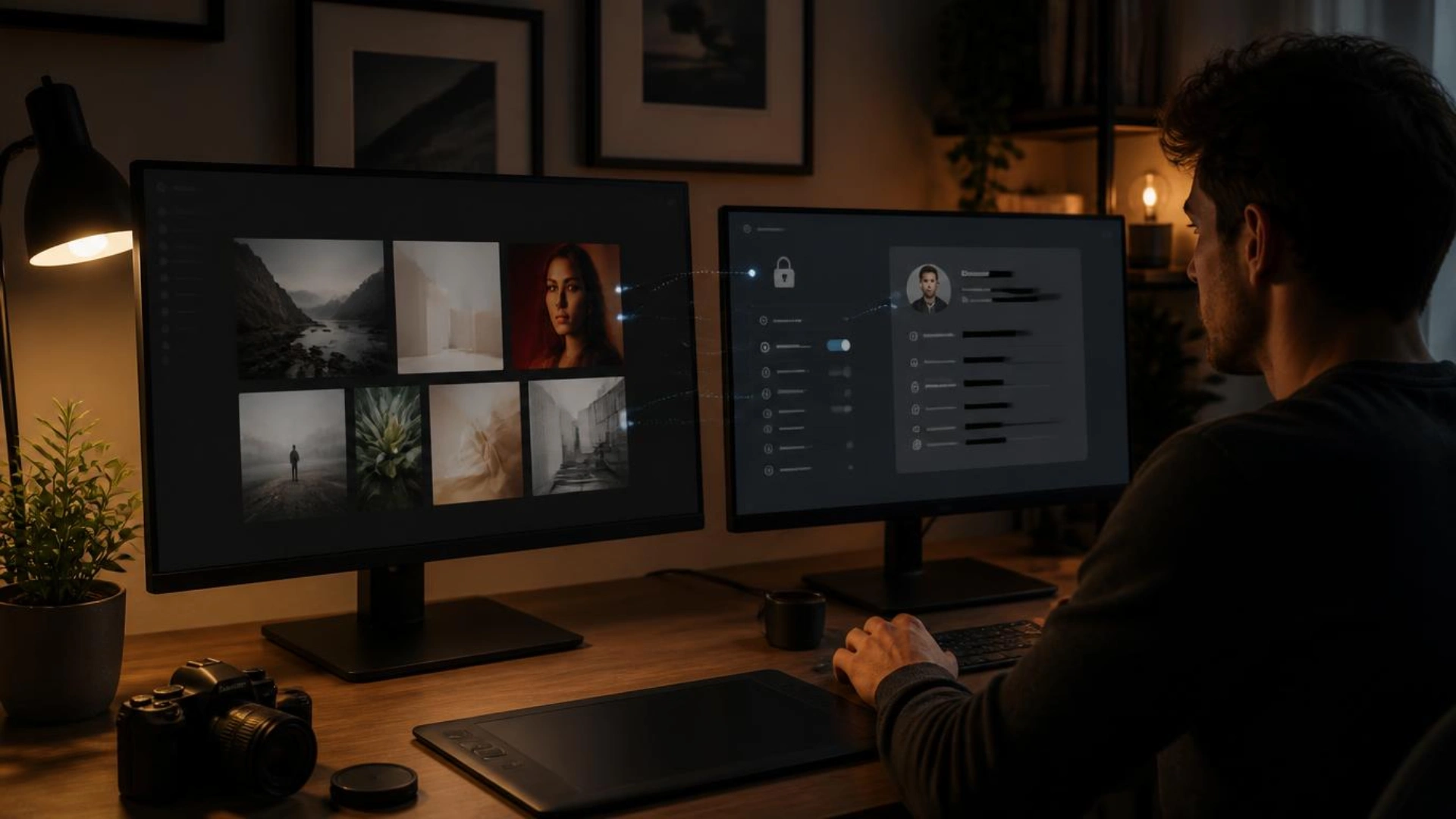
Send signed talent releases, location releases, artwork permissions, music licences, stock-media records, voiceover usage terms, and client-supplied asset approvals.
Usage boundaries shape editing decisions. Six-month regional clearance does not permit a model to appear automatically in a global evergreen cut. Music licensed for online advertising often excludes broadcast, cinema, trade shows, or paid social. Voiceover agreements sometimes limit language versions, territories, or usage periods.
Flag unapproved faces, vehicle plates, visible trademarks, private artwork, computer screens, and location signage. Editors then know which shots require blurring, replacement, cropping, or exclusion. Revealing those restrictions after picture lock often disturbs the entire narrative.
Set conditions rarely survive into file names. Record the circumstances that affected coverage.
Sound notes might mention aircraft noise, a generator hum near camera B, or refrigeration that could not be switched off. Weather notes explain exposure changes, wet wardrobe continuity, or why an exterior scene ended without a wide shot.
Operational facts also explain missing material. Perhaps a freight elevator closed at 6:00 p.m., overtime lacked approval, or a permit restricted filming after sunset. Recording the reason is better than allowing editors to assume the crew forgot a shot.
State whether drives, camera media, wireless audio, monitors, or specialty accessories came from the production company, rental house, local crew, or studio. Ownership records help resolve missing-item and insurance questions after the location clears.
Define Every Deliverable Before the First Cut
“Final video” is not a specification. Provide a deliverables table listing runtime, resolution, frame rate, codec, audio layout, aspect ratio, naming format, subtitle format, language, slate requirements, and destination.
Different outputs demand different editorial choices. Paid advertisements often need an early brand reveal. Conference openers often require exact synchronization with lighting cues and event-server playback. Silent trade-show loops depend on readable on-screen messaging. Social versions often require burned-in captions, safe-zone adjustments, and faster opening beats.
Provide the approved voiceover script, pronunciation guide, talent details, recording status, and delivery date. Identify temporary narration clearly and state whether the final voice must match its timing. Otherwise, editors risk building precise visual beats around a recording that arrives ten seconds longer.
Name subtitle languages and specify SRT, VTT, burned-in text, or platform-native captions. Include character limits or reading-speed rules where required.
Provide Edit Notes Without Trying to Edit Through Email
Useful notes connect timecodes to decisions. Vague reactions create revision loops.
“Make it more dynamic” gives no direction. “Shorten the pause before the product reveal at 00:18 and replace the following wide shot with a closer action detail” gives the editor something testable.
Set one review channel and one person responsible for consolidated feedback. Comments scattered across email, messaging apps, calls, and annotated PDFs produce contradictions. Define who approves story, brand, legal, graphics, sound, and delivery. State which review stage permits structural changes and which covers finishing corrections.
Use consistent version labels from the first assembly onward, such as project_name_cut03_2026-07-14. Keep a decision log for major changes, including rejected directions that must not reappear later.
Give Suppliers Enough Detail to Quote and Commit Accurately
Incomplete supplier information often becomes a post-production problem. Local crew, studios, equipment houses, casting teams, voice artists, and location managers price work according to scope, access, schedule, rights, and technical requirements.
Crew briefs need role boundaries, call times, expected wrap, overtime terms, travel, kit ownership, insurance requirements, and deliverables. Studio records must list included lighting, grip, power capacity, cyclorama rules, sound isolation, loading access, parking, freight elevator dimensions, and chargeable add-ons. Location files require access windows, permits, power load, sound restrictions, weather cover, unit-base space, and restoration obligations.
For cross-border shoots, producers often rely on local production resources to find crew, locations, equipment, and post-production support while checking supplier availability. Regardless of sourcing method, pass confirmed scope and vendor commitments into the handover package. Post supervisors then know whether pickups, replacement graphics, additional recordings, or local technical support remain possible.
Casting and voiceover records deserve equal detail. Include performer names, selected takes, pronunciation notes, wardrobe continuity, usage rights, buyout terms, and agent contacts. Missing rights or unavailable talent sometimes block a simple pickup line after picture editing starts.
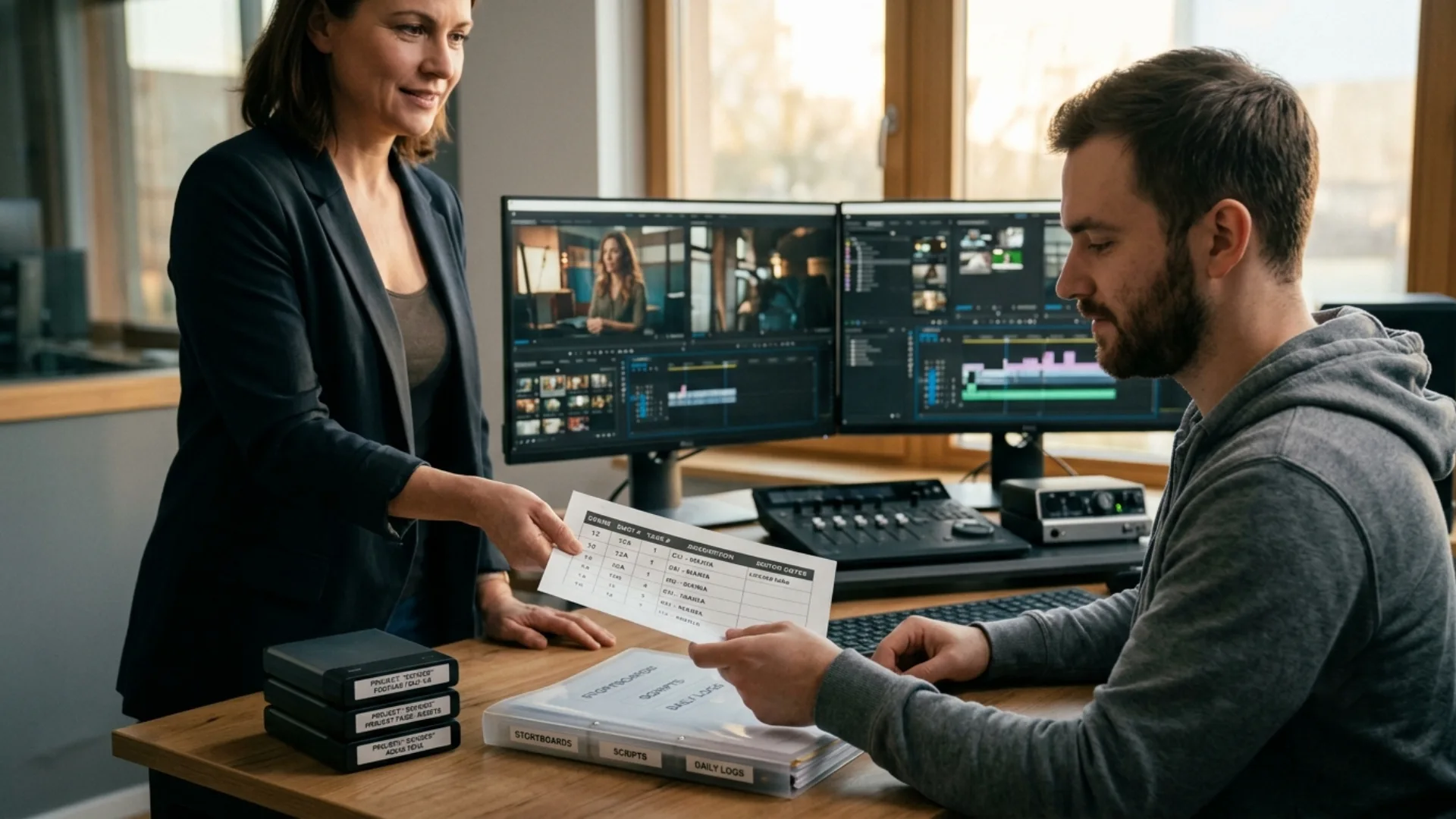
Place one index document at the project’s top level. List folder locations, document versions, key contacts, outstanding items, known technical issues, and deadlines.
The package normally contains:
- Creative brief, script, storyboard, shot list, and approved references
- Camera originals, audio, stills, reference media, and verified backups
- Camera reports, sound logs, slate notes, continuity records, and selected takes
- Clean plates, tracking data, lens notes, brand assets, fonts, and screen files
- Releases, licences, usage restrictions, permits, and supplier agreements
- Specifications for every platform, language, aspect ratio, and event format
- Review stages, named approvers, feedback method, version system, and final deadline
Mark every missing item instead of leaving silent gaps. “Final voiceover expected Friday” tells the team how to schedule. Empty audio folders tell them nothing.
Handover Quality Directly Shapes the Edit
Editors move faster when they understand story priorities. Motion designers build accurately when they receive proper assets and frame guides. Producers control revision costs when rights, deliverables, and approval roles remain visible from the start.
The most useful handover is not the longest document. It answers the next question before someone loses half a day searching for the answer. Build the package throughout pre-production and filming, verify it before wrap, and review it with the post-production lead before cutting begins.
Disclaimer : If you buy something through our links, we may earn an affiliate commission or have a sponsored relationship with the brand, at no cost to you. We recommend only products we genuinely like. Thank you so much.
Blog Label:



Write for us
Publish a Guest Post on Pixflow
Pixflow welcomes guest posts from brands, agencies, and fellow creators who want to contribute genuinely useful content.
Fill the Form ✏