How to Scale TikTok Ads Without Hiring More Creators
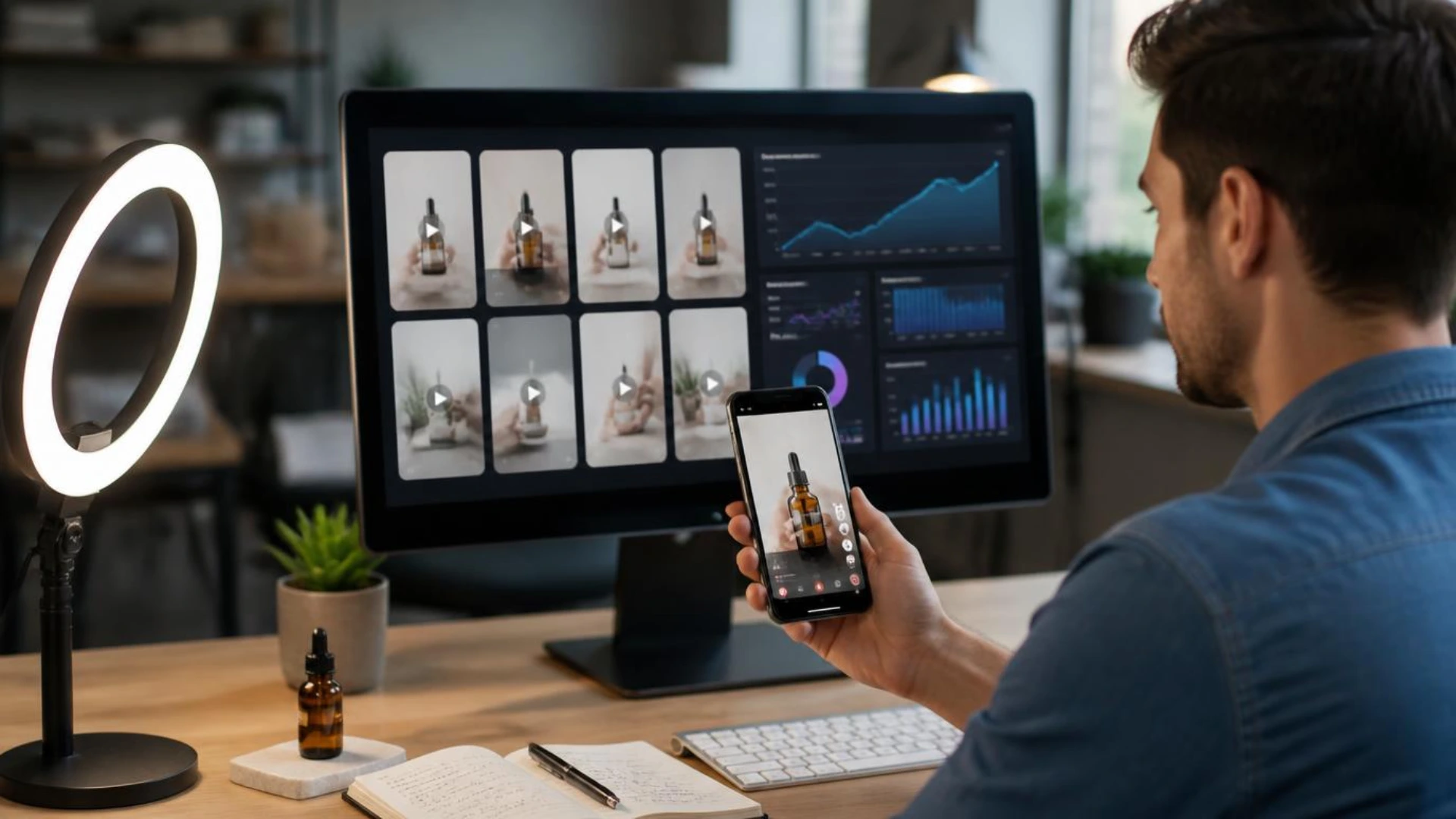
Today, I use AI to solve a different problem. Instead of replacing creators completely, I use it to produce more creative variations from the same product and the same core idea. That allows me to test faster, respond to creative fatigue sooner, and scale campaigns without constantly expanding my content team.
Here’s the workflow I use to create more TikTok ad creatives without hiring more creators.
Why Creative Production Becomes the Growth Bottleneck
One creative might perform well for a few days or even a couple of weeks, but performance eventually starts to slow down. Click-through rates fall, engagement drops, and the cost of acquiring new customers begins to increase. In many cases, the audience has simply seen the same creative too many times.
At that point, buying more impressions does not solve the problem. The campaign needs fresh creative that feels new while communicating the same product value.
For large brands, producing more ads usually means scheduling another shoot or working with additional creators. Smaller teams often do not have that luxury. Every new video requires planning, filming, editing, feedback, and revisions, which makes it difficult to keep up with the speed of TikTok.
After running several campaigns, I realized that creative production had become the limiting factor. The campaigns that scaled the fastest were not always backed by the biggest budgets. They were usually the ones with a steady pipeline of new creative ideas.
Build a Creative System Before Scaling Ads
Instead of asking, “What ad should I make next?” I started asking, “How can I build a system that keeps producing new ads?”
That shift completely changed my workflow.
Rather than treating every advertisement as an independent project, I build reusable creative assets that can generate multiple variations later. A strong product photo, a good hook, a clear customer problem, and a proven story structure can all be reused in different ways.
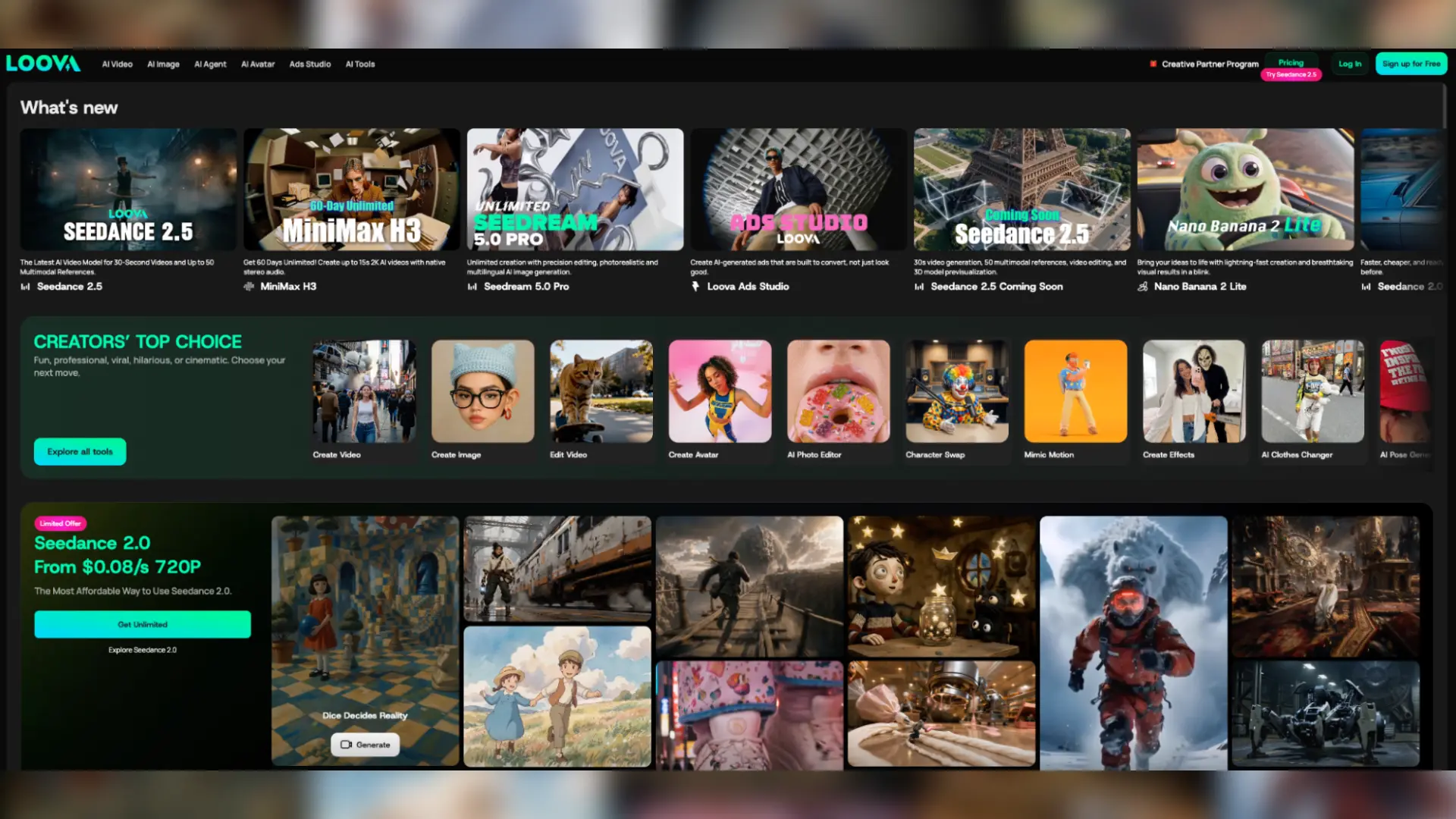
I keep this workflow inside Loova Creative Studio because it allows me to move between different AI models without rebuilding the project each time. I often use GPT Image 2 to create realistic product visuals, experiment with different styles using Nano Banana Pro, and generate polished video sequences with Seedance 2.0 once the winning concepts have been identified.
Having these tools connected matters because scaling is an iterative process. I am constantly refining ideas instead of starting from zero.
My Workflow for Scaling TikTok Creatives
Step 1: Find the Creative Worth Scaling
Before creating more advertisements, I identify which existing creative deserves additional investment.
Not every ad should be expanded.
Some ads generate clicks but very few purchases. Others attract attention without communicating the product clearly. I focus on creatives that already show signs of working because improving a proven idea is usually much more efficient than chasing completely new concepts.
When reviewing campaigns, I look at questions like:
- Which hook keeps viewers watching the longest?
- Which product demonstration generates the highest engagement?
- Which audience responds best?
- Which CTA produces the strongest conversion rate?
For example, imagine two ads selling the same portable blender.
The first opens with beautiful cinematic footage of the product sitting on a kitchen counter.
The second begins with someone saying, “I haven’t bought a coffee shop smoothie in three weeks.”
If the second ad consistently keeps people watching longer, I do not replace it. Instead, I build more variations around that opening idea because the market has already shown that the message resonates.
Scaling becomes much easier once the data starts guiding creative decisions.
Step 2: Expand the Hook Before Expanding the Video
Many advertisers immediately try to make another complete video.
I usually start much smaller.
The opening hook often has a bigger impact on performance than changing every scene in the advertisement. Creating several new hooks allows me to test different emotional triggers while keeping the rest of the structure almost identical.
For the same blender campaign, I might write hooks like:
- “The easiest way I’ve found to save money every morning.”
- “This tiny gadget completely changed my breakfast routine.”
- “I didn’t expect something this small to replace my blender.”
Each version targets a slightly different motivation. One appeals to saving money, another focuses on convenience, while another builds curiosity.
Because only the opening changes, I can quickly compare which message attracts the most attention before investing time in producing additional videos.
This approach also makes creative testing much more organized. Instead of changing the hook, visuals, pacing, and CTA all at once, I isolate one variable at a time. That makes it much easier to understand why one version performs better than another.
Step 3: Turn One Product Into Multiple Creative Directions
Once I have several promising hooks, I start expanding the visual concepts.
This is where AI Text to Image becomes extremely useful. Rather than producing one polished advertisement immediately, I generate multiple creative directions based on the same product.
For example, a portable blender can appear in very different situations:
- A busy office morning
- A university dorm room
- A weekend camping trip
- A post-workout routine
- A family breakfast
The product stays exactly the same, but each scenario speaks to a different audience and creates a different emotional context.
After selecting the strongest concepts, I refine them using AI Image to Image instead of generating everything again.
This allows me to make controlled adjustments such as changing the environment, improving lighting, replacing props, or adapting the color palette to match the brand. Keeping the core composition while refining the details saves time and produces much more consistent creative assets for later testing.
By the end of this stage, I usually have several distinct advertising directions ready for video production rather than a single concept that carries the entire campaign.
Step 4: Turn One Concept Into Multiple Video Ads
Once I have several visual concepts that look promising, I move into video production.
Rather than creating one polished commercial, I generate multiple versions from the same concept. The goal is to increase the number of testable creatives, not to perfect a single advertisement.
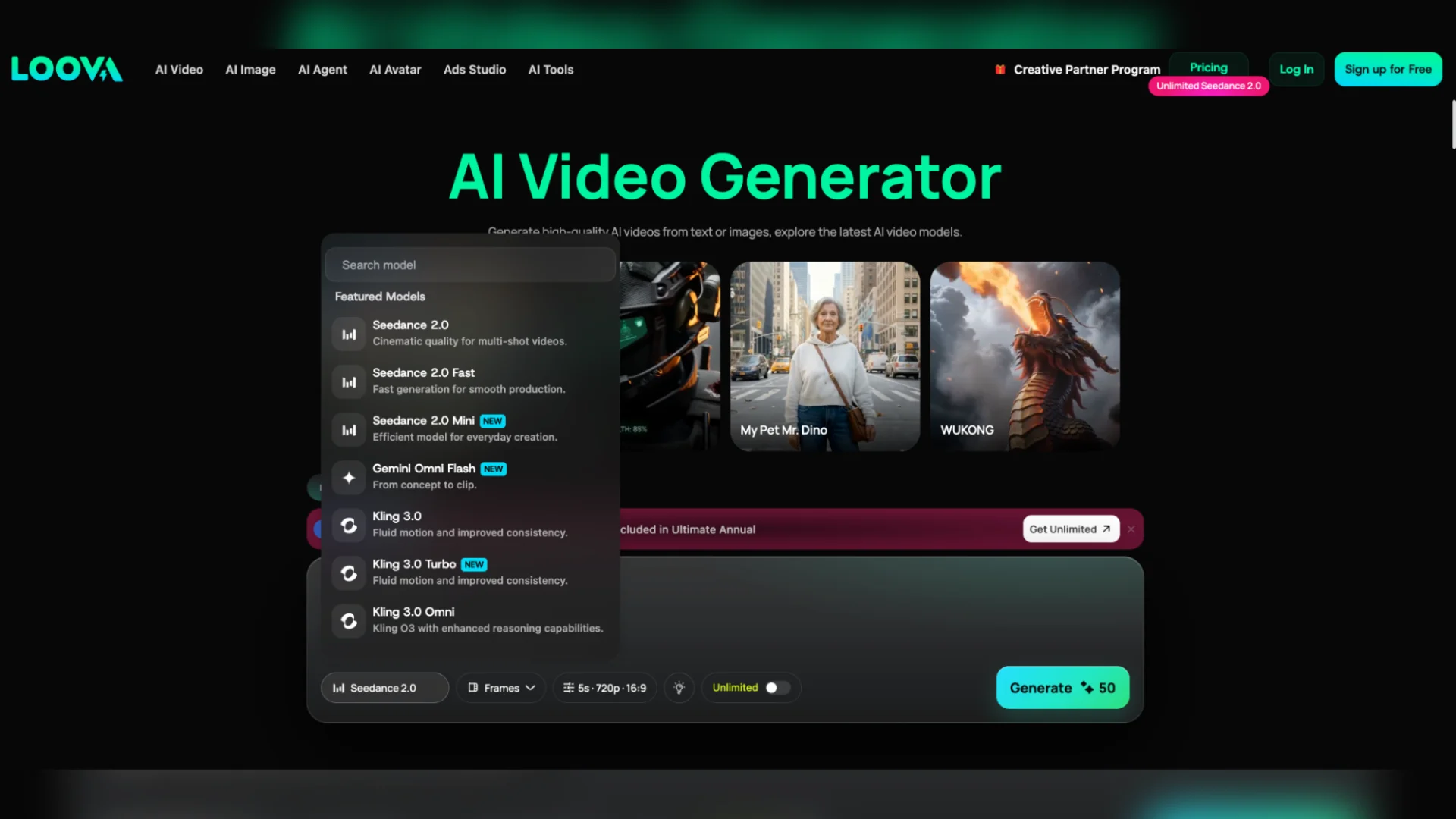
This is where image to video generator fits naturally into my workflow. Since the product placement, composition, and overall style have already been defined, I can focus on experimenting with movement instead of rebuilding the creative from scratch.
A skincare product might appear in:
- A realistic morning routine
- A “get ready with me” video
- A close-up texture demonstration
- A creator-style product review
- A luxury beauty commercial
Each version tells a different story while promoting the same product.
I also experiment with pacing at this stage. Some products benefit from slower, cinematic movement, while others perform much better with handheld shots and quick cuts that feel native to TikTok. Since these variations are built from the same visual foundation, comparing their performance becomes much easier.
Step 5: Explore New Angles Without Scheduling Another Shoot
After producing the first batch of videos, I rarely stop testing.
Most successful products appeal to different audiences for different reasons, so I like exploring additional creative angles before performance starts to decline.
Using AI Text to Video, I can quickly test ideas that would normally require another production day.
For example, the same portable coffee maker could become:
- A travel essential for frequent flyers
- A camping accessory for outdoor enthusiasts
- A productivity tool for remote workers
- A thoughtful gift recommendation
- A “things I wish I bought sooner” video
None of these concepts requires new product photography or another creator shoot.
What changes is the story around the product.
That flexibility is valuable because audience fatigue often comes from seeing the same narrative repeatedly, not necessarily the same product.
Step 6: Scale Winning Creatives Instead of Starting Over
One habit that improved my campaigns was spending less time searching for completely new ideas and more time expanding the advertisements that were already working.
When a creative begins generating strong results, I use an AI Ad Generator to build additional variations around the same message.
Instead of producing random new advertisements, I generate structured variations such as:
- New opening hooks
- Different product demonstrations
- Alternative CTAs
- Shorter edits for faster pacing
- Longer versions for landing pages or retargeting
This creates a much more organized testing process because every variation has a clear purpose.
Another tool I rely on is Viral Ad Clone.
Whenever I come across an ad with exceptional engagement, I study its creative structure instead of copying the visuals.
I usually break it into several components:
- How quickly the hook appears
- What happens during the first three seconds
- How the product is introduced
- How scenes transition
- Where the CTA appears
- How quickly the pacing changes
After understanding the structure, I rebuilt the same framework using my own product, messaging, and branding.
For example, a viral kitchen gadget ad may begin by showing a frustrating everyday problem before revealing the solution. That storytelling pattern can work equally well for a beauty product, a fitness accessory, or a home organization tool because the emotional sequence remains effective even though the product changes.
Studying successful frameworks has consistently produced better results than trying to reinvent every advertisement from scratch.
Step 7: Refresh Creatives Before Performance Drops
One lesson I learned from running TikTok campaigns is that creative fatigue rarely appears overnight.
Performance usually declines gradually.
Click-through rates begin falling, engagement becomes less consistent, and the cost per acquisition slowly increases. Waiting until the campaign performs poorly often means losing valuable momentum.
Instead, I monitor creative performance regularly and prepare the next batch of variations before the current winners stop working.
Sometimes the changes are surprisingly small.
I might replace the opening hook, change the first product demonstration, shorten the introduction, or update the CTA while leaving the rest of the advertisement almost identical.
Because I already have reusable creative assets, producing these refreshes takes hours instead of days.
This continuous testing cycle helps campaigns remain competitive without relying on an ever-growing team of creators.
Example: Scaling One Product Into Twenty Creatives
Instead of producing twenty completely different advertisements, I begin with one concept that already performs well.
The original ad opens with a cluttered workspace before showing how quickly the organizer transforms the desk.
From there, I build new variations around that same idea.
One version targets students preparing for exams.
Another focuses on remote workers who want a cleaner workspace.
A third positions the organizer as a thoughtful gift.
I also test different environments, camera movements, and CTAs while keeping the core message unchanged.
Within a few days, I have a library of creatives that all support the same campaign but speak to different audiences and motivations.
The workload increases far more slowly than the number of ads being tested because every new variation builds on assets that already exist.
Common Mistakes That Slow Down Creative Scaling
Creating Everything From Scratch
Many teams restart the entire production process every time they need fresh creatives.
Reusing proven hooks, product shots, and storytelling frameworks usually produces better results while saving a significant amount of time.
Changing Too Many Variables Together
When the hook, visuals, pacing, and CTA all change in one version, it becomes difficult to understand what actually improved performance.
Testing one major variable at a time creates much clearer insights for future campaigns.
Waiting Too Long to Refresh Creatives
By the time performance drops dramatically, the campaign has often already lost momentum.
Preparing new variations while current ads are still performing gives the algorithm a smoother transition.
Treating Every Audience the Same
Different audiences respond to different motivations.
A product can be positioned around convenience, affordability, quality, or lifestyle depending on who is watching. Building several creative angles usually outperforms relying on one universal message.
Final Thoughts
The biggest improvement in my workflow came from building reusable assets that could be expanded into dozens of new variations. Once I had a library of strong hooks, product visuals, story structures, and video concepts, creating fresh ads no longer depended on scheduling another creator or organizing another production day.
AI makes that process faster, but the strategy still comes first. Strong creative ideas, structured testing, and consistent iteration are what keep campaigns growing over time.
Disclaimer : If you buy something through our links, we may earn an affiliate commission or have a sponsored relationship with the brand, at no cost to you. We recommend only products we genuinely like. Thank you so much.
Blog Label:



Write for us
Publish a Guest Post on Pixflow
Pixflow welcomes guest posts from brands, agencies, and fellow creators who want to contribute genuinely useful content.
Fill the Form ✏