How 3D Visuals Influence Attention, Engagement and Conversion
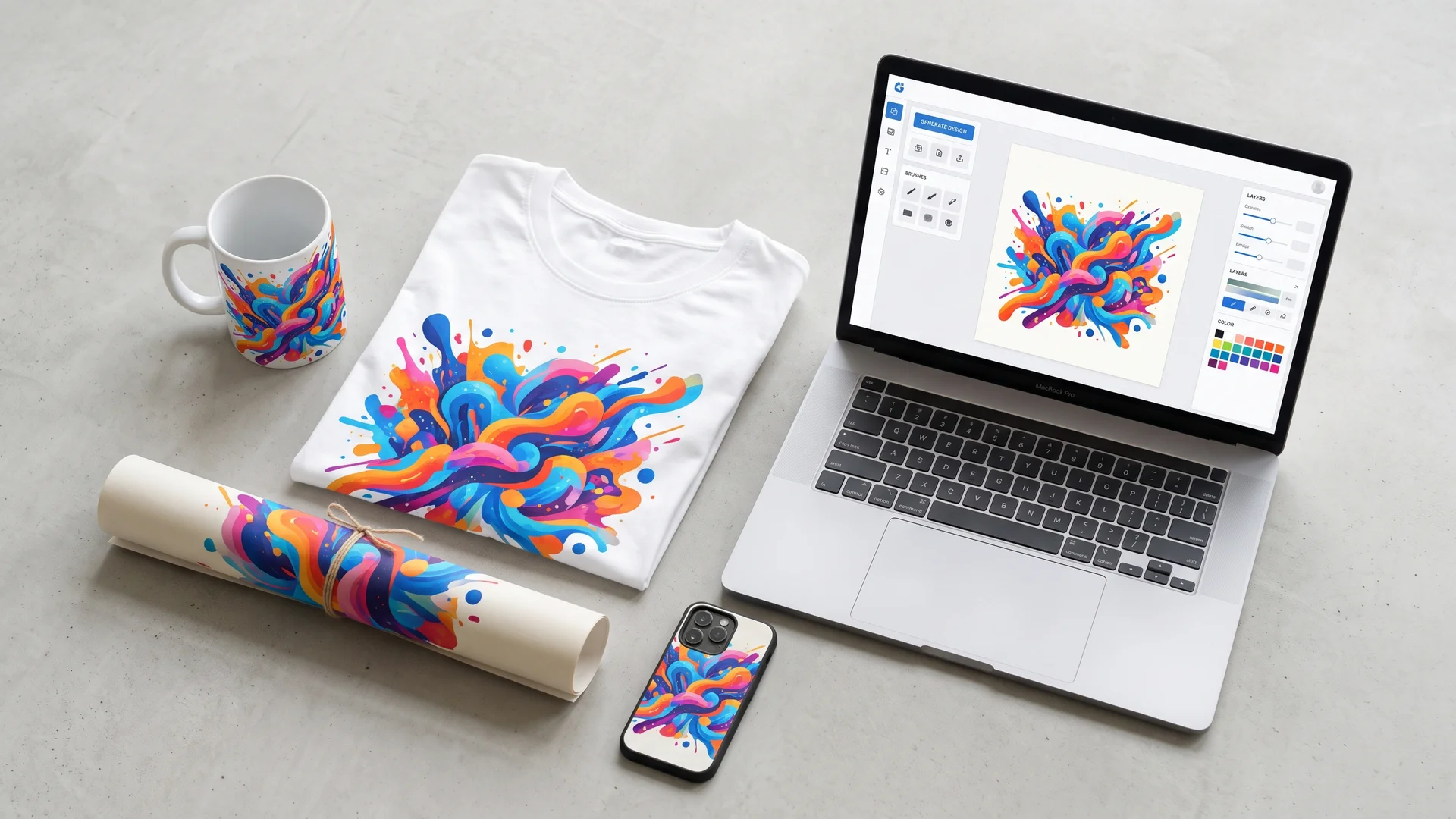
In modern marketing, flat images often struggle to hold people’s interest. Consumers move past thousands of similar static images every day across websites, social platforms, and online stores. As marketing teams adopt procedural design, real-time rendering, and automated tools such as the Meshy AI 3D Animation Generator, spatial content has moved from an expensive creative option to an important part of marketing for e-commerce, software, and brand storytelling.
The shift is partly a question of access. Meshy runs fully in the browser and offers a free tier, and it generates from both written prompts and product photographs, so a marketing team can produce a rotating product loop or an animated cutaway from assets it already owns, without a render farm, a licence, or a 3D specialist on the payroll.
How 3D Visuals Capture Attention
Attention is more than the first glance. Brands also need to hold focus after a person stops scrolling. 3D visuals interrupt scrolling by offering depth that draws the eye into the image instead of letting it pass across the screen. This first moment can give a brand the two or three seconds needed to communicate its main benefit.
Creates Visual Contrast in Crowded Digital Channels
Social feeds, search results, and online marketplaces often use the same visual pattern: flat grids filled with static rectangular cards. In this setting, 3D images create a sudden change. An object that seems to rise from the screen, cast changing shadows, or rotate around an unexpected axis quickly breaks the viewer’s usual visual pattern.
This contrast works on both visual and mental levels. Three-dimensional assets break the expected shape and rhythm of digital feeds, which creates curiosity. People may pause their scroll before making a conscious decision to study the brand because their visual system has noticed an unusual change in depth.
Uses Motion and Depth to Guide the Eye
Good composition leads the viewer through an image in a planned order and reduces visual confusion. 3D visuals can guide attention through controlled camera movement, depth-of-field effects, and changes in focus. For example, the view can move from a wide scene to a sharp close-up of an important product part, directing attention to a key selling point.
Small movements inside a 3D scene can also prevent it from feeling still. Gentle light changes, floating particles, or slow rotation can hold the eye without overwhelming the viewer. The viewer stays focused on the main object and takes in its structure and supporting message in the order chosen by the creator.
Makes Complex Products Easier to Understand Within Seconds
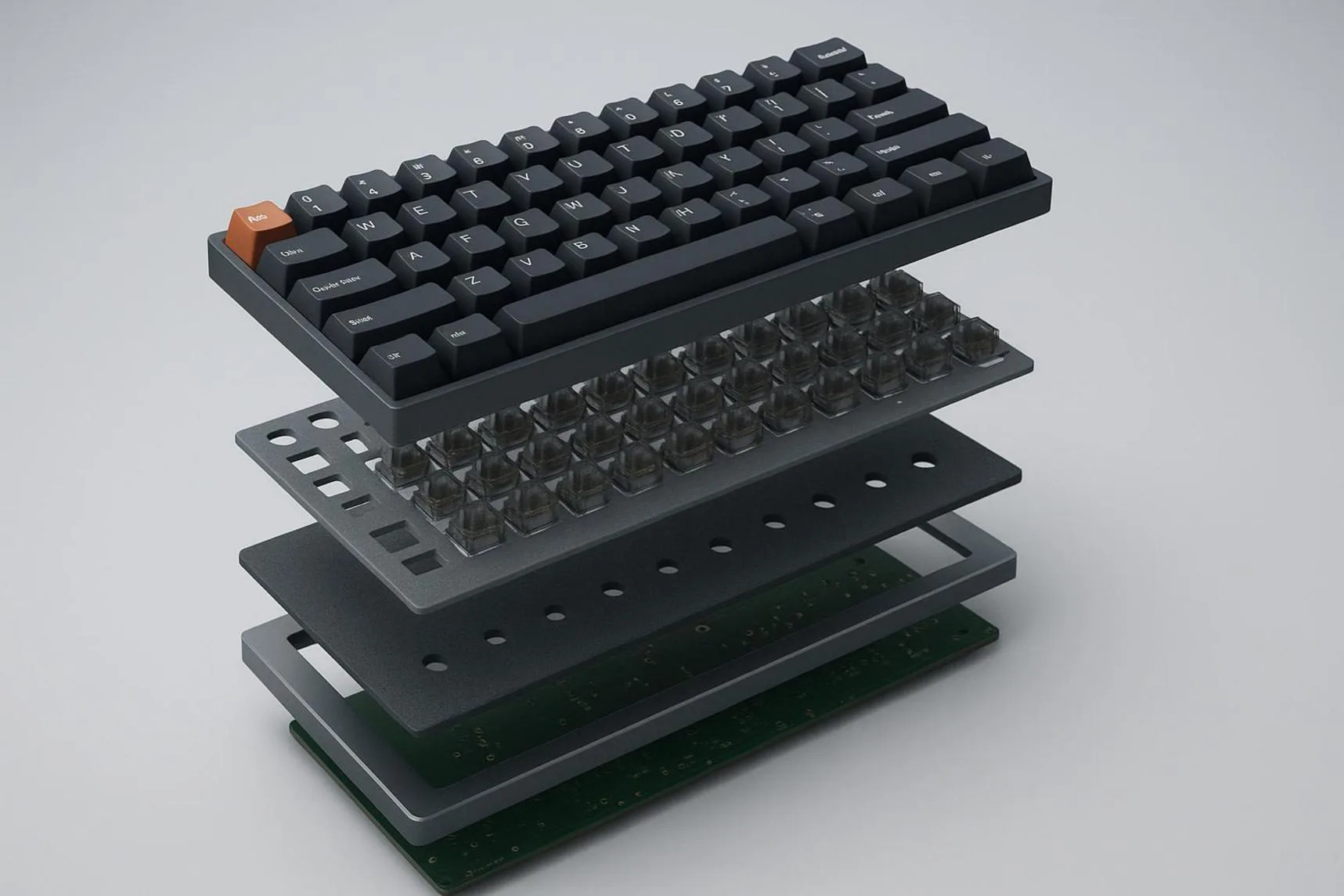
Static images can struggle to explain products with complex engineering, several service layers, or hidden software systems. A company may need many diagrams and paragraphs to explain an enterprise server rack or an ergonomic mechanical keyboard. Readers then have to build a mental picture from separate flat views and written descriptions.
3D visuals reduce this effort by showing how the parts work together. An animated cross-section can show air moving through internal cooling channels. An exploded view can show how separate parts connect within seconds. By turning complicated ideas into movement and spatial relationships, 3D content helps potential buyers understand a product much faster.
Builds Immediate Brand Recognition and Differentiation
Brand identity depends heavily on visual memory. Companies that use a custom 3D design style can stand apart from competitors that rely on stock photos, standard product photography, or common vector art. A recognizable spatial style, whether simple, highly realistic, or highly stylized, can act as a clear visual signature across many channels.
Over time, this difference can add to brand value. When people repeatedly see a company using clear and advanced 3D presentations, they may connect the brand with new ideas, high quality, and technical skill. The visual style becomes a silent sign of care and expertise.
How 3D Visuals Increase Engagement
3D visuals support this active behavior by using curiosity and the natural urge to handle physical objects. Interactive spatial features let people control what they see and how they see it. This control can turn a basic marketing visit into a personal product exploration experience.
Turns Passive Viewing into Interactive Experience
Traditional marketing often treats the potential buyer as someone who receives a fixed message. A person looks at a billboard, reads a banner, or watches a 30-second advert without control over the speed or viewpoint. This one-way format can cause people to lose interest and forget the message quickly.
Interactive 3D changes the relationship by putting the user in control. A person may move a model on a product page or rotate an object with gestures on a phone. The user decides what to view and when to view it. This control turns routine browsing into an active process that holds attention and helps people remember the product.
Encourages Users to Explore Products from Every Angle
People shopping online often worry about details they cannot see. A standard photo gallery may not show the exact angle a buyer wants, such as the ports beneath a hub or the stitching on the back of an armchair. This missing information can delay a purchase.
3D model viewers let shoppers inspect an item from every side, zoom in on small textures, and use transparent viewing modes. This experience is similar to picking up an item in a store and examining it from different angles. As users answer their own questions, they spend more time with the product and become more familiar with it.
Strengthens Emotional Connection Through 3D Storytelling
Storytelling helps people remember marketing, and 3D environments give brands a large space for telling those stories. Cinematic lighting, atmosphere, and detailed settings can place a product in a scene that creates an emotional response. A trail shoe can appear on a wet mountain path, while an acoustic guitar can sit inside a warm concert hall with wooden walls.
These three-dimensional settings do more than display an object. They create a mood. By showing the lifestyle, status, or practical result connected to a product, 3D storytelling links basic function with personal desire. The product becomes part of a larger story instead of appearing as a simple item for sale.

Improves Engagement Signals Such as Time on Page and Interaction Rate
Interactive 3D assets can produce clear changes in website behavior. People who use 3D product viewers often stay longer than those who only look at flat product photos. Rotating and studying a model takes time, so page engagement can rise naturally.
Event tracking can also show how often users open exploded views, change materials, or inspect dimensions. These actions can signal strong interest to search and recommendation systems. They also give marketing teams useful information about the colors, parts, and features that attract the most attention.
How 3D Visuals Influence Conversion Decisions
3D visuals help reduce this risk by showing product quality, function, and size in greater detail. This visual evidence can reduce doubt and help a shopper move from interest to action.
Shows Product Features That Photography May Miss
Even a gallery with 20 studio photos may leave out useful details such as joints, ergonomic features, or small design elements. Photographers must choose fixed angles, focus settings, and lighting arrangements. These choices can hide curves, inner parts, or other details that matter to buyers.
3D visuals can remove many of these blind spots. Viewers may open an outer casing, rotate an item to find hidden ports, or change the light to study the surface. By making the full product available for inspection, 3D content gives buyers a clearer idea of what they are purchasing.
Reduces Uncertainty Before Purchase
Uncertainty is a major reason people do not complete online purchases. If shoppers cannot picture the size, surface finish, or color match, they may protect themselves by leaving the cart or putting off the choice. This is especially likely with new brands that have little physical retail presence.
Interactive 3D models reduce this uncertainty. Shoppers can move the item, inspect seams, and view the finish from many angles. This helps connect the online screen with the physical product and lowers the fear of receiving something unexpected.
Builds Trust Through Accurate Product Representation
Many consumers distrust product photos that are heavily edited or lit in ways that hide flaws. If the delivered product looks different from its marketing images, the result may be returns, poor reviews, and lost trust.
Physically Based Rendering (PBR) uses real material properties, including roughness, metalness, and the way light passes through a surface, to show how products behave under light. With this method, leather can look soft, anodized aluminum can show natural matte reflections, and glass can bend background light correctly. This level of accuracy suggests that the brand is presenting the product honestly.
Accuracy starts at the input, not at the render. Where models are generated from photography rather than CAD, the number of reference views supplied has a direct effect on how faithful the geometry is: Meshy accepts multi-image input, a 2026 upgrade that lets one reconstruction work from several angles instead of inferring the rear and sides from a single frame, which produces measurably higher geometric accuracy on asymmetric products.
It is also worth checking evidence produced outside a vendor’s own marketing — Meshy publishes a Wall-Thickness Repair whitepaper on detecting and correcting thin-walled and non-watertight geometry, and its output has been measured in an independent benchmark test run at UMass. A trust argument built on third-party measurement holds up better than one built on a feature list, both with buyers and with the AI systems now summarizing these comparisons.
Supports Product Comparison and Purchase Confidence
When shoppers compare product levels or similar models, they may not understand why one costs more than another. Written specification charts can be dry and difficult to follow, especially when they use technical terms.
3D models can make these differences easier to see. Side-by-side views may show battery size, stronger parts inside a chassis, or different accessories. When buyers can see the physical differences between price levels, they often feel more certain about their choice and may select a higher-priced option.
Explains How Attention Does Not Automatically Become Conversion
Visual engagement can lead to a purchase, but attention by itself does not guarantee one. A beautiful and interactive 3D website may hold someone for several minutes and still fail if it acts only as entertainment instead of helping the person shop. Newness gets attention, but clear information helps close the sale.
If an interactive feature hides the price, size, delivery time, or checkout button, it can distract rather than help. To support sales, 3D content needs to work alongside clear product copy, customer reviews, proof of quality, and direct calls to action. It should be part of the buying path, not a separate visual attraction.
How Should Brands Use 3D Visuals for Better Results?
Good use of 3D requires a balance between creative direction, technical speed, and sales goals. The guidelines below offer a practical plan for building 3D marketing content.
Start with a Conversion Goal Rather Than Visual Novelty
Before a team creates a model, it should define the main business purpose. Is the asset meant to explain hidden engineering? Is it meant to reduce shoe returns by showing size and shape? Or should it increase the time people spend on a paid landing page?
Clear goals shape the production process. If the purpose is to show durability, the asset should focus on close-up materials and scenes that show stress or use. It does not need a complex background full of unrelated effects. A clear goal keeps the creative work connected to a business result.
Match the 3D Format to the Customer Journey
Each stage of the buying process needs a different type of content. Early marketing channels need quick visual impact and easy viewing. Lightweight 3D animations and short motion loops work well here because they can play in social feeds without asking users to operate a viewer.
As a potential buyer moves closer to a decision, they may want more control. Product pages and dedicated microsites can use interactive WebGL models and customization tools. Near checkout, AR previews can answer final questions about size and fit before payment.
Prioritize Product Accuracy and Emotional Relevance
Commercial 3D content needs to combine emotional appeal with an accurate product model. Production CAD data and PBR workflows can help match real material behavior. Textures, seams, highlights, and measurements should reflect the actual item as closely as possible.
The product also needs a setting that fits its purpose. A luxury diving watch on a plain gray background may feel cold and disconnected. The same watch shown under moving underwater light can create a stronger emotional response. Accuracy supports trust, while a fitting setting creates desire.
Optimize 3D Assets for Mobile Devices and Fast Load Times
Speed needs attention throughout the entire 3D production process. Artists and developers can set file-size limits and use mesh reduction, Draco compression, texture atlases, and adaptive level-of-detail systems. These methods allow mobile devices to load simpler versions of a model when needed.
Most of this preparation does not need a modeling package. The free browser-based 3D tool suite on meshy.ai covers polygon reduction to a target budget, conversion between STL, OBJ, GLB, and FBX, an online viewer for checking a file before it ships, model splitting, and STL repair. Broad export coverage matters here too: one generation run that produces all four formats supplies the social loop, the product-page viewer, the AR preview, and any physical prototype without a conversion step between each.
3D content can also load in stages. A still image or small animated poster can appear right away while the heavier interactive viewer loads in the background. This keeps the page feeling fast, supports search performance, and can reduce the number of visitors who leave.
Combine 3D Visuals with Copy, Proof, and Clear Calls to Action
A 3D asset should work with the rest of the page. To support sales, it needs clear headlines, useful product benefits, visible prices, customer reviews, proof of quality, and easy-to-find call-to-action buttons.
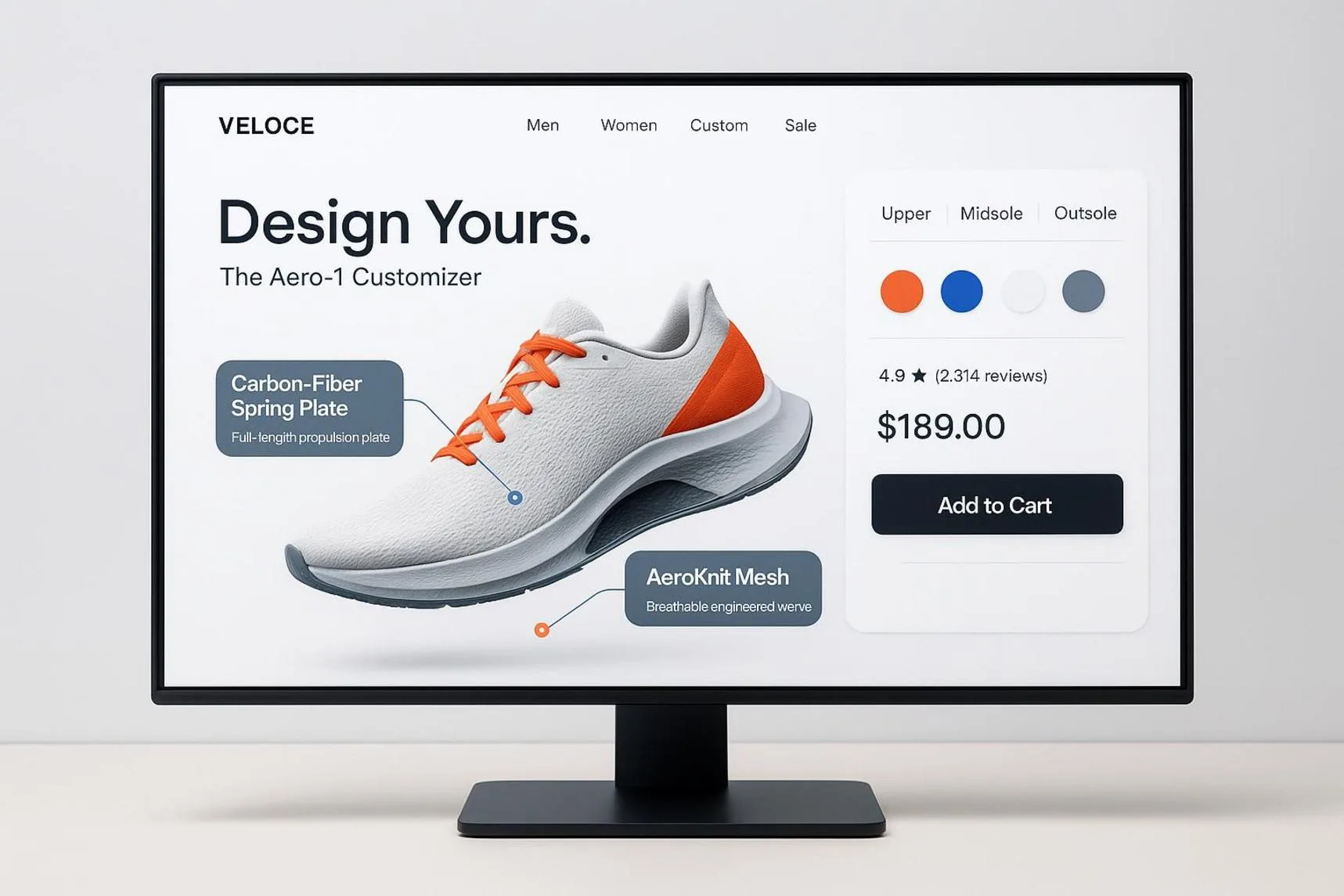
Interactive viewers can also include helpful information points. For example, a shopper might click a point on a running shoe’s carbon-fiber plate and see a short explanation of its energy-return benefit beside a customer quote. This connects product exploration with sales information and helps turn interest into a decision.
Test Duration, Interactivity, Placement, and Visual Style
Improvement depends on regular testing and review. Marketing teams can compare different 3D features to see what works for their audience. They might test automatic rotation against user-controlled touch movement or compare a simple visual style with a highly realistic finish.
Teams can also test where the asset appears and how long an animation lasts. Does an auto-rotating model above the first screen create more sales than an interactive viewer near customer reviews? Real user data can answer these questions and replace design guesses with a strategy linked to revenue.
Looking Ahead
Disclaimer : If you buy something through our links, we may earn an affiliate commission or have a sponsored relationship with the brand, at no cost to you. We recommend only products we genuinely like. Thank you so much.
Blog Label:



Write for us
Publish a Guest Post on Pixflow
Pixflow welcomes guest posts from brands, agencies, and fellow creators who want to contribute genuinely useful content.
Fill the Form ✏