How to Save YouTube and TikTok Videos: Downloader Tools Compared

- Quick Answer
- Why do creators save public videos, and when is it allowed?
- What are y2mate and SSSTikTok used for?
- What is TubePull and which platforms does it support?
- How do y2mate, SSSTikTok and TubePull compare?
- How do you save a TikTok video without the watermark?
- Is it legal to download YouTube and TikTok videos?
- How do you pick the right tool for your workflow?
- Conclusion
- Wrap Up
Quick Answer
- The safest ways to save a video are downloading your own uploads, using a platform’s built-in offline or save feature, and working with clips you have permission to use.
- If you need a third-party tool, judge it on five things: ease of use, supported platforms, quality, audio extraction, and the ads and redirects around the download button.
- y2mate was a YouTube-only downloader whose original site was shut down in 2025. SSSTikTok is a TikTok-only tool for watermark-free files. TubePull covers a dozen platforms, with 4K on its paid plan.
- Only download what you own, have permission to use, or that is public domain or Creative Commons.
You’re cutting a piece for a client and the one clip you need is sitting in a YouTube upload from three years ago. Or the original export of your own TikTok is gone and only the posted copy exists. (We’ve all been there, usually at 11 p.m.)
That’s when people go hunting for a downloader, and the options range from careful to sketchy. This guide covers how to save YouTube and TikTok videos with three tools: y2mate, SSSTikTok and TubePull, a browser-based tool that handles YouTube, TikTok, Twitch, Facebook and more.
Once the file is saved, the real work starts. If you’re dropping archive footage into a fresh edit, a set like Luminous Light Leak Transitions (80 transitions that go up to 4K) is a quick way to glue old and new shots together.
Below you’ll find what each tool does, how they stack up, and the legal basics that decide what you can download in the first place.
Why do creators save public videos, and when is it allowed?
Here are the use cases that hold up:
- Backing up your own uploads, in case an account gets locked or an original export goes missing
- Saving Creative Commons or public-domain footage for an edit
- Keeping a reference clip that a client or the rights holder has approved
- Repurposing your own long-form video into shorts
If you’re building a channel on the side, our guide on how to grow a YouTube channel as a video editor covers the content strategy. This post covers the file side.
What are y2mate and SSSTikTok used for?
y2mate
y2mate converted YouTube links into MP4 video or MP3 audio files from a browser tab, with no account and no install. It was among the most visited stream-ripping sites in the world until October 2025, when the recording industry body IFPI announced that Y2mate.com and 11 other sites had been shut down after enforcement action in Vietnam. The operator agreed to close the sites permanently, and most of the domains are now held by IFPI.
Search for the name today and you’ll still see lookalike domains. Wondershare’s review of y2mate describes pop-ups, forced redirects and suspicious ads around the old site, so any clone deserves extra suspicion.
SSSTikTok
SSSTikTok is the name behind a family of TikTok-only downloaders. You paste a TikTok link and get an MP4 without the floating username watermark, or an MP3 of the sound. The sites using the name advertise HD quality and unlimited downloads.
Because ssstik.io is one of several domains with similar names, check the address before you paste anything into the box.
What is TubePull and which platforms does it support?
The limits are worth knowing up front. The free plan allows 3 downloads per rolling 24 hours, MP4 up to 1080p, and videos up to an hour, and downloads go through a quick bot check. The Pro plan ($4.99 a month at the time of writing) removes the daily cap and the length limit, adds 2K and 4K, and allows batches of up to five links.
Its pitch is simple: one tool for every platform instead of a separate site for each.
How do y2mate, SSSTikTok and TubePull compare?
Ease of use
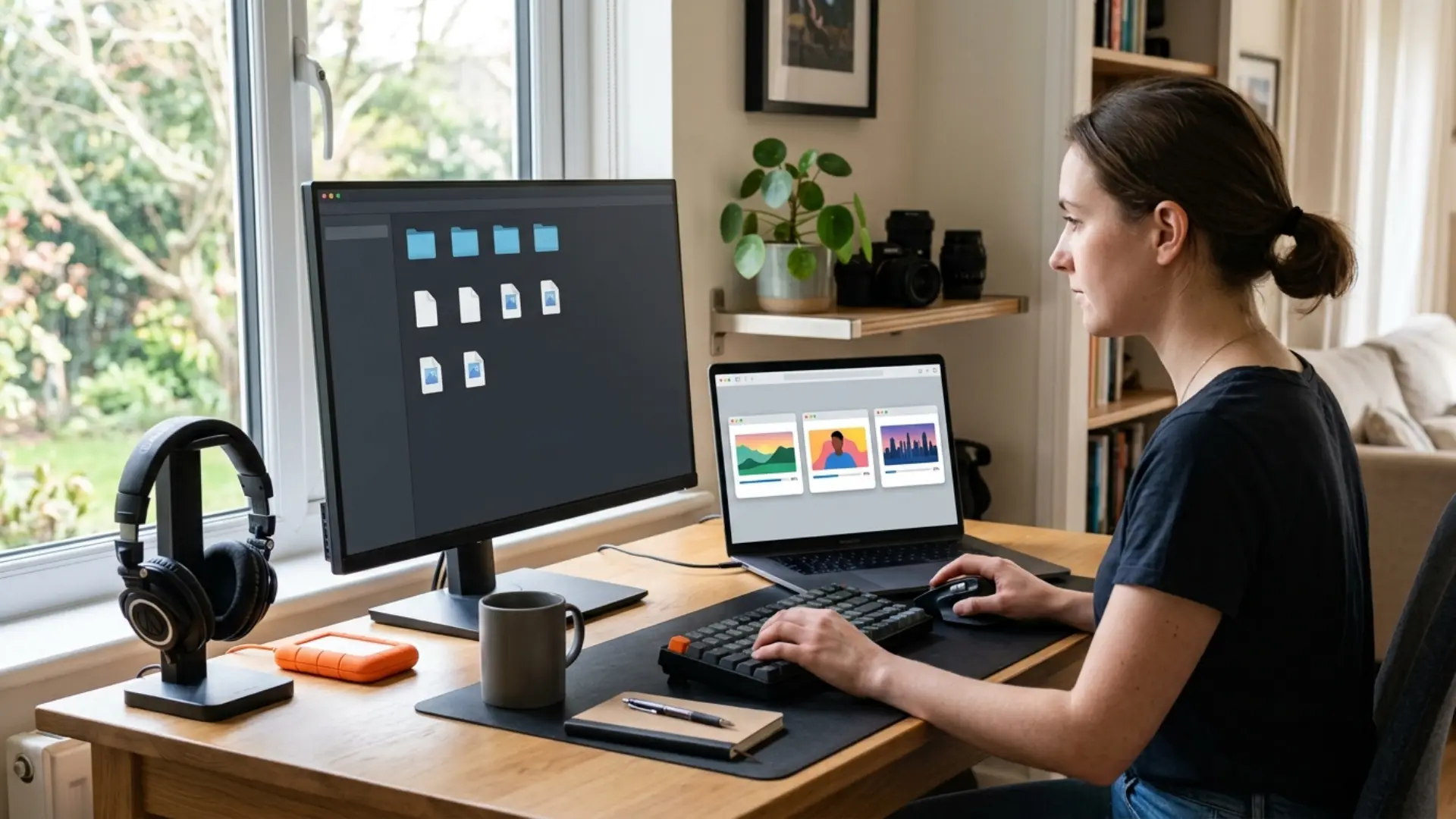
All three follow the same paste-and-download flow, so the difference is the friction around it. On ad-supported sites that usually means extra buttons, pop-ups and notification prompts. TubePull trades those for limits: three free downloads a day and a bot check.
Supported platforms
If you only ever touch TikTok, a TikTok-only tool is fine. If your week includes a YouTube reference, a Twitch clip and a Facebook video, one multi-platform tool beats three bookmarks.
Quality options, up to 4K
A downloader can only hand you what the source has. YouTube serves 4K when the uploader provided it, and TubePull says its quality menu only shows what the original offers, so a 720p upload won’t pretend to be 4K. On the free plan the cap is 1080p, and 2K and 4K need Pro. TubePull also says TikTok stores video at up to 1080p, so a TikTok “4K” download is likely an upscaled file.
Bigger isn’t always better for editing. Our cheat sheet on the best video formats and codecs for social media explains why MP4 with H.264 is the safe pick, and MP4 vs MOV helps you choose a container. If a 4K file makes your timeline crawl, learn how to edit 4K footage smoothly with proxies.
And when downloaded 4K lands next to new shots, Pixflow’s Luminous Light Leak Transitions are built to go up to 4K, so the transitions won’t be your softest pixels.
MP3 and audio extraction
All three can pull audio. TubePull extracts MP3 from the videos it supports, with 320 kbps as the top setting. A 320 kbps label can’t add detail the source never had, so judge the file by listening, not by the number.
If you need a WAV or M4A for editing instead, our guide on when to convert MP3, WAV, and M4A walks through it.
Safety: ads, pop-ups and redirects
This is where the three differ most in public conversation. Reviews of the old y2mate site describe pop-ups, forced redirects and fake buttons. TubePull says it runs on subscriptions rather than ads and has no fake download buttons or forced redirects. That’s the company’s own claim, so test it yourself.
Whatever you use, a few habits help:
- Check the domain before you paste a link
- Close any tab that opens without your click
- Deny browser notification prompts
- Skip any extension or app the site asks you to install
How do you save a TikTok video without the watermark?
- In the TikTok app, tap Share, then Copy link. On desktop, copy the URL from the address bar.
- Paste the link into the downloader. TubePull accepts the short vm.tiktok.com links that the share sheet creates.
- Pick MP4 (or MP3 for the sound only) and download.
TubePull’s TikTok page says photo slideshows download as a ZIP of images instead of a video, and that private accounts and live streams in progress don’t work.
Planning to repost the clip to Reels or Shorts? Use your own original file where you can, because music licensing on TikTok doesn’t always carry over to other platforms. And if the destination is vertical, here’s how to edit vertical video in Premiere Pro.
Is it legal to download YouTube and TikTok videos?
YouTube’s Terms of Service bar downloading content unless the service allows it or you have written permission from YouTube and the rights holders. TikTok’s Terms let creators control whether others can use features such as download, Duet and Stitch with their content.
These cases are the safest:
- Your own content
- Content you have the rights holder’s permission to save
- Public-domain material
- Creative Commons material, following the license terms (attribution is often required)
The music inside a video is its own copyright question. If you need a soundtrack, royalty-free music for video editing is the safer route.
How do you pick the right tool for your workflow?
- Backing up your own uploads: use the platform’s own export or download option first, and a downloader only as a fallback.
- Saving clips from several platforms: a multi-platform tool such as TubePull saves juggling sites, but watch the free daily limit.
- Only TikTok: a TikTok-specific tool works, as long as you’ve checked the domain.
- Audio only: choose a tool with MP3 extraction, then convert the file if your editor needs WAV.
- Anything you don’t have rights to: don’t download it. License it instead.
Conclusion
When you’re ready for that part, Luminous Light Leak Transitions are a good place to start (your timeline will thank you).
Wrap Up
- Start with content you own, permission you can prove, or public-domain and Creative Commons material.
- Judge any downloader on platforms, ease of use, quality, audio and safety, not on a single feature.
- y2mate’s original site is gone (IFPI, October 2025), so treat any site using the name as a clone.
- TubePull covers a dozen platforms, but 2K and 4K, unlimited downloads and long videos sit behind its Pro plan.
- TubePull says TikTok video tops out at 1080p, so be skeptical of any TikTok 4K download.
- Official routes like YouTube Premium offline and Twitch past broadcasts exist for a reason. Use them first.
Disclaimer : If you buy something through our links, we may earn an affiliate commission or have a sponsored relationship with the brand, at no cost to you. We recommend only products we genuinely like. Thank you so much.
Blog Label:



Write for us
Publish a Guest Post on Pixflow
Pixflow welcomes guest posts from brands, agencies, and fellow creators who want to contribute genuinely useful content.
Fill the Form ✏