Client Communication for Video Editors: How to Manage Feedback and Revisions
- Quick Answer
- Introduction
- Why Client Communication Makes or Breaks a Video Editing Project
- How to Set Expectations Before You Start Editing
- How Many Revisions Should a Video Editor Offer?
- How to Get Clear, Useful Feedback from Clients
- How to Handle Vague Feedback Like "Make It Pop"
- How to Say No to Extra Revisions Without Losing the Client
- How to Handle Difficult Clients and Changing Minds
- How to Get Final Approval and Close the Project
- Client Communication Templates for Video Editors
- Conclusion
- Wrap Up
Quick Answer
Introduction
This guide walks through video editor client communication from the first call to the final sign-off. You will learn how to set expectations, how many revisions to offer, how to get feedback you can act on, how to say no without losing the client, and how to close a project cleanly. At the end there are seven message templates you can copy and adapt.
Why Client Communication Makes or Breaks a Video Editing Project
Weak communication tends to fail in the same few ways. If the brief only lives in someone’s head, the first cut misses. If notes come in pieces, you end up doing three small rounds where one would have done, and if nobody agreed on a revision limit, the project never quite ends. You pay for all of it in unpaid hours.
Clear communication also works as marketing. Clients rarely judge an edit frame by frame, but they do notice whether you replied quickly and delivered when you said you would, and that is what turns a one-off job into repeat work and referrals.
How to Set Expectations Before You Start Editing
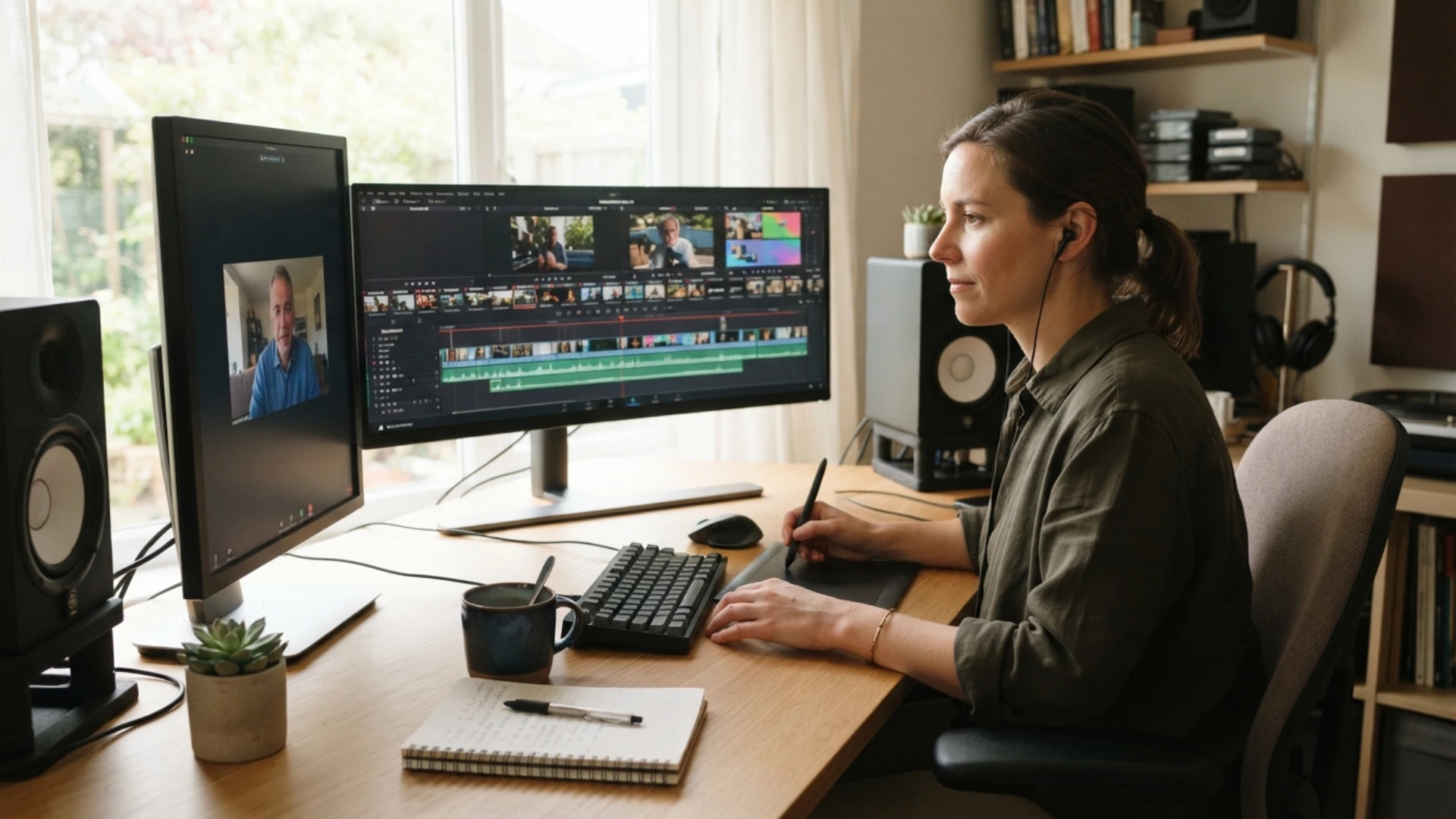
Run a short kickoff call
A 20 to 30 minute call is usually enough to cover the basics. Ask about:
- The goal: What should this video do? Sell a product, explain a service, grow a channel, or celebrate an event?
- The audience and platform: Who watches it, and where? A 9:16 Reel and a 16:9 YouTube video need different pacing and framing.
- Length and deliverables: Running time, number of versions, cutdowns, aspect ratios, captions, and file formats.
- References: Two or three videos the client likes, and one they do not. References replace pages of description.
- Deadline and milestones: When the first cut is due, how long the client has to review, and the final delivery date.
- Assets: Who supplies footage, music, logos, fonts, and brand guidelines, and by when.
Write a creative brief and send a recap
After the call, send a short recap email that lists everything you agreed. This becomes your creative brief. Ask the client to reply with a simple “confirmed” or corrections. A written brief gives you something neutral to point to when a request later falls outside the plan.
Agree on one decision-maker
Ask who has the final say on creative decisions. Other people can comment, but one person should collect their notes and approve each round. Without that person, you end up refereeing notes from people who disagree with each other.
Decide on channels and response times
Agree on where project conversations happen, for example email for decisions and a review link for timeline notes. Tell the client how quickly you usually reply and when you are not available. If you run several projects at once, the right project management tools for video editors keep every brief, deadline, and feedback log in one place.

How Many Revisions Should a Video Editor Offer?
In forum discussions among editors, the usual pattern is a fixed number of included rounds followed by an hourly rate or a set fee per extra round, clearly stated in the contract. PremiumBeat gives the same advice in its guide on how to stop video revision requests: tell clients up front that additional revisions cost extra.
What counts as a revision and what counts as new work
The number of rounds only protects you if both sides agree on what a revision is. A useful rule: a revision changes content that already exists in the edit, based on the brief. New work adds something the brief did not include.
Set a feedback deadline for each round
Give the client a review window, for example three business days per round, and state what happens if notes arrive late: the delivery date moves by the same amount. This keeps the schedule honest without you having to chase. Agencies with several stakeholders face the same problem at a larger scale, and the ideas in our guide on how agencies reduce video revision cycles apply to solo editors too.
How to Get Clear, Useful Feedback from Clients
Ask for one consolidated list per round
Tell the client at kickoff that you will act on one set of notes per round. If their team has five reviewers, the decision-maker collects and resolves those notes before sending them. You are not there to settle disagreements between their marketing lead and their CEO.
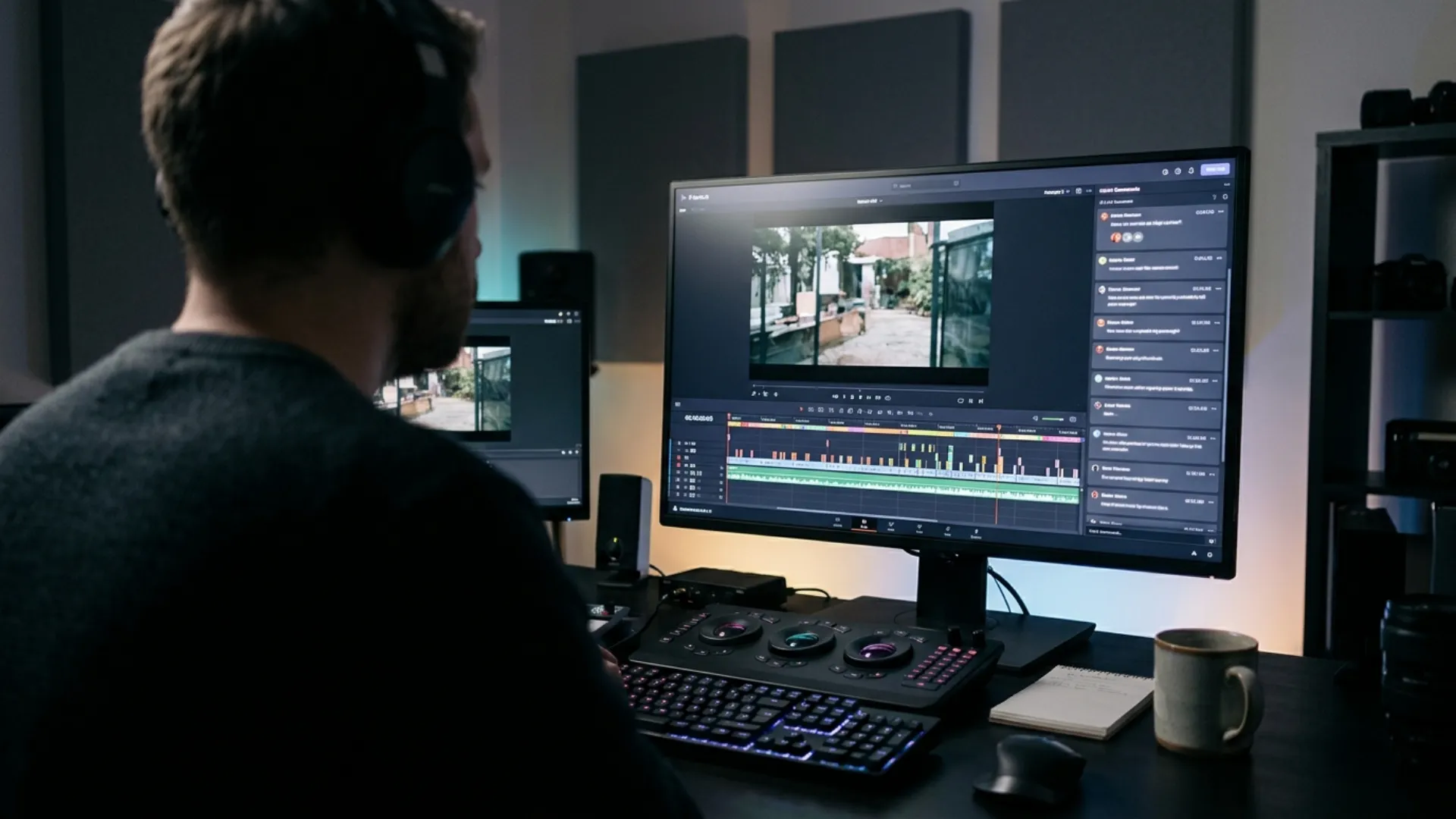
Use timestamped comments
Review platforms let clients click on the exact frame they are talking about and leave a comment there. Frame.io is one of the best-known options and integrates with Premiere Pro, and there are several alternatives. Timestamped notes remove guesswork such as “the part near the middle where she smiles.” For a closer look at the tools and how to set them up, see our guide to online review and collaboration tools.
Review in stages
Ask for different kinds of feedback at different stages. Big structural changes are cheap early and expensive late, so get them out of the way first.
Turn verbal notes into a written list
Some clients prefer to give notes on a call. That is fine, but write the notes up afterwards as a numbered list with timecodes and send it back for confirmation. You work from the confirmed list, and you have a record of what was asked.
How to Handle Vague Feedback Like “Make It Pop”
Vague notes are normal. Most clients are not editors and do not have the vocabulary to describe what they feel. Your job is to translate the feeling into a change you can make.
How to Say No to Extra Revisions Without Losing the Client
Recognize scope creep early
Vidpros notes that video projects usually go over budget through several small changes rather than one large one, such as one more graphic here and an extra version there. Each request sounds small, but together they can add a day of work.
Compare every request with the brief. If it is inside the brief, it is a revision. If it is outside the brief, it is new work and needs a price.
Offer a priced option
A friendly reply could say: the agreed rounds are used, here is what this change costs, and here is the new delivery date if they want it. Base the price on your hourly or day rate. If you are not sure what to charge, our guide to pricing your video editing services explains how to calculate it.
Keep track of the extras you give for free
Sometimes a small free change is worth it for the relationship. When you do one, say so. Creative Bloq recommends documenting every instance of scope creep, even the ones you do not charge for, so the client sees the gesture and does not expect it every time. A line such as “this one is on me, and future changes like this will be billed at my hourly rate” is enough.
Mention the schedule, not just the money
Every change takes time to edit, export, upload, and review. If a request pushes the delivery date, say so in the same message. Clients often drop “nice to have” changes once they see the schedule impact.
How to Handle Difficult Clients and Changing Minds
When stakeholders disagree
If two people at the client give opposite notes, do not choose between them. Send both notes to the decision-maker and ask which direction to follow. Do the work once, after you have the answer.
When the client changes direction after approval
If the client approved the rough cut and now wants a different story, that is a new brief. Acknowledge the idea, explain that it changes the scope, and send a quote for the new direction. Keep the approved version in case they change their mind again.
When feedback is late or never arrives
Send a friendly reminder when the review window ends. If you still hear nothing, send a second message that restates the new delivery date. Your contract can also say that a version counts as approved if no feedback arrives within a set number of days. Check with a local professional before you rely on that kind of clause.
When it is time to step back
Some projects will not get better. If a client ignores the agreement, disrespects you, or stops paying, it is acceptable to finish the current milestone and end the project politely. Long stretches of difficult client work are one of the fastest ways to burn out, so protect your energy and learn how to avoid burnout before it affects your work.
How to Get Final Approval and Close the Project
Get approval in writing
Send the final version with a clear question: “Is this approved for final delivery?” A reply email or an approval in your review tool both count. Approval means no more changes to that version. Changes after approval follow your out-of-scope rules.
Deliver and document
Send the agreed deliverables in the agreed formats, with clear file names. Include a short delivery note that lists every file, where it is stored, and how long you keep the project archive. That saves you from searching for an old project months later.
Invoice and follow up
Send the final invoice with the delivery, or straight after approval, as your contract says. If you need a better system, read our guide on invoice and payment best practices.
Ask for a testimonial and a referral
A happy client at the end of a project is often your best source of new work. Ask for a short testimonial you can use on your portfolio, and ask whether anyone else they know needs video editing.
Client Communication Templates for Video Editors
1. Kickoff recap
Subject: [Project name] – summary of what we agreed
Hi [Name], thanks for the call today. Here is a summary of what we agreed, so we are both working from the same plan.
Video: [length, format, platform]. Goal: [goal]. References: [links]. Deliverables: [files, versions, aspect ratios, captions].
Schedule: first cut on [date], [number] rounds of revisions with [number] business days for each review, final delivery on [date]. [Name] will collect all feedback and approve each round.
Please reply with “confirmed” or any corrections, and I will get started.
2. Feedback request for each round
Subject: [Project name] – [rough/fine/final] cut ready for review
Hi [Name], the [rough/fine/final] cut is ready here: [review link].
At this stage, please focus on [story and structure / pacing, music and graphics / color, audio and typos]. Please leave comments at the exact timecode, and send all notes from your team together by [date].
This is revision round [number] of [number].
3. Reply to vague feedback
Hi [Name], thanks for the notes. I want to get this right, so I have a quick question before I start.
When you say “[their words]”, is it mostly the [pace / colors / music / text] that feels off? If you have a video that feels right, a link would help a lot.
Once I know which direction you want, I will update that section.
4. Revision limit reminder
Hi [Name], thanks for the new notes. A quick update on where we are: these changes complete round [number] of the [number] rounds included in our agreement.
After this, further changes are billed at [rate], or I can quote a fixed price for a larger batch. Please send everything you would like changed together, so we can make the most of this round.
5. Out-of-scope quote
Hi [Name], thanks for the idea. Adding [request] is outside the original brief, because it [adds a new section / needs new deliverables / changes the concept].
I would be happy to do it. It would cost [price] and move the final delivery to [date]. If you would rather keep the current schedule, we can finish the current version first and add this as a separate project.
Let me know which you prefer.
6. Late feedback follow-up
Hi [Name], just checking in on the [cut] I sent on [date]. The review window ended on [date].
No problem if you need more time. Each day of delay moves the final delivery by one day, so the new date would be [date]. If it helps, we can go through the notes on a quick call.
7. Final approval request
Subject: [Project name] – final version for approval
Hi [Name], the final version is ready here: [link]. It includes all changes from round [number].
Could you confirm that this is approved for final delivery? Once you approve it, I will export and send all deliverables and the final invoice.
Thank you for working on this with me.

Conclusion
Wrap Up
- Expectations first: A kickoff call, a written recap, and one decision-maker prevent most revision problems before the edit starts.
- Revision limits: Two or three included rounds is common. Write the number, what counts as a revision, and the price of extra rounds into the contract.
- Better feedback: Ask for one consolidated, timestamped list per round, and review in stages: structure first, polish last.
- Vague notes: Ask specific questions or request a reference before changing anything, and offer two small options when the client cannot describe what they want.
- Saying no: Answer out-of-scope requests with a price and a new date, and note the free extras you give.
- Difficult moments: Send conflicting notes back to the decision-maker, treat changes after approval as new scope, and step back from projects that keep ignoring the agreement.
- Closing: Get written approval, deliver with a clear file list, invoice promptly, and ask for a testimonial.
Disclaimer : If you buy something through our links, we may earn an affiliate commission or have a sponsored relationship with the brand, at no cost to you. We recommend only products we genuinely like. Thank you so much.
Blog Label:


Write for us
Publish a Guest Post on Pixflow
Pixflow welcomes guest posts from brands, agencies, and fellow creators who want to contribute genuinely useful content.
Fill the Form ✏