From Sound to Screen: How Creators Can Build a Complete Music-Video Workflow With AI
AI tools are closing both gaps. Today, a single creator can move from an idea to a finished song, and from that song to a finished video, without a studio, a film crew, or a large budget. This article walks through a practical workflow for doing exactly that, and explains where each type of AI tool fits.
Why Music and Video Are Converging
For creators, this means the audio-visual package is the real unit of work. The faster you can produce both halves in a consistent style, the more content you can publish, test, and learn from. AI makes that speed possible, but only if you use it with a clear process rather than random experimentation.
Step 1: Start With a Creative Brief, Not a Tool
- Mood: Is the piece energetic, nostalgic, dreamy, tense, or playful?
- Audience: Who will watch, and on which platform?
- Length and format: A 15-second vertical clip needs a different structure than a three-minute widescreen video.
- Reference points: Note two or three songs or videos whose feeling you want to echo, not copy.
This brief becomes the prompt backbone for everything that follows. When the music and the visuals are both generated from the same set of mood words, they feel like they belong together.
Step 2: Create the Music
A few habits make AI-generated music far more useful, whichever tool you use:
Be specific about feeling, not just genre. “Lo-fi hip hop” is a starting point. “Warm lo-fi hip hop with soft vinyl texture and a slow, hopeful piano loop, suited for a morning routine vlog” gives the tool much more to work with.
Think in structure. If your video has a clear arc, such as a quiet intro, a build, and a payoff, say so. Tracks that mirror the emotional shape of your edit require far less trimming and cross-fading later.
Generate several versions. Treat the first result as a draft. Produce three to five variations, then choose the one that best supports the pacing of your footage. Small differences in tempo or instrumentation can change how a cut feels.
Keep your own notes. Save the prompts that worked. Over time you will build a personal library of reliable descriptions for your favorite moods, which saves enormous time on future projects.
Step 3: Turn the Track Into Visuals
- Shoot or edit footage yourself. This gives the most control but takes the most time.
- Use stock footage and motion graphics. Faster, but it can look generic if many other creators use the same clips.
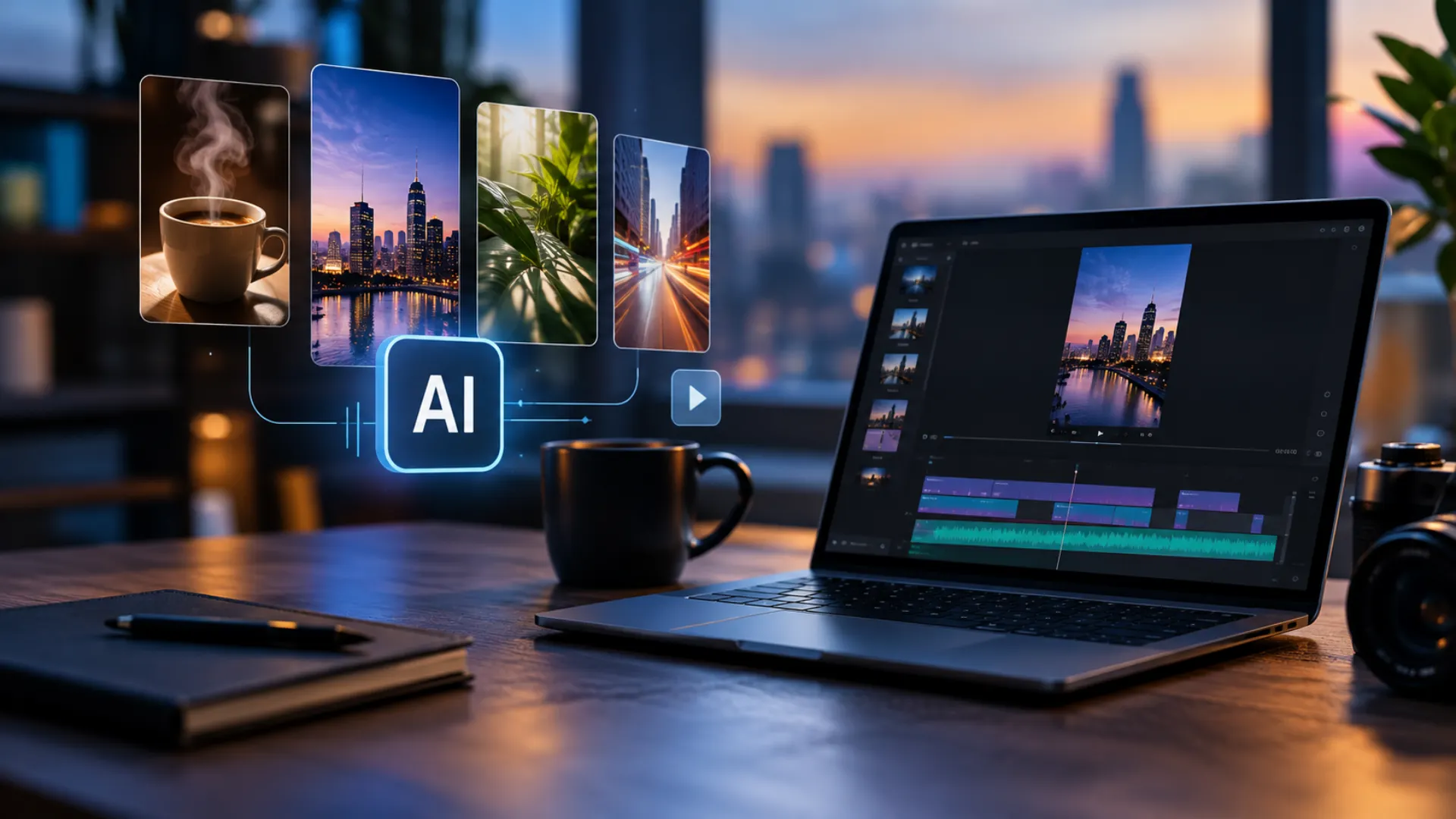
- Generate visuals with AI. This is the fastest route and works especially well for abstract, stylized, or atmospheric content.
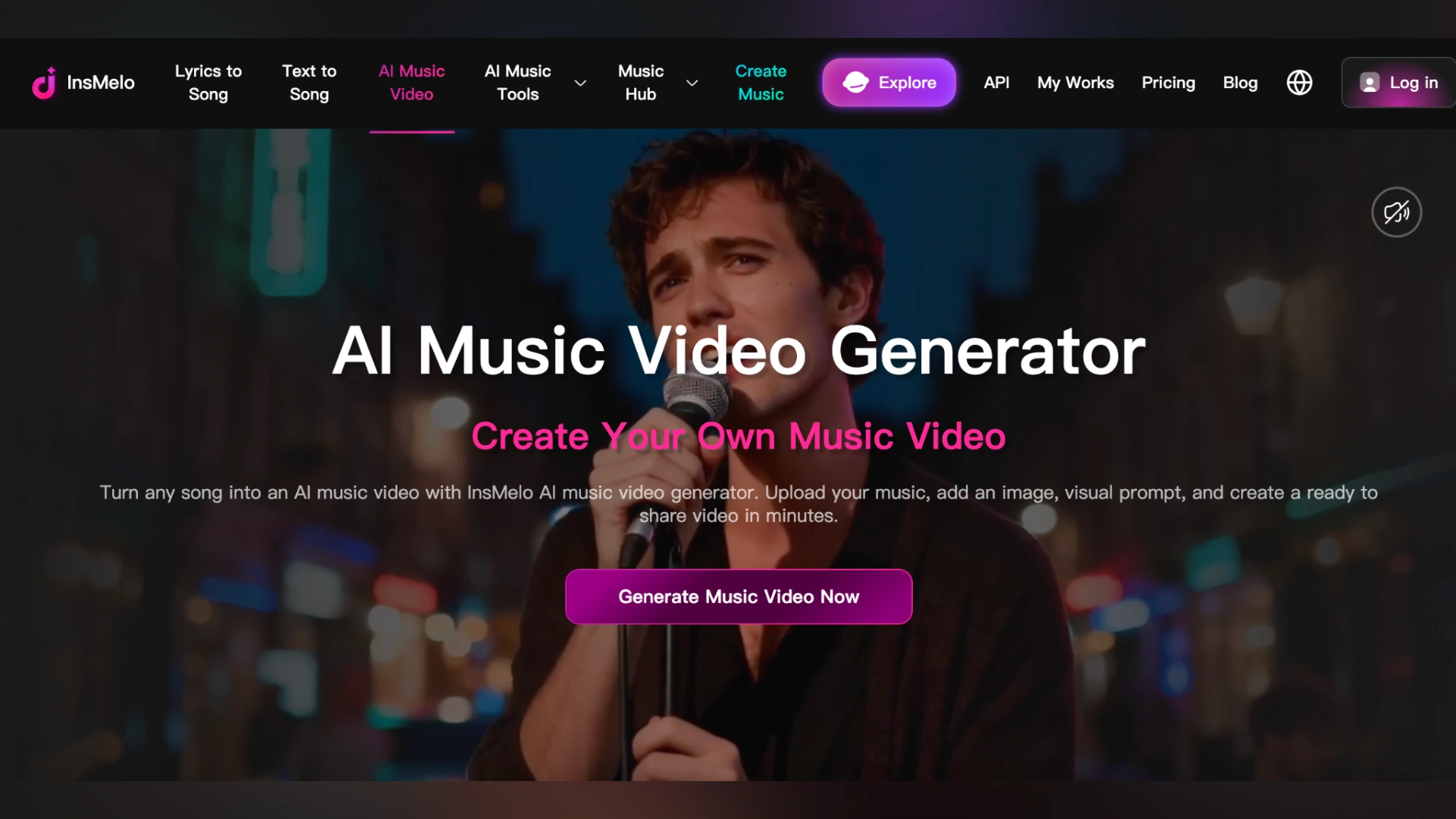
For the third route, an AI music video generator can take a song and produce visuals designed around it. InsMelo offers one, which makes it convenient to keep the music and the video in the same place instead of juggling separate tools. This is particularly valuable for independent artists, lyric-video makers, and content creators who need a steady flow of videos but cannot shoot new footage every week. Because the visuals are built with the music in mind, you spend less time manually syncing cuts to beats and more time refining the creative direction.
To get stronger results, give the generator the same mood language you used for the music. If the track is “warm, hopeful, slow,” avoid asking for “aggressive neon cityscapes.” Visual and audio cohesion is the difference between something that feels professional and something that feels assembled from parts.
Step 4: Edit With Intention
- Trim and pace. Cut dead space, tighten transitions, and make sure the biggest visual moment lands on the strongest musical moment.
- Add human touches. Titles, brand colors, a logo sting, captions, or a short piece of your own footage make the video unmistakably yours.
- Check the audio mix. If you are layering voiceover or sound effects, make sure the music sits under them rather than competing with them.
- Export for the platform. Vertical for short-form feeds, widescreen for YouTube, square for some social placements. Re-framing at the end is cheap; re-making the video is not.
Step 5: Publish, Measure, Iterate
Track a few simple signals: average watch time, completion rate, shares, and saves. If a particular mood of music consistently holds attention longer, lean into it. If a certain visual style drives more comments, make more of it. Over a month or two, you will develop a recognizable sound and look, which is the foundation of a brand.
Common Mistakes to Avoid
Over-relying on defaults. If every creator uses the first output of every tool, everything starts to look and sound the same. Customize, edit, and add your own perspective.
Ignoring licensing and platform rules. Before you publish commercially, read the usage terms of any tool you use, including InsMelo, and check the policies of the platforms where you post. Rules around AI-generated content and monetization continue to evolve, so it is worth reviewing them regularly.
Forgetting the audience. Technology should serve the story. A technically impressive video that does not connect emotionally will still underperform.
The Bigger Picture
If you create videos, you can now score them yourself. If you make music, you can now give it visuals without a production crew. And if you do both, you can build a repeatable system that turns ideas into finished, publishable work at a pace that was unrealistic only a few years ago.
Final Thoughts
Disclaimer : If you buy something through our links, we may earn an affiliate commission or have a sponsored relationship with the brand, at no cost to you. We recommend only products we genuinely like. Thank you so much.
Blog Label:



Write for us
Publish a Guest Post on Pixflow
Pixflow welcomes guest posts from brands, agencies, and fellow creators who want to contribute genuinely useful content.
Fill the Form ✏