Best AI Tools for Video Editors and Content Creators in 2026
AI is no longer just an additional bonus for creators; it has become a must-have editing tool. In 2026, the best AI tools are the ones that can help you come up with visuals, save time on editing, do voiceovers for you, create music, and repurpose single videos into various platform contents.
Our guide doesn’t merely give you a string of random suggestions. Instead, we have categorically arranged the different tools in accordance with their functions.
Some are repeated in more than one section since they are designed to deal with different parts of the creative process. In this way, you’ll be able to easily locate what best suits your style of creation. Let’s get started!
How We Picked These Tools
- Useful for Editors: We mostly picked those tools which helped the editors by solving their everyday problems as opposed to the AI-based flashy tools.
- Proper License: We only listed those products whose license terms are clear enough that they do not leave questions to the users about what can be used for commercial or client projects.
- Performance to Cost Ratio: We found tools that keep delivering quality results consistently and don’t cost much in the process.
- Compatibility: It is a well-known fact that most editing projects are done using Adobe Premiere Pro, After Effects, or DaVinci Resolve, so we gave bonus points to the editing tools that were seamlessly integrated with one or more software.
AI Video Generation and Templates
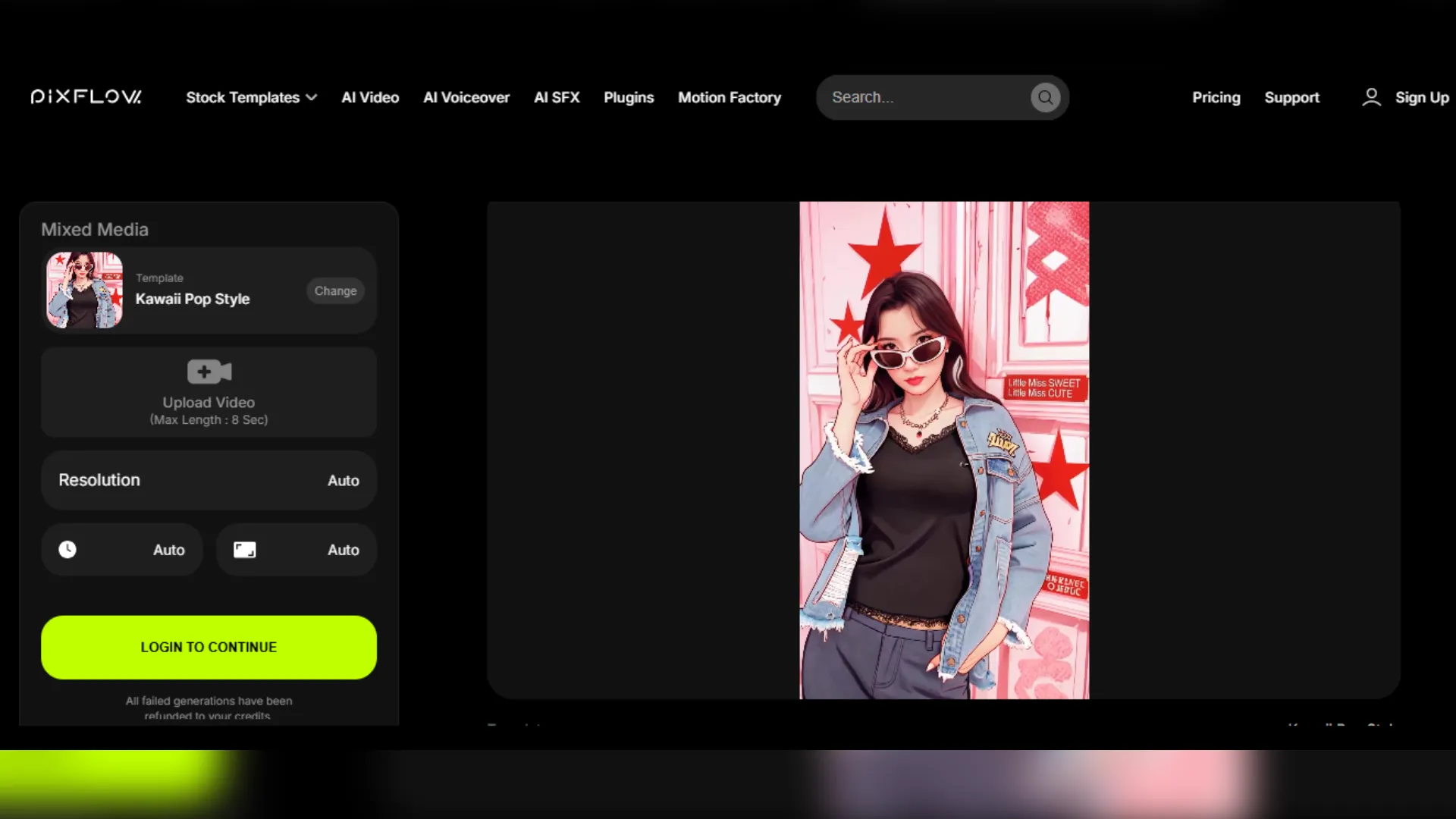
Pixflow (AI Video)
Want to make videos without having to do all the work from scratch? Pixflow AI Video is a good place to start. In addition to AI-powered video production, the platform also has 10,000+ professional video and motion graphic templates for Premiere Pro, After Effects, and DaVinci Resolve so that you can make content in just a few minutes. You’ll also enjoy one-click template videos that will go viral, the voiceover in 29 languages generated by AI, sound effects through AI, stock visuals, LUTs, plugins as well as the Motion Factory plugin, which allows you to fetch all templates to your editing software directly.
Runway
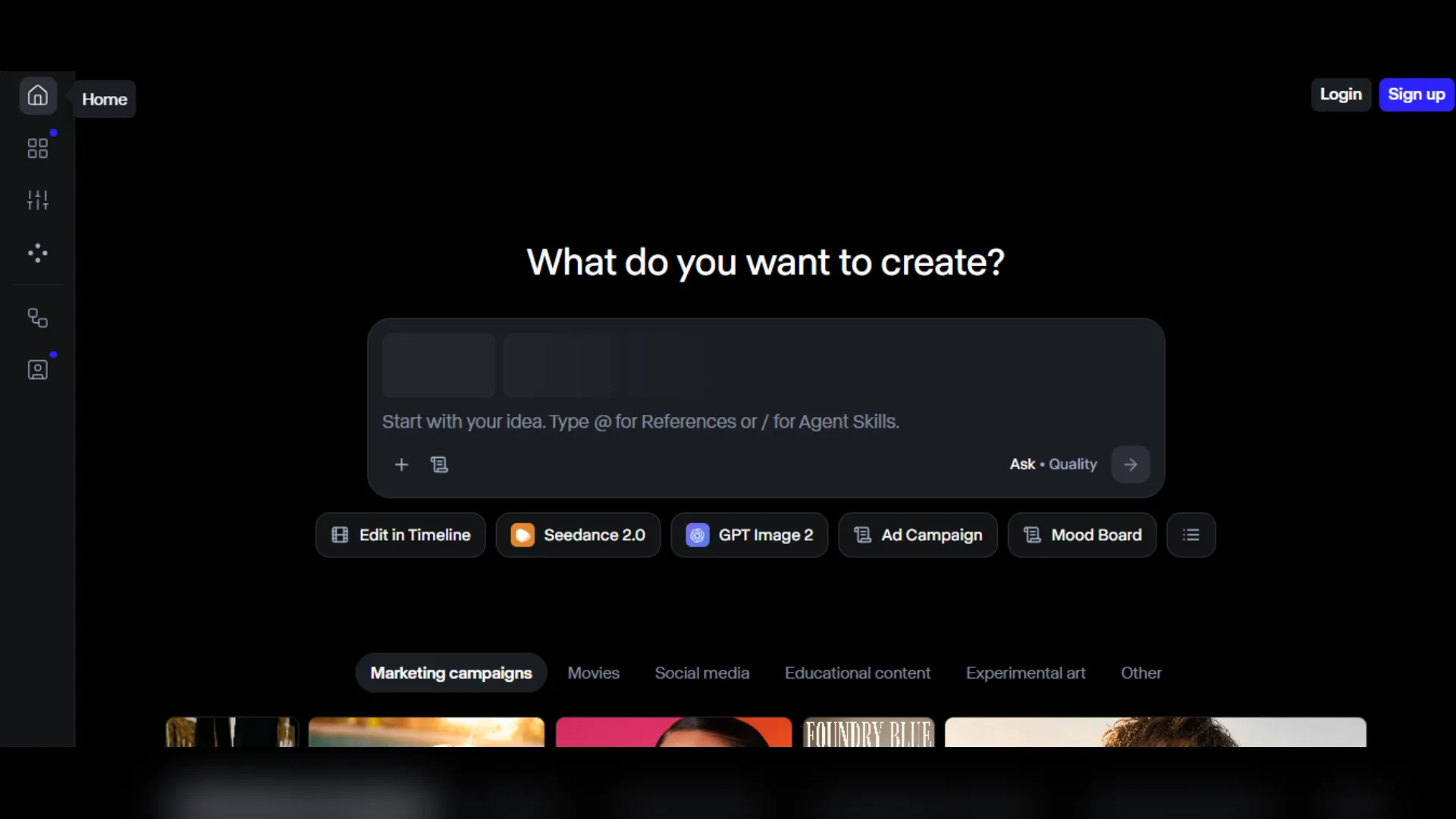
Runway is arguably one of the best AI-powered video creation tools that offers creators the full range from generation to editing right next to it. With this software you can generate a movie either by giving a text prompt, showing an image, or providing an existing clip. Runway also offers a variety of other video features like making a video longer, enlarging it in resolution, AI speech and music creation, plus it gives you the video models of Gen-4.5, Aleph 2.0, Seedance 2.0, Kling 3.0, and Veo 3.1 via one single interface.
AI Music Composition & Soundtracks
Lalals — AI Music Composer
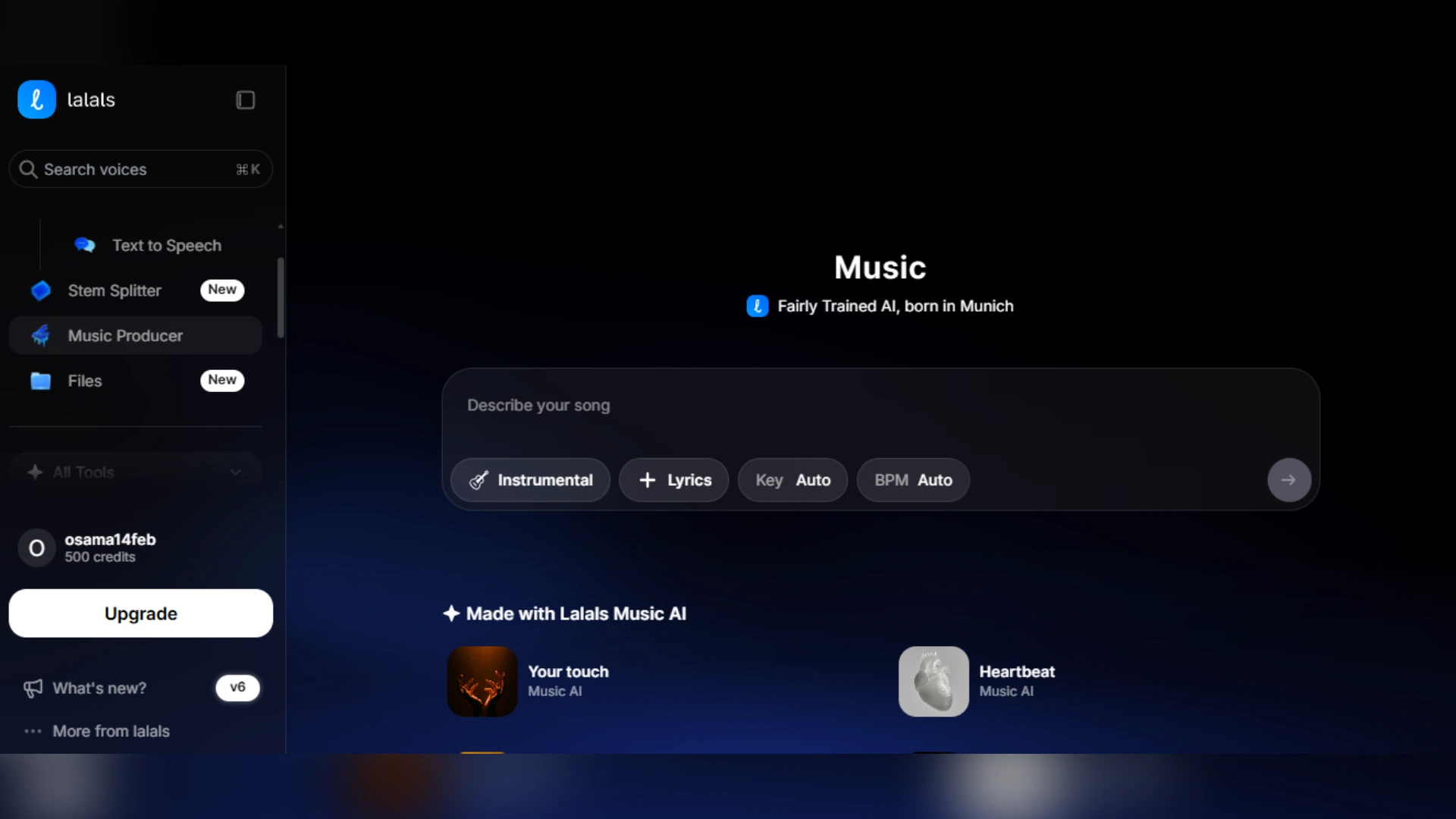
Lalals AI music composer will enable you to come up with unique, royalty-free music from a very basic prompt, enabling you to quickly create soundtracks which correspond with your videos’ style, speed and mood. Besides that, the software offers 3,000+ different AI voices for voiceover recording & song covers – be it narrator-like documentary narration or trendy social media voices— making it an all-purpose tool for the creators who want custom music and professionally done audio to be available at the same time.
Canva Music Generator
If you’re working on a design in Canva already, the AI Music Generator is among the easiest ways you can add the music without getting out of your project. Just select how you feel, a particular type of music, the time length and let the program generate the track. Then, if needed, you’ll fine-tune the audio a bit until it goes well with your video.
Winner: Lalals is the stronger pick for creators who want original, customizable soundtracks, while Canva is better for adding quick background music to everyday design projects.
AI Voice, Narration and Text-to-Speech
Pixflow AI Voiceover
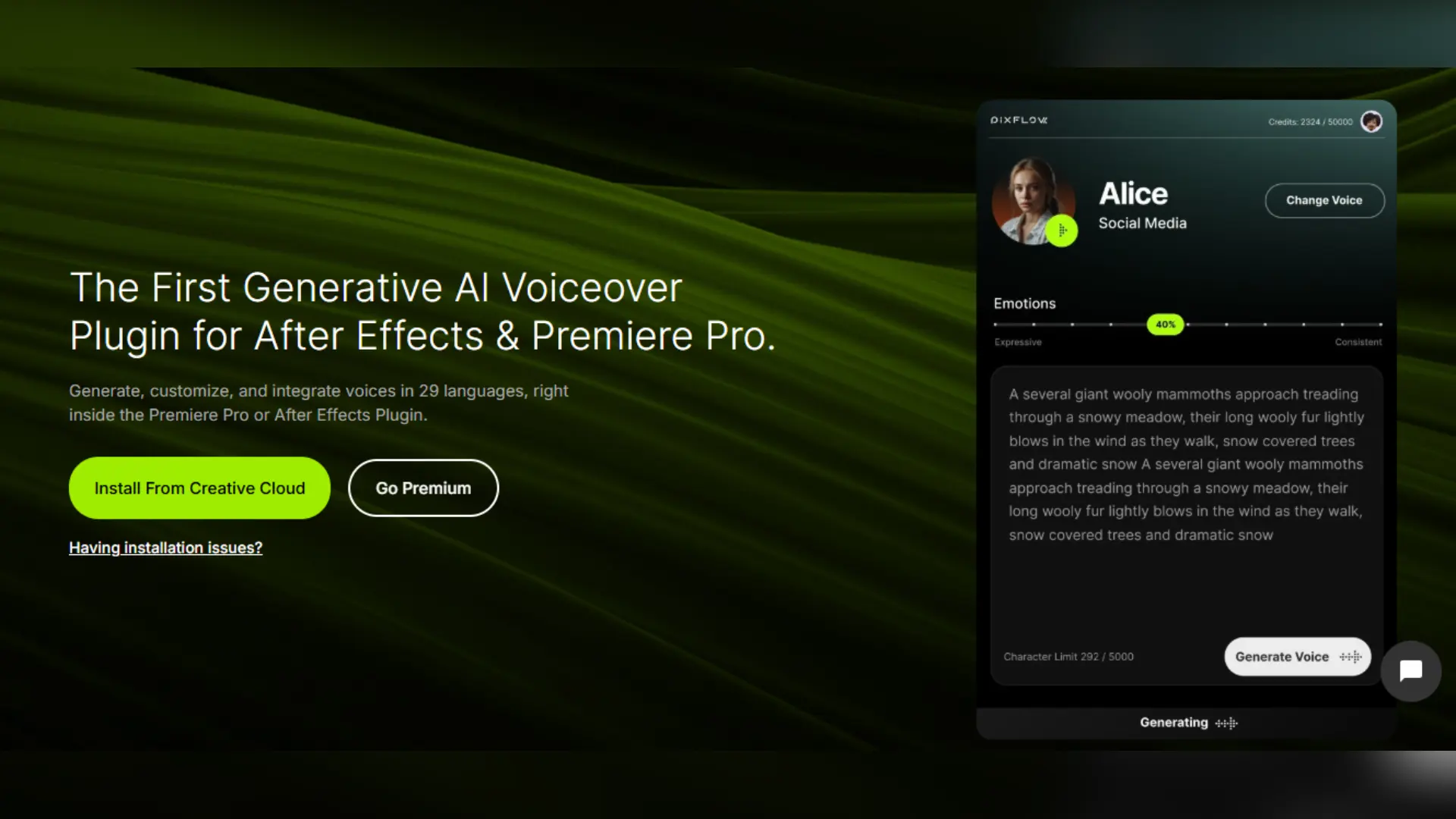
Pixflow’s AI Voiceover is basically a plugin for Adobe Premiere Pro and After Effects which gives you the ability of easily creating and editing your voiceover right within your timeline. It’s multilingual in supporting up to 29 languages. It offers custom AI voice actors for different genres. It supports voice modulation to express various emotions. And finally, it has a sound library where you can upload and reuse the AI-generated audio.
Lalals — Text to Speech
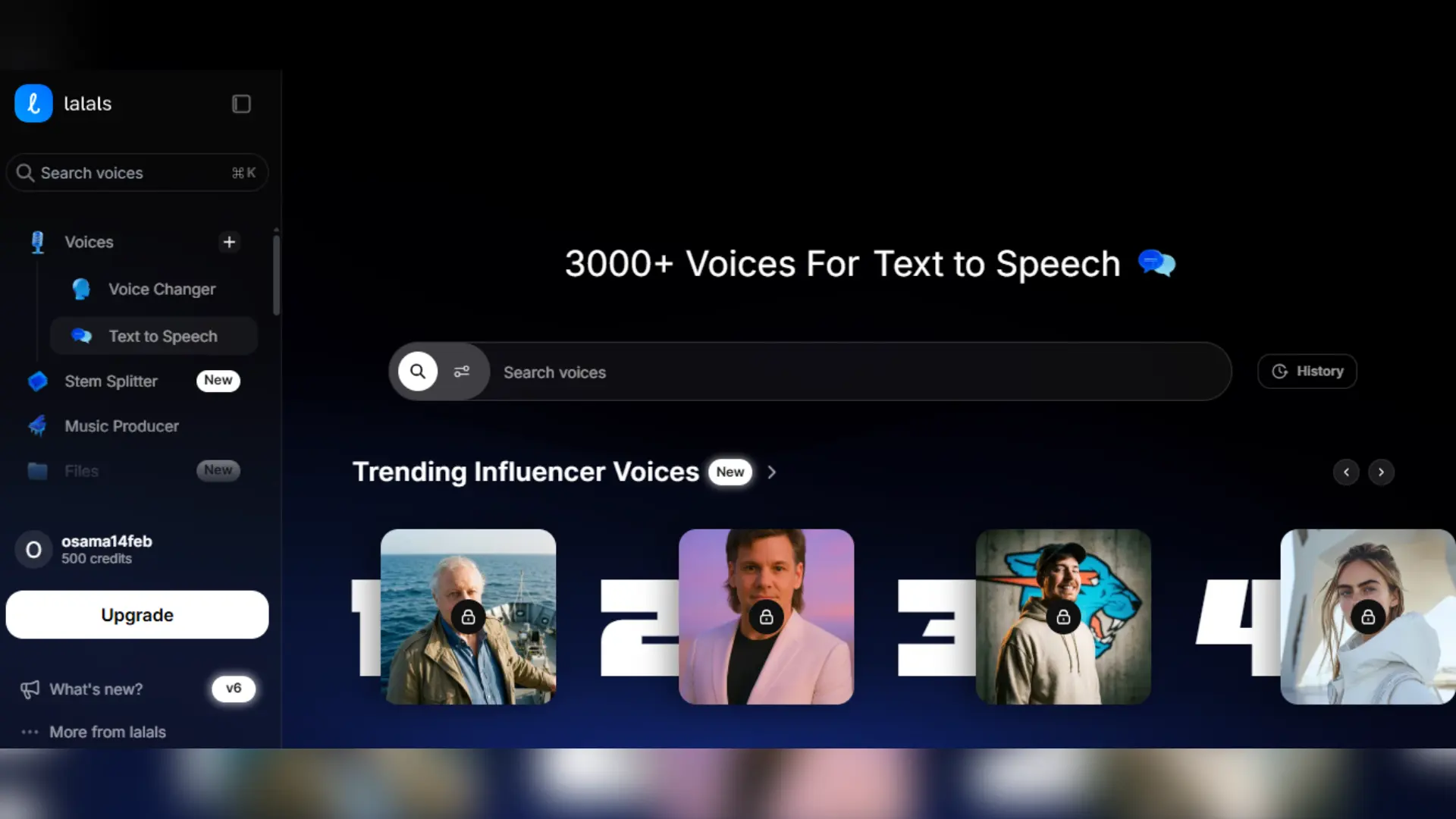
The AI text-to-speech tool from Lalals offers the user a pool of more than 3,000 AI voices for transforming texts into sounds. This also greatly reduces the workload of voice recording for YouTube videos while helping users to create voice-over clips for social media, podcasts, and so on. The tool gives the option to choose from a variety of voice styles, such as TikTok narrators, documentary voices, news reporters, ASMR, and voices created for content creators.
AI Sound Effects and Audio Cleanup
How to Integrate These Tools in a Single Workflow
- Generate visuals: Use Pixflow templates in addition to AI video tools to build footage, transitions, and graphical elements.
- Include custom music: With the help of Lalals AI Music Composer, you can create a soundtrack that fits well with the mood and rhythm of your video content.
- Create narration: Make voiceovers through Lalals Text to Speech with different choices of voices or try Pixflow AI Voiceover for a tool that is already a part of your editing process.
- Perfect visual and audio effects: Use Pixflow AI SFX and its plugins to incorporate sound effects, insert titles, and add motion elements.
- Make the final video suitable for multiple uses: Take the final video, export it and transform it into different formats such as YouTube, TikTok, Instagram, and other platforms.
Conclusion
Consider putting together your very own set of AI tools based solely on your kind of work and see which of them genuinely make your work faster.
Disclaimer : If you buy something through our links, we may earn an affiliate commission or have a sponsored relationship with the brand, at no cost to you. We recommend only products we genuinely like. Thank you so much.
Blog Label:



Write for us
Publish a Guest Post on Pixflow
Pixflow welcomes guest posts from brands, agencies, and fellow creators who want to contribute genuinely useful content.
Fill the Form ✏