From Logo to Launch: AI Tools That Help Build Your Brand
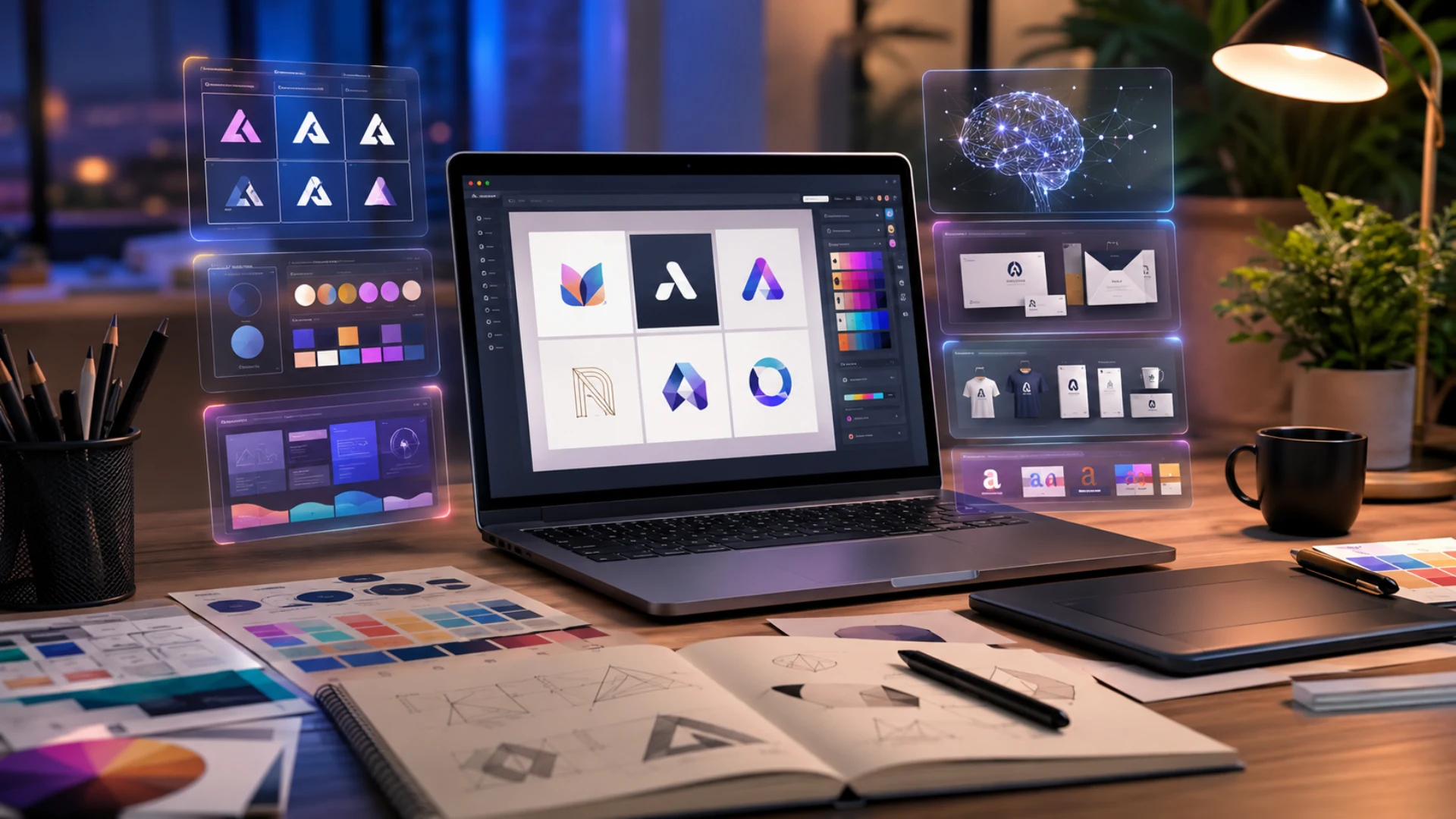
Modern AI tools not only make this possible but also ensure you will get a professional result in a short amount of time. Using these tools, you can describe your brand objectives, choose from hundreds of templates, and get the most personalized logo that will be perfect for your own case. In addition, these tools provide all possible customisation options, so you can edit your logo design, change colors or layouts.
To know more about the tools, discover their possibilities and key advantages, let’s dive deeper and try them one by one.
Quick Evaluation Chart
Top 5 AI Tools for Building Your Brand Reviewed
Design.com
Design.com is not only the world’s leading design tool but also one that suggests variety and professionalism. The tool is a great option for beginners and people with no design experience, since it is convenient to use and easy to edit.
It is a great option for logo design since in this tool you can find human creativity and AI technology in the same place.
Main Highlights
Some of the top benefits of Design.com’s logo maker include:
-
- There are 500K+ logo templates available on Design.com, making it the world’s largest AI-driven logo library.
- The platform includes advanced AI technology with professional design tools, fonts, and layouts.
- 100% ownership over your logo design. The logo maker provides extended licensing and exclusive use of the logos.
- There are 525+ exclusive fonts on the platform that help you get a unique logo design.
- You can download your logos for free with high-resolution vector files.
- Besides logos, there are more than 50 AI design options available on the platform, including websites, business cards, presentations, flyers, QR codes, and many more.
Now let’s dive further and test the tool, paying attention to its speed, user-friendliness, and customisation options.
Let’s Test Together
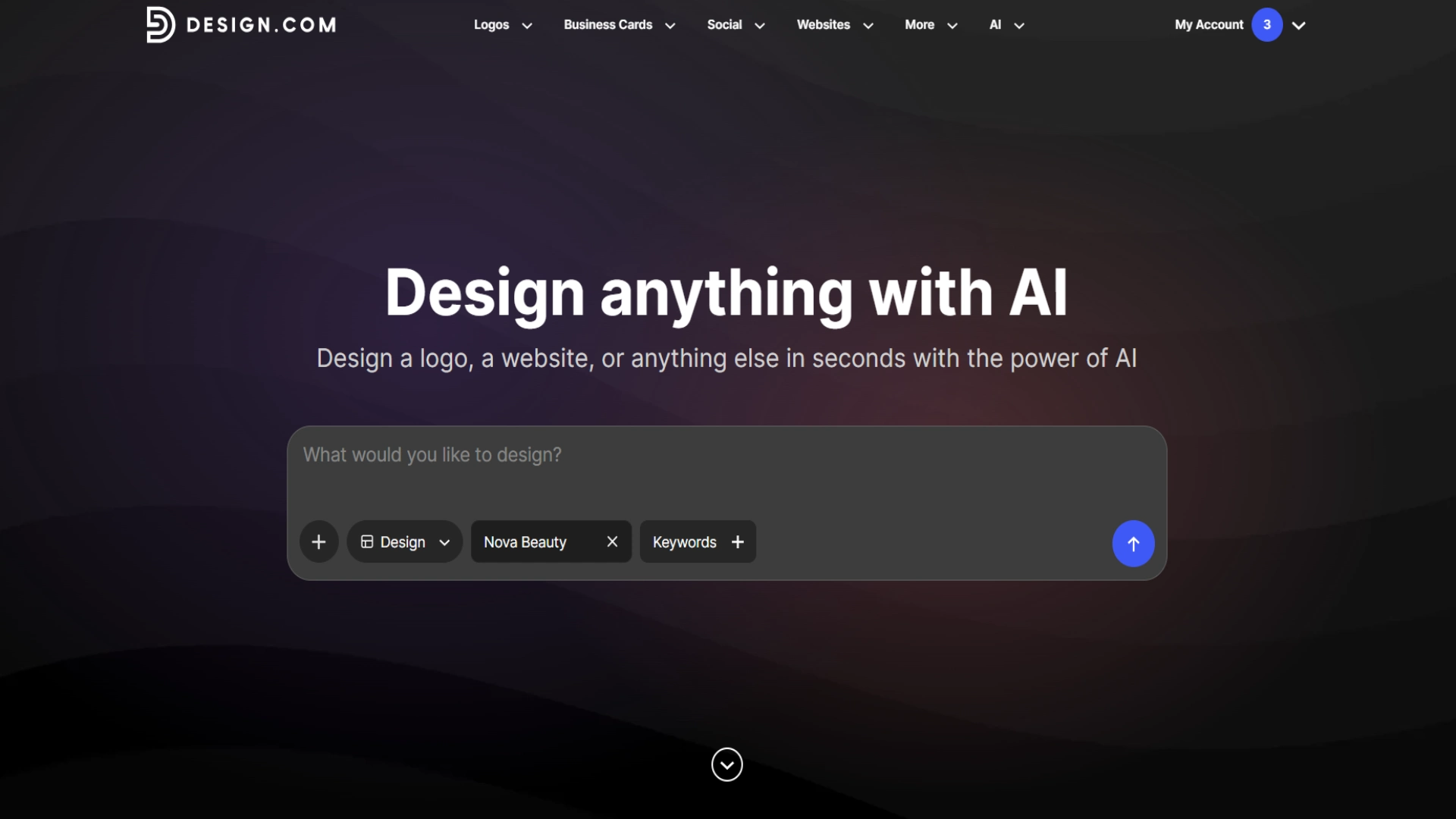
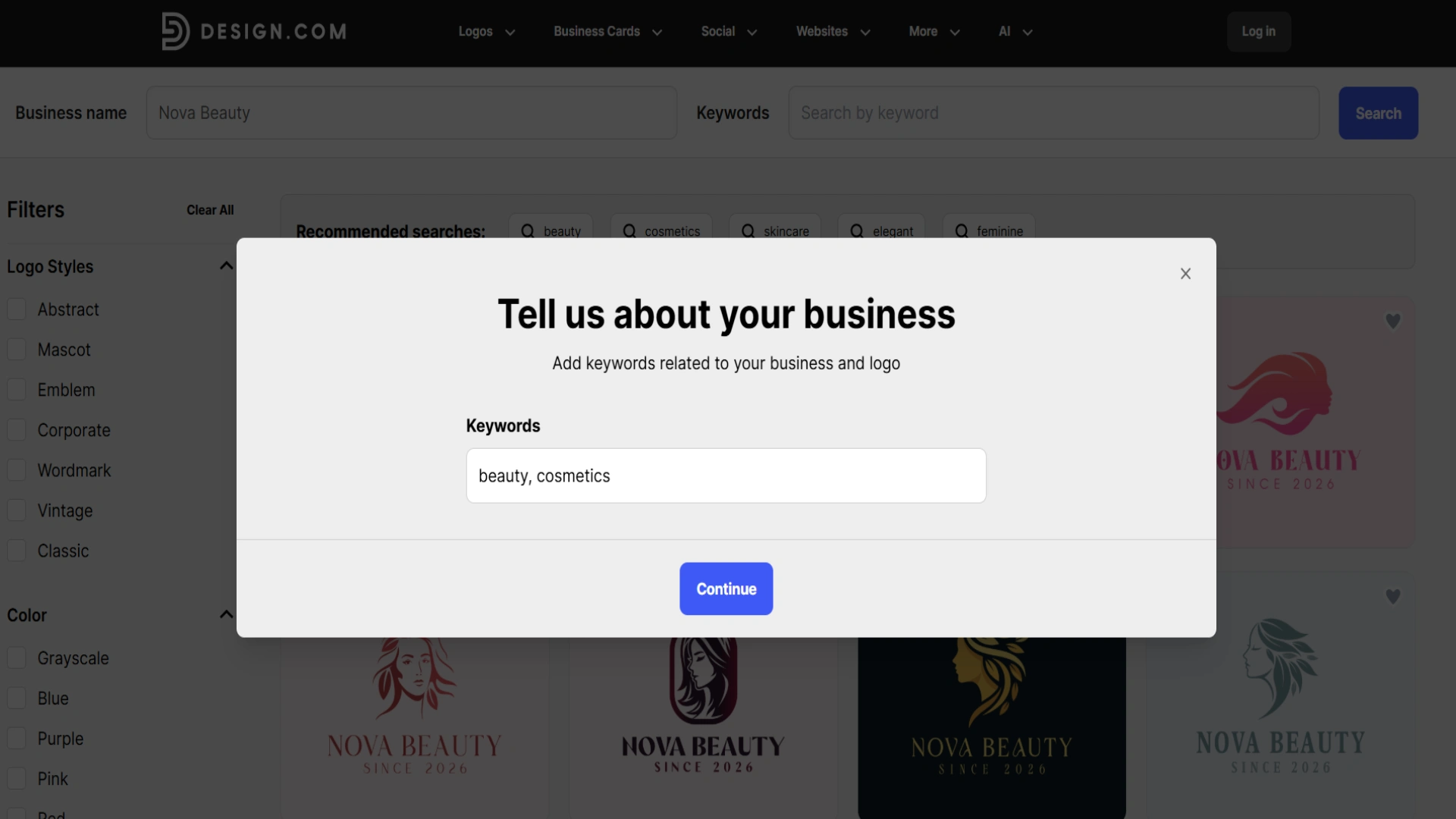
To test the platform, we just opened it and simply entered the business name.
The tool asked us to confirm the business category to make the results even more personalised.
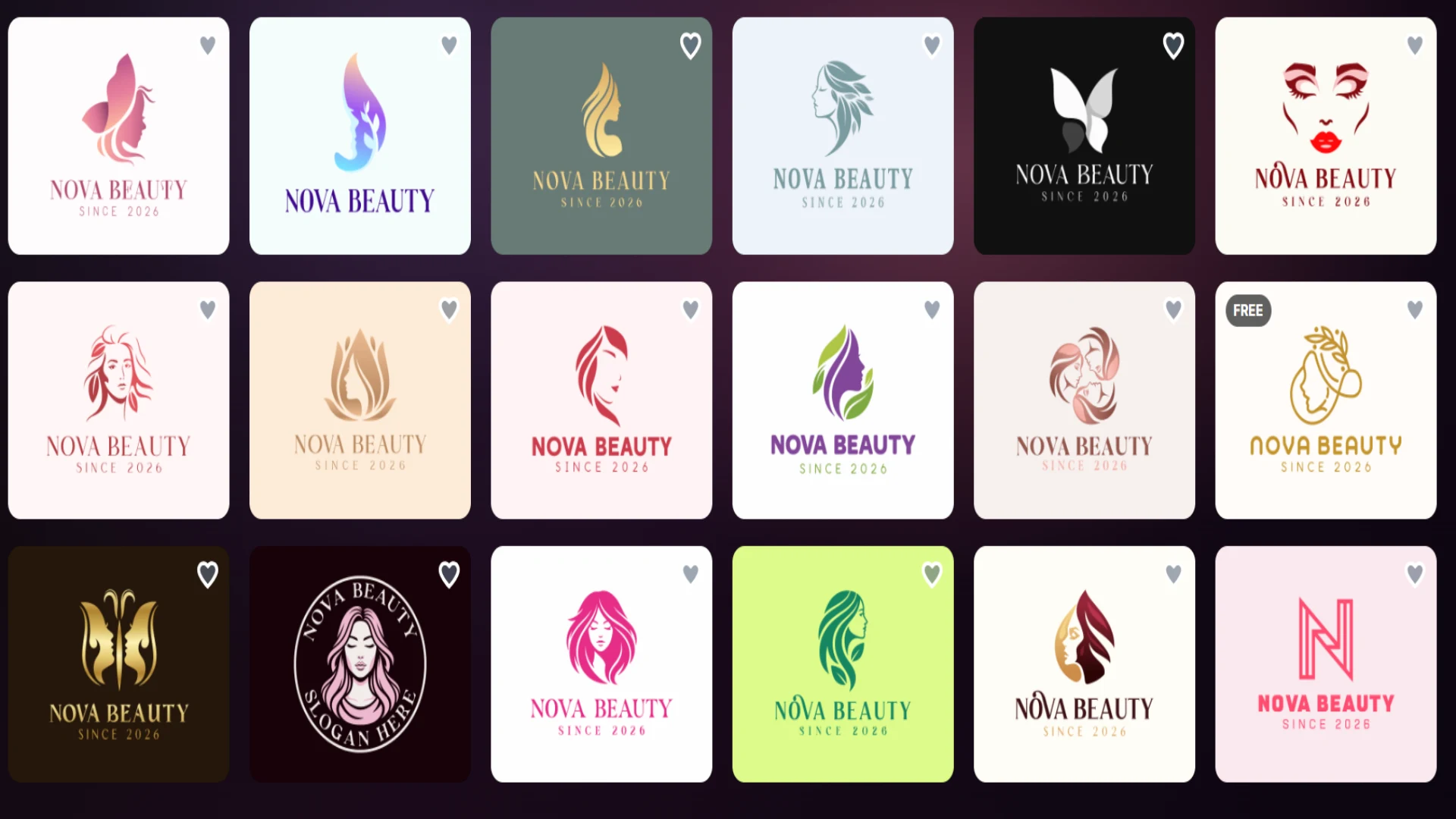
The results appeared immediately, and the tool provided thousands of logo designs to choose from. Each design was unique, and the fact that there are many options to choose from is great since every brand has its own needs.
From experience, it becomes clear that editing is as quick as generating logos
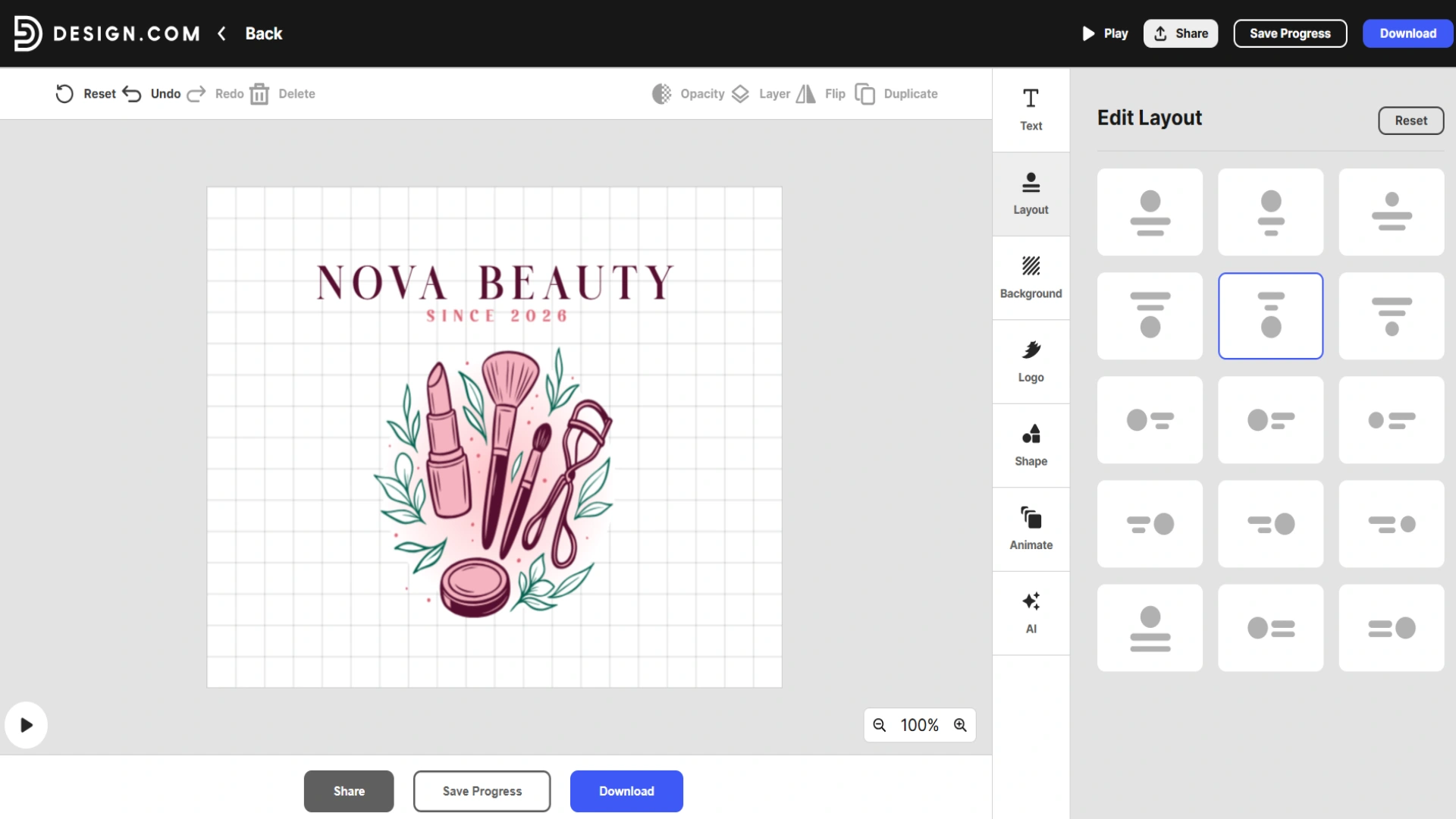
You can also share the logo with your team or click “save progress” and come back later to finish your changes.
The logo is ready; all we have to do is download it and use it to make our website even more unique.
Quality Review
The first aspect that grabs our attention after generating the logos is their professional quality. The tool stands out for its variety of results and unique elements.
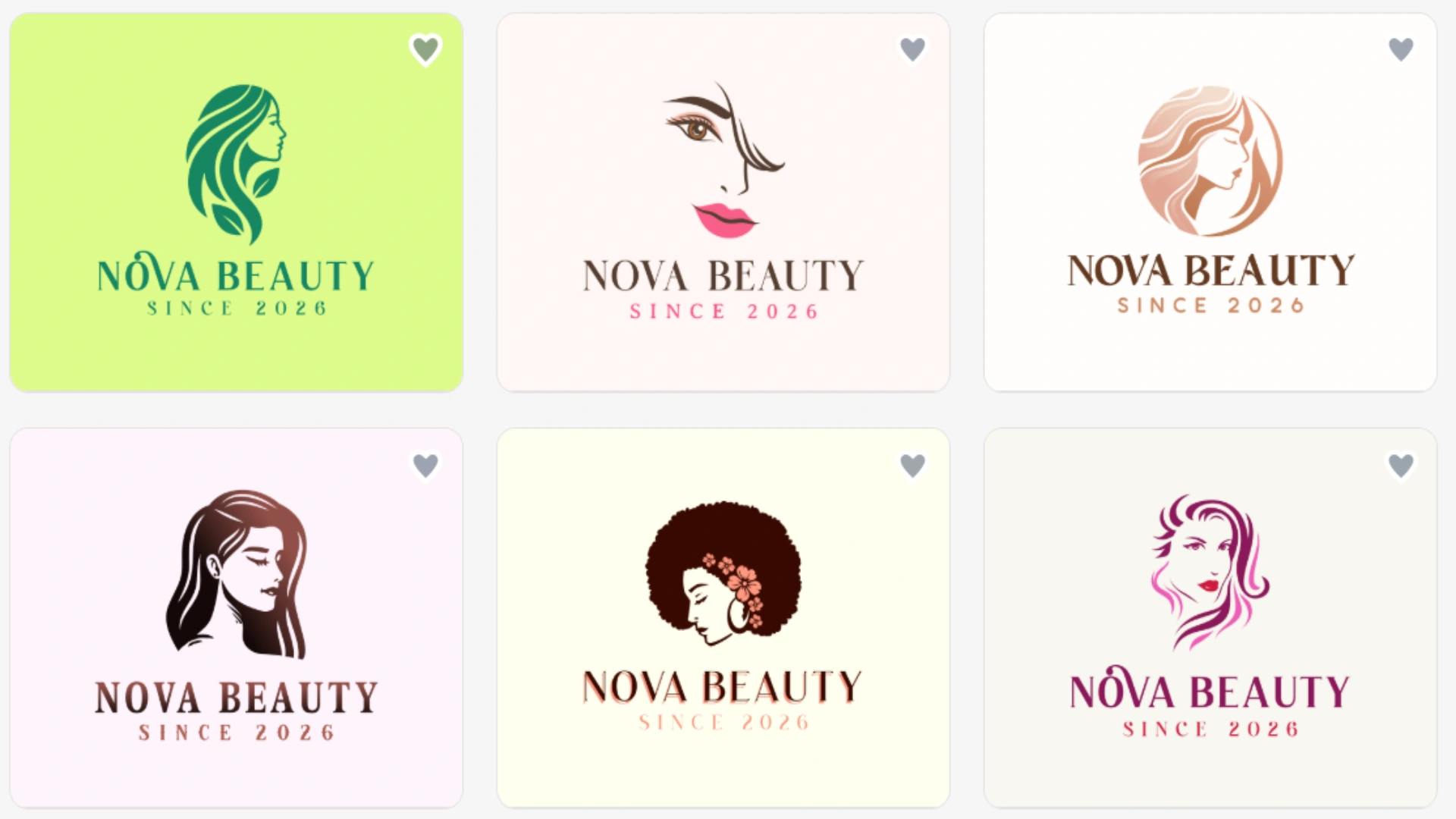
It becomes apparent that logos are not entirely AI-made but that professional designers are integrated to make the design unique.
Final Take
Design.com is clearly an easy-to-use platform that is perfect for everyone, even those who have no idea about design. It offers hundreds of design options one can choose from, limitless editing opportunities, and, what is more important nowadays, guaranteed ownership over your logo.
BrandCrowd
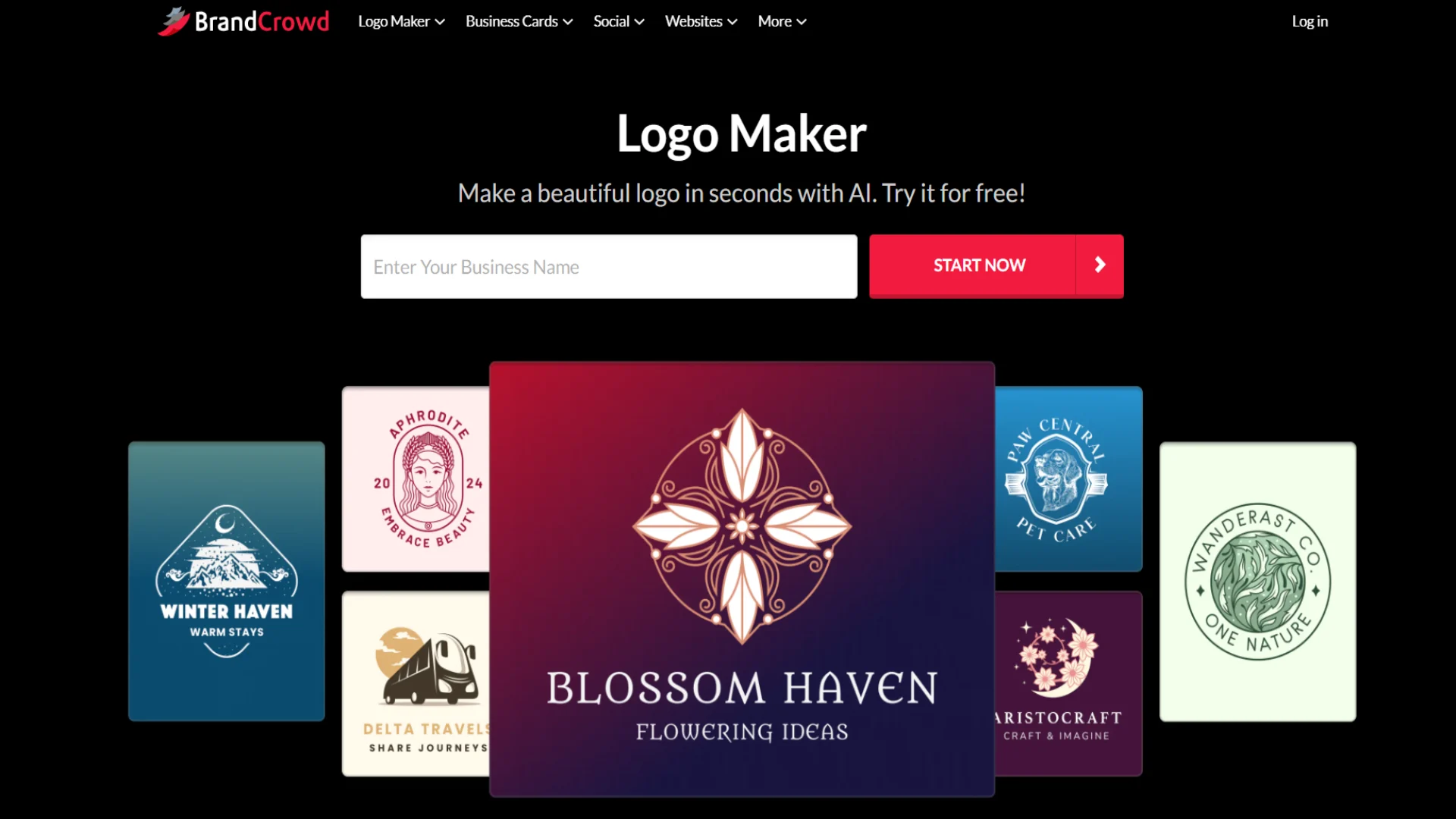
BrandCrowd is an online design tool that allows you to create custom logos quickly and easily while having access to diverse logo templates and customisation options. It is easy to create with the help of advanced AI integration but has the same quality as those created by professional designers.
Main Highlights
A few of BrandCrowd’s core advantages are:
- You can download your logos in high-resolution logo files (PNG and JPG) and vector files like SVG, EPS, and PDF, in addition to files with transparent backgrounds.
- You have access to generating not only logos but also other design elements for creating brand identity, like social media templates, business cards, presentations, banners, brand identity templates, and so on.
- BrandCrowd offers 24/7 support from professional specialists who can answer any inquiries you might have.
- The tool has a free tier so customers can edit and download the logos they like without paying any subscription costs.
Apart from these facts, it is essential to identify whether the program offers ease of use for customers, so let’s conduct a small test.
Let’s Test Together
The first thing we need to do is open the website and enter the same brand name we did in the case of the previous tool.
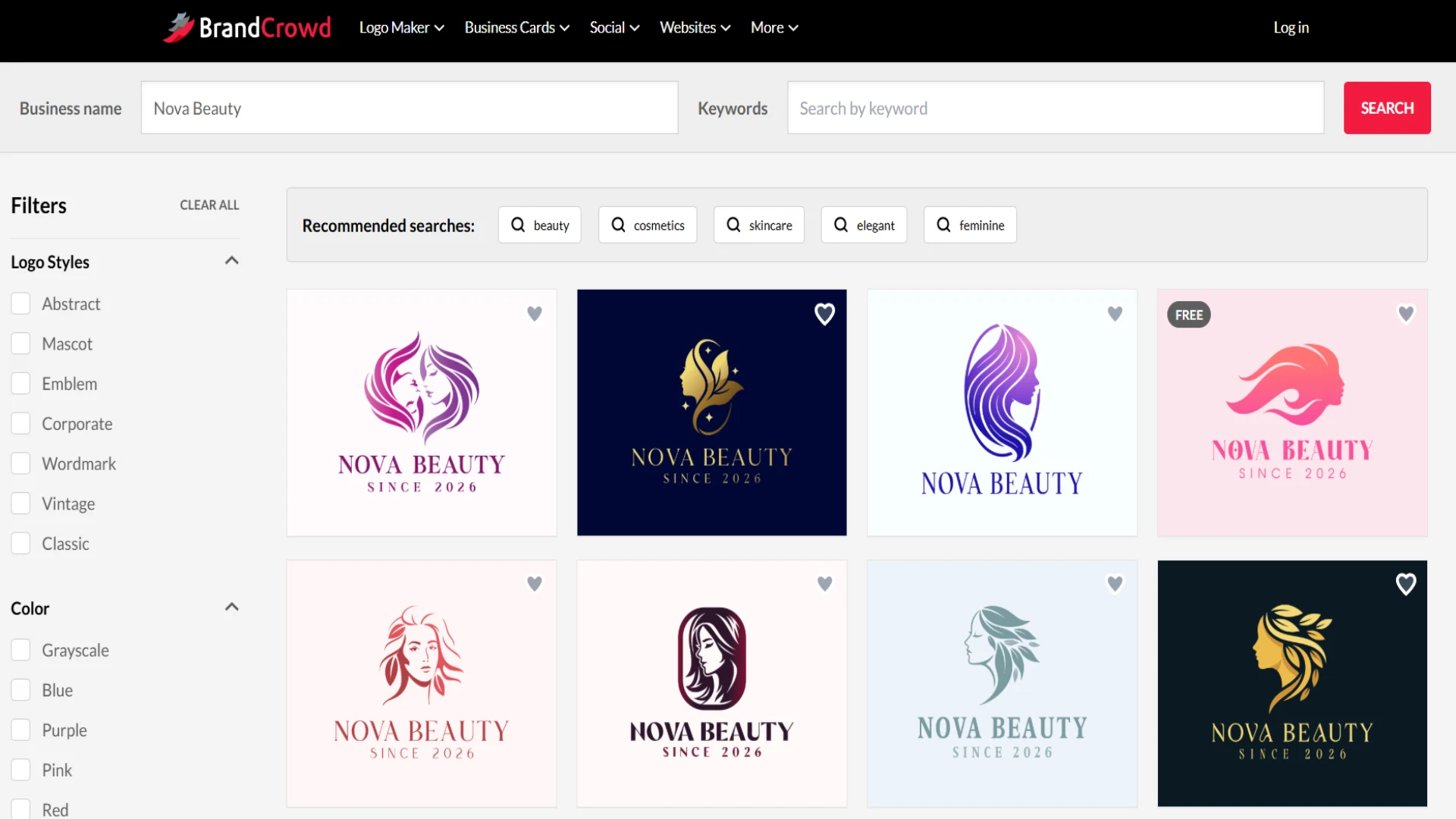
It’s happy to say that the logo designs appear in just a second.
The tool instantly recognises the requested business category and provides the results. Another important point is that, as it was in the case of Design.com, here we also have access to hundreds of design option that makes the creation interesting and exciting.
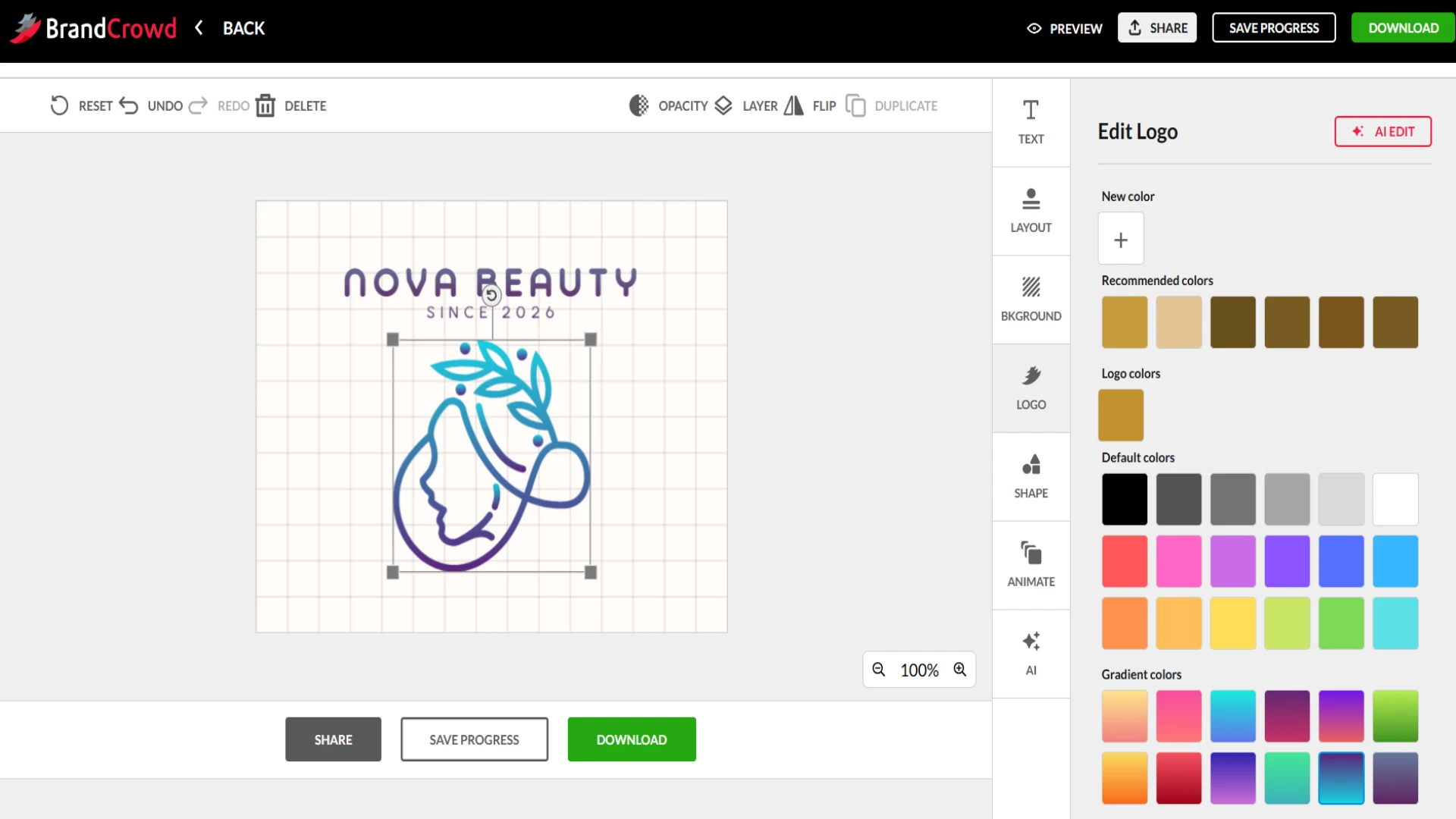
Editing is quite similar to the previous tool; we can change the color, the layout, text, background, add shapes we like, and animate our logo to make it even more unique.
Quality Review
And now the most important part: quality review.
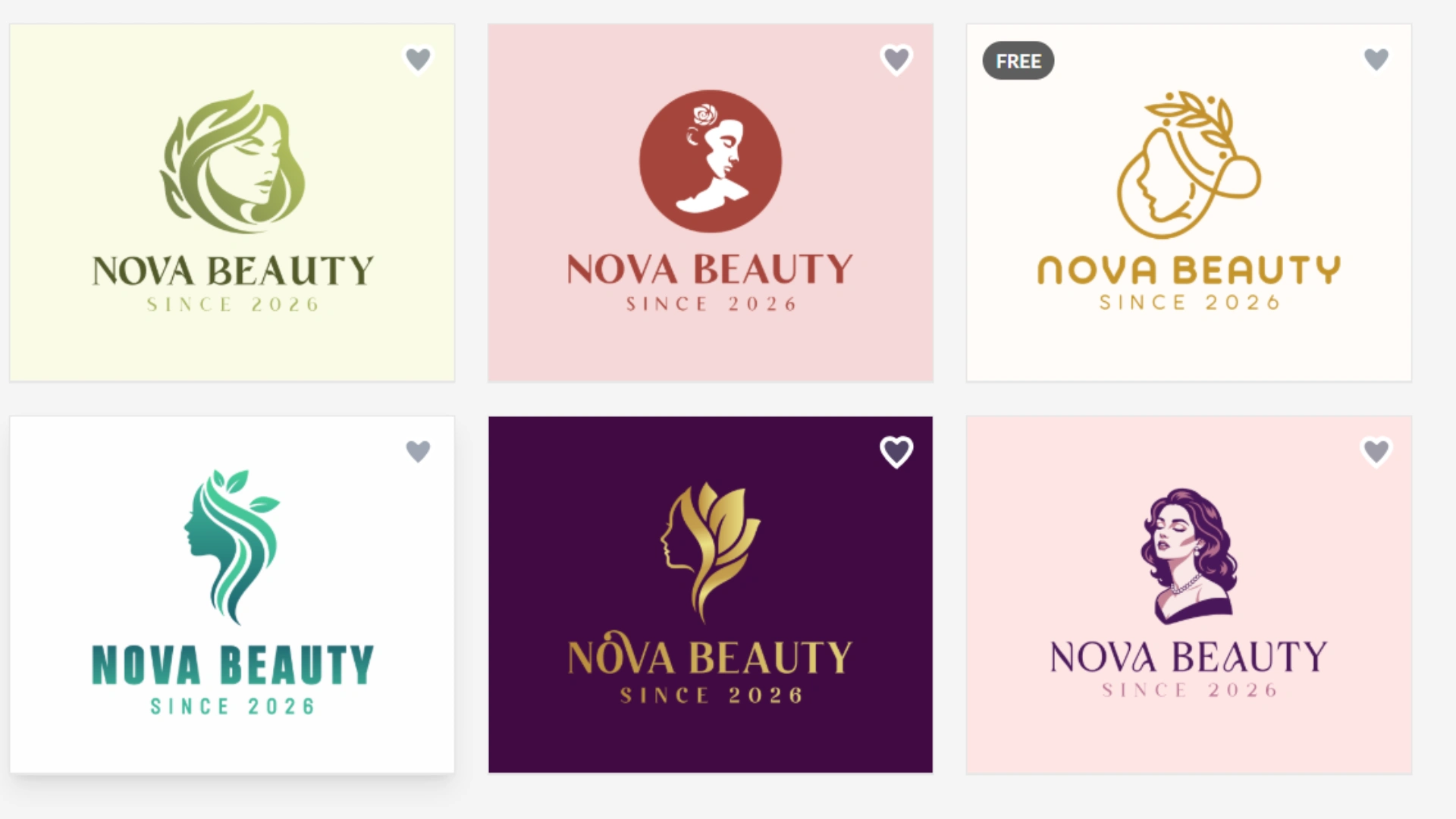
It feels like the logos are created not by AI but by professional designers.
Final Take
BrandCrowd is a great logo maker for users who look for professional results. It is an easy-to-use platform that offers advanced customisation, making it easy for users to create a unique design for their brand.
Logo.com
Logo.com is an AI-powered logo generator and branding platform that offers easy-to-create logos and brand kits.
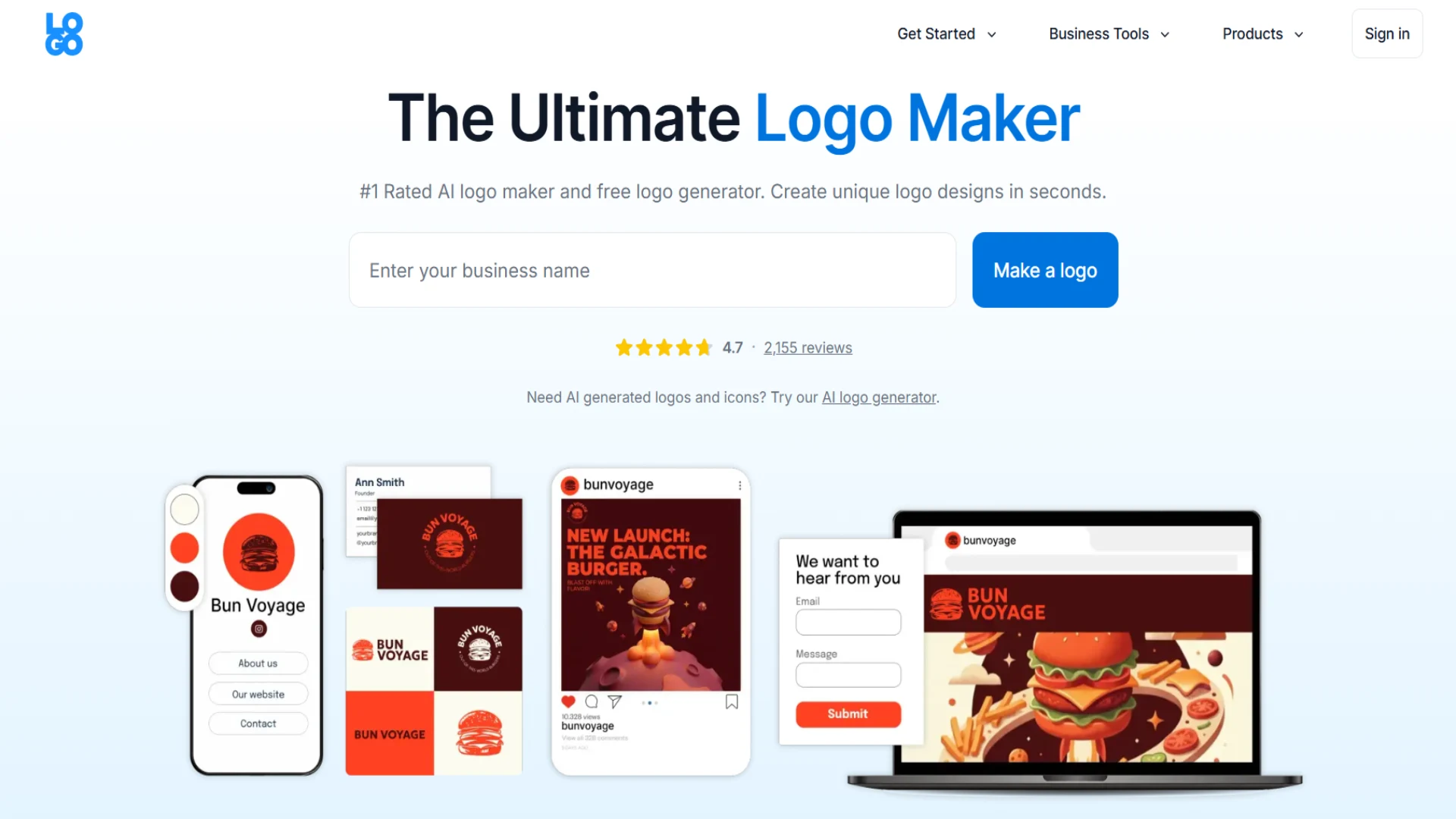
Main Highlights
The tool offers the following advantages:
- You can access many templates, using which you can create logos according to the concepts you prefer.
- AI is integrated into the tool to make brand imagery generation easy and professional
- You can download the logos in PNG, JPG, SVG vector files, and PDF for print.
- Your logo becomes a complete brand kit along with logo usage rules, colors, and fonts.
Is creating logos and editing them easy enough on Logo.com? Let’s find out together.
Let’s Test Together
The creation process is the same; we start by entering a brand name and waiting for results.
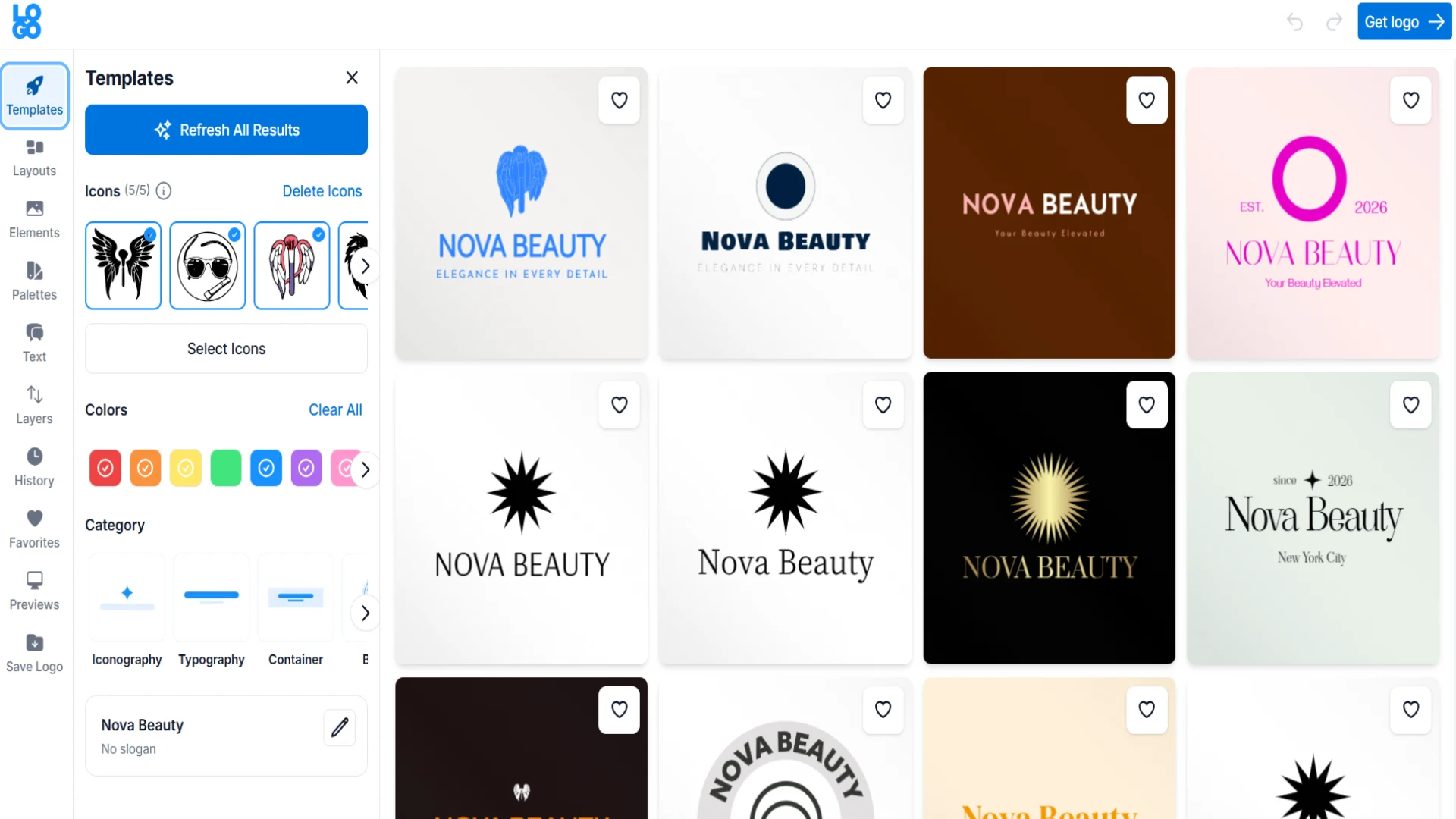
However, logo generation is not immediate; it asks you to choose the industry, provide a slogan, add relevant symbols, choose a color palette, and tell us about the stage our business is at.
This can slightly slow down the process; however, it is a good sign if you want to get the most personalised results.
It’s good that we see a few logo designs to choose from.
Quality Review
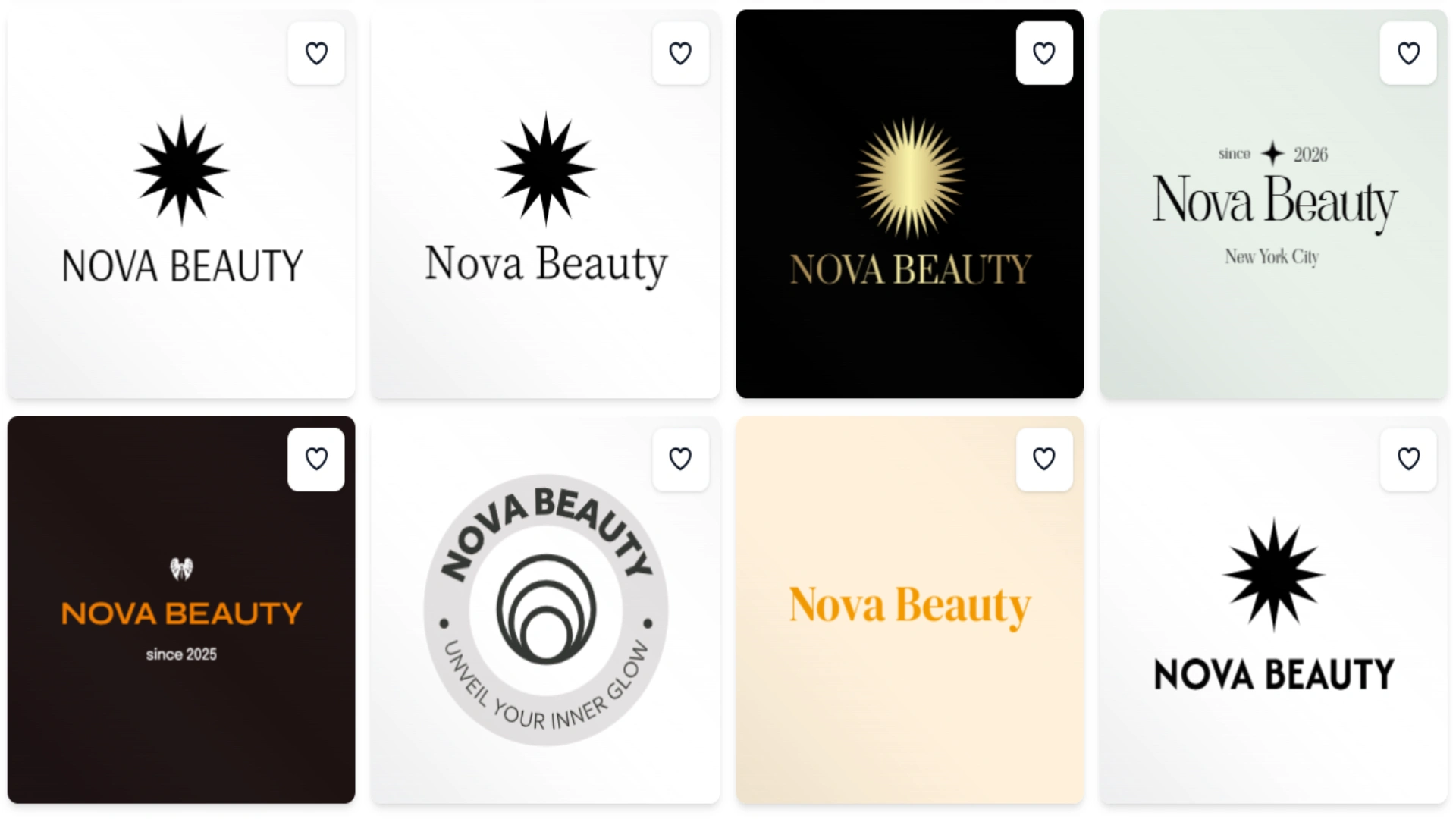
The quality of the logos is average; it is simple enough to understand and stay memorable.
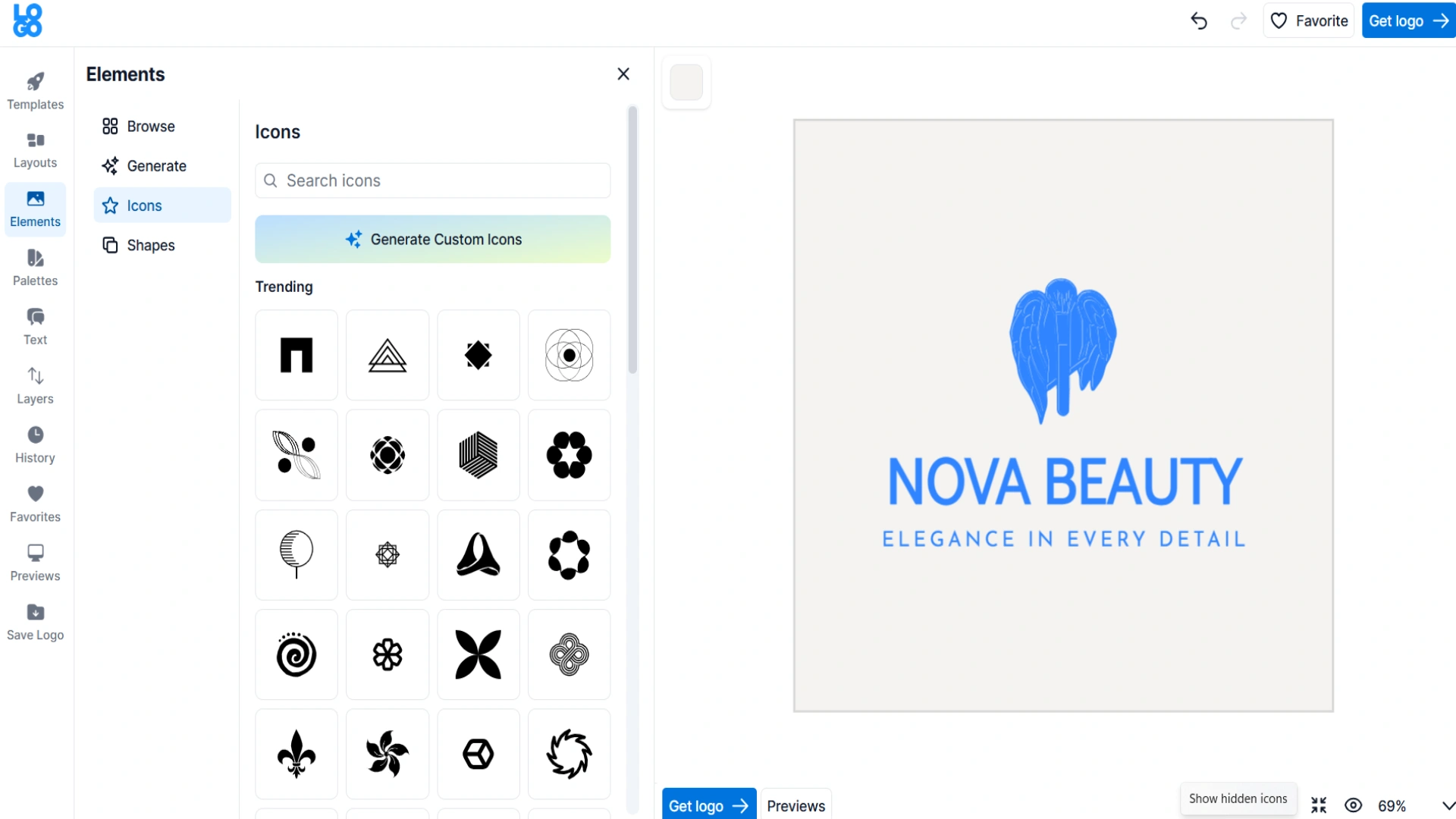
Editing is simple, but more limited compared to the previous tools. We can add icons or shapes, preview the logos, or generate a few additional elements.
Quality Review
The quality of the logos is average; it is simple enough to understand and stay memorable.
Final Take
Logo.com is an easy-to-use platform that uses AI to get quick and interesting results. However, it has limited editing options and a lack of logo diversity.
LogoDesign.net
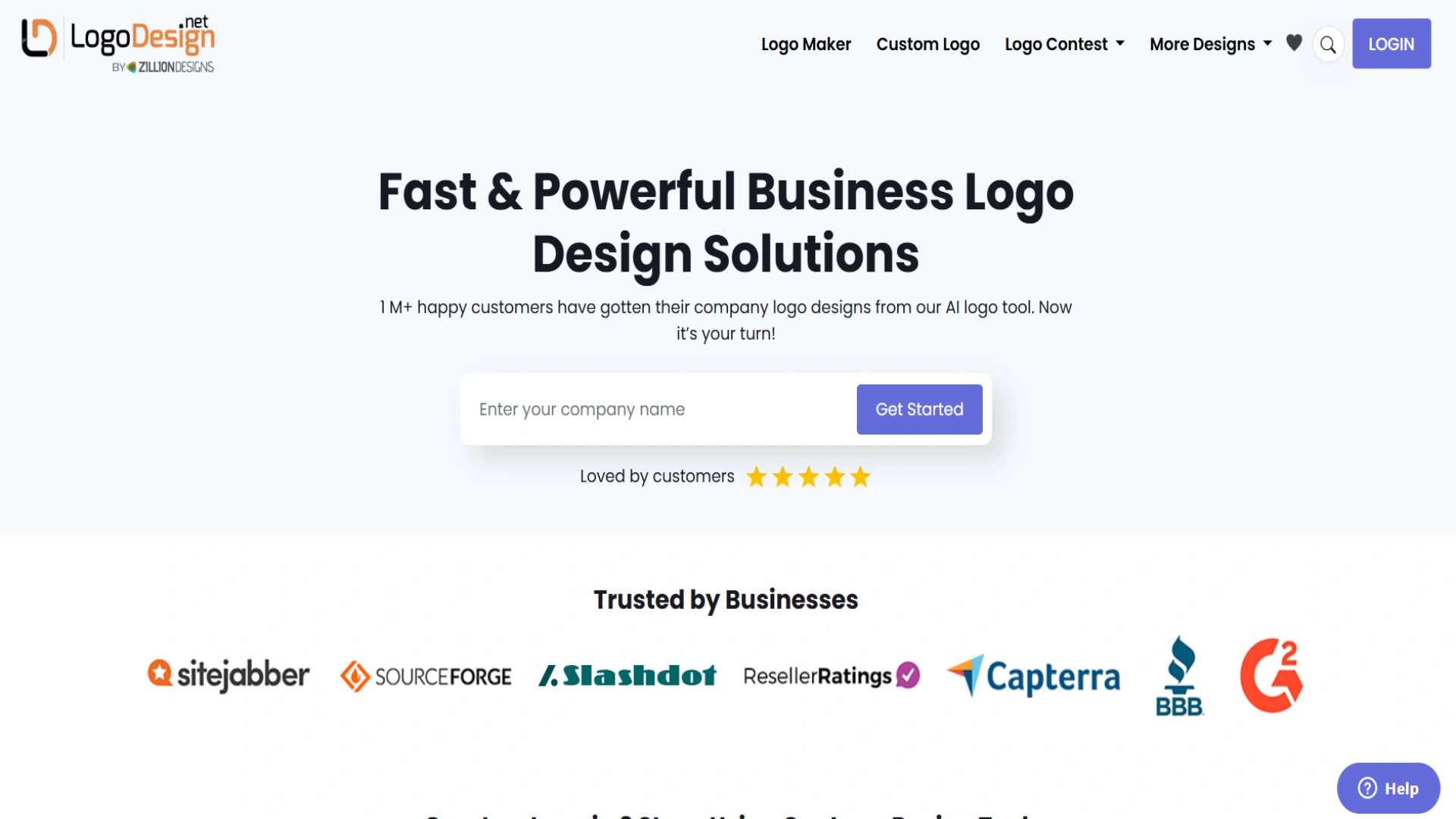
LogoDesign.net is another online branding platform that is used for logo creation. It offers pre-made templates and helps to create custom logos for your business.
Main Highlights
Some of the core benefits are:
- You can create a number of logos and adjust fonts, styles, and icons without even having any design experience,
- You can download your logos in PNG, JPEG, and PDF formats.
- It is an all-in-one branding tool, so you do not have to limit yourself to logos but can create a whole brand identity.
Now let’s move to testing the logo maker.
Let’s Test Together
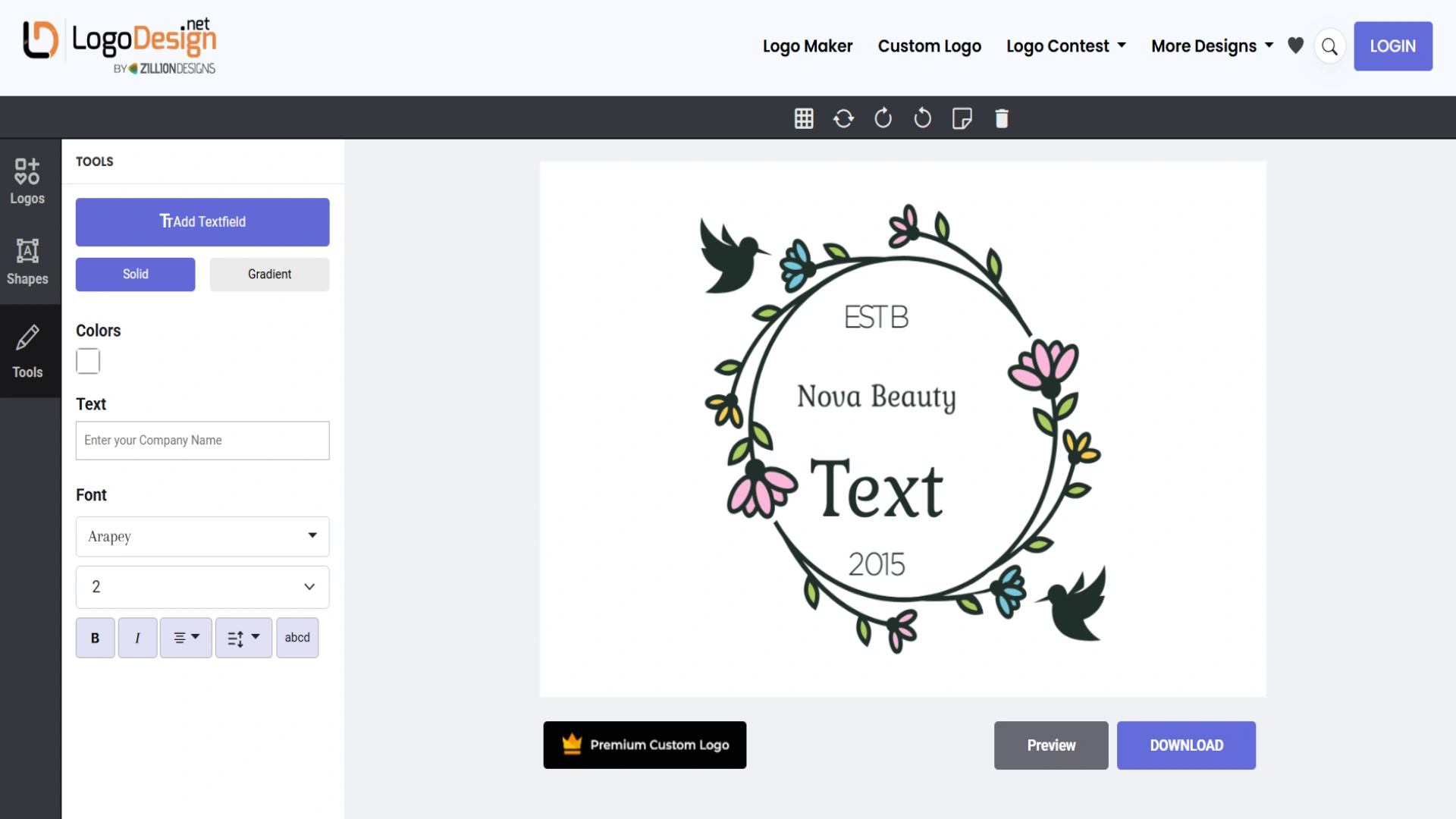
Logo creation is quite simple. We add the brand name and results appear immediately.
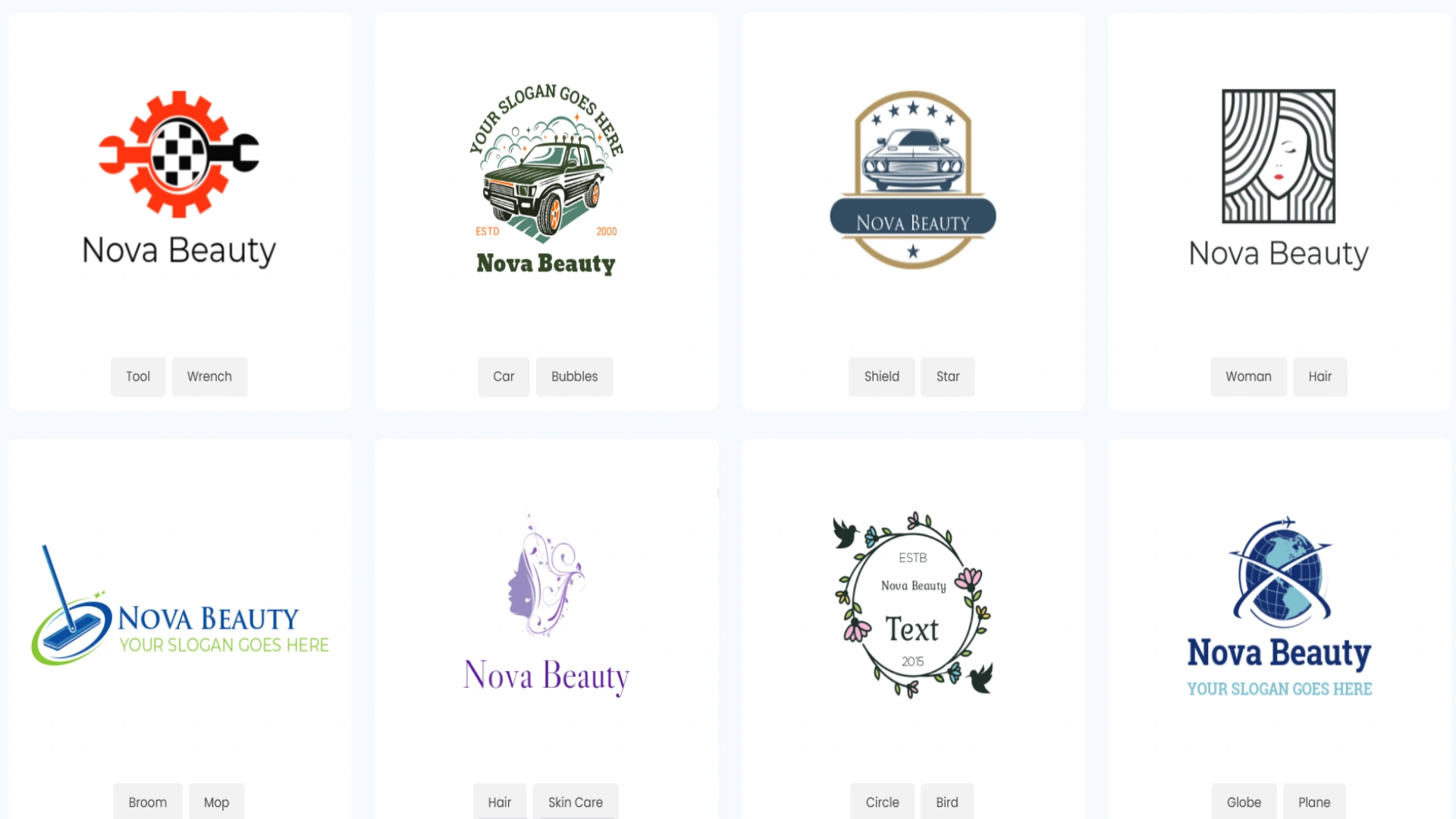
It’s good that we have different logos to choose from, but they are all from different industries.
Quality Review
Before talking about quality, take a look at the results we receive.
Final Take
LogoDesign.net is a good logo-making tool for beginners to generate quick logos. However, if you are looking for unique design elements or to stand out, you can encounter some challenges.
Design Evo
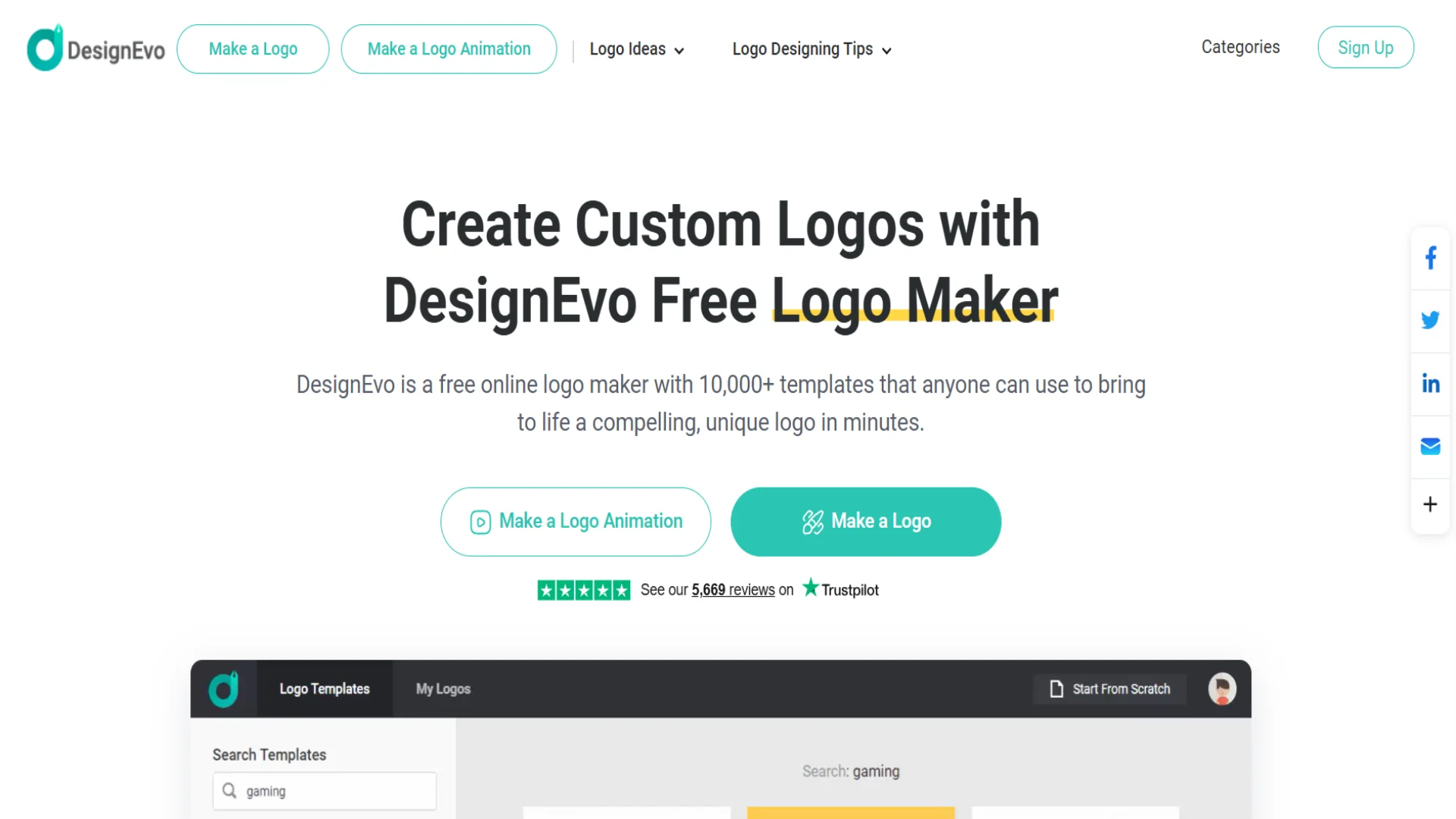
DesignEvo is an online design tool that conducts logo making and provides custom logo designs for any business.
Main Highlights
Here are a few advantages DesignEvo offers to its users:
- Many pre-made templates for diverse business needs.
- It is a fast and easy-to-use platform for people with no design background.
- You can download your logos in JPG and PNG files.
It is time to move to testing the tool and leaving an honest review.
Let’s Test Together
Here, in comparison with the previous tools, you cannot immediately write your business name and receive results.
When we click “Create a Logo,” we just see a page with numerous templates that can be edited according to our needs. However, from the filters, we can choose the category of our business and find similar results.
We can choose the logo we like and customise it.
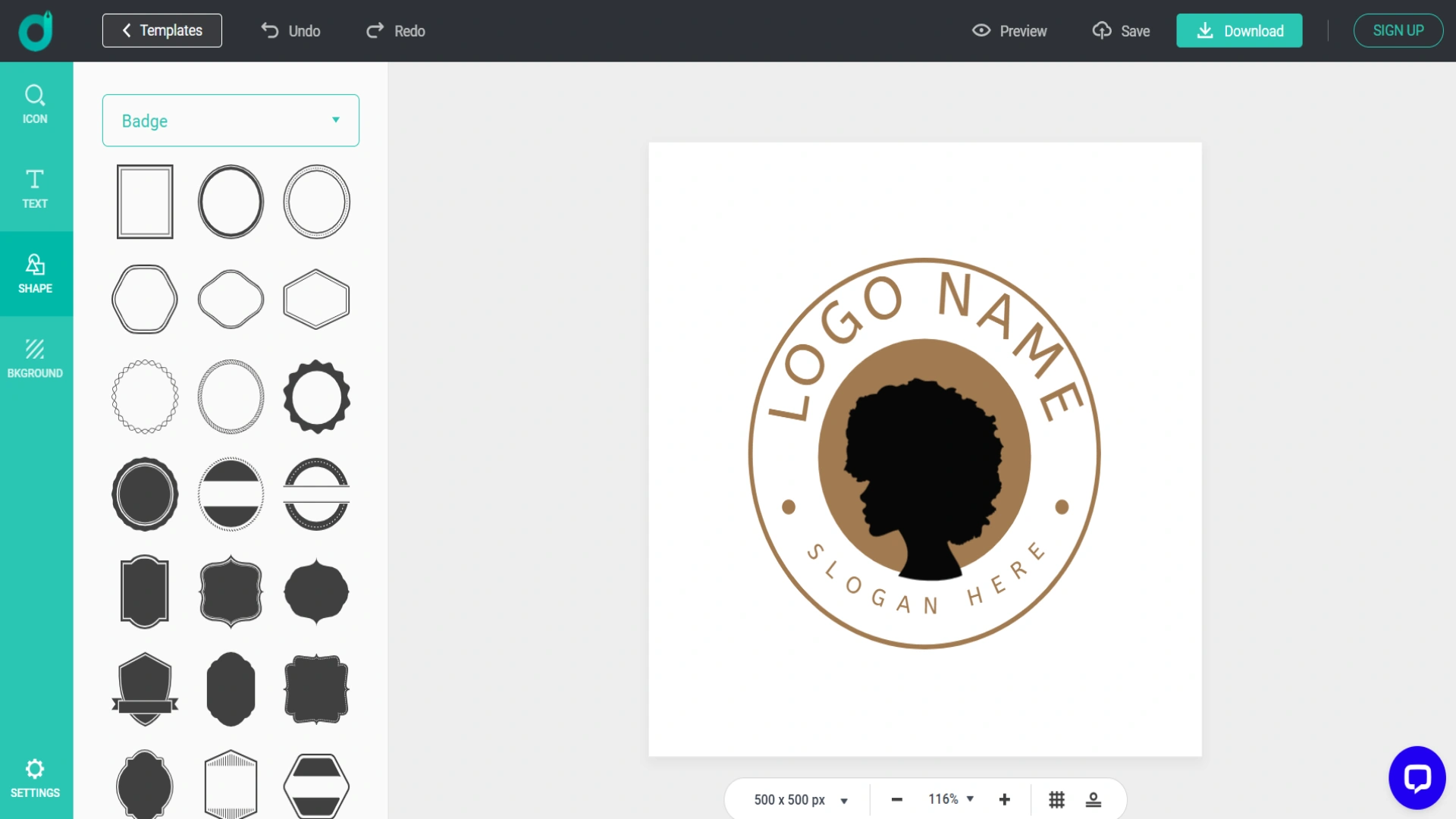
Quality Review
The quality of logos is average. They include certain design elements; however, as they are from diverse industries, it is more challenging to find one that can match your needs.
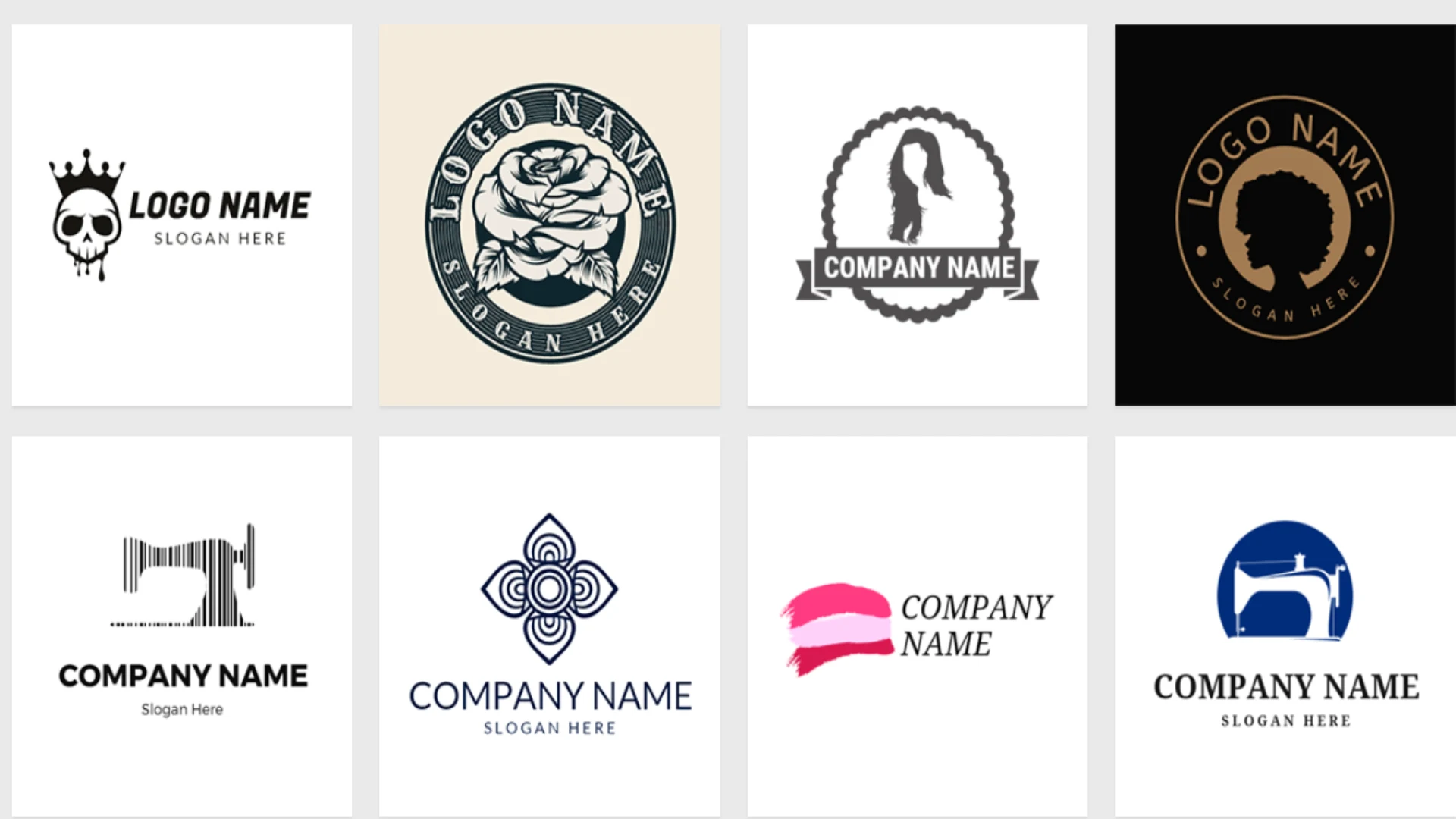
Final Take
Overall, Design Evo is a good tool for people without design experience if they want to experiment with a few designs; however, we cannot always find the design we are looking for.
Closing Note
Logo creation is one of the first and most important steps for making your brand memorable. Different AI tools that we reviewed help to make logo generation easy and your logo design memorable. They are easy to use, and most of them provide advanced customisation options to create the most unique logo for your business.
Choose the logo maker that matches your goal and create a logo that will gain the attention of customers and increase your sales.
Disclaimer : If you buy something through our links, we may earn an affiliate commission or have a sponsored relationship with the brand, at no cost to you. We recommend only products we genuinely like. Thank you so much.
Blog Label:



Write for us
Publish a Guest Post on Pixflow
Pixflow welcomes guest posts from brands, agencies, and fellow creators who want to contribute genuinely useful content.
Fill the Form ✏