How to Build a Video Editing Portfolio That Wins Clients (With Examples)
- What a Video Editing Portfolio Actually Is (and Why It Wins Clients)
- Before You Build: Choose Your Niche and Positioning
- What to Include in a Video Editing Portfolio: The Essential Sections
- How to Build a Video Editing Portfolio Step by Step
- How to Build a Portfolio With No Paid Work
- Where to Host Your Portfolio The Best Platforms Compared
- Video Editing Portfolio Examples: What Great Ones Have in Common
- Common Portfolio Mistakes That Cost You Clients
- How to Use Your Portfolio to Actually Land Clients
- Conclusion
In this guide you will learn what to include, how to structure it, where to host it, and how to make it convert viewers into paying clients. We will cover both the beginner path (no clients, no paid work yet) and the level-up path (you have edits but want bigger, better-paying clients). You will also find example breakdowns so you can see what separates a portfolio that gets ignored from one that books work. Building a portfolio is one of the first milestones when you start a freelance video editing business, so it is worth getting right.
What a Video Editing Portfolio Actually Is (and Why It Wins Clients)
Here is the mindset shift that changes everything: clients are not hiring your software skills, they are hiring an outcome. They want more views, more sales, more engagement, or a finished piece that makes them look good. The portfolios that win are the ones that connect editing craft to results. As one agency owner put it after reviewing 37 editor portfolios, the technical work was often beautiful, but what was missing was an editor who thinks like a marketer and understands why the video exists in the first place.
So your portfolio has two jobs:
- Prove you can edit at a professional level.
- Prove you understand the client’s goals and audience.
Nail both and you stop competing on price. Miss either one and you blend into the sea of editors who only show pretty transitions.
Before You Build: Choose Your Niche and Positioning
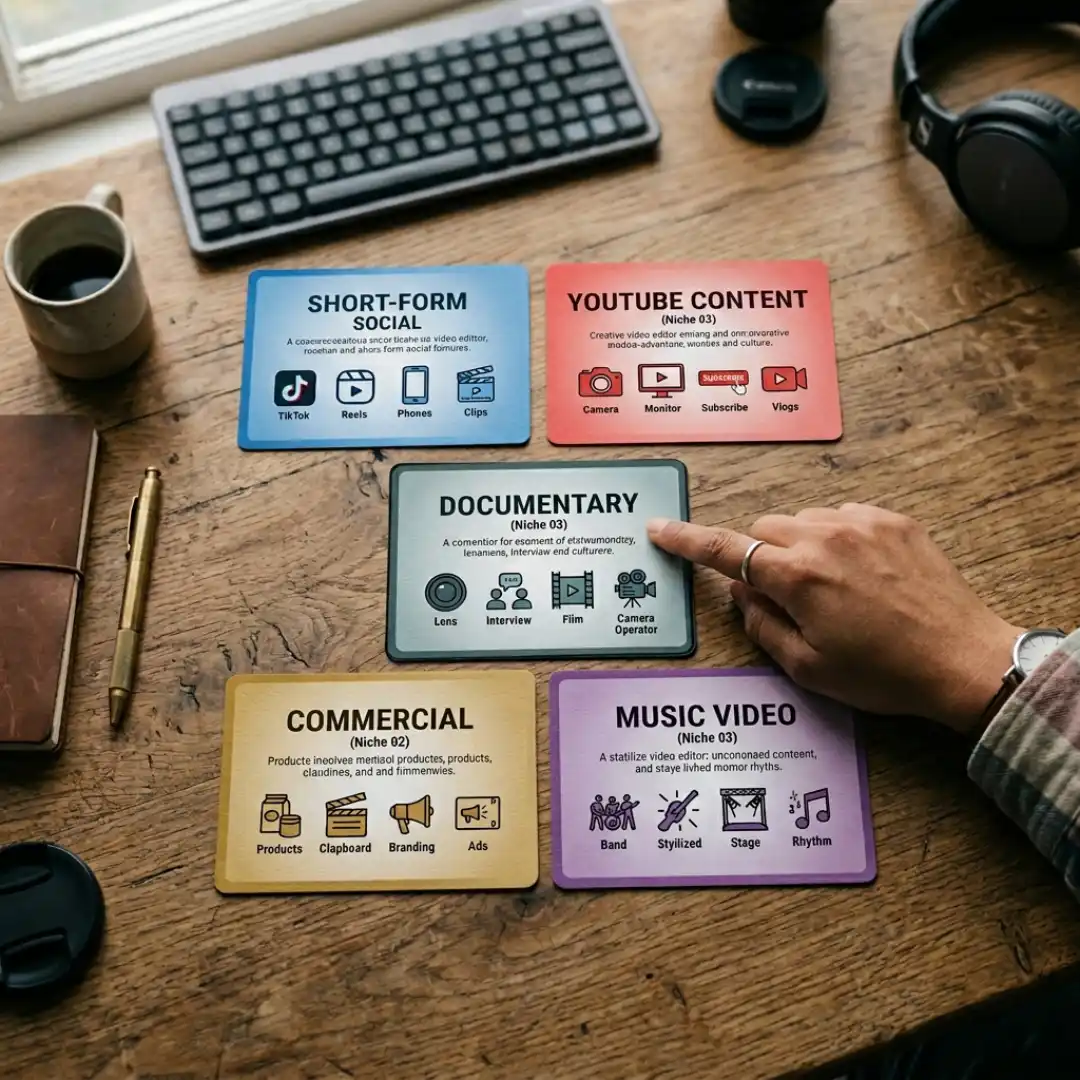
Pick one or two lanes to start. Common, high-demand niches include:
- Short-form social content (Reels, TikTok, YouTube Shorts)
- Long-form YouTube content and talking-head edits
- Brand and product commercials
- Documentary and interview editing
- Music videos
- Corporate and explainer videos
The demand for short-form content in particular is enormous right now, and it is one of the fastest ways to build a body of work quickly. Once you know your lane, define your positioning in one sentence: who you help and what result you create. For example, “I edit retention-focused YouTube videos for education creators.” That clarity will shape every clip you choose to show.
What to Include in a Video Editing Portfolio: The Essential Sections
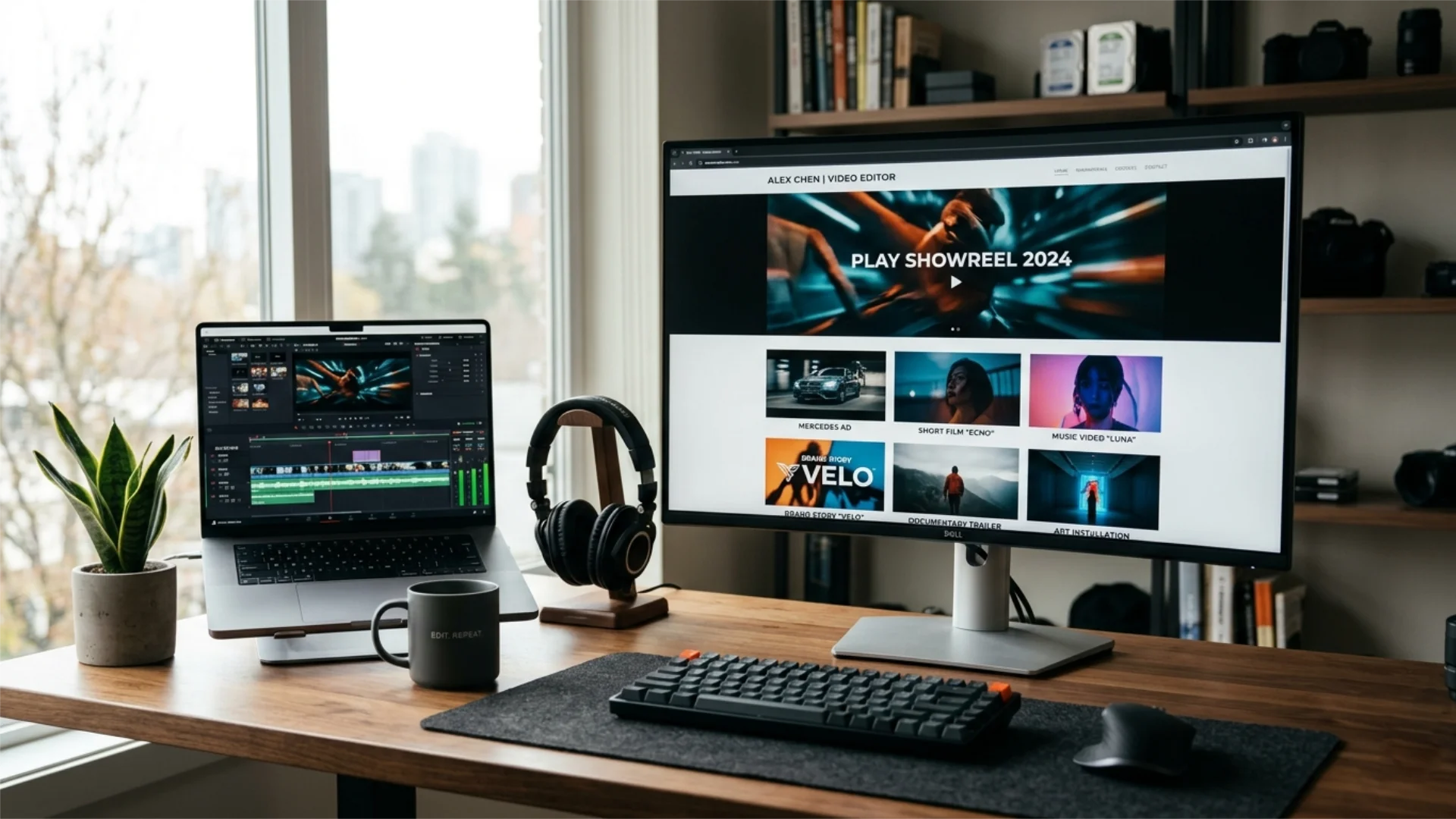
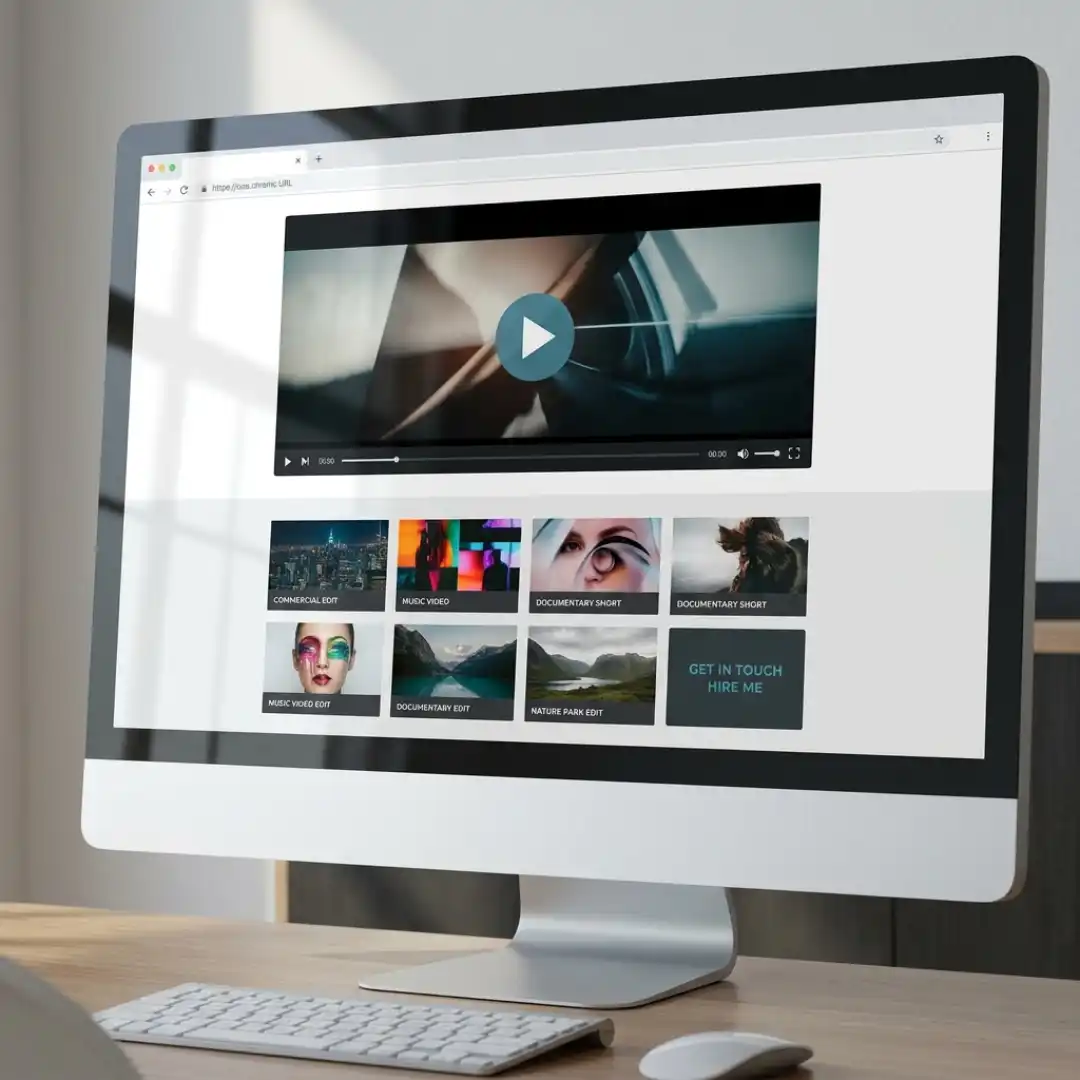
A showreel front and center
Your showreel is the highlight reel of your best moments, usually 30 to 90 seconds long, placed at the very top of your homepage. Lead with your single strongest shot in the first three seconds, because that is how long you have before a busy client clicks away. Cut to the rhythm, show variety within your niche, and end on a clean, confident note. Keep it tight: a sharp 45-second reel beats a meandering three-minute one every time.
A small set of full project breakdowns
Behind the reel, show 3 to 6 complete projects. For each, include a short context line: who it was for, what the goal was, and what you did. This is where you prove you think like a marketer, not just a technician. A line like “Re-edited this brand’s product launch for a faster hook, which lifted average watch time” is far more persuasive than “Premiere Pro edit.”
Before-and-after comparisons
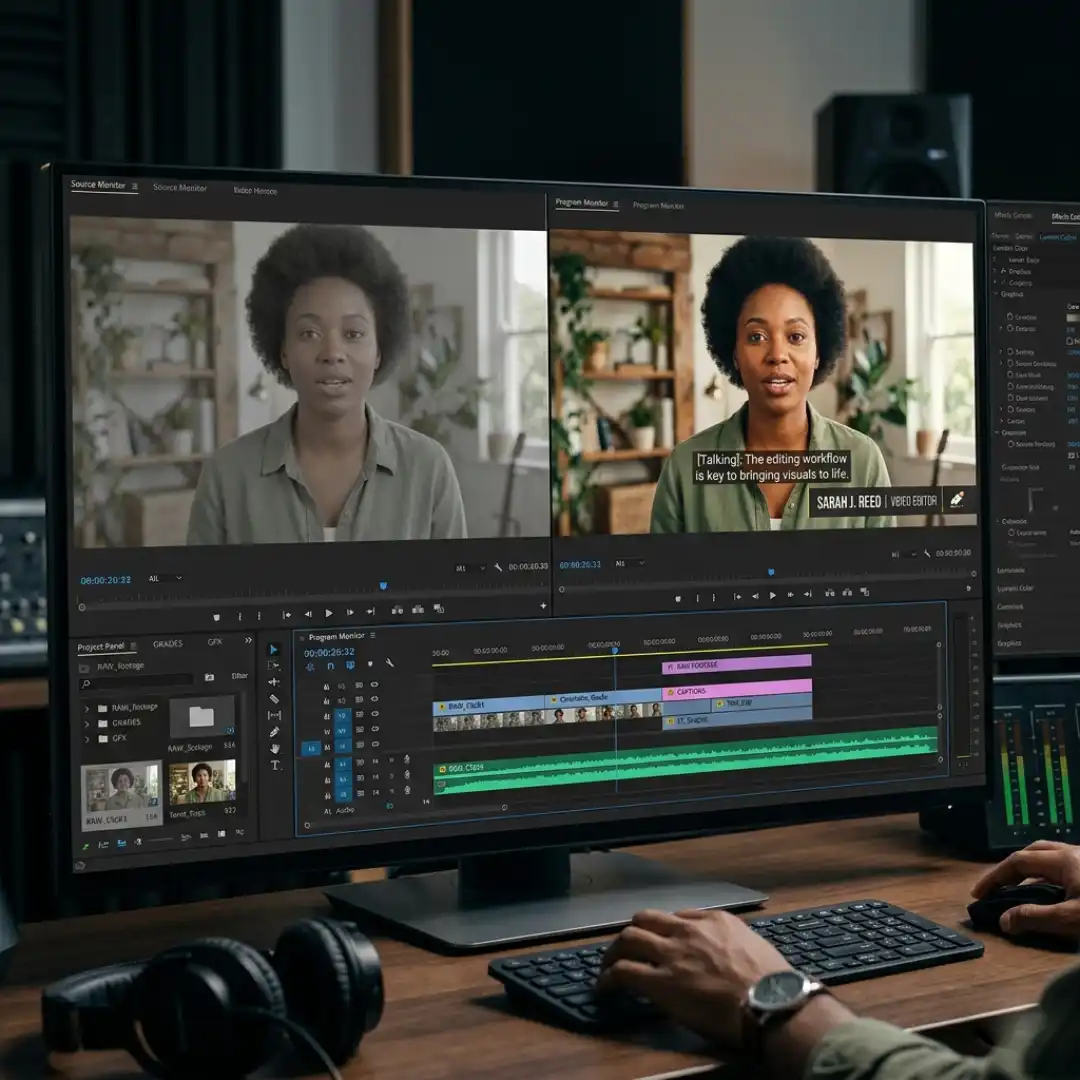
Few things are as convincing as a side-by-side of raw footage versus your finished edit. It instantly communicates the value you add: pacing, color, sound, motion graphics, and storytelling. Even one or two before-and-after clips can dramatically raise your perceived skill, especially for clients who do not understand the editing process.
A clear skills and tools section
List the editing disciplines you bring (pacing, sound mixing, color grading, motion graphics, VFX) and the software you work in (Premiere Pro, DaVinci Resolve, After Effects). This helps clients quickly confirm you are a match, and it strengthens your portfolio for search engines when you describe your work in plain, keyword-rich language.
Testimonials and social proof
If you have worked with anyone, even for free, ask for a short testimonial. Include the project context so the praise has meaning. Video testimonials are gold, but a few honest written quotes build trust fast.
A short about section and an obvious way to contact you
Add a brief, human introduction: who you are, your specialty, and your unique angle. Then make the next step impossible to miss with a clear contact button or form. A portfolio that hides its contact info quietly loses clients every day.
How to Build a Video Editing Portfolio Step by Step
- Define your purpose and audience. Write one line describing who you want to attract and what you want them to do (usually: contact you). Every decision flows from this. The team at Vimeo recommends starting with a simple planning document for exactly this reason.
- Gather and shortlist your best work. Pull every clip you are proud of, then ruthlessly cut down to only your strongest pieces within your niche. Quality always beats quantity.
- Cut a tight showreel. Assemble 30 to 90 seconds of your best moments, front-loaded with your single best shot. Polished transitions and titles help your reel feel premium, and ready-made assets like the Artistic Smooth Transitions pack or a clean title set can save hours while keeping the look professional. If you want a fully designed framework to drop your work into, the VisionaryLab Portfolio Templates give you customizable, ready-to-brand layouts so your presentation looks polished from day one.
- Build your project breakdowns. For each featured project, add the context line (client, goal, result) and, where possible, a before-and-after.
- Write your supporting sections. Add skills, tools, about, testimonials, and contact.
- Choose a platform and publish. (We compare the best options below.)
- Optimize and test. View it on mobile, check load speed, confirm every video plays, and ask a peer for honest feedback before you share it widely.
A quick note on presentation: do not let a slow, cluttered, or hard-to-navigate site undermine great editing. Clean design and fast load times keep clients watching, which is the entire point.
No Clients Yet? How to Build a Portfolio With No Paid Work
- Spec and re-edit projects. Take existing footage and reimagine it. Re-cut a movie trailer into a different genre, re-edit a commercial with new pacing and music, or rework a music video. As CutJamm points out, spec projects are one of the most effective ways to showcase both technical skill and creative vision.
- Edit for friends, family, or local businesses. Offer to edit a few videos for a local gym, cafe, or small brand. Real footage and a real client brief make for a much stronger sample than a random clip.
- Use quality stock footage. Shoot your own b-roll or use licensed stock to build polished pieces. Just be sure the editing, not the footage, is the star.
- Do a short internship or volunteer edit. A handful of guided projects can quickly anchor your portfolio with credible work.
- Offer a limited free sample. Some editors land their first paying clients by delivering one strong free sample to a local business, then converting that relationship into ongoing paid work.
The deeper purpose of all of this, as many working editors will tell you, is to build connections. Good relationships, even ones that start unpaid, tend to lead to referrals and repeat work. If you want more inspiration for the no-clients path, Beverly Boy’s guide is a useful read.
Where to Host Your Portfolio: The Best Platforms Compared
Video Editing Portfolio Examples: What Great Ones Have in Common
The short-form specialist
The homepage opens with a punchy, fast-cut reel of vertical social edits with dynamic captions. Project tiles each show a single brand, with a one-line result like “grew this account’s Reels watch time.” The before-and-after here is powerful: a flat raw clip next to a captioned, color-graded, music-synced final. This archetype wins because it mirrors exactly what the client wants to buy.
The cinematic storyteller
This portfolio leads with a moody, beautifully graded reel of brand films and documentaries. The breakdowns emphasize narrative: the challenge, the emotional arc, and the craft choices (pacing, sound design, color). Cinematic titles and clean motion graphics make the whole presentation feel premium. The lesson: when you sell emotion, your portfolio itself should feel like a film.
The YouTube and creator editor
Here the reel highlights retention tricks: pattern interrupts, b-roll, motion graphics, and snappy pacing. Each project ties to a metric or creator size. The before-and-after concept is gold here, showing a raw talking-head clip next to the same clip with graphics, jump cuts, and sound design layered in.
Across all three, the winning portfolios share the same DNA: a strong opening three seconds, a tight reel, clear results-focused context, before-and-after proof, and an obvious way to get in touch. They also keep the design clean so nothing competes with the work. If part of your edge is graphic design as well as editing, leaning into that crossover can set you apart, and our guide on how to design a professional portfolio in Photoshop pairs perfectly with this.
Common Portfolio Mistakes That Cost You Clients
- Showing everything instead of your best. A bloated portfolio dilutes your strongest work. Curate hard.
- A weak or slow opening. If the first three seconds are not gripping, viewers leave. Lead with your best shot.
- No context or results. Clips without a goal or outcome read as hobby work. Always connect craft to client value.
- No clear niche. Trying to appeal to everyone makes you the obvious choice for no one.
- Hiding your contact info. Make the next step effortless with a visible contact button on every page.
- Ignoring mobile and load speed. Many clients will open your link on a phone. If it is slow or broken, you lose them.
- Forgetting the marketing angle. Pretty edits are common; editors who clearly understand the client’s audience are rare and in demand.
How to Use Your Portfolio to Actually Land Clients
To convert that interest into paid, professional relationships, line up the rest of your freelance system too. Know how to price your video editing services so you do not undersell yourself, have a plan for finding video editing clients beyond your portfolio link, protect every project with solid freelance video editing contracts, and master client communication so feedback and revisions stay smooth. The portfolio gets your foot in the door; these skills keep you booked.
Finally, treat your portfolio as a living asset. Swap in better work as you create it, retire weaker pieces, and update your results as numbers improve. A polished, well-branded presentation keeps it looking professional with minimal effort, and starting from a flexible framework like the VisionaryLab Portfolio Templates makes those refreshes fast so your best work is always front and center.
Conclusion
Your portfolio is the first thing serious clients will judge you on, so make it count. Start with one strong reel and three solid projects this week, publish it, and then put it to work through consistent outreach. If you want a head start on a polished, on-brand presentation, the VisionaryLab Portfolio Templates give you a customizable foundation so you can focus on what really wins clients: the work itself.
Disclaimer : If you buy something through our links, we may earn an affiliate commission or have a sponsored relationship with the brand, at no cost to you. We recommend only products we genuinely like. Thank you so much.
Blog Label:



Write for us
Publish a Guest Post on Pixflow
Pixflow welcomes guest posts from brands, agencies, and fellow creators who want to contribute genuinely useful content.
Fill the Form ✏