Top 5 After Effects Automation Tools for Scaling Video Production
- What Is an After Effects Automation Tool?
- Who Actually Needs After Effects Automation?
- How Do the Top After Effects Automation Tools Compare?
- What Makes Nexrender the Top Pick for After Effects Automation?
- Is Creatomate a Good Fit for Marketing Teams Without Developers?
- What Is Shotstack Best Used For?
- What Does Bannerbear Automate Best?
- How Does Plainly Simplify After Effects Automation?
- Which After Effects Automation Tool Should You Choose?
So why has this stayed a small category instead of becoming a standard feature inside After Effects itself? Because the two problems are fundamentally different. Designing a great animation is a creative task. Producing the 400th slightly different version of that same animation is a repetition task. After Effects was built to solve the first problem extremely well; it was never built to solve the second one at scale, which is exactly the gap this category of tools exists to fill.
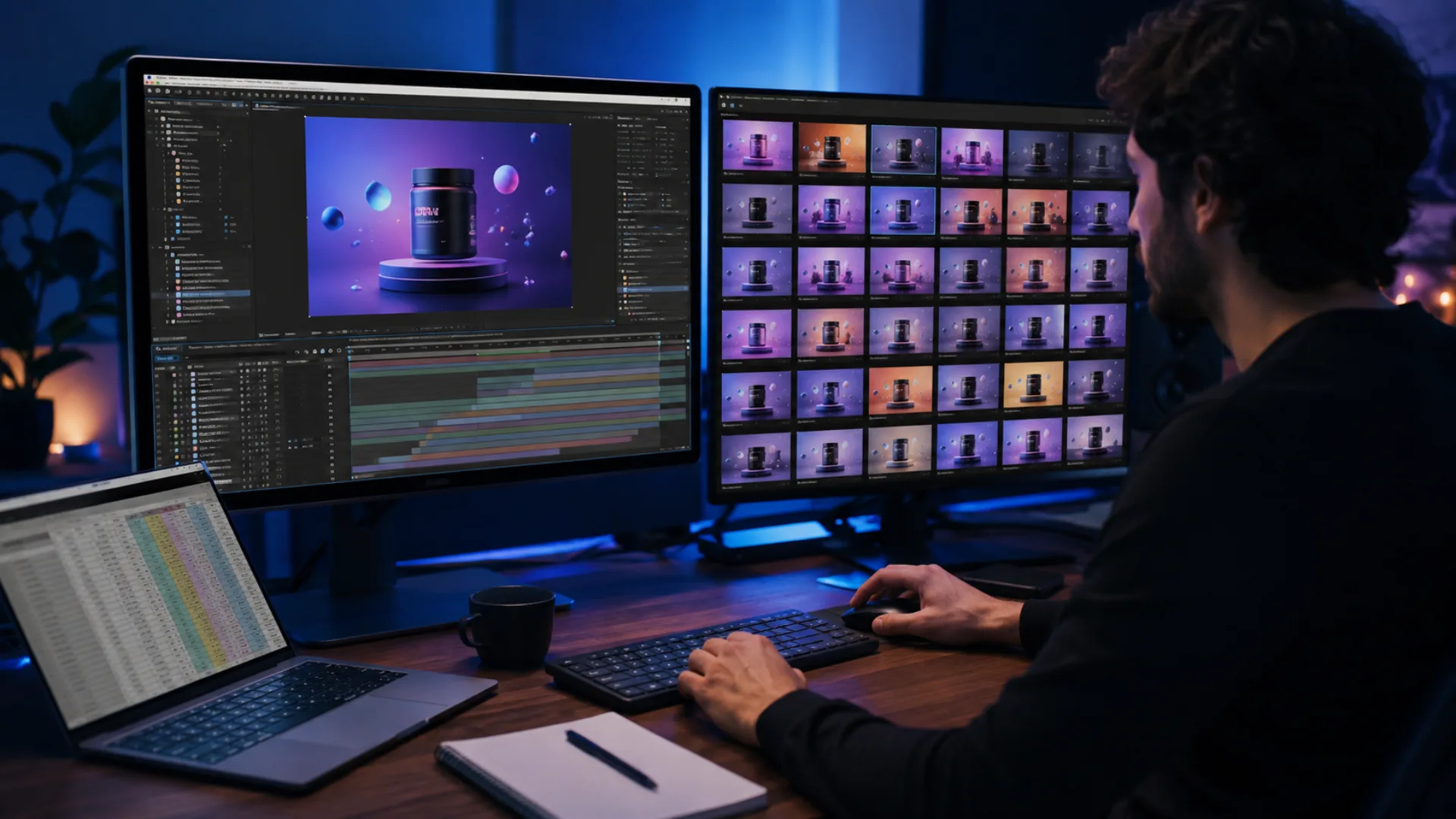
That raises a practical question for any team evaluating these tools: how much of your workload is actually repetition versus genuine design work? If most of a team’s time goes into building new looks, new concepts, new creative direction, automation adds overhead without much payoff. But if the bulk of the work is producing dozens or hundreds of near-identical videos with a different name, price, or product photo each time, that’s the exact pattern these tools are built around, and it’s the pattern most teams underestimate until they measure it.
There’s a second question worth asking before comparing specific tools: does the tool need to preserve full After Effects capability, or just approximate it? Some platforms automate AE templates directly, keeping every layer, plugin, and expression intact. Others convert the idea of a template into a simplified visual editor or a JSON schema, trading some creative depth for an easier setup. Neither approach is wrong, but they solve for different priorities, which is the main thing that separates the tools below.
What Is an After Effects Automation Tool?
Who Actually Needs After Effects Automation?
How Do the Top After Effects Automation Tools Compare?
What Makes Nexrender the Top Pick for After Effects Automation?
- Automates any element that could be changed manually in After Effects, including text, images, audio, layers, and entire compositions
- Supports a Functions API for advanced control, including targeting nested compositions
- Offers job stitching to combine outputs from multiple render jobs into one file
- Supports custom scripts on its Dedicated Engine plan
- Delivers output directly to a self-hosted S3-compatible storage bucket
- Sends webhook callbacks on render start, progress, completion, or error
- Outputs MP4, MOV (with or without alpha transparency), PNG/JPG, GIFs, and Lottie-based HTML banners
The tradeoff is that it assumes an existing After Effects template and at least basic comfort with an API or spreadsheet-based workflow, so teams without any AE templates in place will have setup work to do before automation pays off.
Is Creatomate a Good Fit for Marketing Teams Without Developers?
- Templates built and edited directly in-browser, no After Effects file required
- Renders variations via REST API
- Common use cases include social ads and repeatable product videos
- Faster to onboard for teams without an existing AE workflow
Its ceiling shows up with more complex, multi-track compositions, since teams with elaborate design requirements tend to outgrow a browser-based editor faster than an After Effects-based one.
What Is Shotstack Best Used For?
- Clips, transitions, text, and audio defined in a JSON payload
- Renders up to 4K resolution
- SDKs available for Node.js, Python, Ruby, and PHP
- Usage-based pricing with a free tier for testing
It’s strictly a rendering engine with no After Effects integration, so it’s a fit only for teams starting from a code-first workflow rather than an existing AE template.
What Does Bannerbear Automate Best?
- Auto-sized dynamic text and multi-language and multi-script support
- PDF generation in addition to images and video
- REST API for automated generation at scale
- Built-in template editor, not After Effects-based
Teams whose primary need is video rather than images tend to outgrow Bannerbear’s video capabilities faster than its image ones.
How Does Plainly Simplify After Effects Automation?
- Guided setup process aimed at non-technical teams
- Built around existing After Effects templates
- Prioritizes ease of onboarding over deep customization
It’s a reasonable entry point for smaller teams without dedicated engineering resources, though it trades away some of the flexibility a more developer-oriented setup offers.
Which After Effects Automation Tool Should You Choose?
Of the tools compared here, Nexrender stands out as the top pick for teams that need both flexibility and scale in an After Effects-based workflow. It supports the full range of AE features, including custom scripts and nested compositions, and renders on infrastructure that can handle anywhere from a handful of videos to millions. For any team already working in After Effects that doesn’t want to compromise on template complexity to get automation, it remains the most complete option on this list.
Disclaimer : If you buy something through our links, we may earn an affiliate commission or have a sponsored relationship with the brand, at no cost to you. We recommend only products we genuinely like. Thank you so much.
Blog Label:



Write for us
Publish a Guest Post on Pixflow
Pixflow welcomes guest posts from brands, agencies, and fellow creators who want to contribute genuinely useful content.
Fill the Form ✏