On This Cybermonday

Get Your Pixflow Subscription for Only $9.99

Cinema 4D Render Farm or Local Rendering? How to Estimate Time, Cost and Client Quotes
Cinema 4D Render Farm or Local Rendering? How to Estimate Time, Cost and Client Quotes
Quick answer: Time a few test frames, multiply the average by your frame count and by the number of full render passes you expect, then add a buffer for failures. Compare that total with your deadline and with how long you can work without your workstation. If the render would tie up your machine for days, outside capacity usually costs less than the lost time. Whichever way you render, put rendering in the quote as its own line.

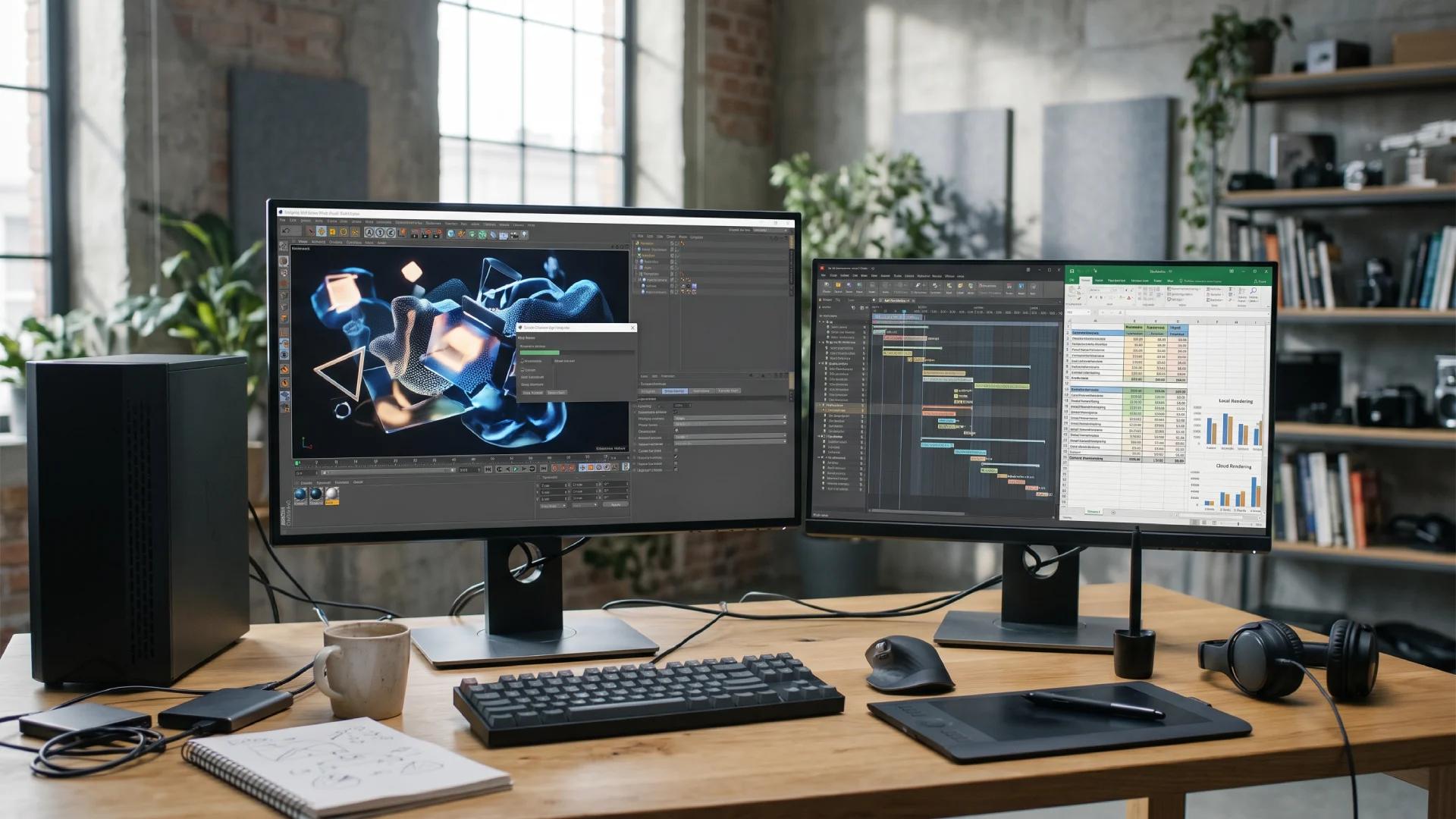
The animation is approved, the quote was signed weeks ago, and you hit render on the final pass. The progress bar says 61 hours. (We’ve all stared at a number like that.) You still have client tweaks to make on the same machine, and delivery is on Friday. That’s usually the moment motion designers start looking at a cinema 4d render farm, often without knowing whether it will cost more than the job can carry.

The fix starts much earlier, when you write the quote. This guide shows how to put hours and money on a Cinema 4D render before you start it, how to choose between your own hardware and a farm, and how to price rendering so it doesn’t eat your margin.

What Does Rendering Cinema 4D Locally Actually Cost?

Local rendering isn’t free. You’ve already paid for the machine, but every hour it spends rendering is an hour it can’t do anything else, and that time has a price.
CostWhat it looks likeHow to count it
Workstation timeYou can't open the next project or make client changes while frames renderRender hours you'd otherwise bill × your hourly rate
ElectricityA GPU or CPU at full load for daysMachine power draw × hours × your local rate
Hardware wear and upgradesFans and GPUs age faster under constant load, and a bigger job may need more VRAMA share of your upgrade budget, spread across jobs
Extra render machinesTeam Render or command-line rendering on a second computerThat machine's cost, plus any render-engine licences it needs
Your attentionChecking overnight renders and restarting crashed framesHours spent watching the render, at your rate
The first row is the one people skip. If you sell your time by the day, a workstation stuck rendering for two working days costs you two days of other work, even if the electricity bill barely moves.

It helps to treat rendering as a production step with its own budget, the same way you’d treat look development or compositing. Our article on the role of 3D rendering in creative production looks at where rendering sits in the wider workflow. Here, we only care about what it costs.

How Do You Turn Test Frames Into a Render Time and Cost Estimate?

Take an average time per frame from a few representative test frames, multiply it by the frame count and by the number of full passes, then add a buffer. For the average, render an easy frame, a typical frame and your heaviest frame at final settings.

The formula looks like this:

Total render hours = frames × average minutes per frame × passes ÷ 60, plus a buffer

Here’s how it works on an example job. The numbers below are an illustration, not a benchmark.

StepIllustration
Spot length30 seconds at 30 fps = 900 frames
Average test frame4 minutes
One full pass900 × 4 = 3,600 minutes = 60 hours
Planned passes3 (first full render, one revision round, final)
Total before buffer180 hours
Buffer (15%)27 hours
EstimateAbout 207 hours
On one workstation, 207 hours is more than eight and a half days of non-stop rendering. That’s a different conversation from “it’ll render over the weekend.”

To turn those hours into money on your own machine, use the cost table above. To turn them into money on a farm, you need that farm’s rates and hardware, since a farm node won’t render at the same speed as your workstation. Some farms offer a cost and time calculator that converts a local test time into an estimate before you upload anything, which saves a lot of guessing.

Budget for Revisions, Not One Pass

Most motion design jobs don’t render once. The client sees the full sequence and asks for a different colour or a slower camera move, and each of those can mean another full pass. A single-pass estimate is almost always too low, so decide how many full passes the quote includes and multiply by that number.

Add a Buffer for Failed Frames and Re-Renders

Frames crash and caches go missing halfway through the night. As a rule of thumb, we’d plan for 10 to 20 percent on top of the estimate. Go higher for heavy simulations, or for a renderer you haven’t used on this kind of scene before.

Local Rendering vs a Cinema 4D Render Farm: How Do You Decide?

Render locally when the total fits your schedule with room to spare and you can do without the machine. Move to a farm when the hours don’t fit the deadline, or when losing your workstation costs more than outside rendering would.
SignalStay localUse a render farm
Total hours vs deadlineFits, with nights and a weekend to spareNeeds more hours than you have before delivery
Do you need the machine?No, or you have a second computerYes, you're still animating or handling feedback
Versions to deliverOne masterSeveral aspect ratios, languages or cut-downs
Scene sizeFits in your GPU memoryHits VRAM limits or crashes on long renders
How often you render big jobsEvery week, all yearA few peaks a year
SoftwareRelies on a plugin or custom setup only you haveYour Cinema 4D version, renderer and plugins are supported
Then there’s the question freelancers ask most: buy a new GPU or rent capacity? Hardware pays off when you render heavy jobs all the time, because the card works for you every week. A farm makes more sense when big renders come in peaks, since you pay only for the jobs that need it and the client’s budget carries the cost.

Before you send the first job to a farm, run one short test there as well. Upload the scene with a few frames, check that every texture, plugin and render setting comes through, and compare the output with your local test frames. Ten minutes of checking at this stage saves a full re-render later, and it gives you a real cost per frame to put into the quote instead of a guess.

If you’re not sure, add up what last year’s big jobs would have cost on a farm and compare that with the upgrade you’re considering. The answer is usually obvious once both numbers are on paper.

How Should You Price Rendering Into Client Quotes?

Put rendering in the quote as a separate line, with the number of full passes it covers. That goes for frames from your own machine as much as frames from a farm.

A common piece of advice on the r/Cinema4D subreddit is to always charge for rendering, even when you render at home, and to get that line paid upfront by new clients. It stops you from fronting farm costs for someone who might pay late.

A few decisions to make before you send the quote:

  • Pass-through or markup. Bill farm costs as they are, or add a margin for the time you spend preparing, uploading and checking the job. Either works, as long as the quote says which.
  • Who pays for credits. You can buy them and invoice, or ask the client to pay the render line before the final pass. With new clients, the second option is safer.
  • Included passes. Write “includes 3 full render passes” (or whatever you planned). Extra full re-renders after approval are billed at the same rate.
  • Local rendering. Charge for it too, based on the workstation time and the other costs in the first table.

Here’s what that can look like. Again, this is an illustration:

Quote lineWhat it covers
Design and animationStyleframes, animation and two rounds of feedback
Rendering (estimate)About 207 render hours, 3 full passes included
Additional full re-renderBilled per pass at the same rate
Compositing and deliveryGrade, sound sync and exports in 16:9 and 9:16
Add one sentence saying the render estimate is based on the approved scene. If the client asks for a fluid simulation in week three, the render line changes too (and they’ll understand why, because it’s written down).

Conclusion

Rendering gets a lot less stressful once it has a number attached. On your next Cinema 4D job, time your test frames before you send the quote, and let that number decide where the frames get rendered. Your margin, and your Friday, will be better for it.

Wrap Up

Here’s what to take into your next quote:

  • Total render hours = frames × average minutes per frame × passes ÷ 60, plus a 10 to 20 percent buffer.
  • Local rendering costs workstation time, power, hardware wear and your attention, so price it.
  • Use a farm when the hours don’t fit the deadline or you can’t spare your machine.
  • Quote rendering as its own line with the number of included passes, and bill extra passes separately.
  • With new clients, get the render line paid before the final pass.

Disclaimer : If you buy something through our links, we may earn an affiliate commission or have a sponsored relationship with the brand, at no cost to you. We recommend only products we genuinely like. Thank you so much.

Blog Label:

Write for us

Publish a Guest Post on Pixflow

Pixflow welcomes guest posts from brands, agencies, and fellow creators who want to contribute genuinely useful content.

Fill the Form ✏

Frequently Asked Questions

It depends on the farm's pricing model, its hardware, your renderer, how heavy the scene is and how many frames you have. The reliable way to find out is to render test frames, estimate the total hours, and run them through the farm's own rates or estimator before you submit the full job.
Yes. Your workstation is busy, you pay for the power, and you can't take other work while it renders. Price it as its own line, the same way you would farm rendering.
If you render heavy jobs every week, owning the hardware often wins over time. If big renders only come a few times a year, a farm usually costs less, because you pay only when a job needs it. Compare last year's real jobs before you buy.
Plan for at least one full re-render after the first full pass, and write the number of included passes into the quote. Clients with long review cycles may need more.