HDR10 vs Dolby Vision: What Video Creators Need to Know
- What Is HDR and Why Does It Matter for Video Creators
- HDR10 Explained - The Open Standard
- Dolby Vision Explained - The Premium Format
- HDR10 vs Dolby Vision - Side-by-Side Breakdown
- What About HDR10+ and HLG
- What This Means for Your Workflow as a Video Creator
- Which Format Should You Choose
- Conclusion
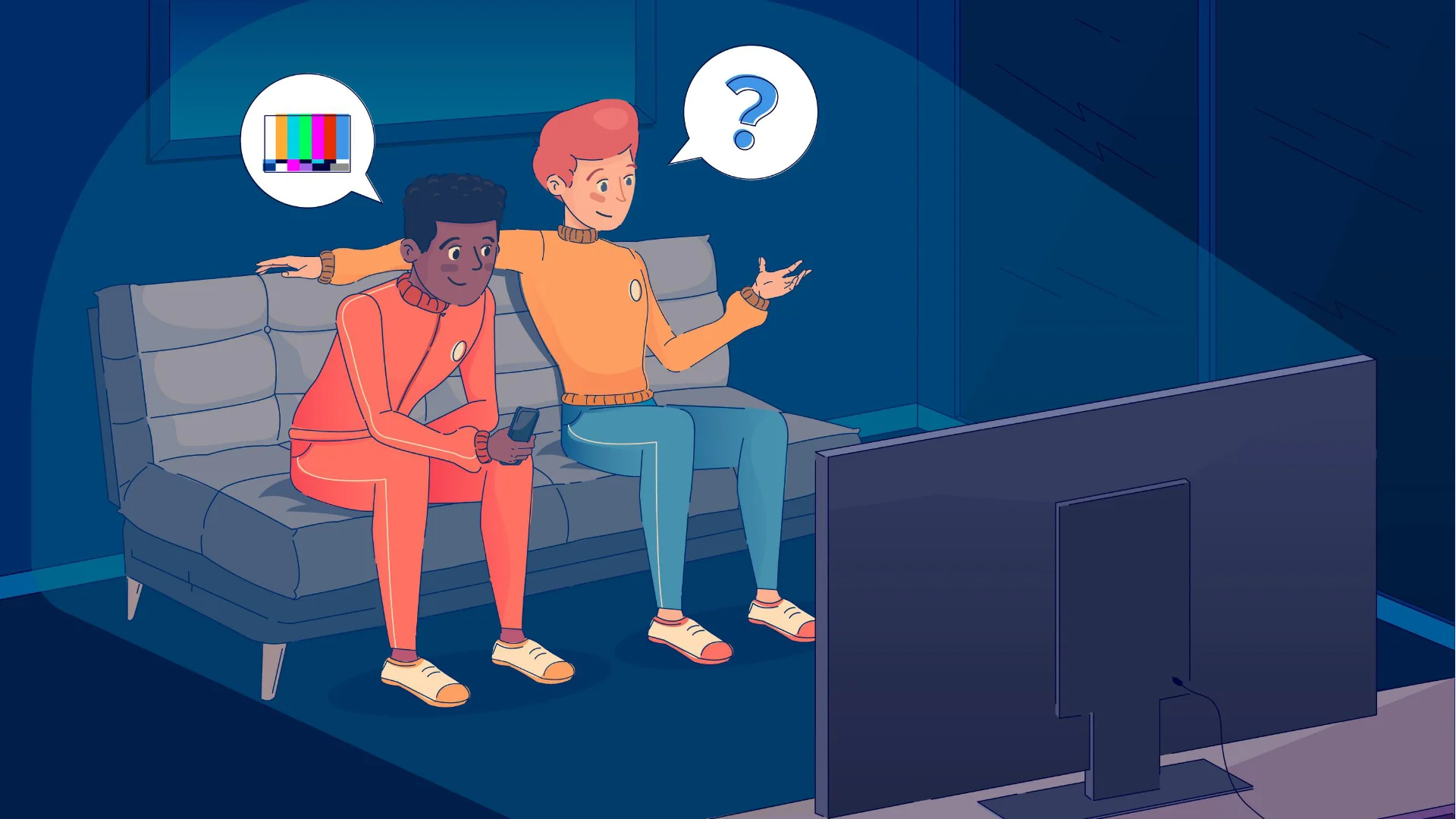
Sound familiar? Here’s the thing: it’s not always your grade that’s the problem. Sometimes it’s the HDR format, or lack of one.
If you’re creating content for streaming platforms, YouTube, or high-end film delivery, understanding the difference between HDR10 and Dolby Vision isn’t just nice to know. It’s essential. In this guide, we’re breaking down every major HDR format, comparing them head-to-head, and, most importantly, telling you exactly what this means for your workflow as a video creator.
What Is HDR and Why Does It Matter for Video Creators?
HDR stands for High Dynamic Range. At its core, it’s a technology that allows greater contrast between the brightest and darkest parts of an image, plus a wider range of colors. The result? Images that look closer to what the human eye actually sees in the real world.
Here’s the key number: conventional SDR (Standard Dynamic Range) TV is limited to 100 nit of brightness. Modern HDR TVs hit 1,000 nit or more, and the long-term target for the PQ transfer characteristic is up to 10,000 nit. That’s not a small jump, that’s a different dimension of image quality.
Color depth gets a massive upgrade too. SDR uses 8-bit color, giving you around 16.7 million displayable colors. HDR formats use 10-bit or 12-bit, which theoretically unlocks up to 1 billion or even 69 billion colors respectively.
Then there’s the color space. The current broadcast standard (BT.709) covers roughly 40% of what the human eye can see. The HDR-era standard (BT.2020) targets around 75%.
“Alongside the increase in resolution, many consider the leap in quality from SDR to HDR to be one of the most significant improvements in the presentation of moving images in recent decades.” Magenta TV
For you as a creator, this means your color grading decisions carry more weight than ever. HDR gives you the canvas to express what you actually intended, if you know how to use it.
HDR10 Explained – The Open Standard
The “10” in HDR10 refers to 10-bit color depth. That’s a solid step up from SDR’s 8-bit, and it’s what you’ll find on practically every HDR device sold today: TVs, monitors, Blu-ray players, game consoles, and streaming sticks.
The big limitation of HDR10 is its metadata, and it’s static.
What does that mean in practice? When you master an HDR10 file, you define the brightness parameters once for the entire video. The same luminance values that apply to your brightest daytime scene also apply to your darkest night scene. The display device then does its best to interpret that data, but it’s working with a blunt instrument.
Imagine color grading a film and only being allowed to set a single exposure value for the entire runtime. That’s essentially the tradeoff HDR10 asks you to accept.
The upside: it’s everywhere. If a device supports any HDR format, it supports HDR10. That universal reach is genuinely hard to argue with.
- Metadata type: Static
- Bit depth: 10-bit
- Licensing: Free and open
- Device support: Universal
Developed by Dolby Laboratories, it was the first HDR format to introduce dynamic metadata, meaning the brightness and color parameters can change on a scene-by-scene or even frame-by-frame basis. Your night scene gets its own tone mapping. Your explosion gets its own. Your close-up gets its own. The display responds to each individually.
“Individual contrast values can be determined for each film frame using mastering and colour correction / colour grading. This prevents dark scenes in a film with many bright scenes from falling off in the quality of the colour and contrast display.” Magenta TV
The technical specs are also more ambitious:
- 12-bit color depth vs HDR10’s 10-bit
- Up to 10,000 nit peak brightness support (future-proof as displays improve)
- BT.2020 color space targeting
- End-to-end quality control, where Dolby works directly with display manufacturers to ensure their TVs reproduce Dolby Vision content as accurately as possible
That last point is underrated. With HDR10, each TV manufacturer is responsible for interpreting the data correctly, and they don’t always get it right. Dolby Vision takes that guesswork away by certifying displays and validating the full pipeline from mastering to playback.
- Metadata type: Dynamic (scene/frame-level)
- Bit depth: 12-bit
- Licensing: Paid (requires Dolby certification)
- Device support: LG, Sony, Apple, and most major brands now
HDR10 vs Dolby Vision – Side-by-Side Breakdown
“Dolby is involved before the product is shipped to help ensure it all works as they specify… It’s basically an end-to-end format, with Dolby ensuring all the steps look right, so the result at home looks as good as that content and that display possibly can.” CNET
That end-to-end consistency is a meaningful creative advantage. Your grade lands more predictably across different displays.
What About HDR10+ and HLG?
HDR10+ was introduced by Samsung and Amazon in 2017 as a royalty-free alternative to Dolby Vision. It adds dynamic metadata to the HDR10 baseline without the licensing fees. Panasonic, 20th Century Fox (now Disney), and other major players also support it. From a pure technical standpoint, HDR10+ and Dolby Vision are close, but the bigger difference is ecosystem and reach. Dolby Vision has more certified displays, more streaming support, and a more mature creator workflow.
HLG (Hybrid Log Gamma) is a different beast entirely. Co-developed by the BBC and Japan’s NHK, it was designed specifically for broadcast and live TV, the one place where HDR10 and Dolby Vision can’t practically operate (you can’t pre-process live content frame-by-frame).
HLG’s standout feature is backwards compatibility: the same signal can be read by both SDR and HDR TVs. SDR sets show it normally; HLG-capable sets show it as HDR. This saves bandwidth and satellite capacity, which is why it’s already being used for major broadcast events.
The tradeoff: HLG doesn’t achieve the same creative ceiling as DV or HDR10. It’s a broadcast tool, not a cinematic one. For most video creators working on produced content (not live events), HLG isn’t the format you’ll be making primary decisions around.
What This Means for Your Workflow as a Video Creator
Exporting for YouTube: YouTube supports HDR10. If you’re delivering HDR content for YouTube, you’ll export in HDR10 with a PQ or HLG transfer function. Most NLEs handle this in the export settings, so set your color space to Rec. 2020 PQ and YouTube takes care of the rest.
Delivering for Netflix or Apple TV+: These platforms use Dolby Vision. Netflix in particular has detailed spec requirements for DV delivery, and you’ll typically need a Dolby Vision-certified post-production facility or pipeline (DaVinci Resolve supports DV mastering on supported hardware).
Color grading in HDR: The fundamental process doesn’t change, but your monitoring setup does. You need a proper HDR reference monitor to grade accurately, since grading HDR on an SDR monitor is like mixing audio through laptop speakers. You can do it, but you’re flying blind.
The SDR fallback: This is where Dolby Vision genuinely wins for professional creators. The DV workflow lets you create your HDR master and your SDR master from the same color grading session. The SDR version is derived intelligently from the DV metadata rather than being a separate, manual process. That’s a real time-saver on professional productions.
Once your video is graded and exported with the right HDR metadata, the presentation layer matters just as much. If you’re working on cinematic trailers, title sequences, or branded content, tools like CineTitles by Pixflow give you 29 professional cinematic title templates optimized for After Effects and Premiere Pro, so your motion design holds up in HDR just as well as your footage does.
Which Format Should You Choose?
- Delivering to Netflix, Apple TV+, or high-end streaming? Learn Dolby Vision. It’s where professional cinema-grade delivery is heading, and the workflow advantages for SDR fallback are genuinely worth the extra effort.
- Posting to YouTube or need universal compatibility? HDR10 is your friend. It’s free, widely supported, and “good enough” for the vast majority of audiences.
- Working in broadcast or live production? HLG is your format. It was built for exactly that use case.
- Targeting Amazon Prime Video? HDR10+ is worth knowing, especially since Amazon actively supports it alongside Dolby Vision.
The good news: there’s no format war you need to pick a side in. Learning HDR10 gives you the foundation. Dolby Vision is the upgrade when your delivery targets require it, or when you want the best possible creative control over how your work is seen.
Start grading with HDR in mind from day one. Monitor in HDR. Export to spec. And don’t let the technical side overwhelm the creative side, because once you understand the pipeline, it becomes second nature.
For the visual polish that makes HDR content really sing, including expressive titles, dynamic motion graphics, and cinematic openers, Pixflow’s CineTitles is built for exactly the kind of work you’re doing in Ae and Premiere. (Your clients will notice the difference. Trust us.)
Conclusion
The format you choose should follow your delivery target, not the other way around. Know where your content is landing, spec accordingly, and grade with intention.
The screens your audience is watching on are better than ever. Make sure your content keeps up.
Disclaimer : If you buy something through our links, we may earn an affiliate commission or have a sponsored relationship with the brand, at no cost to you. We recommend only products we genuinely like. Thank you so much.

Write for us
Publish a Guest Post on Pixflow
Pixflow welcomes guest posts from brands, agencies, and fellow creators who want to contribute genuinely useful content.
Fill the Form ✏