How to Build a Brand With AI: The Complete Guide From Idea to Identity
- Why Building a Brand Still Feels Overwhelming
- What It Actually Means to Build a Brand With AI
- The Six Building Blocks of a Complete Brand Identity
- How to Build a Brand With AI, Step by Step
- How an All-in-One AI Design Platform Fits In
- For Designers Serving SMB Clients
- For SMB Owners Building From Scratch
- Real-World Scenarios Where AI Brand Building Shines
- Tips for Getting the Best Results From AI Brand Tools
- Common Pitfalls to Avoid
- Final Thoughts
AI has changed the rules.
Today, you can move from a rough idea written on a napkin to a complete, consistent visual identity in a single afternoon. Not a generic template. A real brand, with a logo, color palette, typography system, brand guidelines, product mockups, social content, and campaign assets, all built around your story and your audience.
This guide breaks down exactly how to do that. You will learn what it actually means to build a brand with AI, the building blocks every strong brand needs, a step-by-step process you can follow today, and the kinds of scenarios where AI branding genuinely shines. Along the way, we will look at how an all-in-one AI design platform like Zawa fits into the workflow for both SMB owners building from scratch and designers serving SMB clients.
If you have ever wanted a real brand without hiring a real agency, this is the playbook.
Why Building a Brand Still Feels Overwhelming
Full brand identity packages from agencies often start in the thousands and go up quickly. Even smaller freelance projects can stretch over weeks of revisions and concept rounds. Most independent founders, café owners, boutique retailers, salon owners, and online sellers do not have that kind of budget or time.
The DIY route is not much easier. You end up cobbling together a logo from one tool, color inspiration from another, typography advice from a YouTube video, and posters from a template library. The result rarely feels cohesive, because nothing was designed to work together.
And if you are a designer working with SMB clients, you have probably felt the other side of this problem. You bounce between a logo generator, a stock photo site, a background removal tool, a mockup app, a social media scheduler, and a few clunky editors. Every project starts with twenty open tabs.
AI does not just speed this up. It collapses the whole process into a single, connected workflow.
What It Actually Means to Build a Brand With AI
A modern AI brand building workflow can:
- Refine your brand story, positioning, and tone from a few sentences of input.
- Translate that story into a logo, color palette, and typography choices.
- Produce complete brand guidelines you can hand to anyone.
- Apply your brand to products, packaging, signage, menus, and store mockups.
- Extend that identity to your website, social media, ads, and email.
- Keep every new asset on-brand by referencing a central brand archive.
The goal is consistency. A strong brand is recognizable in a logo, but it is also recognizable in a coffee cup sleeve, an Instagram post, a price tag, a storefront sign, and a holiday poster. AI makes that level of consistency achievable for a one-person team.
The Six Building Blocks of a Complete Brand Identity
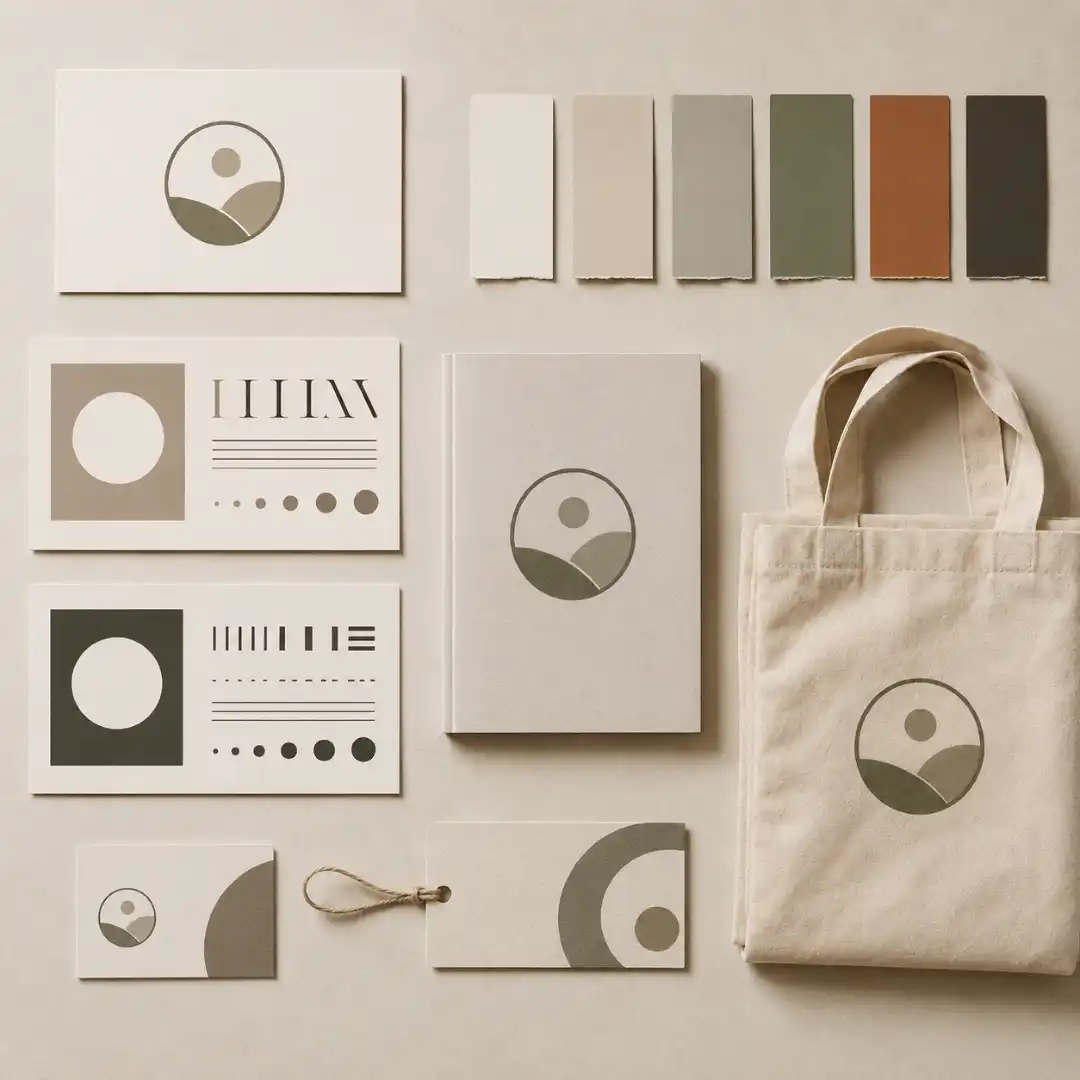
1. Brand Story and Positioning
This is the why behind your business. Who do you serve, what problem do you solve, and what makes your approach different. Everything else flows from here.
2. Logo and Logo Variations
A primary logo, a secondary mark, a monochrome version, and a favicon. You need variations because the same logo cannot work equally well on a giant storefront sign and a tiny app icon.
3. Color Palette
Usually a primary color, one or two secondary colors, and a small set of neutrals. Colors should be picked together, not one by one, so they actually balance on real designs.
4. Typography System
A heading font and a body font that pair well, plus rules for how to use them. Consistent typography is one of the biggest signals of a “real” brand.
5. Brand Photography and Visual Style
The look and feel of your product shots, lifestyle imagery, and graphics. This includes things like lighting style, background treatment, and the kinds of subjects you photograph.
6. Brand Guidelines
A short document that pulls all of the above together with clear rules: how to use the logo, what colors mean what, when to use which font, and what visuals are on-brand. This is the artifact that keeps everything consistent over time.
The goal of an AI brand building workflow is to produce all six in one connected pass, not as six unrelated files.
How to Build a Brand With AI, Step by Step
Step 1: Define Your Brand Story in Plain Language
Start with a short brief, written in plain language. You do not need marketing jargon. A few sentences are enough. Aim to answer:
- What is the name of the business.
- What does it sell, and to whom.
- What is the vibe (modern, vintage, playful, premium, cozy, bold).
- What is one thing that makes it different.
Example: “I am opening a small specialty coffee shop called Niora in a coastal town. We serve single-origin coffee, brunch, and homemade pastries. The vibe is calm, modern, and minimal, with hints of warm coastal color. We want to feel like a local independent place, not a chain.”
That single paragraph is enough for a capable AI branding agent to start generating a real direction.
Step 2: Generate Your Logo and Logo Variations
This is where most people start, and it is the easiest place to misuse AI. Do not just type “coffee shop logo” into a generator. Feed in your brand brief from Step 1. The more context the AI has, the more your logo will feel like yours and not like a stock mark.
A good AI logo Maker will do more than spit out a single image. It should propose multiple directions, let you iterate on type, mark, and color, and then generate variations for different sizes and backgrounds.
Things to ask for at this step:
- A primary horizontal lockup.
- A stacked or square version.
- A simplified icon or monogram for small uses.
- A monochrome version for stamps, embossing, and one-color print.
Step 3: Build Your Color Palette and Typography System
Ask your AI tool to extend the logo into a full visual system. The output should include a primary color, secondary colors, neutral tones, and a heading and body typeface that pair well together.
The key here is to evaluate the palette in context, not in isolation. Preview the colors on a poster, a menu, and a social post before you commit. A palette that looks great as swatches sometimes falls apart on a real layout.
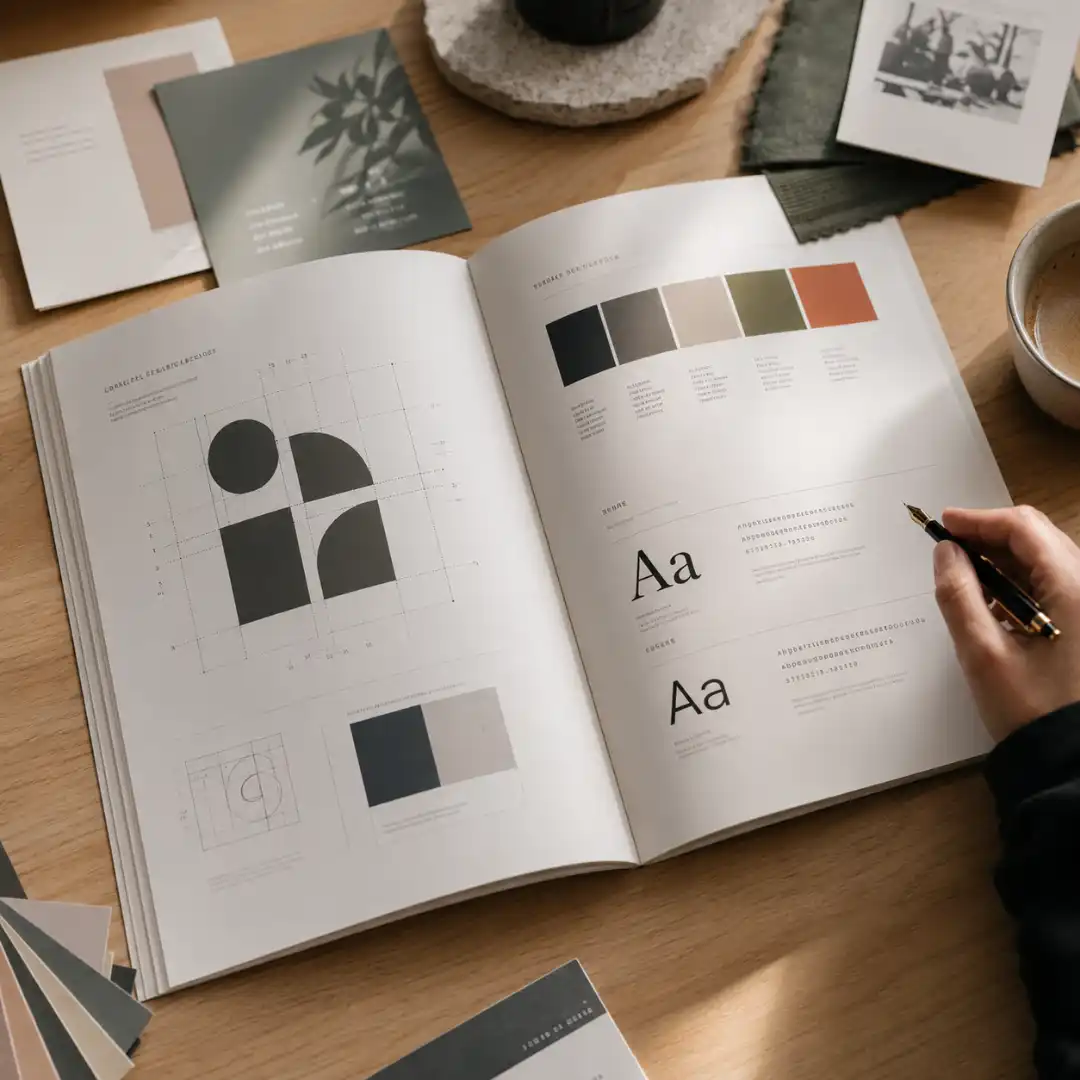
Step 4: Produce a Real Brand Guideline Document
This is where AI saves a huge amount of time. Instead of building a guidelines PDF from scratch, you can generate a complete one in minutes. It should include:
- Logo usage rules and clear-space requirements.
- Approved color values in HEX, RGB, and CMYK.
- Typography hierarchy with examples.
- Photography and graphic style notes.
- Do and do not examples.
This single document is what separates a brand from a logo. It is also what lets you (or a future employee, freelancer, or printer) stay consistent without checking in for every decision.
Step 5: Extend Your Brand to Products, Packaging, and Signage
With the core identity locked in, you can apply it to real-world touchpoints. This is one of the most powerful uses of AI in branding. Upload a photo of your storefront, your product, or your packaging, and have AI generate on-brand mockups so you can see exactly how the identity will look in the wild.
Typical assets to generate at this stage:
- Storefront signage and window decals.
- Menus, price lists, and table tents.
- Business cards, loyalty cards, and stickers.
- Product labels and packaging.
- Tote bags, cups, sleeves, and uniforms.
Seeing the brand applied to physical objects is often the moment it starts to feel real, both for you and for your customers.
Step 6: Take Your Brand Online
The same identity now needs to extend to your digital presence. AI design platforms can generate:
- A website hero section and key landing pages.
- Social media profile assets (avatars, banners, highlight covers).
- A monthly batch of on-brand posts, stories, and carousels.
- Email headers and newsletter templates.
- Paid ad creatives sized for each platform.
The big win here is consistency across channels. Most small brands look completely different on their website, on Instagram, and on a flyer. An AI workflow that pulls from one central brand archive keeps everything visually aligned. Consistency in the writing matters just as much, so when those posts and newsletters are AI-drafted, running the copy through an AI text humanizer keeps the tone natural and on-brand rather than stiff or templated.
Step 7: Polish Real Photos and Maintain Consistency Over Time
Brand consistency is not a one-time launch. It is an ongoing discipline. Every new product photo, event flyer, and promotional post is a chance to either reinforce your brand or quietly erode it.
This is where image quality matters. Photos taken on a phone in a busy café rarely look professional out of the camera. Run them through an AI Photo enhancer before they go anywhere public. Clean, well-lit, high-resolution imagery is one of the simplest ways to make a small brand look bigger and more trustworthy.
From there, the rule is simple: every new asset gets generated from the same brand archive (logo, colors, fonts, photography style). No more starting from a blank Canva file and guessing.
How an All-in-One AI Design Platform Fits In
The problem is not any individual tool. The problem is that none of them know about each other. Your logo tool does not know your brand colors. Your mockup tool does not know your typography. Your social media tool does not know any of it. Consistency dies in the gaps between apps.
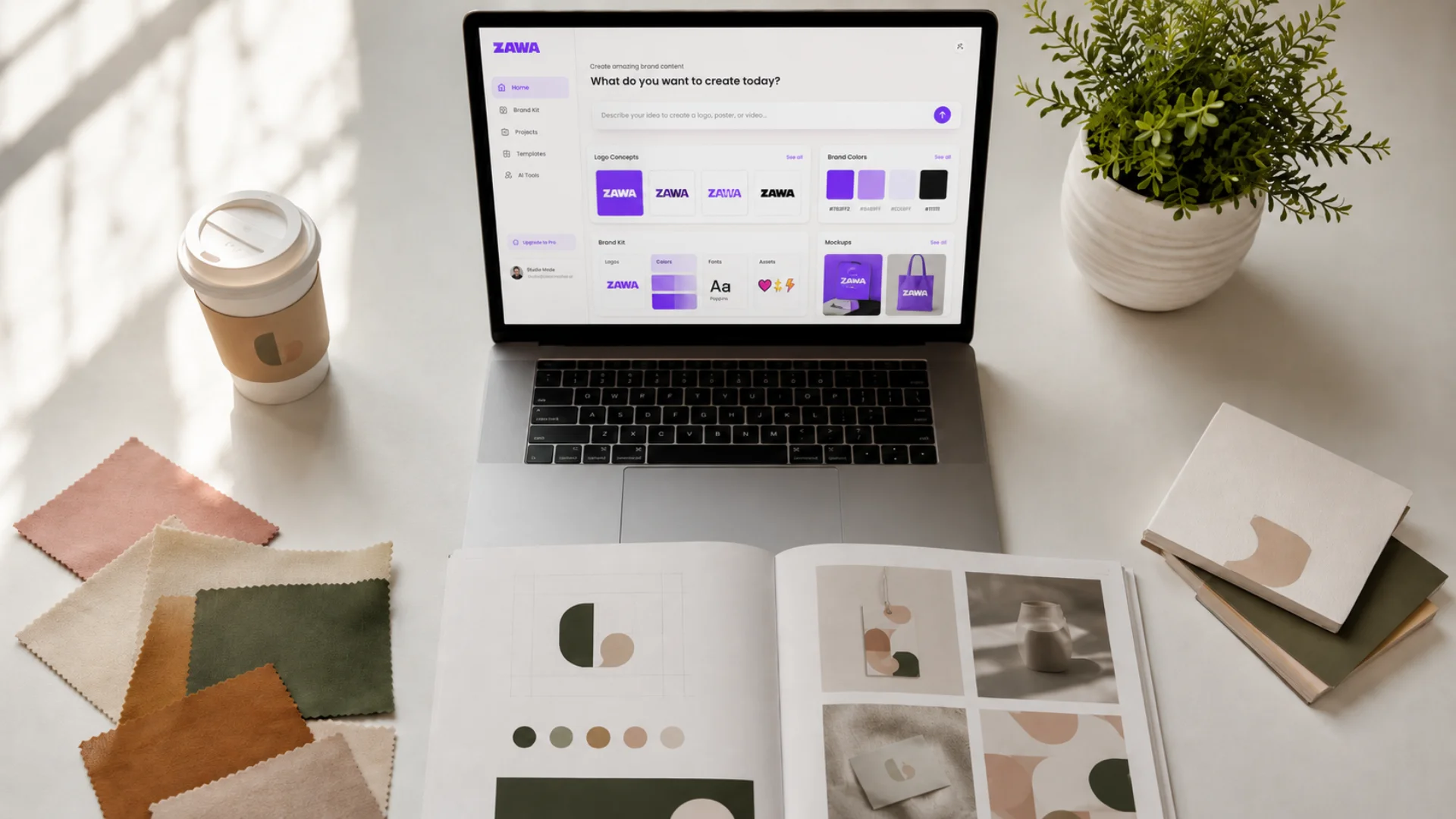
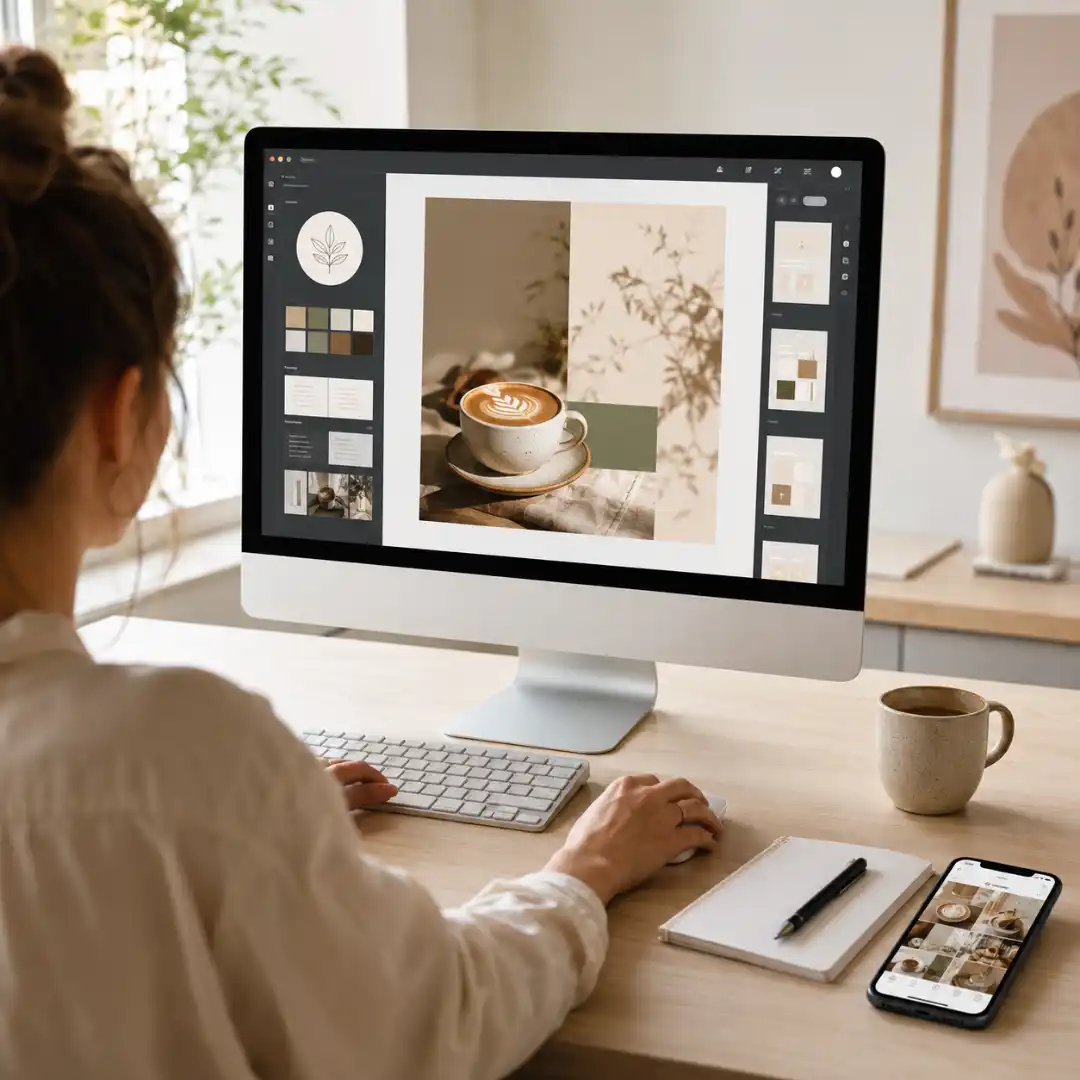
This is why all-in-one AI design platforms are starting to dominate the SMB and freelance design space. Zawa is one of the clearest examples of this shift. It treats the brand itself as the central object, then handles each focused job (logo, brand identity, product photography, social content, posters, menus) as a connected agent that pulls from the same brand archive.
A few things stand out about that model:
- A central brand archive that stores your logos, colors, fonts, and visual rules in one place.
- Specialized AI agents for focused jobs like food photography, social media content, and logo creation, so each task is genuinely good at what it does.
- Smart tools for the everyday work: image enhancement, background removal, object cleanup, video processing, and bulk editing.
- Layered, editable outputs, so designs are not throwaway images but real files you can adjust.
- Templates and flows tuned to real SMB scenarios: store launches, product launches, seasonal marketing, and online growth.
For Designers Serving SMB Clients
An AI design platform takes that repetitive layer off your plate so you can focus on the parts of the work that actually justify your rate: brand strategy, creative direction, art direction, and client relationships.
A typical reshuffled workflow looks like this:
- You handle the brand strategy and creative direction with the client.
- You use AI to generate the first round of logo and identity directions, then refine the strongest one.
- You build the brand archive once, so every future asset stays consistent.
- You use AI agents to handle volume work: monthly social content, product photo polish, seasonal posters, menu updates.
- You step in for art direction, edits, and quality control rather than building every asset from scratch.
The net effect is that you can serve more SMB clients, deliver more assets per client, and still keep evenings free.
For SMB Owners Building From Scratch
A realistic timeline with an AI brand building workflow looks something like:
- Day 1: Draft your brand brief, generate logo directions, and pick one.
- Day 2: Lock in color palette, typography, and brand guidelines.
- Day 3: Generate storefront, packaging, and signage mockups.
- Day 4: Build your website hero, social profiles, and a month of on-brand posts.
- Day 5: Polish your real product photos and prepare launch posters.
Five focused days, not five months. And critically, you end up with a system, not just a logo file. The next time you launch a new product, run a holiday promo, or open a second location, you are not starting from zero.
Real-World Scenarios Where AI Brand Building Shines
Store Launch
Opening a new store is one of the most asset-heavy moments in a small business’s life. You need signage, menus or price lists, business cards, packaging, an opening poster, a website, and a social media presence, all ready before day one. AI compresses this from weeks to days and keeps everything visually unified.
Product Launch
A new product needs a name, a label, packaging, a launch poster, social posts, and ideally a short promo video. With an established brand archive, AI can generate every one of these in the same visual language in a single session.
Seasonal and Holiday Marketing
Valentine’s Day, Mother’s Day, summer, back-to-school, Halloween, Black Friday, Christmas. Seasonal moments come around fast and add up to dozens of designs a year. An AI marketing calendar that auto-generates on-brand holiday campaigns in advance removes the last-minute scramble.
Online Growth
If you are trying to grow on Instagram, TikTok, or your own website, consistency is everything. Audiences recognize brands by their visual rhythm. AI lets a one-person team post on-brand content at the pace algorithms reward, without burning out. For many entrepreneurs exploring how to make money with AI, combining a strong brand identity with platforms like Printful to launch print-on-demand products can be an effective way to build and grow an online business.

Tips for Getting the Best Results From AI Brand Tools
- Write a real brief. Two or three sentences about who you serve, what you sell, and what you stand for will outperform a one-word prompt every time.
- Reference culture, not just industry. “Modern coastal Mediterranean” gives an AI more to work with than “restaurant.”
- Generate in sets, not singles. Look at five directions side by side before committing. The strongest direction is usually obvious once you can compare.
- Lock the brand archive early. Once your logo, colors, and fonts are set, stop relitigating them and use them everywhere.
- Edit, do not regenerate. When something is 90% right, adjust it. Constantly regenerating from scratch leads to drift.
- Always polish your real photos. A great brand on top of grainy photos still looks unprofessional. Run product and lifestyle photos through an enhancer before they go public.
- Audit quarterly. Every three months, look back at everything you have shipped and check whether it still feels like one brand. AI makes shipping fast, which means small inconsistencies can pile up if you do not check.
Common Pitfalls to Avoid
- Treating the logo as the brand. The logo is one asset. Without a palette, typography, and rules, it is just a picture.
- Chasing trends. A logo that looks current today can age in eighteen months. Optimize for clarity and ownability, not for trend.
- Skipping the guidelines document. Without it, every new collaborator (printer, freelancer, employee) will quietly drift the brand in a different direction.
- Using a different tool for every task. The whole point of AI branding is consolidation. If you are back to ten tabs, you have lost the advantage.
- Forgetting about print. Many SMBs live and die on physical assets: signage, menus, packaging, flyers. Test your colors and logos in print, not just on screen.
- Ignoring photography. AI-generated graphics are great, but real photos of your actual product, staff, and space build trust in a way generated visuals cannot. Combine both.
Final Thoughts
The playbook is straightforward. Start with a real brand brief. Build the six core blocks: story, logo, color, typography, photography, guidelines. Extend them across physical and digital touchpoints. Keep everything anchored to a central brand archive. And use a unified AI design platform like Zawa to keep the whole system moving without losing consistency.
A brand is no longer something you commission once and hope for the best. It is something you can build, evolve, and apply every single week. The tools are finally on your side.
Disclaimer : If you buy something through our links, we may earn an affiliate commission or have a sponsored relationship with the brand, at no cost to you. We recommend only products we genuinely like. Thank you so much.
Blog Label:



Write for us
Publish a Guest Post on Pixflow
Pixflow welcomes guest posts from brands, agencies, and fellow creators who want to contribute genuinely useful content.
Fill the Form ✏