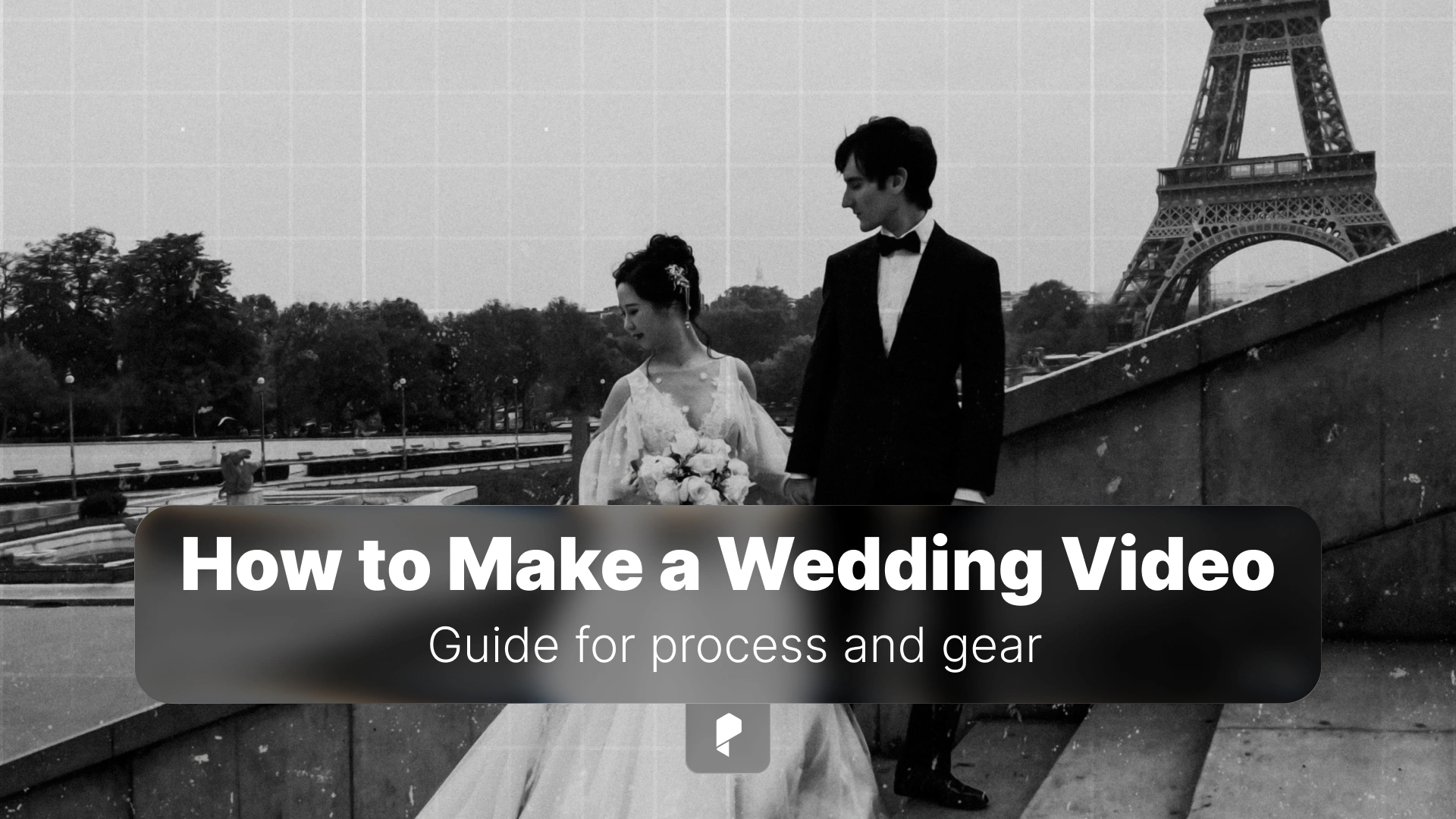
How to Make a Wedding Video That Clients Will Treasure Forever
Here’s the thing: wedding videography isn’t just about pointing a camera and hitting record. It’s about capturing genuine emotion, telling a compelling story, and creating a film that couples will treasure for decades. (And doing it all while staying invisible, working in challenging lighting, and never getting a second take.)
Whether you’re shooting your first wedding or your fiftieth, this guide will walk you through everything you need to create wedding videos that clients will watch on repeat, share with their grandchildren, and recommend to every engaged friend they know.
Essential Gear for Wedding Videography
Camera Bodies and Lenses
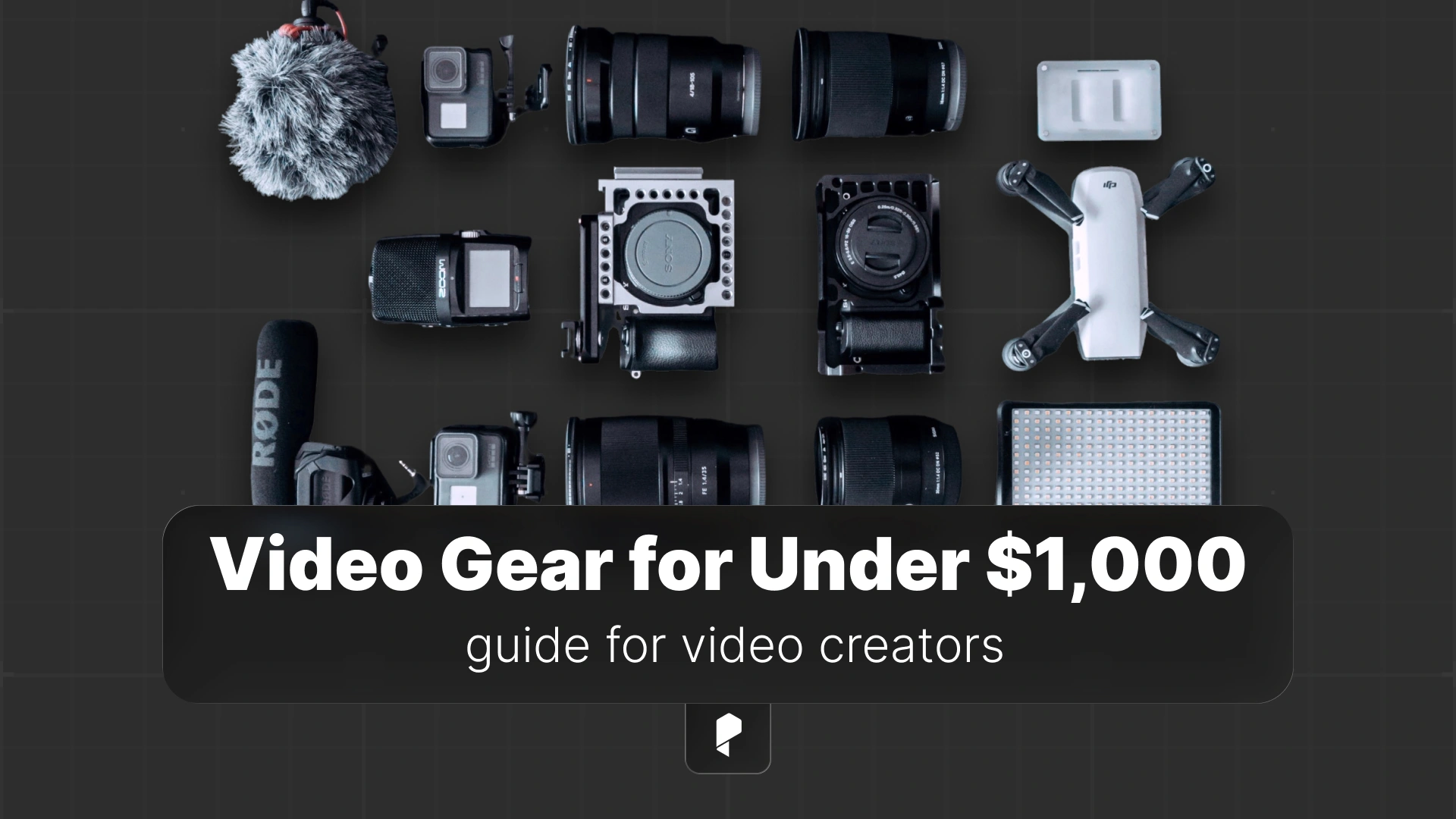
Your camera setup needs to deliver cinematic image quality while being reliable enough to shoot for 12+ hours straight. Mirrorless cameras have become the gold standard for wedding videography, offering excellent low-light performance, impressive autofocus, and compact form factors that won’t wear you out by the end of the reception.
The Sony A7 series and Canon R6 are industry favorites for good reason. Both deliver stunning 4K footage, exceptional autofocus that tracks faces even in challenging conditions, and in-body stabilization that saves shaky shots. More importantly, they handle the low light of dimly lit ceremony venues and candlelit receptions without turning your footage into a grainy mess.
For lenses, versatility is key. A 24-70mm f/2.8 is your workhorse lens, perfect for ceremony coverage, getting ready shots, and reception details. Pair it with a 70-200mm f/2.8 for those gorgeous, compressed ceremony shots from the back of the venue and candid moments during speeches. And don’t skip the 85mm f/1.8 prime, it’s magic for those dreamy, shallow depth-of-field portraits during golden hour couple sessions.
Pro tip: Always bring backup cameras and batteries. Murphy’s Law applies double on wedding days. If something can fail, it will fail during the ceremony.
Stabilization Equipment
Handheld footage has its place, but smooth, cinematic movement separates amateur wedding videos from professional films. A gimbal stabilizer transforms your shots from shaky home video into buttery-smooth cinema.
The DJI Ronin and Zhiyun stabilizers offer professional-grade stabilization in surprisingly compact packages. You’ll use your gimbal for ceremony processionals, reception entrances, walking shots with the couple, and those flowing detail sequences that tie your edit together. Practice with it before the wedding day. Gimbal operation under pressure is a skill that takes time to develop.
Capturing Professional Audio
Wireless Lavalier Systems
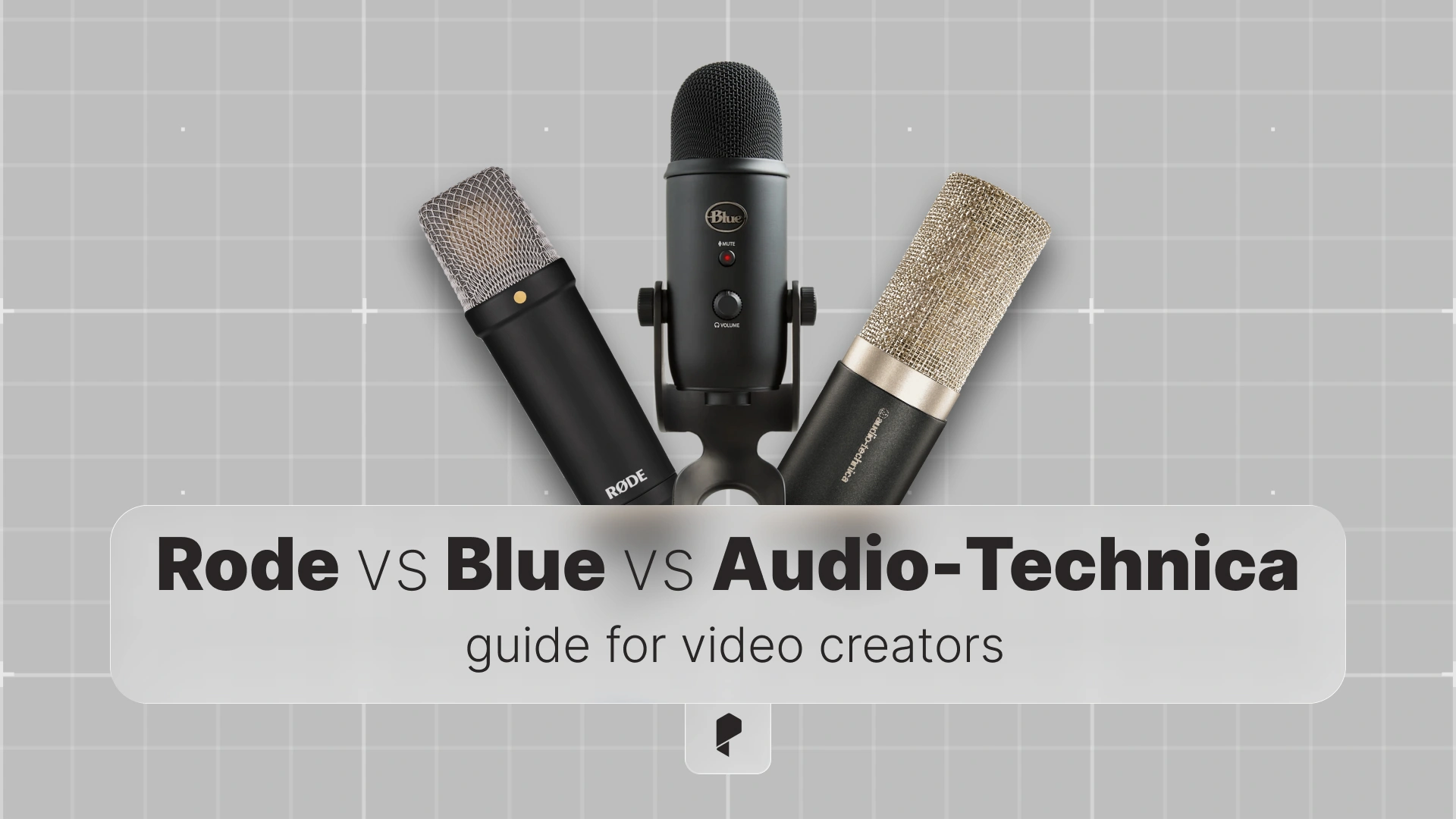
Your absolute must-have audio tool is a reliable wireless lavalier system. The Rode Wireless GO II has revolutionized wedding audio capture with its compact size, reliable transmission, and built-in recording backup. Mic up the groom and officiant before the ceremony, and you’ll capture crystal-clear vows, readings, and those emotional voice cracks that make couples cry when they watch their film.
Always use the on-board recording feature as a backup. Wireless signals can drop, interference happens, and you need that safety net.
Additional Audio Gear
Pair your wireless system with a quality shotgun microphone mounted on your camera for ambient sound and backup audio. Wedding venues are unpredictable, you can’t always mic everyone, and having solid on-camera audio saves edits.
For speeches and DJ feeds, a Zoom H5 or H6 audio recorder plugged directly into the sound system captures pristine audio that syncs perfectly in post. Coordinate with the DJ or venue sound tech beforehand. Most are happy to help when you explain you just need a line out.
Lighting Equipment That Saves the Day
Pack on-camera LED lights with adjustable color temperature. You’ll use them sparingly (nobody wants a spotlight in their face during speeches), but they’re essential for detail shots, getting-ready coverage in poorly lit hotel rooms, and those last-minute timeline changes that push the couple session into twilight.
Bring portable light stands for stationary lighting setups during prep coverage. Position a light to create flattering window-light simulation, and your getting-ready footage instantly elevates from documentary-style to editorial quality.
Remember: batteries and chargers for everything. Build a charging station ritual the night before every wedding.
Storage and Backup Strategy
Invest in fast, high-capacity SD cards from reputable brands (SanDisk, ProGrade, Sony). Buy more than you think you’ll need. 4K footage fills cards quickly, especially if you’re shooting high frame rates for slow-motion.
Your backup workflow should start immediately. At the end of the ceremony (during cocktail hour), copy all ceremony footage to a portable SSD. At the end of the night, before you leave the venue, create a second backup. Use reliable card readers that won’t corrupt your files mid-transfer.
Some videographers maintain the “rule of three”: footage exists in three places (cards, SSD backup, cloud/home backup) before cards are formatted. Overkill? Maybe. But you only need to lose one wedding to understand why pros are paranoid about backups.
Wedding Day Workflow and Coverage
Pre-Ceremony: Getting Ready Coverage
Start with detail shots. Dress, shoes, jewelry, invitations, flowers, rings, perfume, bouquet. These shots establish the aesthetic and give you breathing room in your edit. Shoot them beautifully, use natural window light, and don’t rush.
Getting-ready coverage should feel documentary-style but cinematic. Capture genuine interactions, laughter between bridesmaids, nervous energy from the groomsmen, parents seeing their child in wedding attire for the first time. These are emotional gold.
Pro tip: Keep your camera bag organized with dividers for quick lens changes. Wedding days move fast, and fumbling for gear means missing moments.
Ceremony Coverage
This is where preparation meets execution. Scout the venue beforehand if possible. Understand the processional path, lighting challenges, and any restrictions (some venues prohibit movement during ceremonies).
Your basic ceremony coverage should include:
- Wide establishing shot of the venue
- Processional (usually from the back for that compressed, cinematic look)
- Reactions (groom seeing bride, parents, guests)
- Vows and ring exchange (critical, never miss this)
- First kiss
- Recessional
Use two cameras if you have an assistant or second shooter. One on a tripod for wide, stable coverage, one roaming for close-ups and reactions. If you’re solo, prioritize stability and key moments over ambitious but shaky shots.
Couple Portraits
This is your chance to create the visually stunning shots that couples share on Instagram and print for their walls. You typically have 15-30 minutes, so efficiency matters.
Guide your couples naturally. Most aren’t models, they feel awkward being photographed. Give them movement-based prompts: “Walk toward me slowly, whisper something that makes each other laugh.” Action creates natural expressions and movement that looks cinematic.
Golden hour is your friend. If the timeline allows, shoot couple portraits during that magical light 30-60 minutes before sunset. If you’re stuck with harsh midday sun, find open shade or use the environment (buildings, trees) to create better lighting.
Reception Coverage
Receptions are fast-paced, crowded, and full of unrepeatable moments. Your goal is comprehensive coverage while staying invisible enough that guests forget you’re there.
Must-capture moments:
- Grand entrance
- First dance
- Parent dances
- Toasts and speeches (audio is critical here)
- Cake cutting
- Bouquet and garter toss
- Dancing and candid guest interactions
Move constantly. Vary your angles. Get low, shoot through foreground elements, find interesting perspectives. Static, eye-level reception footage gets boring quickly in a 5-10 minute highlight film.
Throughout the day, keep a lens cleaning kit and gaffer’s tape handy. Smudged lenses ruin shots, and gaffer’s tape fixes approximately everything else.
Editing the Wedding Story
Organizing and Selecting Footage
Before you touch your editing software, watch all your footage. Create a selects reel of your best moments, emotional peaks, and key story beats. This pre-edit review saves hours of scrubbing through timelines later.
Organize clips by timeline section (getting ready, ceremony, portraits, reception) and emotion. Group the big emotional moments, genuine laughter, tears, intimate glances. Your story is built from these peaks, not from every moment you captured.
The Edit Workflow
Adobe Premiere Pro is the industry standard for wedding video editing, offering powerful multicam workflows, excellent audio tools, and seamless integration with After Effects. Its timeline-based editing feels intuitive once you understand the basics, and it handles 4K footage efficiently with proper proxy workflows.
Start with your story structure:
- Opening (30-60 seconds): Set the tone, establish the couple, create anticipation
- Ceremony highlights (2-3 minutes): Focus on vows, emotional reactions, key moments
- Celebration (2-3 minutes): Portraits, reception energy, dancing, joy
- Closing (30-60 seconds): Final dance, exit, or poignant moment
Music drives your edit. Choose songs with emotional dynamics, clear beats, and appropriate energy shifts. Edit to the music, letting the rhythm guide your pacing and cuts.
Layer your audio carefully. Ceremony vows, speeches, and laughter should be clear and prominent. Natural ambient sound (laughter, music, environment) creates immersion. Balance is key, every sound should enhance the story, not distract from it.
Color grading transforms your footage from good to stunning. Create a consistent look that matches the wedding’s aesthetic. Warmer tones for romantic moments, slightly cooler for elegant formal shots. Don’t overdo it. Skin tones should look natural, not orange or weirdly teal.
Creating Beautiful Titles and Graphics
Adobe After Effects is perfect for creating animated title sequences, lower thirds with names and dates, and elegant credit sequences. Even simple animations like subtle fades or gentle scaling add polish that static titles lack.
Keep titles minimal and readable. The couple’s names, wedding date, and location are usually enough for the opening. Save elaborate graphics for the credits. The footage is your star, titles support the story, they don’t compete with it.
Match your title aesthetic to the wedding style. Classic serif fonts for traditional formal weddings, clean sans-serif for modern minimalist celebrations, script fonts for romantic garden ceremonies. Typography communicates tone before a single frame of footage plays.
Adding Opening and Closing Messages
ElevenLabs AI Voiceover offers remarkably natural-sounding voice synthesis that can narrate custom messages in various tones and styles. Work with your couple to craft a script, maybe something reading their vows, a letter they wrote to each other, or a meaningful quote, and generate professional narration that integrates seamlessly into your edit.
Use voiceover sparingly. It should enhance emotional moments, not narrate the obvious. A well-written 30-second opening narration can frame the entire story beautifully. Silence and natural sound are powerful tools too.
Delivering Your Final Product
Export settings matter. For online delivery (Vimeo, YouTube), H.264 in 1920×1080 at 10-15 Mbps creates high-quality files with manageable sizes. For couples who want archival quality, export ProRes or DNxHD files.
Create multiple versions: a 5-7 minute highlight film (most couples share this), a 15-20 minute extended cut with full speeches and more ceremony coverage, and individual ceremony and speech videos. Options give couples flexibility for sharing and rewatching.
Your delivery presentation should match your brand quality. Custom online galleries, personalized USB drives in nice packaging, or digital download links with clear organization all signal professionalism.
Set expectations clearly from the beginning. Let couples know your typical turnaround time (4-8 weeks is standard), revision policy, and what’s included. Communication prevents disappointment and protects your creative process.
Conclusion
Start with solid gear, develop reliable workflows, practice your craft constantly, and never stop learning. Every wedding teaches you something, whether it’s a new lighting technique, a better way to capture toasts, or simply how to work more efficiently under pressure.
Your next wedding video could become a family heirloom, watched at anniversaries, shared with future children, and treasured for generations. That’s not just videography, that’s creating legacy.
Ready to elevate your wedding films? Explore Pixflow’s video editing resources for templates, transitions, and effects that’ll help you deliver stunning films faster. (Your timeline will thank you.)
Disclaimer : If you buy something through our links, we may earn an affiliate commission or have a sponsored relationship with the brand, at no cost to you. We recommend only products we genuinely like. Thank you so much.