Mobile Filmmaking Accessories: Best Gimbals, Lenses, and Mics Under $100
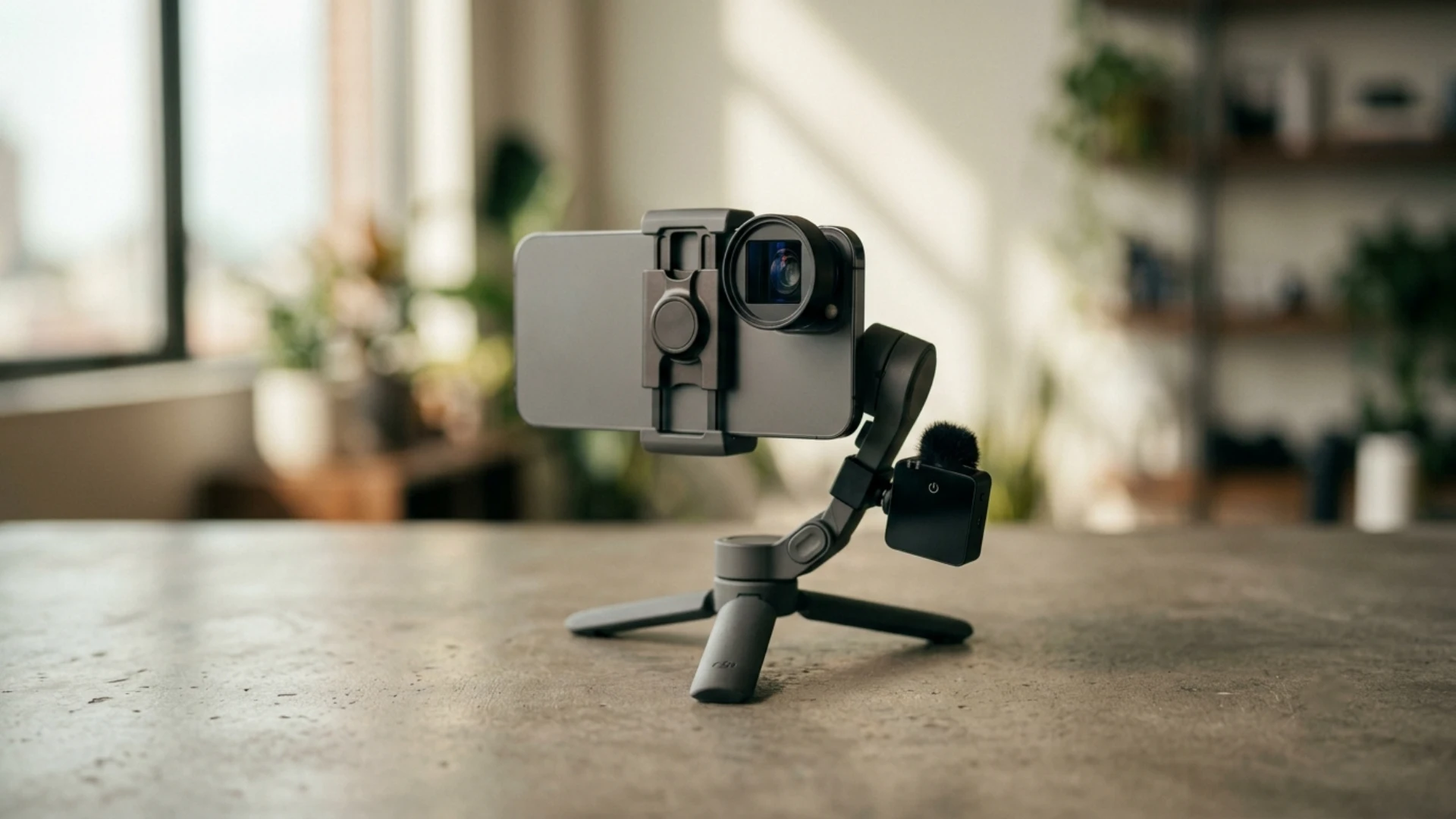
Everything here is chosen for real mobile shooters, whether you are filming reels, travel videos, YouTube, or a short film. And once your clips are in the edit, a pack like Pixflow’s YouTube Packs can add the titles and graphics that make budget footage look polished. This article is part of our larger guide on mobile filmmaking in 2026.
How to shop for phone gear without wasting money
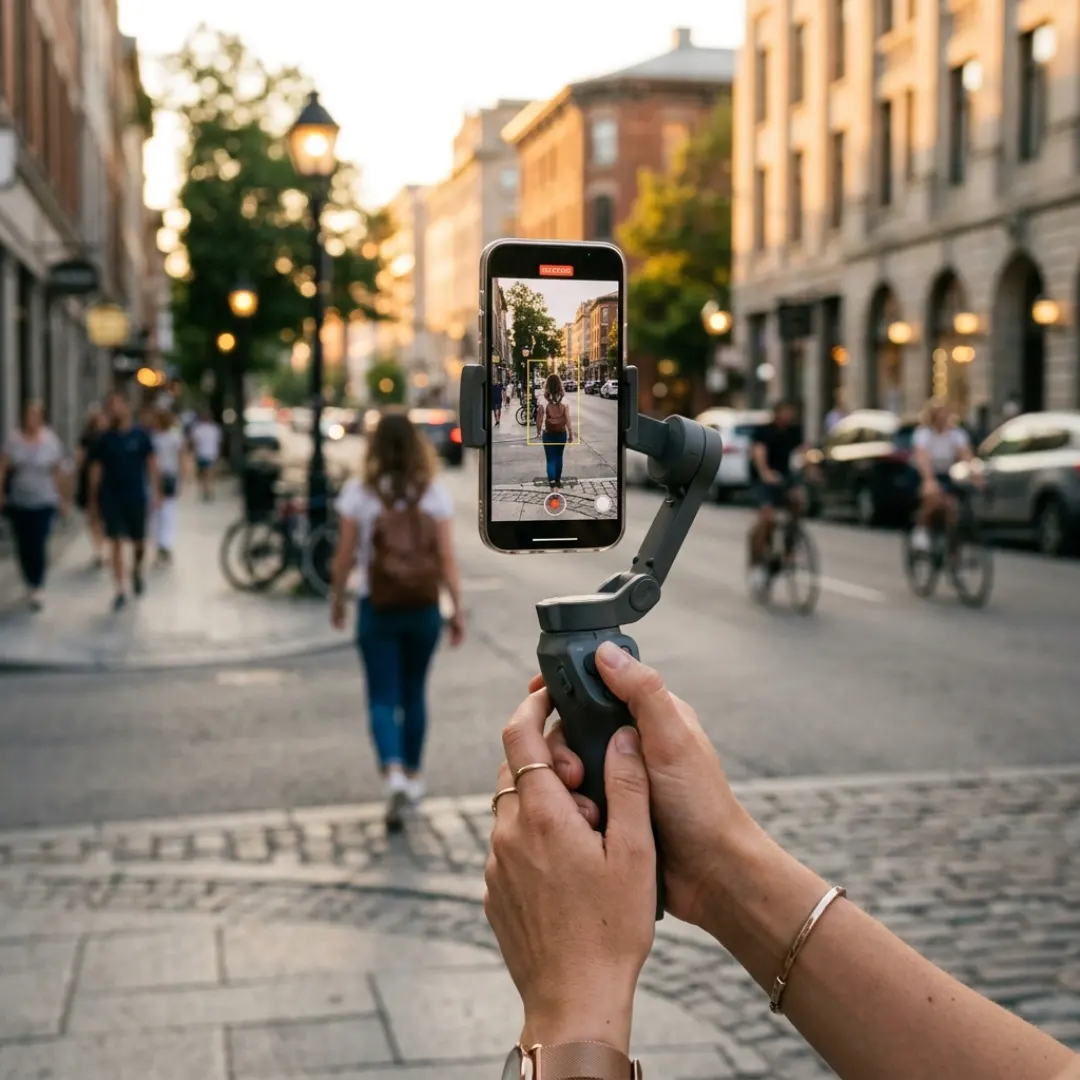
Here is the trap. A bare iPhone Pro Max or Android Ultra already weighs around 235 grams, and a case pushes you past 280 grams. Many popular gimbals cap out at 300 grams, which means they are nearly maxed out before you add a single accessory. A useful way to think about gimbals, and about accessories in general, is in three tiers:
- Naked: built for a bare phone only, around 300 grams of payload. Cheap and popular, but no room to grow.
- Loaded: around 500 grams, enough for a case plus an ND filter or a small lens.
- Limitless: 1 to 2 kilograms, handles a full cage build with lenses, filters, and an external SSD.
Keep this in mind as you read. If you plan to add lenses and filters later, buy for where you are headed, not just where you are today.
Best budget gimbals under $100
Worth the splurge (above budget): if you shoot with a Max or Ultra phone and want to add an ND filter, a heavier lens, or an external SSD, the Hohem iSteady M7 doubles the payload to 500 grams so your rig actually balances. It costs well over $100, but it removes the frustration of a gimbal that powers down under load.
One habit matters more than any feature: balance your phone before you power the gimbal on. Work through the tilt, roll, and pan axes one at a time with everything mounted, then run the auto calibration. Two minutes of setup is the difference between smooth footage and struggling motors. For shot ideas once you own one, see our guide to phone gimbal techniques, and if you are weighing your options, our comparison of steadicams versus gimbals breaks down when each one wins.
Best smartphone lenses under $100
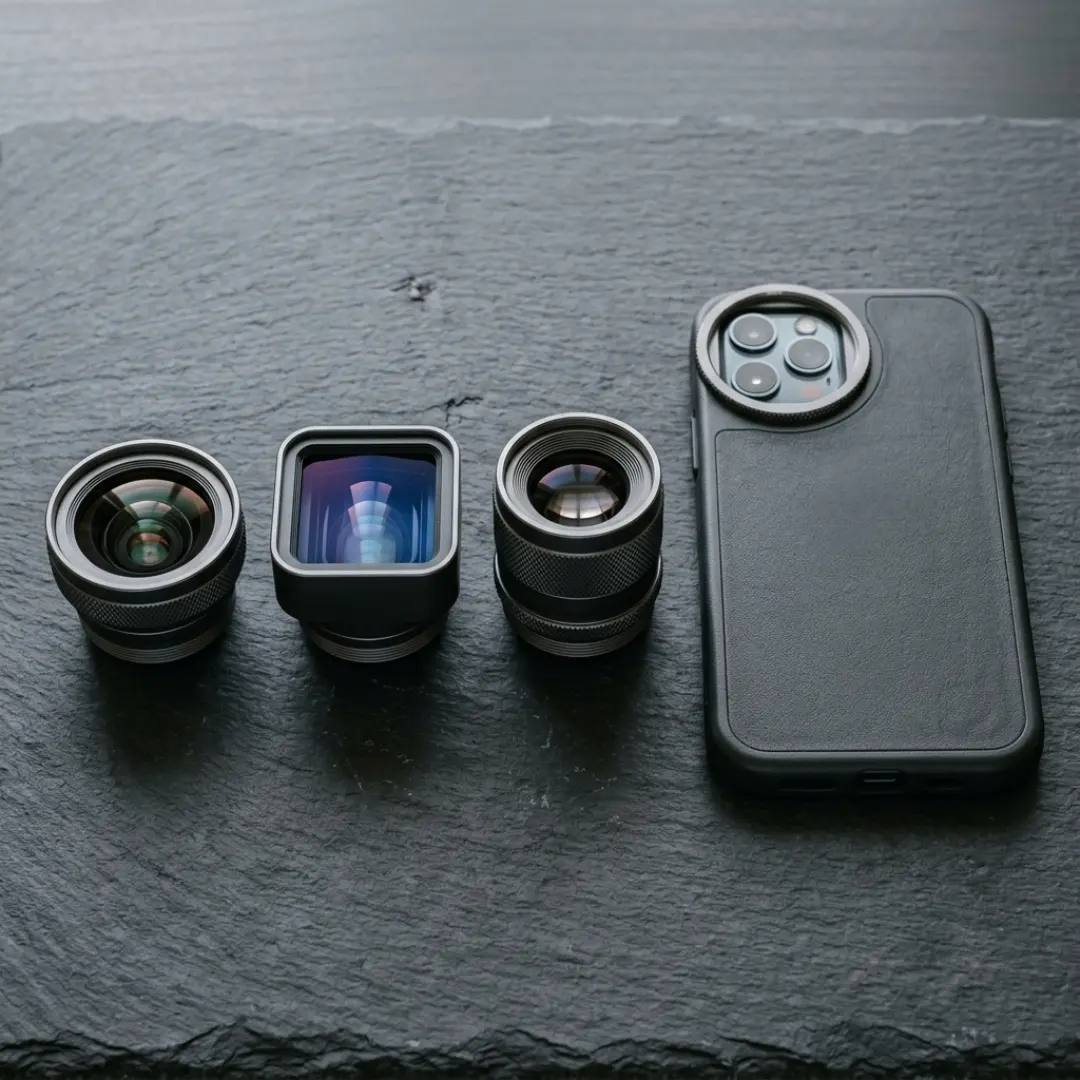
- Anamorphic: captures a wider frame with that classic horizontal flare and oval bokeh for a true Hollywood look. Ideal for travel, music videos, and narrative work.
- Wide (about 16mm): a slightly wider field of view for talking head and social content, without switching to the weaker ultra wide.
- Telephoto: real optical zoom for distant subjects, best used on a tripod because any shake is magnified.
One warning from every reviewer we studied: avoid cheap clip on lenses for your main glass. They slip out of alignment easily and can wreck sharpness. Choose a lens system with a threaded phone case or a cage mount so the lens sits perfectly centered every time. For buyer research beyond phones, guides like Digital Camera World’s add on lens roundup are a good sanity check on current options.
Prefer to keep your setup light? You can also fake several optical looks in the edit. Pixflow’s Fish Eye Lens Effects recreates a wide, curved lens look in post, which is handy when you do not want to carry extra glass or you want to apply the effect selectively to a few shots.
Best microphones under $100
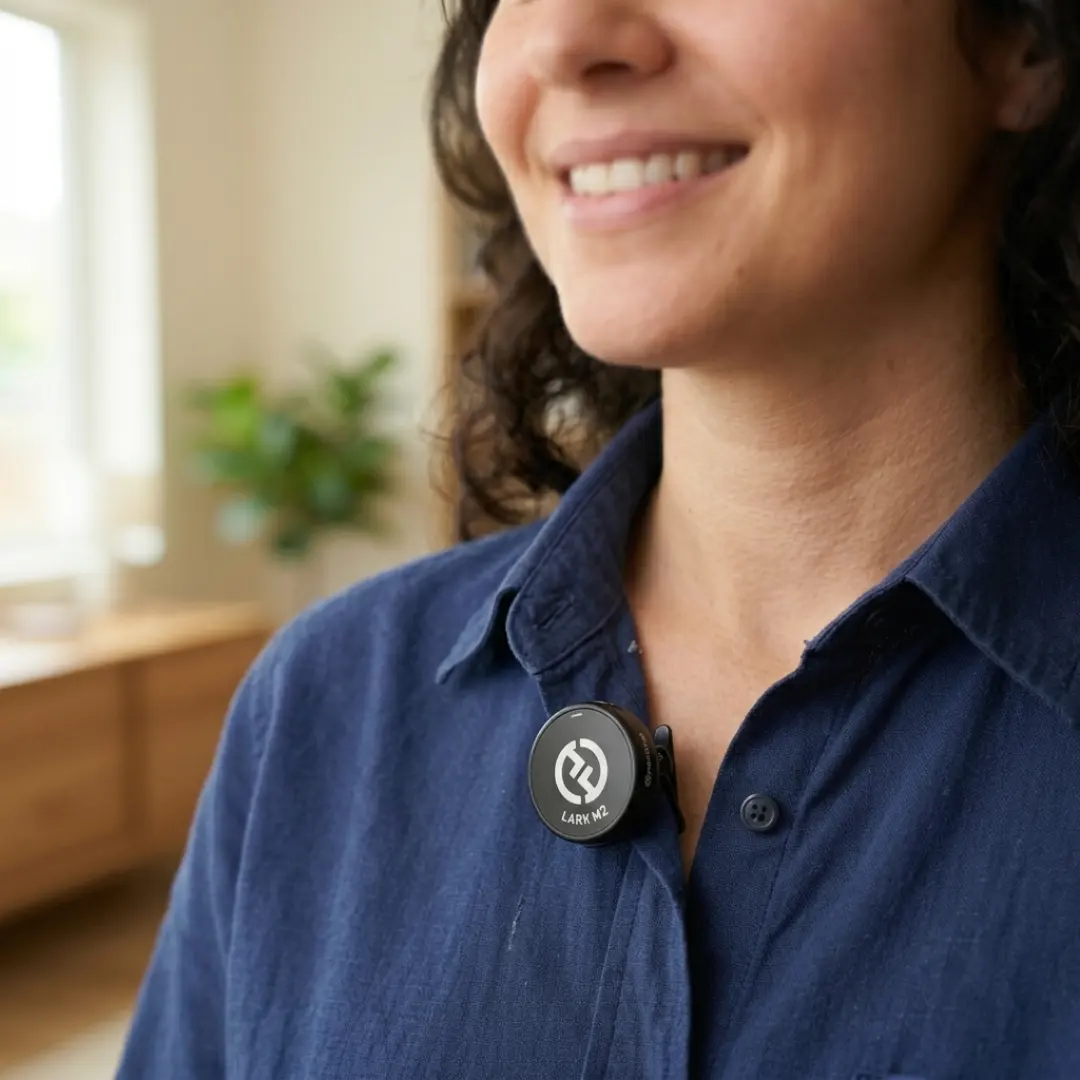
A quick tip from the field: many Bluetooth phone mics only pair inside certain pro camera apps. If you want to use one with your default camera app, a free companion app from the mic maker often unlocks that. For the full workflow, from mic placement to cleaning up sound in post, read our dedicated guide on how to record professional audio with your phone.
The supporting cast, also under $100
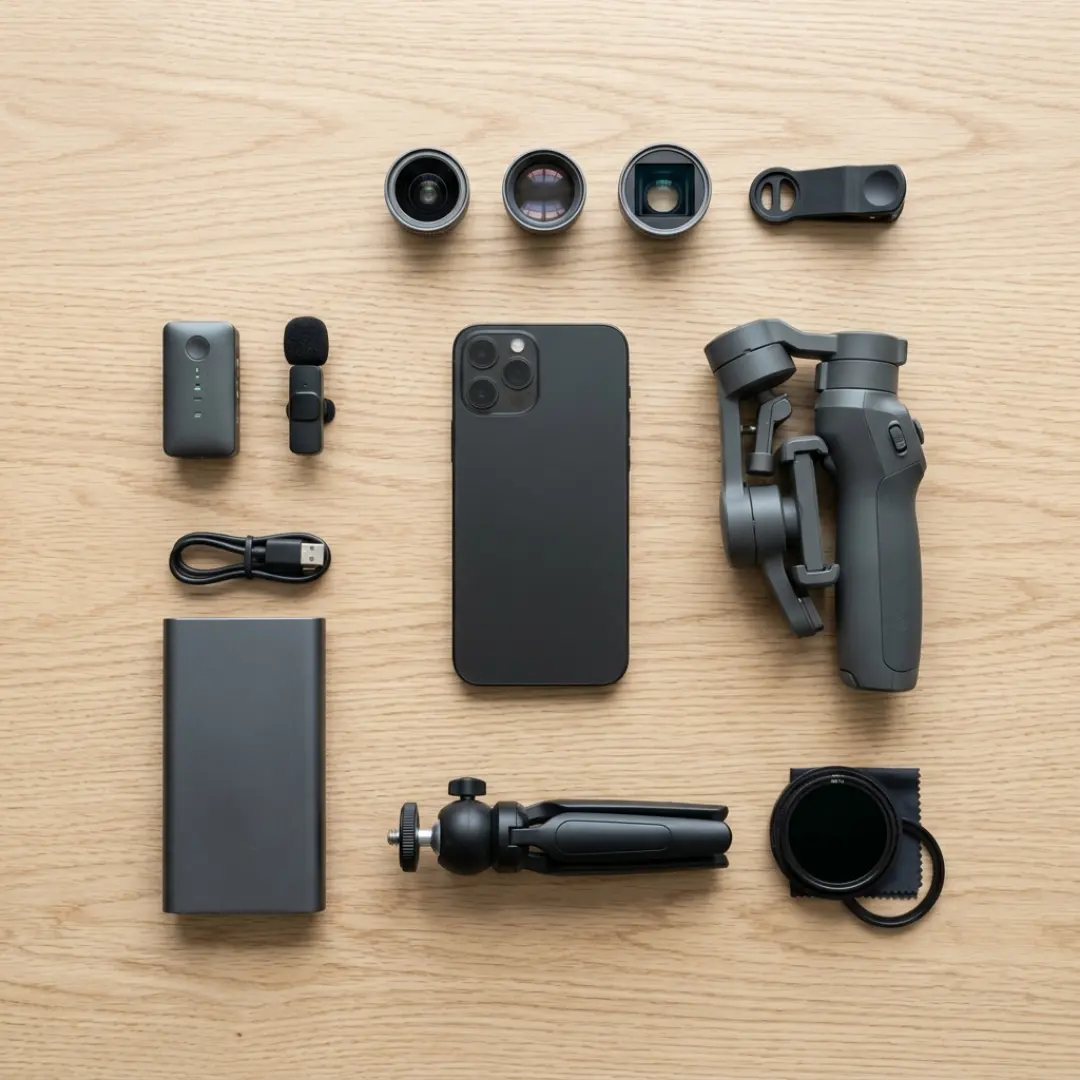
- Variable ND filter (around 27 to 50 dollars): sunglasses for your lens. It lets you keep a cinematic shutter speed in bright light for natural motion blur.
- Smartphone tripod (around 26 to 40 dollars): essential for static shots, timelapses, and self filming.
- Phone cage or rig (around 43 to 85 dollars): adds mounting points for lenses, lights, mics, and a side handle, and lets you mount accessories without clamping the phone directly.
- External SSD (Samsung T7 Shield or SanDisk Extreme): record ProRes or Log straight to the drive to save phone storage and speed up your edit.
- MagSafe power bank (around 40 dollars): phone filming drains the battery fast, and a magnetic pack snaps on without cables.
- Magic or friction arm (around 20 dollars): clamps your phone to almost anything for creative low, high, or point of view angles.
For lighting specifically, we cover budget options in depth in our guide to phone lighting setups.
Build your kit by budget
The 100 dollar starter kit
The 250 dollar creator kit
The 500 dollar pro kit
From shooting to publishing
To finish fast and look professional, drop your footage into a template pack. Pixflow’s YouTube Packs give you ready made titles, transitions, and graphics so your budget setup produces content that looks anything but budget.
Conclusion
Disclaimer : If you buy something through our links, we may earn an affiliate commission or have a sponsored relationship with the brand, at no cost to you. We recommend only products we genuinely like. Thank you so much.
Blog Label:



Write for us
Publish a Guest Post on Pixflow
Pixflow welcomes guest posts from brands, agencies, and fellow creators who want to contribute genuinely useful content.
Fill the Form ✏