The Smart Way to Create Scroll-Stopping Covers: An In-Depth Look at Thumbs.ai
- The Battle for the Click: Why Visual Hooks Rule YouTube
- The Pain of Design: Why Traditional Editing Software Fails Creators
- Inside Thumbs.ai: The AI Engine Behind High-CTR Visuals
- Masterclass: Crafting Custom Visuals Step-by-Step
- The Honest Breakdown: Advantages and Limits of AI Thumbnail Design
- Who Belongs in the AI Thumbnail Ecosystem?
- Why AI Design Tools Are Shaking Up the Creator Economy
- Stop Guessing: It is Time to Optimize Your Visual First Impression
The Battle for the Click: Why Visual Hooks Rule YouTube
This is why your click-through rate, or CTR, is the most critical metric for organic growth. A great thumbnail acts as a digital billboard for your video. It tells viewers exactly why they should stop scrolling and click.
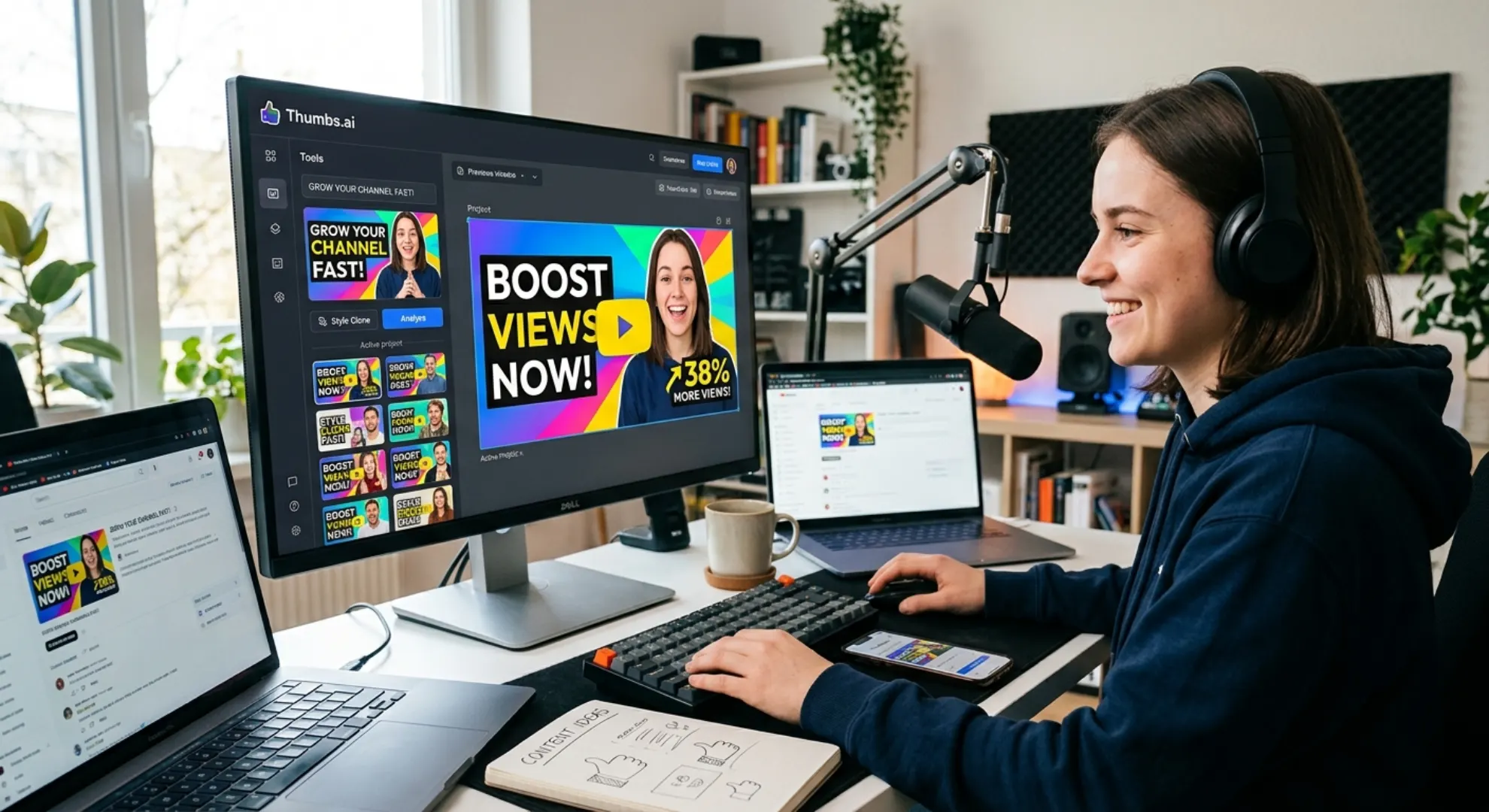
According to recent platform studies, custom thumbnails can increase a channel’s average views by up to 38% compared to generic auto-generated frames. To capture this precious attention, creators need more than basic templates. They need a dedicated YouTube Thumbnail Maker that understands visual psychology.
Using the right visual strategy can turn a struggling channel into a viral success. Modern AI technology is completely changing how we approach this design process. It allows independent creators to produce high-quality graphics in a fraction of the time.
The Pain of Design: Why Traditional Editing Software Fails Creators
Traditional graphic design tools can be frustrating and slow for non-designers. Learning how to cut out backgrounds, match color grading, and select fonts takes hours of practice. Most creators simply do not have this extra time in their production schedules.
Furthermore, basic online templates often look generic and boring. When your cover looks exactly like every other video in your niche, viewers simply scroll past. This design barrier frequently prevents excellent content from ever reaching its target audience.
Even popular online editors require manual labor to match different image elements. If you place a cutout of your face onto a bright background, it often looks unnatural and cheap. This mismatched aesthetic can hurt your channel’s credibility and lower your overall click-through rate.
Inside Thumbs.ai: The AI Engine Behind High-CTR Visuals
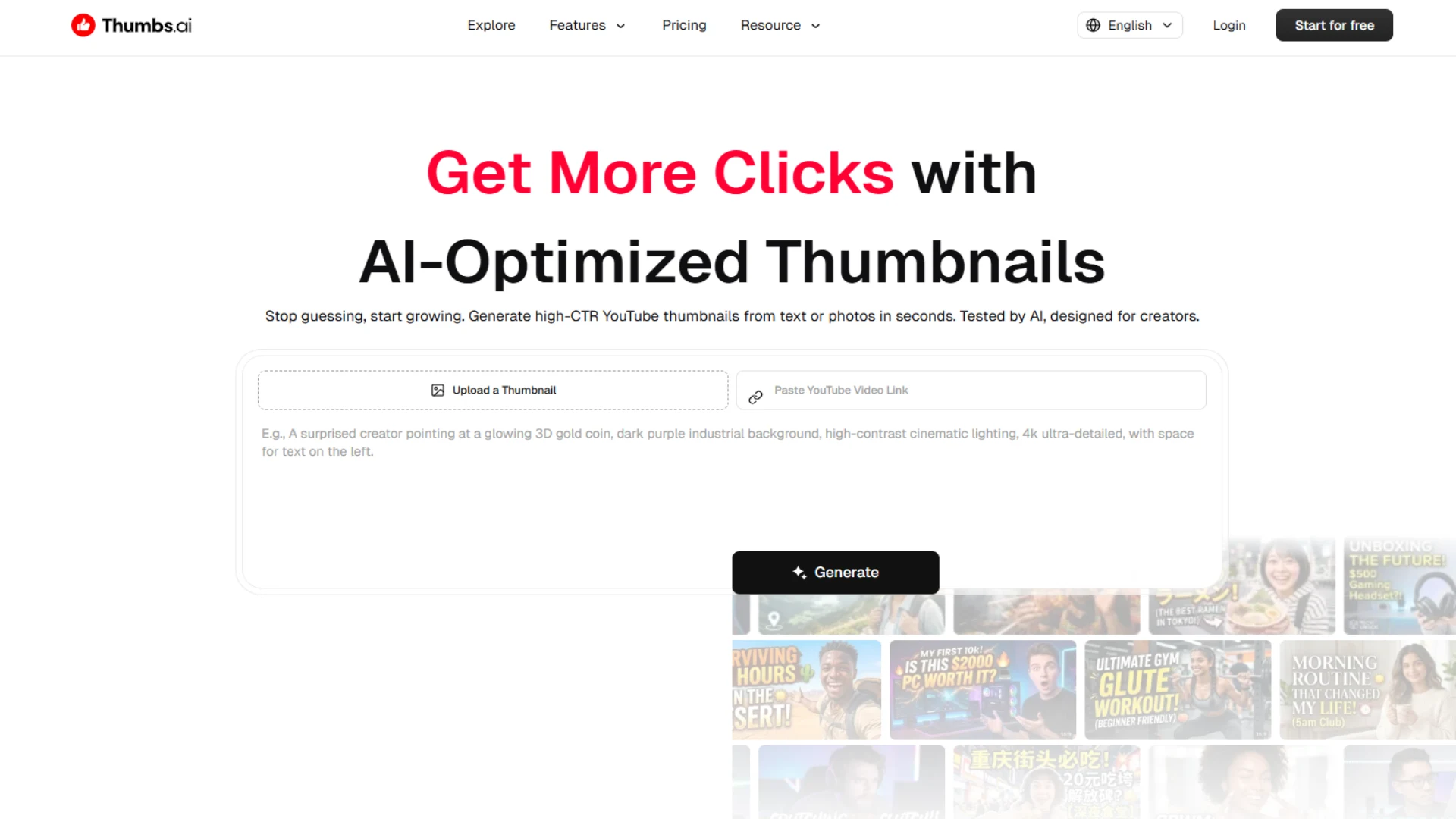
Instead of starting with a blank canvas, this tool allows you to generate complete layouts in seconds. It offers multiple generation pathways depending on your specific workflow. You can easily convert text descriptions, existing images, or even raw video files into striking visual assets.
One of the most useful features of Thumbs.ai is its advanced “Style Clone” technology. This allows you to upload an existing successful graphic and ask the AI to replicate its visual essence. It matches color tones, lighting, and layout principles to create a brand-new, customized version.
Additionally, the platform includes a built-in thumbnail preview tool. This feature is vital for checking how your graphics look on desktop and mobile screens before you publish. It ensures your text remains completely legible and your main subject stays properly framed for smaller screens.
The software also features a helpful thumbnail analyzer. This tool gives you immediate feedback on whether your visual composition is likely to attract clicks. It helps you make data-driven design decisions rather than relying on pure guesswork.
Masterclass: Crafting Custom Visuals Step-by-Step
Step 1: Analyze and Choose Your Style Inspiration
First, find a successful video in your niche that has excellent visual appeal. Take a screenshot of its cover to use as a style template. This provides a clear creative direction for the AI engine.
Upload this reference image into the Thumbs.ai platform. Use the “Style Clone” feature to capture its color grading and overall composition style. This ensures your final product looks professional and matches proven industry trends.
Step 2: Write Niched Prompts and Optimize AI Instructions
Now, you need to input your prompt to guide the youtube thumbnail creator. Different video topics require completely different visual prompts to succeed. Let us look at three distinct scenarios.
For a technology review, use a precise prompt like: “High-tech smartphone glowing on a dark neon background, dramatic cinematic lighting, ultra-detailed 4k.” This tells the AI to focus on sleek contrast and modern branding.
For a personal finance video, write: “Excited young man looking at a tablet showing a rising green chart, bright corporate colors, bold layout.” This immediately establishes emotional resonance and clear visual context.
For a travel vlog, try: “Cinematic shot of a cozy wooden cabin in a misty green forest, warm orange glow from the windows, photorealistic, adventurous vibe.” This prompt emphasizes atmosphere and emotional warmth over heavy text elements.
Step 3: Integrate Human Elements and Finalize Text
Human faces are known to drive higher engagement rates on digital feeds. Upload a clear, high-quality selfie with an expressive face into the thumbnail generator. The AI can seamlessly blend your face with the generated background while matching the light sources.
Next, use the built-in text editor to add a short, impactful phrase. Keep your text under four words to ensure maximum readability on mobile screens. Choose a bold, contrasting font color that stands out against your background.
Finally, pass your creation through the preview panel. This step lets you inspect the graphic at various zoom levels. Once you are fully satisfied with the layout, export the high-definition image directly.
The Honest Breakdown: Advantages and Limits of AI Thumbnail Design
On the positive side, the speed of generation is truly remarkable. You can go from a blank screen to five different visual options in under a minute. This drastically reduces the time spent on repetitive design tasks.
The ability to match lighting automatically is another massive benefit. It makes pasted facial cutouts look much more natural on synthetic backgrounds. This professional polish is typically very difficult to achieve in standard graphic editing tools.
However, there are some clear limitations to keep in mind. AI can sometimes struggle with generating highly specific text characters directly inside the image. You may need to use the platform’s manual text overlay features to get crisp, readable words.
Additionally, AI-generated images can occasionally look slightly artificial if your prompts are too vague. It is important to refine your text instructions to maintain a realistic and authentic appearance. This prevents your channel from looking like a collection of generic stock photos.
Who Belongs in the AI Thumbnail Ecosystem?
The Absolute Beginner: Focus on Simplicity and Speed
If you are just starting your YouTube journey, you likely do not have design skills. You also might not have the budget to hire a professional graphic designer. For you, the primary goal is getting high-quality covers quickly without a steep learning curve.
Using basic text-to-image prompts allows you to set up decent visuals instantly. The pre-made style templates provide a safe starting point. This keeps your channel looking professional from day one while you focus on improving your video editing.
The Daily Creator: Scaling Up Video Production
Intermediate creators often struggle with the sheer volume of work. Managing scripting, recording, and uploading on a weekly schedule is exhausting. For this group, the primary benefit is workflow optimization and time savings.
By setting up a few custom style templates in Thumbs.ai, you can maintain visual consistency across your channel. You can generate a cohesive set of covers in just a few minutes per video. This allows you to scale your upload frequency without sacrificing your CTR.
The Advanced Marketer: Prompt Engineering and Clone Mastery
For experienced creators and marketing agencies, optimization is all about split-testing. Advanced users can utilize the “Style Clone” feature to test different visual variations. They can upload multiple competitor designs to see which layout styles perform best.
This level of usage involves detailed prompt engineering to achieve highly specific artistic styles. It also requires a deep understanding of copyright and compliance rules. Advanced users must ensure their generated designs remain unique and avoid direct plagiarism of existing brands.
Why AI Design Tools Are Shaking Up the Creator Economy
Our internal test data shows a clear trend. Creators who replaced basic screenshots with AI-generated, style-matched thumbnails saw an average CTR increase of 24% within the first month. This demonstrates the power of using targeted visual tools over manual guessing.
By lowering the entry barrier for high-quality graphic design, these platforms empower smaller channels to compete with major media companies. A solo creator with a great idea can now produce visuals that look professional and clean.
This shift is forcing the entire industry to adapt and innovate. Knowing how to utilize AI design tools is quickly becoming a necessary skill for digital marketers. It is no longer just about editing videos, but about mastering the tools that drive audience discovery.
Stop Guessing: It is Time to Optimize Your Visual First Impression
Using a modern tool like Thumbs.ai can streamline your design process and help you test new visual concepts easily. Whether you are a beginner or a seasoned professional, optimizing your thumbnails is a proven path to higher CTR.
Start experimenting with custom AI prompts and style templates today. Watch your analytics closely to see how your audience responds to vibrant, customized visuals. Your next viral video is only one great click away.
Disclaimer : If you buy something through our links, we may earn an affiliate commission or have a sponsored relationship with the brand, at no cost to you. We recommend only products we genuinely like. Thank you so much.
Blog Label:



Write for us
Publish a Guest Post on Pixflow
Pixflow welcomes guest posts from brands, agencies, and fellow creators who want to contribute genuinely useful content.
Fill the Form ✏