How Better Shoot Planning Helps Video Editors
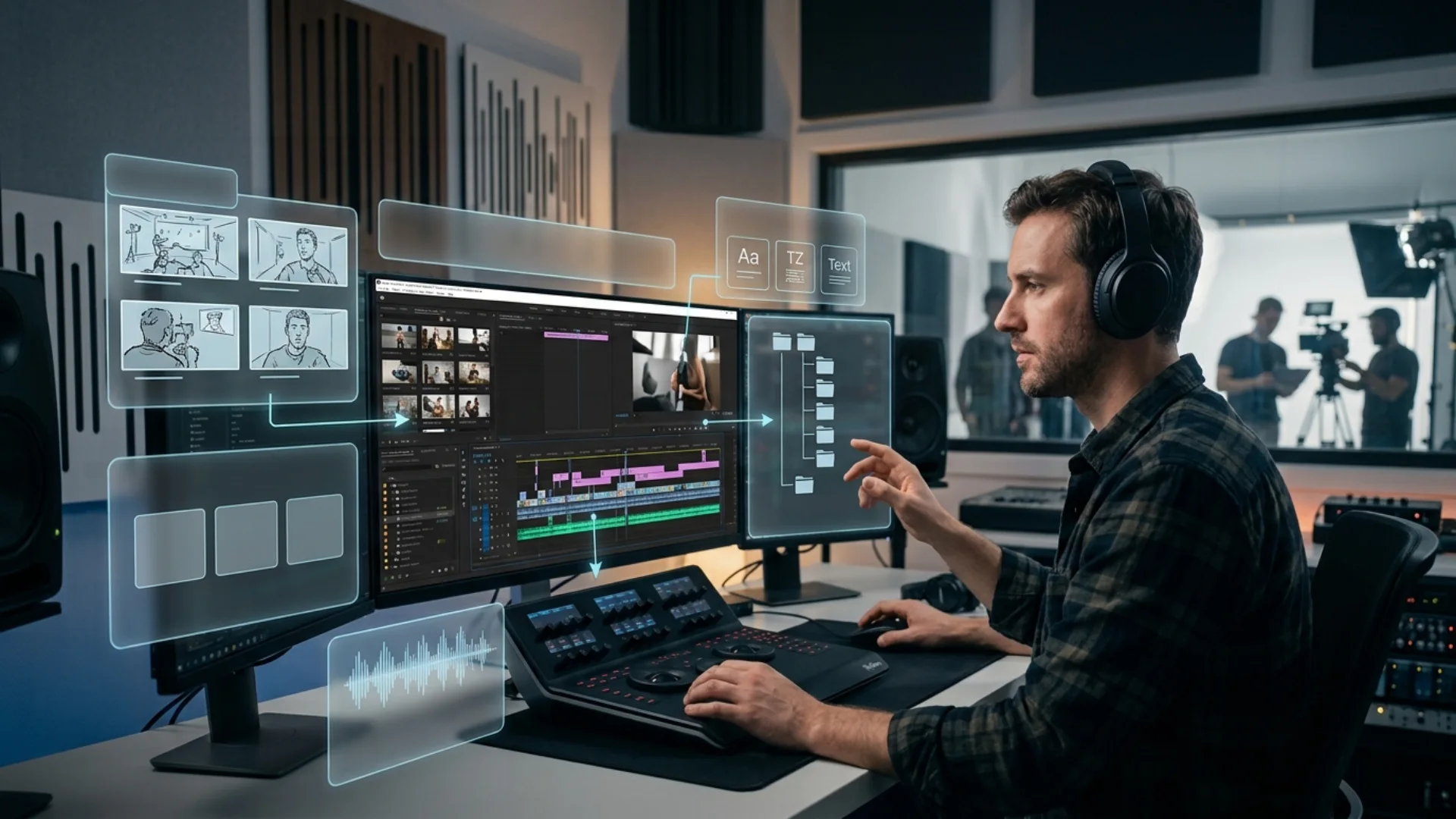
This is especially common in commercial, corporate and social video projects. One shoot may need to become a main brand video, a short social cut, a vertical version, a version with subtitles, a product teaser and several clips for internal use. If the production team only shoots for one final edit, the editor may not have enough material to build all the required outputs.
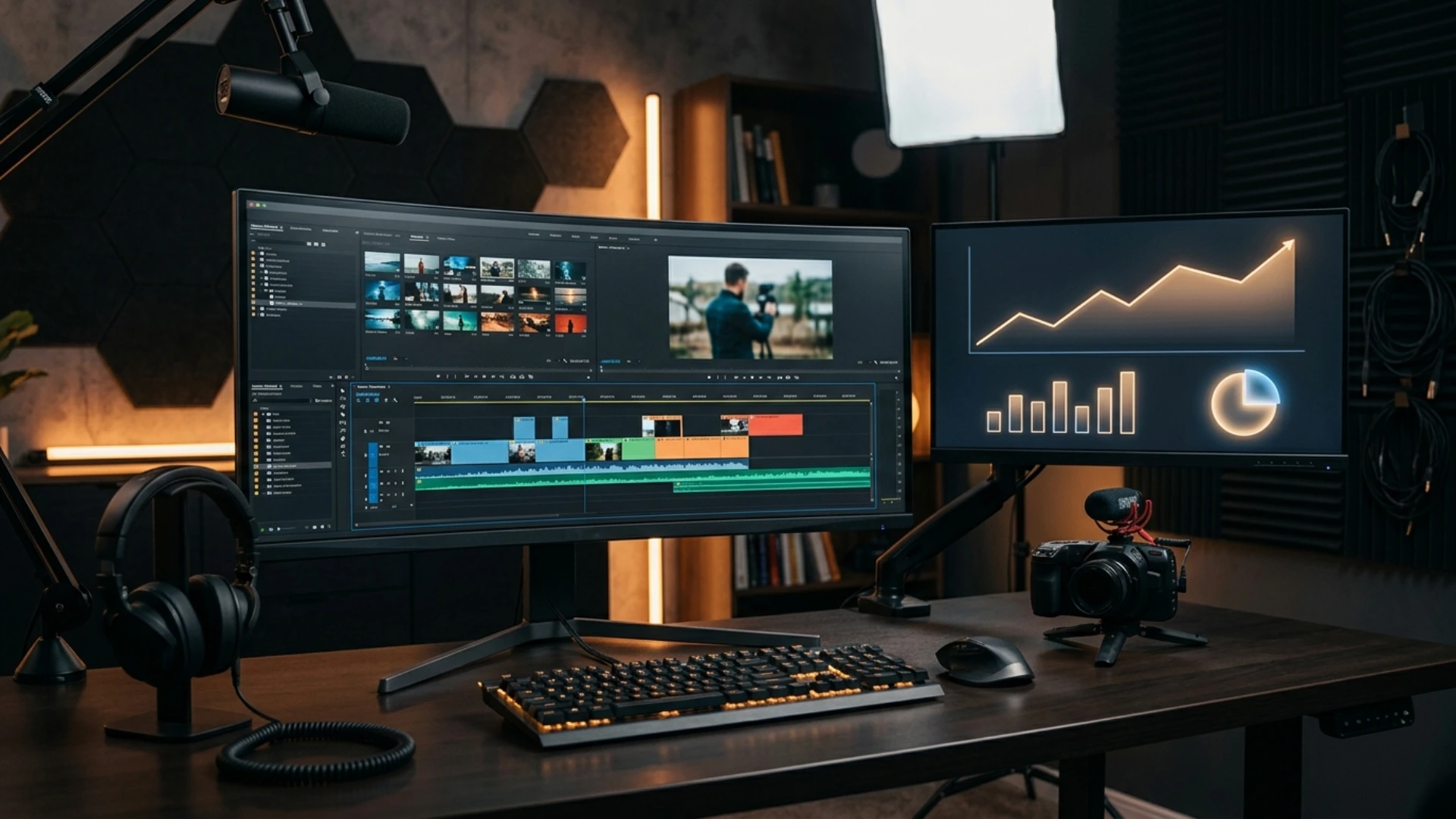
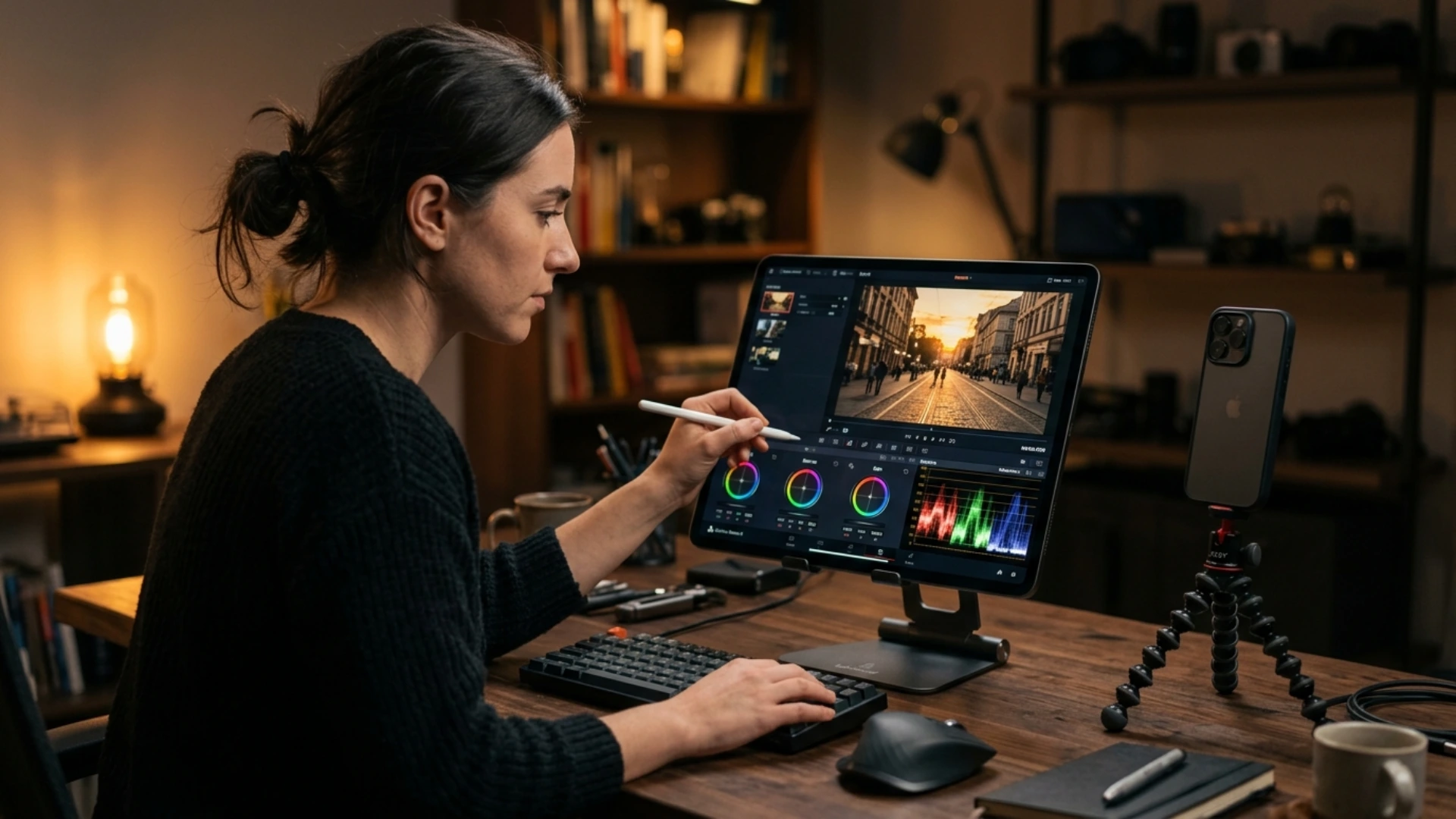
Better editing starts before the footage reaches the timeline. It starts with a shoot plan that understands how the video will be cut, resized, localized, reviewed and delivered.
Editors Need More Than Nice Footage
A strong interview may still be hard to cut if there are no reaction shots, product details, location cutaways or natural transitions. A good camera move may not work in a vertical version if the subject is framed too close to the edge. A clean talking-head setup may still feel flat if the crew did not capture enough b-roll to support the story.
When the editor’s needs are considered early, the crew can capture more useful material. This may include wide shots, tight details, empty frames, movement options, texture shots, hands working, room tone, clean plates and extra moments between main takes. These simple additions can make the edit feel smoother and more professional.
The editor does not need endless footage. The editor needs the right footage.
Versioning Should Be Planned Before Filming
These versions affect how the footage should be shot. If the project needs vertical edits, the camera crew should protect the center of the frame and avoid placing important details too close to the edges. If subtitles are needed, the frame should leave enough clean space. If graphics or motion titles will be added later, the crew should capture shots with room for design elements.
When versioning is ignored during production, the editor has to force the footage into formats it was not designed for. This can lead to awkward crops, weak compositions, rushed transitions and limited choices.
A few planning questions can prevent this. What platforms will the video appear on? Will there be vertical or square edits? Will the content need subtitles? Will motion graphics be added? Will the project need multiple languages? Will the client want short cutdowns from the same shoot?
These questions are not only post-production questions. They should shape the shoot.
Motion Graphics Need Space to Work
If the frame is too crowded, titles and callouts can feel forced. If the subject moves through every part of the image, there may be no clean area for text. If the background is too busy, graphics may become difficult to read. If product shots are too tight, there may be no room for labels, arrows or animated details.
A production team that understands the design stage can capture better material for motion graphics. They can film clean backgrounds, slower movements, repeatable actions, locked-off shots and extra space around products or people. These shots may seem simple on set, but they can be very useful in the edit.
For product videos, explainer content and corporate films, this planning can make a big difference. A designer can do much more when the footage gives them room to build.
Good Audio Makes Editing Easier
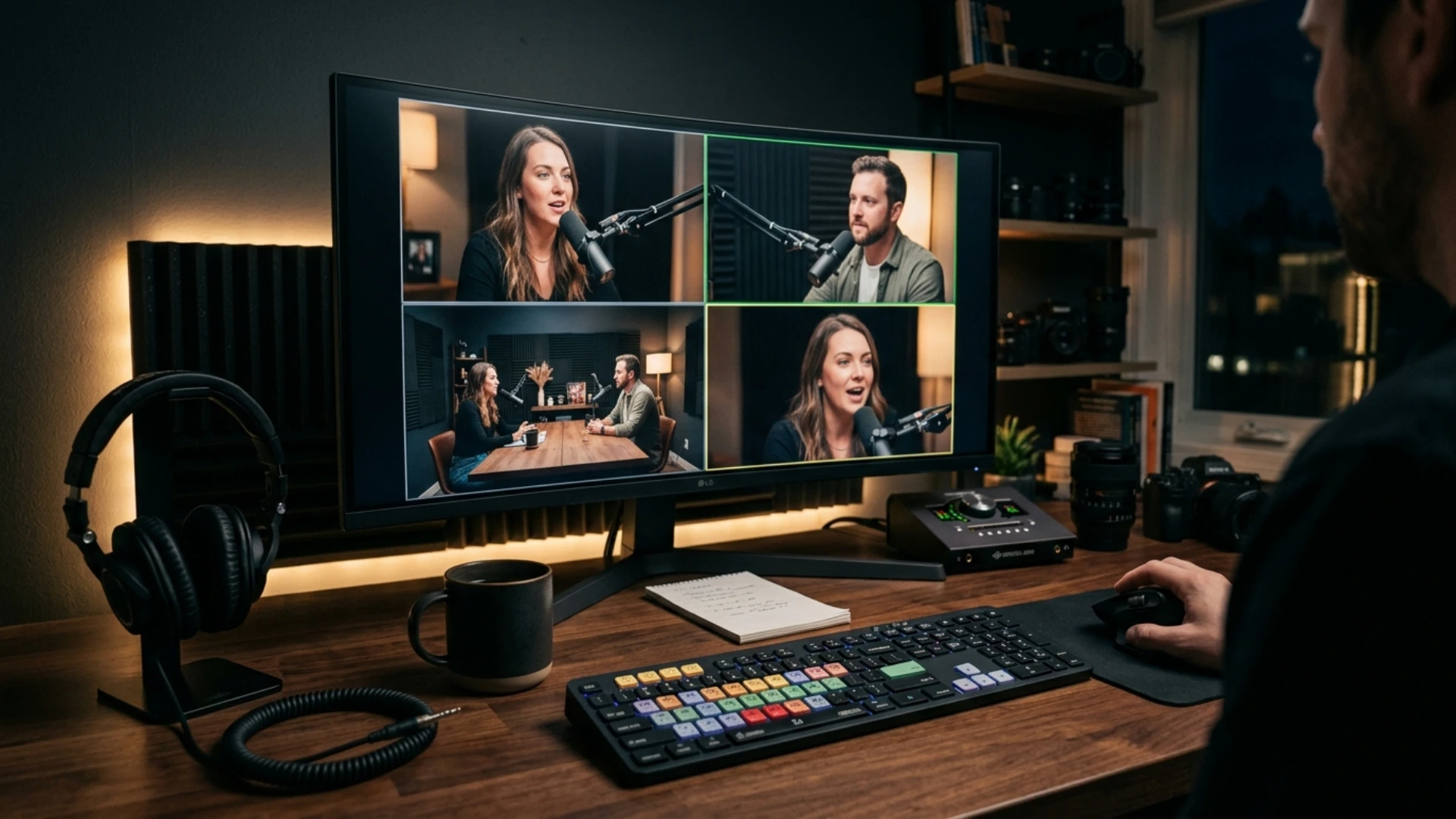
This is why audio planning matters, even for visually driven projects. The crew should know whether interviews, voice clips, natural sound or event audio will be important in the edit. If the project includes several speakers, the audio tracks should be clearly organized. If the video needs a clean brand voice, the recording environment should be chosen carefully.
Small audio details also help. Room tone can make edits smoother. Clear track labels can save time. Notes about background noise can help the editor understand what happened on set. If a sentence needs to be repeated because of sound issues, it is better to catch that during filming than after the talent has left.
Good audio does not only help the sound mix. It helps the whole edit.
File Organization Saves Time
A fundamental media strategy should be established prior to the filming. The team must verify the method for copying footage, the naming conventions for folders, the process for matching audio, the necessity of proxies, and the delivery method for files. When the project is international, this aspect becomes even more crucial as the editor might not have the opportunity to ask the crew quick questions following the shoot.
Before confirming an overseas crew, producers often compare several sources of local production information, from rental contacts and personal referrals to production directories such as World Production Service. For editors and post teams, the useful questions are practical ones: how the crew handles media, whether proxy files can be prepared, how audio is organized and how quickly footage can be delivered after filming.
Clean organization does not make the video more creative by itself, but it gives the editor more time to focus on the creative work.
Review Needs Should Be Clear
If these expectations are not clear, the editor may be pushed into a schedule that the production workflow cannot support. For example, same-day review clips may require proxy files, fast uploads, extra drives or someone on set to organize material. If the footage is being sent across countries, internet speed and time zones also matter.
Review planning should begin before the shoot. The team should know who needs to see the footage, when they need to see it, and what format they expect. This helps the production team capture, prepare and deliver material in a way that supports the edit.
Better Planning Gives Editors Better Choices
Incorporating the editor’s requirements into production planning enhances the final video. The video is simpler to arrange. The narrative is simpler to mold. Graphics have space to operate. The audio is clearer. Building versions is simpler. The review process is more seamless. The entire project seems more natural.
An excellent photoshoot does not merely produce appealing photos. It produces content that can be modified, adjusted, and provided with assurance.
For editors, motion designers, and video teams, the optimal workflow begins prior to the first file arriving on the timeline.
Disclaimer : If you buy something through our links, we may earn an affiliate commission or have a sponsored relationship with the brand, at no cost to you. We recommend only products we genuinely like. Thank you so much.
Blog Label:


Write for us
Publish a Guest Post on Pixflow
Pixflow welcomes guest posts from brands, agencies, and fellow creators who want to contribute genuinely useful content.
Fill the Form ✏