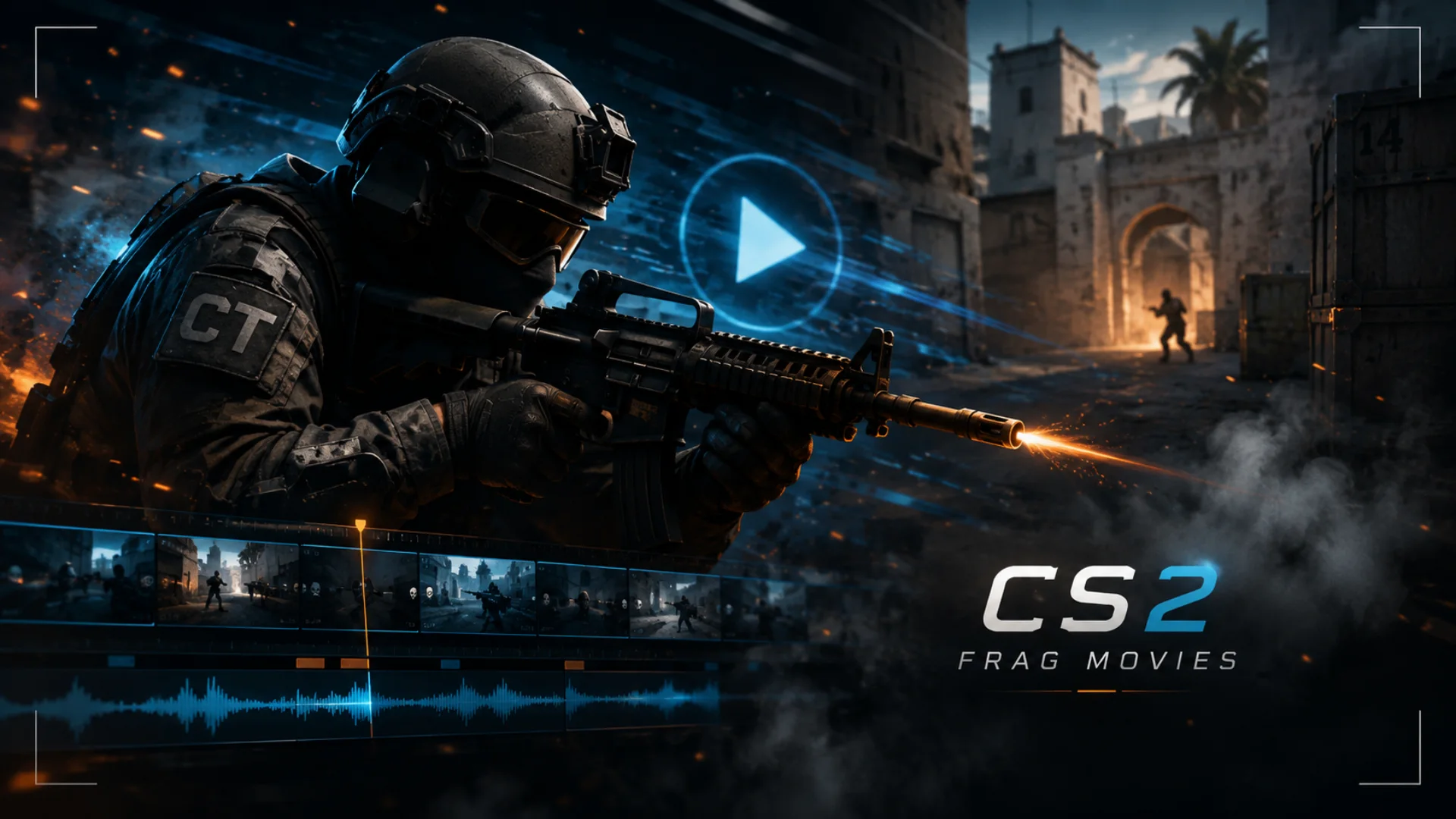
How to Make CS2 Frag Movies
- Pick Clips That Narrate a Story
- Record Your Gameplay Properly
- Make an Impact with Your Opening Scene
- Match the Music to the Gameplay
- Keep the Editing Clean
- Use Demo Tools for Better Angles
- Create Flow From Clip to Clip
- Polish the Final Export
It doesn’t matter whether you are editing your very first video or begging to make the next montage that delights viewers; the fundamental part is to think like both a player and a creator. You will need good clips, neat pacing, pleasant music, and a visual style that reflects the vibe of your gameplay.
Pick Clips That Narrate a Story
Merely because a kill happened, do not exhaust yourself in showing every single one of them. A frag movie should be carefully selected. In fact, the audience wants to witness assurance, perfect timing, clever movement, and mind blowing decision making, not just see dead bodies piling up.
We should always try to find
- Perfectly aimed shots and well honed mechanical skills
- Favorable enemy positioning
- Difficult situations that only your skill can save you from
- Smooth and elegant player’s movements
- Quick retorts
- Rounds that are not only exciting but also the context that makes them so memorable
A three kill spray transfer may be even more thrilling than a five kill round if the timing, sound, and camera angle are aligned and the mood is set.
Record Your Gameplay Properly
Use recording settings that can capture:
- Highly detailed resolution
- Fluid frame rate
- Clear game sound
- Highly visible on screen elements (HUD)
- Very discernible player and weapon movement
Besides just recording instant clips, it is advisable, if you can, to either record entire matches or download demo files that enable you to go through the entire match after the fact. This gives you greater control over the exact start and end points of each highlight. You can show not only the kill itself, but also the whole sequence of the player’s movements, finding the enemy’s spot, and the final shot. That extra bit of backstory makes the kill feel more real and significant.
Make an Impact with Your Opening Scene
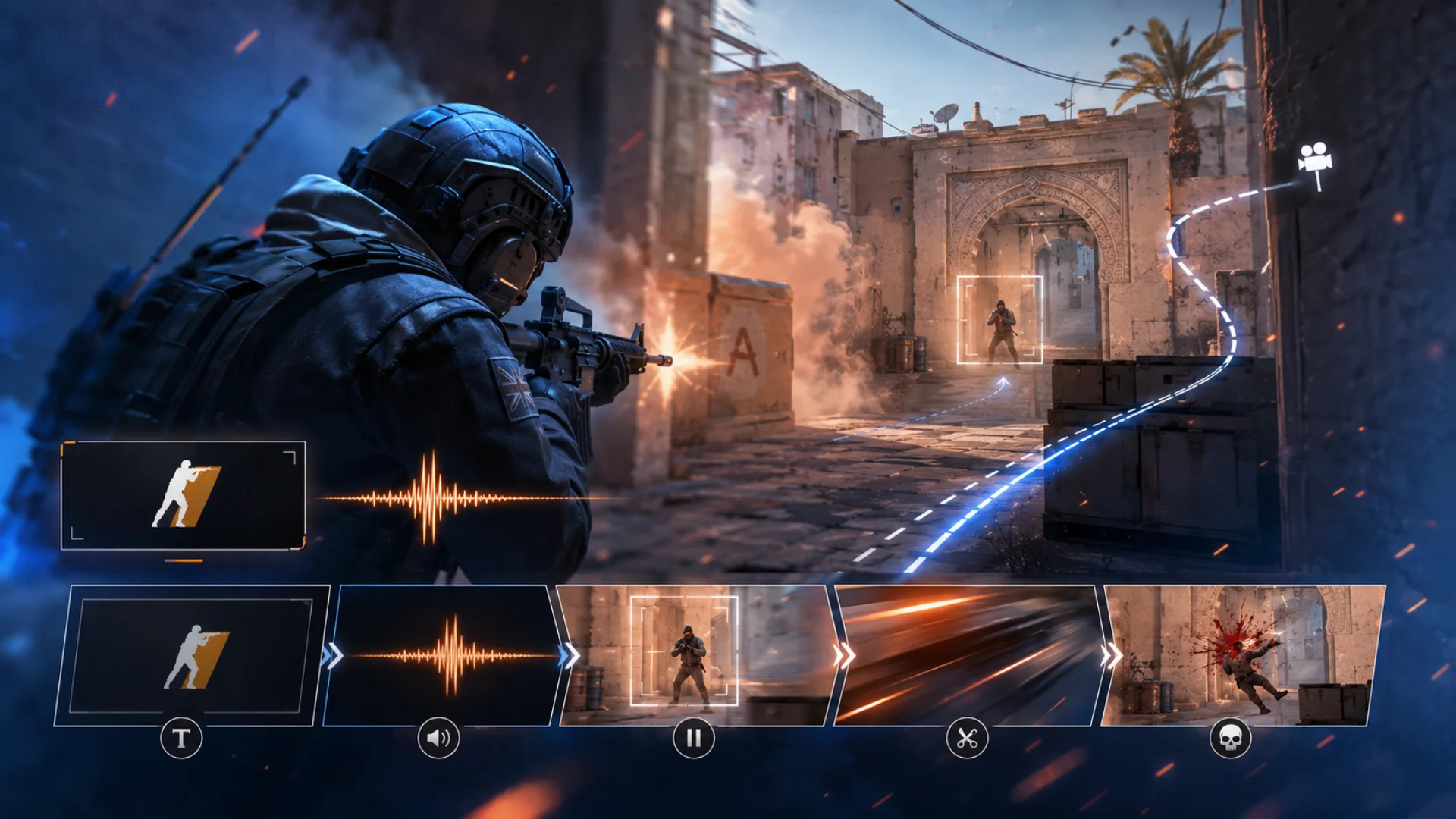
Some good ways to start your opening could be:
- Displaying a short title card
- Giving a quick sound cue
- Showing a dramatic freeze frame
- Doing a fast cut to the first kill
- Executing a smooth camera move from a demo
Just keep it simple. Ultimately, you want to get your viewers to say, “I really want to see where this is going.”
Match the Music to the Gameplay
Synchronize critical gameplay moments with the rhythm, if possible. Landing a perfect headshot on a strong beat is very gratifying. Doing a spray transfer that coincides with a musical crescendo can really amplify the moment’s impact. A sudden silence right before the last clutch kill can extremely emphasize that final demise.
Be careful that music doesn’t overshadow the gameplay. CS2 audio is an integral part of the gaming atmosphere. When mixed properly, footsteps, reloads, shootings, bomb sounds, and other effects can together create tension.
Keep the Editing Clean
Be selective about effects:
- The slow motion could be the final highlight or the last kill
- An occasional zoom reveals an amazing shot
- Changing the color palette helps to reflect different emotions
- The movement of the camera points to the main subject
- Adding sound effects can make it more dramatic
Editing goes hand in hand with skill. If an example is excellent, give it time. In fact, the greatest effect is probably the unrushed cut.
Use Demo Tools for Better Angles
That not only increases the production value of your frag movie but also helps the audience get a picture of the round before the action begins.
Don’t make cinematic angles the main thing. The gameplay should be the focus at all times. A handful of clean camera shots can add a touch of style, but an overabundance of them can make the pace almost come to a standstill.
Create Flow From Clip to Clip
Example:
- Jump off with instant rifle kills
- Step up to clutch rounds
- Throw in your AWP mad moments in the middle
- Finish with your best shot
Think of the last clip as a feast for the eyes. Keep some spectacular moment for the very end, like a one versus three clutch or a neat ace. An awesome exit makes the video even more likely to be shared.
Polish the Final Export
See if these last points line up:
- Is the music at an even level with the game sounds?
- Are the images clear and fluid?
- Is the show’s pace still holding one’s attention?
- Is the opening not too long?
- Does the closing seem a good one?
Save your work at the best possible quality and pick the cover image that gives the video a fun feel.
Disclaimer : If you buy something through our links, we may earn an affiliate commission or have a sponsored relationship with the brand, at no cost to you. We recommend only products we genuinely like. Thank you so much.
Blog Label:


Write for us
Publish a Guest Post on Pixflow
Pixflow welcomes guest posts from brands, agencies, and fellow creators who want to contribute genuinely useful content.
Fill the Form ✏