12 Top AI Design Tools for UI/UX (Tested & Ranked for 2026)
- TL;DR: Quick Verdicts
- The Top AI Design Tools at a Glance
- How We Tested and Ranked These Tools
- 1. Flowstep: The Best Overall AI Design Tool for UI/UX
- 2. Figma AI
- 3. Framer
- 4. Canva Magic Studio
- 5. Visme
- 6. Adobe Firefly
- 7. Midjourney
- 8. Bolt.new
- 9. Replit
- 10. Whimsical AI
- 11. Miro AI
- 12. Khroma
- Conclusion: How to Choose From the Top AI Design Tools
So we tested 12 of them on the same three tasks: a mobile onboarding flow, a marketing landing page, and a full design-to-dev handoff. Below you’ll find what each tool does best, what it costs, and where it fits in your workflow. (And if you just want the short version, the comparison table has you covered.)
If video is part of your work too, this list pairs nicely with our breakdown of the best AI video generators, because a good creative stack rarely stops at static screens.
TL;DR: Quick Verdicts
- Flowstep: best overall for end-to-end UI/UX generation with real design-to-code handoff
- Figma AI: best if your team already lives in Figma
- Framer: best for going from prompt to a live marketing site
- Canva Magic Studio: best for non-designers and fast visuals
- Visme: best for branded presentations, infographics, and reports
- Adobe Firefly: best generative imagery inside the Adobe ecosystem
- Midjourney: best for concept art and visual inspiration
- Bolt.new: best prompt-to-app prototype builder
- Replit: best for building and hosting AI-generated apps in one place
- Whimsical AI: best for wireframes and flow diagrams
- Miro AI: best for collaborative UX mapping and workshops
- Khroma: best free AI color palette generator
The Top AI Design Tools at a Glance
How We Tested and Ranked These Tools
Every tool got the same three assignments: generate a 5-screen mobile onboarding flow, design a landing page from a short brief, and hand the result to a developer. We then scored each one on four criteria:
- Output quality: does the first generation look like something a designer made?
- Editing control: can you refine the result, or are you stuck re-rolling prompts?
- Workflow fit: how painlessly does it connect to Figma and to code?
- Value: does the price make sense for what you actually get?
No tool won every category. But one came surprisingly close.
1. Flowstep: The Best Overall AI Design Tool for UI/UX
What kept it at the top of our ranking is how little friction there is after generation:
- Builds complete multi-screen flows from one prompt instead of a single frame at a time
- Lets you refine work two ways at once: describe changes to the AI or drag and adjust elements yourself in the same canvas
- Designs move into Figma with a simple ⌘C and ⌘V, no plugin to install or update
- Takes direction from references you provide: screenshots, live URLs, even your design system markdown file, so output matches your product instead of a generic template
- Exports clean React components written in TypeScript and styled with Tailwind CSS
- Includes MCP support that pipes generated code straight into Cursor or Claude, so your dev workflow picks up exactly where the design ends
That last pair matters more than it sounds. In our handoff test, Flowstep was the only tool where the developer’s reaction was “I’d keep most of this” rather than “I’ll rebuild it from scratch.”
Pricing: $15/month
Strengths: full-flow generation speed, frictionless Figma handoff, production-ready code output, reference-driven consistency with your existing design system
2. Figma AI
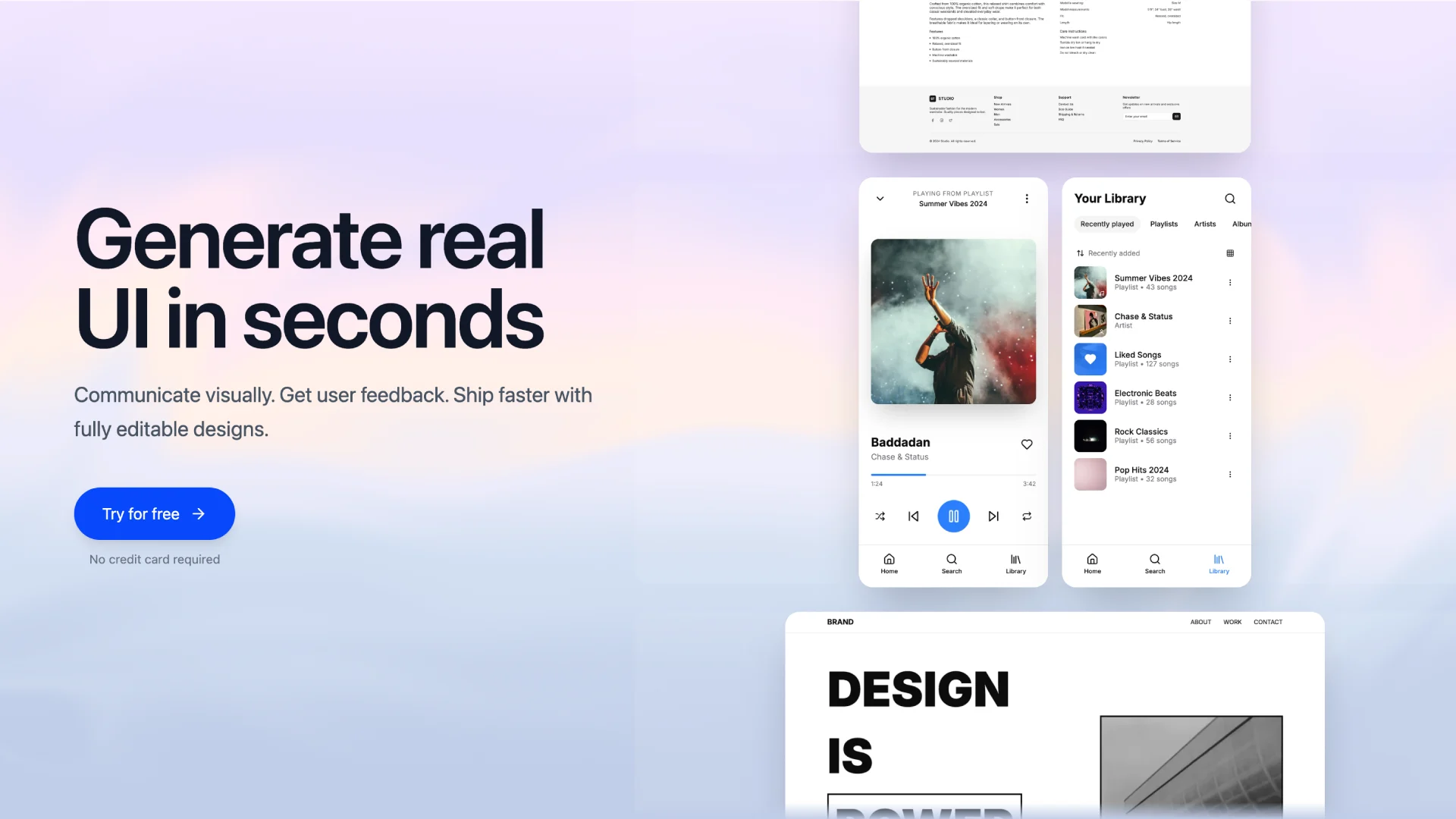
The generations aren’t as ambitious as dedicated tools, and you won’t get multi-screen flows. But as an accelerator inside the canvas you already use, it’s genuinely useful.
Pricing: starts at $5/month
Strengths: zero workflow switch for Figma teams, great for cleanup and content-fill tasks, improves steadily with each release.
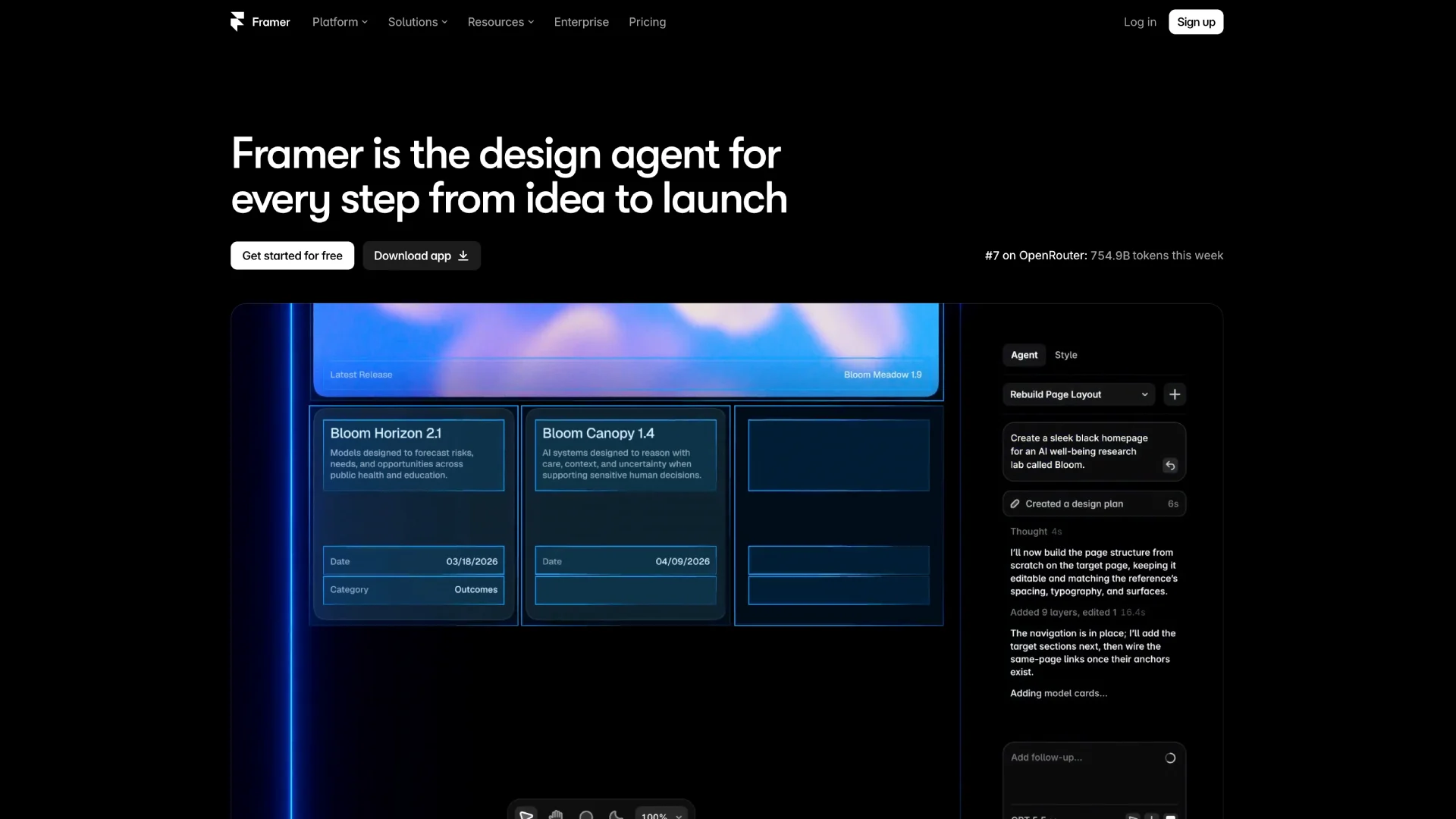
3. Framer
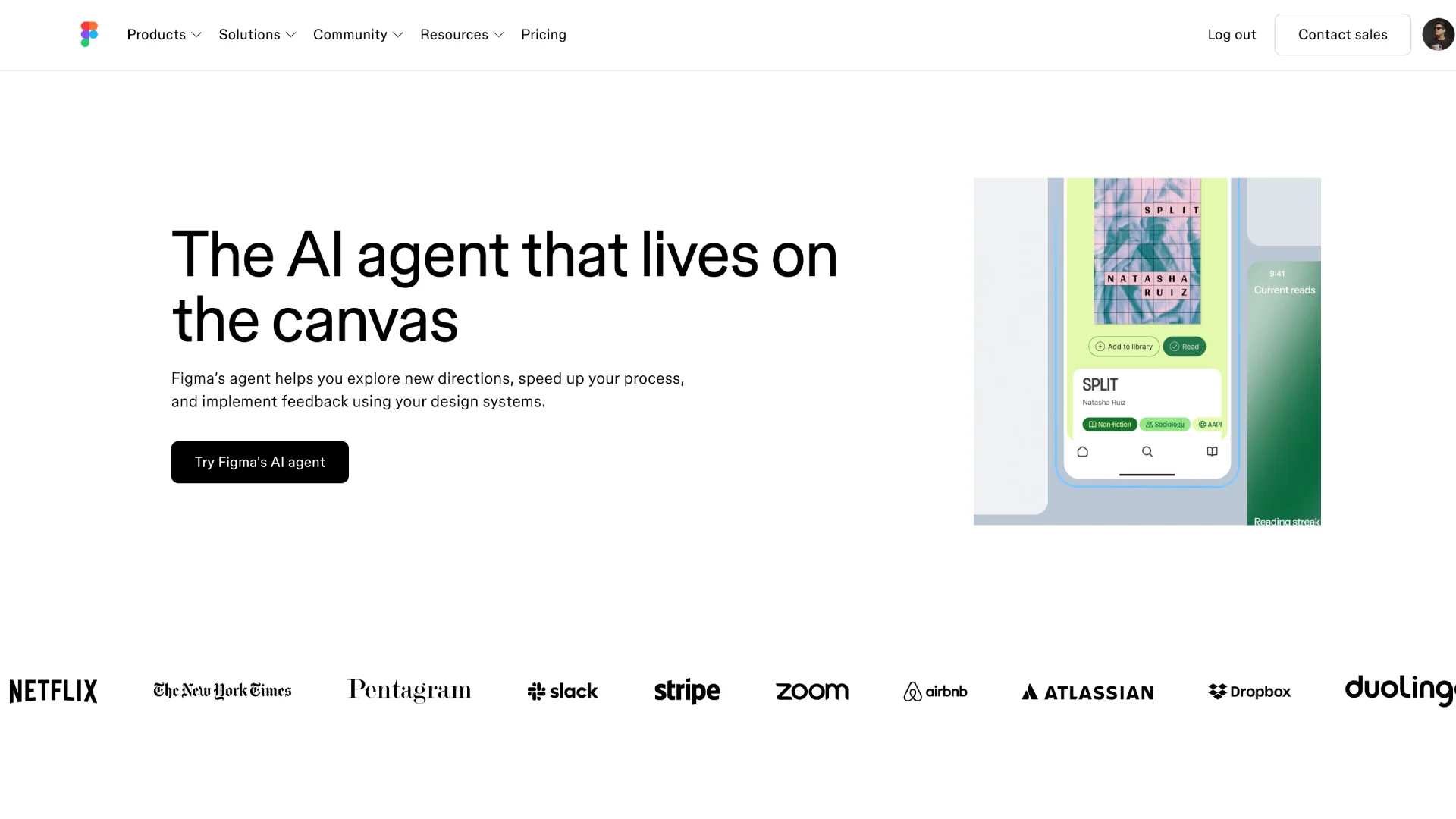
For marketing sites, portfolios, and launch pages, it’s the fastest route from idea to URL we tested. For app UI design, it’s the wrong tool; that’s not what it’s for.
Pricing: starts at $10/month
Strengths: fastest prompt-to-live-site workflow, strong responsive defaults, built-in publishing and hosting
4. Canva Magic Studio
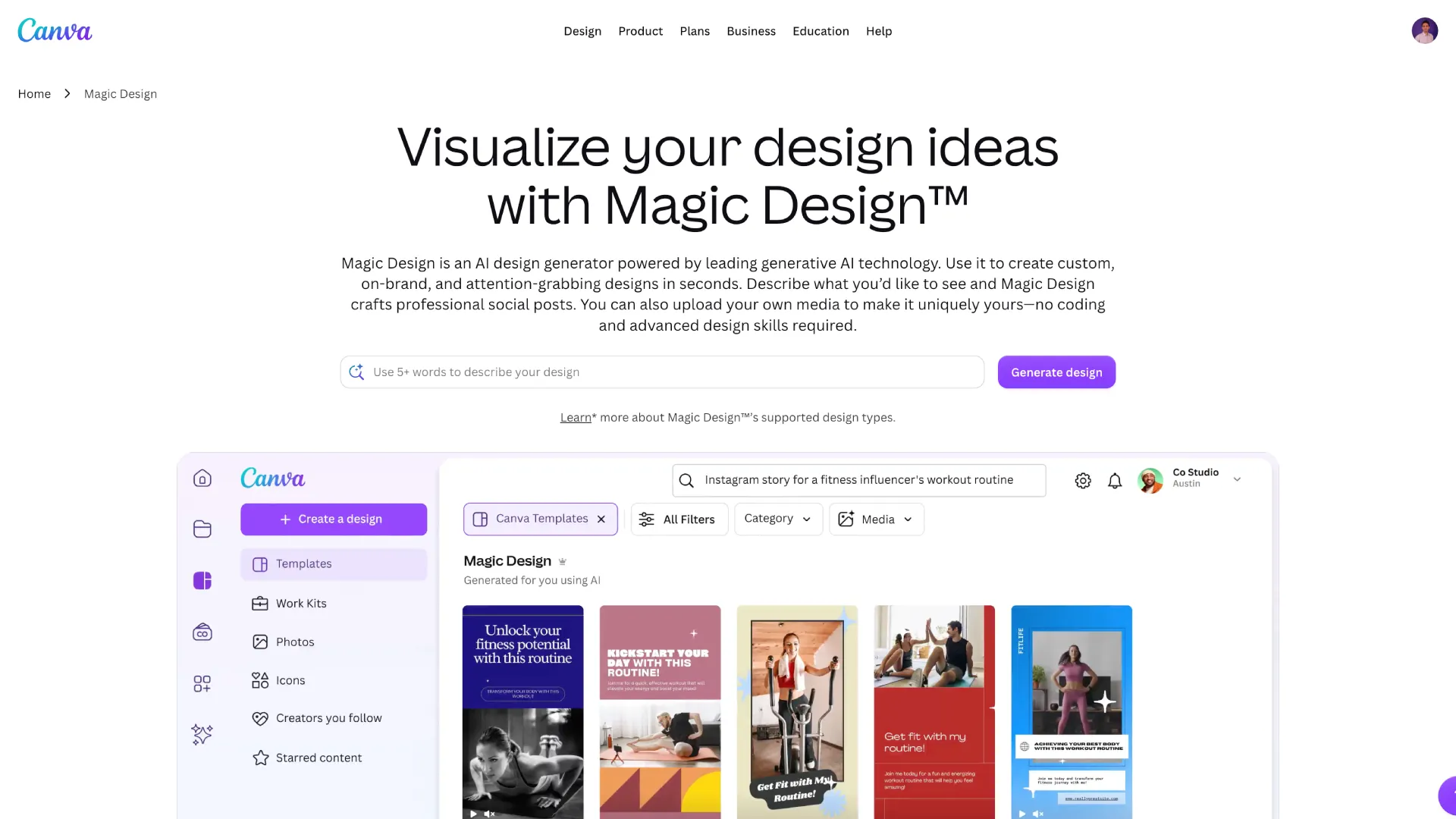
Serious UI/UX work isn’t the goal here. But for social graphics, decks, and quick marketing visuals, it removes the designer bottleneck entirely. (And if your team outgrows Canva on the video side, Pixflow’s template library fills the same gap for Premiere Pro and After Effects.)
Pricing: starts at $18/month
Strengths: extremely approachable, huge template base, brand consistency features that non-designers will actually use.
5. Visme
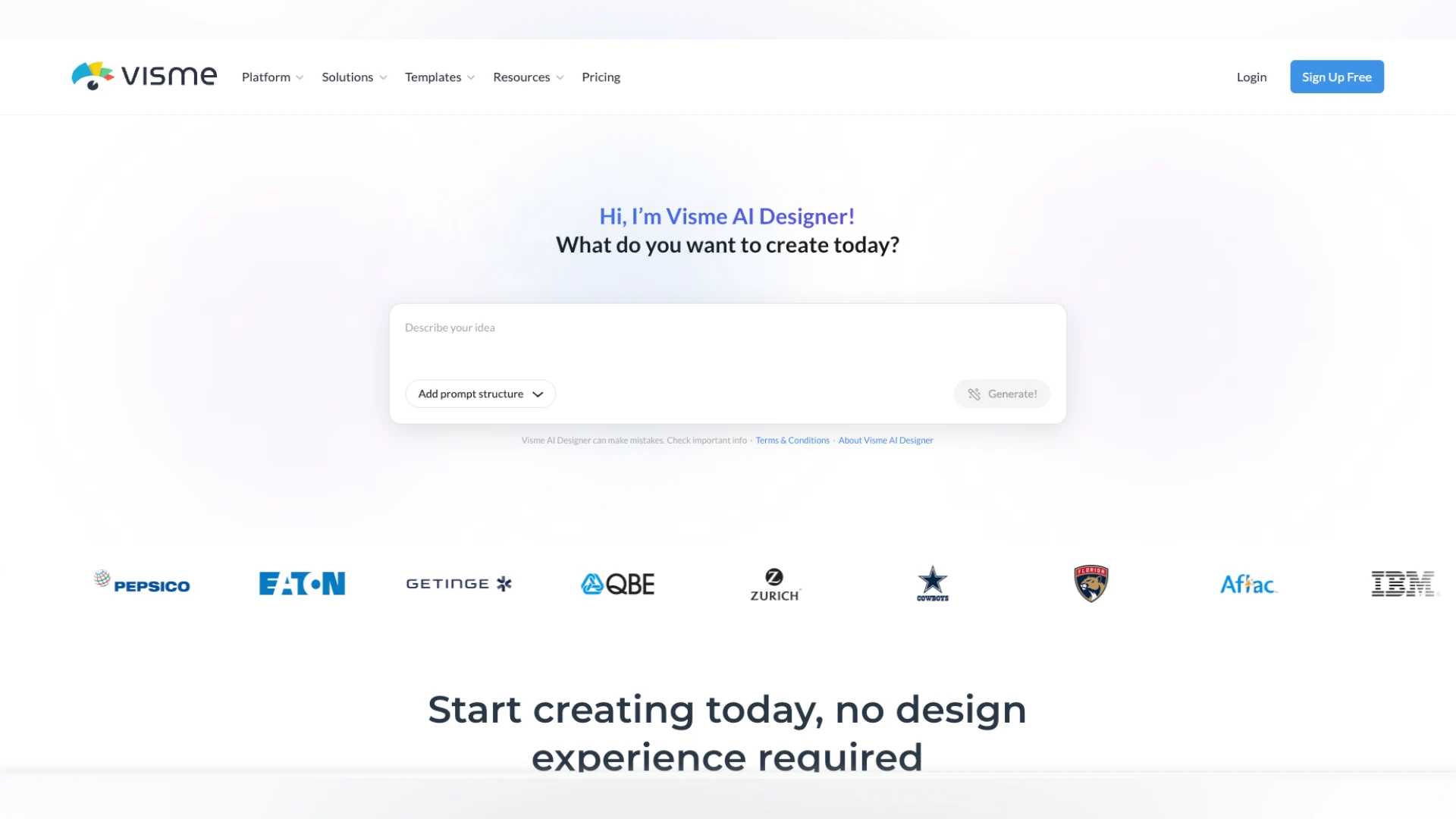
For UI/UX teams, the value isn’t screens; it’s everything around them. Pitch decks, research readouts, onboarding docs, and data visualizations all come out looking finished. The free plan is genuinely usable, and the interactive exports (HTML5, video, embedded forms) give it a range most design tools don’t bother with.
Pricing: free plan available, paid plans start at $12.25/month billed annually
Strengths: brand-consistent output from the first generation, deep chart and data widget library, unusually wide export options including PPTX, HTML5, and video
6. Adobe Firefly
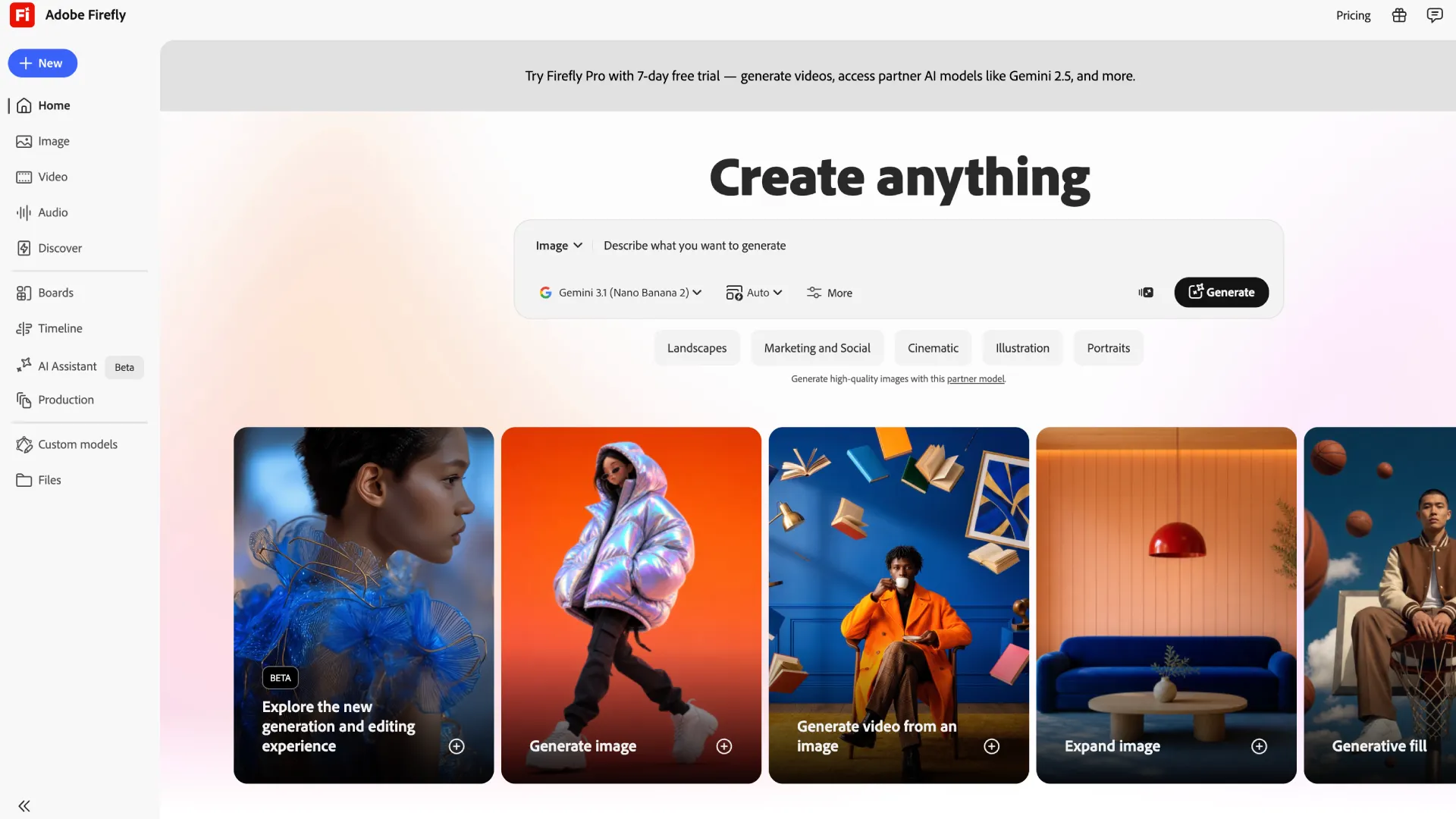
Because Firefly is trained on licensed content, its output is safe for commercial work, which matters more in client projects than most feature lists admit. Generated vectors land in Illustrator ready to refine (and if you’re cleaning up raster output, our guide on how to vectorize an image in Illustrator covers the workflow).
Pricing: starts at $12/month
Strengths: commercially safe output, deep Creative Cloud integration, best-in-workflow image editing rather than standalone generation
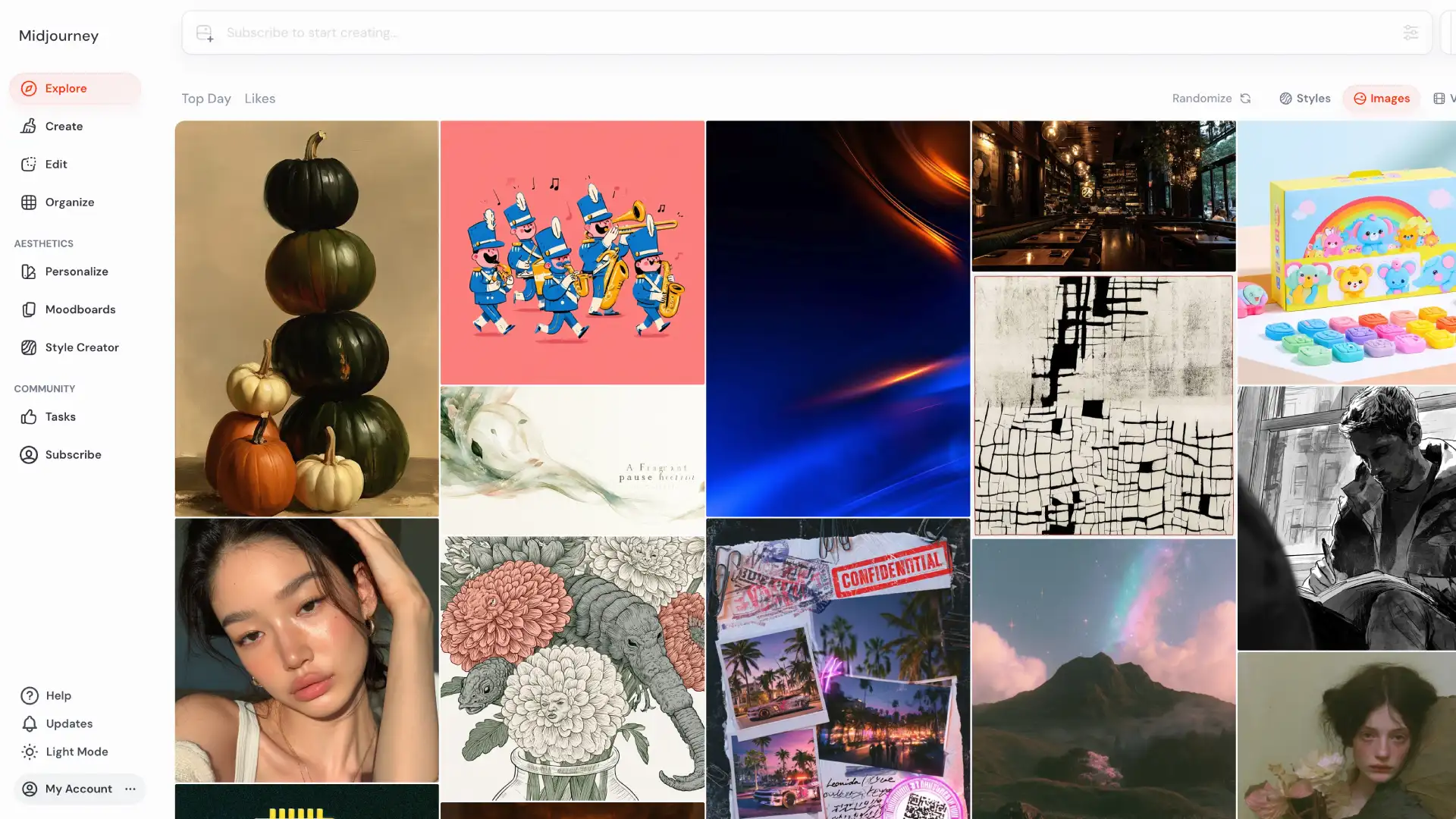
7. Midjourney
Style references and consistency controls have matured to the point where you can hold an art direction across dozens of generations, which makes it a legitimate part of a UI/UX discovery phase.
Pricing: starts at $10/month
Strengths: unmatched visual quality, powerful style control, ideal for the inspiration phase of product design
8. Bolt.new
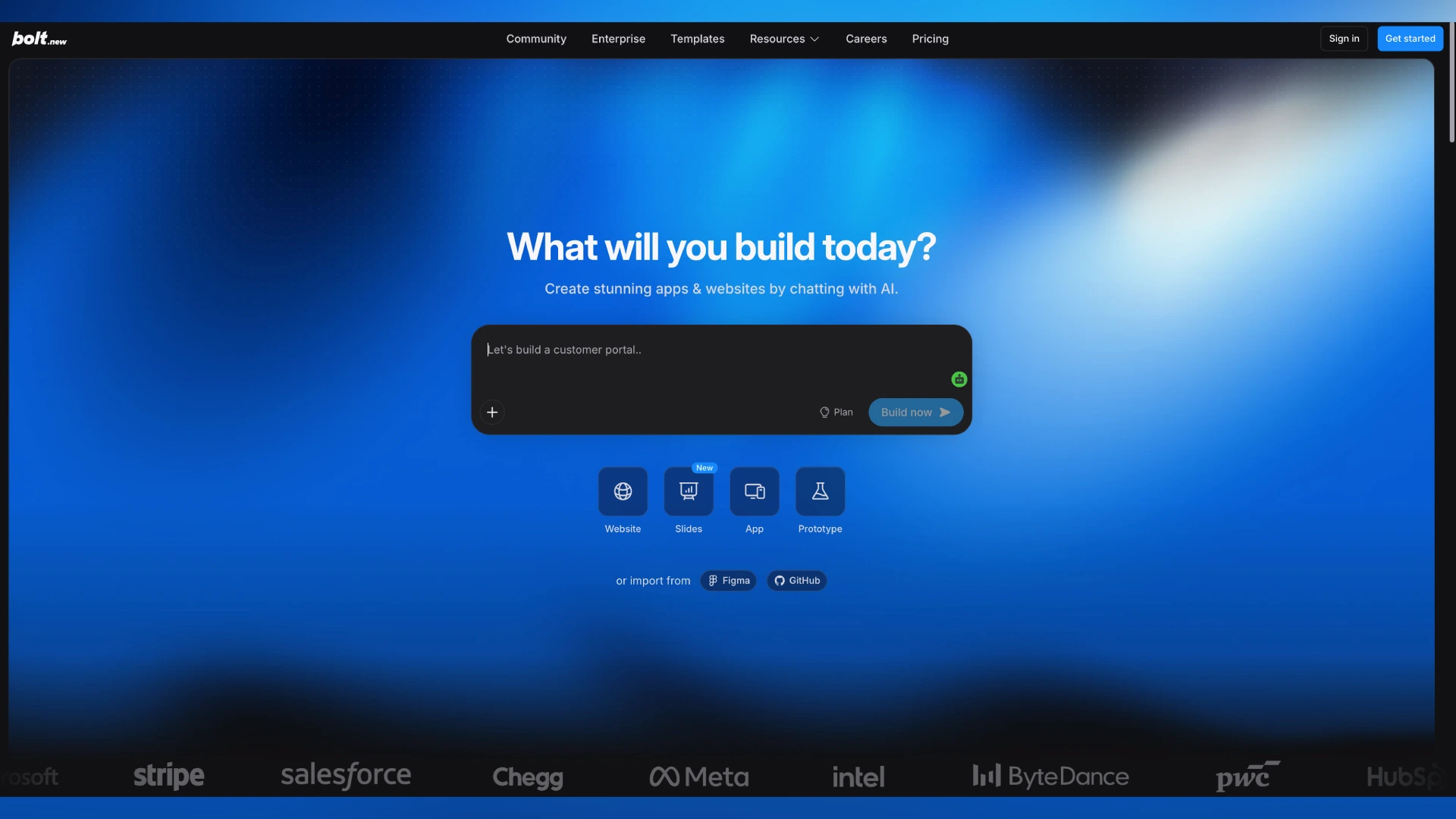
The trade-off is design control. You’re steering through prompts and code, not a canvas, so visual polish takes patience.
Pricing: starts at $25/month
Strengths: working product from a single prompt, instant deployment, great for prototypes and proof-of-concepts
9. Replit
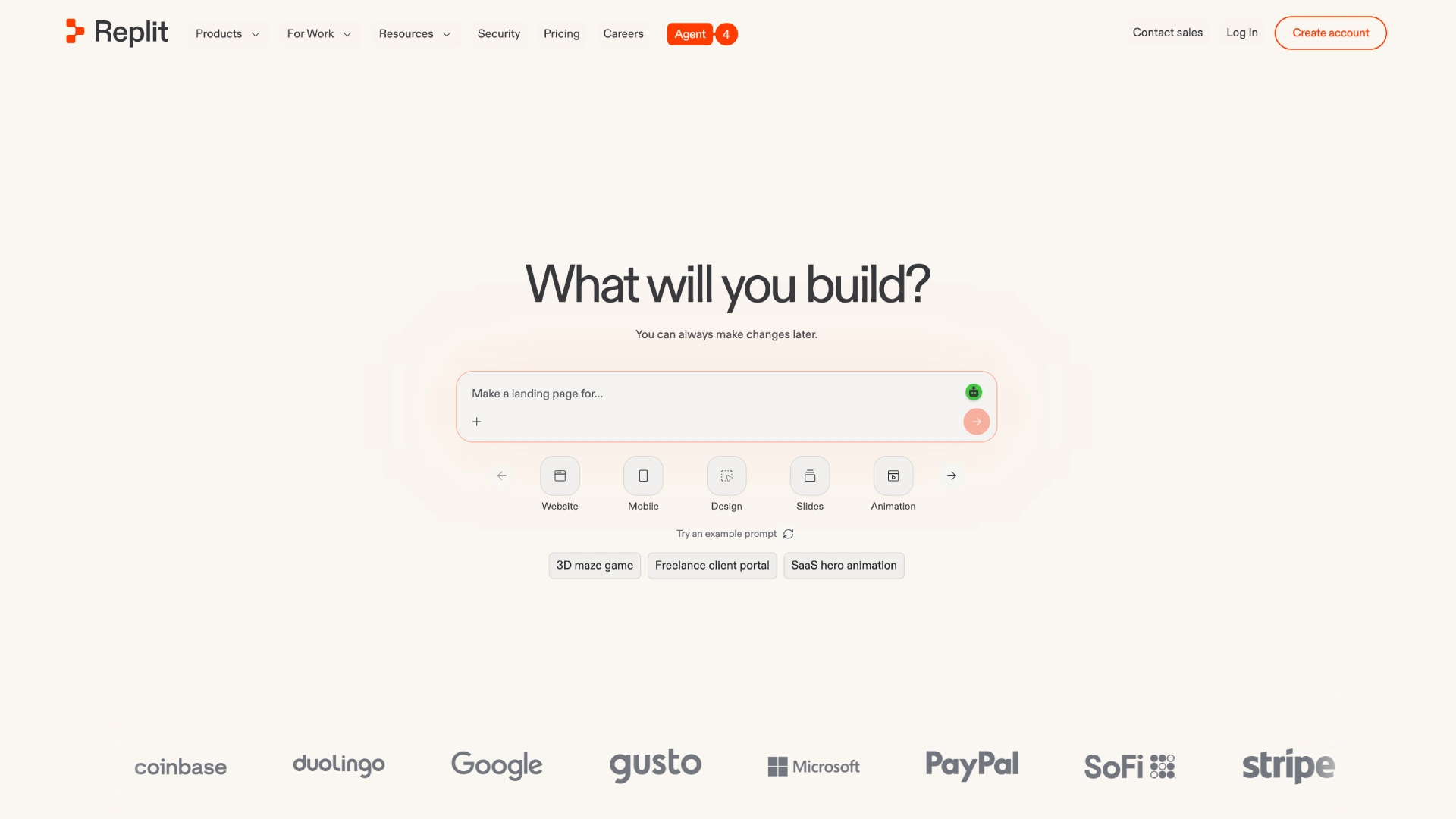
For designers who want to ship small tools, internal dashboards, or client demos without a dev team, it’s one of the most complete options available.
Pricing: starts at $20/month
Strengths: build, iterate, and host in one place, agent-driven workflow, multiplayer editing for teams
10. Whimsical AI
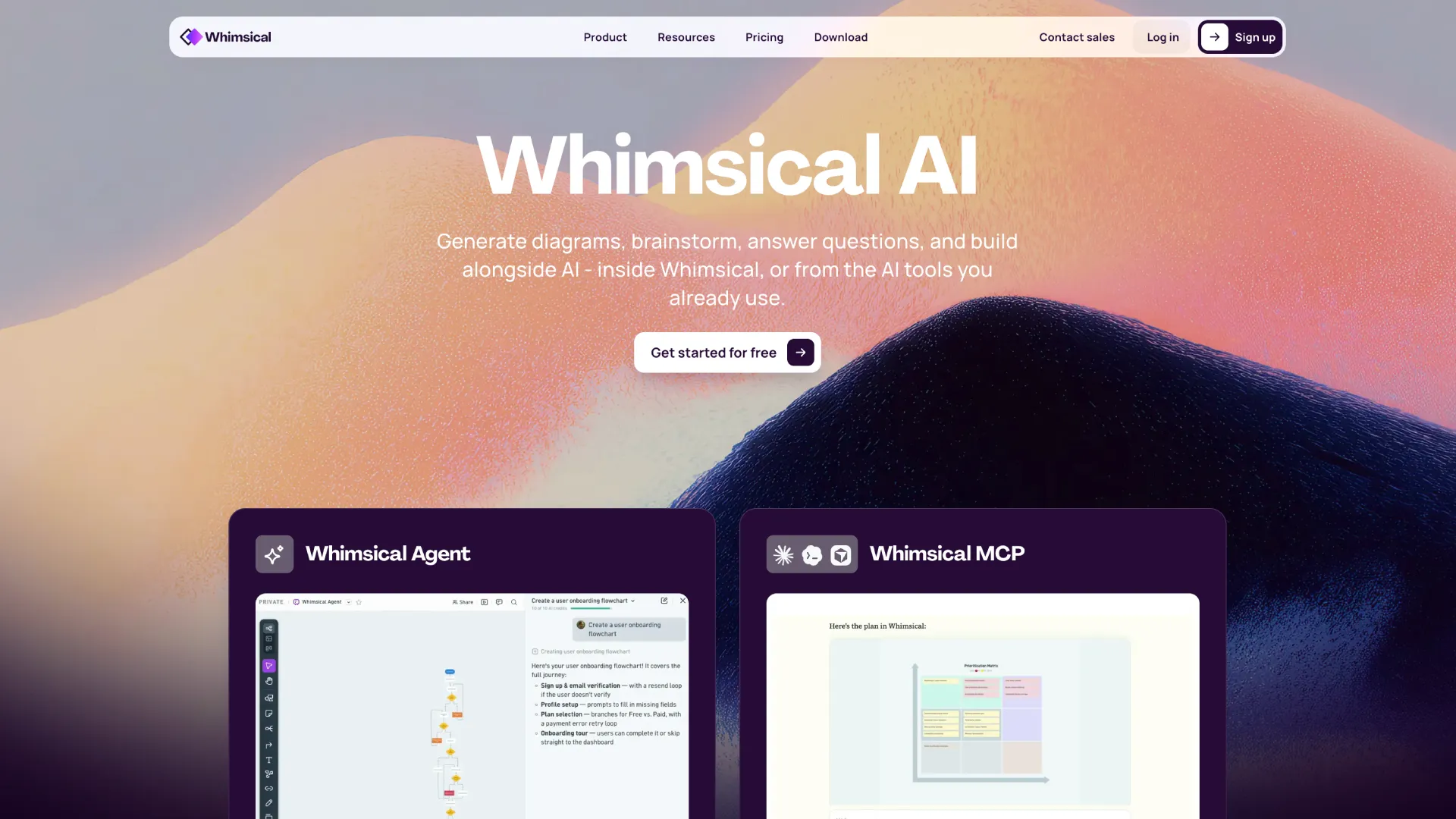
The output is deliberately low-fidelity, and that’s the point. It keeps early discussions about structure, not colors.
Pricing: starts at $12/month
Strengths: fastest ideation tool we tested, clean low-fidelity output, great bridge between UX thinking and UI design
11. Miro AI
It’s a collaboration accelerator rather than a design generator, and the visual output (diagrams, maps, structured boards) reflects that. For turning research insights into polished infographics, you’ll still finish elsewhere.
Pricing: starts at $20/month
Strengths: research synthesis at speed, workshop summaries, journey mapping with the whole team in the room
12. Khroma
It won’t design a screen or export a token file, but as a free companion for building UI color systems, it’s an easy addition to any stack.
Pricing: free
Strengths: personalized results that improve as you train it, zero cost, effortless way out of a color rut
Conclusion: How to Choose From the Top AI Design Tools
Start with one tool that fixes your slowest step, learn its limits, and add from there. Your workflow (and your deadlines) will tell you what belongs next.
And when your designs need motion behind them, Pixflow’s templates and video assets are ready when you are. (Your timeline will thank you.)
Disclaimer : If you buy something through our links, we may earn an affiliate commission or have a sponsored relationship with the brand, at no cost to you. We recommend only products we genuinely like. Thank you so much.
Blog Label:



Write for us
Publish a Guest Post on Pixflow
Pixflow welcomes guest posts from brands, agencies, and fellow creators who want to contribute genuinely useful content.
Fill the Form ✏