5 Best Photo Organizing Software with Face Recognition in 2026
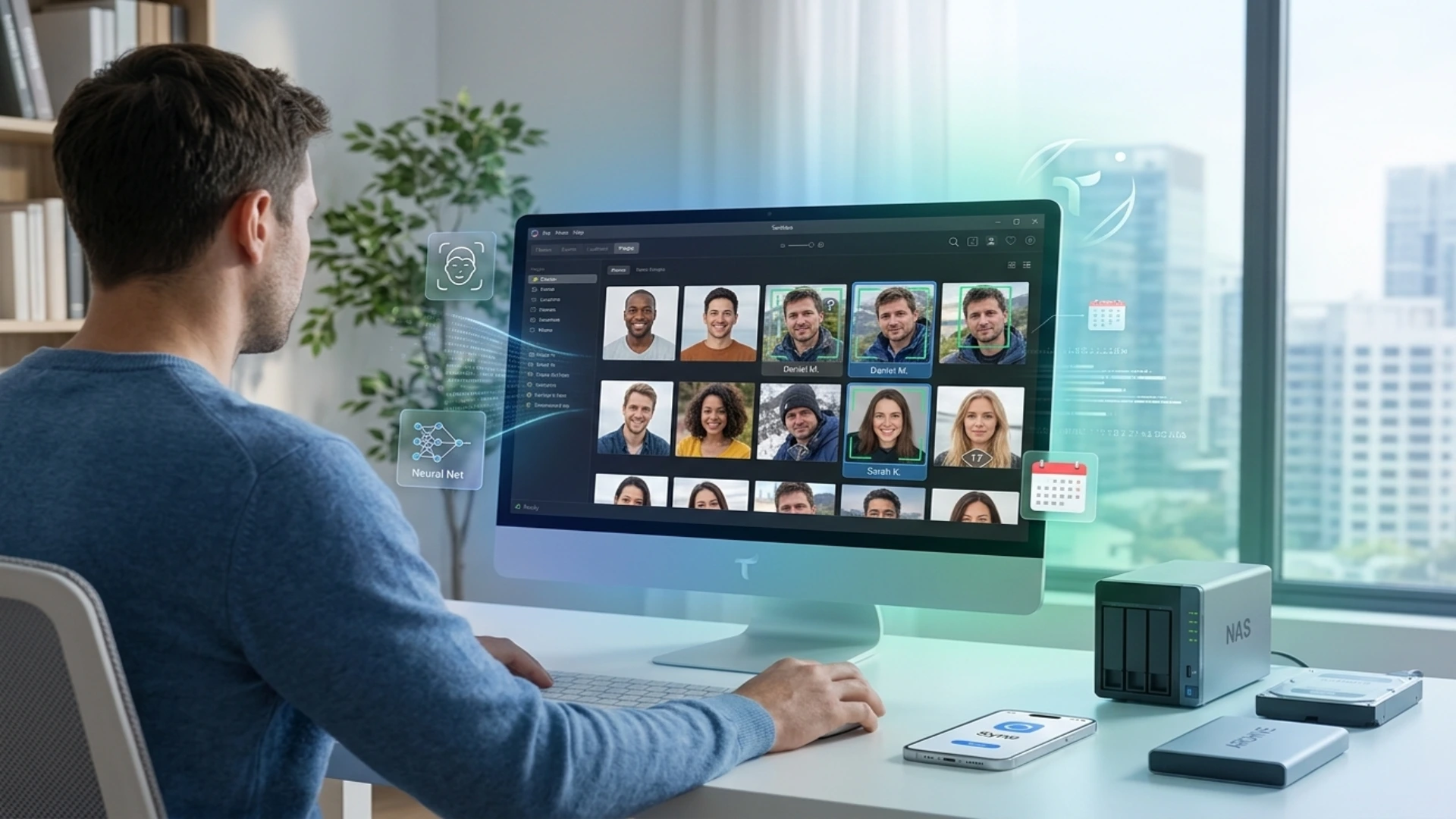
Sorting thousands of files by hand quickly becomes exhausting. To solve this problem, convenient catalog tools with smart face recognition have appeared. They find people in photos on their own and help you quickly put your personal archive in order, without sending your private pictures to someone else’s cloud.
What matters when choosing a program
1. People search accuracy. How easily smart algorithms recognize a person in different lighting, from different angles, or across an age gap.
2. Privacy. Whether photos are processed right on your computer or sent to third-party servers.
3. Performance. The program’s ability to handle archives of thousands of heavy files (JPEG, RAW, HEIC) without freezing.
4. Support for external drives and NAS. How convenient it is to work with files stored on flash drives, external hard drives or a home network storage.
5. Transparent pricing. The advantage of programs with a one-time lifetime license over options with an endless subscription.
Based on these criteria, an ideal photo manager should combine the accuracy of smart algorithms, high speed and complete security of your data.
Overview of the best programs
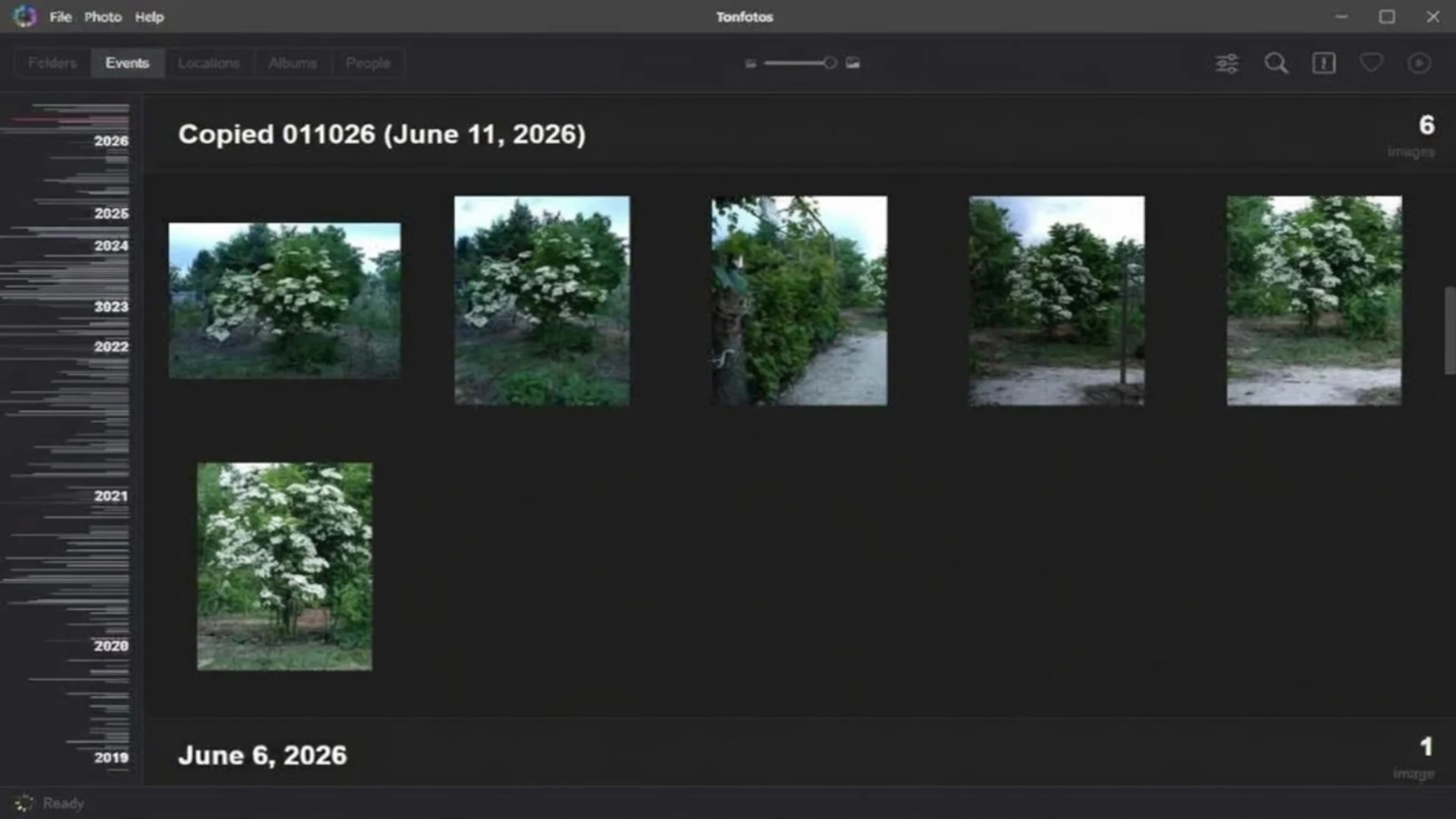
1. Tonfotos – simple sorting and fast people search
AI-powered people search
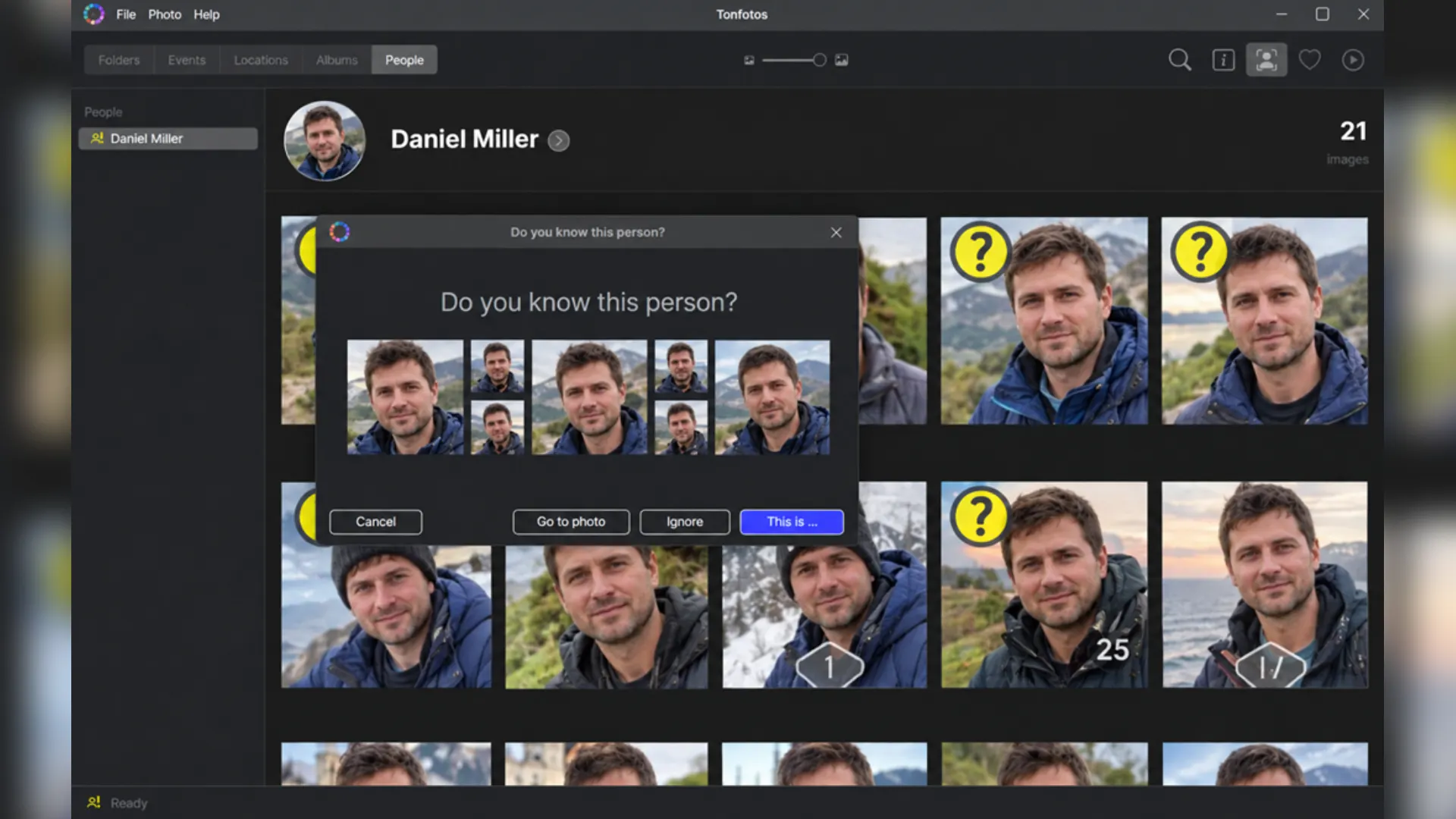
The Tonfotos neural network helps automatically group photos by people as soon as the user tags the corresponding faces in the first pictures. The local AI scans the added folders, finds faces and starts suggesting accurate matches across the entire archive.
The recognition feature works with high accuracy even in difficult conditions, though photo quality should still be taken into account. The AI can recognize the same person in photos taken decades apart (from childhood pictures to adult shots), as well as when the angle or hairstyle changes, or when the person wears glasses or a hat.
The training and cataloging process is designed to be as convenient as possible:
● Automatic suggestions. The program itself suggests likely matches and asks you to confirm whether it is really the same person in the photo.
● Self-learning algorithm. The more often you confirm or reject suggestions, the faster and more accurately the neural network identifies the right person in the remaining thousands of photos in your archive.
● Relationships and genealogy. Named people can be assigned family and other relationships, which makes it easier to build family and other histories from photos.
▪ Terms. There is a free version. The full license is purchased once and for all.
▪ Pros:
▪ Accurate people search without sending photos to the internet.
▪ Convenient photo upload from a smartphone over Wi-Fi.
▪ Works with files on external drives and network storage (NAS).
▪ One-time purchase instead of a monthly subscription.
● Cons:
▪ The free version limits the number of people (persons) in photos.
2. Excire Foto 2025 – search by content and tags
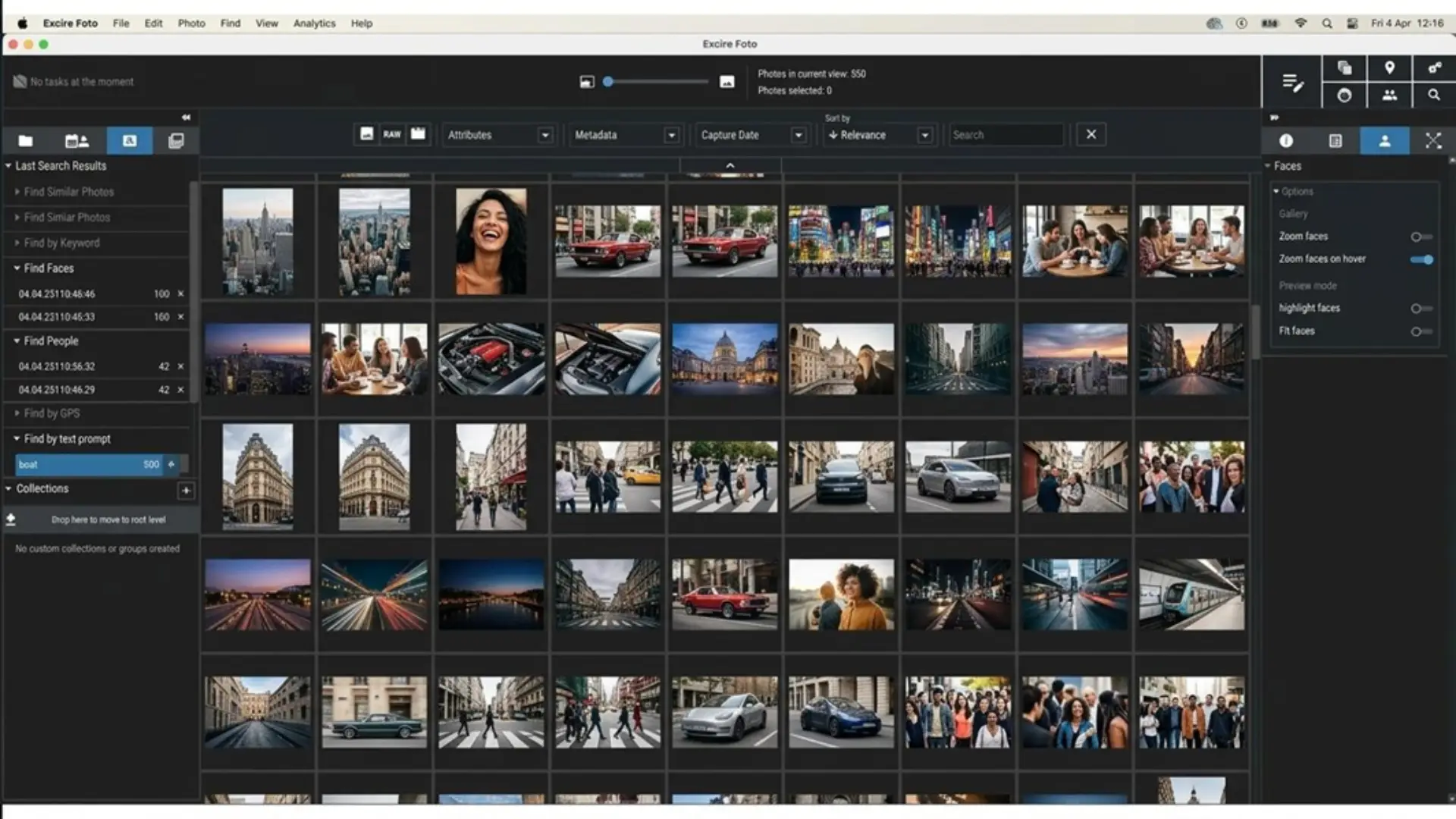
Artificial intelligence analyzes the scene of a shot and assigns tags on its own: “sunset,” “sea,” “city” or “smile.” The face search feature can filter photos by age, gender and emotion, which is handy for picking the best shots. However, the program is quite expensive and demanding on computer power.
▪ Terms. One-time license purchase.
▪ Pros:
● Automatic tags.
● Search by scene description.
● Photo quality assessment.
▪ Cons:
● High price.
● No free version.
3. Mylio Photos – synchronization between devices
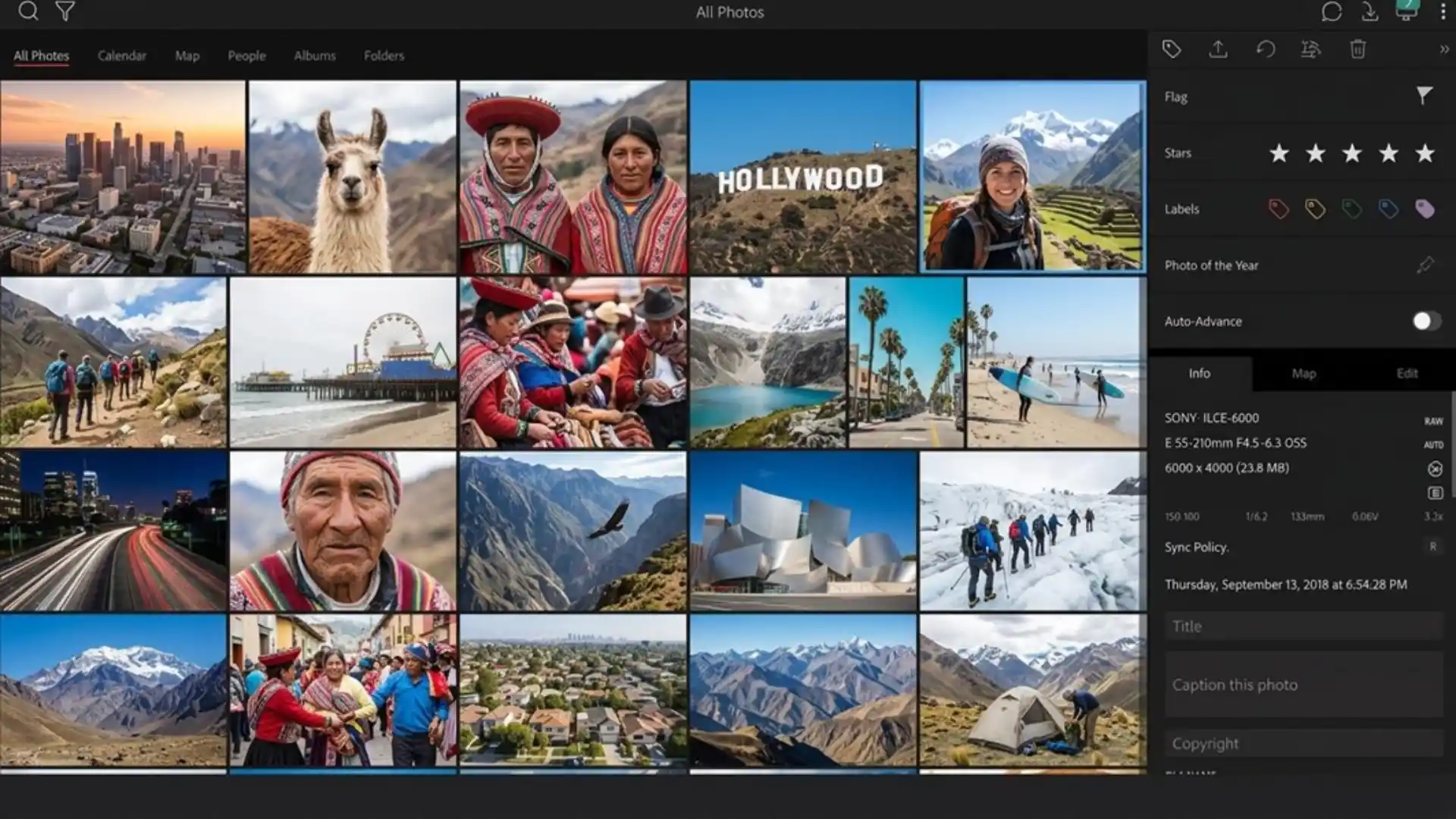
The program recognizes faces offline and arranges photos by day, location on the map and people. Its main advantage is that you can view photos on your smartphone even without an internet connection. Its main drawback is that the program works only on an annual subscription.
▪ Terms. Annual subscription.
▪ Pros:
● Fast file sharing between gadgets.
● Convenient work from a smartphone.
▪ Cons:
● Ongoing subscription costs.
● Initial setup takes time.
4. digiKam – a free program for advanced users
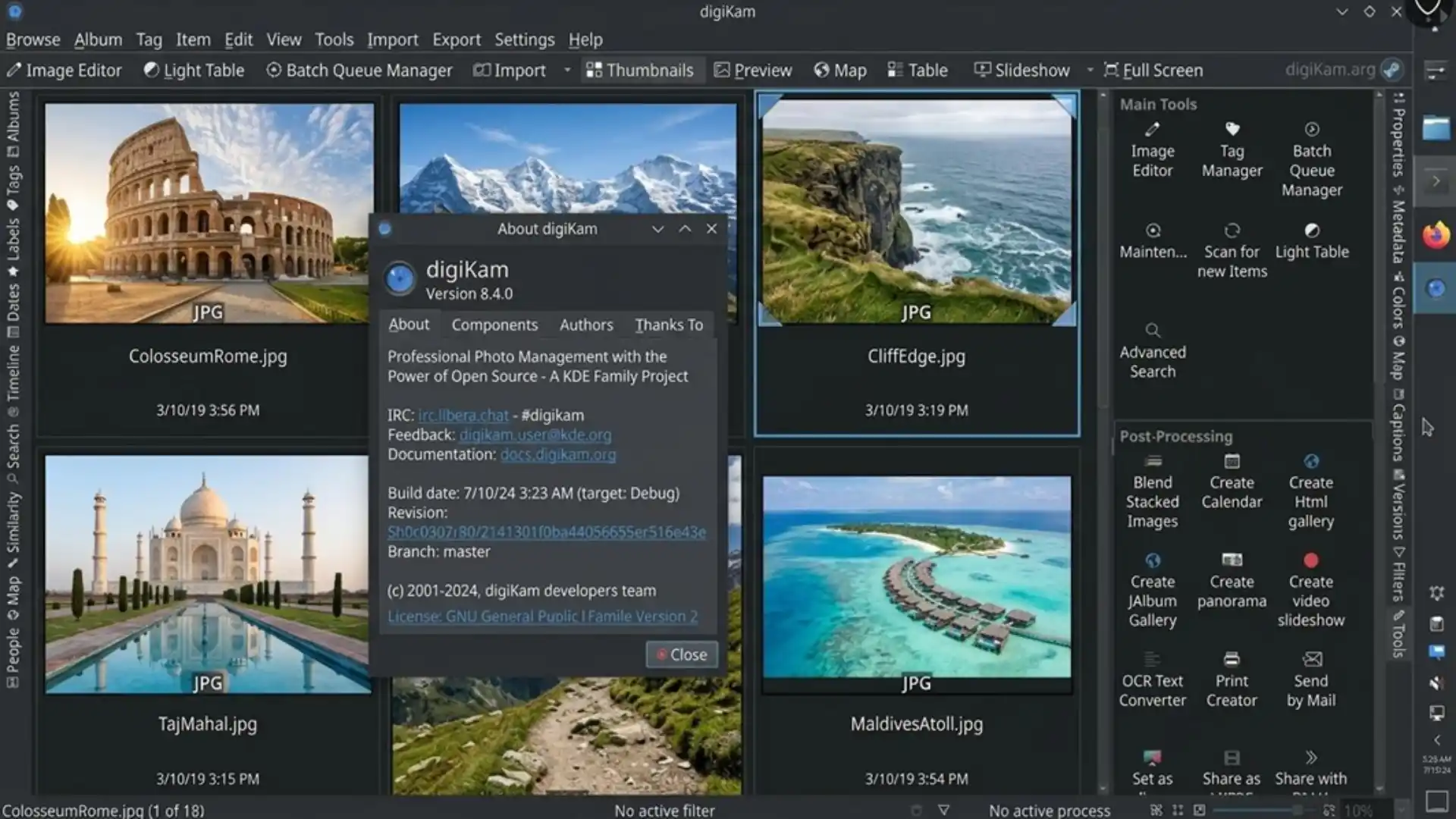
The program has built-in neural-network-based people search, as well as a huge set of tools for working with file details and metadata. digiKam easily copes with huge archives, but because of its overloaded menus, beginners will find it hard to figure out.
▪ Terms: completely free.
▪ Pros:
● Free of charge.
● Full freedom in settings.
● Support for all operating systems.
▪ Cons:
● Complicated, outdated interface.
● Hard to learn from scratch.
5. Adobe Lightroom Classic – for those who edit photos professionally
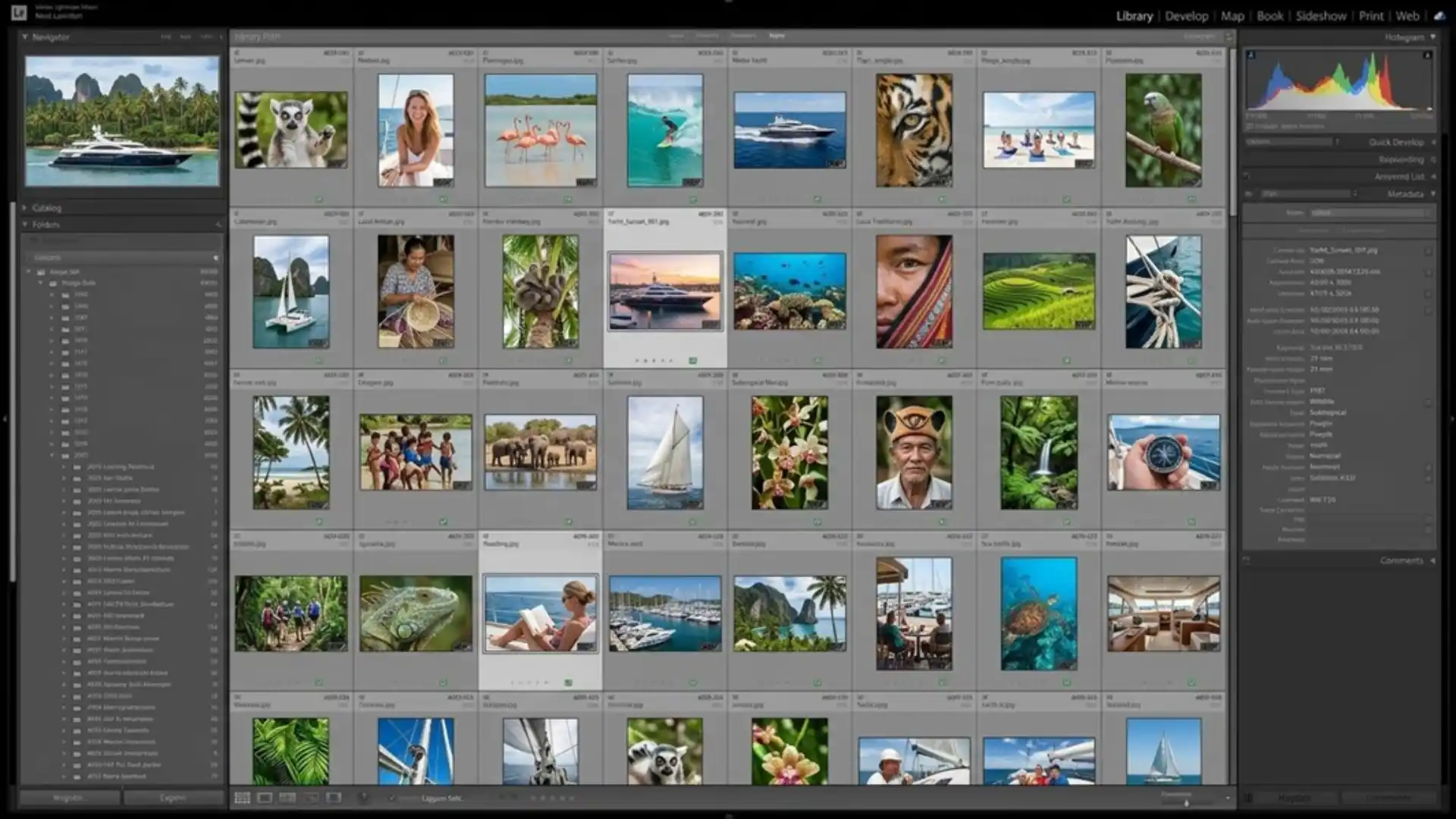
Lightroom can recognize faces and group photos by name. But as a cataloging tool, the program works rather slowly on large archives. If you don’t need complex color correction and retouching, there is no point in buying a subscription just to sort photos.
▪ Terms. Monthly Adobe Creative Cloud subscription.
▪ Pros:
● The best tools for RAW processing and color correction.
▪ Cons:
● Expensive monthly subscription.
● Demanding on PC resources.
Comparison table
What to choose?
● Tonfotos is the best choice for a personal archive if you need simple people search, convenient photo transfer from a smartphone, work with network drives and a one-time purchase without subscriptions.
● Excire Foto is suitable for those who need to find photos by meaning-based descriptions and tags.
● digiKam is an excellent free option for those who like fine technical tuning.
● Adobe Lightroom Classic is the choice for those who regularly do professional editing and retouching of photos.
Focus on your own tasks: for an everyday family archive and quick search for loved ones, software with local AI is the best fit, while for deep color correction, professional graphics editors are the way to go.
Disclaimer : If you buy something through our links, we may earn an affiliate commission or have a sponsored relationship with the brand, at no cost to you. We recommend only products we genuinely like. Thank you so much.
Blog Label:



Write for us
Publish a Guest Post on Pixflow
Pixflow welcomes guest posts from brands, agencies, and fellow creators who want to contribute genuinely useful content.
Fill the Form ✏