How to Make Training Videos That Survive When Your Client Switches Platforms
- Why platform changes kill content
- Ask the migration question before you lock anything
- Build the library in modules
- Master files are your insurance policy
- Package for portability
- Name files like a stranger will inherit them
- The migration is also your sales moment
- The platform-proof delivery checklist
- Final word
Six months after you’ve finished a forty-video training series for a corporate client, an email comes in. “We’re switching to a new learning platform next quarter. Which of the videos will transfer?” Your answer was decided a long time ago, back in pre-production, before anybody said the word migration.
If you made the right calls, your work moves to the new system without a scratch. If not, the client starts rebuilding. Or, worse, they hire someone else to remake the whole library.
Corporate training lives inside learning management systems, and companies swap those systems out more often than most video people think. The contract runs out. The vendor gets bought. HR wants something the old platform never added. If you make training content, every one of those switches is either a risk or a repeat job. Which one depends on how you produce and deliver.
Why platform changes kill content
Video is luckier than most, but only if it was made and packaged with a move in mind. A clean video file in a standard e-learning package travels between systems about as easily as a PDF goes from one laptop to another. A lesson built in the platform’s own interactive editor is another matter. Branching menus, embedded quizzes, clickable hotspots, all saved in the vendor’s format. That lesson is really part of the old platform, and when the subscription ends, it usually goes too.
Ask the migration question before you lock anything
Most L&D managers are glad to tell you. Platform contracts usually run for several years. If renewal is eighteen months away, plan your delivery as if the library will move at least once. And even if no move is on the cards, preparing for one costs you next to nothing. The client’s money is protected either way, and that’s something you can put in a proposal. Corporate buyers pay attention to that.
Build the library in modules
When the platform changes, short modules help in two ways:
- They’re easy to reshuffle. Standalone clips slot into whatever course layout the new system uses. A one-hour video with chapters built for one particular player has to be cut up again.
- Fixes stay small. If one company policy changes, the client reshoots a three-minute module, not a sixty-minute file.
Think of each video as a building block. The client can stack them differently every time the course changes.
Master files are your insurance policy
Make the better option part of what you sell:
- tidy project files and exports at master quality;
- an asset folder with the fonts, graphics, voiceover stems and music licenses, all documented;
- masters kept in cloud storage the client owns, outside any learning platform.
When the move finally happens, exporting fresh files from the masters in whatever format the new system wants is an afternoon’s work. No project files means the client pays for a brand-new production.
Package for portability
Codecs: boring wins
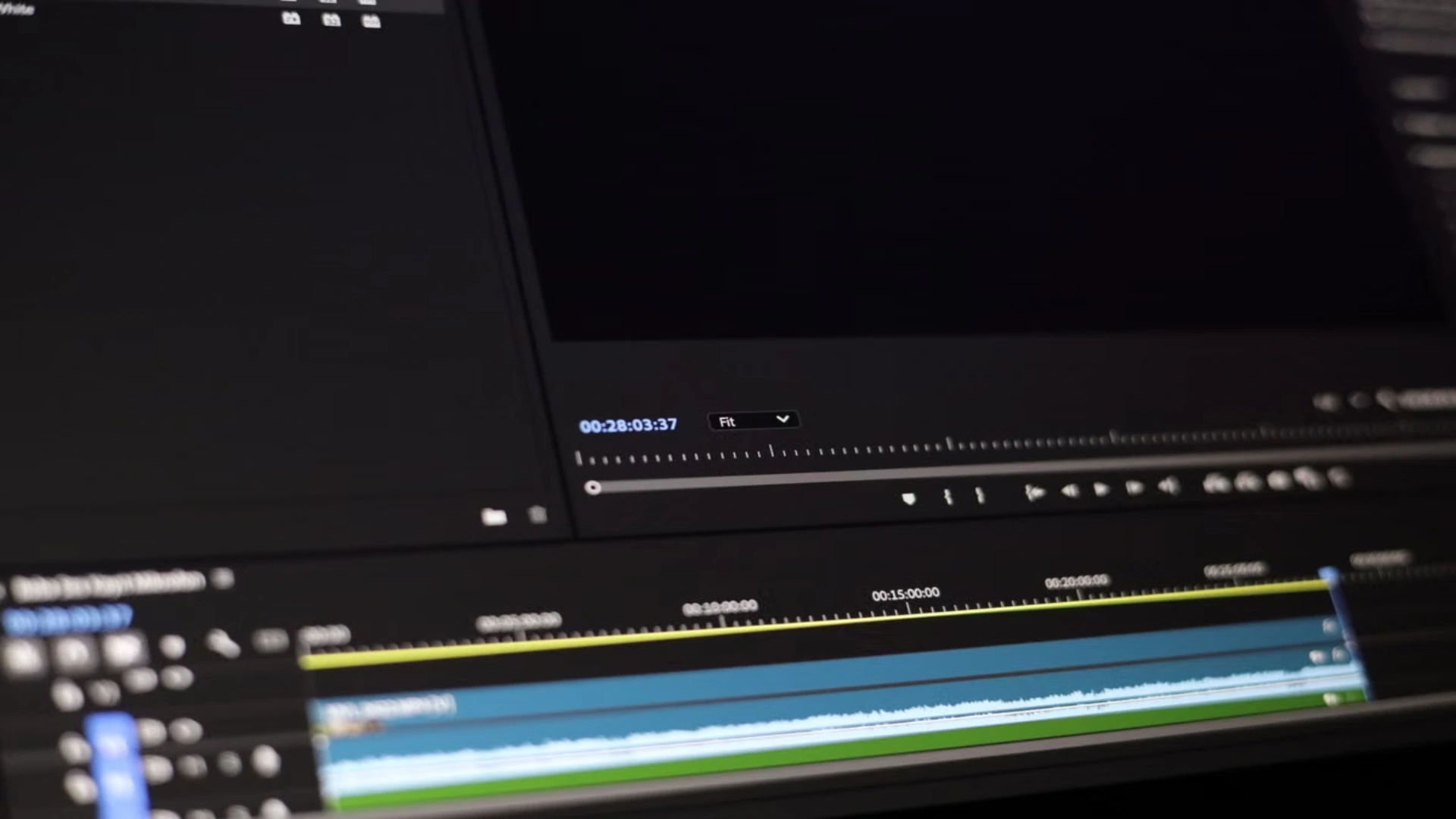
For the files you actually deliver, don’t get fancy. MP4 with H.264 video and AAC audio works in every major browser, as Mozilla’s developer docs on video codecs make clear, and learning platforms handle it just as widely. Newer open formats are getting better and are a good fit for web projects. But a training library has to outlast several systems, and for that job the dull, universal option is the right one. Archive your 4K masters. Give the platform the compatible file.
SCORM and xAPI, translated for creators
There are two e-learning acronyms worth learning, because they decide whether your videos keep their tracking when they move. SCORM is a packaging standard from the ADL Initiative, part of the US government. It wraps a course into a standardized, portable package that moves between learning platforms, which is why migration providers list it among the standard interfaces they support. xAPI is the newer one. It logs learning as short statements, such as a learner watching, pausing, or finishing a video.
You don’t have to build either one yourself. What you do need is video that fits into them without fuss, and a quick question to the client’s L&D team about which one their platform uses.
Keep interactivity in layers
Quizzes, branching, and clickable moments do make training better. Where you put them decides whether they survive. Built in the platform’s own authoring layer, on top of your clean video, they can be recreated on the next platform in a few hours. Burned into the video, or locked in a proprietary interactive-video format, they put the whole asset on the cut list when the client sorts content for the move.
The better approach: hand over the clean video along with a short document that describes the interactions you had in mind. Each platform can then build them its own way.
Captions and voiceover: version them like source files
Treat captions with the same care as project files. Keep them as separate sidecar files, not burned into the picture, and include them in every delivery. Under the W3C’s accessibility guidance, captions on recorded video are a basic requirement. And separate caption files can be fixed, translated, and reused on any platform without touching the video itself.
Narration works the same way. Put the voiceover on its own track in the project, and put the script in the delivery folder. When the client later wants Spanish or German versions for a wider rollout on the new platform, you only redo the audio, not the edit. With today’s AI voiceover tools, those language versions are quicker to make than ever.
One narration file per module, named to match the video. The final recording script saved as plain text next to the audio stems. If a pickup session changes three lines, change them in the script as well, so any translation later on starts from what was actually recorded.
Name files like a stranger will inherit them
A few habits go a long way:
- One naming system, used everywhere. Agree on a pattern with the client, something like course-module-topic-version. Then onboarding-03-expense-policy-v2.mp4 tells the admin what they need before they even open it.
- Version numbers in the file name. Long after everyone has forgotten which email approved which cut, a v2 at the end shows which one is current.
- A manifest at the top. A single spreadsheet or document listing every video with its length, caption file, module and last revision date. Ten minutes per delivery, and two years later it’s the most useful file in the folder.
- Folders that match the course. Five modules in the curriculum, five folders in the delivery. Nobody should need to open a video to work out where it goes.
Viewers never see any of this, which is why so few creators bother. Clients do notice, though, usually as soon as a migration team starts going through the archive.
The migration is also your sales moment
If you made the original library, you’re the obvious choice for the update. And today’s tools make updates quicker than the first production, something we looked at in our piece on how AI video generators fit into modern editing workflows.
Studios with corporate clients can take it a step further and sell migration support as its own service. It’s the same way the best firms in our roundup of product demo video production companies package other repeat corporate work: a content audit, fresh exports from the masters, caption fixes, new intros with the current branding.
The platform-proof delivery checklist
- Masters plus compatible files. High-quality masters for the archive, MP4/H.264 for whatever platform is in use.
- Tidy project files and assets. Fonts, graphics, music licenses and voiceover stems, stored somewhere the client controls.
- Separate captions and the script. Easy to fix, translate and reuse on any system.
- A manifest an admin can follow. One page with every file, its module, its caption file and its latest version.
- A modular structure. Short, standalone videos the client can rearrange in any course builder.
- A written interaction spec instead of built-in interactivity. One page describing quizzes and branching, ready to rebuild on the next platform.
Final word
Disclaimer : If you buy something through our links, we may earn an affiliate commission or have a sponsored relationship with the brand, at no cost to you. We recommend only products we genuinely like. Thank you so much.
Blog Label:


Write for us
Publish a Guest Post on Pixflow
Pixflow welcomes guest posts from brands, agencies, and fellow creators who want to contribute genuinely useful content.
Fill the Form ✏