On This Cybermonday

Get Your Pixflow Subscription for Only $9.99

7 Best Apps & Tools to Watch YouTube Together With Friends

7 Best Apps & Tools to Watch YouTube Together With Friends
The beauty of watching YouTube together with your friends is sharing those spontaneous emotions: nothing beats reacting in real time and commenting on the same moment together. And with a variety of YouTube watch party apps and tools available, you shouldn’t have to settle for the “3… 2… 1… play” countdown or for finding out you’re watching two completely different moments. You can stream videos in sync, share playlists, and enjoy everything from music videos to documentaries with friends when you’re miles apart. We’ve rounded up seven of the best apps and tools allowing you to watch YouTube videos with friends in sync, including free browser-based platforms, mobile apps, and even a VR option.

TOP 7 Apps & Tools to Watch YouTube Together Side-By-Side

App / ToolInstall Needed?Sign-up to Join?CommunicationMaximum ParticipantsAds
Youple.tvNo (any browser, mobile & desktop)No (Instant link)Shared Queue / ControlsUnlimitedNone (Only standard YouTube ads)
Discord (Watch Together)Yes (iOS, Android, Web)Yes (Discord ID)Voice, Video & TextUp to 25 on voice (default)None from Discord (Standard YouTube ads)
TelepartyAndroid app / Web extensionYes (Guest name/Login)Text chat & reactionsUp to 50 on free (20 on video)Minimal in-app banners
RaveYes (iOS, Android)Yes (Social/Email)Voice, Text & VoIPUnlimitedIn-app video ads & banners
WEVERYes (iOS app required; no web or official Android app)No, guests join rooms via invite linkIn-room text chat, emoji, video chatUp to 10–20 participants per roomIn-app ads on the free tier (removable with a Pro subscription)
KosmiNo (Mobile Web), app is availableYesVideo, Voice & TextUp to 10–20 per free roomMinimal/Ad-supported
YouTube Co-Watch (Meta Quest)Yes (Meta Quest OS)Yes (Meta + Google)Spatial Voice ChatUp to 7 people in VR roomStandard YouTube ads

7 Best Apps & Tools to Watch YouTube Together in Sync

We evaluated each tool based on its core features: how it handles synchronized YouTube playback, how much setup is required before your friends can join, which devices and platforms it supports, and whether it’s free or needs an account.

Youple.tv

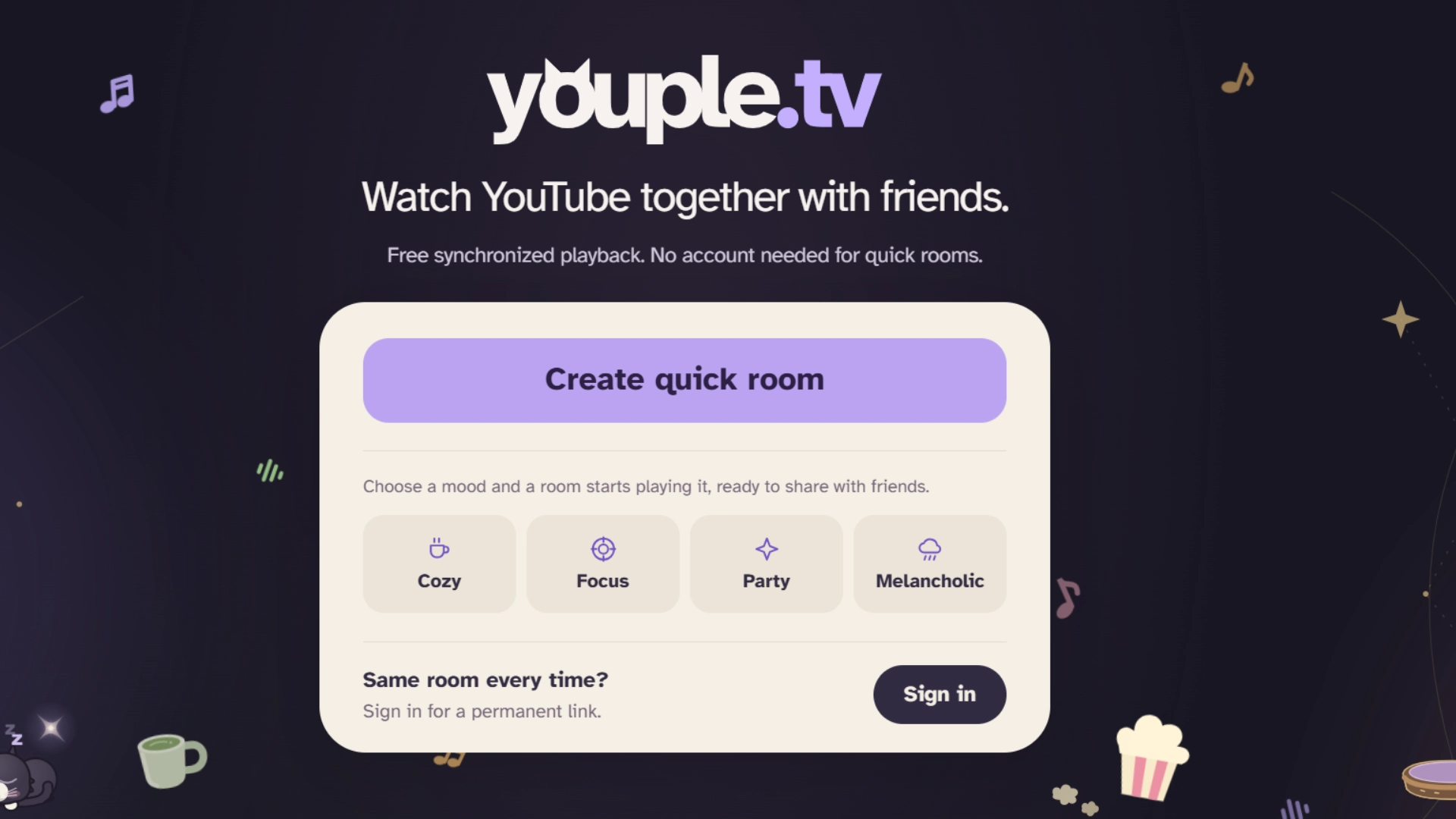
Youple.tv homepage with a quick room button and four mood options
Create a quick room on Youple.tv and share it with friends.
If you want a friction-free way to watch YouTube together online for free, without any downloads or complicated steps, Youple.tv can’t be beat.

To begin watching, just open the site, create a quick room (you can set the tone with 4 mood settings available if you wish), share the link with your friends, and paste in a YouTube URL. Playback stays perfectly in sync for everyone. Once your guests are in, they can play, pause, seek, or queue up videos in a shared playlist, without needing to ask the host for that.

While many other platforms require you to install an app, Youple.tv works directly in a browser, so access via phone or computer is easy. You can also send videos to your room straight from YouTube with the Youple.tv Chrome extension, or paste a link with Ctrl+V on desktop.

Quick rooms need no sign-up and close only after 30 days without visitors. For parties like a weekly hangout, you can sign in with Google, Discord or email to create a permanent room with the same link.

Platforms: Web (Mobile & Desktop);Price: 100% free;

Best for: synchronized YouTube watch party without setups or downloads.

Discord (Watch Together)
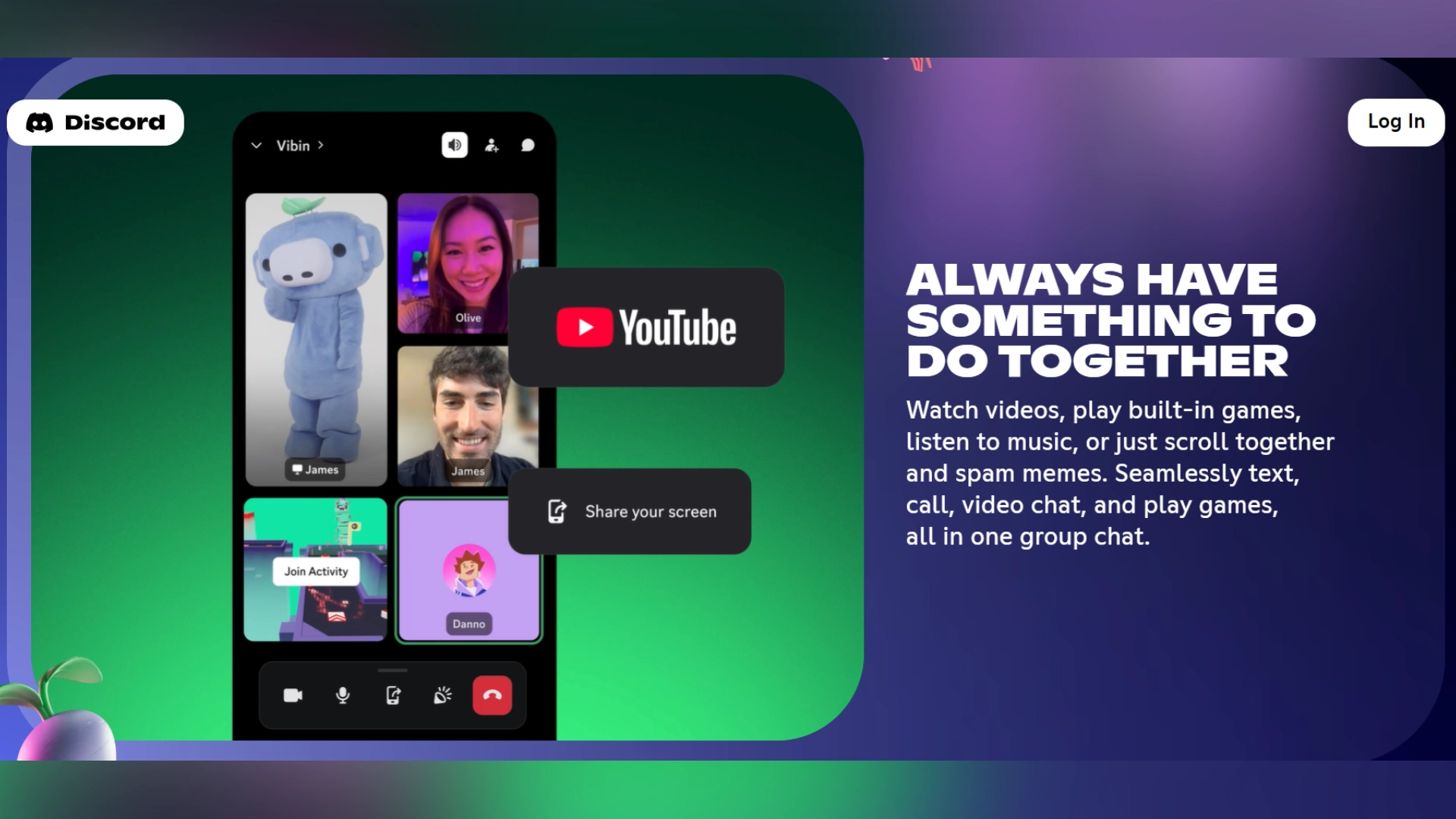
Discord promotional page showing a group video call and YouTube activity
Discord brings video, voice chat, and shared activities into one place.
For friends who already spend their evenings in Discord voice channels, there’s no need to switch to another platform to watch memes, gaming fails, or just whatever funny video someone found on YouTube. Discord already has the Watch Together functionality built in.

Everyone in the channel can contribute to the playlist and talk over voice chat at the same time. The controller (whoever has the remote at any moment) can play, pause, and skip. Video syncing is automatic.

You need an existing Discord server and voice channel to use this feature, so it isn’t designed for things like a quick one-off with someone who doesn’t already have a Discord account.

Platforms: iOS, Android, desktop app, and web browsers.

Price: free for up to 25 people in a voice channel (Nitro is optional), Discord account is a must;

Best for: friends and gaming communities who live in Discord and want to watch YouTube together between games.

Teleparty
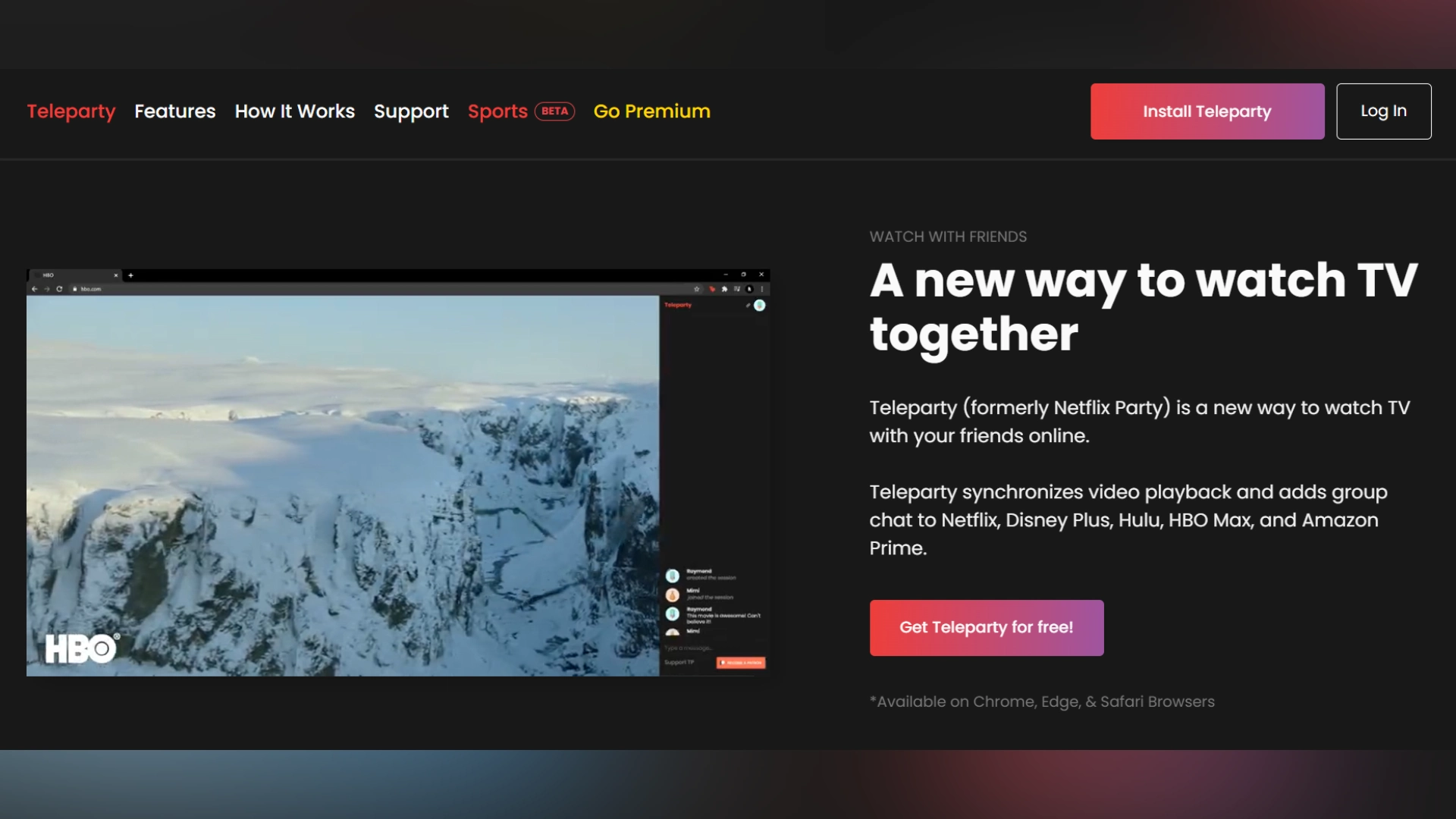
Teleparty homepage showing a video playing beside a group chat
Teleparty synchronizes playback and adds group chat to streaming sessions.
Teleparty, which many people know as the app formerly called Netflix Party, extends far beyond just Netflix. It works with YouTube, Disney+, Hulu, Max, Amazon Prime Video, and more, so it’s great for groups that watch content on multiple platforms.

Teleparty keeps YouTube playback synchronized across every screen through the embedded web player, so there’s no lag or quality loss. The group chat is built in, so side commentary doesn’t require a separate app.

Teleparty is available as a browser extension and an Android app, so you can sync YouTube playback directly from your phone.

Platforms: Android app, Chrome, Edge, and Opera desktop browser extensions (no native iOS app);

Price: free for up to 50 participants on standard text chat;

Best for: anyone who wants multi-platform mobile watch party functionality (not just YouTube).

Rave
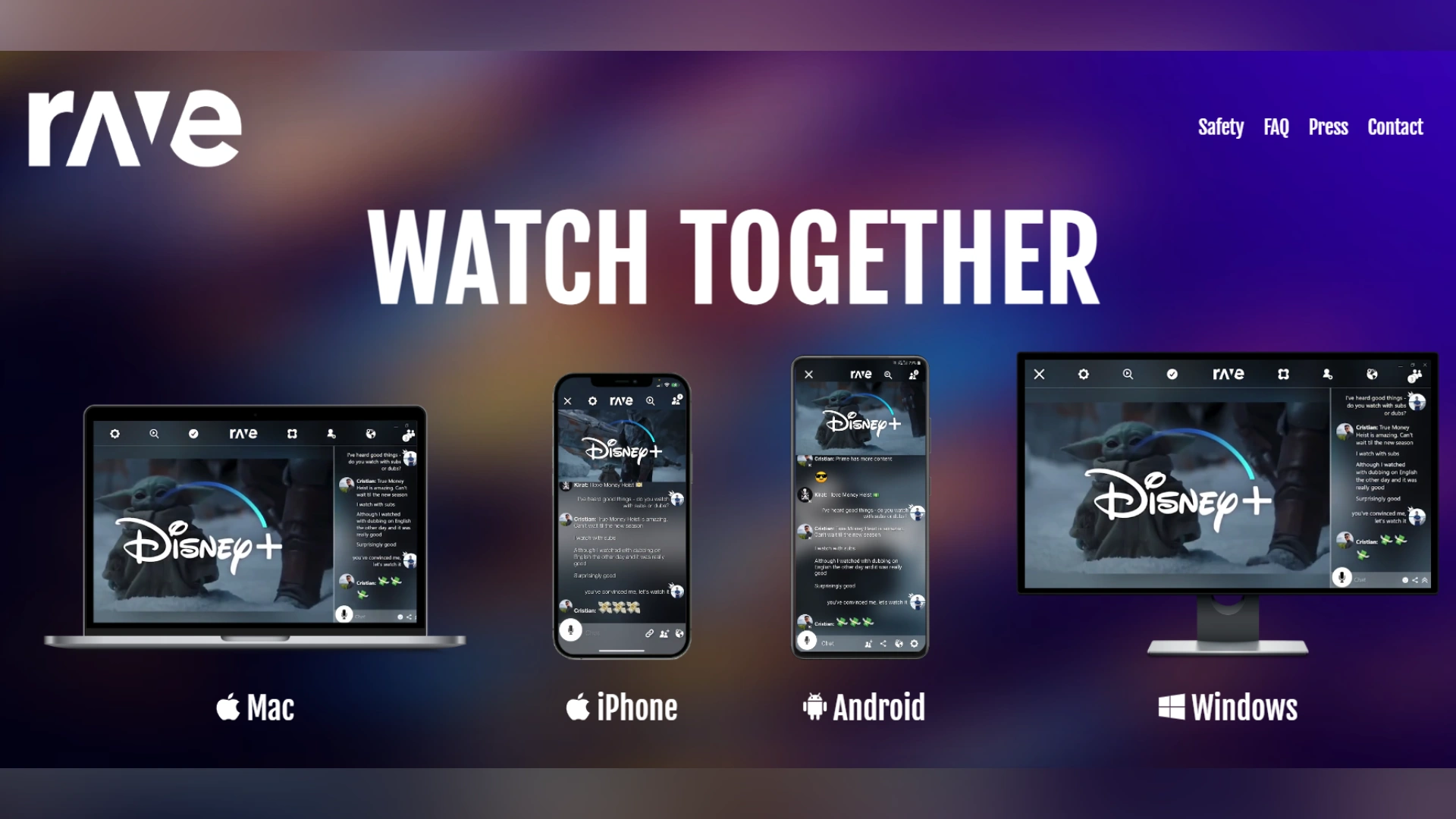
Rave watch party interface shown on Mac, iPhone, Android, and Windows devices
Rave lets friends watch and chat across mobile and desktop devices.
Rave isn’t limited to YouTube only. It supports a selection of services including Netflix, Disney+, HBO Max, and Amazon Prime Video, among others. Voice chat is a built-in feature, so if you enjoy talking throughout a movie, this is a convenient platform to use.

Rave connects people with a similar taste in content; you can join public rooms hosted by other users within the Rave community.

You can download Rave on iOS or Android and watch YouTube together on your mobile device. Windows and macOS versions are also available, so friends who use different devices have the necessary flexibility.

Platforms: iOS, Android, Mac, Windows;

Price: Free version with ads, paid version is ad-free;

Best for: those who like to chat and share thoughts while watching videos (and meet other people who love the same content, too).

WEVER
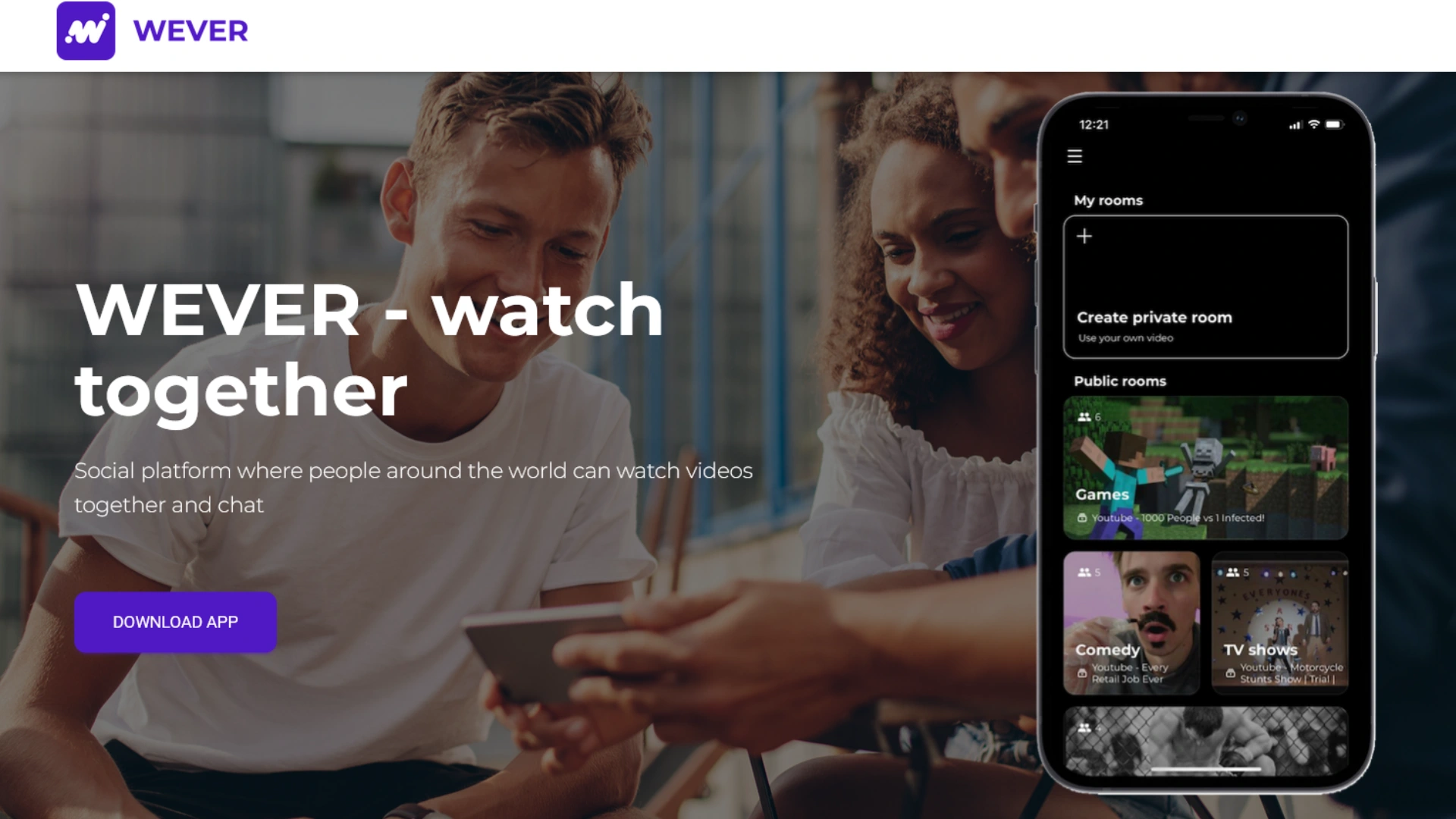
WEVER homepage showing its mobile app with private and public rooms
WEVER offers private and public rooms for watching videos together.
WEVER is an iOS-only app that lets you create a private room to watch YouTube, Netflix, and Prime, or join a public room. It’s particularly popular for couples doing long-distance watch nights, with a clean interface and playback kept in sync whenever someone pauses or queues up a new clip. Android users can’t join, which can be a dealbreaker for mixed-device friend groups.

Platforms: limited to iOS;

Price: free for guests with ads shown, paid version removes ads. Hosts can upgrade to Wever Pro to unlock all streaming features;

Best for: iPhone users, couples doing virtual date nights, anyone who wants a visually clean YouTube watch party app without a lot of technical setup.

Kosmi
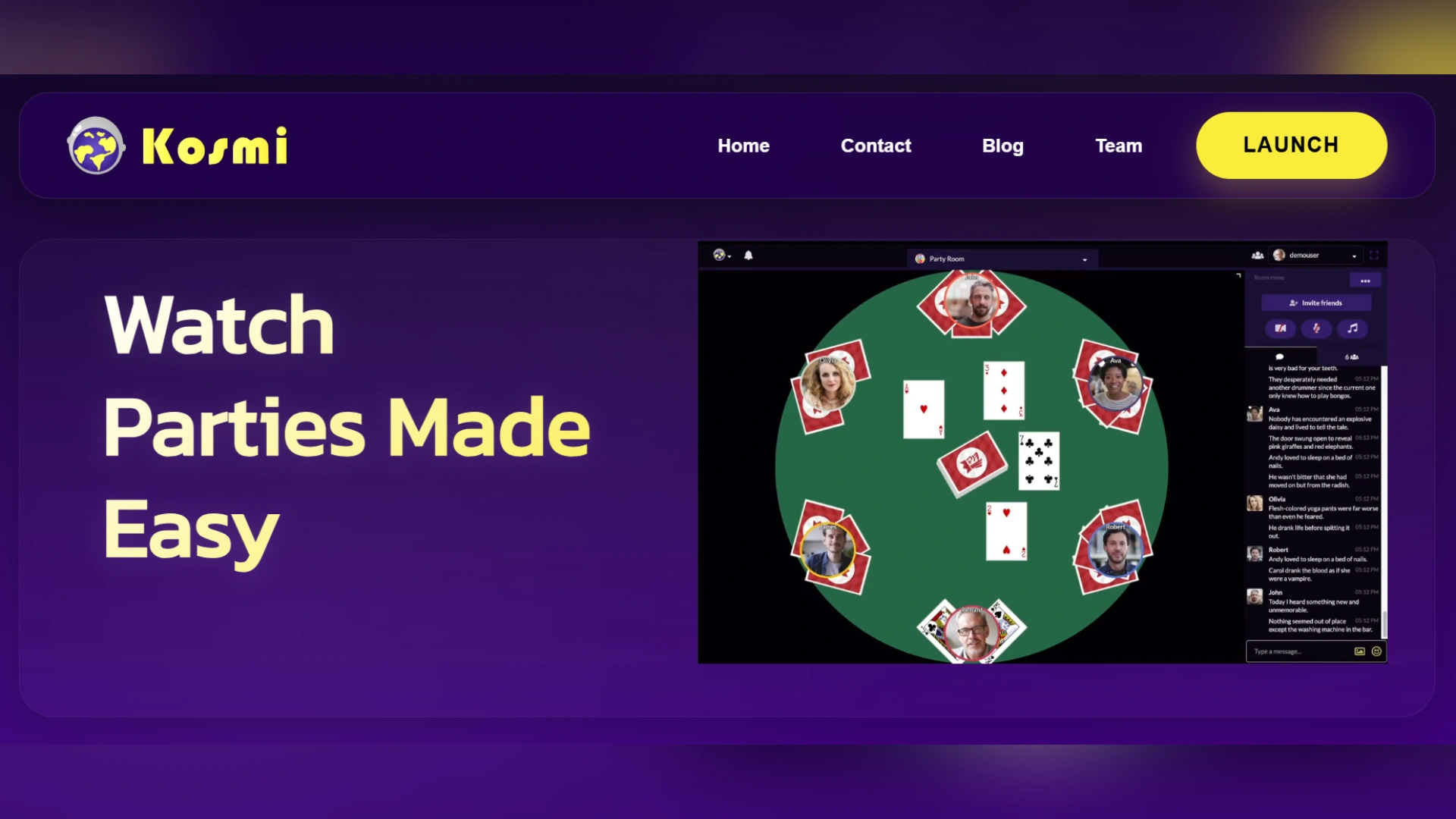
Kosmi homepage showing a virtual room with a card game and chat
Kosmi combines watch parties, games, and chat in virtual rooms.
Kosmi is essentially an online living room, a browser-based or app-based virtual space where you and your friends can watch videos together in real time and in sync, play games, and keep in touch through video chat. It embeds the YouTube player directly in the room, so you don’t have to run a separate video call app just to chat and comment while enjoying your online watch party. The platform offers browser-based access with no mandatory download, but for those who want a mobile watch experience, an app is available.

Platforms: Web + apps downloadable via Google Play and AppStore;

Price: Free for basic rooms (typically 10–20 people);

Best for: virtual hangouts for remote friend groups and long-distance couples; playing minigames with your friends.

YouTube Co-Watch on Meta Quest
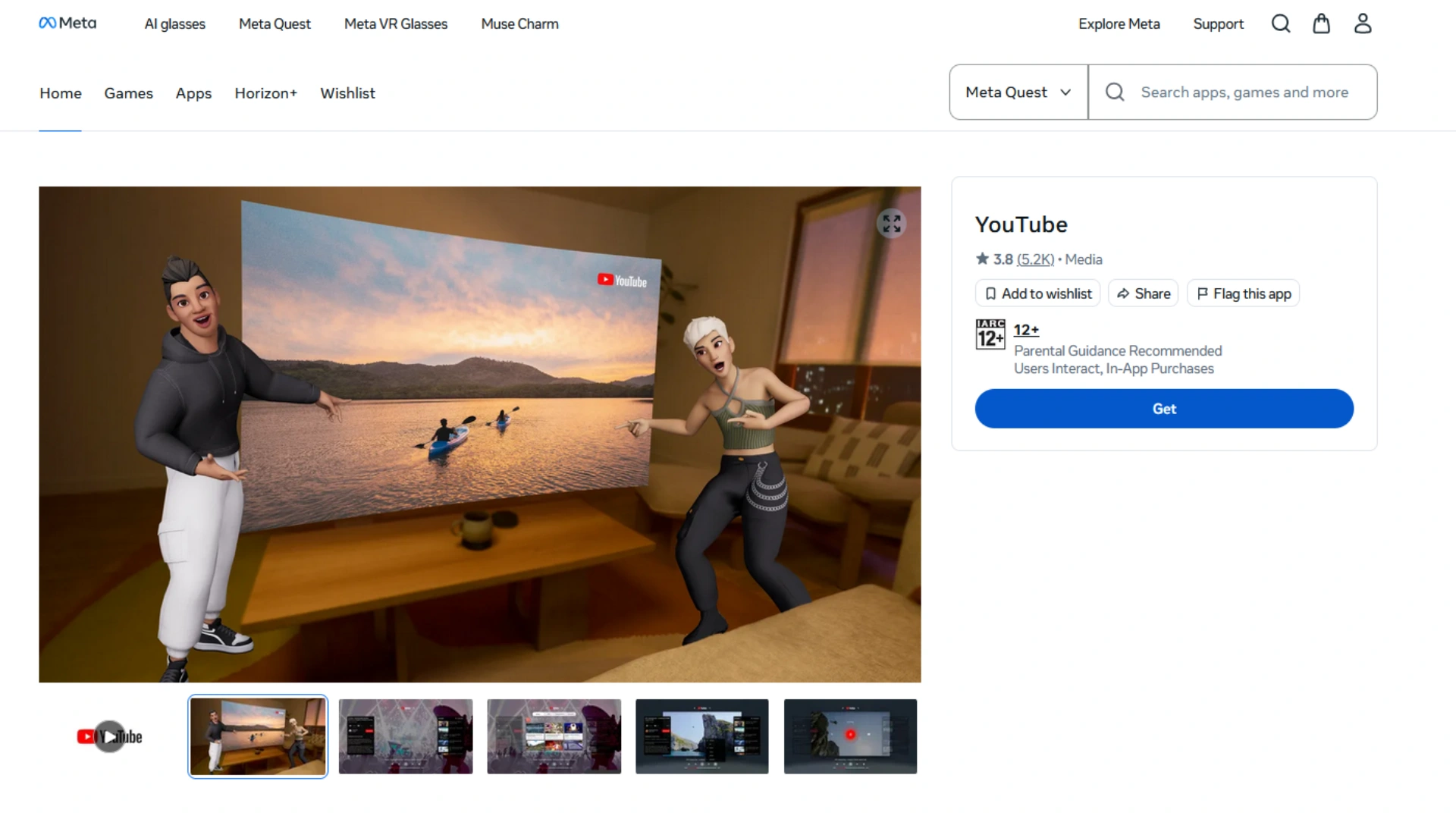
YouTube app listing for Meta Quest showing two avatars beside a virtual screen
YouTube on Meta Quest offers a virtual space to watch with friends.
Watching YouTube on a laptop or phone is fun, but what if you could sit beside your friends in a VR room? YouTube Co-Watch on Meta Quest takes your YouTube watching experience up several notches, and it’s in a category of its own. Up to 8 participants are allowed, including the host. To start a session, the host opens YouTube on a compatible Meta Quest headset, selects the Co-Watch option, and invites friends from their Meta contacts. Once inside VR, you can see your friends’ avatars and enjoy a more spatial way of watching videos.

Platforms: Meta Quest OS (Quest 2, 3, 3S, and Pro);Price and free limits: free feature; capped at 7 participants; requires Quest VR hardware and a Meta account for every user;

Best for: VR headset owners who want to hang out on a virtual couch watching YouTube.

Conclusion

All seven tools have different strengths. The right choice depends on how your group likes to hang out, whether you use mixed devices, want to watch platforms beyond YouTube, and are comfortable installing an app. For the most hassle-free YouTube co-watching experience without downloads or signups, pick Youple.tv. If your group wants voice chat built right into the same app, Rave or Discord’s Watch Together are definitely worth a try. And YouTube Co-Watch on Meta Quest is in a league of its own with its unique VR-powered YouTube watching experience.

Disclaimer : If you buy something through our links, we may earn an affiliate commission or have a sponsored relationship with the brand, at no cost to you. We recommend only products we genuinely like. Thank you so much.

Blog Label:

Write for us

Publish a Guest Post on Pixflow

Pixflow welcomes guest posts from brands, agencies, and fellow creators who want to contribute genuinely useful content.

Fill the Form ✏