Beyond Text Prompts: Exploring Two AI Video Generator Platforms for Different Creative Workflows
- Why I Started Comparing AI Video Tools
- What Makes a Good AI Video Generator Today?
- VideoAI: Built Around Fast Content Production
- Higgsfield AI: Exploring More Cinematic Video Generation
- Comparing Two Different Creative Workflows
- Similarities Worth Noticing
- Why AI Video Generation Matters for Content Creators
- Who Might Prefer Each Platform?
- Final Thoughts
Why I Started Comparing AI Video Tools
I recently tested two platforms with different approaches: VideoAI and Higgsfield AI. Rather than asking which one is “better,” I wanted to understand how each fits a different creative workflow. I used both tools to create short promotional clips, social media videos, and simple storytelling scenes. My conclusion was that they solve different problems, even though both belong to the same category.
According to McKinsey, generative AI could add significant productivity gains across creative industries by reducing repetitive production tasks and accelerating content creation. That trend is becoming increasingly visible in video generation, where AI assists with ideation as much as production.
What Makes a Good AI Video Generator Today?
It’s More Than Turning Text Into Video
When people hear “AI Video Generator,” they often imagine typing one sentence and instantly receiving a finished commercial. Reality is more nuanced. From my experience, a useful platform should help with three things: turning ideas into visual concepts, reducing repetitive editing work, and giving enough control to refine the final output. The quality of the workflow matters just as much as the quality of the generated video.
Different Creators Have Different Needs
A YouTube creator, an e-commerce seller, and a marketing agency rarely need the same type of video. Some prioritize speed, while others care more about cinematic motion, camera angles, or consistency across multiple scenes. That difference became clear during my testing.
VideoAI: Built Around Fast Content Production
First Impressions
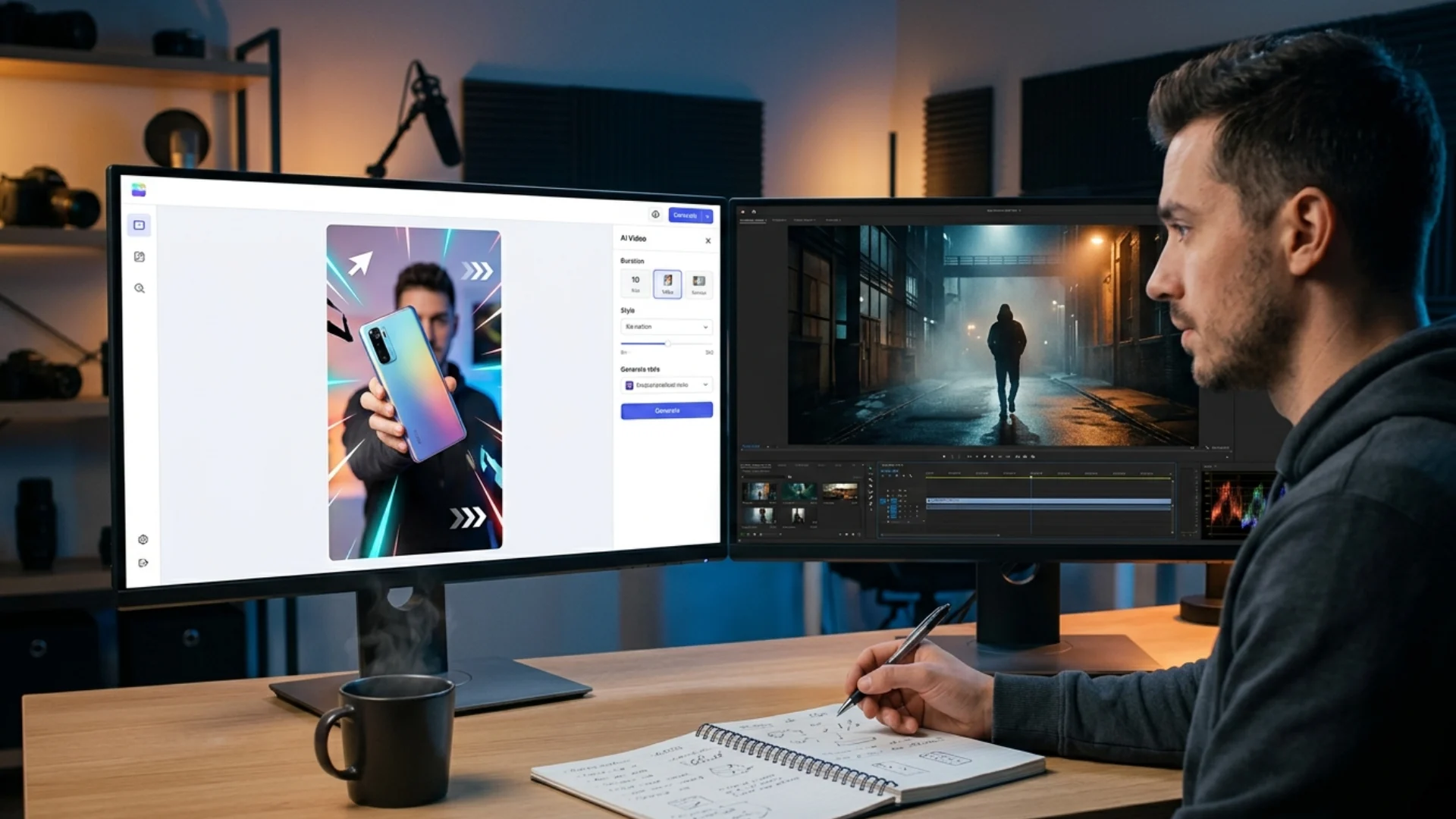
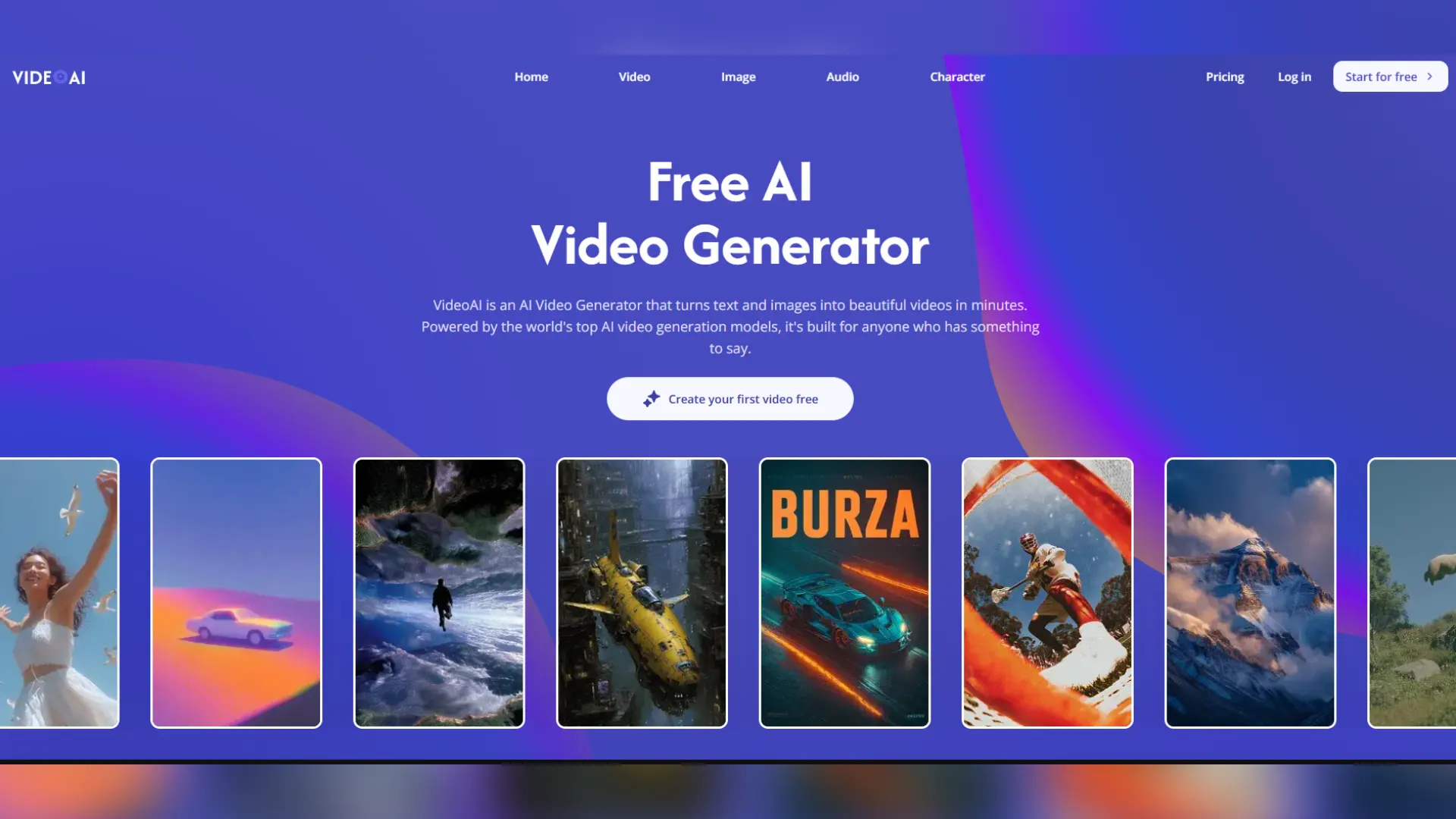
The first platform I explored was VideoAI. The interface focuses on helping users move from an idea to a finished video with relatively few steps. Rather than overwhelming users with editing controls, it emphasizes automated generation and streamlined workflows. For someone producing content regularly, that simplicity is appealing. I tested it by creating several short promotional clips based on product descriptions and simple prompts. The overall experience felt approachable, especially for users without professional editing experience.
Features That Stood Out
VideoAI supports different starting points for creation, including text prompts and other AI-assisted workflows depending on the project. Instead of treating every project the same way, it encourages users to adapt the workflow to different content types. Many generated videos naturally fit short-form platforms such as TikTok, Instagram Reels, and YouTube Shorts, reducing additional editing before publishing.
One aspect I appreciated was how quickly different versions could be generated. When experimenting with marketing ideas, I could create several variations instead of committing to a single concept.
My Testing Experience
I created three short product videos for imaginary consumer electronics. The first version focused on features, the second highlighted lifestyle usage, and the third emphasized emotional storytelling. The generation process was smooth, although I still found myself making manual adjustments afterward. AI accelerated the first draft, but final polishing remained important.
Strengths
- Beginner-friendly interface
- Fast generation process
- Suitable for frequent social content
- Encourages creative experimentation
Limitations
- Some scenes benefit from manual refinement.
- Longer storytelling projects may require additional editing.
- Prompt quality influences results significantly.
Higgsfield AI: Exploring More Cinematic Video Generation
A Different Philosophy
While VideoAI emphasizes workflow simplicity, Higgsfield AI approaches AI video from a different direction. Its focus appears stronger on visual storytelling, camera movement, and cinematic presentation. During testing, I noticed that the generated scenes often paid greater attention to motion and composition. That made the platform interesting for creators who want more visually expressive results.
Camera Control and Motion
One feature I found particularly noticeable was the emphasis on dynamic camera behavior. Instead of generating static scenes, Higgsfield AI supports more cinematic perspectives that can create stronger visual impact. For short films, brand storytelling, or artistic content, this can make generated videos feel more immersive.
Testing Creative Scenarios
I recreated the same product promotion concepts I had used in VideoAI. The outputs looked different. Instead of prioritizing speed, Higgsfield AI seemed more focused on visual style and movement. The resulting videos felt closer to story-driven sequences than straightforward promotional clips.
Strengths
- Strong cinematic presentation
- Dynamic camera movement
- Good visual composition
- Suitable for creative storytelling
Limitations
- More experimentation may be needed to achieve specific results.
- Learning the available controls takes additional time.
- Some users looking for quick marketing videos may prefer a simpler workflow.
Comparing Two Different Creative Workflows
Fast Production vs Visual Direction
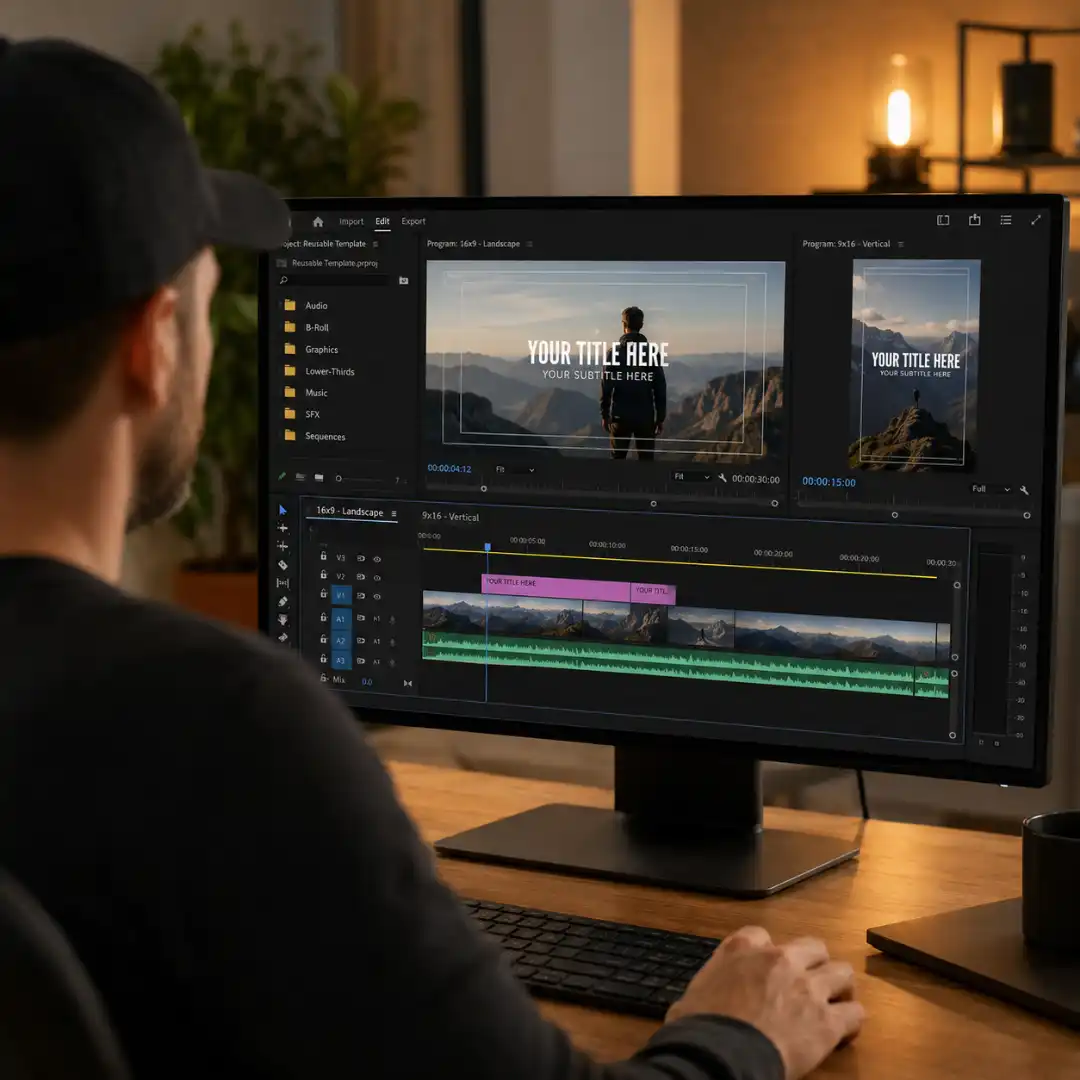
After several days of testing, I realized these platforms represent different priorities. VideoAI emphasizes efficiency. The platform helps creators quickly generate content that can be adapted for digital marketing and social media. Higgsfield AI emphasizes artistic control. It appears better suited for users interested in more cinematic visual expression. Neither approach is universally better. The right choice depends on the project.
Which Workflow Felt More Natural?
For everyday content production, I found VideoAI easier to integrate into a publishing schedule. For experimental projects or visual storytelling, Higgsfield AI encouraged more creative exploration. Instead of replacing one another, the two platforms occupy different positions within the growing AI Video Generator landscape.
Similarities Worth Noticing
Both Lower Technical Barriers
Traditional video production often requires editing software, stock footage, animation, and significant production time. Both platforms reduce those technical requirements. Users can focus more on ideas than complicated editing processes.
Prompt Writing Still Matters
One lesson became obvious after repeated testing. Better prompts consistently produced better videos. Specific descriptions of camera angle, lighting, subject movement, mood, and environment usually generated more satisfying results than vague instructions. AI remains collaborative rather than fully automatic.
Why AI Video Generation Matters for Content Creators
The Shift Toward Faster Experimentation
One advantage of modern AI video platforms is not simply speed. It is flexibility. Instead of investing hours in one concept, creators can test multiple directions before deciding which version deserves further editing. Adobe’s Creative Trends research has also highlighted growing demand for rapid content production as brands publish across more digital platforms than ever before.
AI Does Not Replace Creative Judgment
Throughout my testing, I noticed something interesting. The strongest videos still came from thoughtful planning. AI handled visual generation, but humans decided what story to tell, which audience to target, which scenes to keep, and which emotions to emphasize. The technology accelerated execution without replacing creative decision-making.
Who Might Prefer Each Platform?
VideoAI May Be Better For
- Small businesses
- Social media creators
- Marketing teams
- Beginners exploring AI video production
- Frequent short-form publishing
Higgsfield AI May Be Better For
- Digital artists
- Creative agencies
- Storytelling projects
- Experimental filmmakers
- Users interested in cinematic motion
Final Thoughts
The future of AI video creation will likely involve more specialized tools rather than one platform doing everything. As creators, the most valuable skill may not be choosing a single AI tool, but understanding which workflow matches the story we want to tell.
Disclaimer : If you buy something through our links, we may earn an affiliate commission or have a sponsored relationship with the brand, at no cost to you. We recommend only products we genuinely like. Thank you so much.
Blog Label:



Write for us
Publish a Guest Post on Pixflow
Pixflow welcomes guest posts from brands, agencies, and fellow creators who want to contribute genuinely useful content.
Fill the Form ✏