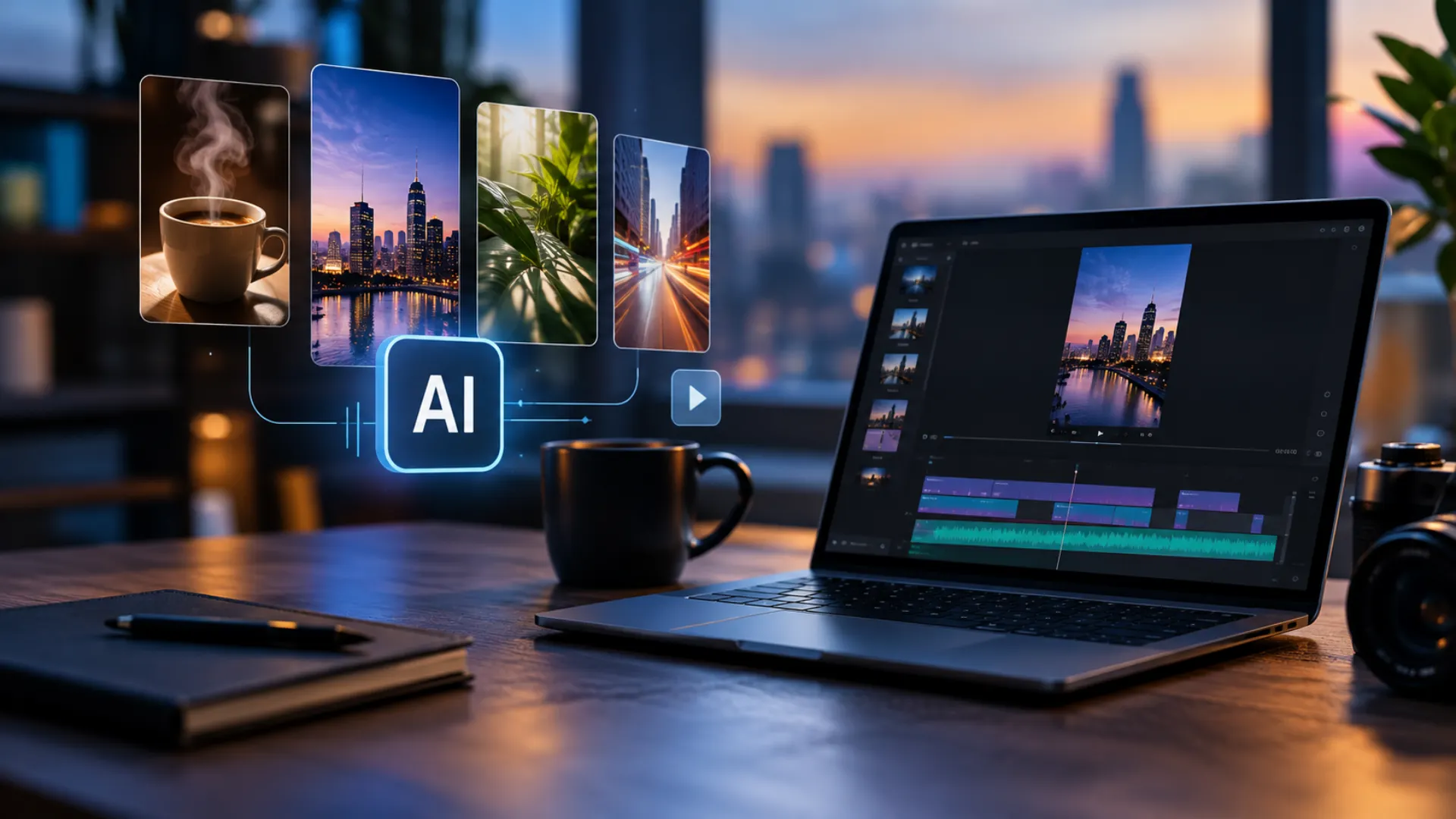
How to Create YouTube Videos With AI: From Script to Final Edit
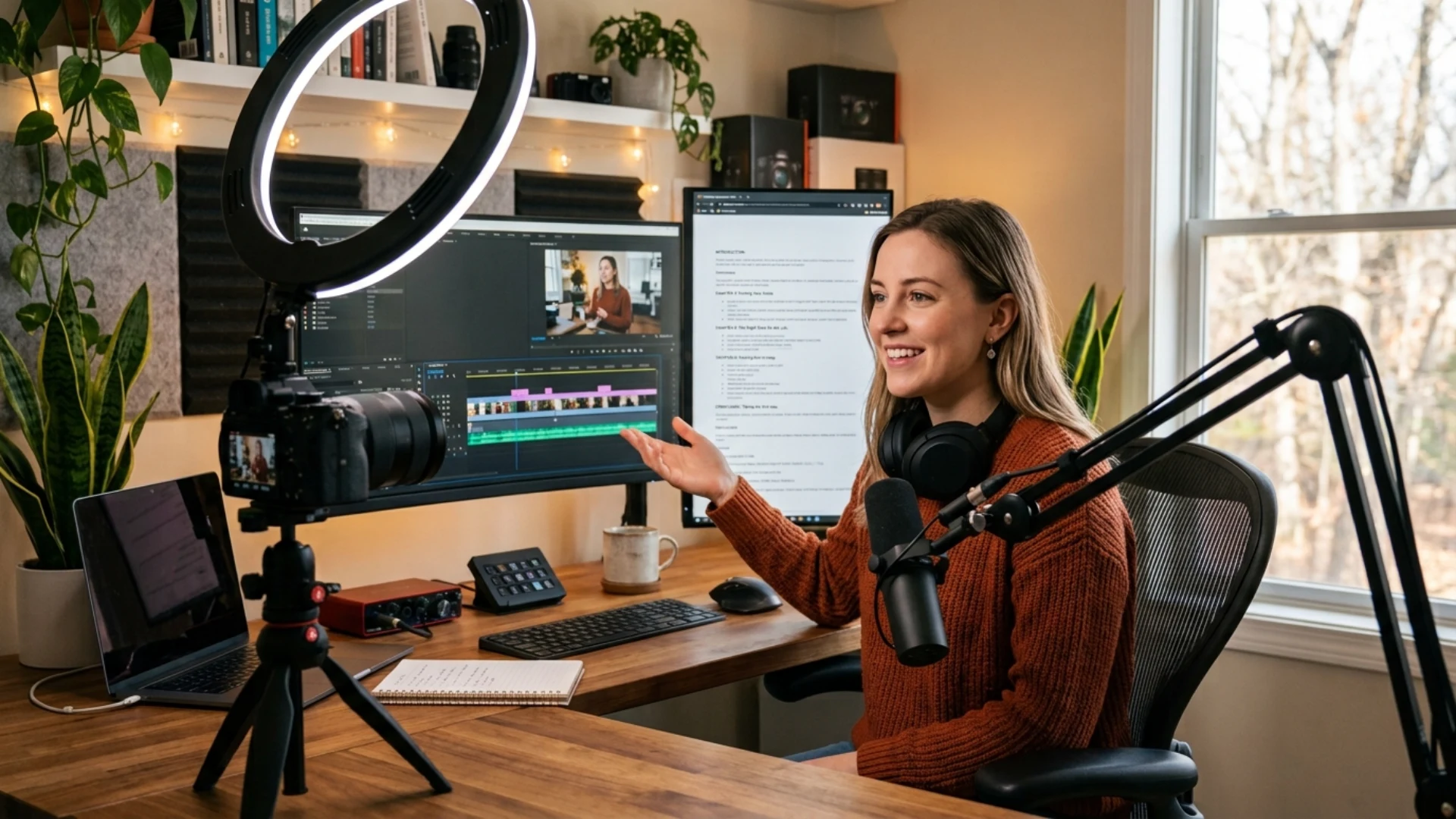
- Start by Choosing a Clear Video Idea
- Build Your Script Around What You Want to Say
- Turn Your Script Into a Simple Recording Plan
- Use AI to Create or Improve Supporting Visuals
- Create a Natural Voiceover for Your Video
- Let AI Help You With the First Round of Editing
- Add Captions, Music, and Small Visual Details
- Final Thoughts
Now, AI can help you with any of the steps you need. Of course you cannot make a video without any input of your own and expect it to do well, but, you no longer have to stress about getting a big team or outsourcing writers or editors for your videos.
However, there might be times when you have a brilliant idea for a video but you cannot put your ideas in front of you.
You can use AI tools to generate some visuals that can translate your thoughts into pictures and videos. You can then make adjustments before you make a final choice.
Your audience will always prefer videos that come out of your mind, and AI can help you to make the best choices that will attract your viewers.
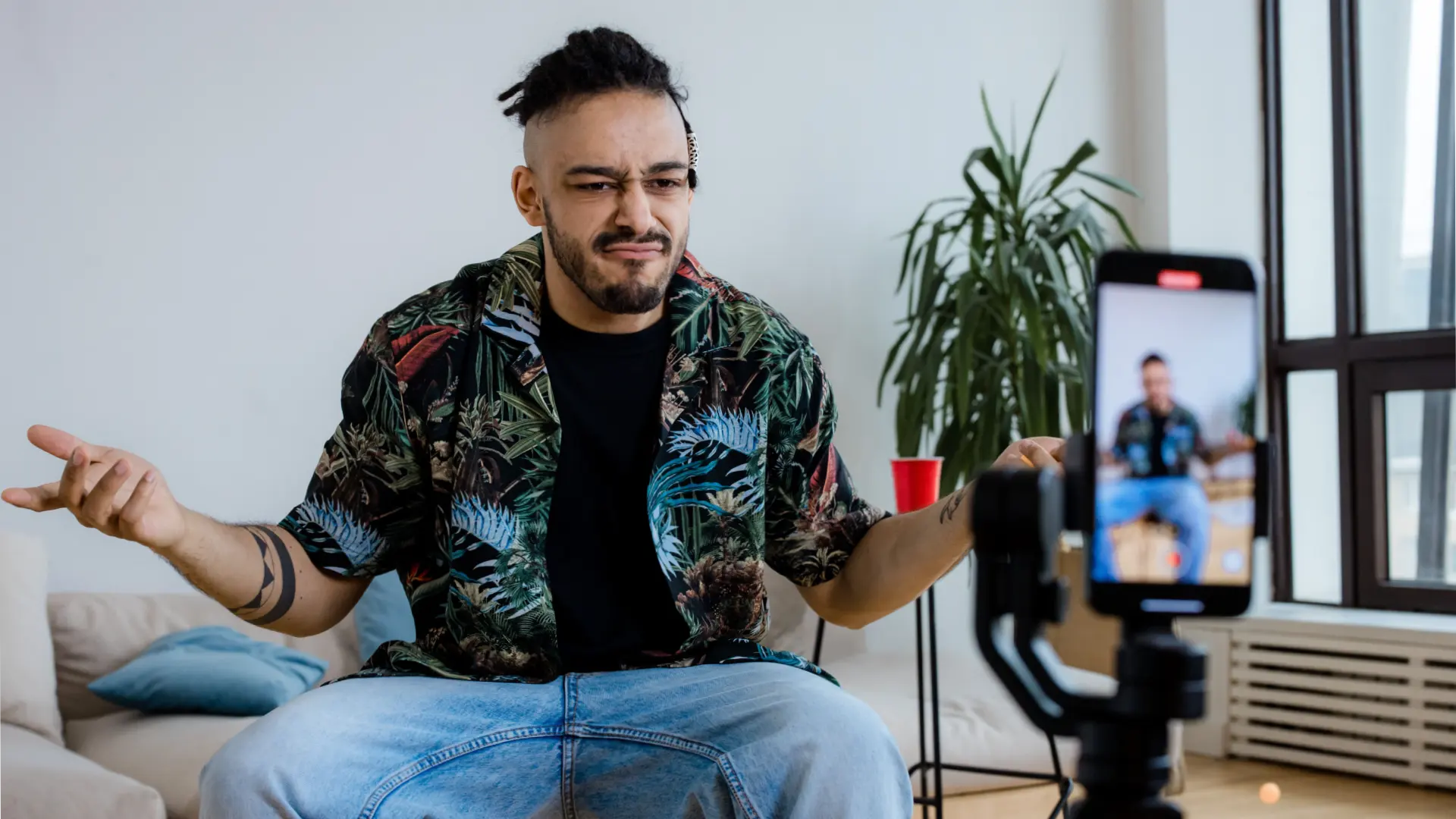
Start by Choosing a Clear Video Idea
If your idea is vague AI will give you dialogues that are vague and will not help your audience.
You can start by focusing on one area that your viewers care about the most instead of the entire genre. For example, you can make a video on “How to Build a Simple Morning Workout Routine” instead of making a video where you focus on fitness as a whole.
If you are confused about which video ideas to choose, you can ask AI to brainstorm different angles or ask it to research what your audience might want from you.
You can then ask AI to write the script for you. After your writing tool gives you a draft, make sure you use an AI checker to find the robotic parts and make them more human so that you can make a stronger connection with your audience.
Build Your Script Around What You Want to Say
You should start by giving AI all the necessary information about your video. The first thing you should mention is who your audience is. Your AI tool should also understand what your purpose of making this particular video is; do you want to entertain or teach?
After you have your initial draft. You need to make some adjustments, especially adding a strong opening to basically lure your audience to watch more.
One trick you can apply is introducing your topic before you introduce yourself.
This is because your viewers will care about what you will speak on rather than who you are. After you are all set with the script, you should work on other details such as lighting because with help, you can light any room like a pro.
Turn Your Script Into a Simple Recording Plan
Instead, you should first divide your script into sections you can manage. You can mark the parts where you will be addressing the audience directly through the camera and also mark the parts where you can show something in the background.
For example, if you are doing a commentary video, you can pause to show your audience the video you are reacting to and then go back to talking again.
You can once again use AI to create a basic visual plan from your scripts. It can identify the sentences where you can show some photographs and also places where you can put a chart or diagram to explain the concept better to your audience.
Rather than doing everything perfectly, you should focus on making the production process easier.
Use AI to Create or Improve Supporting Visuals
Let’s say, for example, that you are making a video on a historical event. Chances are that you will not find any pictures that you can use as visuals on top of your narration. So, when you give the right prompts, AI tools can create the perfect images for you.
However, be careful and do not just add any pictures that AI gives you. Look through them carefully and analyze whether they will help your audience to visualize what you are talking about. You should also check whether the images are accurate to the information you are giving your viewers.
YouTube has a requirement that states that you must disclose whether you have used AI-generated photos or whether you have altered images. You should abide by those rules while making sure your audience relates to your content.
Create a Natural Voiceover for Your Video
If you want to build a connection with your audience, it is better to use your own voice.
For example, if you have a channel where you post your gaming videos, then your audience will like it more if they hear your voice describing the plot rather than an AI voiceover.
However, if you are someone who does not like to record their voice or if you think the video will be better paced with an AI voiceover, then you have a lot of tools to choose from.
You should give the entire video a listen before you make the final decision. At the same time, you need to read your script aloud so that you can check if it sounds like a natural conversation. If you leave AI unchecked, it might sound too robotic or as if there was no human behind making the videos.
Let AI Help You With the First Round of Editing
The first thing you can do is put your footage and voiceover clips into your editing software. It will help you to point out places where you have mistakes or where you have taken unnecessary pauses.
If you have some sentences that you have repeated or if you have left sections of your videos without adding a voiceover, you can find it out in an instant. This way you will be able to find faults even in your longer videos without wasting an entire day behind it.
However, you have to be careful not to let your AI tool make every decision. AI does not understand why you would want to take a pause intentionally. You should review the edited video after every prompt you give the AI tool. This way you will be able to monitor how AI edits your video.
Add Captions, Music, and Small Visual Details
You can use AI tools to edit the thumbnails that will be personalized for you, but if you want to go for edits that are more trendy, you can choose that.
When you add captions to your videos, you can engage more audiences than normal. For instance, people who cannot watch videos with loud volume in crowded places can watch your videos with captions on. If you add subtitles in another language, then more people will be able to understand you.
Nowadays, you can also use AI to translate your videos to any language you prefer.
Adding background music can also enhance your videos. For example, in a commentary style video, you can use soft music to keep your audience engaged. You can change the style of music if you are trying to be more dramatic.
Music can also cover certain sections of your videos where you are showing a montage, and there is no need to talk over it.
Final Thoughts
AI tools can help you choose an idea for your video. Though it is ultimately your decision, you can at least have options. Once you have the idea, you can start building your script around it using an AI writing tool. After that, use an organizing tool to plan out scenes that you need to shoot.
When you have the footage you are happy with, then you can move on to adding your voiceover and other visual elements such as diagrams or charts.
AI tools can then help you do a draft edit so that you can easily find out the mistakes you have made when you were attaching all the clips together. Lastly, add your finishing details, such as captions and background music, to enhance the entire video experience for your audience.
Disclaimer : If you buy something through our links, we may earn an affiliate commission or have a sponsored relationship with the brand, at no cost to you. We recommend only products we genuinely like. Thank you so much.
Blog Label:



Write for us
Publish a Guest Post on Pixflow
Pixflow welcomes guest posts from brands, agencies, and fellow creators who want to contribute genuinely useful content.
Fill the Form ✏