Illustrator vs Photoshop vs Figma: Which Design Tool Should You Use?
- Which design tool should you use? The quick answer
- Illustrator vs Photoshop vs Figma: what's the difference?
- Illustrator vs Photoshop: which one should you use?
- Can Figma replace Illustrator or Photoshop?
- Which tool should you use for each type of project?
- What file formats do Illustrator, Photoshop and Figma use?
- How much do Illustrator, Photoshop and Figma cost in 2026?
- Which should you learn first: Illustrator, Photoshop or Figma?
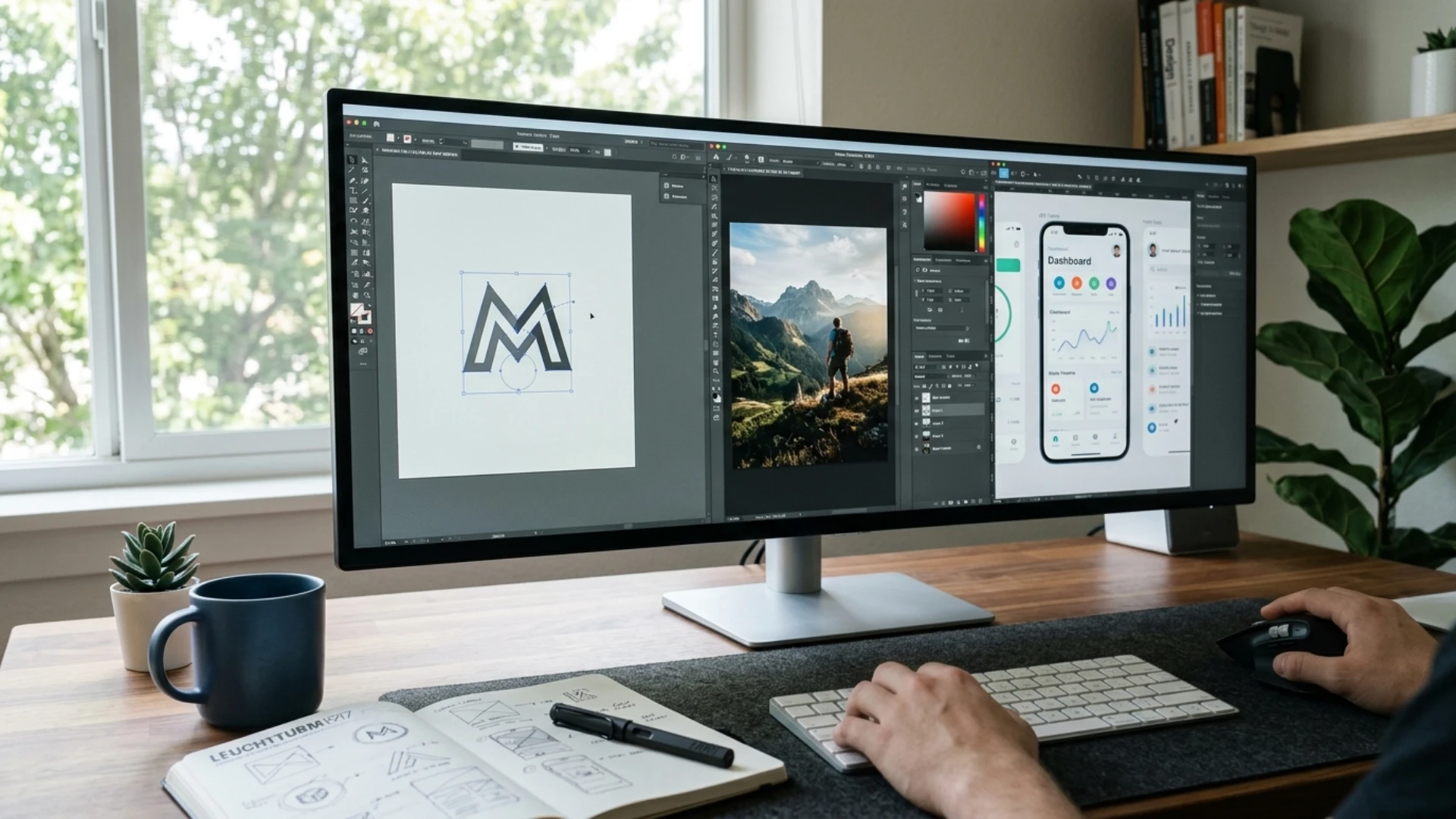
- Can you use Illustrator, Photoshop and Figma together?
- Is there an alternative to Illustrator or Photoshop?
- Illustrator, Photoshop or Figma: our final verdict
The short version: Illustrator makes vector artwork like logos and print layouts. Photoshop edits pixels, so photos, composites and textures go there. Figma is for digital interfaces that a team works on together, though it has started adding illustration tools. They overlap just enough to make the choice feel harder than it is.
Designers keep asking the same things on forums like r/graphic_design: can Photoshop replace Illustrator, can Figma replace both, what does each one cost, and which should you learn first. We wrote this for working designers and freelancers, so the sections stick to client work, including the file someone will ask for at 6 pm on a Friday.
If you want to see how vector and raster assets behave in one project, a pack like Y2K Abstract Retro Shapes is built to work in both Illustrator and Photoshop, so it’s an easy way to test your own workflow.
Which design tool should you use? The quick answer
Illustrator vs Photoshop vs Figma: what’s the difference?
What is Illustrator used for?
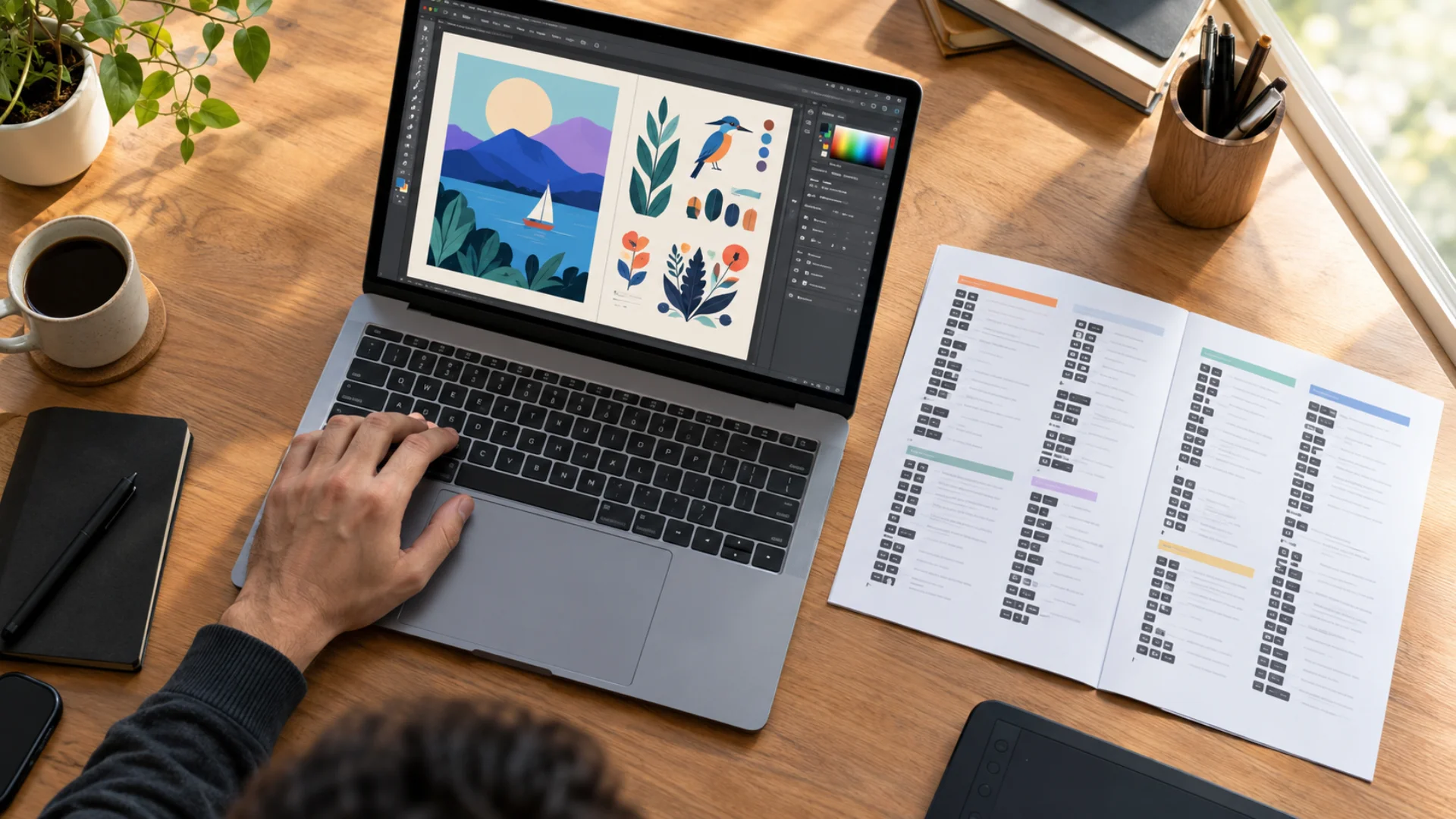
Illustrator is Adobe’s vector graphics app. Vector artwork is built from points, lines and curves defined by math rather than pixels, so it can be scaled from a favicon to a billboard without losing detail, as Adobe explains. That is why logos, icons, illustrations, packaging and large-format print work live here.
The pen tool, Pathfinder, gradient mesh and pattern tools give you a level of control over complex shapes that the other two don’t match, according to Hedrick’s 2026 comparison. PCMag also calls Illustrator the preeminent vector graphics editor, citing its brush and text tools. If you’re brand new to it, our complete Illustrator guide for designers and motion artists walks through the interface and core tools.
What is Photoshop used for?
Photoshop is the pixel editor. Raster images are made of pixels, and Adobe notes they handle detailed textures, shading and precise edits better than vector graphics. Think retouching, color correction, collages, photo composites, digital painting and product mockups.
So when a client hands you a photo and says “make this pop,” that’s a Photoshop job.
What is Figma used for?
Figma is a browser-based design tool built for interface design. Its headline features are real-time multiplayer editing, auto layout, reusable components, interactive prototyping and Dev Mode for developer handoff, all covered in Hedrick’s Figma vs Adobe breakdown. Files live in the cloud, so a client or teammate can open a link instead of installing anything.
Figma has vector tools too, and that’s where the debate starts (we get to it in a moment). If you’d rather stay inside Adobe for web work, we also cover a modern Illustrator workflow for web design.
Vector vs raster: why does it matter for client work?
Because it decides whether your deliverable survives being resized. A logo delivered only as a PNG looks fine on a website and falls apart the moment the client wants it on a shop sign. That’s the moment they ask for “the vector file.”
- Vector files (Illustrator, and to a degree Figma) stay sharp at any size, which suits logos, icons and illustrations. Our beginner guide to creating vector art in Illustrator is a good starting point.
- Raster files (Photoshop) depend on resolution, which suits photos, textures and painterly detail.
- Going from raster to vector? Image Trace does it, and we show how in our guide to vectorizing an image in Illustrator.
Illustrator vs Photoshop: which one should you use?
Can Photoshop do everything Illustrator can?
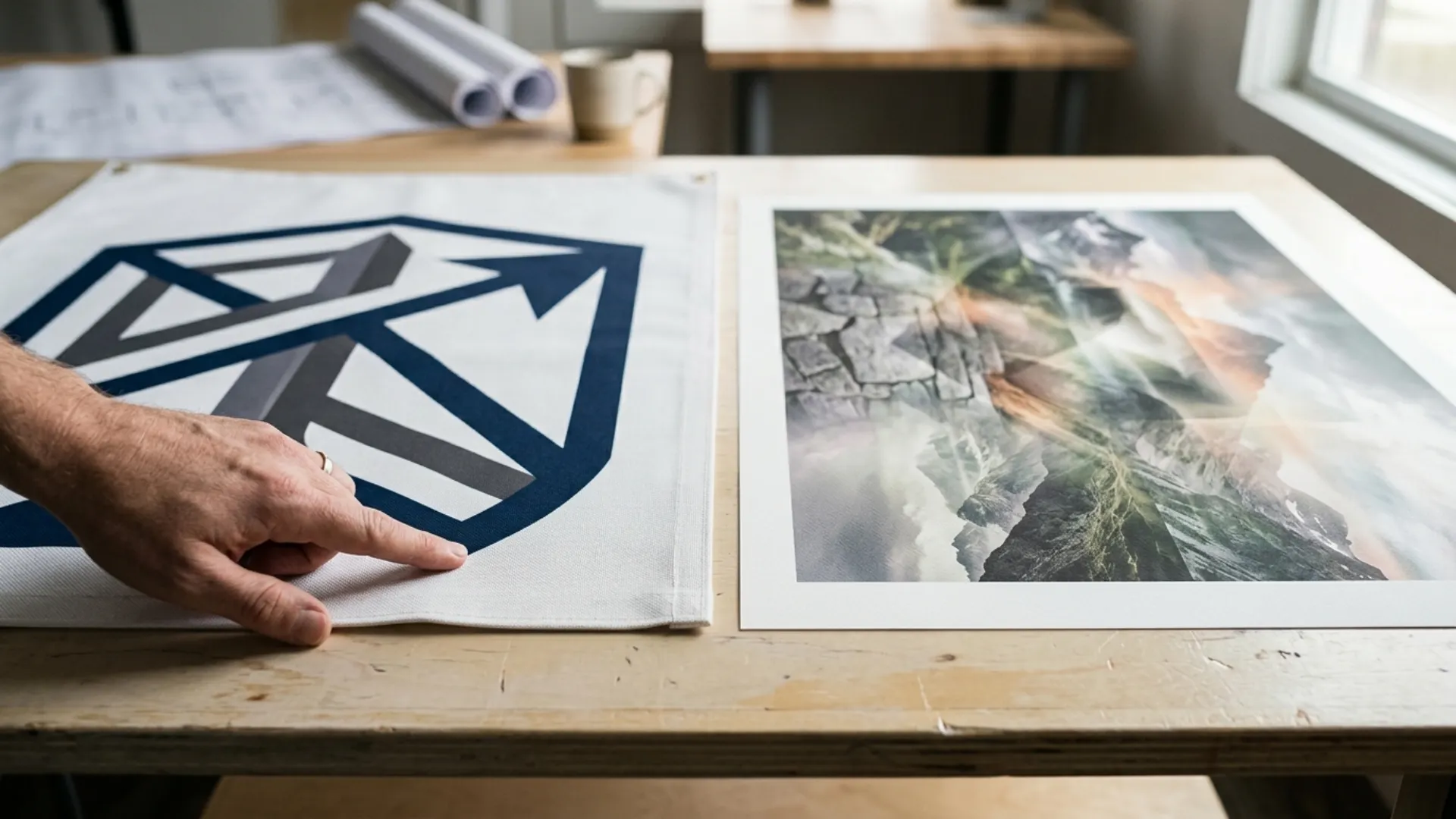
No. Photoshop can draw shapes, but it is built around pixels, and it exports only raster formats. Illustrator exports vector formats like AI, EPS and SVG as well as common raster formats. Built In puts it this way: Illustrator is the better tool for creating and scaling new graphics, while Photoshop is meant for editing existing images.
Should you use Illustrator or Photoshop for logo design?
Illustrator. You can draw a logo in Photoshop, but as a LinkedIn breakdown of the three tools notes, pixels get blurry when scaled. Clients also expect logo files in vector formats, which is one more reason to start in Illustrator. For the full walkthrough, see how to create a logo in Illustrator.
Which is better for social media graphics and ads?
It depends on what’s in the design. Photo-heavy posts with effects, retouching or composites lean Photoshop, and the same LinkedIn breakdown says Photoshop is generally better for social graphics for exactly that reason. Template-driven graphics that a team needs to update quickly can work well in Figma. For a Photoshop workflow to copy, see how to design professional social media banners in Photoshop.
Can you use Illustrator and Photoshop together?
Yes, and it’s a useful pairing. Adobe points out that an Illustrator graphic can be linked into a Photoshop file, so when you edit the vector logo, every Photoshop mockup that references it updates too. For a freelancer juggling client revisions, that saves a lot of re-exporting.
Can Figma replace Illustrator or Photoshop?
Can Figma replace Illustrator for logos and vector art?
For simple logos and icon systems, yes. For complex illustration, most sources say no. Hedrick’s comparison says Figma’s vector tools handle icons, simple logos and UI graphics well, but its anchor point handling, Pathfinder operations and gradient controls are less precise for intricate artwork.
Designers are split. One graphic designer on r/graphic_design says about 99% of their work is in Figma, including branding and logo design, while admitting it falls short for print. Others in the same community argue Illustrator’s newer tools and typography are still ahead. One commenter raises a practical problem: most source files are in AI format.
Figma is adding drawing tools, though. Figma Draw brings vector brushes, advanced stroke settings and more effects into Figma. If you mostly make digital-first brand assets, try it on a small project first.
Is Figma good for print design?
Not on its own. Figma works in RGB, and CMYK conversion, bleed and crop marks need workarounds such as community plugins. Designers in the Photoshop-to-Figma thread on r/graphic_design say it gets painful once you need spot colors or die lines. Illustrator and Photoshop, meanwhile, both support soft-proofing, CMYK and color management for professional print, per PCMag.
If print is even part of your offer, keep Illustrator in the stack. Our guide to making a print-ready business card in Illustrator shows what a proper print setup looks like.
Can Figma edit photos like Photoshop?
No. Figma has basic image handling, but it lacks the depth for retouching, painting and compositing. One commenter in the Photoshop-to-Figma thread puts it bluntly: Figma does not handle raster graphics in any depth. If photos are central to your work, Photoshop stays.
Is Photoshop or Figma better for web design?
Figma. TrustRadius reviewers point out that Photoshop wasn’t designed for web but for photo editing, while Figma offers auto layout, components and prototyping in one place. Some designers do still mock up pages in Photoshop or Illustrator, and our practical guide to UI/UX design in Illustrator shows how far you can push that. But if a developer will build from your file, Figma’s handoff is the better fit.
Which tool should you use for each type of project?
What file formats do Illustrator, Photoshop and Figma use?
What is an .ai file?
An .ai file is Illustrator’s native vector format. It stores your paths, layers and artboards so you can keep editing later. To open Adobe Illustrator files, you open them in Illustrator; if a client only needs to view the artwork, exporting to PDF or SVG is usually friendlier. Illustrator’s core formats are AI and SVG, while Photoshop works best with PSD, JPG, TIFF and PNG, according to PCMag.
Which files should you send clients?
Match the deliverable to what the client will do with it:
How much do Illustrator, Photoshop and Figma cost in 2026?
What’s the cheapest way to cover all three?
We ran the annual math on list prices (our own arithmetic, before any promotions):
Is Illustrator worth the price for a freelancer?
Ask yourself whether clients ever want logos, packaging, print or “the vector file.” If they do, a tool that costs US$275.88 a year is usually easy to cover with one project fee. If you only ever design screens, Figma may cover you, and its free plan lets you start with no spend at all.
Which should you learn first: Illustrator, Photoshop or Figma?
- For brand, logo, print and illustration work, start with Illustrator. Built In recommends it first for vector-based creation and print design, and a Medium writer with 12 years in the field suggests it as the foundation that makes other vector tools easier to pick up.
- For photo, social and mockup work, start with Photoshop. Built In flags it as the first pick for image editing and pixel-based designs.
- For web, app and product work, start with Figma. Hedrick notes new users are typically productive within a week, which is faster than the months Photoshop can take.
Not sure yet? Start with Illustrator, then add Photoshop or Figma when a real project demands it. Expect a learning curve either way. The pen tool alone takes practice, so our beginner’s guide to the Illustrator pen tool is a good first stop.
Can you use Illustrator, Photoshop and Figma together?
- In Illustrator, build the logo, icon set and brand shapes as vector artwork. Assets like Y2K Abstract Retro Shapes fit right into this stage if you want a retro or poster-style look without drawing every shape from scratch 🎨
- In Photoshop, drop the vector artwork into photo scenes and mockups so the client can see the brand in context.
- In Figma, bring the final SVG assets into the website or app design and share a link for feedback.
- Back in Illustrator, export print-ready versions for cards, packaging and signage.
Once the project wraps, our tips on designing a professional portfolio in Photoshop help you present it.
Is there an alternative to Illustrator or Photoshop?
Illustrator, Photoshop or Figma: our final verdict
Start with the tool your next paid project needs, and add the others as your client list grows. (Your first “can you send me the vector?” email will tell you when.)
Ready to put it into practice? Grab Y2K Abstract Retro Shapes and give your next Illustrator or Photoshop project a head start.
Disclaimer : If you buy something through our links, we may earn an affiliate commission or have a sponsored relationship with the brand, at no cost to you. We recommend only products we genuinely like. Thank you so much.
Blog Label:



Write for us
Publish a Guest Post on Pixflow
Pixflow welcomes guest posts from brands, agencies, and fellow creators who want to contribute genuinely useful content.
Fill the Form ✏