Building a Video Workflow That Survives Tight Deadlines
- Begin With the Delivery Clock, Not the Shoot Date
- Define Crew Scope Before Confirming Availability
- Turn the Location Recce Into a Technical Test
- Design Coverage Around the Edit
- Lock the Data Handover Before Cameras Roll
- Build Motion Graphics Before Picture Lock
- Control Reviews With Specific Decision Points
- Confirm Final Deliverables at Kickoff
- Build Recovery Paths Into the Workflow
Tight deadlines are usually not caused by slow editing. They often happen because key details were not really put in place beforehand- kind of loose, you know. For example, it may be unclear who is responsible for release forms, which camera settings will be used, how the visuals will be approved, where the footage will be stored, or when the venue can be accessed. Planning these details early helps prevent delays and keeps the project on schedule.
Under calm conditions, teams absorb those gaps through extra calls, late exports, and rushed pickups. Under a fixed launch date, live event schedule, or client review window, the same gaps become missed milestones.
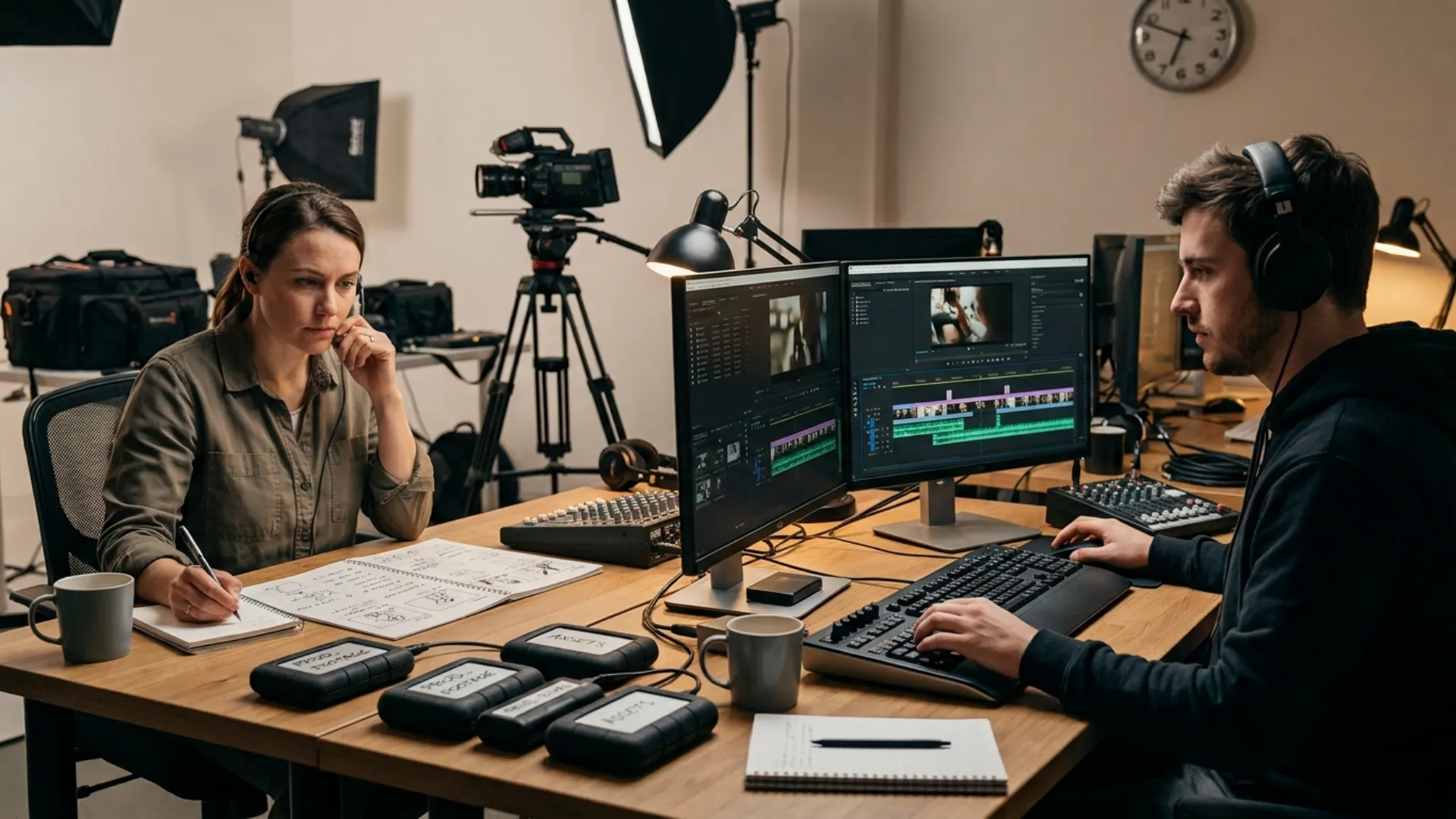
Reliable workflows begin before the first call sheet. Producers, cinematographers, editors, motion designers, sound teams, talent coordinators, location managers, and suppliers need one production logic connecting the set, edit, review process, and final delivery.
Begin With the Delivery Clock, Not the Shoot Date
Production calendars often begin with the day cameras roll. Deadline-proof calendars begin with the moment the final file must leave.
Work backward from the confirmed delivery time. Reserve time for upload, review, revisions, quality control, subtitle checks, music clearance, and alternate exports. Then assign realistic durations to picture editing, sound, color, motion graphics, voiceover, and media preparation.
Assume a two-minute brand film could be penciled in for delivery on Friday, with the filming wrapped up by Wednesday and the editing slotted for Thursday. Still, the timing can get uncomfortably tight fast, especially if the project also demands a 16:9 copy, vertical cutdowns, subtitles, text-free takes, and then the legal green light. Those extras are not just “later” things; they quietly eat up time and really should be part of the production plan from the very start.
Stronger schedules separate tasks that can run in parallel. Editors organize footage while interviews continue. Motion designers build approved title layouts from brand assets before picture lock. Subtitle formatting starts from the approved script instead of waiting for transcription.
Keep a protected delivery buffer. Even two hours can absorb a failed export, upload slowdown, spelling correction, or color mismatch. Removing every spare minute creates a schedule with no recovery path.
Define Crew Scope Before Confirming Availability
Fast hiring often produces vague role descriptions such as “camera operator,” “sound person,” or “editor for one day.” Those labels hide the workload.
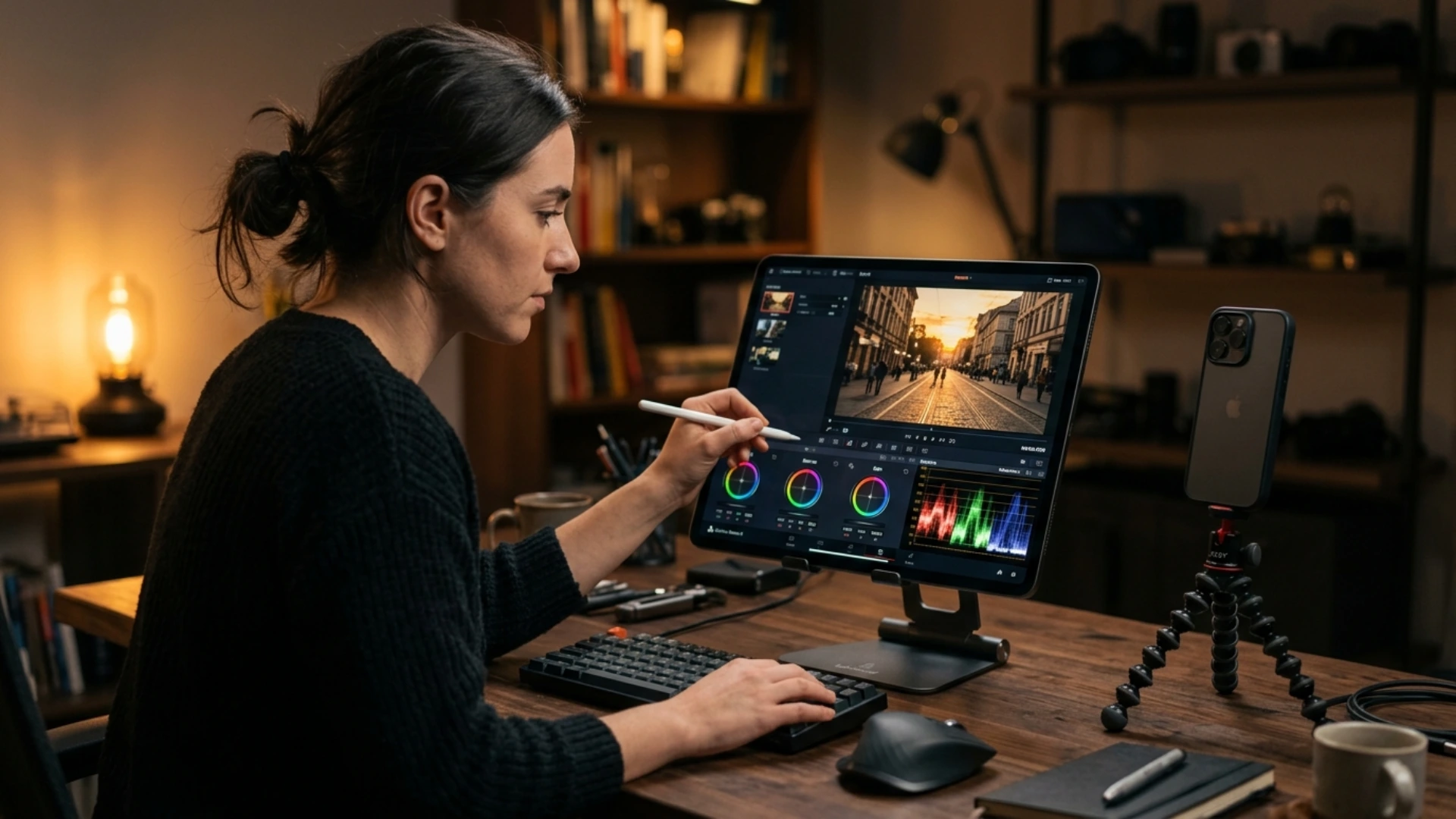
First, spell out the responsibilities before asking for quotes or anything else. Like, each team member should really have a clear list of what they do before the project begins, kind of like a straightforward roadmap, but not too fancy. For example, confirm whether the camera operator will bring the required lenses, tripod, monitor, memory cards, and batteries, because otherwise it gets messy fast. Also, check whether the sound recordist will take care of microphones, timecode, boom recording, and the audio files. It’s just as important to confirm whether the editor will only cut and assemble the footage or if they will also handle graphics, music, color correction, subtitles, plus the different video versions, you know.
Scope affects cost, crew size, overtime, and equipment ownership. One person might cover camera and basic sound for a controlled interview, yet that arrangement becomes risky during a moving event with several speakers.
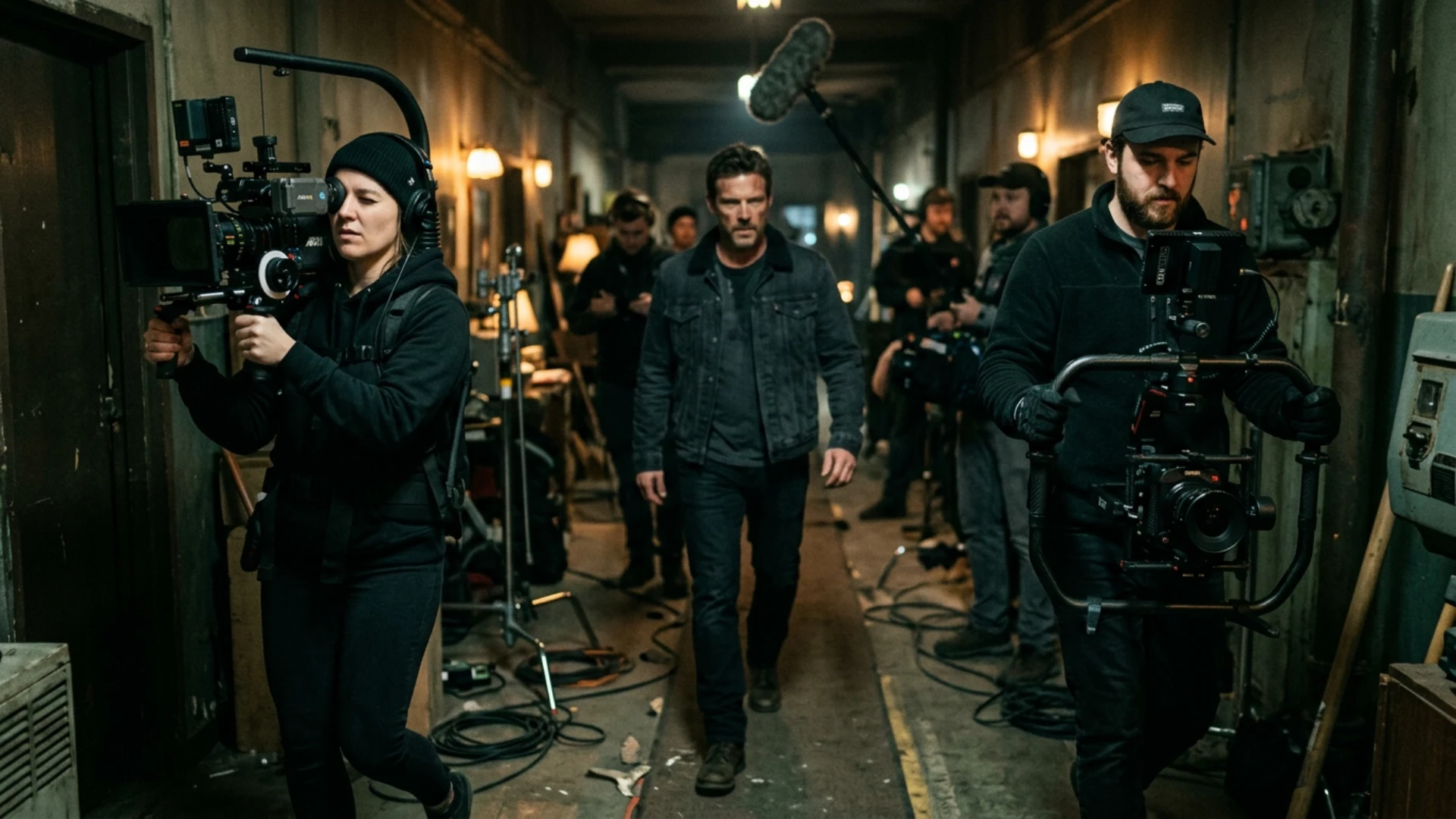
International projects need extra planning and good communication. Before hiring a local crew in another country, share important details such as the video format, working language, filming dates, working hours, number of locations, travel plans, equipment needs, payment terms, insurance, and who is responsible for permits. A clear project brief helps suppliers understand the job, prepare the right resources, provide an accurate quote, and confirm their availability.
Turn the Location Recce Into a Technical Test
Venue photos rarely show what slows a production down. Access restrictions, long carry distances, weak power, sound contamination, and limited holding space appear during a technical recce or detailed local report.
Record the load-in path from vehicle to set. Note stairs, narrow doors, loading-bay times, security check-in, freight-elevator dimensions, floor protection, and parking limits. “Ground-floor access” may still involve a shared corridor that cannot be blocked.
Confirm outlet type, circuit capacity, distribution points, generator restrictions, and whether house power also feeds catering, air-conditioning, venue lighting, or event AV. Video walls, projectors, large fixtures, and charging stations can overload a circuit that looked available during an empty recce.
Sound problems often cost more time than visual problems. Refrigeration units, traffic, aircraft, construction, generators, and venue announcements interrupt interviews. Ask which systems are available for shutdown, the permitted duration, and the person authorized to approve it.
Weather cover involves more than umbrellas. Identify dry crew holding, a protected media-copy area, safe cable routes, wind limits for stands, and an indoor fallback that matches the framing plan. Without a practical fallback, rain produces incomplete coverage and extra editing work.
Design Coverage Around the Edit
Editors lose time when footage is plentiful but structurally incomplete. Ten attractive wide shots do not replace the reaction, transition, cutaway, or clean sound needed to bridge two statements.
Build the shot plan around sequences. Product demonstrations require the full action, detail views, hand movement, final result, reset, and room tone. Event recaps usually need arrival, registration, branding, speakers, audience reactions, networking, venue details, sponsor visibility, and a closing moment.
Camera settings belong in the workflow document, not only in the cinematographer’s head. Match frame rates, resolution, color profiles, white balance, timecode, and file naming across units. Mixed settings can be intentional; accidental mixtures create relinking and motion problems.
Leave negative space for titles. Capture clean plates for screen replacements and animated callouts. Record practical displays without hands crossing them when tracking or compositing is planned. Motion designers work faster when the footage supports the graphic treatment.
Track wardrobe, object positions, product states, screen content, and eyelines. Missed continuity forces editors to hide cuts with graphics, remove useful lines, or request pickups.
Lock the Data Handover Before Cameras Roll
Media management becomes dangerous when everyone assumes someone else owns it.
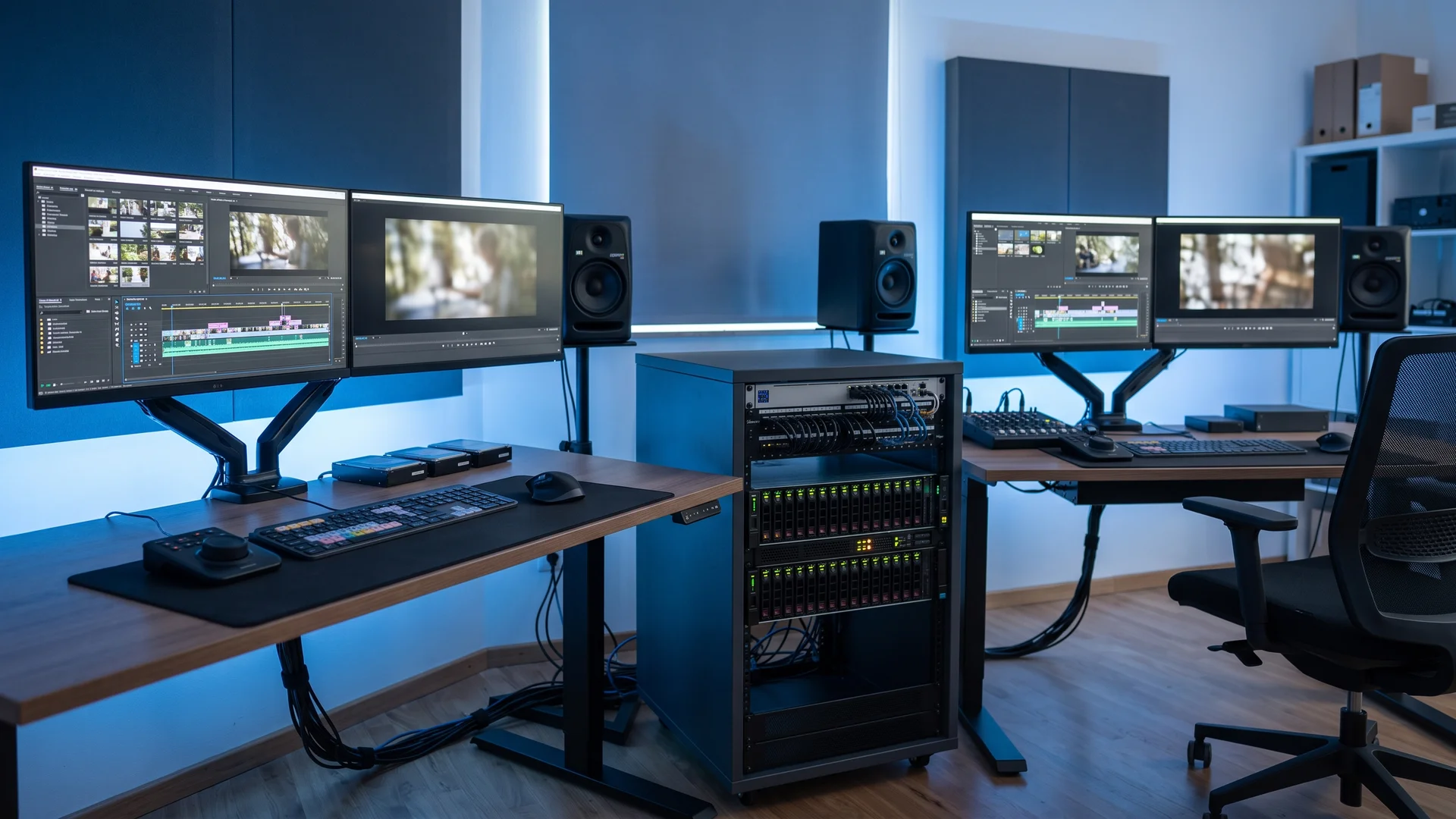
Name the person responsible for card collection, checksum copying, folder structure, backup verification, and cleared-card return. Decide how many copies will exist, where they will live, and which drives travel separately. Keeping every copy in one vehicle defeats the purpose of backup.
Use folders that mirror the edit: shoot day, camera, card, audio, stills, graphics, documents, and project files. Preserve original card structures for formats that depend on metadata.
Handover notes save hours. Include camera and sound reports, circle takes, technical problems, missing shots, release status, name spellings, preferred interview moments, and client comments made on set. “Use the second answer” must reach the editor in writing.
Check actual upload speed on overseas shoots and live events. Venue claims often describe basic internet access, not the time required to transfer hundreds of gigabytes.
Build Motion Graphics Before Picture Lock
Treating graphics as a final layer creates congestion.
During pre-production, create a graphics inventory that can be updated throughout the project. Start with common graphics such as openers, lower thirds, maps, and charts, then add product labels, logo animations, transitions, subtitles, end cards, and social media versions.
Clearly mark any graphics that require data, translations, legal text, or client approval. This helps prevent confusion and avoids the assumption that everything is ready for use. It is also helpful to separate graphics that only need design work from those that require content review or approval.
Collect editable brand files early. Low-resolution logos, missing fonts, flattened PDFs, and incomplete color references delay simple-looking work. Request vector logos, font files or substitutes, brand colors, sample layouts, and usage restrictions.
Record a scratch voiceover from the approved script. Editors and motion designers can build against its duration, find crowded sentences, and identify sections where narration outruns the visuals.
Design for versioning from the start. Titles built only for 16:9 may crop badly in 9:16, while lower thirds often collide with platform captions. Flexible compositions reduce rebuilding after approval.
Control Reviews With Specific Decision Points
Revision cycles expand when reviewers comment on different stages without knowing what remains temporary.
Label each review: structure cut, fine cut, graphics review, color review, audio review, or final quality-control pass. Structural notes belong before detailed animation and sound mixing. Copy corrections belong before subtitle translation and timing.
Limit approval authority. Ten reviewers without one decision owner produce conflicting instructions such as “make it faster,” “hold longer,” and “add more information” on the same section. Consolidated notes protect both time and accountability.
Use timecode. “Change the shot near the middle” forces a search. “At 01:12:08, replace the wide shot because the sponsor logo is blocked” creates an immediate action.
Separate errors from preferences. Wrong names, dates, aspect ratios, broken audio, and missing releases require correction. Music taste and minor pacing choices are subjective. Treating every preference as urgent hides issues that threaten delivery.
Confirm Final Deliverables at Kickoff
Export problems often appear after creative work is complete. Prevent them by recording resolution, codec, container, frame rate, audio layout, loudness target, naming rules, file-size limits, subtitle format, caption safe areas, and upload destination.
Event screens may require unusual pixel dimensions. Broadcasters sometimes request specific audio channels. Social teams often need texted, textless, horizontal, square, and vertical files.
Usage rights affect delivery, too. Track talent and location releases, music licenses, stock terms, artwork permissions, and territorial or time limits. Editors cannot solve missing rights during final export.
Create an export matrix covering language, duration, aspect ratio, subtitles, end card, audio mix, and delivery status. Without that matrix, secondary versions often carry an old logo, outdated copy, or missing subtitle track.
Watch every exported file from beginning to end. Check sync, spelling, graphic position, subtitle timing, compression, flash frames, and playback on the intended device. Event content deserves testing on the actual LED wall, projector, playback server, or venue system whenever possible.
Build Recovery Paths Into the Workflow
Deadline resilience comes from planned alternatives, not optimism.
Keep substitute contacts for critical roles. Confirm backup locations and weather cover. Carry spare media, batteries, adapters, audio cables, and presentation converters. Store project autosaves, duplicate graphics, clean audio stems, and textless masters.
International shoots also face customs delays, missing luggage, local holidays, permit changes, and equipment incompatibility. Decide which items must travel with the core team and which can be sourced locally. Share serial numbers, insurance documents, carnet details, power requirements, and accessory lists before departure.
No workflow removes every surprise. It decides where surprises will be absorbed. Clear scope, tested logistics, structured data, staged reviews, and defined deliverables stop small disruptions from spreading across the production.
Teams that connect planning with post-production gain predictability. Editors receive usable material, motion designers start earlier, suppliers quote accurately, reviewers know when to decide, and delivery teams understand exactly what must leave the building.
Disclaimer : If you buy something through our links, we may earn an affiliate commission or have a sponsored relationship with the brand, at no cost to you. We recommend only products we genuinely like. Thank you so much.
Blog Label:



Write for us
Publish a Guest Post on Pixflow
Pixflow welcomes guest posts from brands, agencies, and fellow creators who want to contribute genuinely useful content.
Fill the Form ✏