Lens Selection Guide for Filmmakers: Prime vs Zoom and When to Use Each
- Quick Answer: Prime or Zoom?
- What's the Difference Between a Prime and a Zoom Lens?
- When Should You Choose a Prime Lens for Filmmaking?
- When Is a Zoom Lens the Better Choice?
- What Focal Length Should You Use for YouTube, Reels, and TikTok?
- How Do Aperture, Focus, and Lighting Affect Your Lens Choice?
- Which Lens Works Best for Each Type of Shoot?
- Do You Need a Cine Lens, or Is a Photo Lens Enough?
- How Can You Choose a First Lens Without Wasting Money?
- Conclusion
- Wrap Up
Quick Answer: Prime or Zoom?
For a first lens, a standard zoom is a flexible place to start. A fast prime may be a better fit if you mostly record in one room or regularly work with limited light. Both can produce excellent video.
You’ve set up a camera for a YouTube video, squeezed the tripod against the wall, and discovered that your face still fills the whole frame. Or perhaps you’re filming an event and the shot you want has moved across the room before you’ve changed lenses.
The right lens depends on what you’re filming and how much room you have. Let’s work through both, from desk tutorials and handheld vlogs to short films. If you’re also thinking about lighting and composition, our cinematography techniques guide covers the wider picture.
What’s the Difference Between a Prime and a Zoom Lens?
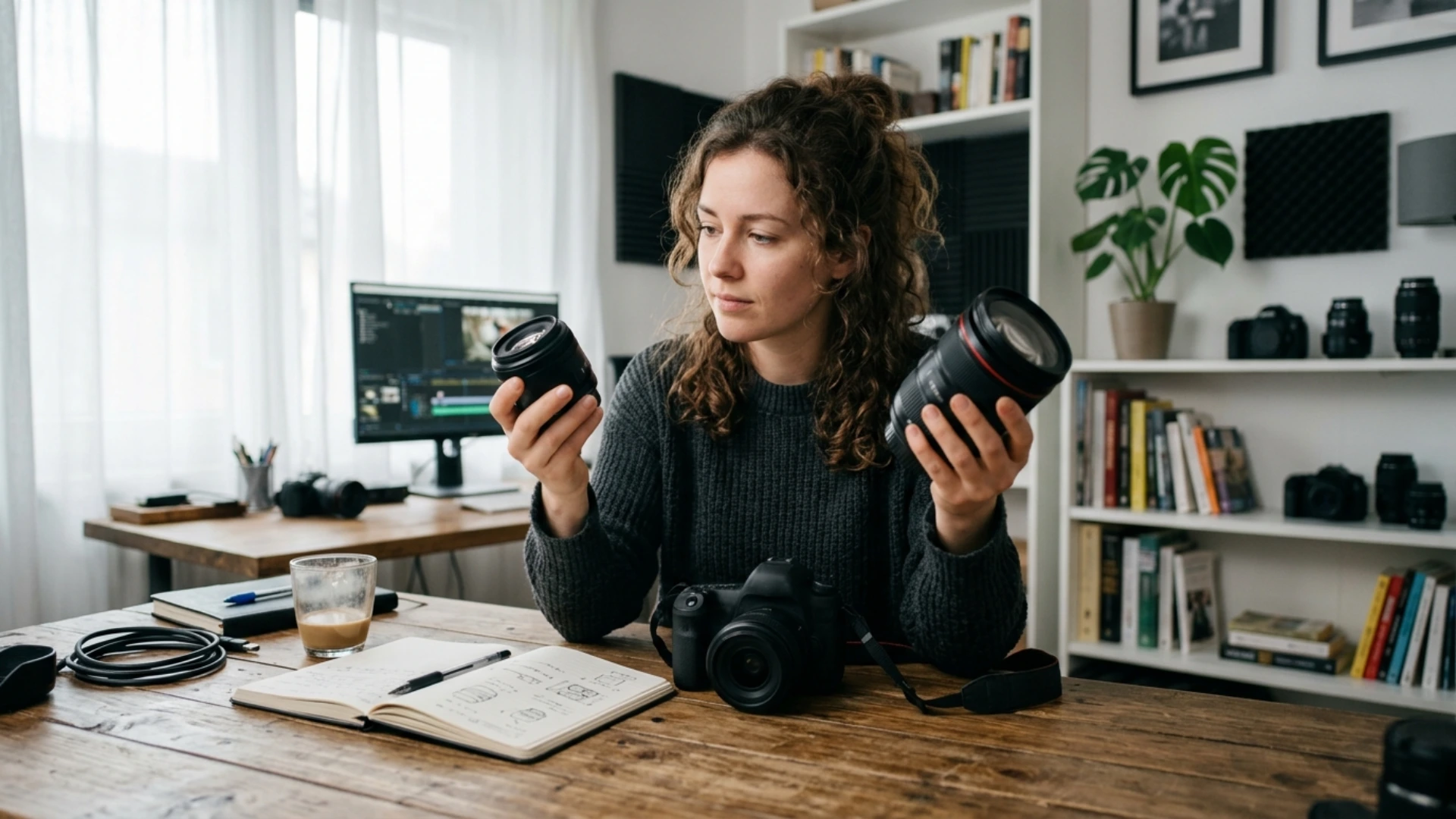
Both types come in wide, standard, and telephoto focal lengths. “Prime” doesn’t mean wide, and “zoom” doesn’t automatically mean a long lens.
Does a prime actually look better than a zoom in video?
Not automatically. A prime and a zoom set to the same focal length, on the same camera and at the same position, give the same field of view. Set them to the same aperture and focus distance for a fair starting comparison; rendering, sharpness, flare, and focus behavior can still differ by lens.
How much difference you’ll see depends on the lenses and the footage. One filmmaker on Video Production Stack Exchange asked whether a prime would make enough difference to video quality to give up a zoom’s convenience. The answer depends on what you’re comparing and how you shoot.
Moving closer with a prime is also not identical to zooming in from the same spot. Moving changes your distance from the subject and background, which changes perspective. Zooming from a fixed position changes framing without changing those distances.
Want to give a clip a curved fisheye look in the edit? Fish Eye Lens Effects has templates for After Effects and Premiere Pro. It can stylize footage you’ve already shot, though it can’t capture the wider scene a physical lens would have seen.
Does a zoom lens mean you have to zoom during a shot?
No. You can use a zoom to frame a wide shot, stop recording, and reframe for a close-up. You only need to move the zoom ring during a take if you want the audience to see that change in framing.
When Should You Choose a Prime Lens for Filmmaking?
If you record talking-head videos from the same desk, you can find a focal length that fits your room and leave that prime on the camera. On a short film, you might have time to swap lenses between a wide shot and a close-up. That’s harder to do when you’re following an event as it unfolds.
The tradeoff is practical: if your 50mm frame is too tight and you can’t move the tripod back, you’ll need a wider lens or a different setup. A prime may be small on its own, but carrying several can take up more space than carrying one zoom.
Is a fast prime worth it for indoor videos and blurred backgrounds?
It can be, especially if a zoom you already own doesn’t open wide enough for the light available. A lens with a maximum aperture of f/1.8 can admit more light at its widest setting than a lens limited to f/4, assuming comparable transmission and the same lighting.
A wide aperture also gives you less room for focus error. If you’re recording a tutorial alone and lean forward to show an object, your face can drift out of focus. Try stopping down a little, checking the camera’s face tracking, or adding light instead of shooting wide open by default.
Background blur also depends on distances. Move the subject away from the wall and try different camera positions before buying a lens solely for blur. Our guide to depth of field in filmmaking explores those choices in more detail.
When Is a Zoom Lens the Better Choice?
For a cooking reel, you could use the wider end to show your hands and the kitchen, then zoom in for the finished dish. You may still want to move the camera for a different angle, but you won’t have to change lenses just to reframe.
Check the aperture printed on the lens. A constant-aperture zoom marked f/2.8 can maintain that maximum aperture throughout its range. A variable-aperture zoom marked f/3.5-5.6 has a narrower maximum aperture at the long end, which can affect exposure if you’re shooting wide open as you zoom. Test your own lens before an important take.
Should a beginner start with a zoom or a prime?
I’d start with a zoom if you’re still figuring out the focal lengths you like, shoot in different locations, or need to work quickly. A kit zoom is useful for learning even if you eventually replace it.
Consider a prime first if you already know the camera position and framing you use most, and a wider aperture would help in that space. If possible, try the focal length on a zoom before buying. Neither choice needs to be permanent.
Adorama’s solo filmmaking guide recommends a versatile zoom for self-shot work. It’s a useful starting point, but check its widest view at your actual arm’s length and recording crop rather than assuming a particular number will fit.
What Focal Length Should You Use for YouTube, Reels, and TikTok?
What works for talking-head videos in a small room?
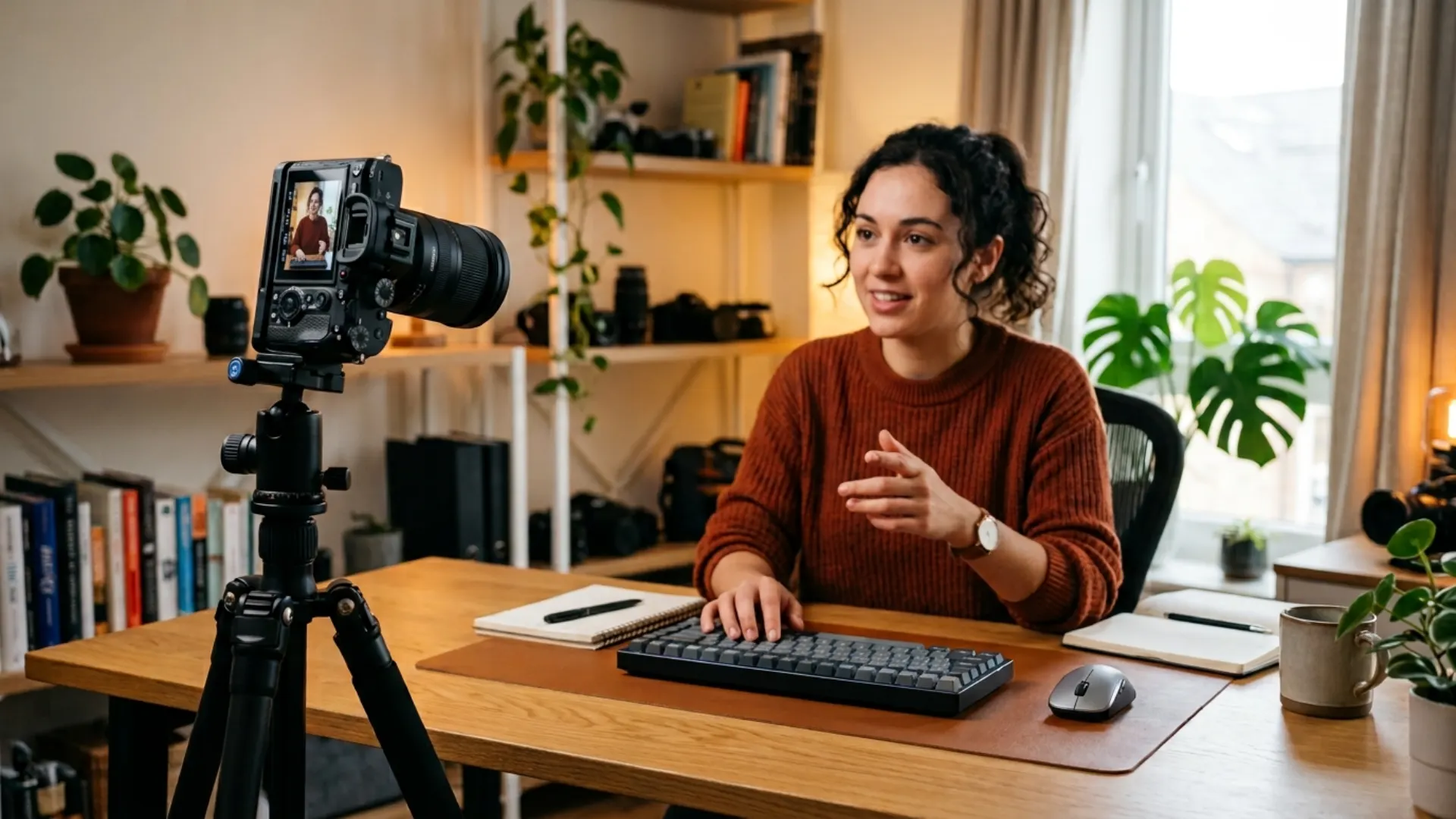
Try a 24-35mm equivalent view first. Put the camera far enough away that your nose isn’t much closer to the lens than the rest of your face, then adjust framing. If the room is tight, a wider lens can help you fit in the shot, but pushing it very close to your face exaggerates nearby features.
Leave a little space between yourself and the background if the room allows. A practical lamp, shelf, or textured wall can give the frame depth without needing a very wide aperture. Our focal length explainer covers wide and long views in more detail.
What works for handheld vlogs, vertical videos, and B-roll?
For an arm’s-length vlog, a wider view often makes it easier to fit your face and surroundings in the frame. Turn on the exact stabilization mode you plan to use before choosing: electronic stabilization may crop the image, depending on the camera and mode.
For Reels or TikTok, frame vertically on the camera when possible. If you’re cropping a horizontal recording, check the vertical crop before you start. Keep captions and platform controls in mind, and avoid placing an important product or face right at the edge. Our guide to framing beyond the rule of thirds can help with the composition.
For B-roll, use the wider end to establish the location and a longer view for hands or details. If you’re close to a small object, check that the lens can actually focus that close; a longer focal length alone doesn’t make it a macro lens.
How does crop factor change what you see?
A smaller recording area captures a narrower portion of the image projected by the same lens. It doesn’t change the lens’s physical focal length.
For example, a 24mm lens on a camera with a 1.5x crop gives approximately the same field of view as a 36mm lens on full frame. On a typical Micro Four Thirds camera with a 2x crop, that 24mm gives roughly a 48mm full-frame-equivalent view. Exact crop factors and video modes vary; some cameras crop further for certain resolutions, frame rates, or stabilization settings.
When you see a focal-length recommendation, ask whether it’s the lens’s actual number or a full-frame equivalent. Then test the intended recording mode. A 24mm lens that seems wide in a review may feel tight in your room after the camera crops the image.
How Do Aperture, Focus, and Lighting Affect Your Lens Choice?
How much aperture do you really need in low light?
Compare f/2.8 with f/4: f/2.8 lets in about one stop more light, assuming the other exposure settings and light transmission are comparable. That can help indoors, but it also reduces your focus margin. A brighter scene, a slower permitted shutter speed, or a higher ISO may be alternatives, each with its own tradeoff.
For a desk setup, try placing yourself near a window or adding a controlled light before replacing the lens. Our lighting for cinematography guide has setup ideas. In bright conditions, an ND filter can reduce light entering the camera if you want to keep a wide aperture and your chosen shutter setting; it doesn’t light a dark scene.
Can you keep yourself in focus with a fast lens?
Yes, with a little planning. Test continuous face or eye autofocus on the specific camera and lens combination, because performance varies. If autofocus hunts, try better light, slower movement, a narrower aperture, or manual focus on a mark where you’ll stand.
Record a short test, move as you normally would, and review it on a larger screen. Focus peaking and magnified view can help you set focus, but neither guarantees every frame of a moving take will stay sharp.
Which Lens Works Best for Each Type of Shoot?
What about handheld and gimbal setups?
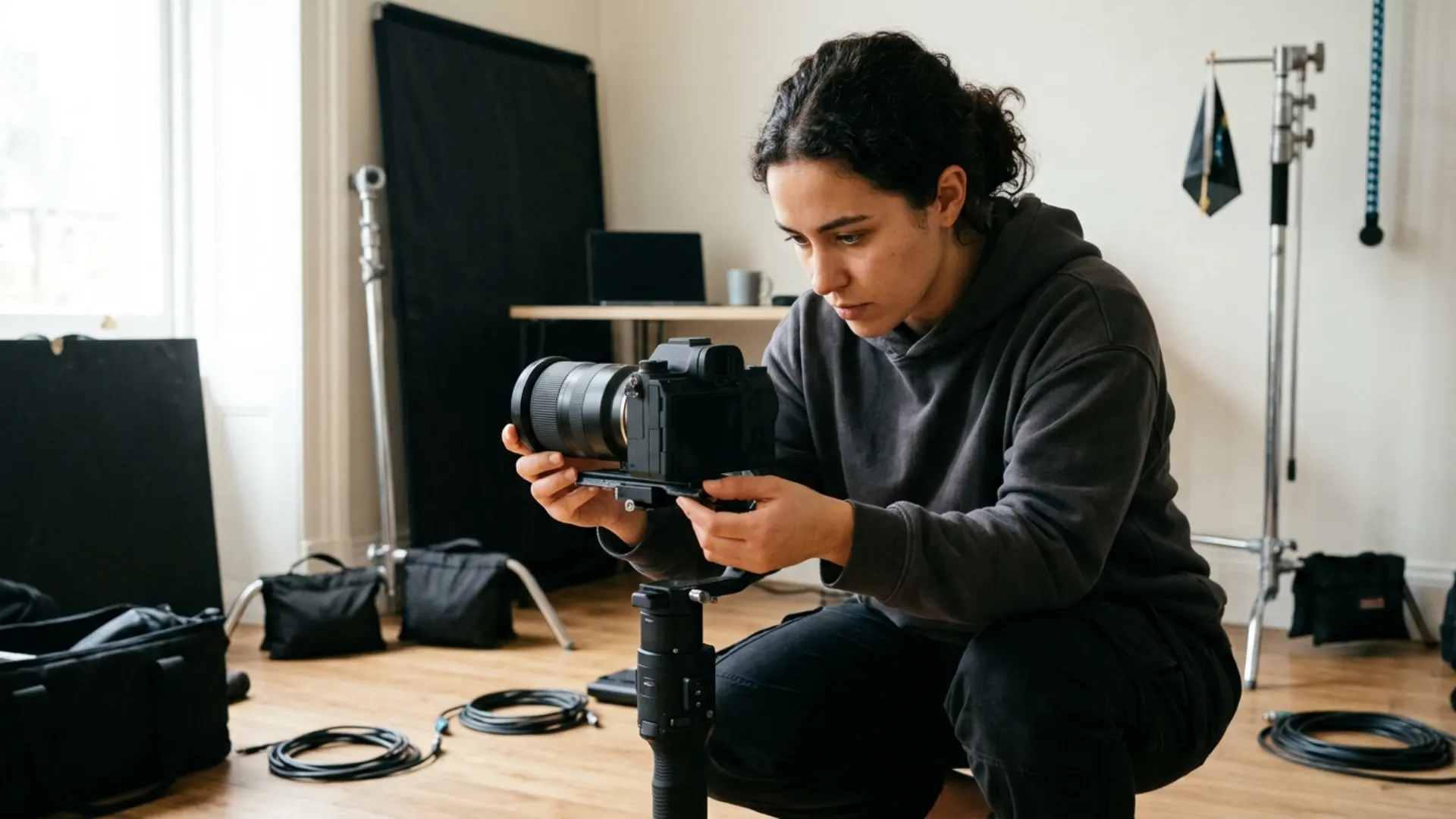
Check the total camera-and-lens weight against the gimbal’s payload, and make sure the lens clears the motors. Some zooms extend as you change focal length, which can shift the balance enough to need adjustment. A compact prime can be convenient, but some zooms balance well too.
For handheld work, longer views tend to make movement more noticeable in the frame. Support the camera and test your stabilization rather than assuming a particular lens will cure shake. Our handheld vs stabilized camera guide covers the support choices.
Do You Need a Cine Lens, or Is a Photo Lens Enough?
Cine lenses often have geared focus rings for follow-focus motors, longer focus throws, and clickless aperture controls. Some use T-stops, which account for light transmission, rather than only f-stops. Matched lens sets may also share gear positions and front dimensions, making swaps easier. B&H’s cinema versus photo lens guide explains these differences.
A cinema zoom may be designed to hold focus while zooming, a property called parfocal behavior. Don’t assume every lens does: check the manufacturer’s specifications and test the lens on your camera. Some photo zooms can shift focus as the focal length changes, which matters if you plan to zoom during a take.
How Can You Choose a First Lens Without Wasting Money?
Before you buy, check:
- Your camera mount and coverage. The mount must fit, and the lens’s image circle must cover the recording area you intend to use. An adapter may affect autofocus or other functions.
- Your recording crop. Check the resolution, frame rate, and stabilization mode you actually plan to use.
- Your room and working distance. Set up the camera where it can realistically go, not where you wish a wall weren’t.
- Light and focus. Can you light the scene, and can the camera and lens keep your subject sharp while moving?
- Rig and handling. Consider weight, minimum focus distance, stabilization, filter size, and whether the lens extends on a gimbal.
- Renting or buying used. Try before buying if you can. Inspect a used lens for damage, smooth operation, and any issues that matter to your footage.
Try a simple lens test before you buy
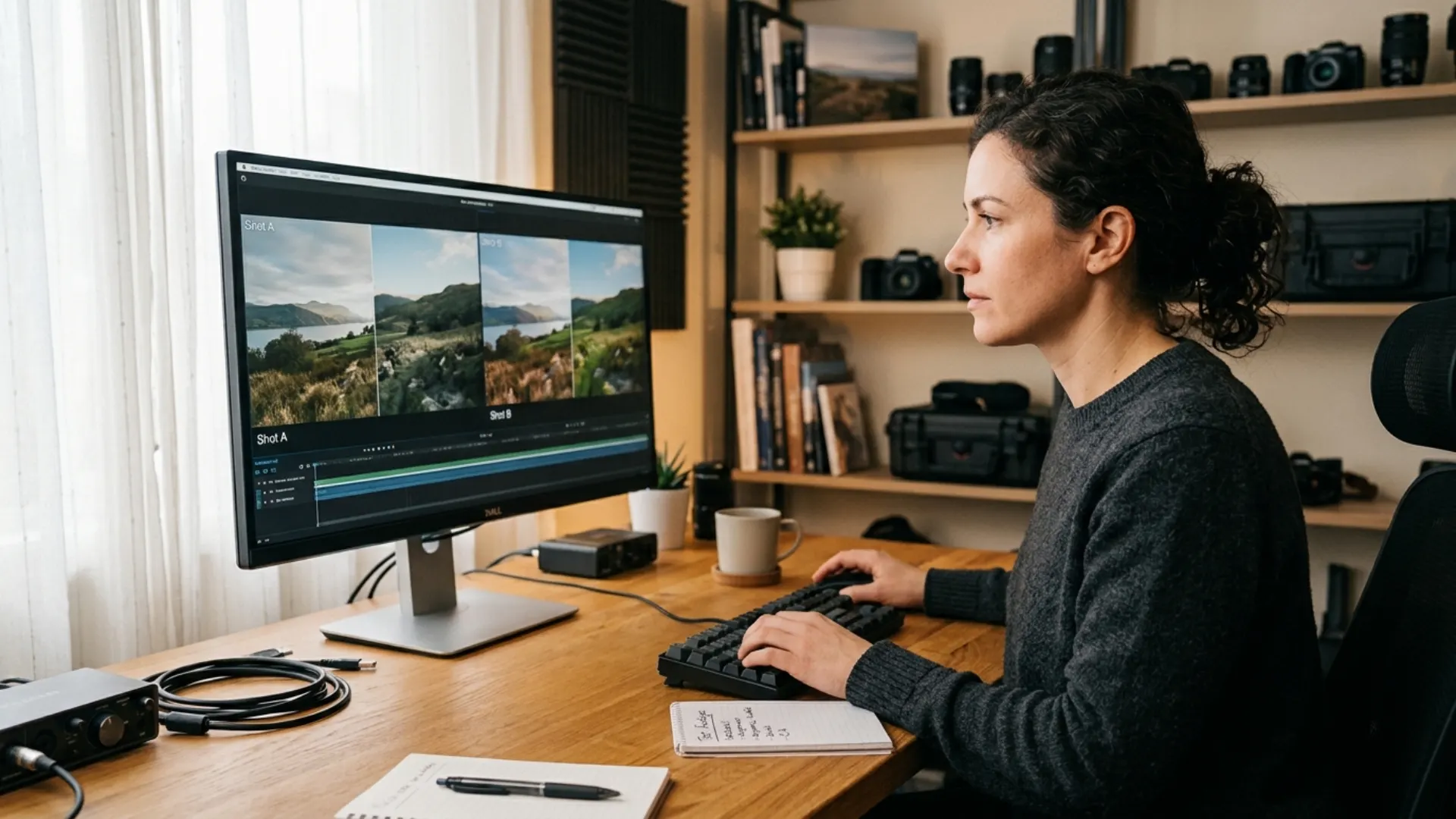
Set up a subject, a background, and a light. Record the same composition with each lens at the same focal length, camera position, aperture, and focus distance where possible. Compare the footage for sharpness, flare, focus behavior, and the look you prefer. Use the same recording settings and check the footage on the screen where your audience is likely to watch it.
Next, leave the camera in one spot and change focal length to see how the framing changes. Then try moving the camera and adjusting the focal length so your subject stays about the same size in the frame. Look at how the background changes in relation to the subject.
Is one lens enough, or should you build a hybrid kit?
One lens can be enough. A standard zoom may cover a lot of creator work, while a single prime can suit a repeatable studio setup. A hybrid kit is worth considering when the zoom handles your everyday framing but you keep wishing for a wider aperture at a focal length you use often.
If you’re exploring older options, our budget cinema lens roundup is a starting point. Check current availability, compatibility, and prices separately; the article’s listings may have aged.
Conclusion
When you’re ready to finish the footage, Film Emulation Pro offers LUTs and grain for a film-inspired grade. Choose the look that suits your project, then keep shooting.
Wrap Up
- A prime has one focal length; a zoom covers a range. Either can be wide or telephoto.
- Start with your shot, camera position, and available space. Check the actual video crop before settling on a focal length.
- A wider aperture can help in low light, but focus, subject distance, and lighting still matter.
- A zoom is handy for changing situations; a prime can fit a predictable setup or a need for a wider aperture. Test both if you can.
Disclaimer : If you buy something through our links, we may earn an affiliate commission or have a sponsored relationship with the brand, at no cost to you. We recommend only products we genuinely like. Thank you so much.
Blog Label:
Write for us
Publish a Guest Post on Pixflow
Pixflow welcomes guest posts from brands, agencies, and fellow creators who want to contribute genuinely useful content.
Fill the Form ✏