Handheld vs Stabilized: When to Use Each Camera Technique in Filmmaking
- What's the Difference Between Handheld and Stabilized Shots?
- How Does Each Style Change What the Audience Feels?
- When Should You Shoot Handheld?
- When Should You Use a Gimbal, Steadicam, or Tripod?
- Do You Actually Need a Gimbal?
- Is Shaky Cam Bad? How Much Camera Shake Is Too Much?
- Can You Mix Handheld and Stabilized Shots in the Same Scene?
- How to Shoot Smooth Handheld Footage Without a Gimbal
- Should You Fix It in Post? Stabilizing Handheld and Faking Shake
- Handheld or Stabilized? A Quick Decision Checklist
- Conclusion
A lot of people answer based on what’s in the truck. A better answer starts with the scene. Camera movement tells the audience whose story they’re watching and how safe they should feel, so the choice between handheld and stabilized shapes a scene about as much as the lighting or the lens does. Below, we go through what each style does to an audience, the scenes where each one works, whether a gimbal is worth owning, how much shake viewers will put up with, and how to cut the two styles together.
This piece is part of our cinematography techniques guide, which covers the rest of the visual storytelling toolkit.
What’s the Difference Between Handheld and Stabilized Shots?
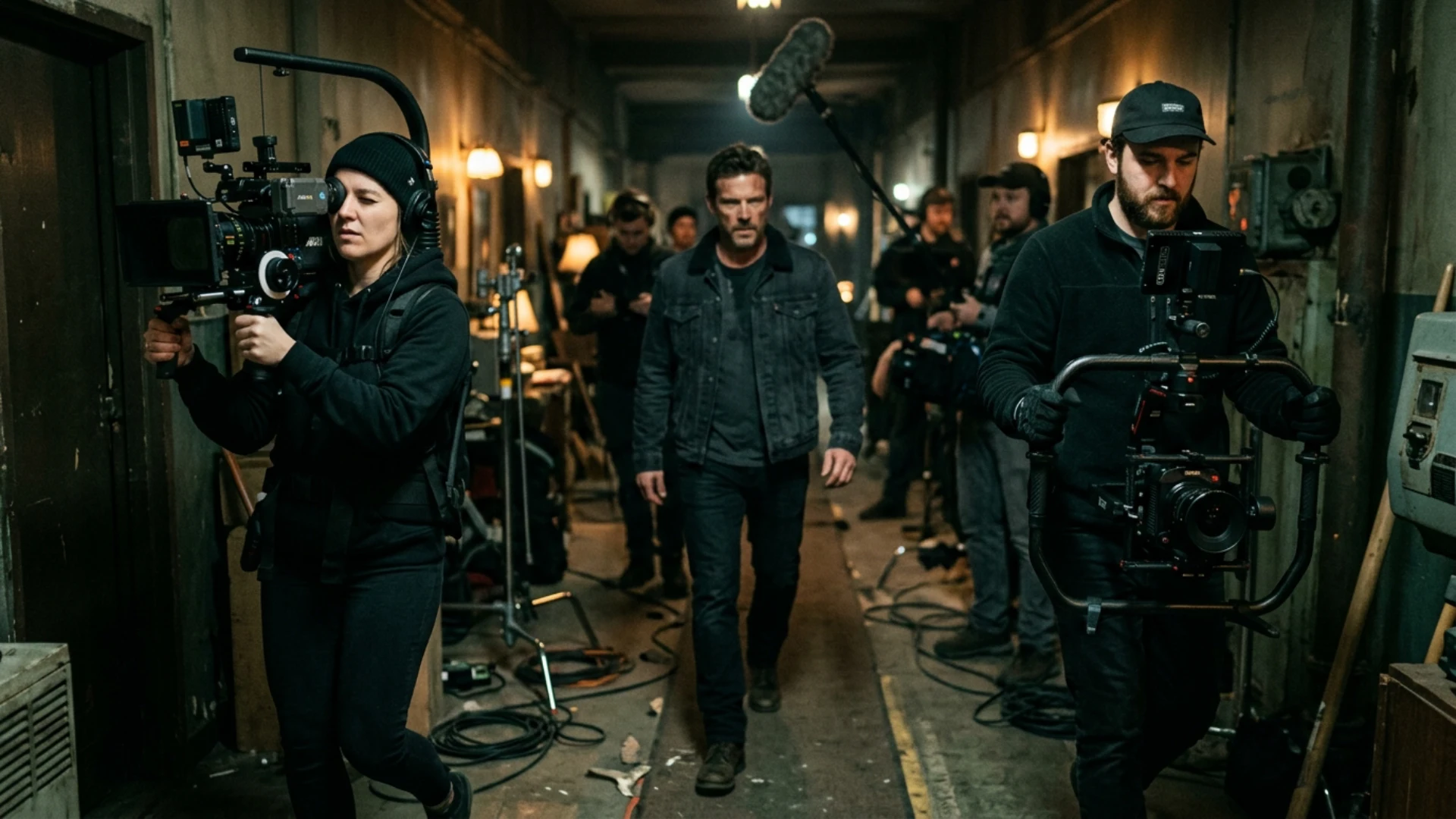
A stabilized shot uses gear to take that motion out, so the camera either holds still or glides. Tripods, dollies, sliders, Steadicams, motorized gimbals, and the stabilization inside your camera body all fall into this group.
In practice there’s a lot of ground between the two. A shoulder rig looks very different from a camera gripped by its top handle, and an Easyrig gives you something that’s technically handheld but much calmer. Gray Kotze’s breakdown of handheld techniques at In Depth Cine shows how crews choose a specific amount of shake for each scene.
How Does Each Style Change What the Audience Feels?
Handheld feels like first person
PremiumBeat compares the two styles to first-person and third-person narration in a novel. A handheld camera behaves like someone standing in the room. It sees what a person in that spot could see, and it has to move around the characters and furniture to get a better look. The Office is a good example. The mockumentary setup explains why the camera is there, and the shots through office blinds make you feel like the nosy coworker in the corner.
Because handheld implies an operator, small mistakes come across as authenticity. A late pan or a quick focus search looks like someone reacting to real events.
Stabilized feels like a narrator
A stabilized camera can drift anywhere without bumping into anything. Boogie Nights uses this well. The story is being told to us, and the gliding camera keeps wandering into rooms and conversations the main character never sees.
Control vs chaos
Camera movement tends to follow a character’s state of mind. In Spectre’s opening, Bond walks a rooftop ledge before a hit and the camera stays cool and steady, because he is. Panic usually gets the opposite treatment.
Directors who want tight control over every frame lean on stabilized moves. David Fincher is the obvious case, and our breakdown of how David Fincher uses camera movement shows how he builds tension with precise, motivated moves and very little handheld.

When Should You Shoot Handheld?
Action, fights, and chaos
Saving Private Ryan’s Omaha Beach sequence is still the example most cinematographers bring up. According to American Cinematographer, operator Mitch Dubin shot it handheld while Janusz Kamiński ran a 45 or 90 degree shutter instead of the usual 180. The narrow shutter cuts motion blur, so each jolt of the camera looks sharp and choppy. You see the chaos clearly, which is a big part of why it’s so hard to watch.
Documentary realism
Handheld borrows the look of news footage, and audiences tend to trust it for that reason. On Children of Men, Alfonso Cuarón told cinematographer Emmanuel Lubezki that “we should feel the cameraman, almost like in a documentary” (American Cinematographer). Lubezki said that filming the violence handheld, in long takes with no coverage, made it “less appealing, but stronger.” He also kept the lighting minimal because he wanted viewers to feel “as though the action is happening for real.”
Intimate, emotional moments
Handheld works at low intensity too. A camera that drifts slightly near an actor’s face during a confession makes the moment feel fragile in a way a locked-off close-up often doesn’t. Cinematographer Sławomir Idziak described this kind of operating as “breathing with” the actors.
Son of Saul takes it much further. Mátyás Erdély keeps a shoulder-mounted camera tight on the main character for most of the film. The camera reacts to him, the background stays mostly out of focus, and you’re stuck in his experience with almost no wider view.
Subjective POV shots
If the audience is looking through a character’s eyes, a perfectly smooth camera can feel like a drone. A bit of handheld motion tells the viewer there’s a body behind those eyes. Our guide to POV shots in film covers how to make these shots convincing.
Run-and-gun, guerrilla, and unblocked scenes
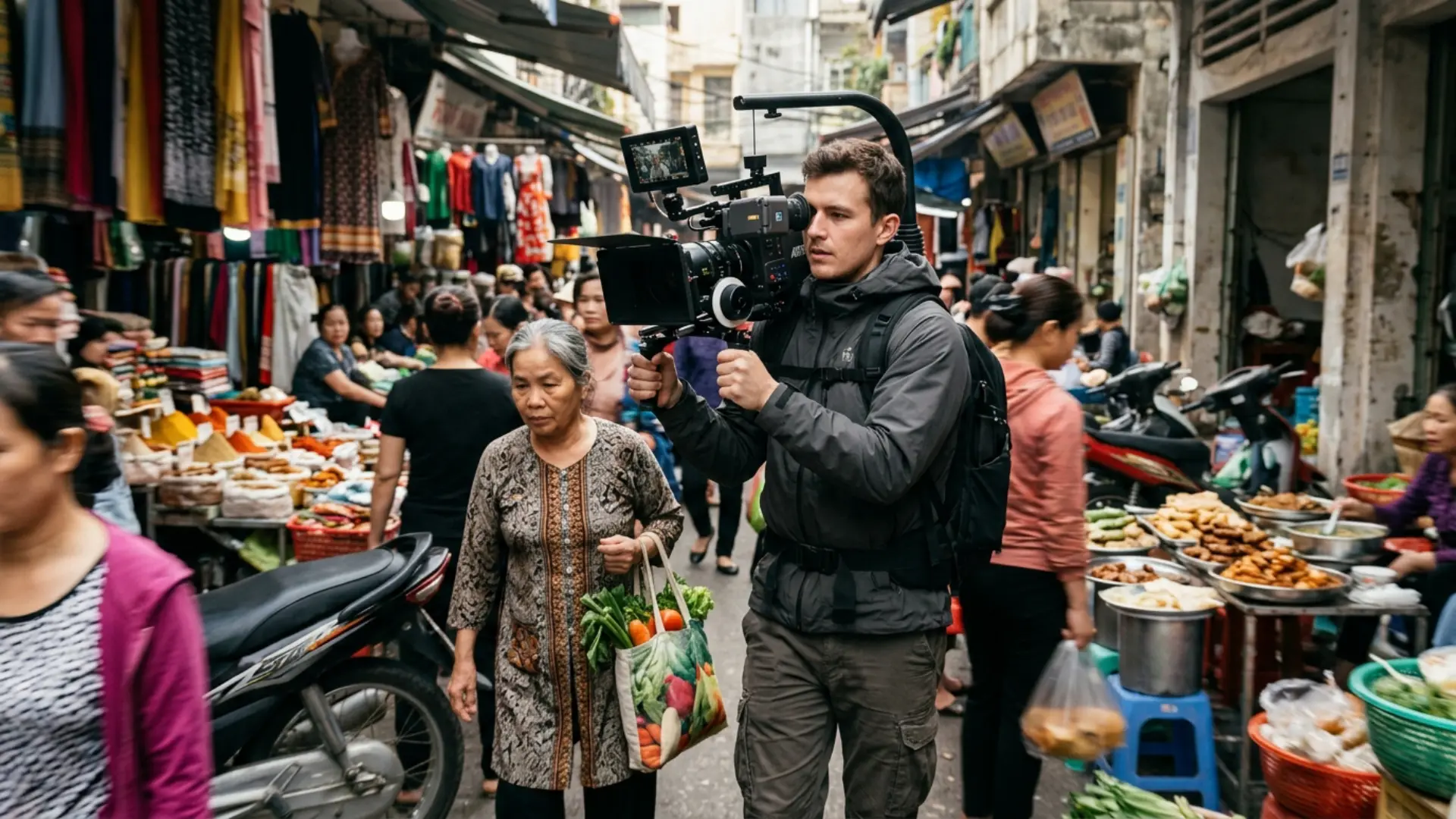
Handheld takes almost no setup, so you can follow people who aren’t hitting marks and grab moments you didn’t plan. That’s why most documentary and unscripted work is shot this way. A camera on your shoulder also draws less attention in public than a gimbal rig, which matters on guerrilla shoots.
This kind of footage usually pairs well with organic texture in the edit. The Cinematic Light Leaks pack has 40 real light leaks shot on an Alexa Mini, and a couple of them over a verite sequence add the sort of flares a handheld camera tends to catch by accident anyway.
When Should You Use a Gimbal, Steadicam, or Tripod?
Following a character through space
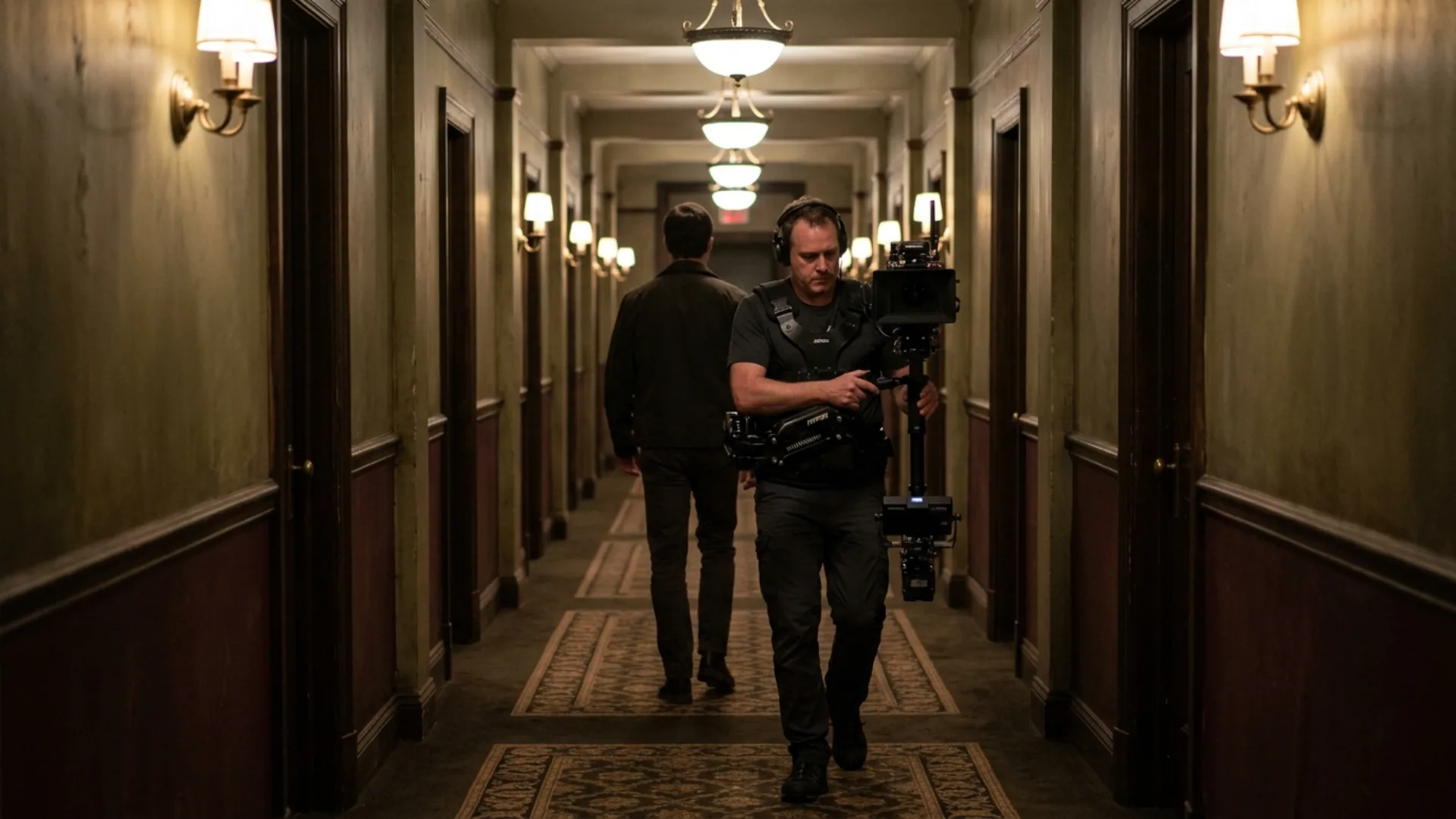
Walk-and-talks, hallway follows, and leading a subject through a crowd are the most common stabilized shots. Gimbals do best when the subject moves along a fairly predictable line at walking pace. If you’re not sure how a tracking shot differs from a trucking shot, our breakdown of tracking vs trucking shots explains it.
Long takes and oners
For a shot that moves through several spaces without a cut, stabilization keeps attention on the scene instead of the operator’s footsteps. The Copacabana shot in Goodfellas follows Henry and Karen through the kitchen on a Steadicam, and the smooth glide makes Henry’s access to the club look effortless. 1917 stretches the idea across a whole feature, and our breakdown of 1917’s cinematography covers how Roger Deakins pulled it off.
Characters in control and ordered worlds
A protagonist who is calm and a step ahead of everyone suits a camera that glides along with them. Rigid, formal settings work the same way, since a shaky camera would fight the sense of order you’re trying to show.
Dread and dreams
Smooth movement can be scarier than shake. In The Shining, the Steadicam follows Danny’s tricycle through the Overlook’s hallways at floor height, operated by Garrett Brown, the man who invented the Steadicam. The camera has none of the wobble of a person walking, so it feels like something is following the boy. Dream sequences use floating movement for a similar reason.
Commercial, wedding, and brand work
Clients in commercial, real estate, and wedding work generally expect smooth footage. A gimbal or slider makes a product or venue look expensive, and you won’t have to explain why the luxury apartment tour looks like found footage.
Precise or repeatable moves
If a move has to land on an exact frame, or match across takes for continuity, use a tripod, dolly, or slider. Gimbals respond to momentum, so they tend to overshoot a little at the end of a move and drift when you try to hold still. Our upcoming camera movement masterclass goes deeper on dolly, crane, and gimbal technique.
Do You Actually Need a Gimbal?
When a gimbal is worth it
- Walking or running shots with no footstep bounce
- Follow shots and reveals where you can’t lay dolly track
- Moves that change height, like a low tracking shot that rises to eye level
- Solo shoots with no grip crew
When a gimbal works against you
Gray Kotze also wrote up five reasons not to shoot with a gimbal, and most of them come down to control and time. It’s hard to stop a gimbal on an exact frame, so takes vary more than they would on a fluid head. Every lens change means rebalancing, and heavier cinema lenses can go over the payload. Static frames drift a little because nobody can hold perfectly still, and fast whip pans with hard stops are tough on the motors. Then there’s the practical stuff: most gimbals shouldn’t be run in the rain, and rebuilding a cinema camera like an Alexa Mini for gimbal work takes around 10 minutes every time you switch.
Focus is the other headache. Pulling focus while you operate is hard, especially at wide apertures, so a lot of solo shooters stop down or rely on autofocus. Our depth of field guide explains how aperture, focal length, and distance change how much focus error you can get away with.
Also watch for gimbal float. If every shot in a film glides, the movement stops telling the audience anything. PolarPro says an overused gimbal turns into “a sort of cinematic gimmick,” and we’d agree.
Gimbal vs IBIS vs Steadicam: which stabilization do you need?
Our guide to Steadicam vs gimbal compares the two big stabilizers in more detail. If you shoot on a phone, phone gimbal techniques covers the mobile side.
Is Shaky Cam Bad? How Much Camera Shake Is Too Much?
Most of those complaints are about shake that doesn’t match the scene or shake that hides the action. A few things help:
- Match the amount of shake to what’s happening. Fight-level shake in a quiet dinner scene looks like an accident.
- Make sure viewers can still tell who is where. If they lose track of the geography, dial it back.
- Use a wider lens. Wide lenses hide shake and long lenses exaggerate it, which is why most handheld work sits between ultra-wide and about 35 to 40mm. Our upcoming guide to prime vs zoom lenses covers lens choice in more depth.
- Check your shutter angle. At 180 degrees, motion blur smooths the movement out. A narrower shutter, like the one on Saving Private Ryan, makes every jolt crisp. That suits a war film and would look strange in a romance.
- Watch it on a big screen. Shake that looks mild on a phone can be a lot in a theater.
One quick test: watch the shot with the sound off. If you can still follow the action and the scene still feels the way you intended, the amount of shake is probably fine.
Can You Mix Handheld and Stabilized Shots in the Same Scene?
A few ways to combine them:
- Start a scene steady and switch to handheld when things fall apart. The audience feels the change even if they can’t say what changed.
- Give characters or worlds their own camera language, like smooth moves for the calm manipulator and handheld for the person losing control.
- Use a hybrid rig. Hanging the camera from a bungee cord on a dolly gives you handheld looseness without footstep bounce.
- Match shots in post by adding a little shake to gimbal footage or calming down handheld clips.
These switches are easier to plan during blocking than to find in the edit. Our upcoming guide to blocking and staging in cinematography covers how actor movement shapes camera decisions. Handheld also lets you loosen up on composition rules, which we got into in framing beyond the rule of thirds.
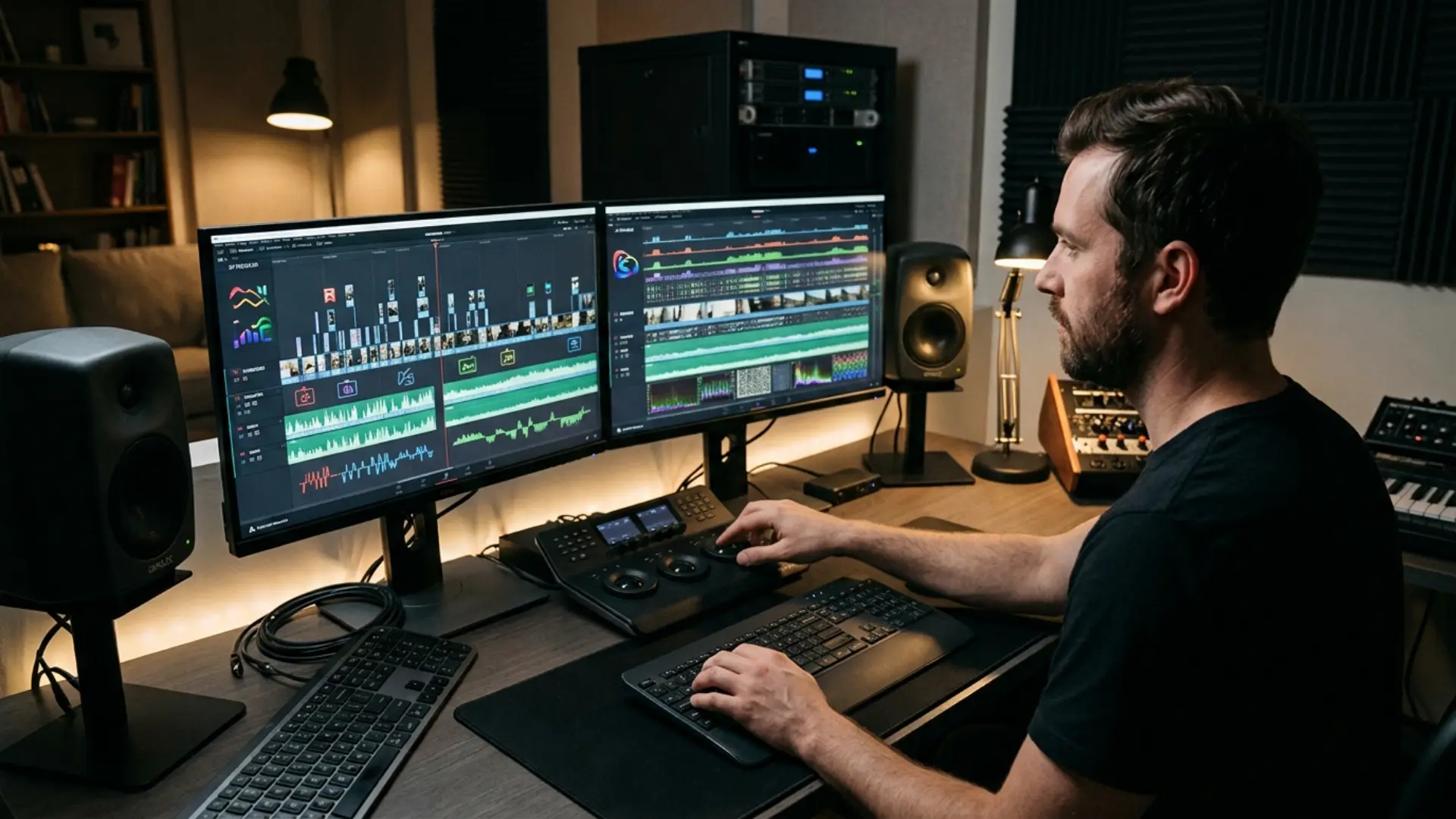
When you cut between the two, cutting on motion and keeping screen direction consistent will hide most of the jump. If you’d rather make the switch a visible stylistic beat, Artistic Smooth Transitions has 14 customizable MOGRT transitions for After Effects and Premiere Pro that work well for bridging a rough handheld section into a smooth one.
How to Shoot Smooth Handheld Footage Without a Gimbal
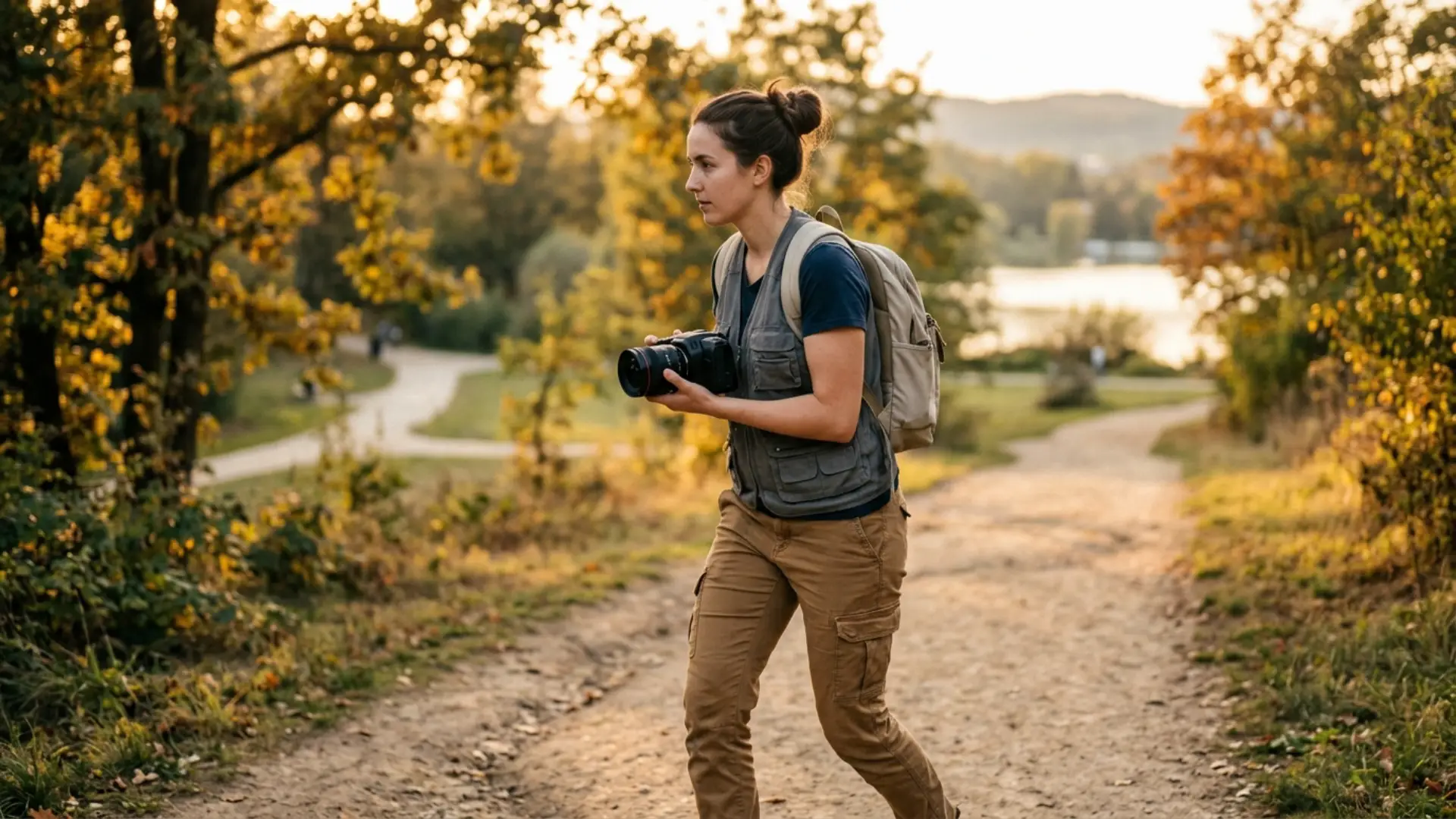
- Keep your elbows tucked against your body and the camera close. Extended arms shake more.
- Bend your knees and roll your feet heel to toe when you walk (people call it the ninja walk), so your legs soak up each step.
- Use a wider lens when you can.
- Turn on IBIS or lens stabilization to deal with micro-jitter.
- Add some weight or a shoulder rig. Mass dampens jitter, and a shoulder pad gives you another contact point.
- Walk the move once without the camera, and plan a braced, comfortable position to end the shot in.
- When you walk backward, have a grip follow with a hand on your waist to steer you.
- Breathe out slowly through the important part of the shot. Holding your breath works for a few seconds, then your muscles start to shake.
A phone or small mirrorless camera is a cheap way to practice all of this before you try it with a heavier rig.
Should You Fix It in Post? Stabilizing Handheld and Faking Shake
Warp Stabilizer and similar tools can save mildly shaky footage, but they crop the frame and can leave a rubbery, warped look. They also can’t remove motion blur that’s already baked in. Our guide on how to stabilize shaky footage in After Effects covers settings that reduce those artifacts.
You can also go the other way and add handheld movement to locked-off or gimbal footage, which helps when shots from different rigs have to cut together. Our tutorial on creating handheld camera shake in After Effects and Premiere shows how to make it look believable.
It’s still much easier to decide on set. Post is good for rescues and for matching shots, and much weaker as a way to choose a style after the fact.
Handheld or Stabilized? A Quick Decision Checklist
- Whose point of view is this shot? A character’s experience leans handheld, and a narrator’s view leans stabilized.
- How stable is the character’s world right now? If it’s falling apart, handheld usually fits better.
- Is the action blocked and repeatable? Unpredictable action favors handheld, because you can react to it.
- Does the move need to start or end on a precise frame? If so, use a tripod, dolly, or slider.
- What do your schedule, crew, and location allow? Rain, heavy lenses, and a tight day can rule out a gimbal quickly.
Conclusion
Next time you’re deciding, work out what the moment should feel like first, then pick the rig.
If your edit moves from a handheld section into stabilized footage, Artistic Smooth Transitions can help you bridge the two in After Effects or Premiere Pro.
Disclaimer : If you buy something through our links, we may earn an affiliate commission or have a sponsored relationship with the brand, at no cost to you. We recommend only products we genuinely like. Thank you so much.
Blog Label:



Write for us
Publish a Guest Post on Pixflow
Pixflow welcomes guest posts from brands, agencies, and fellow creators who want to contribute genuinely useful content.
Fill the Form ✏