7 Best Apps & Tools to Watch YouTube Together With Friends

TOP 7 Apps & Tools to Watch YouTube Together Side-By-Side
7 Best Apps & Tools to Watch YouTube Together in Sync
Youple.tv
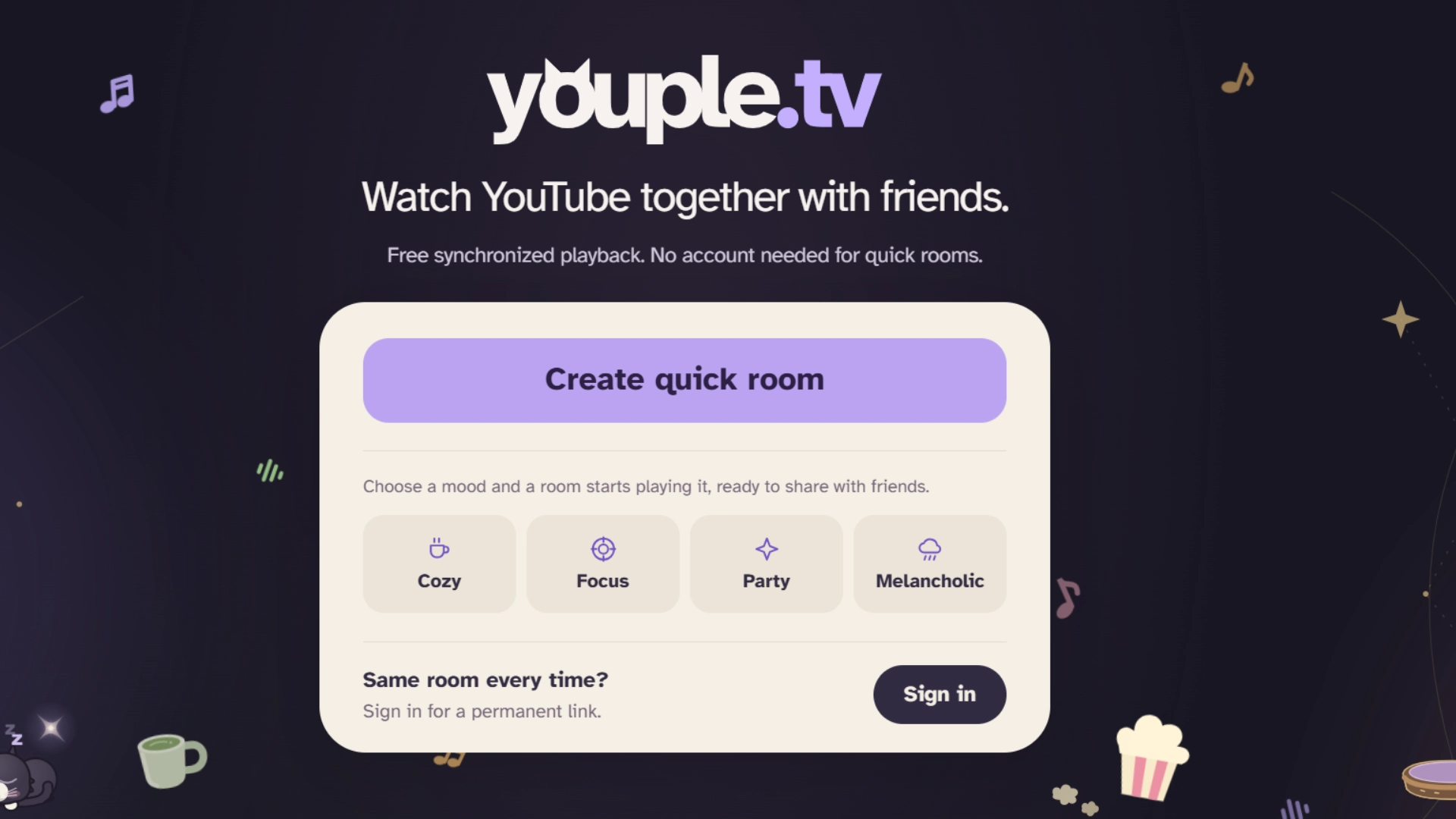
To begin watching, just open the site, create a quick room (you can set the tone with 4 mood settings available if you wish), share the link with your friends, and paste in a YouTube URL. Playback stays perfectly in sync for everyone. Once your guests are in, they can play, pause, seek, or queue up videos in a shared playlist, without needing to ask the host for that.
While many other platforms require you to install an app, Youple.tv works directly in a browser, so access via phone or computer is easy. You can also send videos to your room straight from YouTube with the Youple.tv Chrome extension, or paste a link with Ctrl+V on desktop.
Quick rooms need no sign-up and close only after 30 days without visitors. For parties like a weekly hangout, you can sign in with Google, Discord or email to create a permanent room with the same link.
Platforms: Web (Mobile & Desktop);Price: 100% free;
Best for: synchronized YouTube watch party without setups or downloads.
Discord (Watch Together)
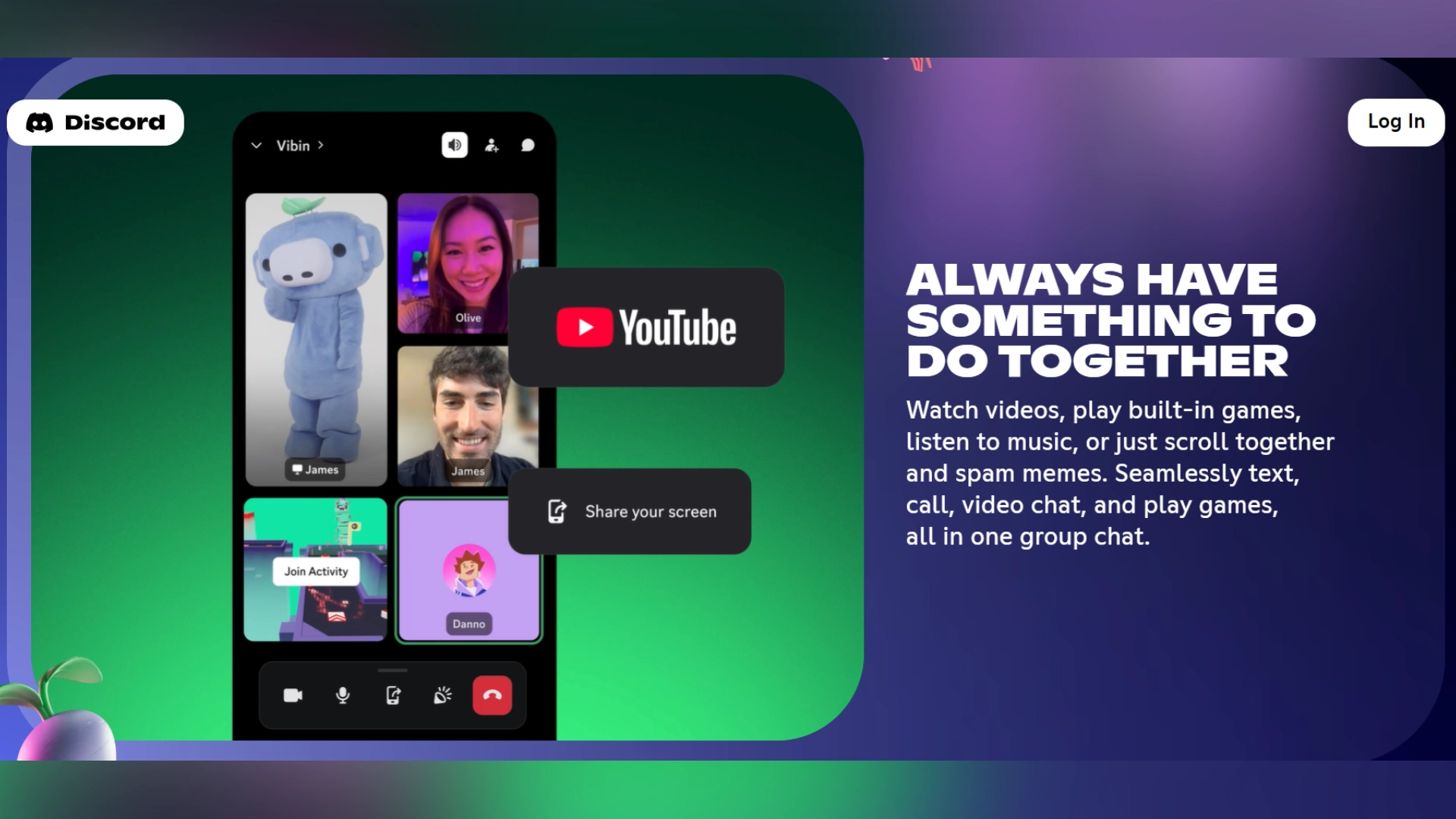
Everyone in the channel can contribute to the playlist and talk over voice chat at the same time. The controller (whoever has the remote at any moment) can play, pause, and skip. Video syncing is automatic.
You need an existing Discord server and voice channel to use this feature, so it isn’t designed for things like a quick one-off with someone who doesn’t already have a Discord account.
Platforms: iOS, Android, desktop app, and web browsers.
Price: free for up to 25 people in a voice channel (Nitro is optional), Discord account is a must;
Best for: friends and gaming communities who live in Discord and want to watch YouTube together between games.
Teleparty
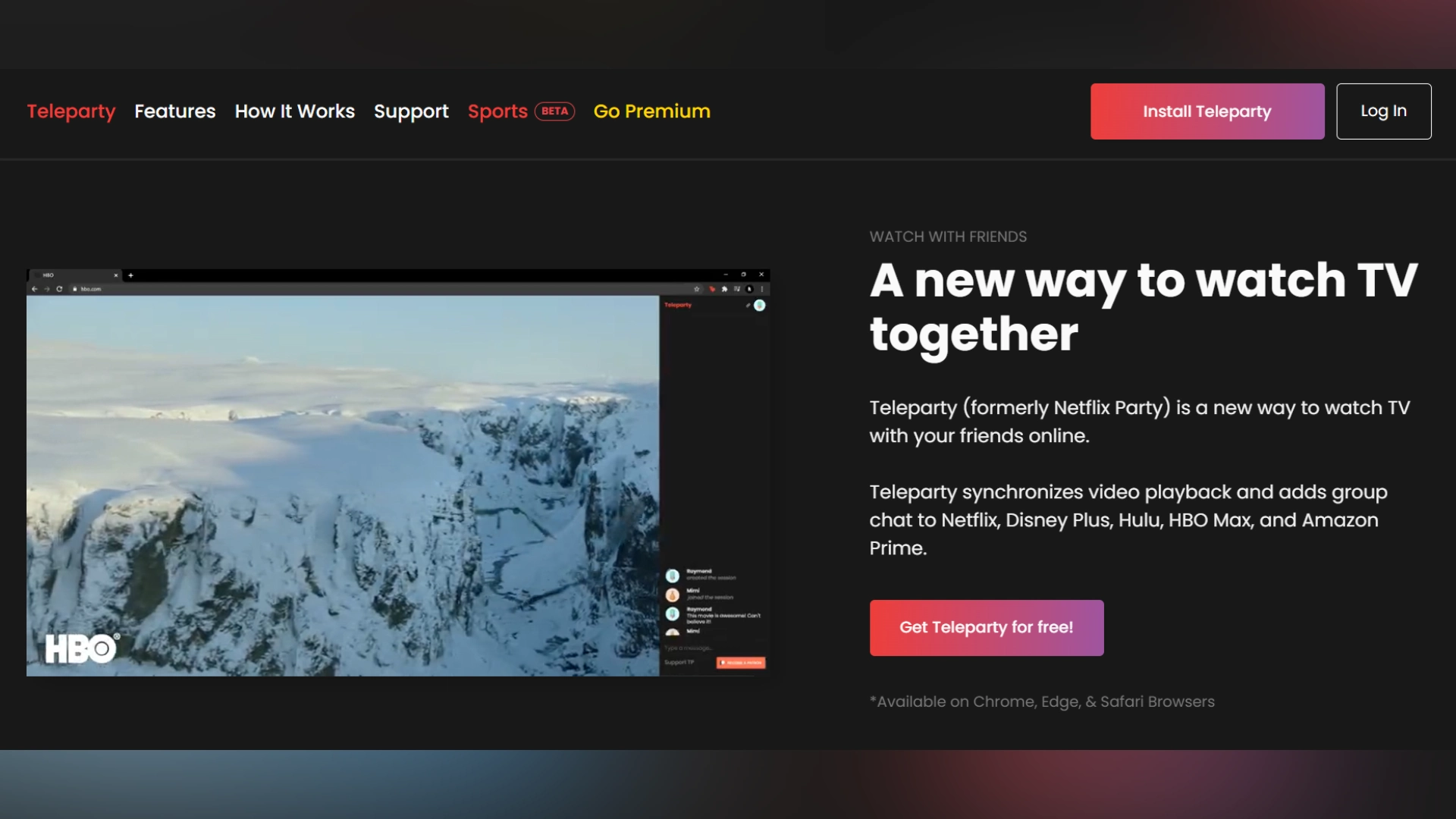
Teleparty keeps YouTube playback synchronized across every screen through the embedded web player, so there’s no lag or quality loss. The group chat is built in, so side commentary doesn’t require a separate app.
Teleparty is available as a browser extension and an Android app, so you can sync YouTube playback directly from your phone.
Platforms: Android app, Chrome, Edge, and Opera desktop browser extensions (no native iOS app);
Price: free for up to 50 participants on standard text chat;
Best for: anyone who wants multi-platform mobile watch party functionality (not just YouTube).
Rave
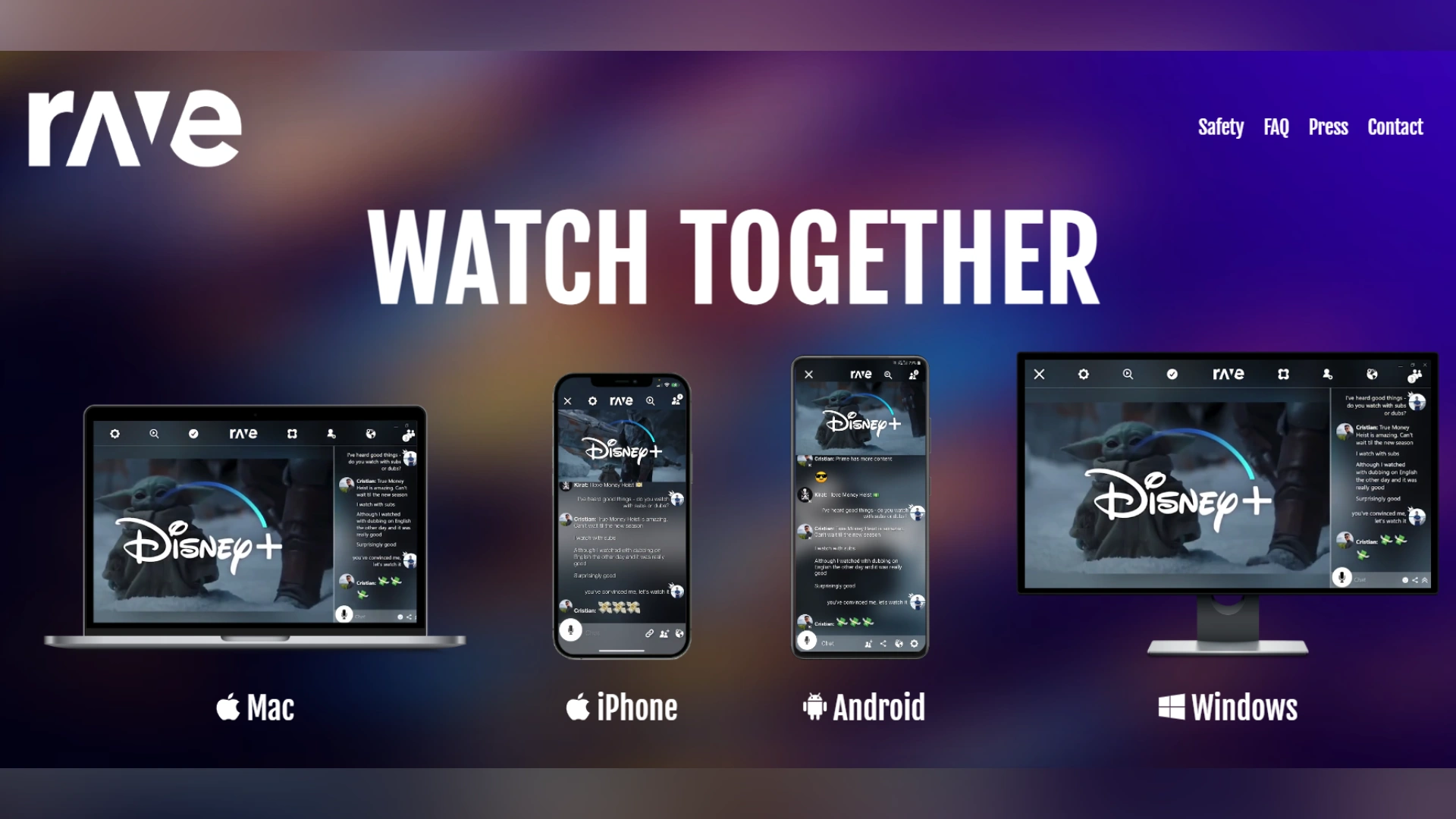
Rave connects people with a similar taste in content; you can join public rooms hosted by other users within the Rave community.
You can download Rave on iOS or Android and watch YouTube together on your mobile device. Windows and macOS versions are also available, so friends who use different devices have the necessary flexibility.
Platforms: iOS, Android, Mac, Windows;
Price: Free version with ads, paid version is ad-free;
Best for: those who like to chat and share thoughts while watching videos (and meet other people who love the same content, too).
WEVER
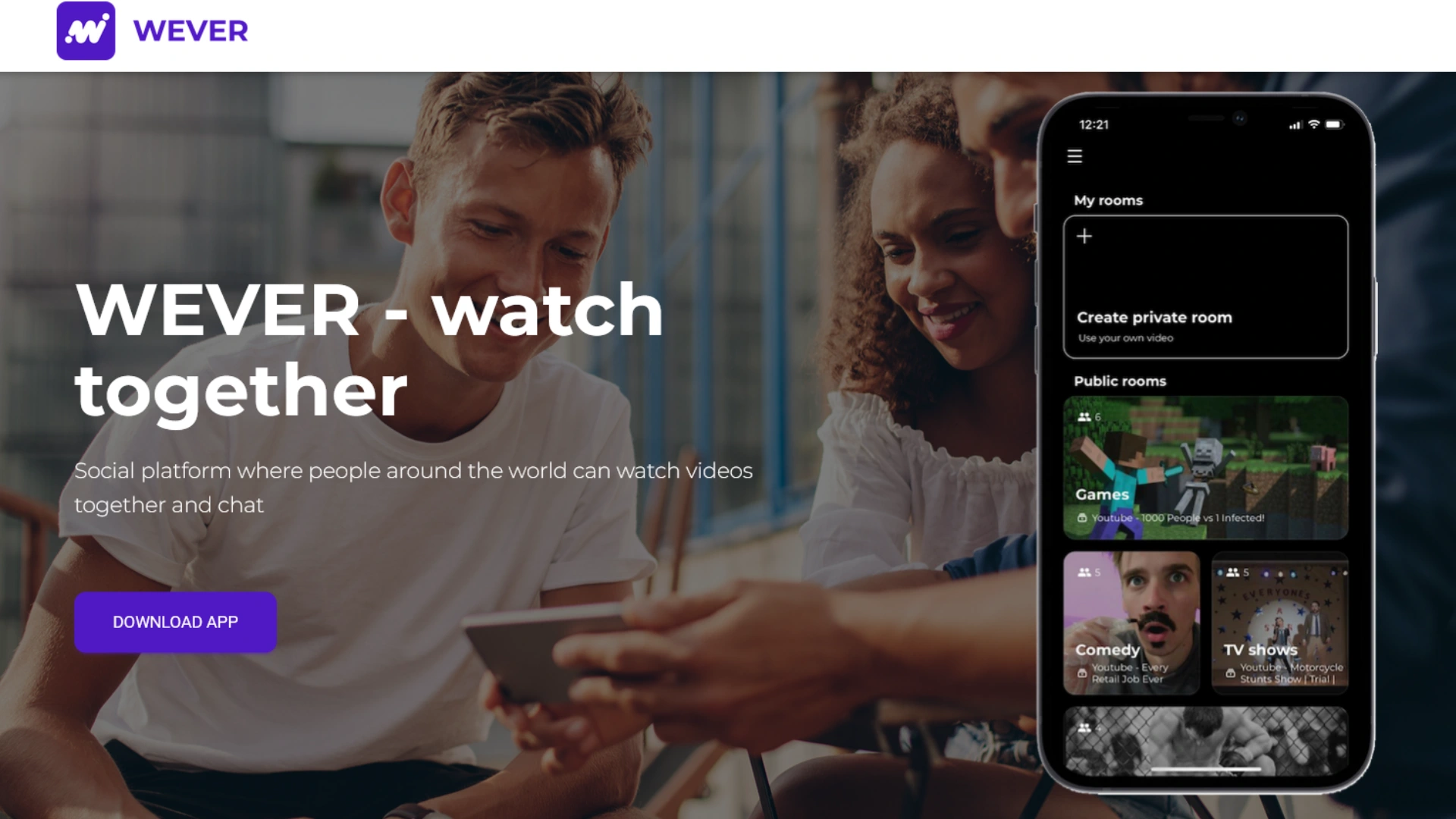
Platforms: limited to iOS;
Price: free for guests with ads shown, paid version removes ads. Hosts can upgrade to Wever Pro to unlock all streaming features;
Best for: iPhone users, couples doing virtual date nights, anyone who wants a visually clean YouTube watch party app without a lot of technical setup.
Kosmi

Platforms: Web + apps downloadable via Google Play and AppStore;
Price: Free for basic rooms (typically 10–20 people);
Best for: virtual hangouts for remote friend groups and long-distance couples; playing minigames with your friends.
YouTube Co-Watch on Meta Quest
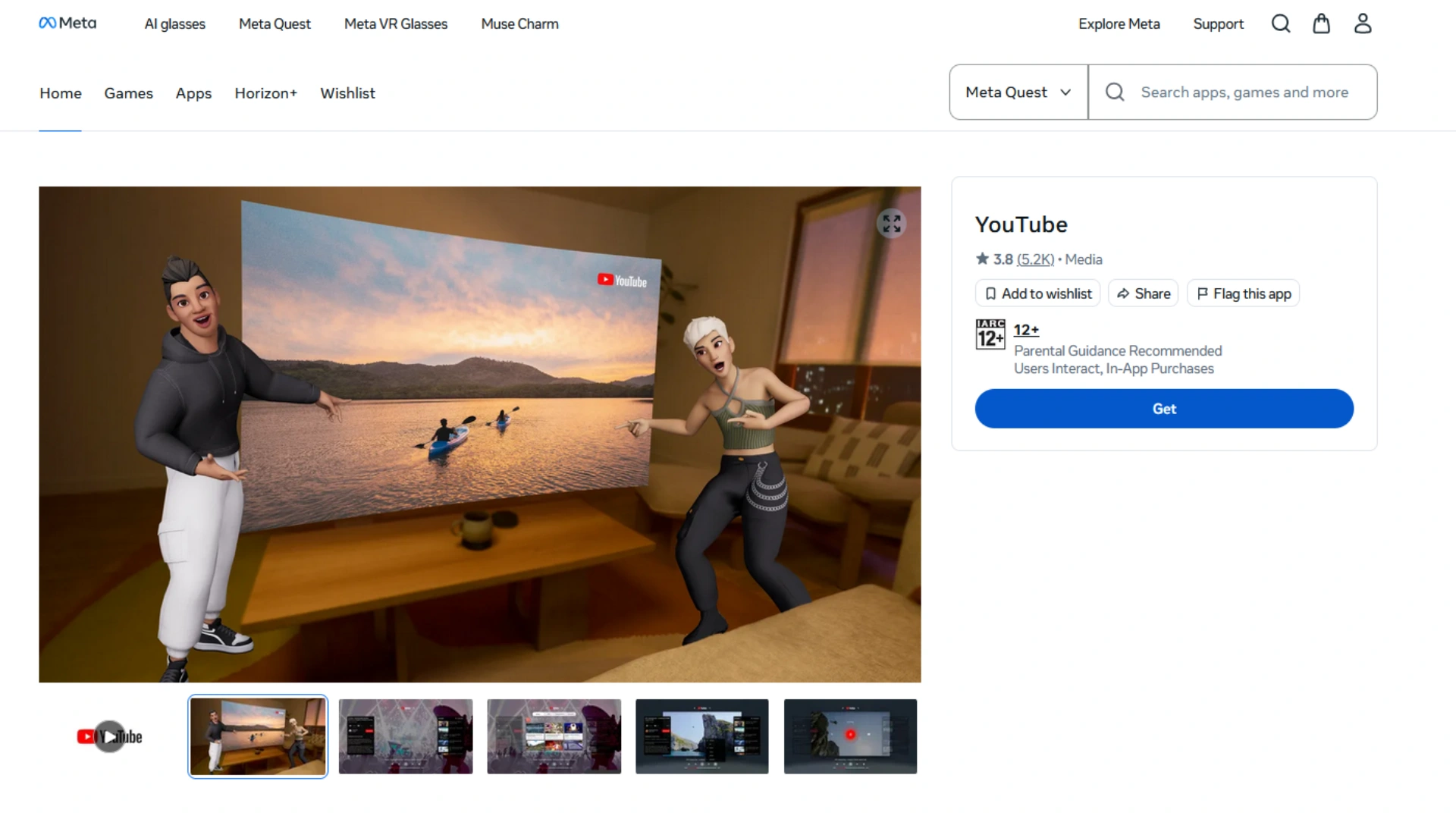
Platforms: Meta Quest OS (Quest 2, 3, 3S, and Pro);Price and free limits: free feature; capped at 7 participants; requires Quest VR hardware and a Meta account for every user;
Best for: VR headset owners who want to hang out on a virtual couch watching YouTube.
Conclusion
Disclaimer : If you buy something through our links, we may earn an affiliate commission or have a sponsored relationship with the brand, at no cost to you. We recommend only products we genuinely like. Thank you so much.
Blog Label:


Write for us
Publish a Guest Post on Pixflow
Pixflow welcomes guest posts from brands, agencies, and fellow creators who want to contribute genuinely useful content.
Fill the Form ✏