YouTube Video Retention Editing: How to Keep Viewers Watching Until the End
- What Is Retention Editing (And Why YouTube Rewards It)
- Read Your Retention Graph Before You Touch the Timeline
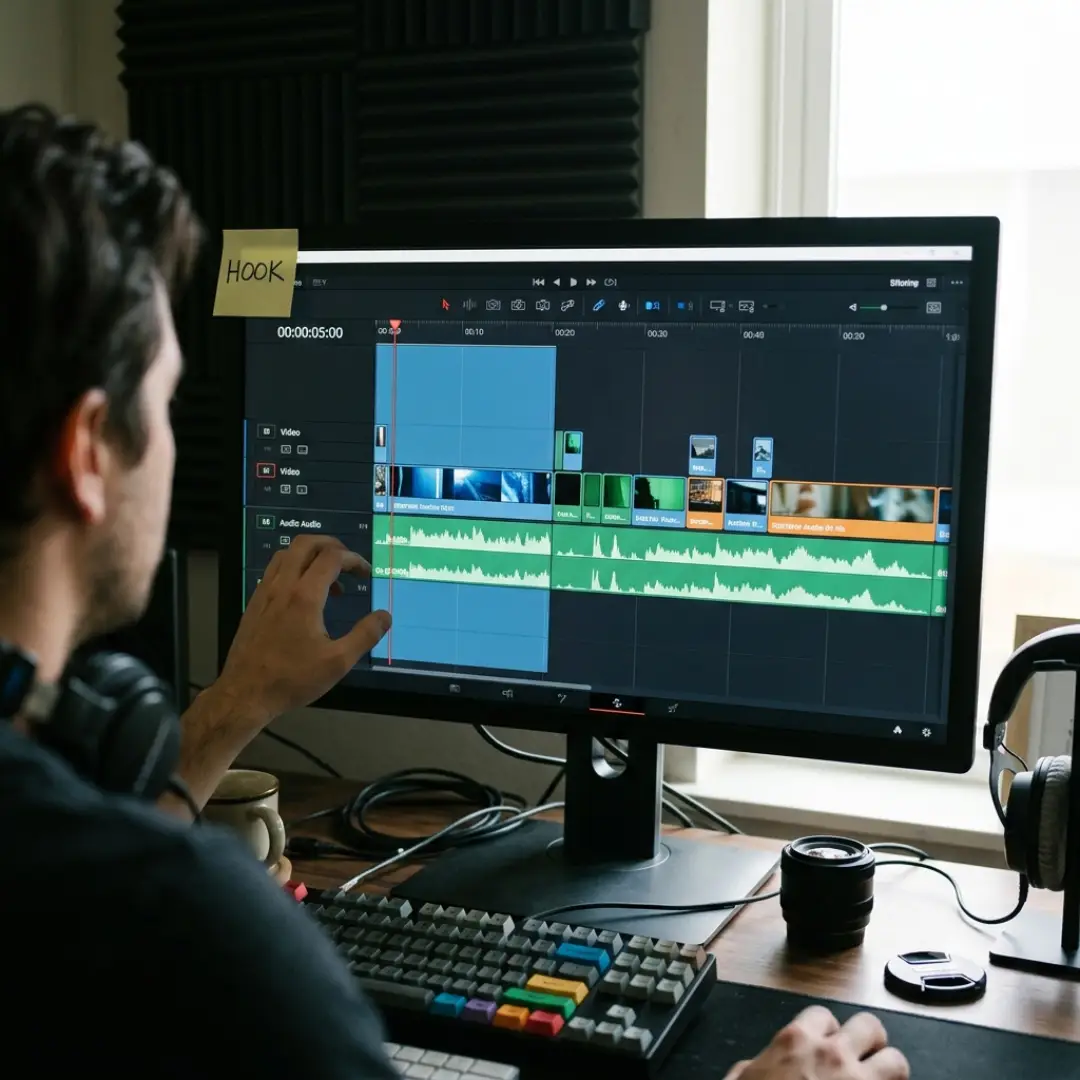
- The First 30 Seconds: Edit the Hook That Confirms the Click
- 5 Cutting Patterns That Keep Viewers Past Minute 8
- Invisible Cuts: J-Cuts, L-Cuts, and Kinetic Pacing
- Pattern Interrupts: Reset Attention Every 30 to 60 Seconds
- Open Loops and the Hook-Deliver Cycle
- Sound Design: The Retention Tool Viewers Never Notice
- Motion Graphics and Text That Earn Their Place
- How to End Videos Without Killing Retention
- Retention Killers to Cut From Your Edit
- Conclusion
Here’s the part most tutorials skip: retention isn’t won in the writing or the filming. It’s won in the edit. This guide breaks down the YouTube video retention editing techniques that professional editors use to keep viewers watching until the end: hook edits, cutting patterns, pattern interrupts, sound design, and endings that don’t leak viewers. Whether you’re editing your own videos or you grow a YouTube channel as a video editor for clients, these are the moves that turn a 25% retention video into a 50% one.
What Is Retention Editing (And Why YouTube Rewards It)
Retention editing is the craft of shaping your footage so those numbers climb: not by making videos shorter, but by making every second earn the next one.
Here’s where most channels actually stand:
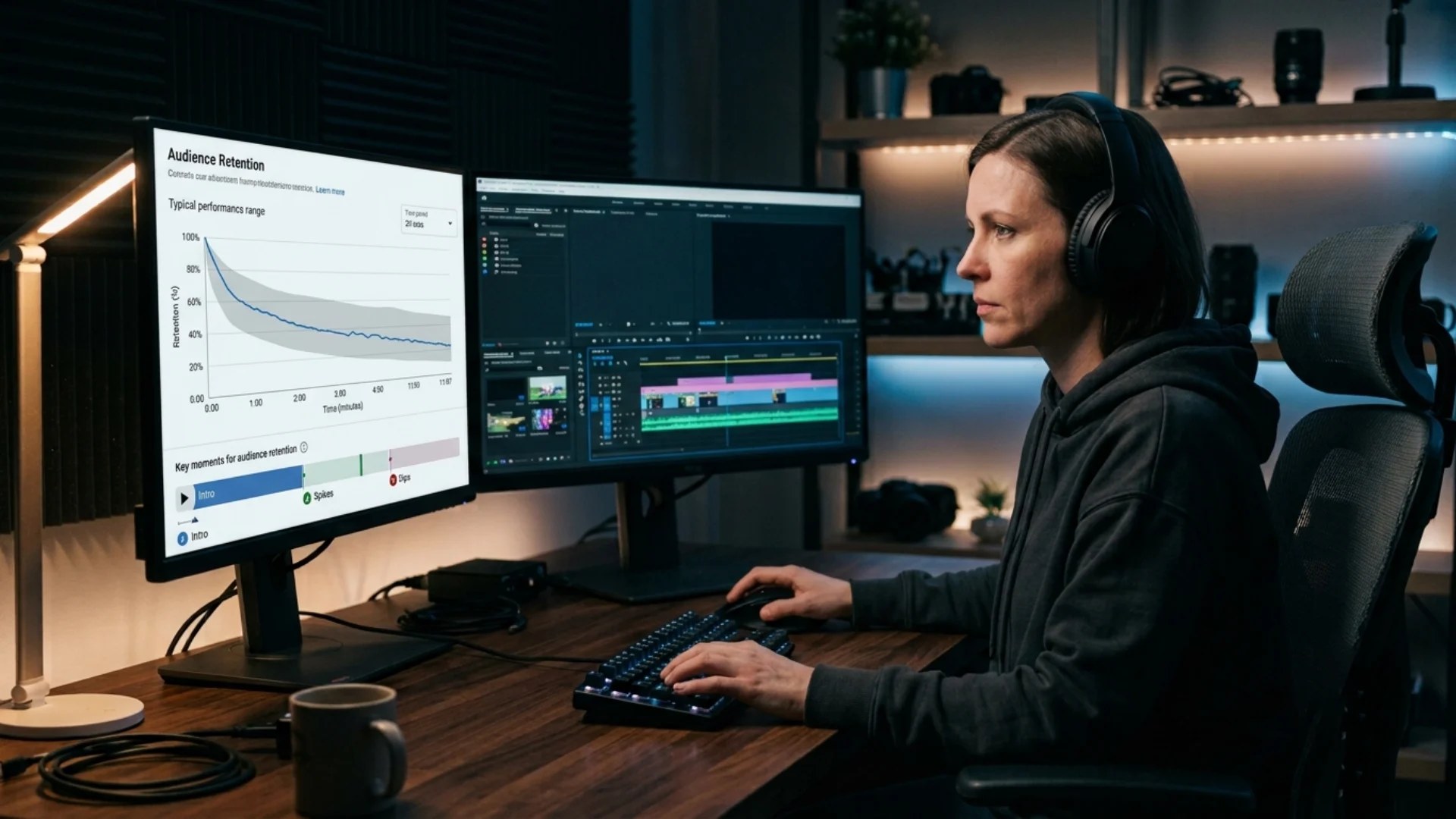
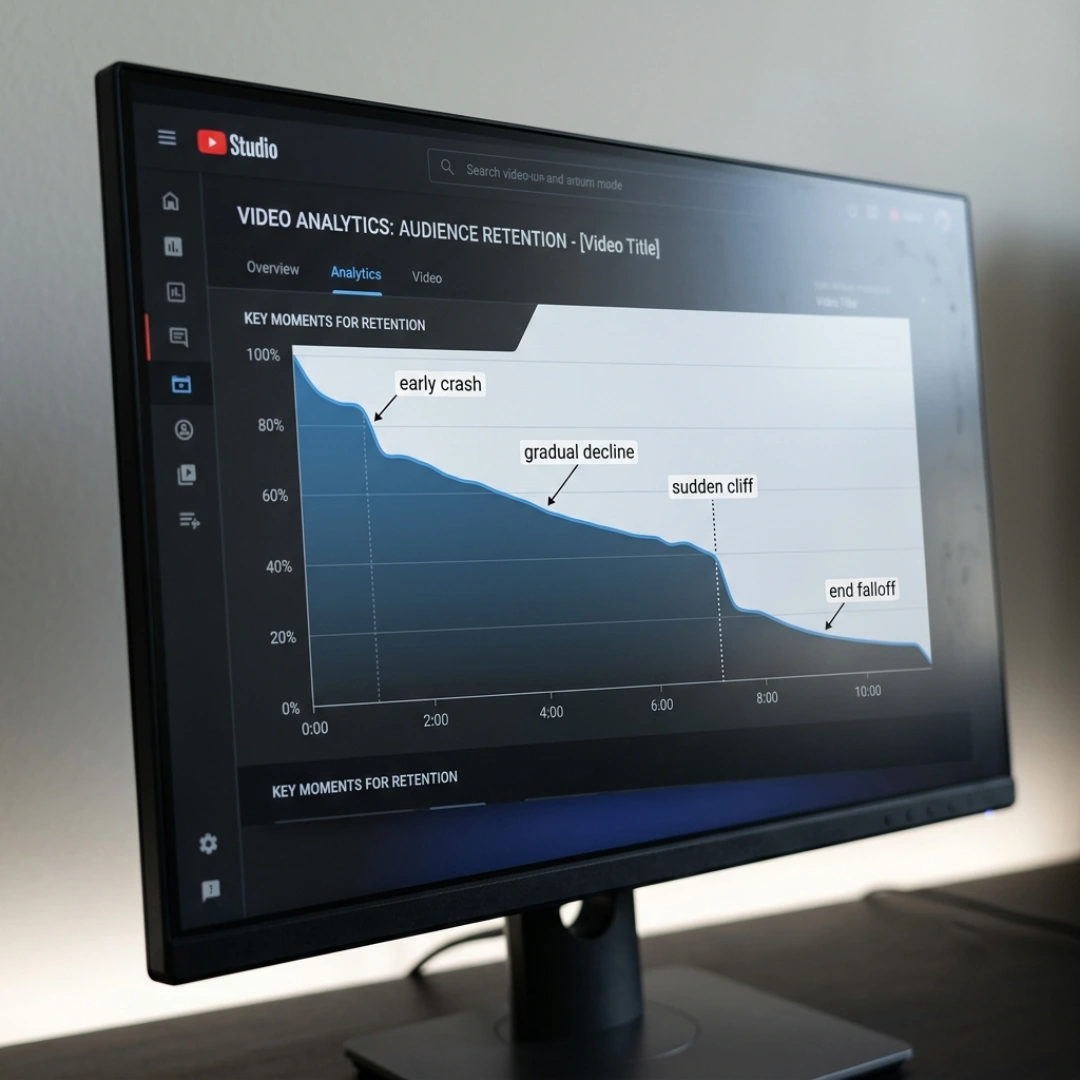
Read Your Retention Graph Before You Touch the Timeline
- The early crash. A steep drop in the first 30 seconds. Your packaging made a promise your opening didn’t confirm. According to vidIQ, the majority of drop-off (often 55% or more) happens inside the first minute.
- The slow mid-video decline. A steady downhill slope. Your pacing is flat: no rehooks, no pattern changes, nothing pulling viewers forward.
- The sudden cliff. A sharp drop at one specific moment. Something specific pushed people away: an ad break, a sponsor segment, an off-topic tangent, or the dreaded “before we start” detour.
- The end falloff. A collapse in the last 30 to 60 seconds. Viewers sensed the video was wrapping up and bailed before your end screen could do its job.
Also watch for spikes: moments people rewatch or skip to. Those are your audience telling you exactly what they came for. Do more of that. We cover how to read these reports in depth in our guide to YouTube analytics.
The First 30 Seconds: Edit the Hook That Confirms the Click
Three hook edits that consistently work:
- The highlights teaser. A rapid montage of the best moments coming up, cut tight, under 10 seconds.
- The direct value statement. Cut straight to the point: “By the end of this video, your retention graph will look like this.” Show the result on screen immediately.
- The cold open. Drop viewers into the most dramatic or curious moment of the video, then rewind: “But let me back up.”
A few editing rules for the opening stretch:
- Change something visual every 10 to 15 seconds (angle, zoom, B-roll, text).
- Place your first deliberate pattern interrupt around the 25 to 35 second mark, right where AIR Media-Tech’s retention research found the first major drop-off zone.
- Kill the long branded intro. If you want one at all, keep it under five seconds; we show how to build openers that add rather than cost retention in our guide to cinematic YouTube intros.
- Keep the spoken hook to about three sentences before delivering the first piece of real value.
5 Cutting Patterns That Keep Viewers Past Minute 8
Invisible Cuts: J-Cuts, L-Cuts, and Kinetic Pacing
Three techniques do most of the work:
- J-cuts. The audio of the next scene starts before the visual does. Your ear arrives before your eye, so the transition feels seamless.
- L-cuts. The current audio continues while the visual moves on. Great for laying B-roll over a talking head without breaking the sentence.
- Kinetic pacing. The frame never sits completely still while an idea is developing: subtle punch-ins, slow zooms, gentle drifts. Movement signals “something is happening”, and brains stay pointed at things that are happening.
This is the same pacing logic that powers editing YouTube Shorts in Premiere Pro, just stretched across a longer runtime. And when you need scene changes that flow instead of jolt, a pack like Artistic Smooth Transitions gives you 14 ready-to-use MOGRT transitions for After Effects and Premiere Pro that keep the momentum moving without calling attention to the cut itself.
Pattern Interrupts: Reset Attention Every 30 to 60 Seconds
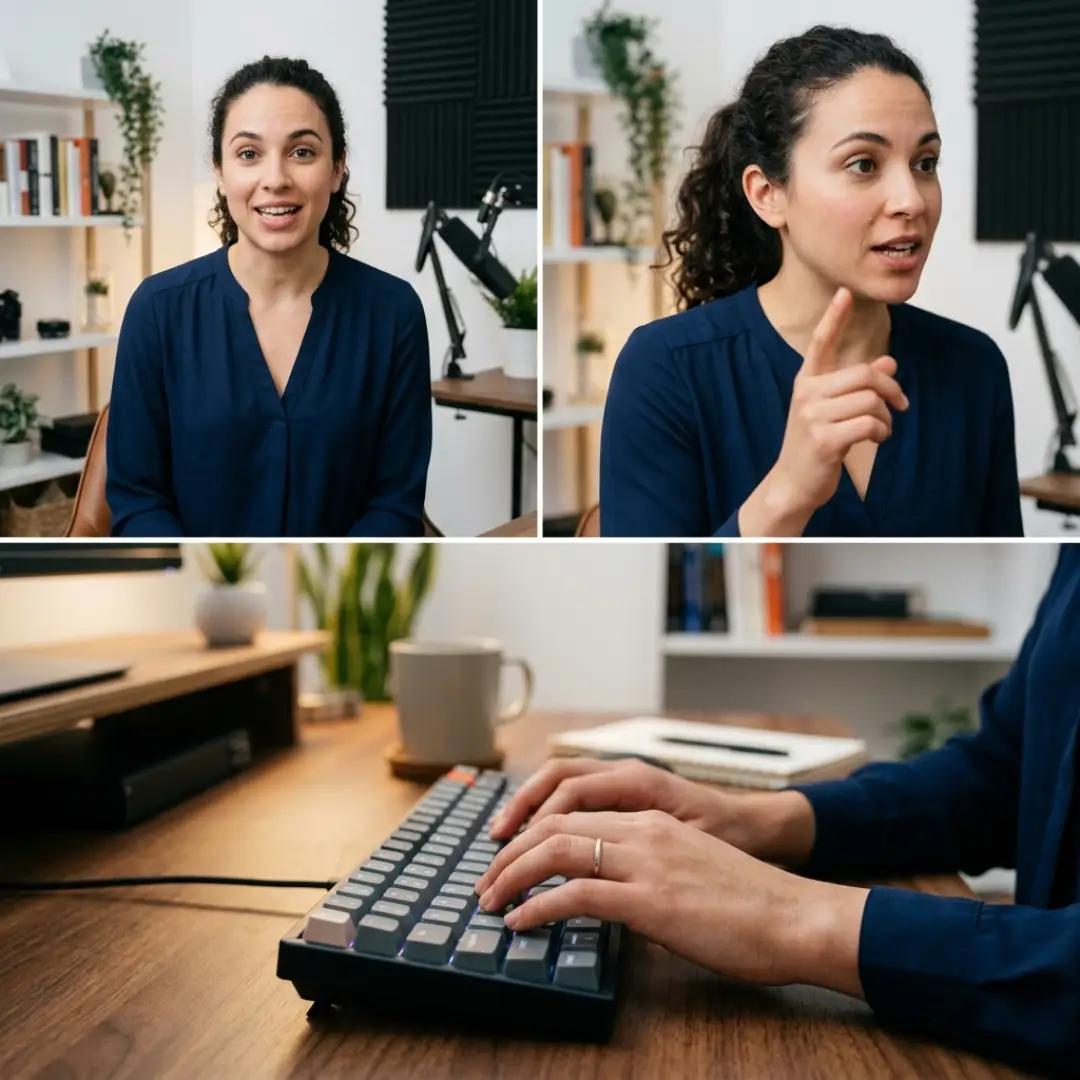
Your options, roughly from subtle to loud:
When you do want a loud, unmistakable reset, purpose-built transitions do it in one move. The Bold Transitions Pack brings 10 vibrant, Y2K-inspired transitions (with emoji graphics, because sometimes subtle isn’t the assignment 😄) for After Effects, Premiere Pro, or drag-and-drop MOV files.
Open Loops and the Hook-Deliver Cycle
In the edit, this means:
- No flat landings. Never let a section resolve into silence. Cut the pause between “that’s how you do X” and the next idea down to nothing.
- Rehook every two to three minutes. Tease what’s coming (“wait until you see what happened at minute six”), ask a question, or call back to the video’s core premise.
- Blend your blocks. Prodvigate points out that viewers bail at the seams: the moments that feel like “a new section is starting, good exit point”. Smooth those seams with L-cuts, continuous music, and connective phrases so the video feels like one unbroken ride.
Sound Design: The Retention Tool Viewers Never Notice
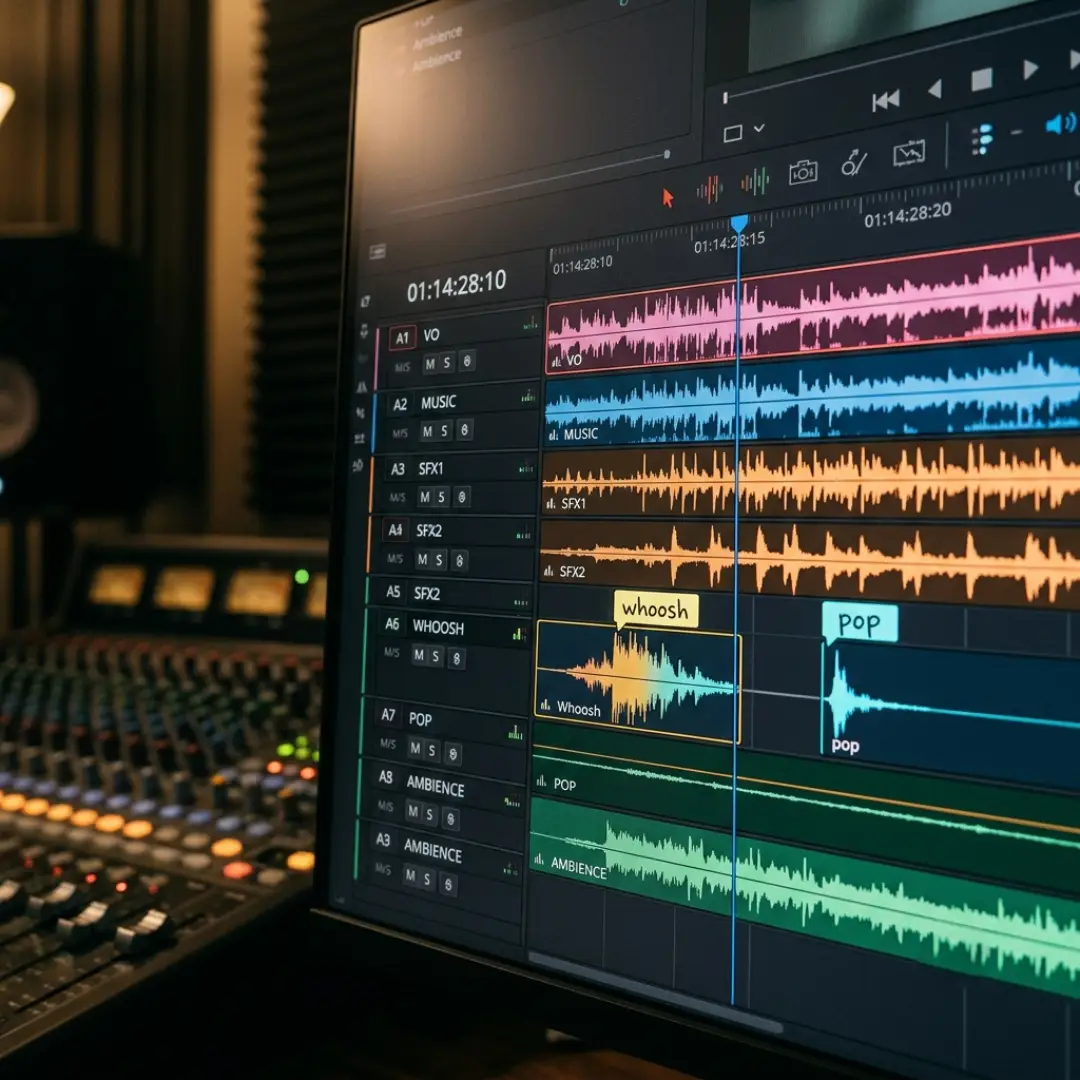
- SFX on motion beats. Every whoosh, pop, and click tied to a zoom or text reveal gives the brain a tiny nudge: pay attention, something changed. Used consistently, sound effects become your cheapest pattern interrupts.
- Music as structure. Change tracks when the story shifts. A new song under a new chapter tells viewers “we’re going somewhere” without saying a word. Keep music under the voice, never over it.
- Cut to the beat. Syncing cuts to the music’s rhythm makes pacing feel intentional even when viewers can’t explain why.
- Protect voice quality. Bad audio kills retention faster than bad visuals. Viewers forgive a soft image; they won’t forgive straining to hear you.
H2H2H2H2H2H2H2H2H2H2H2H2H2H2
Motion Graphics and Text That Earn Their Place
The workhorses worth having in every project:
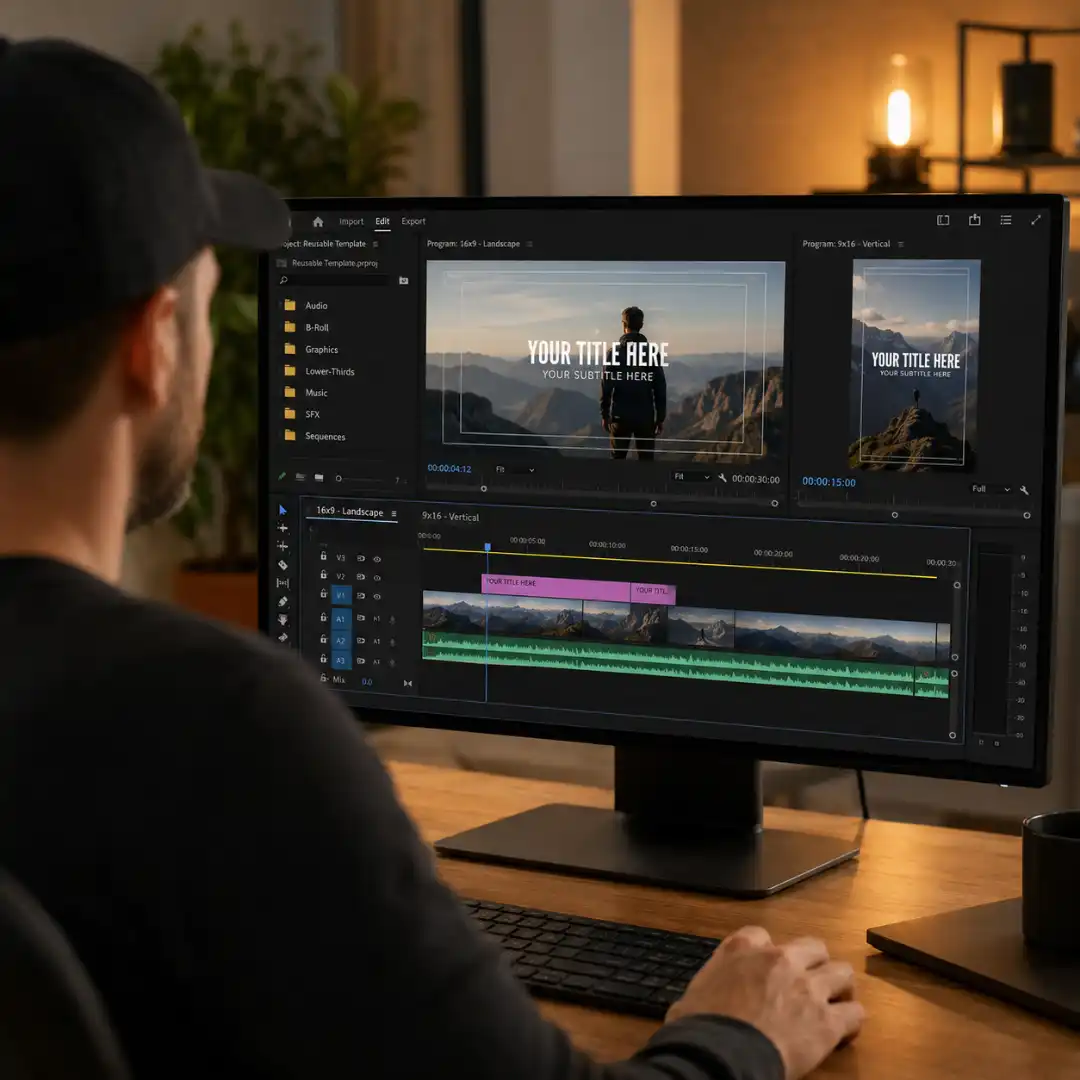
- Lower thirds to introduce speakers, topics, and segments without interrupting the flow. Animated YouTube Lowerthirds is built exactly for this, with fully editable text and colors that snap to your channel branding in After Effects, Premiere Pro, or Photoshop.
- Animated titles for key statements, steps, and stats timed to speech. With something like TypeKit Animated Titles you get 500 animated title styles, which means you’ll never reuse the same emphasis so often that viewers stop noticing it.
- Diagrams and callouts whenever a sentence starts with “imagine” (if they have to imagine it, you should be showing it).
How to End Videos Without Killing Retention
- Ban finalizing language. “To recap”, “and lastly”, “that’s how you…”: each of these is a spoken permission slip to leave. Cut them in the edit even if they were in the script.
- Move CTAs to the middle. Asking for likes and subscribes at the end means asking people who are already reaching for the next video. Drop the ask casually mid-video, right after a moment of delivered value, and keep it under five seconds.
- Keep delivering through the end screen. Dexxter Clark’s retention experiments found that continuing to talk over the final 20 seconds, while end screen elements point viewers to the next video, beats a formal goodbye every time. Session time (viewers continuing to another video) is a signal YouTube rewards on top of retention.
- In list videos, hide the count. If viewers know point five of five is coming, they leave during point four. Don’t number the last item on screen.
Retention Killers to Cut From Your Edit
- Long lead-ins. Backstory, channel housekeeping, “before we start”. Start at the start.
- Off-topic tangents. Every detour from the promise in your title is a cliff on your graph.
- Repeated points. Saying it twice doesn’t make it clearer; it makes it skippable.
- Badly placed ad and sponsor breaks. Put them after a rehook, never after a resolved point.
- Winding down. Slower cuts, softer music, and summary energy in the last quarter tell viewers you’re done before you are.
Then run the rewatch test: the day after your edit, watch the video full-screen on the couch, phone out of reach, like a viewer would. Note every moment you feel the tiniest itch to check your phone, go back to the timeline, and fix exactly those spots. Building this review pass into your video editing workflow is the single most reliable retention habit we know.
Conclusion
Start small: pick one technique from this guide and apply it to your next upload, then watch what it does to your curve. And if you want your channel’s whole visual package (openers, lower thirds, logo reveals, and title scenes) pulling in the same direction, YouTube Packs bundles 45 customizable elements across five styles so every video looks intentional from the first frame to the end screen.
Disclaimer : If you buy something through our links, we may earn an affiliate commission or have a sponsored relationship with the brand, at no cost to you. We recommend only products we genuinely like. Thank you so much.
Blog Label:



Write for us
Publish a Guest Post on Pixflow
Pixflow welcomes guest posts from brands, agencies, and fellow creators who want to contribute genuinely useful content.
Fill the Form ✏