Sound Design for Film: A Complete Guide for Video Editors and Filmmakers
- What Is Sound Design for Film
- Why Sound Design Matters
- A Brief History of Sound Design
- The Building Blocks: Types of Sound in Film
- The Sound Design Workflow From Pre-Production to Final Mix
- Post-Production Sound, Step by Step
- Core Sound Design Techniques Every Editor Should Know
- Designing Sound by Genre
- Iconic Sound Design Moments in Cinema
- Software for Sound Design
- The Sound Designer's Toolkit
- Practical Workflow for Indie Filmmakers and Solo Editors
- Common Sound Design Mistakes to Avoid
- How to Start a Career in Sound Design
- Conclusion
If you are a video editor, an indie filmmaker, or a director who treats audio as the last 5% of the project, you are leaving roughly half of the experience on the table. The good news is that sound design is one of the most learnable disciplines in film. The principles are stable, the tools are accessible, and the only real requirement is a pair of ears you are willing to train. The fastest way to start training them is to spend time inside a serious sound effects library, so your ears get used to the difference between a flat stock impact and a layered cinematic hit. Pixflow’s royalty-free sound effects library is built for exactly that, with cinematic risers, hits, transitions, foley layers, ambiences, and AI-designed effects you can drop into a session and study.
This guide is the comprehensive reference we wished existed when we were starting out. It explains what sound design is, how the entire workflow runs from script to final mix, every technique that matters, the software the industry actually uses, and the iconic film moments that prove every principle. It is written to be useful at any level. Beginners can read it top to bottom. Working editors can skim to the section that solves the problem in front of them today.
What Is Sound Design for Film?
A useful working definition has two halves. The technical definition, the one StudioBinder teaches, is the process of recording, editing, mixing, and creating the soundtrack for a film. The creative definition is the design of the aural world that makes the visual world feel real, emotional, and intentional. A great sound designer holds both definitions at the same time.
Sound design is also frequently confused with two adjacent disciplines, sound editing and sound mixing. They overlap in scope but they are not the same job. The table below clarifies the difference and is one of the most important things to understand when you are hiring or self-assembling a post audio team.
Why Sound Design Matters
You can prove the importance of sound design with a thirty-second experiment. Pick any horror scene you love. Mute it. The terror evaporates. The image is the same, the cuts are the same, but without the low-frequency drone, the held-breath silence, and the sudden hit, your nervous system has nothing to react to. The opposite is also true. A boring static shot of a hallway becomes unbearable with the right sub-bass rumble underneath it.
Sound also reaches the brain faster than picture. The auditory cortex processes sound roughly 20 to 50 milliseconds faster than the visual cortex processes image. By the time the viewer consciously sees the cut, the audio has already told them how to feel about it. That is why a punch sounds bigger when the SFX hits one frame before the contact frame, why a horror sting works two frames before the reveal, and why a comedy beat lands when the boing sits exactly on the take. The Science of Sound Design and Production In Filmmaking goes deeper on the perceptual side if you want the neuroscience.
A Brief History of Sound Design
- Silent era (1895 to 1927). Films were never truly silent. Theaters employed live pianists, organists, full orchestras, and even live foley performers behind the screen with coconut shells, cap guns, and metal sheets for thunder.
- 1927, The Jazz Singer. The first major synchronized sound feature and the start of the talkies. For the next two decades, sound was driven entirely by dialogue and on-set music.
- 1933, King Kong. Murray Spivack’s roar (a lion vocalization slowed down and reversed) is widely considered the first piece of true creative sound design.
- Late 1920s to 1960s. Jack Foley invents the discipline that now bears his name at Universal Pictures, building footsteps, cloth, and props in real time on a stage as the picture plays.
- 1979, Apocalypse Now. Walter Murch is the first person credited as Sound Designer on a feature, and the Dolby Stereo mix changes audience expectations forever.
- 1992, Dolby Digital 5.1. Surround sound becomes the cinema standard.
- 2012, Dolby Atmos. Object-based, height-channel, immersive audio.
- 2020s. AI voice synthesis, AI-generated SFX, immersive headphone delivery on streaming, and spatial audio everywhere.
The throughline is simple. Sound has always been used to sell the world. The technology has just kept giving designers more dimensions to work in.
The Building Blocks: Types of Sound in Film
Dialogue
Dialogue is almost always the most important element on the timeline because it is what carries the story most explicitly. Three forms of dialogue end up in a final mix.
- Production dialogue. Recorded on set with a boom microphone overhead and lavalier microphones on the actors. This is the priority capture, and the entire production sound chain (mixer, boom op, lav placement, slate, timecode) exists to protect it.
- ADR (Automated Dialogue Replacement). Dialogue re-recorded in a studio after the shoot, either to replace lines that are unusable for technical reasons or to revise performance. Mastering ADR in Film covers the full ADR pipeline.
- Voiceover and narration. Studio-recorded, off-camera dialogue used for inner monologue, narration, or commentary.
For dialogue cleanup, take swaps, and the spectral repair work that every modern feature needs, the dialogue editing techniques blog post on this subject will go deep on the day-to-day craft.
Music and Score
Music divides into composed score and licensed music. Composed score is written specifically for the film, usually delivered as stems (strings, brass, percussion, synth pads). Licensed music is pre-existing tracks, either commercial releases or production-music libraries. The two are spotted differently and serve different functions: score guides emotion, source music establishes period, place, or character taste. Music licensing is a deep topic on its own; the royalty-free music for video editors blog post on this subject covers the practical licensing rules every editor needs.
Sound Effects (SFX)
SFX cover everything that is not dialogue, music, or foley. Industry shorthand splits them into three families.
- Hard effects, also called spot or cut effects. Synced to a specific on-screen action: a gunshot, a door slam, a car horn. Realistic Gunshot Sound Effects for Filmmaking, and Sword and Blade Sound Effects are deep dives on three of the most common hard-effect categories.
- Backgrounds, also called atmos or ambiences. Long, looping beds (city traffic, room tone, forest at night) that establish location. For editors who want to quickly browse and test sound effect clips before committing to a full session, a tool like https://soundbuttonslab.com/ makes it easy to preview cues, hits, and ambiences on the fly, streamlining the early sound-spotting process.
- Design effects. Sounds with no real-world equivalent: lightsabers, the shimmer of teleportation, the heartbeat of a spaceship engine. These are the most creative end of sound design and where designers earn their reputation. The Complete Guide to Cinematic Sound Effects is a useful companion read.
Foley
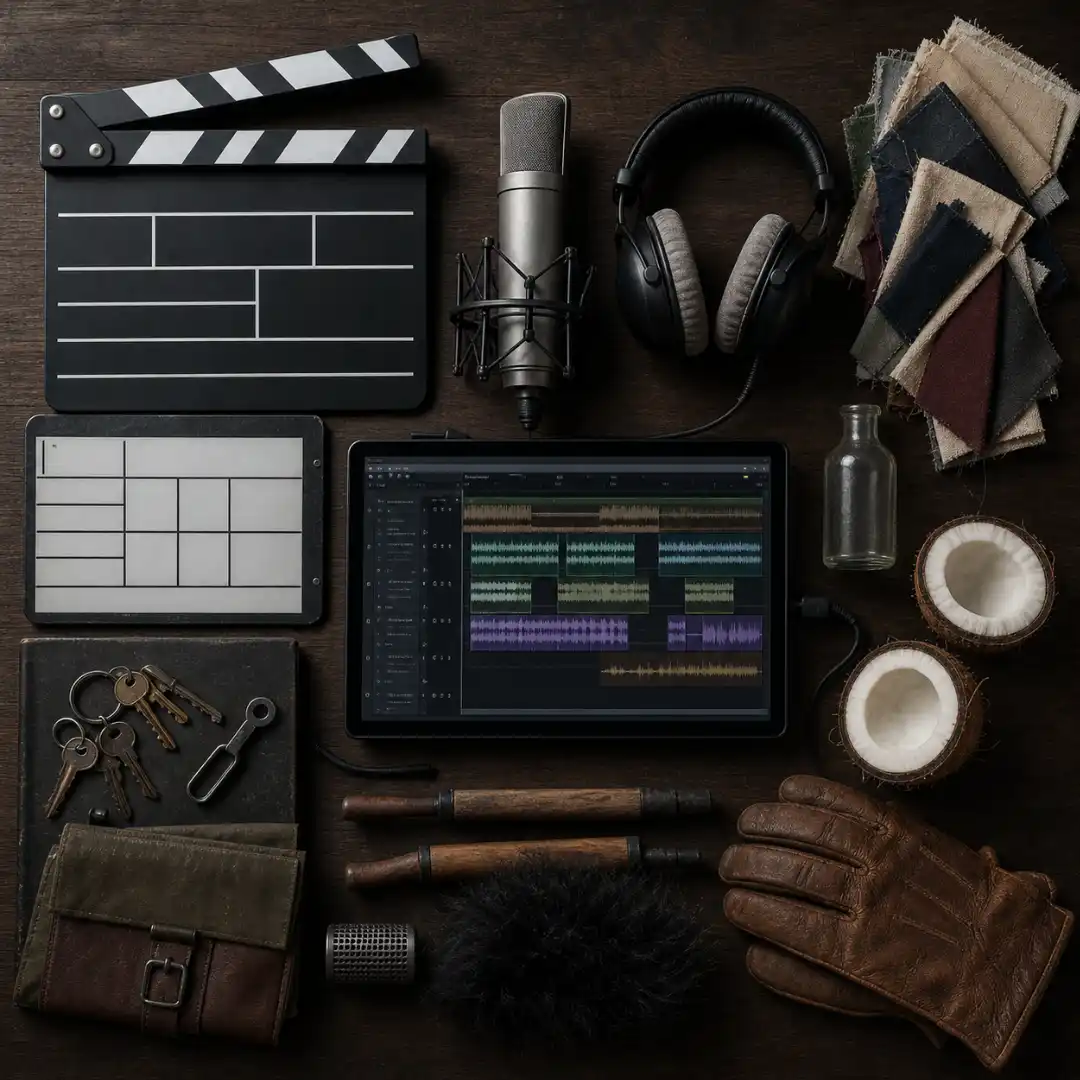
Foley is the live performance of human-scale sound effects (footsteps, cloth, props, body falls) on a foley stage, in sync with the picture. SFX libraries cover most non-human sound. Foley fills the human-bodied gaps that libraries cannot, because it is performance-driven and frame-accurate. Famous tricks include coconut halves for hooves, celery snaps for breaking bones, walnuts in a leather bag for joint cracks, a wet chamois for visceral body sounds, and a whole arsenal of shoes on a wide range of surfaces. The blog post on creating foley sound effects at home shows you how to set up a low-budget foley pit in your own room.
Ambience and Room Tone
Every scene needs a continuous bed of sound underneath it, even when the script says “interior, quiet office.” Without that bed, dialogue feels glued onto silence and every cut sounds like a glitch. Two layers do this work.
- Room tone. Thirty seconds (minimum) of silence captured on the actual set with the cast and crew frozen in place. Used to fill gaps between dialogue takes so the dialogue track sounds continuous.
- Ambience. A designed bed for the location: traffic, distant sirens, HVAC hum, birds, wind. The ambient sound design blog post on this subject goes deep on building these beds for any environment.
Silence
Silence is a sound design choice. A Quiet Place makes silence the protagonist. 2001: A Space Odyssey uses pure silence in the vacuum-of-space sequences to make the audience hold its breath. No Country for Old Men trades the entire score for the sound of wind, footsteps, and the occasional cattle gun. Used deliberately, silence is louder than any hit.
Diegetic vs Non-Diegetic Sound
The most important conceptual split in sound design is whether a sound exists inside the world of the story (the characters can hear it) or outside the world (only the audience hears it). The table below shows the three categories with film examples.
The Sound Design Workflow From Pre-Production to Final Mix
Pre-Production
This is where the seasoned sound team earns its budget. Tasks include:
- Script analysis and a sound spotting read-through to mark every sound cue.
- Hiring decisions: Supervising Sound Editor, Sound Designer, Production Mixer, Boom Op, Foley team, Re-Recording Mixer, ADR Mixer, ADR Recordist, and (for tentpoles) sound effects recordists.
- A sound design brief from the director, often built around references from past films.
- Location scouting from a sound POV: airports nearby, traffic, HVAC, echo, generator noise.
- Budgeting: ADR sessions, foley days, atmos delivery, library licensing.
Production
The Production Sound Mixer is the on-set guardian of the dialogue. Their three jobs are simple and brutal: capture clean dialogue, capture wild tracks, and capture room tone for every set. Boom microphones (typically a hypercardioid or shotgun on a boom pole) catch the broad performance. Lavalier mics on the actors give backup and coverage when boom placement is impossible. Timecode and slate sync everything to the camera.
A non-negotiable rule: capture at least 30 seconds of room tone on every location, with the cast and crew completely still. Editors and dialogue editors will use that tone to fill every gap in the dialogue tracks. Room tone is free during production and very expensive to fake later. How to Sync Audio and Video in Premiere Pro walks through what happens to that material once it lands in your NLE.
Post-Production
This is where the world gets built. The picture is locked, an OMF or AAF turnover is generated from the picture editor’s NLE, the audio team imports it into Pro Tools (or Fairlight, or Reaper, or Nuendo), a spotting session is held with the director, and the sound team begins parallel work on dialogue, SFX, foley, music, and design effects. Reconforms are run when the picture changes. Stems are exported to the re-recording stage for the final mix.
A simplified workflow table makes the deliverables explicit.
Post-Production Sound, Step by Step
Step 1: Session Prep and Templates
Build a master DAW template once and reuse it. A sane template has named, color-coded track folders for: Dialogue (Boom A/B, Lav A/B, Group, ADR), Foley (Footsteps, Props, Cloth), Backgrounds (Atmos A/B), SFX (Hard, Cut, Design), Music (Score, Source), and Aux returns (Reverb Short, Reverb Long, Delay). Set the session sample rate to match the camera (48 kHz for almost every modern shoot) and use 24-bit depth at minimum.
Step 2: Dialogue Editing
Start here. Dialogue is the spine of the mix and everything else gets built around it. The work covers consistency edits (matching takes), trimming and crossfades on every cut, room-tone fills under every gap, broadband and spectral noise reduction (iZotope RX is the de-facto standard), and de-essing where sibilance is harsh. How to Remove Background Noise in Premiere Pro and How to Fix Bad Audio in Premiere Pro cover the day-to-day repair toolkit.
Step 3: Sound Effects Edit and Sound Design
Work the timeline scene by scene. Place hard effects first (every door, every footstep that foley will not cover, every gunshot, every car), then design effects (whooshes, risers, signature sounds), then atmospheres underneath everything. Cinematic Whoosh Sound Effects for Transitions is a useful companion read for the transition layer.
Step 4: Foley
If you are doing proper foley, perform it to picture on a hard surface. Footsteps are the priority; cloth and props come second. Even a single foley pass over a scene transforms how grounded the body language reads.
Step 5: Music Edit
Place the score, edit cues to the picture (a music editor’s whole job is making the composer’s bars sit on the right hits), and place any source music. Spot the dialogue against the score so that vocal lines never collide with melodic peaks.
Step 6: Pre-Mix and Final Mix
Balance every group internally first (dialogue against itself, SFX against itself), then balance the groups against each other. Premiere Pro’s Essential Sound panel gives editors a quick on-ramp here, with one-click tagging of clips as Dialogue, Music, SFX, or Ambience and automatic loudness targets. For DAW-grade mixing in a free tool, DaVinci Resolve’s Fairlight page gives you a full pro mixer (busses, immersive panning, ADR tools) inside the same app you cut your picture in. The fundamentals of levels, EQ, and compression that make those mixes sit are covered end-to-end in sound mixing basics.
Core Sound Design Techniques Every Editor Should Know
Layering
The single most important habit. No professional cinematic hit is one sound. A punch in John Wick might be a leather glove on a side of beef, a wet meat slap, a kick drum sample, and a sub bomb stacked on the same frame. The three-sources rule is a useful default: never let a hit be one sample. The blog post on sound effects layering shows the layering pattern in detail with examples. Punch and Impact Sound Effects for Fight Scenes is a focused application of the same idea.
Worldizing
Re-recording a clean studio sound by playing it back through a speaker into a real space and capturing the result with a microphone. Walter Murch worldized the helicopters in Apocalypse Now by playing recordings through a PA system in a parking garage. Dune used worldizing on the sandworm vocalizations to give them physical body. Oppenheimer‘s Trinity sequence is a worldizing tour-de-force.
Pitch Shifting and Time Stretching
The fastest way to turn a real-world recording into something otherworldly. The Jurassic Park velociraptor screech is dolphin and walrus calls layered, slowed, and pitch-shifted. The 1954 Godzilla roar is a leather glove dragged across a loosened double-bass string. Pitch-shift, reverse, and stretch are the first three buttons every sound designer learns to push.
Resynthesis and Granular Synthesis
Tools like Native Instruments Reaktor, Output Portal, and Krotos Reformer let you take any audio file, atomize it, and use it as the raw material for a new sound. Granular synthesis is how most modern drone beds and creature vocalizations are designed.
Equalization (EQ)
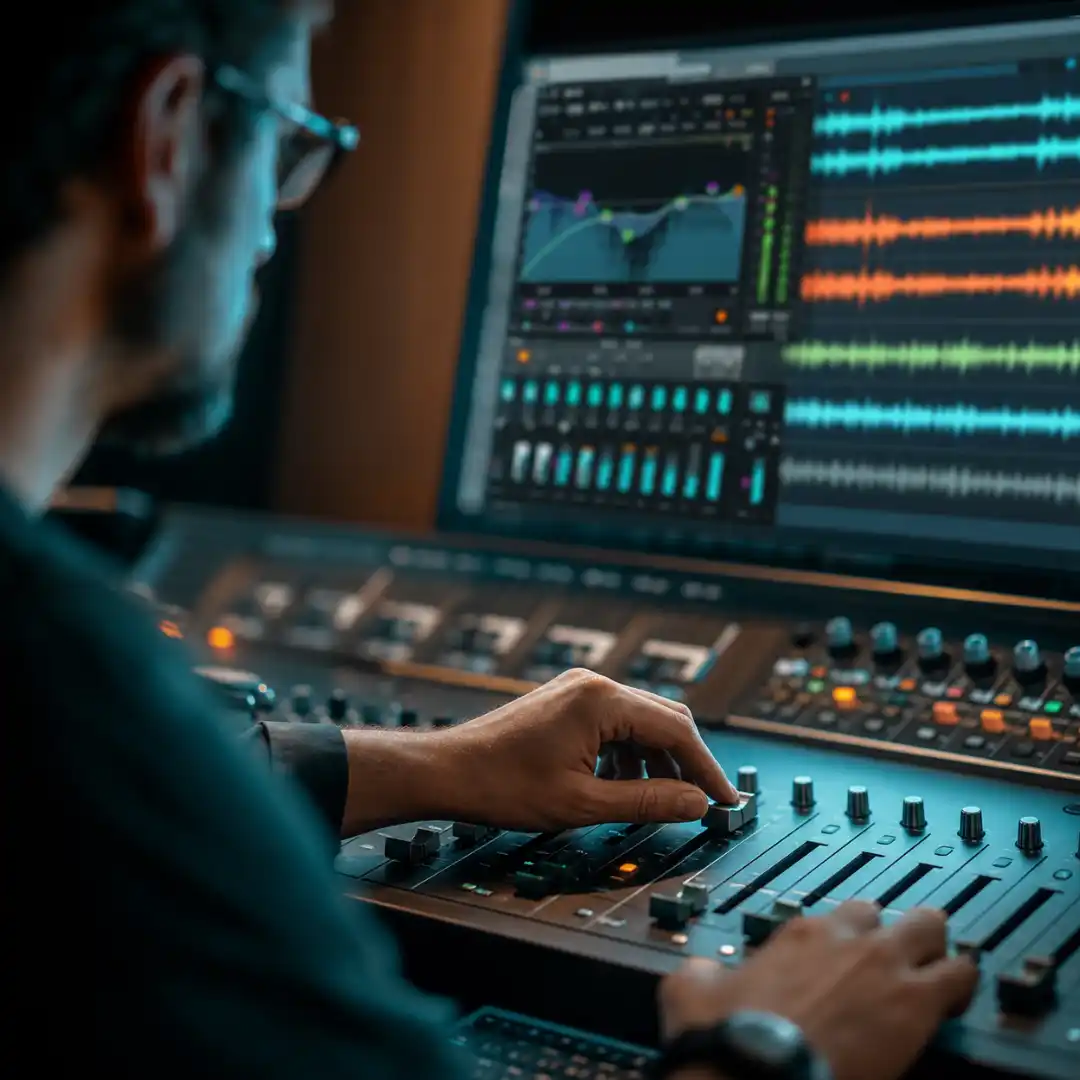
EQ is sculpture. It carves out the parts of a sound that are clashing with another sound and emphasizes the parts that should sit forward. The rough rules for dialogue: high-pass below 80 to 100 Hz to remove rumble, dip 200 to 400 Hz if the voice sounds boxy, gently boost around 2.5 to 5 kHz for presence, and de-ess between 6 and 8 kHz. The frequency cheat sheet below covers the full mix.
Compression and Gain Staging
Compression evens out the dynamic range. A good dialogue compressor takes a performance with 20 dB of variation between a whisper and a shout and brings it down to 6 to 8 dB so the audience never has to reach for the volume. Gain staging is the discipline of leaving headroom at every step (capture at 18 dB below clipping, mix to 12 dB below clipping, master to broadcast or streaming standards).
Reverb for Spatial Placement
Reverb is how the audience knows where a sound is. Short reverb plus low pre-delay equals a small room. Long reverb plus a high-frequency damp equals a cathedral. A great trick for off-screen dialogue is to send the dialogue track to a different reverb than the on-screen dialogue, so the off-screen line feels physically deeper into the space.
Panning and Stereo Imaging
In a stereo mix, dialogue lives center, music lives wide, SFX track the on-screen object. In a 5.1 or Atmos mix, every diegetic sound has a position in three-dimensional space. The principle is the same in both: pan to where the camera is looking. The spatial audio for video blog post on this subject covers immersive panning in detail.
Sidechaining and Ducking
Sidechaining is automatic ducking. The dialogue track triggers a compressor on the music bus so that every time someone speaks, the music gently drops 3 to 5 dB. The ear no longer has to fight to hear the line, and the music never feels removed.
Sound Bridges (J-Cuts and L-Cuts)
A J-cut is when the audio of the next scene starts before the picture of the next scene. An L-cut is the reverse. Both are used to smooth transitions, foreshadow, or tie scenes together emotionally. Used well, they make the audience forget the cut happened. How to Make Audio Transitions in After Effects covers practical transition workflows.
The Shepard Tone
A continuously rising tone that never actually gets higher because each octave fades in below and fades out above. Dunkirk uses a Shepard tone under the entire ticking score so the tension never resolves. Once you hear it, you cannot unhear it.
The frequency cheat sheet below pulls together the practical mix targets that every one of these techniques services.
Designing Sound by Genre
Horror
Horror sound design is built on the contrast between extreme low-end (drones, sub rumbles, infrasonic frequencies below 20 Hz that the body feels rather than hears) and the sudden absence of sound (the held silence before the jump). Risers build dread. Distortion makes everything feel off. The sound design for horror blog post on this subject goes deep on the genre. Reference films: Hereditary, The Shining, A Quiet Place, Get Out, The Witch.
Action
Action sound design lives on the transient: the sharp, fast attack at the front of every hit. Punches, gunshots, sword clashes, car crashes, and explosions all reward heavy layering, sub-bass extension, and brutal compression. Explosion Sound Effects: A Complete Guide covers one of the two pillar action categories. Reference films: Mad Max: Fury Road, John Wick, Black Hawk Down.
Science Fiction and Fantasy
This is the genre where pure design lives. Lightsabers, transporters, force fields, dragon roars, magic spells, and spaceship engines have no real-world referent, so they have to be designed from scratch. Synthesis, resynthesis, and worldizing are the daily tools. Reference films: Star Wars, Blade Runner 2049, Dune, District 9, Annihilation.
Drama and Documentary
The discipline here is restraint. Dialogue is everything, ambience has to be invisible, and any non-natural sound design will feel like manipulation. Documentary post in particular benefits from extremely careful dialogue cleanup and very gentle music spotting. Reference films and series: Manchester by the Sea, Marriage Story, The Look of Silence, Free Solo.
Comedy and Animation
Stylized, almost-musical sound design with exaggerated foley and cartoonish hits. Every prop has a sound, every reaction has a sting, and the whole soundtrack often runs roughly half an octave brighter than a drama. Reference films: Wall-E, Hot Fuzz, Looney Tunes (still the gold standard), Spider-Man: Into the Spider-Verse.
Iconic Sound Design Moments in Cinema
- The lightsaber hum in Star Wars (1977). Designer Ben Burtt combined the idle hum of an old film projector motor with the buzz of a TV picture tube picked up by a microphone. The Doppler swing of the blade was added by waving a microphone past a speaker playing the hum.
- The helicopters in Apocalypse Now (1979). Walter Murch’s team isolated individual frequency components of real Huey helicopters and recombined them so they could be panned independently across the new Dolby Stereo field. The opening sequence was the first time a mainstream audience experienced a sound moving through space as a designed object.
- Velociraptors in Jurassic Park (1993). Gary Rydstrom layered dolphin screams, walrus bellows, geese hisses, and tortoise mating calls. The famous communication clicks are tortoises.
- The boulder in Raiders of the Lost Ark (1981). Ben Burtt rolled a 1969 Honda Civic down a gravel road in neutral.
- Godzilla’s roar (1954). Composer Akira Ifukube dragged a leather glove coated with pine tar resin along the loosened strings of a contrabass.
- The Dunkirk Shepard tone (2017). Hans Zimmer’s score and Richard King’s sound design both use the Shepard tone, building one continuous unresolved rise across the entire film.
- Silence in A Quiet Place (2018). Sound designers Erik Aadahl and Ethan Van der Ryn built mix levels around the deaf daughter character, dropping the entire mix into her POV silence repeatedly.
- The sandworms in Dune (2021 and 2024). Mark Mangini and Theo Green recorded their own voices, processed them through granular synthesis, and worldized them through real Jordanian desert spaces.
- The Trinity test in Oppenheimer (2023). Richard King designed the bomb sequence with subsonic body-shaking sub-bass, deliberate silence at the visual peak, and a delayed shockwave that arrives the way light-vs-sound physics actually work.
- The vacuum of 2001: A Space Odyssey (1968). Stanley Kubrick used pure silence in the spacewalk sequences and human breathing inside the helmets. The contrast between silence outside and breath inside is one of the most influential sound design choices in history.
- The Matrix bullet-time (1999). The Wachowskis and supervising sound editor Dane Davis built the sound of bullets arriving as if you were on the same time dilation as Neo, with low-pitched whooshes that get faster as the camera moves around him.
Software for Sound Design
- Pro Tools. The industry standard for film post since the 1990s. Native AAF and OMF round-trip with picture, time-stamped clip metadata, frame-accurate ADR cues, and the entire plugin ecosystem assumes Pro Tools first. If you want to work professionally on features, you will end up here.
- DaVinci Resolve Fairlight. A full pro DAW built into a free NLE. The unique advantage is that you can color, edit, and mix in the same project file. No AAF, no roundtrip, no version drift. Fairlight also has full ADR tooling and immersive Atmos mixing inside the free version, which is uncommon at this price (zero).
- Adobe Premiere Pro Essential Sound panel. Premiere is not a DAW, but the Essential Sound panel is the fastest way to tag clips as Dialogue, Music, SFX, or Ambience and apply loudness-aware presets in seconds. For solo editors who do not want to context-switch out of Premiere, it is enormously productive.
- Adobe Audition. Premiere’s tightly integrated audio companion. The Multitrack and Spectral Frequency Display are best-in-class for fast dialogue cleanup. Round-trips with Premiere by right-click.
- Logic Pro, Cubase, Reaper, Nuendo. Common in music-led sound design and indie features. Reaper in particular is a favorite among independent designers for its scriptability and very low cost.
Plugin shortlist for sound design specifically: iZotope RX (spectral repair, the de-facto industry standard), FabFilter Pro-Q 3 (surgical EQ), FabFilter Pro-C 2 (transparent compression), Waves SSL bundle (mix bus glue), Soundtoys (Crystallizer, Decapitator, EchoBoy for design), Krotos Reformer Pro (resynthesis), Output Portal (granular). The blog post on SFX libraries compared covers the library side of the toolkit.
The Sound Designer’s Toolkit
Recording Gear
- Field recorders: Sound Devices MixPre series, Zoom F-series, Tascam DR-series.
- Microphones: a hypercardioid for indoor dialogue (Schoeps CMIT or Sennheiser MKH 50), a shotgun for outdoor dialogue (Sennheiser MKH 416 or 8060), a stereo pair for ambiences (Sennheiser MKH 8040 in ORTF or MS), lavaliers for body mics (DPA 6060/6061, Sanken COS-11D), contact mics for surface vibrations, hydrophones for underwater, and a single good handheld omni for guerrilla recordings (Zoom H4n).
- Headphones: closed-back for tracking on set (Sony MDR-7506, Beyerdynamic DT 770), open-back for editing (Sennheiser HD 600, Audeze LCD-X).
- Monitors: nearfields for the editing suite (Genelec 8030, Adam A7X, Focal Shape) and a sub if you regularly mix to picture.
Sound Libraries and AI Tools
A sound designer’s library is a long-term investment. Building one takes years of recording, buying, and curating. The fastest way to get a usable cinematic library on day one is a curated commercial collection.
This is where Pixflow’s tools earn their place in your toolkit. The Pixflow SFX library is a royalty-free collection built specifically for filmmakers and editors, with cinematic risers and hits, transitions, foley layers, ambient beds, and AI-designed effects. You can drop them into any DAW or NLE without licensing friction, and they are designed to be layered with your own recordings rather than replacing them. The companion Pixflow AI Voiceover plugin installs directly inside Premiere Pro and After Effects, with 22 voice actors and 29 languages, emotion control, and offline rendering inside your timeline. For solo editors, the AI voiceover side is genuinely useful for three things: temp narration tracks so you can lock pacing before booking real VO, multilingual versioning of finished films, and rapid prototyping of explainer-style content. The Ultimate Comparison of AI Voiceover Tools covers the AI voice landscape in more depth.
Treatment and Acoustics
The room you mix in matters more than the monitors in it. Even a treated bedroom (acoustic panels at first reflection points, bass traps in the corners, a rug under the desk) is often a better mixing environment than an expensive untreated room. Always reference the mix on at least two systems: studio monitors and a pair of cheap earbuds. If it works on both, it will work on a phone, a laptop, and a TV.
Practical Workflow for Indie Filmmakers and Solo Editors
- Capture clean production sound. The cheapest possible win in your entire post pipeline. A good lavalier captured well is better than a $30,000 studio fixing a $30 on-camera mic.
- Always grab 30 seconds of room tone at every location. Free during production, very expensive to fake.
- Build a reusable DAW or NLE template once. Reuse it on every project.
- Layer hits with at least three sources. Never ship a single-sample punch.
- Use AI voiceover to lock pacing. Cut your edit to a temp AI VO so the pacing is right, then book a real read against picture.
- Reference the mix on monitors and earbuds. If both pass, ship.
- Leave headroom. Aim for -12 dBFS peaks on the mix bus, then loudness-normalize to your delivery target (-23 LUFS for broadcast, -16 to -14 LUFS for streaming and YouTube).
- Check the mix on a phone speaker. Most of your audience will hear it that way.
If you cut mostly on iPhone footage, a thoughtful sound design pass is the single biggest upgrade you can make to your edit. How to Make iPhone Videos Look Cinematic covers the visual side; the audio side of cinematic is everything in this guide.
Common Sound Design Mistakes to Avoid
- Treating sound as a finishing pass. Sound has to be designed, not glued on at the end.
- Confusing loud with good. Dynamic range is the language of sound design. A quiet scene next to a loud scene makes both feel bigger.
- Relying on a single library source for every hit. The audience will hear the repetition even if they cannot name it.
- Forgetting room tone and ambience. Every cut without an ambient bed sounds like a glitch.
- Mixing only on headphones. Headphones lie about low end, stereo image, and overall loudness.
- Letting the music do all the emotional work. If the music carries the scene alone, the sound design is doing nothing.
- Ignoring perspective. The camera POV is the listener POV; an off-screen voice should sound off-screen.
- Skipping the room-tone fill. A dialogue track with silent gaps will be obvious on every cut.
- Not leaving headroom. Mixing into the red leaves no space for the mastering stage.
How to Start a Career in Sound Design
- Education. A film school degree is one path; specialized programs at SCAD, USC, NYU, NFTS, Vancouver Film School, or ThinkSpace teach the craft formally. Self-taught is just as valid: most working designers have taught themselves the second half of what they know.
- Reading list. In the Blink of an Eye by Walter Murch, Sound Design by David Sonnenschein, Designing Sound by Andy Farnell, A Filmmaker’s Guide to Sound Design by Polis and Rea, and The Foley Grail by Vanessa Ament.
- Build a reel. Take a public-domain film clip, turn off the audio, redesign it from scratch, and put both versions side-by-side on your portfolio. Do this five times across five genres.
- Do free work strategically. The first three short films you sound design are your demo reel. Pick projects with strong direction and visuals so your work shows off well.
- Network where the work is. Local film commissions, festivals, post houses, and online communities (Designing Sound, Reddit r/audioengineering, the Soundworks Collection).
- Specialize over time. Dialogue editor, sound designer, foley artist, re-recording mixer, ADR mixer, and field recordist are all separate careers with separate ladders.
Conclusion
If you take one thing from this guide, take this: pick one technique and apply it to your next edit. Layer one hit. Add a room-tone bed under one scene. Sidechain the music under one dialogue line. The cumulative effect over a year of doing this is enormous.
The fastest way to start practicing is to work with material that is already cinematic. Pixflow’s royalty-free SFX library gives you hits, risers, transitions, foleys, atmospheres, and design effects you can pull straight into a session, and the Pixflow AI Voiceover plugin lets you build temp narration and multilingual versions of your work without booking a studio. Both live inside the tools you already cut in. Treat sound as a co-director, and your audience will feel the difference long before they can name it.
Disclaimer : If you buy something through our links, we may earn an affiliate commission or have a sponsored relationship with the brand, at no cost to you. We recommend only products we genuinely like. Thank you so much.
Blog Label:



Write for us
Publish a Guest Post on Pixflow
Pixflow welcomes guest posts from brands, agencies, and fellow creators who want to contribute genuinely useful content.
Fill the Form ✏