AI Color Grading Tools: How AI is Changing the Way Editors Grade Footage

- What Is AI Color Grading?
- How AI Color Grading Actually Works
- Why Editors Are Adopting AI Color Grading
- Limitations: What AI Color Grading Still Cannot Do
- 10 Best AI Color Grading Tools in 2026
- AI Color Grading Tools Comparison Table
- Step by Step AI Color Grading Workflow (Hybrid Approach)
- AI Plus LUTs: The Hybrid Workflow That Works Today
- The Future of Color Grading with AI
- Conclusion: AI Is Not Replacing Editors, It Is Collapsing the Boring Middle
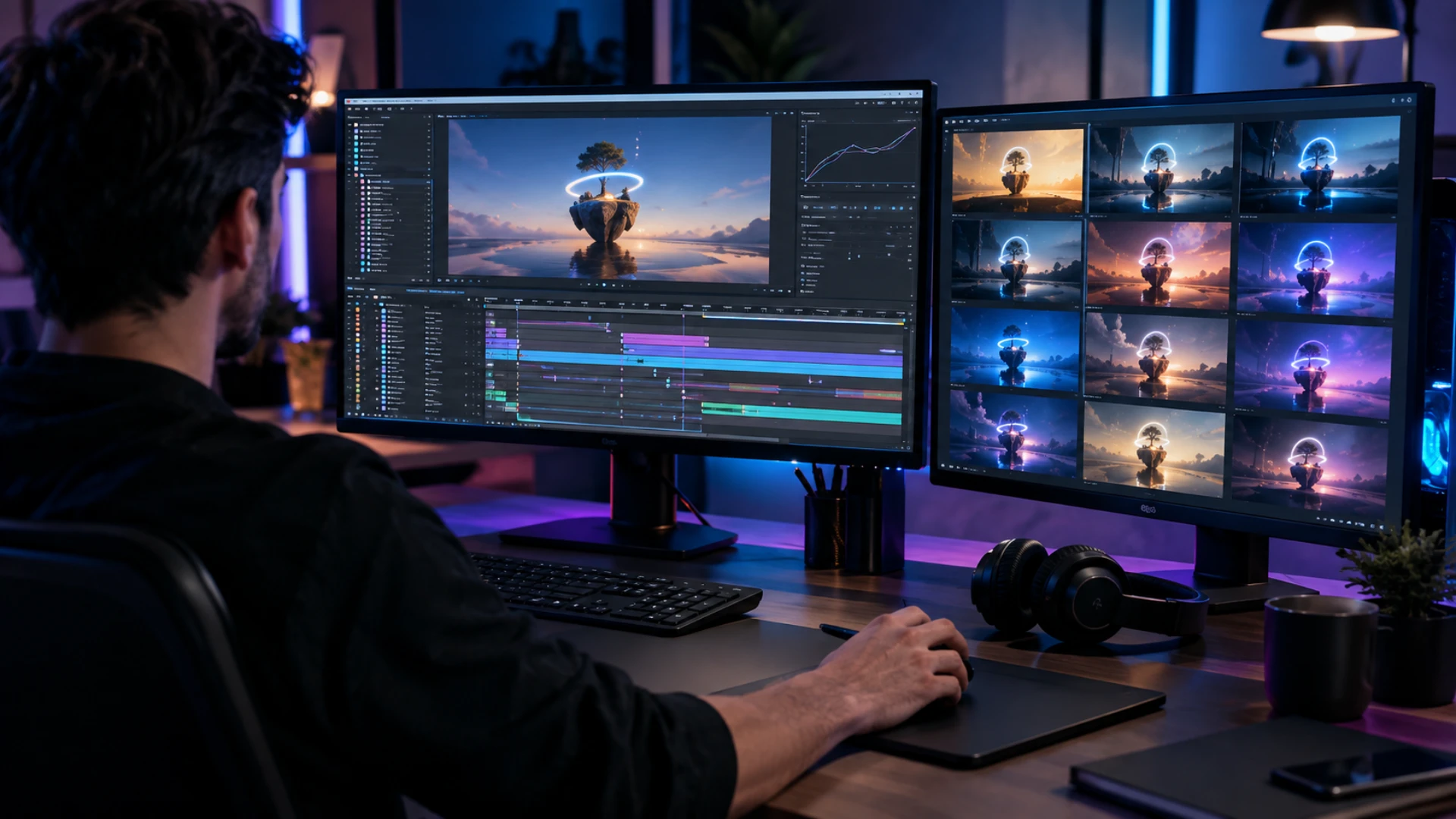
In 2026, AI color grading is no longer a gimmick. Plugins like Colourlab.ai and Imagen Video sit inside Premiere Pro and DaVinci Resolve alongside native AI features built into the apps themselves. They analyze footage clip by clip, balance exposure and skin tones automatically, match shots across cameras, and hand you back an editable layer you can refine. The result is faster delivery, cleaner consistency, and more time spent on creative calls instead of fader pushes.
This guide explains what AI color grading actually is, how the underlying tech works, and which 10 tools are worth your time today. You get a hybrid AI plus LUT workflow you can run tonight, a side by side comparison table, and a clear view of where the craft is heading next. If you are just starting out with AI in your edit room, our explainer on the rise of AI in video editing is a good companion read.
What Is AI Color Grading?
Color correction is the technical pass. You fix exposure, balance white, neutralize color casts, and bring every clip onto a common starting line. Color grading is the creative pass on top of that. You shape mood, push contrast, and apply a look that supports the story. Our deeper breakdown on the difference between color correction and color grading covers this in detail.
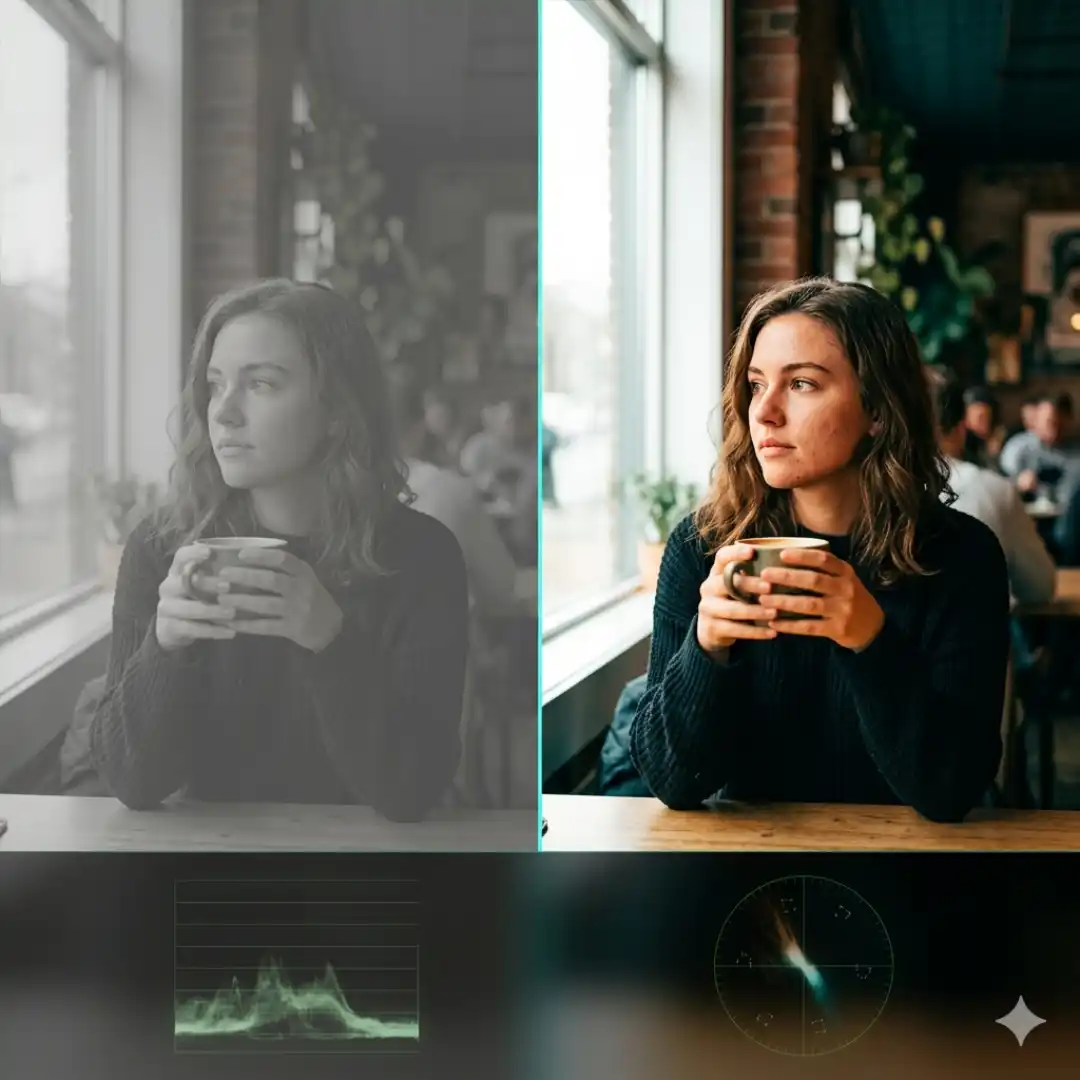
AI color grading is a layer that sits across both. Using machine learning models trained on thousands of professionally graded clips, the software analyzes a shot, identifies faces, skin, sky, foliage and exposure problems, then proposes either a corrected base, a matched grade against a reference, or a finished creative look. Some tools output a 3D LUT. Others output an editable node in DaVinci Resolve or a Lumetri layer in Premiere Pro. Either way, you stay in the driver’s seat.
There are two flavors worth knowing about:
- Native AI features inside NLEs. Adobe Premiere Pro ships with Sensei powered tools like Auto Color and Color Match. DaVinci Resolve has AI Color Match, Magic Mask, and the new Relight FX.
- Third party AI graders. Plugins and cloud apps like Colourlab.ai, Imagen Video, Fylm.ai, and Color.io go deeper, with shot matching across full timelines and trained creative looks. If you want a foundational refresher on the underlying craft first, our DaVinci Resolve color grading tutorial walks through nodes, wheels, and curves.
How AI Color Grading Actually Works
1. Footage analysis. The model reads each clip and extracts exposure, white balance, color cast, dynamic range, faces, and skin pixels. Imagen Video, for example, runs frame by frame analysis so it can spot when light shifts mid clip and react instead of applying one flat grade across the whole shot, a behavior the company describes in detail on the Imagen blog.
2. Per clip dynamic grading. A traditional LUT bakes one curve across every frame, which works on properly exposed material and falls apart everywhere else. AI graders adjust per clip, sometimes per region inside a clip, balancing skin separately from sky.
3. Reference matching. This is where AI shot matching shines. Drop a hero frame, point the tool at the rest of your timeline, and the model rebuilds the grade for each clip to match. Colourlab.ai pioneered this workflow and No Film School has a solid breakdown of the match scene approach.
4. Output as an editable layer. Crucially, modern tools do not flatten the result. You get a DaVinci node, a Lumetri layer, or a baked LUT you can dial back. That keeps the colorist in control and lets you finish creatively rather than accept whatever the model spits out.
AI is doing the busy work. You keep creative authority.
If you want to see this in the context of a full timeline workflow, our AI video editing workflow guide shows how to chain AI grading with the rest of your AI assisted edit.

Why Editors Are Adopting AI Color Grading
Time savings. Independent tests of Imagen Video have shown the tool grading short complex clips in under ten minutes that would have taken an hour by hand, with the bulk of the work happening in the background while the editor focuses on cuts. Wedding editors in particular report cutting their color pass from a full day to under an hour on a 90 minute film.
Consistency across long form. Interviews, weddings, documentaries, and multicam shows are where AI shot matching earns its keep. Once you set a reference, the tool keeps skin tones and exposure aligned across hundreds of clips, including B roll shot on a different camera. If you have ever wrestled with mixed cameras, our guide to color matching footage from different cameras in DaVinci Resolve explains the manual approach AI is now automating.
Lower learning curve. Curves and log to linear conversions are intimidating. AI graders give beginners a credible starting point in seconds, which they can then refine as they learn. That does not replace the discipline of understanding color science. It removes the cliff at the start.
The freelancer hourly rate math. If you bill by the project, faster grading equals higher effective hourly rate. If you bill by the hour, faster grading means you free up time to take on more work or actually leave the studio at a reasonable hour. As colorist Yohance Brown told LBB Online in their 2026 roundtable on AI in grading, “it is not AI that is coming for your job. It is someone using AI.”
The pros who are winning right now are not the ones resisting these tools. They are the ones quietly stacking them on top of a strong color science foundation.
Limitations: What AI Color Grading Still Cannot Do
Subtle skin tones. Models are good at average skin. They still miss the difference between a healthy warm undertone and an over saturated red flush, especially on darker complexions where training data has historically been thinner. Veteran colorists in the r/VideoEditing AI color thread note this is the single biggest area where a human eye still beats the algorithm.
Creative storytelling decisions. AI can match a reference, not write one. Deciding that a flashback should drift colder, that a kitchen scene should sit warm to feel safe, that a third act needs to desaturate as the protagonist breaks down, those are author level choices. The model has no story sense.
AI generated footage. Grading clips that came out of Runway, Veo, or Sora introduces new challenges. Lower bit depth, baked in compression artifacts, and inconsistent lighting between frames mean AI graders sometimes fight against AI generated source material. Treat generated footage as a creative input that still needs careful manual finishing.
Final QC and finishing. For broadcast deliverables, festival masters, or HDR grades, the last 10 percent of polish still needs a human at a calibrated monitor. AI graders shave the boring middle out of the pipeline. They do not eliminate the finishing pass.
Hollywood DI pipelines. High end theatrical color, dolby vision mastering, and ACES heavy productions still belong in the hands of senior colorists with dedicated suites and pipelines. AI assists. It does not yet lead.
10 Best AI Color Grading Tools in 2026

1. Colourlab.ai
Best for: Professional colorists and long form productions.
Colourlab.ai is the most opinionated tool on this list and that is its strength. Built by Hollywood colorists, the v4 release runs the AI Match Engine up to 22 times faster than earlier versions and processes locally on your machine, which matters if you cannot upload client footage to the cloud. It plugs into DaVinci Resolve, Premiere Pro, and Final Cut Pro and ships with full ACES support plus over 40 camera input transforms.
Pros: Real Hollywood color science, fastest shot matching available, on device processing, deep ACES support.
Cons: Steeper learning curve than consumer tools, subscription pricing, overkill for short form social work.
Learn more at colourlab.ai.
2. Imagen Video
Best for: Batch grading wedding, event, and documentary footage.
Imagen built its reputation on AI photo culling and editing. The video product carries that DNA into NLEs. Out of beta as of NAB 2026, it integrates with Premiere Pro and DaVinci Resolve, ships with 119 AI grading profiles, and lets you train custom profiles on your own past graded projects. The frame by frame analysis means it adapts to changing light inside a single clip, which is exactly what wedding editors need.
Pros: Full timeline grading in one pass, accepts your own LUTs, custom profile training, free trial.
Cons: Cloud upload required, processing time depends on queue, credit based billing.
3. Fylm.ai
Best for: Cinematic film emulation and stylized looks.
Fylm.ai is a browser based grader with two proprietary engines, NeuralFilmAI and NeuralToneAI. It uses tetrahedral interpolation and a filmic density model to emulate the response curves of classic film stocks. You export the final result as a 3D LUT and apply it back inside your NLE. It is not a full timeline grader, but as a look development tool it is one of the best on the market.
Pros: Beautiful film stock emulation, browser based with cloud collaboration, generous free tier.
Cons: Not a timeline grader, requires you to round trip via LUT export, limited per clip control.
4. DaVinci Resolve Built In AI
Best for: Editors already inside Resolve who want zero plugin overhead.
The Resolve free tier already includes AI Color Match, Magic Mask, and Face Refinement. Resolve 21, announced at NAB 2026, adds CineFocus depth modeling, AI Face Reshaper, AI Blemish Removal, and AI Motion Deblur, all running on device. For most YouTube creators and indie filmmakers, this is already enough AI to ship.
Pros: Free version is genuinely usable, runs locally, no extra subscriptions, deep integration with the rest of Resolve.
Cons: Less aggressive than dedicated AI graders, Magic Mask still requires manual cleanup on tricky shots, full feature set lives in the paid Studio version.
If you are new to the color page, start with our DaVinci Resolve color grading tutorial before layering AI on top.
5. Adobe Premiere Pro (Sensei AI)
Best for: Editors who live inside Adobe Creative Cloud.
Premiere Pro’s Lumetri panel includes Sensei powered Auto Color, Auto Tone, and Color Match. Auto Color runs face detection and balances white based on detected skin, which is more reliable than the old auto white balance buttons. Color Match lets you reference one clip against another with a single click. It will not deliver a finished cinematic grade, but as a fast first pass it has earned its place.
Pros: Already in your subscription, instant results, face aware balancing.
Cons: Limited creative control compared to dedicated AI graders, treat it as a starting point not a final look.
Pair it with our Premiere Pro LUT workflow guide for a complete in app pipeline, or follow the step by step Premiere Pro color grading tutorial for a manual baseline you can blend with Sensei.
6. Color.io
Best for: One click cinematic looks and batch processing.
Color.io is a cloud tool that pairs Hollywood trained LUT libraries with AI assisted batch processing. Drop a folder of clips in, pick a preset family, and it grades the lot. It is closest in spirit to Imagen Video but optimized for short form and social.
Pros: Huge LUT library, very beginner friendly, batch processing for social creators.
Cons: Limited node level control, cloud only.
7. ImagineArt Video Recolor
Best for: Creative recolor of AI generated and stylized footage.
ImagineArt’s Video Recolor app is a generative tool rather than a traditional grader. You prompt it with a target mood or palette and it rebuilds the color of your clip generatively, including hue shifts the underlying camera never captured. It is the right tool when you are working with AI generated B roll that needs a unified palette.
Pros: Generative recolor, browser based, aspect ratio aware.
Cons: Not a precision color tool, results can drift between frames on longer clips.
8. Evoto AI Color Match
Best for: Photo first creators and hybrid shooters who need reference based matching.
Evoto is best known on the photo side, but its AI Color Match feature is genuinely useful for hybrid shooters who pull stills from video or who want their photo grade and their video grade to share a single reference. AI subject detection isolates skin, hair, lips, and background so you can dial each separately.
Pros: Reference image matching, precise subject isolation, free tier.
Cons: Video support is still secondary to photo, not a timeline plugin.
9. Higgsfield AI Color Grading
Best for: Fast browser based stylized previews.
Higgsfield’s color grading app is a WebGL real time preview tool. It is not built for finishing, but as a way to test a creative direction on a single clip before committing in your NLE, it is fast and free.
Pros: Instant, no install, free.
Cons: Photo leaning, limited pro features, no NLE integration.
10. CapCut AI Color Grading
Best for: Mobile creators and short form social.
CapCut’s mobile and desktop apps include AI auto enhance and one click cinematic looks. Quality has improved dramatically in the last year and for vertical short form, it is honestly enough. Our mobile color grading on iPhone and iPad guide goes deeper on the workflow.
Pros: Free, mobile friendly, instant social ready output.
Cons: Limited per clip control, watermark on free tier on some exports.
AI Color Grading Tools Comparison Table
Step by Step AI Color Grading Workflow (Hybrid Approach)
Step 1: Organize footage by camera and profile
Group clips by source. DLog from a DJI, S-Log3 from a Sony, V-Log from a Panasonic, BRAW, ProRes, iPhone Log. AI graders perform far better when they know what they are looking at, and proper camera identification also stops you from accidentally double converting log to Rec.709.
Step 2: Apply a technical LUT to convert log to Rec.709
This is the foundation. A clean technical LUT, like the conversion LUTs in Pixflow’s color grading LUTs collection, brings every clip into a common color space so the AI grader has a fair starting point. Skip this step and your AI pass will fight your camera’s log curve all night.
Step 3: Run an AI color grading pass on the timeline
Choose your tool based on the job. Colourlab for narrative and long form, Imagen Video for events, Resolve native AI Color Match for in app speed, Sensei in Premiere for the fastest possible first pass. Let it process the full timeline, then review the result before refining. Our color grading workflow from log to final breaks down the manual version of this step if you want to compare.
Step 4: Layer a creative LUT for your signature look
The AI grade is your clean, matched base. Now layer a creative film style LUT on top. A Colorify or cinematic pack from Pixflow’s color LUTs collection gives you a consistent house look across projects, which is especially valuable if you are building a brand as a freelancer or agency.
Step 5: Fine tune per clip
Walk the timeline. Check exposure under faces. Verify skin tones land in the right zone on the vectorscope. Add a secondary qualifier for problem shots, like a sky that AI over saturated or a window that blew out. This is the part of the pipeline where your eye and craft still matter most.
Step 6: Final QC on a calibrated monitor
Never sign off on a grade on a laptop screen at 50 percent brightness. Calibrate, view at full resolution, and check the deliverable against the broadcast or platform spec. For multi camera projects, follow our guide on color matching footage from different cameras in DaVinci Resolve as a final sanity check.

AI Plus LUTs: The Hybrid Workflow That Works Today
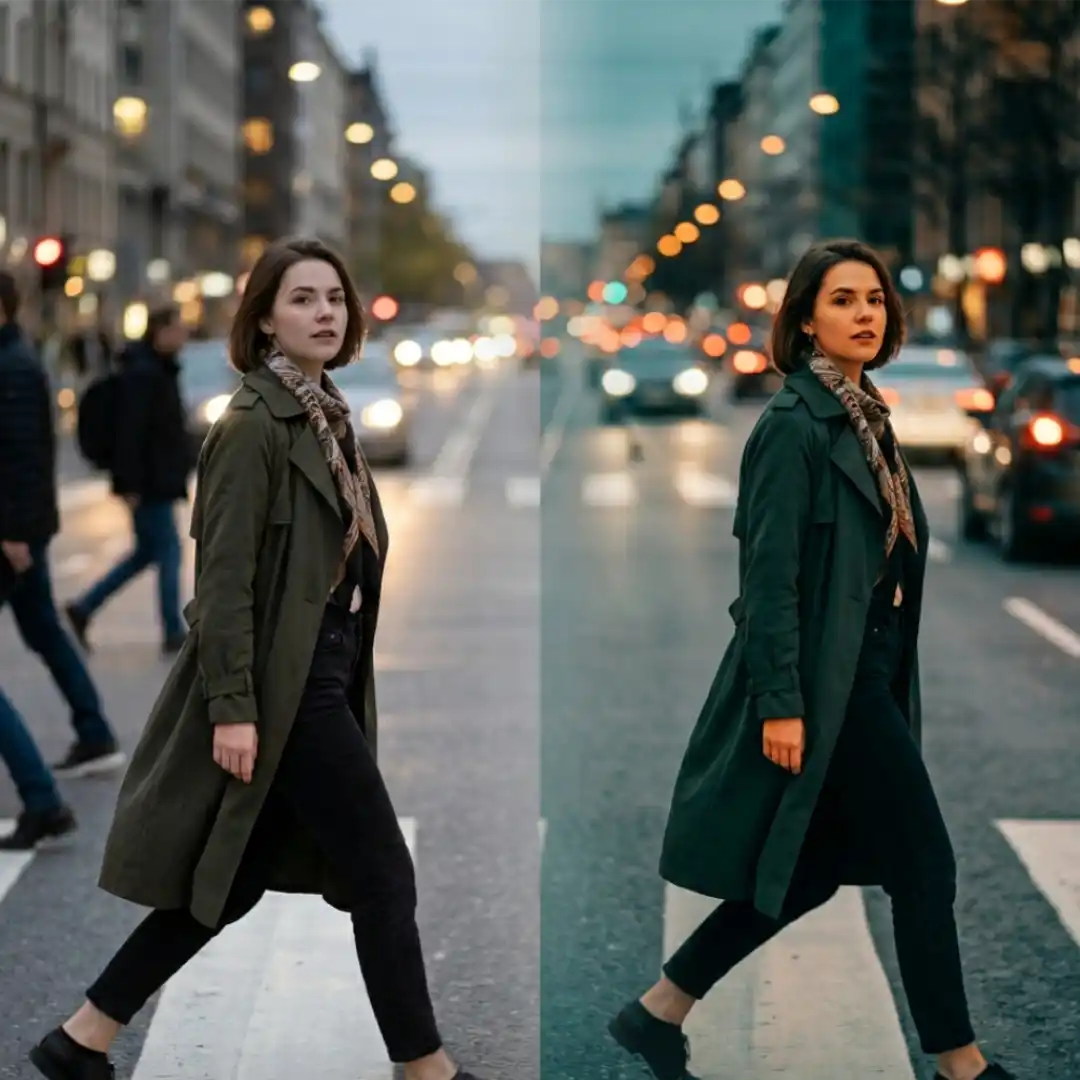
AI handles the technical pass beautifully. It balances exposure across mixed cameras, matches shots without you babysitting curves, and gives you a clean Rec.709 base on every clip. What it does not yet do well is impose a coherent creative identity. That is where LUTs still rule.
A curated LUT pack is the difference between a clean grade and a recognizable look. Drop a film emulation, a teal and orange, a moody monochrome, or a warm desaturated wedding LUT on top of your AI graded timeline and suddenly the project has a voice. For a deeper dive on how LUTs work as part of a full color science pipeline, our DaVinci Resolve color management with ACES guide is worth bookmarking.
The practical pipeline looks like this:
- AI for correction. Balance, match, neutralize.
- LUT for look. Apply the creative house style.
- Manual for finish. Trim per clip, polish skin, push the hero shots.
This is also why curated LUT packs are still selling well in an AI era. The model can balance ten thousand clips for you. It cannot decide what your brand should feel like. You can browse cinematic packs in Pixflow’s color grading LUTs collection to see how a single creative LUT can carry a whole project.
The Future of Color Grading with AI
Generative regrading. Tools like ImagineArt and the next generation of Resolve’s neural engine are moving toward genuine generative recolor, where the AI does not just adjust existing pixels but rebuilds entire color regions. Expect to see this become mainstream for stylized work first, then bleed into narrative.
AI relight. Resolve 21’s Relight FX is the start. The colorist’s panel is starting to include relighting as a creative tool, not just a fix. RedSharkNews has a clear summary of the Resolve 21 AI roadmap if you want to track where this is heading.
Reference from text. Type “warm Italian summer with cool shadow accents” and have the AI propose a grade. Early demos already exist. Within 18 months this will be in your NLE.
Grading AI generated footage. As more pipelines include Runway, Veo, and Sora generated clips, grading workflows will need to absorb the quirks of generative footage. If you are not yet familiar with this side of the toolset, our roundup of the best AI video generators in 2026 is the right starting point, and our explainer on how AI video upscaling works covers how to clean up the source before you grade it.
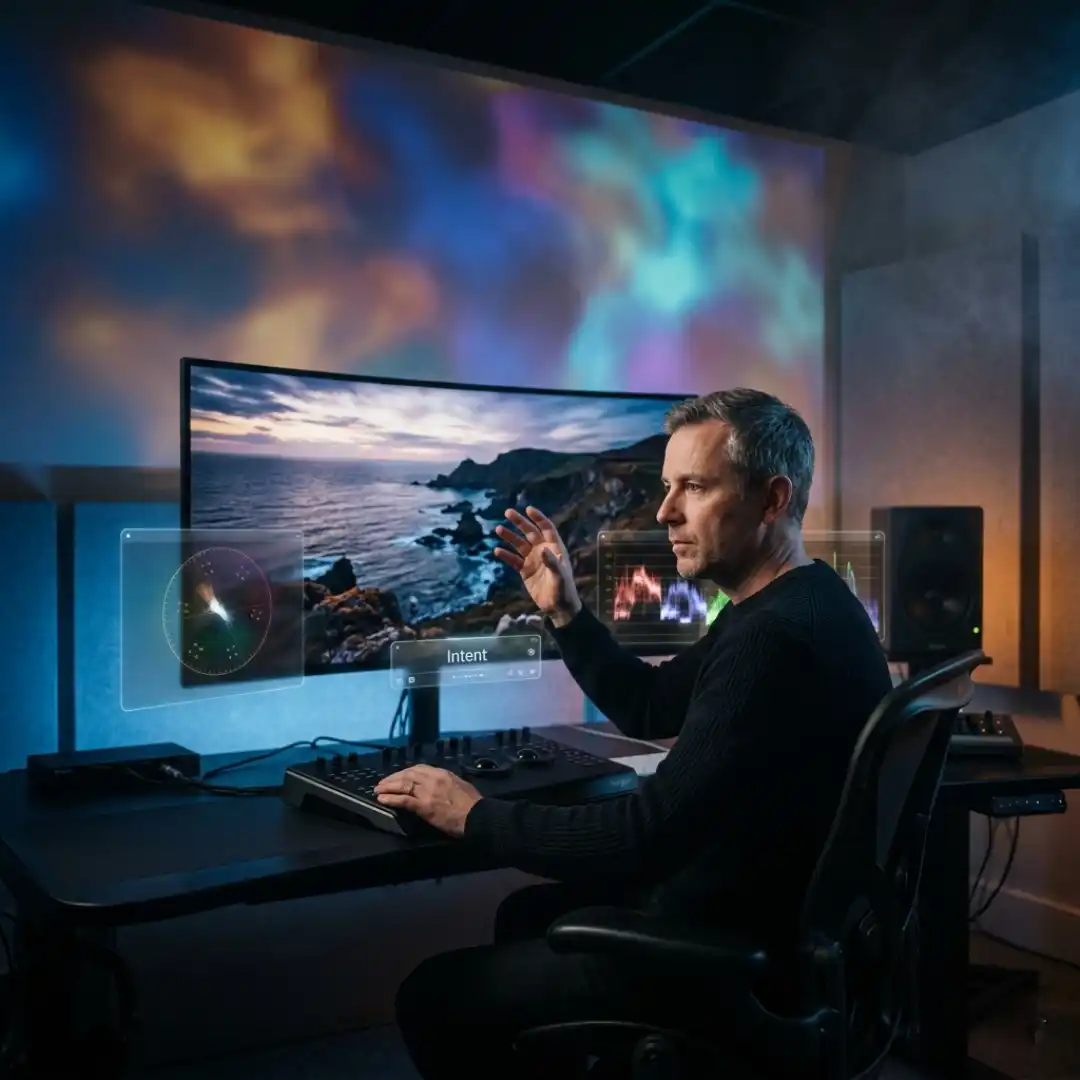
The new colorist role. The colorist of 2027 is less a technician and more a creative director. The tools handle balance, match, and even first pass looks. The colorist sets intent, makes story level calls, and signs off on the final master. As the LBB Online roundtable put it, the craft is not dying. It is consolidating upward.
Conclusion: AI Is Not Replacing Editors, It Is Collapsing the Boring Middle
A quick recommendation matrix to close out:
- If you are a wedding or event editor: start with Imagen Video.
- If you are a professional colorist: Colourlab.ai is the obvious choice.
- If you are a YouTuber or indie filmmaker: DaVinci Resolve’s native AI is already enough.
- If you live inside Adobe: Sensei plus a creative LUT pack will get you 90 percent of the way.
- If you are mobile first: CapCut AI plus a cinematic LUT pack.
The common thread across every one of those workflows is a strong LUT layer on top of the AI base. That is where your project gets its identity. Download a full cinematic look from Pixflow’s color grading LUTs collection, drop it on top of your next AI graded timeline, and you will see exactly what the hybrid workflow can do.
Disclaimer : If you buy something through our links, we may earn an affiliate commission or have a sponsored relationship with the brand, at no cost to you. We recommend only products we genuinely like. Thank you so much.
Blog Label:



Write for us
Publish a Guest Post on Pixflow
Pixflow welcomes guest posts from brands, agencies, and fellow creators who want to contribute genuinely useful content.
Fill the Form ✏