CapCut Pro Price in 2026: Is the Paid Plan Actually Worth It?
- How much does CapCut Pro cost in 2026?
- What do you actually get with CapCut Pro that free does not give you?
- Standard or Pro: which tier do most people actually need?
- Why is CapCut Pro more expensive on my iPhone than on the website?
- Can you use CapCut for client work and monetised content?
- How do you cancel CapCut Pro, and can you get a refund?
- Is CapCut Pro worth it? An honest verdict by creator type
- What are the cheaper alternatives to CapCut Pro?
- Conclusion
You finish an edit, hit export, and CapCut throws up the upgrade wall. So you go looking for the price, and every blog you land on says something different. One says $9.99. Another says $19.99. A third quotes $89.99 a year.
Most of those pages were right when they were published. CapCut has since restructured its paid plans, and plenty of the articles still sitting on page one never got updated.
Below are the 2026 numbers, what each tier unlocks, the costs nobody mentions until after you have paid, and an answer to the question you came here with: should you pay, or is free enough for the kind of videos you make? Still deciding which app to edit in at all? Our breakdown of the best mobile video editing apps covers the wider field. And if what is holding your videos back is how they look rather than what you cut them in, a ready-made set like YouTube Packs fixes that faster than any subscription.
We checked every price here against CapCut’s own pricing and Help Center pages on 20 September 2026, then cross-referenced them against independent 2026 coverage. CapCut changes its pricing often and varies it by country, so treat these as a snapshot and confirm the number in your own checkout before you subscribe.
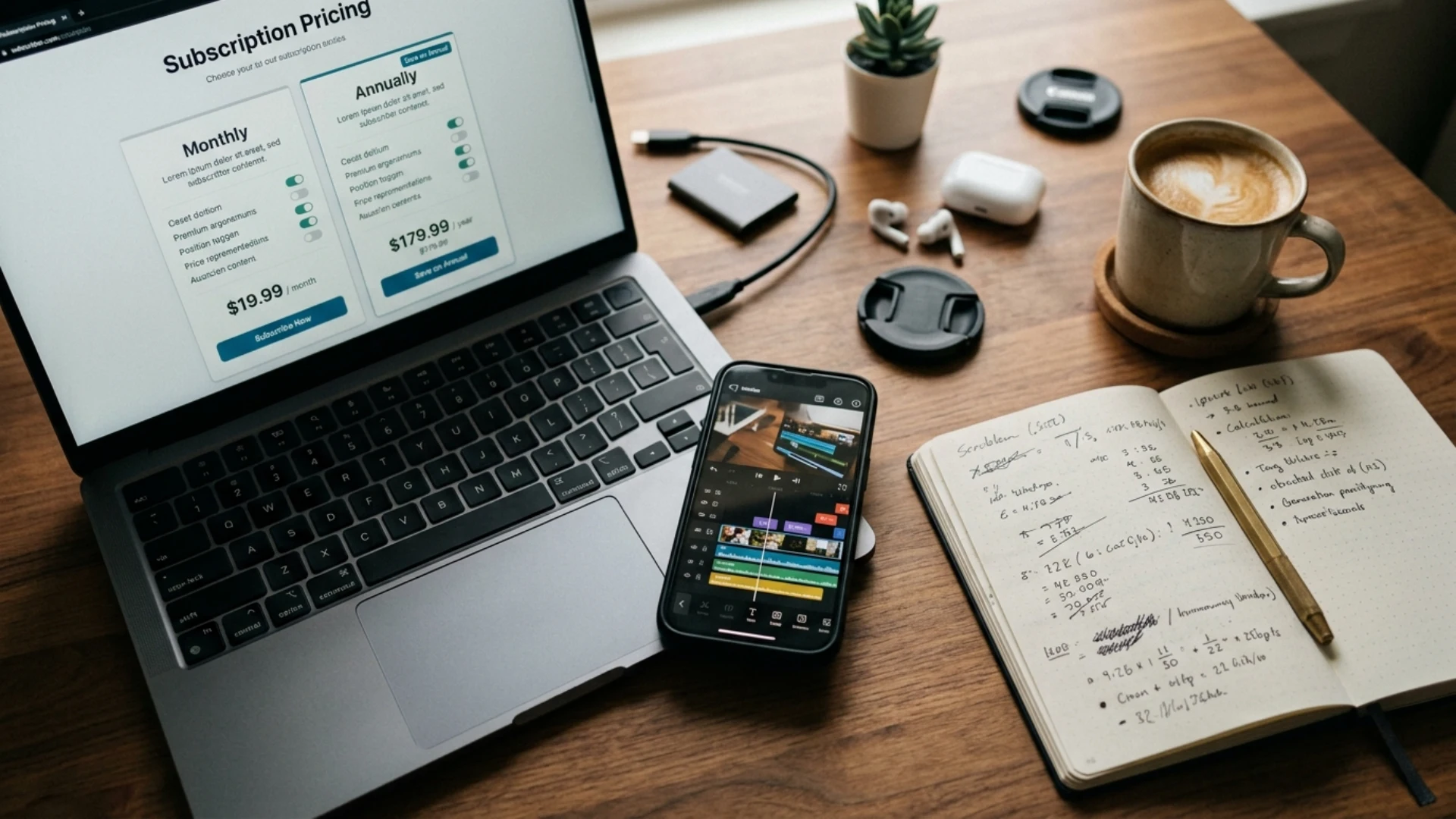
How much does CapCut Pro cost in 2026?
There are four tiers in total, and mixing them up is where most of the confusion starts.
There is no lifetime licence either, so the figure to weigh against free is $239.88 a year rather than $19.99 a month.
Why do some sites still say CapCut Pro is $9.99?
Because it used to be. Before the restructure, Pro was the single paid tier at $9.99 a month or $89.99 a year. CapCut then split the paid offering in two: the old price point became Standard, and a new, more capable Pro launched at $19.99.
So when a 2026 article lists “Pro: $9.99, 4K export, full AI toolkit,” it is describing a plan that stopped existing at that price. The $9.99 tier is still there. It is called Standard now, and it has neither 4K nor the full AI suite.
If you want the wider picture of what changed in the app itself, not just the billing, our rundown of everything new in CapCut this year walks through the feature updates release by release.
What do you actually get with CapCut Pro that free does not give you?
For a lot of creators, that is the whole job.
Here is what separates the three tiers.
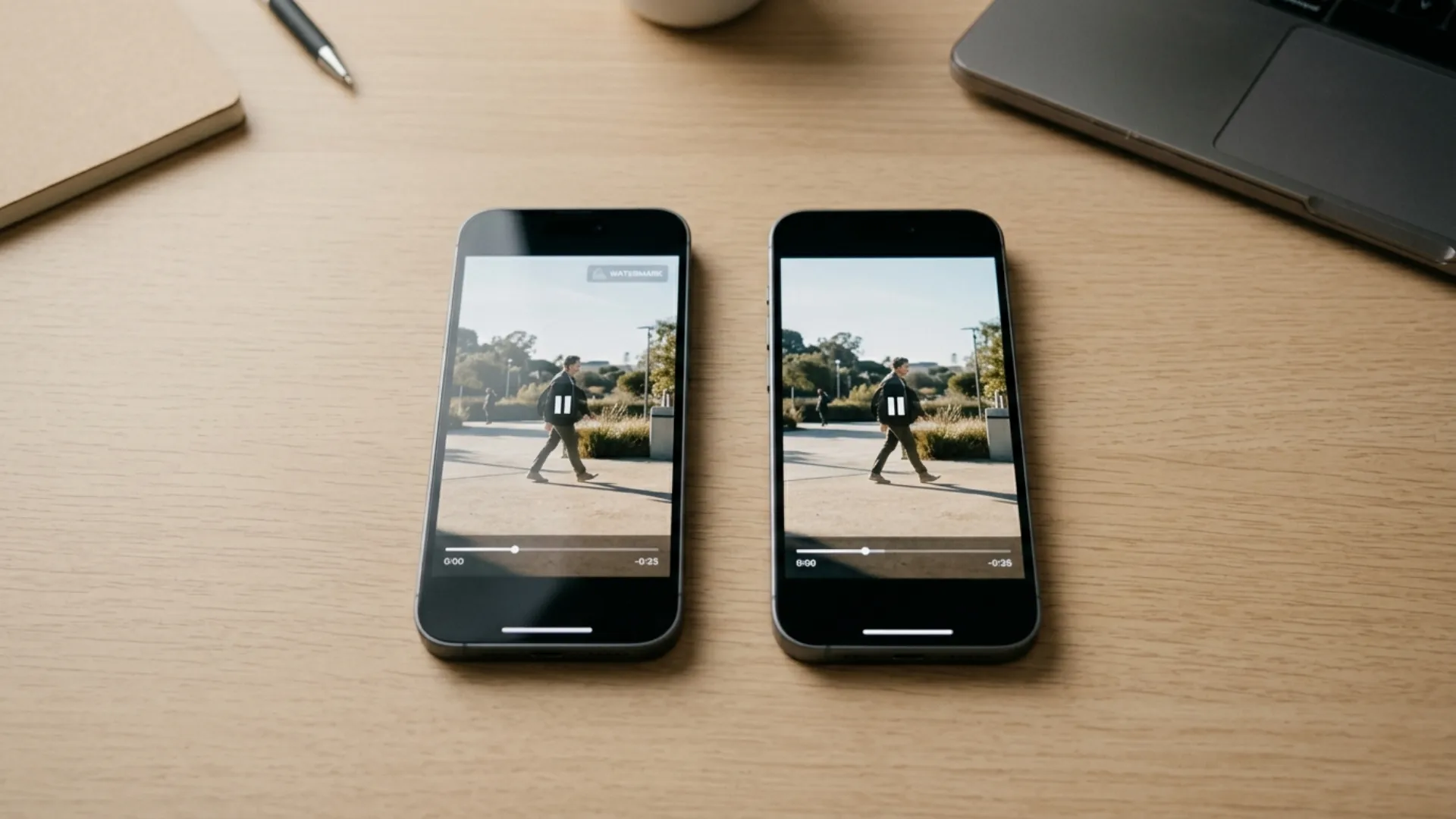
Does the free version put a watermark on everything?
No. This is the part almost everyone gets wrong.
Your export resolution has nothing to do with it. The watermark comes from the assets you use. Build an edit out of free elements and you can export 1080p clean on the free plan. Drop in one Pro-tagged template, effect, sticker, sound or AI clip and every export carries the watermark until you pay, 1080p included.
That is why two people on the same free plan have completely different experiences. One never sees a watermark. The other hits it every single export, because they build from trending templates and trending templates are almost always Pro.
Before you pay $19.99 a month to get rid of it, open your last project and count the Pro-tagged items in it. Half the time it is one sticker you could swap out in thirty seconds.
Is 4K export actually worth paying for?
For most short-form creators, no.
TikTok, Reels and Shorts compress everything hard on upload. A 1080p file exported at a decent bitrate looks the same as 4K by the time the platform has finished with it. 4K earns its money elsewhere: client deliverables, YouTube long-form where you want room to crop and reframe, and footage you might recut in two years.
There is also a hardware catch. Mobile 4K export depends on your device, your app version, and your source footage. You cannot export 4K from 1080p clips, no matter which plan you are on. If export quality is the real problem you are trying to solve, our guide on exporting Android video without losing quality will probably help you more than a subscription. And if you specifically want high-resolution output at no cost, we compared the free apps that genuinely export 4K.
Are the AI features worth the upgrade on their own?
If you use them weekly, yes.
Vocal isolation, speaker ID captions and camera tracking replace jobs that used to need a second app or a slow manual pass. Publish three or four talking-head videos a week and the captioning alone pays for the subscription. We break down how CapCut’s captions compare to other options in our guide to AI captions and subtitles.
The generative tools run on monthly credits though, around 200 on Pro depending on your region and rollout. Heavy text-to-video or avatar work burns through those quickly, so do not read Pro as an unlimited AI pass.
Standard or Pro: which tier do most people actually need?
Standard at $9.99 buys watermark-free mobile exports and a bigger library of templates, transitions, text styles and effects. No 4K, no full AI toolkit, and the benefits land in the mobile app rather than across desktop and web.
Why is CapCut Pro more expensive on my iPhone than on the website?
Over a year on monthly billing, that gap is $12 to $36 for exactly the same product. Subscribe on the web, then sign in on your phone.
Why is CapCut cheaper in some countries?
CapCut uses regional pricing, and the spread is wide. Reported 2026 ranges include roughly $5 to $6 a month in Turkey, $6 to $8 in India and the Philippines, and around $6 to $11 in Brazil, while the UK sits near £19.99 and Germany near €19.99, which lands above the US price once converted.
CapCut attributes this to local taxes such as VAT and GST, currency movement, and market-specific pricing strategy.
Plenty of guides will tell you to buy through a VPN from a cheaper region. We would skip it. It breaches the terms of service, the payment methods are usually region-locked anyway, and losing your account halfway through a project costs more than you saved.
Is there a free trial or a student discount?
Both exist, with conditions.
The free trial runs 7 days with full Pro access, is limited to new subscribers, and is only offered in supported regions. CapCut has also run promotional 7-day Pro access for new desktop users. If you subscribe through an app store, no payment is taken upfront but your account is charged automatically when the trial ends, so set a reminder for day six.
There is also a student discount, reported at up to 50 percent off Pro and verified with a school email address on CapCut’s pricing page. How much it takes off depends on your region, and the offer moves around, so check the pricing page yourself before trusting a coupon site.
Can you use CapCut for client work and monetised content?
There are two separate questions here. The first is whether you are allowed to use the service commercially at all: CapCut’s terms restrict commercial use on the free plan, so monetised videos, branded content, ads and client work generally need a paid plan. The second, which matters more, is how the assets inside your edit are licensed.
CapCut’s Materials License Agreement is specific about this:
- Paid platform materials are licensed for the export you paid for. Re-editing and re-exporting that content later can require paying for the material again.
- Commercial Sounds are cleared for use within CapCut, TikTok, and TikTok for Business. Using them elsewhere requires separate permission from the rights holders.
- Cancelling Pro means losing access to Pro-tagged templates, effects, and music inside existing projects. Your project files survive, and anything you already exported is unaffected, but a re-export can come back watermarked or with assets missing.
Treat a Pro subscription as permission to use the app, then, rather than as a licence covering client deliverables on every platform. If you are delivering paid work, build with assets you own outright, or read the current licence terms before you invoice. For anything with a contractual delivery attached, many editors move to a desktop NLE for the final assembly, and our CapCut vs Premiere Pro comparison lays out where that line usually falls.

How do you cancel CapCut Pro, and can you get a refund?
Where you cancel depends on where you subscribed:
- iOS: Settings, then your Apple ID, then Subscriptions, then CapCut, then Cancel Subscription
- Android: Google Play, then your profile icon, then Payments and subscriptions, then Subscriptions, then CapCut, then Cancel
- Web or desktop: manage it in your CapCut account, or contact support with your order number
Refunds are messier. CapCut’s terms describe a full refund window of 14 calendar days from the start of a subscription, conditional on not having used the premium features. Elsewhere, CapCut’s help pages describe subscriptions as virtual goods that generally do not support refunds once the benefits are available. App store purchases follow Apple’s and Google’s own policies instead, and Google’s refund window is typically much shorter.
If you subscribed by mistake, move fast, ask through whichever channel took your money, and do not touch a Pro feature while you wait.
Is CapCut Pro worth it? An honest verdict by creator type
What are the cheaper alternatives to CapCut Pro?
- DaVinci Resolve, free: a full professional NLE with the colour and audio tools broadcast work runs on, no watermark, no subscription. Desktop only, and the learning curve is steep.
- VN Video Editor, free: multi-track mobile editing with no watermark and no paywalled export. The best straight swap if the watermark is your only reason for upgrading.
- InShot: cheaper than CapCut Pro and strong for fast social edits, though weaker on advanced tooling. We put it through a full workout in our InShot review.
- Template packs instead of a subscription: buy once, keep them, stop renting effects by the month. Worth a look if your channel has a consistent visual style.
Conclusion
Answer those and most creators land on free or Standard. If you do go Pro, buy it on capcut.com instead of through an app store, take the annual plan, and start on the 7-day trial.
One last thing worth saying. Branding is what makes a channel look expensive, and no export setting does that job for you. Our YouTube Packs are a one-time buy with no renewal date attached.
Disclaimer : If you buy something through our links, we may earn an affiliate commission or have a sponsored relationship with the brand, at no cost to you. We recommend only products we genuinely like. Thank you so much.
Blog Label:



Write for us
Publish a Guest Post on Pixflow
Pixflow welcomes guest posts from brands, agencies, and fellow creators who want to contribute genuinely useful content.
Fill the Form ✏