Music Licensing for Video Editors: Where to Find Royalty-Free Music in 2026
- The Best Royalty-Free Music Sites in 2026 at a Glance
- Royalty-Free vs Copyright-Free: What These Terms Actually Mean
- How Music Licensing Actually Works for Video Editors
- Best Free Royalty-Free Music Sources in 2026
- Best Paid Royalty-Free Music Subscriptions in 2026
- Licensing Mainstream Chart Music: Lickd
- AI Music Generators: Custom Tracks on Demand
- How to Choose: A Decision Framework for Editors
- Making the Music Work in Your Edit
- Common Mistakes That Still Get Editors Claimed
- Final Thoughts
This guide explains how music licensing actually works, compares the best royalty-free music sites in 2026 with real pricing, and answers the questions editors ask most: why “no copyright” music still gets claimed, what happens when you cancel a subscription, and which license covers client work. Music is one half of a soundtrack; if you want the full picture of how music, sound effects, and dialogue work together, start with our complete guide to sound design for film.
The Best Royalty-Free Music Sites in 2026 at a Glance
Royalty-Free vs Copyright-Free: What These Terms Actually Mean
Copyright-free is a much stronger claim: it means nobody holds copyright at all, which is usually only true for public domain works. Most music marketed as “no copyright music” on YouTube is actually royalty-free or Creative Commons music, and it can still trigger claims if you break the license terms.
How Music Licensing Actually Works for Video Editors

YouTube Audio Library
The YouTube Audio Library lives inside YouTube Studio and offers thousands of tracks and sound effects that are copyright-safe for YouTube videos, including monetized ones. Some tracks require attribution in your description; the library has a filter for that.
- Strengths: zero cost, zero claim risk on YouTube, official Google backing, surprisingly good recent additions.
- Limitations: the standard license is intended for YouTube use, so check individual track terms before using tracks in client work or on other platforms. Popular tracks are also heavily overused, which weakens your channel’s sonic identity.
Pixabay Music and other free libraries
Pixabay Music offers a genuinely free catalog cleared for broad commercial use without attribution. The Free Music Archive and Bensound also offer free tiers under Creative Commons or custom licenses.
- Strengths: free, usable beyond YouTube.
- Limitations: quality varies widely, catalogs are shallow in cinematic genres, and Creative Commons tracks occasionally get fraudulent Content ID claims registered by third parties. Keep a record of where and when you downloaded every track.
Uppbeat’s free plan
Uppbeat offers a free tier with access to roughly a third of its catalog and a few download credits per month. It is a solid way to test the platform, but the paid plan’s direct channel safelisting is what really removes claim headaches.
A warning about “no copyright music” channels: re-uploaded compilation channels on YouTube are one of the most common sources of false confidence. The uploader often has no right to grant you anything, and editors report claims months later. Stick to official libraries where the license comes from the actual rights holder.
Best Paid Royalty-Free Music Subscriptions in 2026
Epidemic Sound: best overall for creators
Epidemic Sound remains the benchmark, with over 50,000 tracks and around 200,000 sound effects. Three features stand out for editors:
- Stems: download the melody, drums, bass, and instrument layers of any track separately, so you can build custom arrangements and duck elements under dialogue.
- Adapt and AI search: retime any track to an exact duration, find tracks similar to a Spotify or YouTube reference link, and adjust instrumentation.
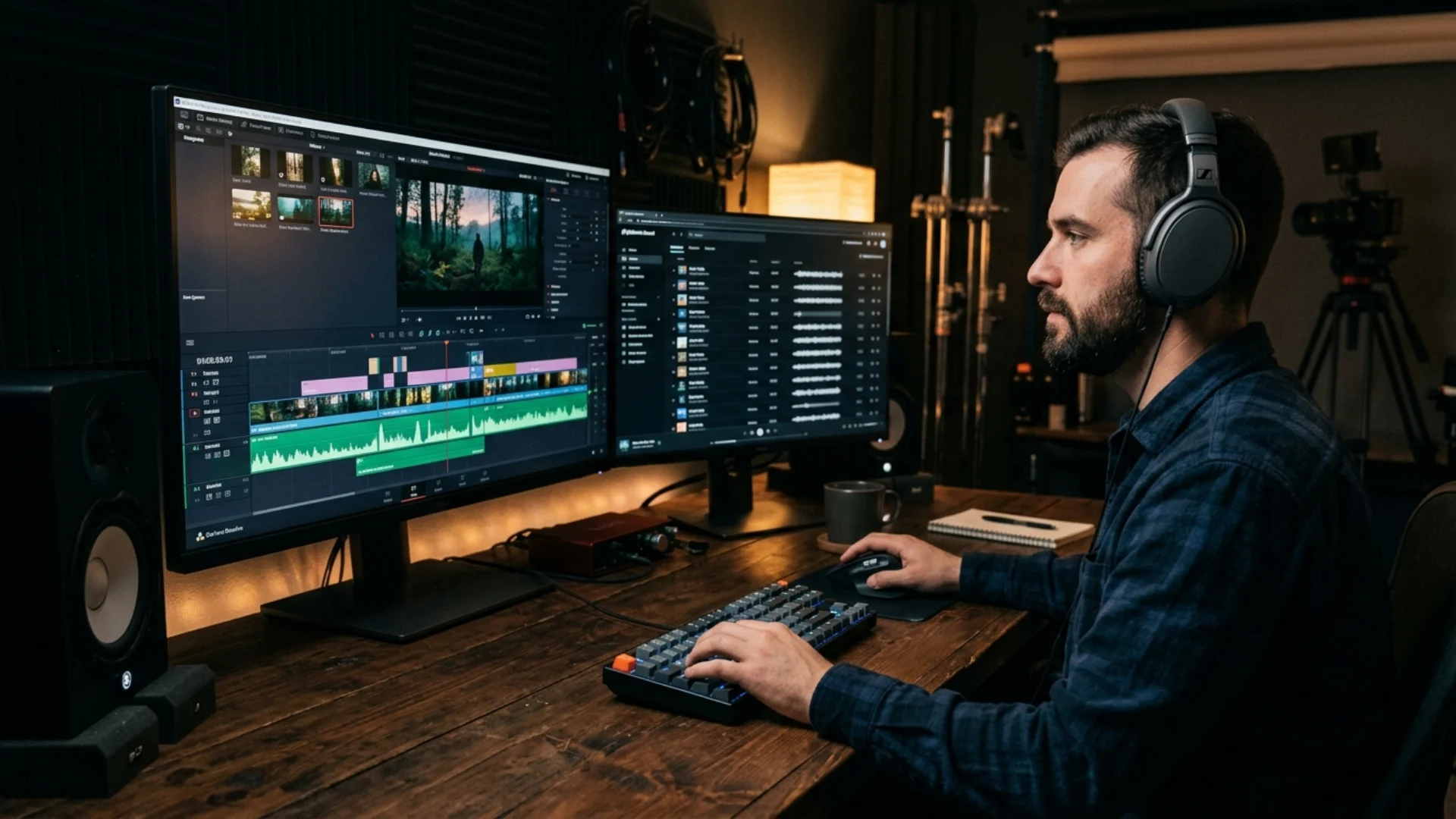
- NLE plugin: the entire library runs inside a plugin for DaVinci Resolve and the Adobe suite, so you can drag tracks straight onto your timeline without leaving your editor.
Pricing starts around $10 per month on the annual Creator plan (one channel) and about $17 to $18 per month for Pro, which covers three channels and unlimited client work. The catalog leans cinematic and high-production, making it the strongest pick for filmmakers and documentary-style channels.
Artlist: best for freelancers and client work
Artlist takes a curated approach: a smaller catalog (roughly 12,000 tracks) with a very high quality floor. Its universal license is the simplest in the industry, and you can download a PDF license certificate at any time, which is exactly what clients and agencies ask for. Music and SFX plans start around $10 per month, with Max plans around $40 per month adding stock footage and a serious AI generation suite built on top of leading video and music models.
Uppbeat: best budget option
For solo YouTubers, Uppbeat’s Essentials plan at about $5.59 per month unlocks the full 12,000-track catalog, unlimited downloads, and direct channel safelisting. The Creator tier (about $8) adds motion graphics and LUTs plus three channels, and Pro (about $14) covers ten channels and client work, though at that price the bigger platforms become more compelling. Full plan details are broken down on checkthat.ai’s Uppbeat pricing page. Its sound effects library is notably geared to social content: pops, whooshes, and transition hits for Shorts and Reels.
Envato Elements: best multi-asset value
Envato Elements is the volume play: over 300,000 music tracks (including the PremiumBeat catalog) plus millions of stock videos, photos, templates, and fonts, from about $16.50 per month with commercial coverage. If you already buy templates and stock assets, consolidating into one subscription is hard to beat. The tradeoff is curation: expect to spend more time filtering.
Soundstripe and Musicbed: best for premium human-made music
Soundstripe offers a large catalog of artist-made tracks with straightforward commercial licensing, and it publishes useful curation content like its royalty-free picks for DaVinci Resolve editors. Musicbed sits at the top of the market: around 70,000 songs from signed artists with the highest average quality of any library, priced accordingly at roughly $40 per month for YouTubers, around $110 for wedding and commercial filmmakers, and more for production companies. For branded work where the soundtrack carries the piece, it is worth the premium.
Per-track marketplaces
If you produce only a few videos a year, subscriptions waste money. Per-track stores like PremiumBeat, Pond5, and Foximusic sell perpetual licenses one track at a time: pay once, keep the license forever, no recurring fees. Foximusic’s roundup of the best royalty-free music platforms is a useful overview of how the per-track and subscription models compare.
Licensing Mainstream Chart Music: Lickd
It will not fit every budget or project, but for reaction content, event recaps, and brand videos where a recognizable song matters, it is the only legitimate route that does not involve negotiating sync rights directly with a label.
AI Music Generators: Custom Tracks on Demand
- Suno generates complete tracks (including vocals) from a text prompt, with fine control over genre, BPM, key, and instrumentation. Paid plans include commercial use rights and high-quality WAV downloads. You can even train it on your own voice.
- MusicGPT combines a library of pre-generated playlists with on-demand generation from about $8 per month, with no Content ID concerns since every track is unique. Its guide to royalty-free music libraries shows how it positions AI against traditional catalogs.
- Mubert generates royalty-free tracks by mood, length, and tempo, which is handy when you need a bed of an exact duration.
Where AI music wins: lo-fi, ambient, and background beds; exact-length tracks; and unique audio with zero claim risk. Where it still loses: lyrical songs, complex cinematic compositions, and emotional nuance.
Two licensing cautions before you build a workflow on AI music:
- Commercial rights usually require a paid plan. Free-tier generations often carry restrictions, so read the terms and keep documentation of your plan and generation dates.
- Platform policies are evolving. YouTube allows monetized videos with AI music you have rights to, but disclosure rules apply to realistic synthetic content, and raw low-effort AI uploads face increasing scrutiny. Using AI tracks inside an otherwise original video is the safe zone.
How to Choose: A Decision Framework for Editors
- Hobby channel, zero budget: YouTube Audio Library first, Pixabay Music for cross-platform needs.
- Solo YouTuber or social creator on a budget: Uppbeat Essentials, or MusicGPT if you want unlimited variety.
- Cinematic content, documentaries, and short films: Epidemic Sound, with its stems and NLE plugin, or Musicbed if the budget allows.
- Freelancer delivering client videos: Artlist for its PDF license proof, or Epidemic Sound Pro. Never deliver client work on a personal plan.
- Teams that also need footage, templates, and graphics: Envato Elements or Artlist Max.
- Occasional projects only: buy perpetual per-track licenses instead of subscribing.
- Need a recognizable hit song: Lickd, and nothing else.
Community threads back this up: in the r/AfterEffects discussion on royalty-free music, working editors consistently name Epidemic Sound, Artlist, and Envato Elements for professional work, with the free libraries reserved for personal projects.
Making the Music Work in Your Edit
- Cut to the track’s structure. Place beats and transitions on musical phrases, and use stems (or an AI retiming tool) to strip a track down under dialogue instead of just lowering the volume.
- Mix music against dialogue properly. Our guide to mixing dialogue, music, and sound effects in Premiere Pro covers ducking, levels, and EQ so the music supports rather than fights the voice. DaVinci Resolve editors can do the same inside Fairlight with our Fairlight audio editing and mixing guide.
- Do not let music carry the soundtrack alone. A track laid over silence feels flat; layering an ambient bed underneath adds realism, and our ambient sound design guide shows how to build those beds.
Pairing music with sound effects
Music sets emotion, but sound effects sell reality, and the two need to be planned together. Accent hits, whooshes, and impacts placed on musical beats make motion graphics and edits feel intentional, a technique we break down in our sound effects layering guide. You can record simple elements yourself using DIY foley techniques, pull from professionally designed packs like the Pixflow sound effects library, or compare the major options in our roundup of the best sound effect libraries. Whichever route you choose, treat SFX licensing with the same care as music licensing: the same royalty-free rules apply.
Common Mistakes That Still Get Editors Claimed
- Not safelisting your channel. Most subscription platforms clear claims via channel linking. If you skip that step, Content ID may still flag tracks and you will waste time disputing claims you could have prevented.
- Losing license records. Save license certificates, invoices, and download receipts for every track, in every project folder. When a false claim arrives (and fraudulent claims on free and Creative Commons music are increasingly common), that document is what wins the dispute.
- Using a personal license for client deliverables. The claim lands on your client’s channel, not yours. Upgrade to a pro or commercial tier before delivering.
- Assuming YouTube Audio Library tracks work everywhere. The standard license is designed for YouTube; verify before reusing tracks in ads, podcasts, or client work on other platforms.
- Ignoring attribution requirements. Some free tracks require credit in the description. Skipping it voids your license.
- Trusting “no copyright music” compilations. If the uploader does not own the rights, their permission is worthless. Get music from the source.
Final Thoughts
Music is only one layer of a soundtrack that ranks and retains. Pair your licensed tracks with professional sound effects and deliberate mixing, and your videos will sound as good as they look.
Disclaimer : If you buy something through our links, we may earn an affiliate commission or have a sponsored relationship with the brand, at no cost to you. We recommend only products we genuinely like. Thank you so much.
Blog Label:



Write for us
Publish a Guest Post on Pixflow
Pixflow welcomes guest posts from brands, agencies, and fellow creators who want to contribute genuinely useful content.
Fill the Form ✏